


For people who like to use paper notebooks to write notes, in addition to the common grid-printed notebooks, various formats such as squares, dots, triangular lines, honeycomb grids, and staffs may also be used for other special needs. However, if there is a need for long-term use, there is also a huge expense hidden in purchasing these format notebook papers. Let me share it today Gridzzly graph paper generator, allowing everyone to choose the format they need online and create a notebook format that meets their needs!
Gridzzly graph paper generator, you can print the desired line format yourself
We have never introduced a “MyGraphPaper graph paper generator”, for users who want more intuitive and simple operation settings, there is actually a “Gridzzly” graph paper generator to choose from. After opening the Gridzzly homepage, the screen lists various formats for selection. The values set below are grid spacing and transparency. The background during the adjustment process will directly display the preview effect simultaneously. In addition, the specifications of the yellow ruler tool above are divided into millimeters (mm) and inches (in). Click on the ruler to switch.
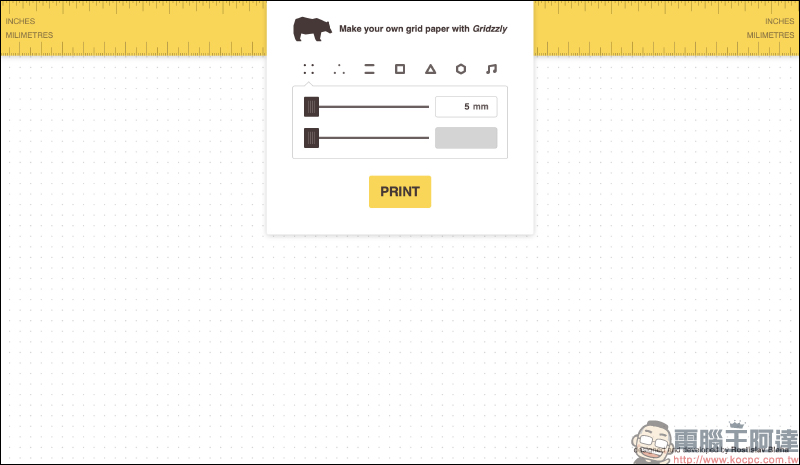
Gridzzly graph paper generator:Click here to go
For general text writing needs, there is certainly no shortage of basic line formats. Just slide to adjust the value to switch the spacing, and the value is set from 5mm~20mm.
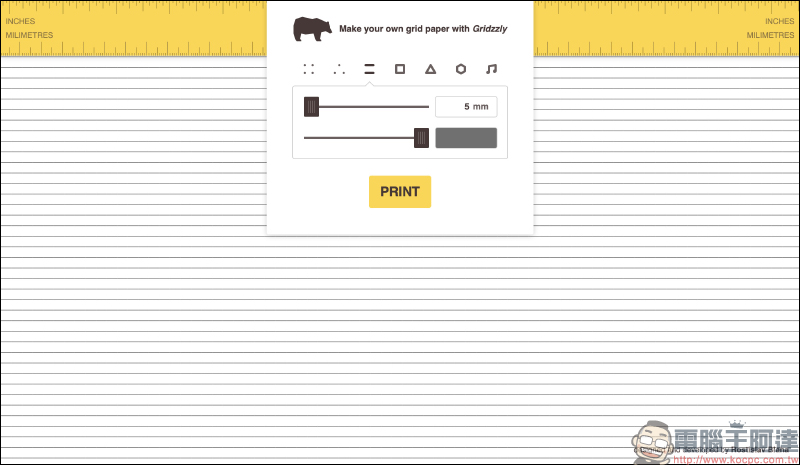
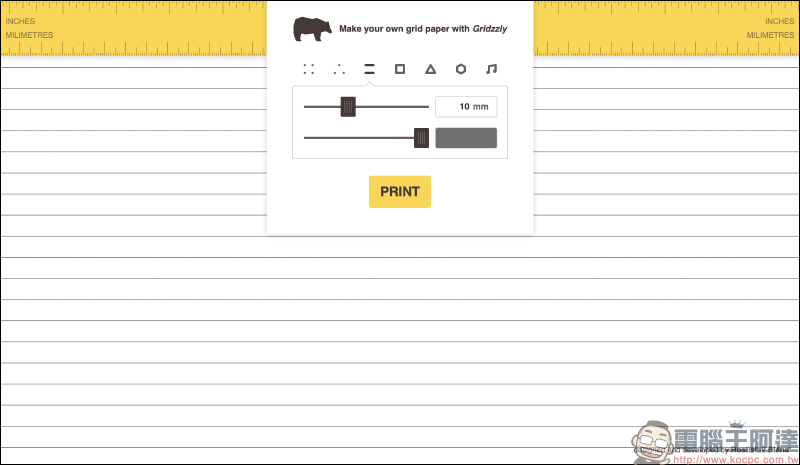
Some people prefer clear grid distinctions, and of course some people prefer lighter grid lines. Just adjust the setting value in the second column to improve the transparency of the grid lines:
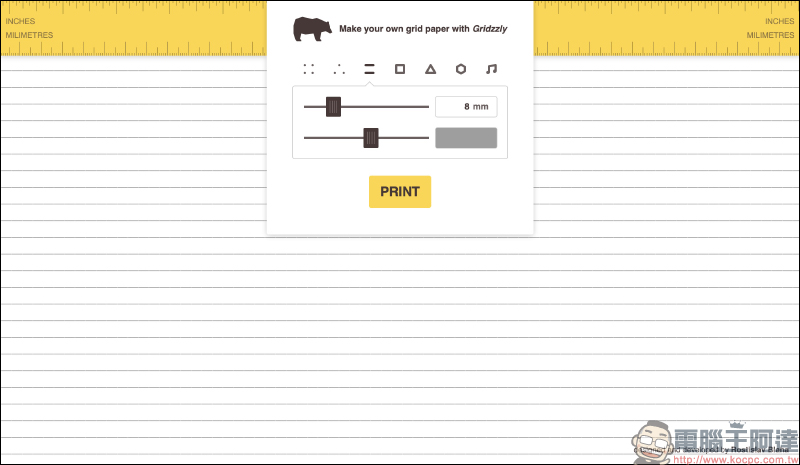
Grid points:
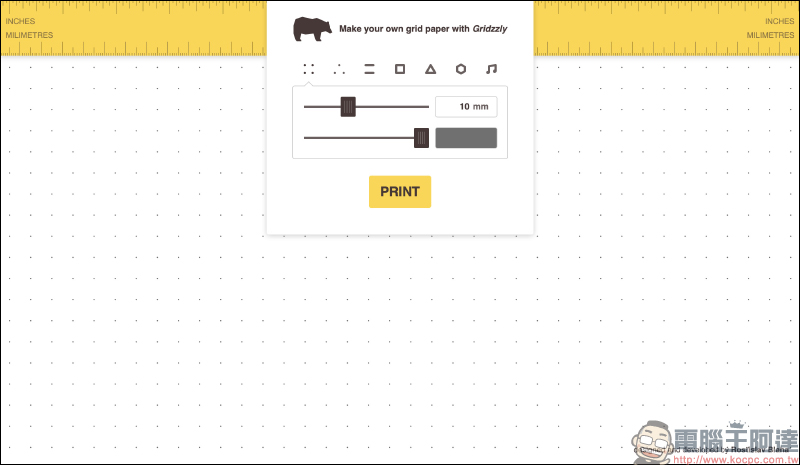
Triangle point:
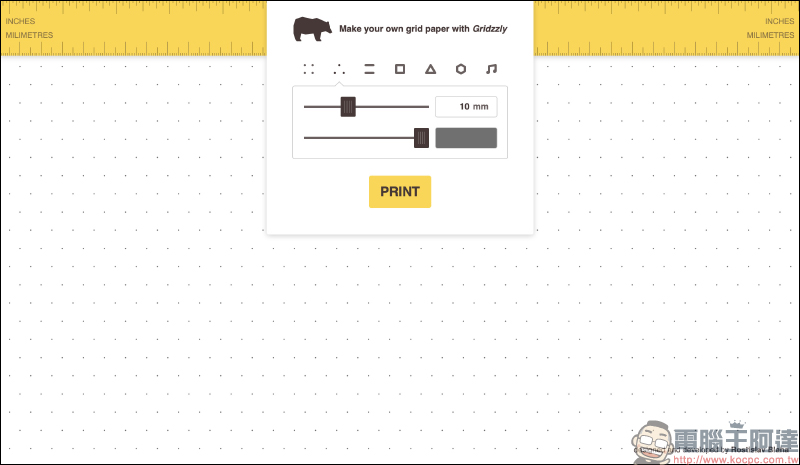
Square:
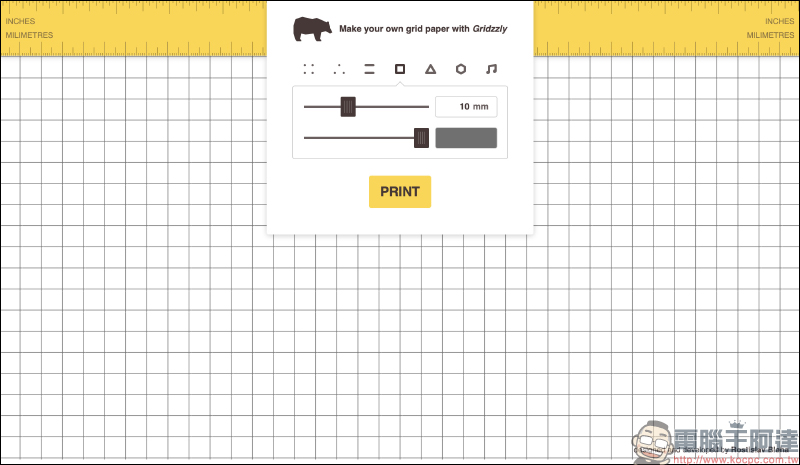
Triangular grid:
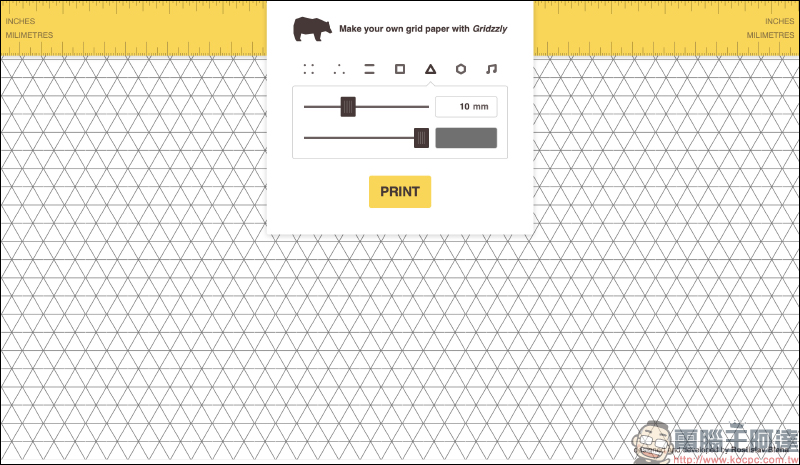
Honeycomb Grid:
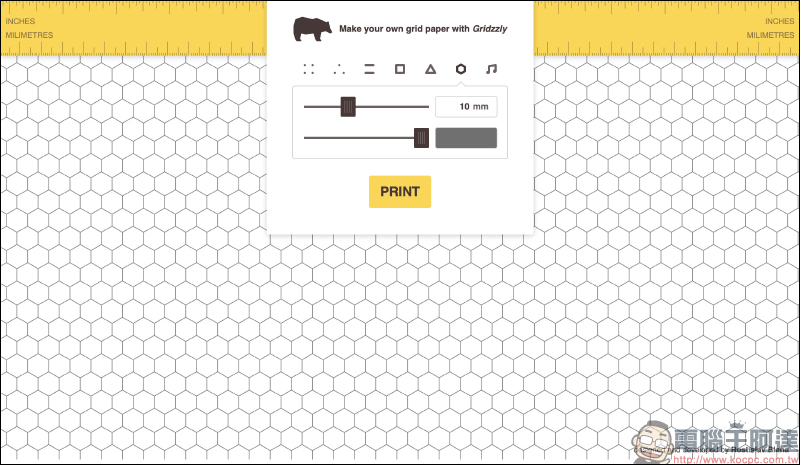
Staff:
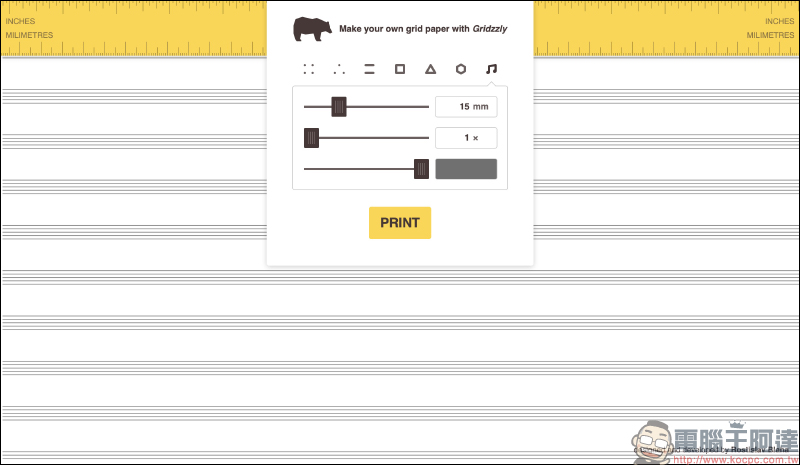
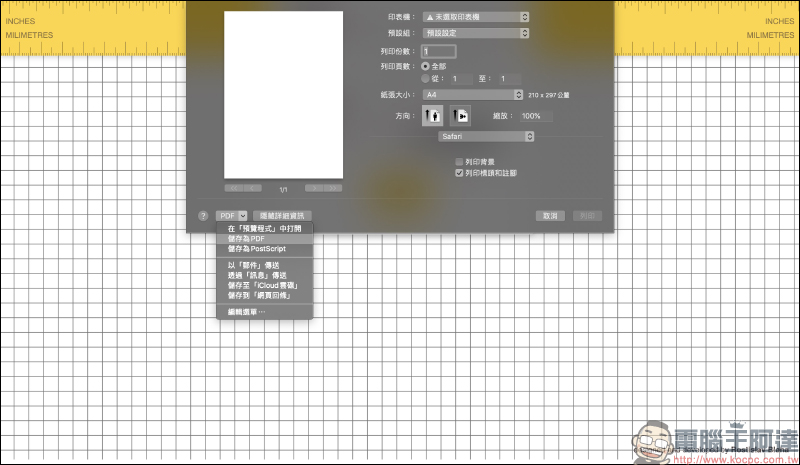
After setting the desired format and color depth, you can then press “PRINT” on the screen to print! If you have a printer connected to your home, you can print the ruled paper directly. However, if you don’t have a printer at home, you can save this document in PDF format first, and then go to 7-11 to use ibon to print it.
Regarding the method of cloud printing, you can refer to the extended reading at the bottom of this article. There is a tutorial on how to quickly upload the documents you want to print to ibon cloud printing through LINE App.
Gridzzly graph paper generator:Click here to go
Further reading:
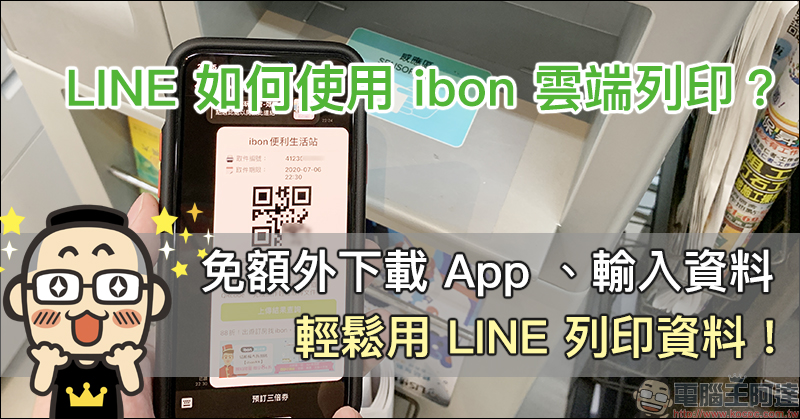
How to use ibon cloud printing in LINE? No need to download additional apps, enter data, and print data easily using LINE! (teaching)
Source: KOCPC Chinese