


For users who often use LINE on public computers such as companies and schools, developing a good habit of logging out of their accounts and deleting chat history when they leave is also a very important concept to protect their privacy. However, for example, a school computer may automatically restore itself every time it is shut down, so it would be quite troublesome to have to reinstall the LINE application every time it is turned on. However, LINE actually also provides computer users with a fully functional LINE computer version. In fact, there is also a plug-in version of the Chrome browser for users who do not want to install LINE.
LINE installation-free plug-in version, Chrome version only has LINE memo function
After LINE terminated “LINE Web (LINE web version)” many years ago, it also launched a free installation plug-in version of LINE for Chrome browser for computer LINE users who do not want to download the LINE application. Users only need to go to Download from Chrome Online App Store (click me to go), you can easily log in to LINE to chat with friends and send pictures:

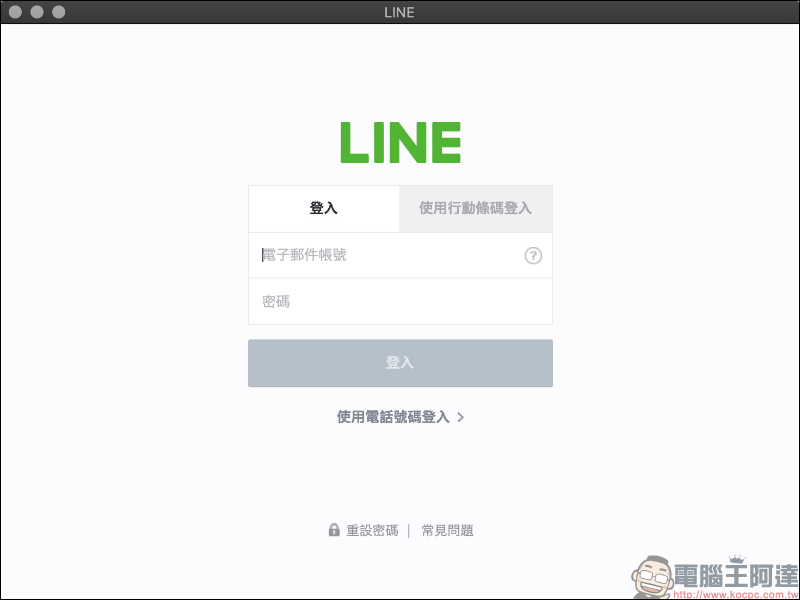
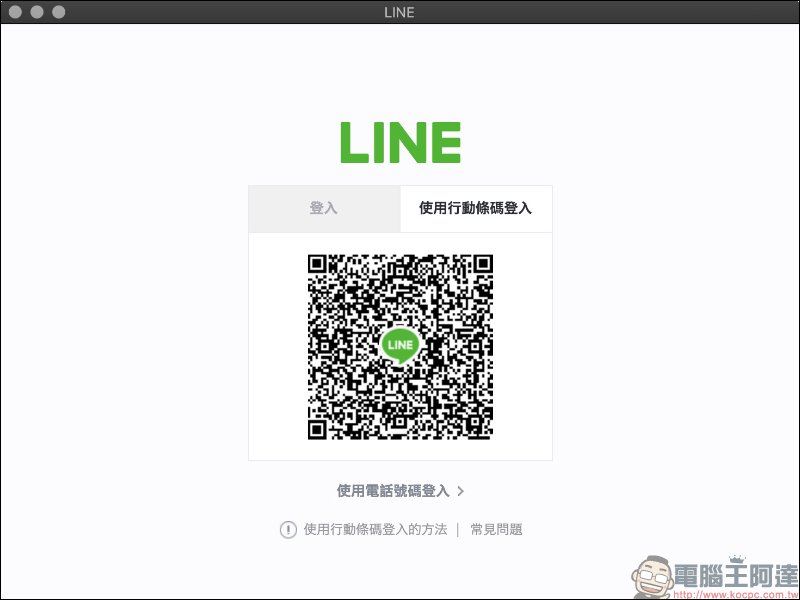
The login method of LINE plug-in version is basically the same as that of LINE PC version. You can log in through your email account or scan the mobile barcode for quick login:
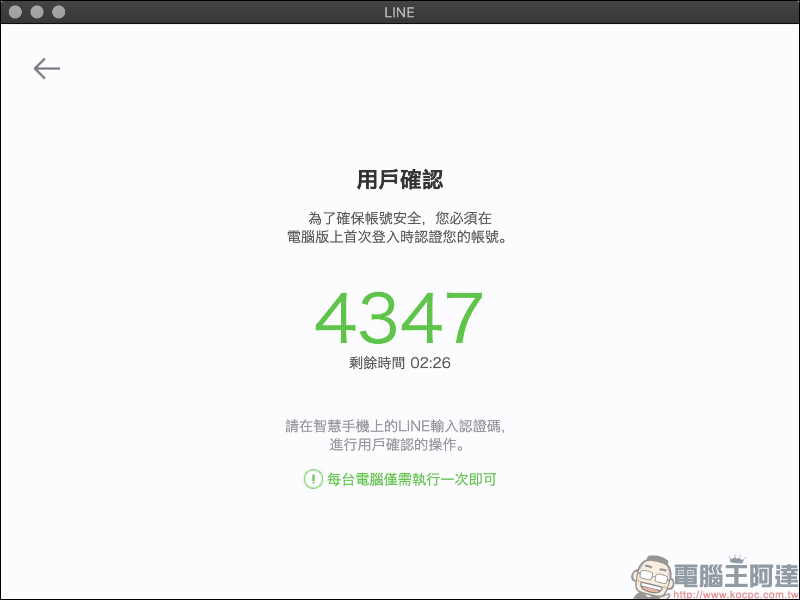
To ensure the security of the account, account verification is required when logging in for the first time. Users need to turn on their mobile phone and enter the digital verification code displayed on the computer screen to verify the account:
After logging in, the plug-in version of LINE has a simpler interface than the computer version, with only four tabs: chat rooms, friends, groups, and new friends:
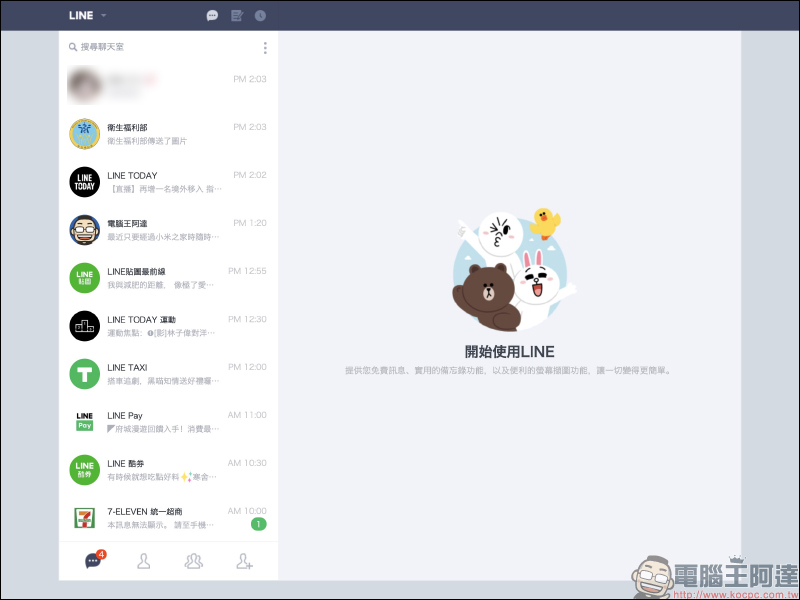
Currently, the LINE plug-in version lacks the Keep function, no free voice/video calls, the inability to retract/delete/forward text messages (can forward pictures, videos, etc.), and the inability to search for previous chat messages using keywords.
As for simply sending picture/video files, stickers, screenshots and the most basic text chat functions between friends.
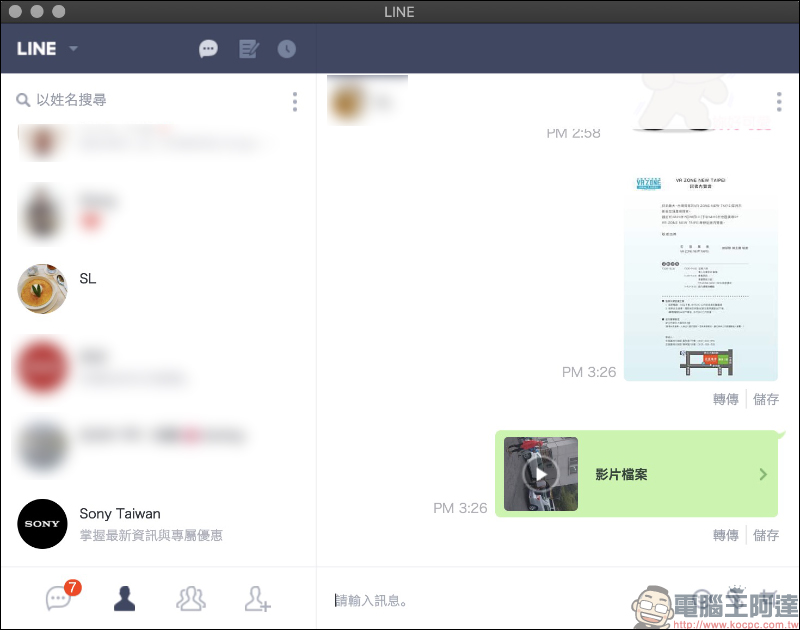
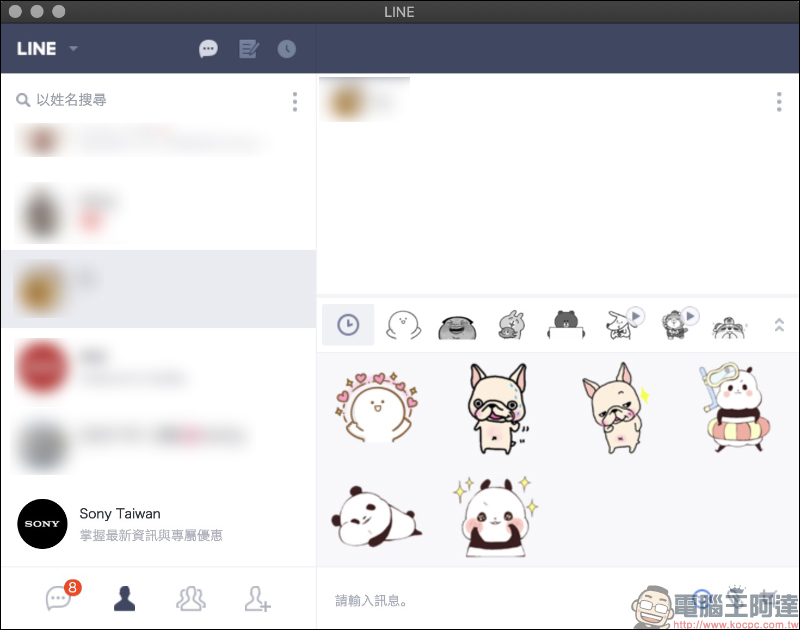
However, the LINE plug-in version currently does not support all types of stickers. Basic static and dynamic stickers can be used normally in the LINE plug-in version without any problem.
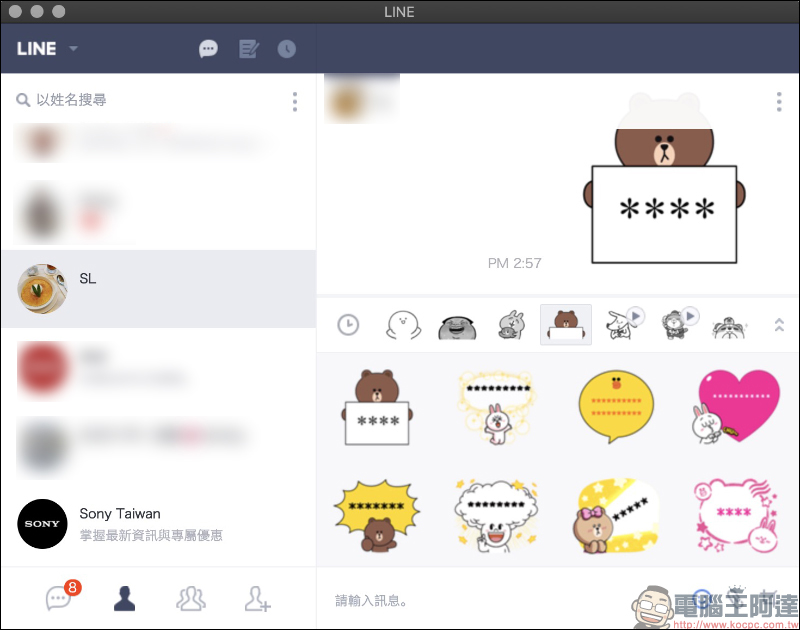
Although the “Fill in Stickers” can display the text content normally, users cannot edit the text content of the stickers in the plug-in version. They must go to the LINE mobile version or computer version to edit and save them before they can use the Fill in the Stickers with updated text in the plug-in version:
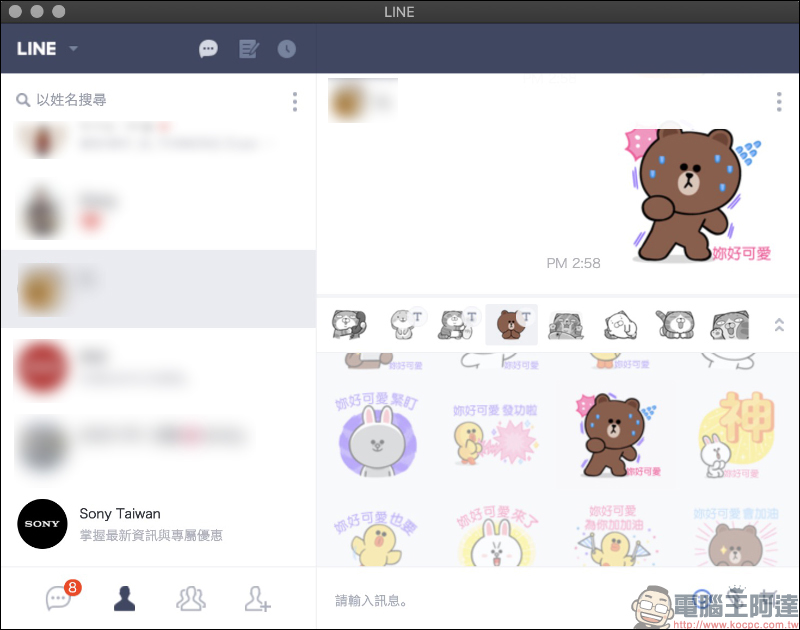
As for message stickers that support up to 100 characters, text content cannot be displayed on the plug-in version at this stage:
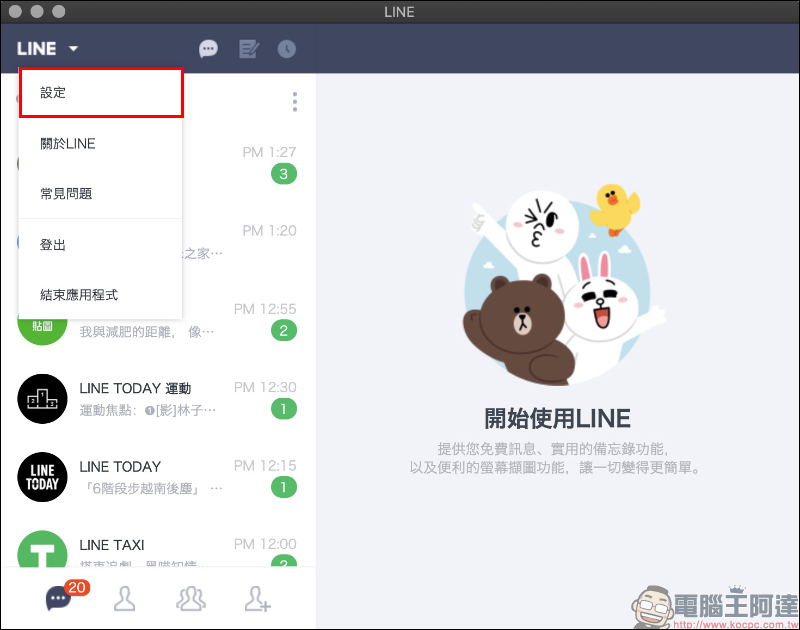
In terms of settings, for the LINE plug-in version, you can click on the upper left corner of the window to expand the function list to find settings, logout and other functions:
In terms of setting options, the plug-in version of LINE only has basic personal account settings, reminder settings, basic settings for chatting and sending messages, and friend management. It is much simpler than the computer version of LINE:
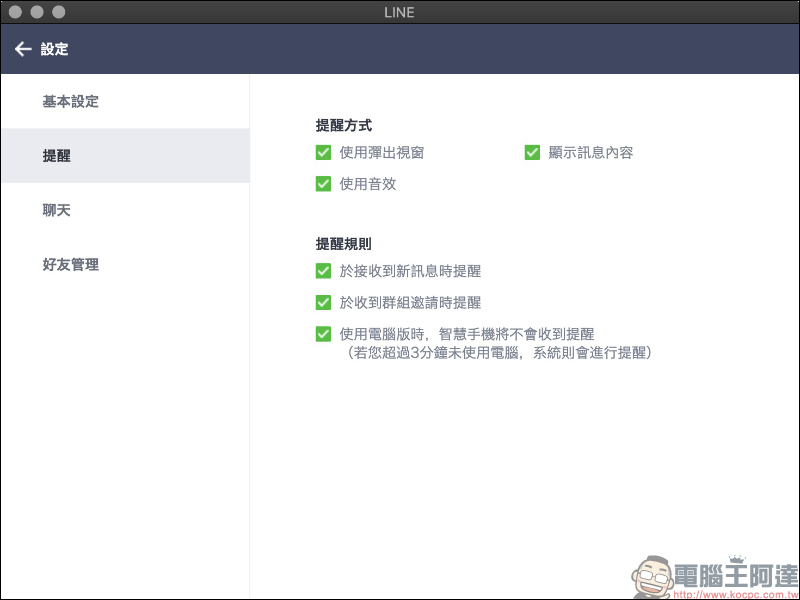
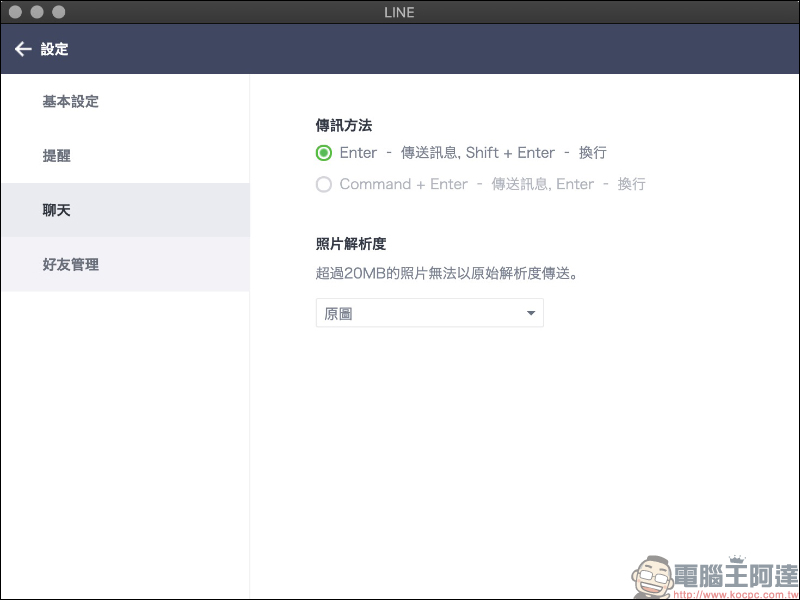
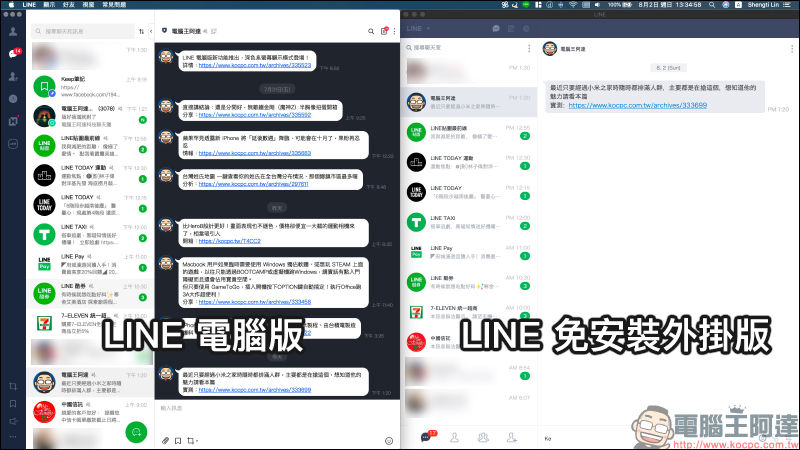
A simple comparison of the interface differences between LINE PC version and LINE plug-in version (Chrome):
LINE installation-free plug-in version download: Download from Chrome Online App Store (click me to go)
LINE Notes (Chrome only)
Although the installation-free plug-in version of LINE lacks the useful Keep function, it certainly does not have the previously launched “Keep notes“Function. In addition, each chat room does not have a “Notepad”, but for users who want to jot down pictures, text and other notes, don’t worry, because the free installation version of LINE (Chrome version) also has a unique “LINE Memo function”.
Sync Notes is a function that can save notes to the server. It will be synchronized to the server every 3 minutes, and the notes will continue to be synchronized even if the user closes the application. The maximum storage capacity available for memos is 1GB, but the memo function is currently only available on the Chrome version of LINE.
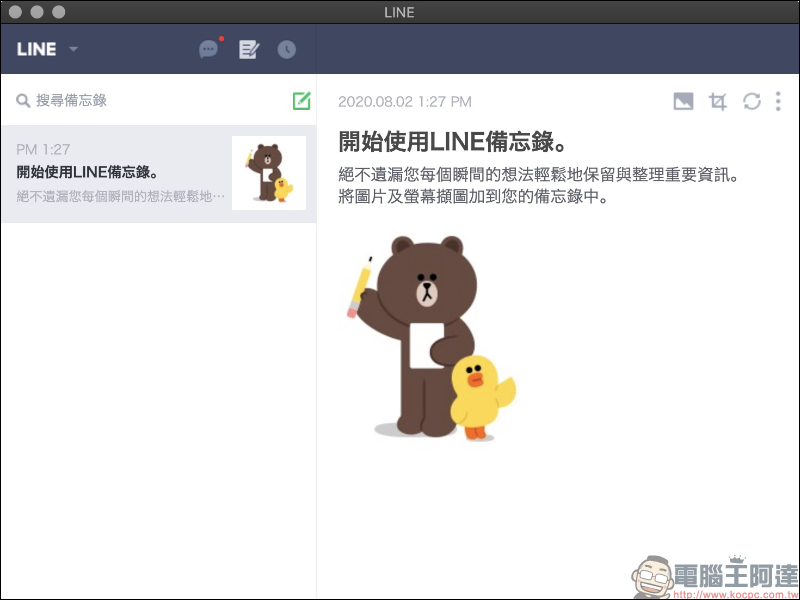
In addition to basic text content that can be recorded in LINE memos, image content can also be added to the memo by clicking the “Attach Image” button or dragging the image directly into the window:
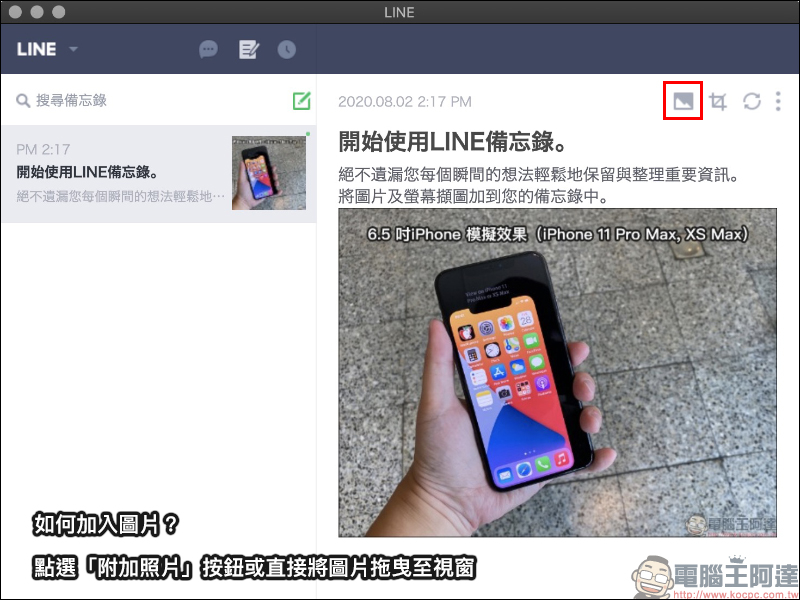
If you see an article on a webpage that you want to temporarily save, just select the image and text on the webpage to copy, and then paste it directly into the LINE memo:

Capture screenshots to Notes
In addition to directly copying images from web pages, or uploading images to LINE Notes by attaching images to become your own online notes, if you do not want to access the screenshots on your computer, you can also use the built-in “Capture Screen” function of LINE Notes to directly generate screenshots online and add them to the notes. First, click the capture screen button: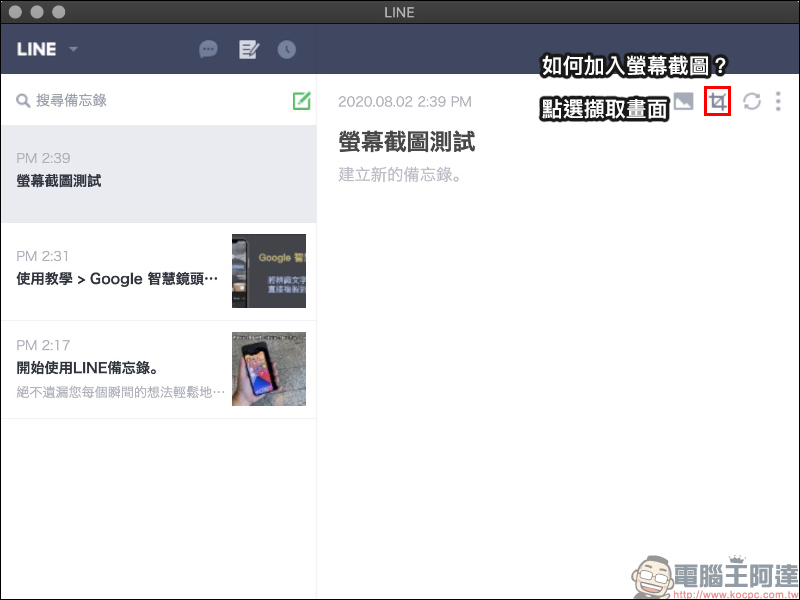
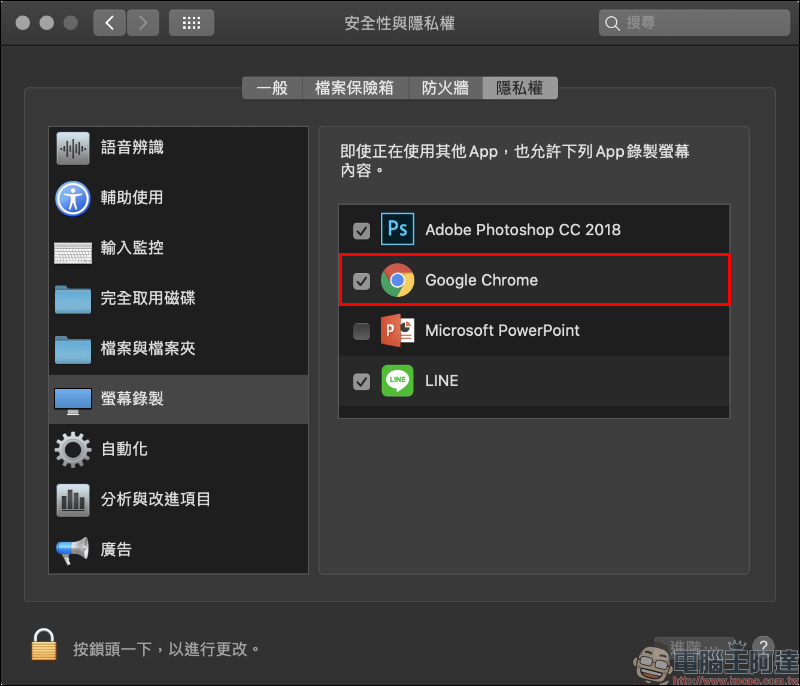
When you use it for the first time, you will need to allow privacy access permissions. At this time, remember to check Google Chrome instead of LINE App:
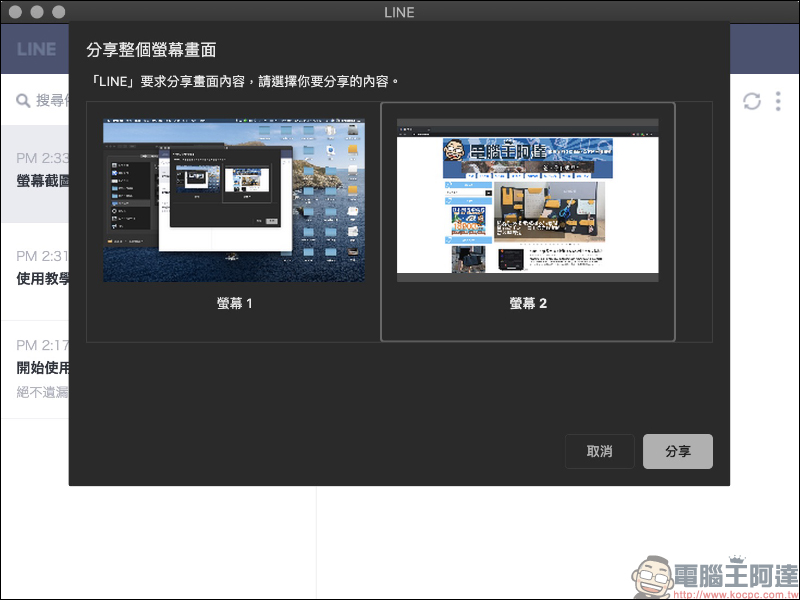
After agreeing, you can select the screen content to be shared (captured) in LINE. If the average user’s computer only has a single screen, only a single screen option will be displayed. Since the author has dual screens in use at the same time, the system will provide two options of Screen 1/Screen 2. Select the screen you want to share and press the “Share” button in the lower right corner to proceed to the next step:
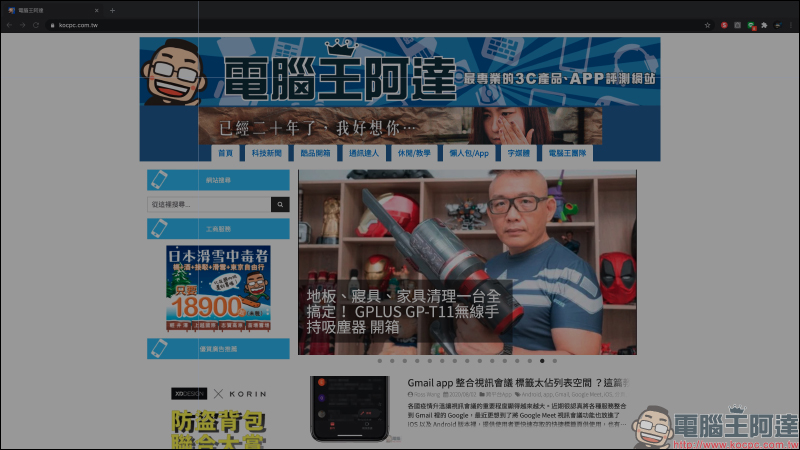
Here the user can start by long-pressing the left button of the mouse to select the screen range they want to share, and release the mouse after selecting:
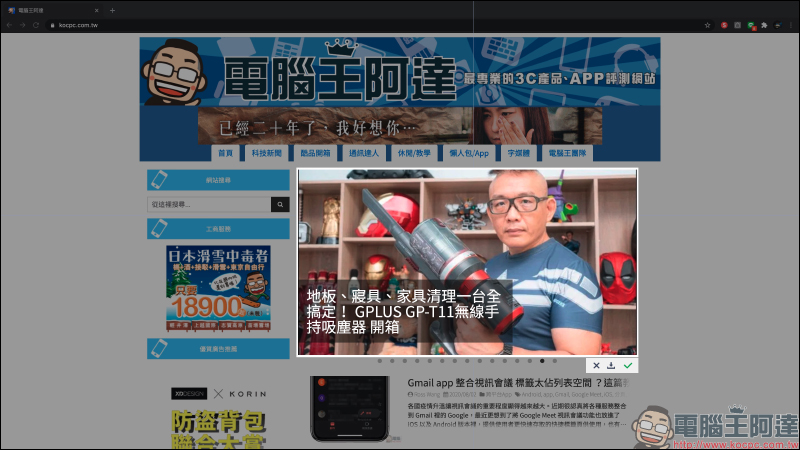
At this time, the area outside the selected range will be darkened, and the bright area in the middle is the screenshot range selected by the user. At this time, if you want to re-select, press “X” to cancel the selection range. Press the “Download” button to download the screenshot to the computer storage space. If you want to share it directly to LINE memo, you can press “✓”:
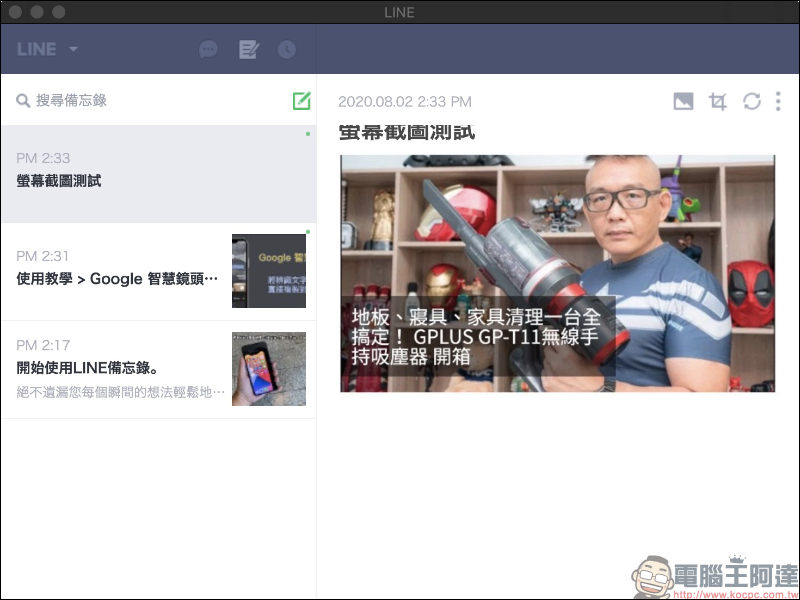
If you select “✓”, the screenshot will be directly added to the memo!
LINE installation-free plug-in version download: Download from Chrome Online App Store (click me to go)
Further reading:
LINE PC version 6.2 update: Optimized deletion chat history options, dark mode, support for special effect stickers
Source: KOCPC Chinese