


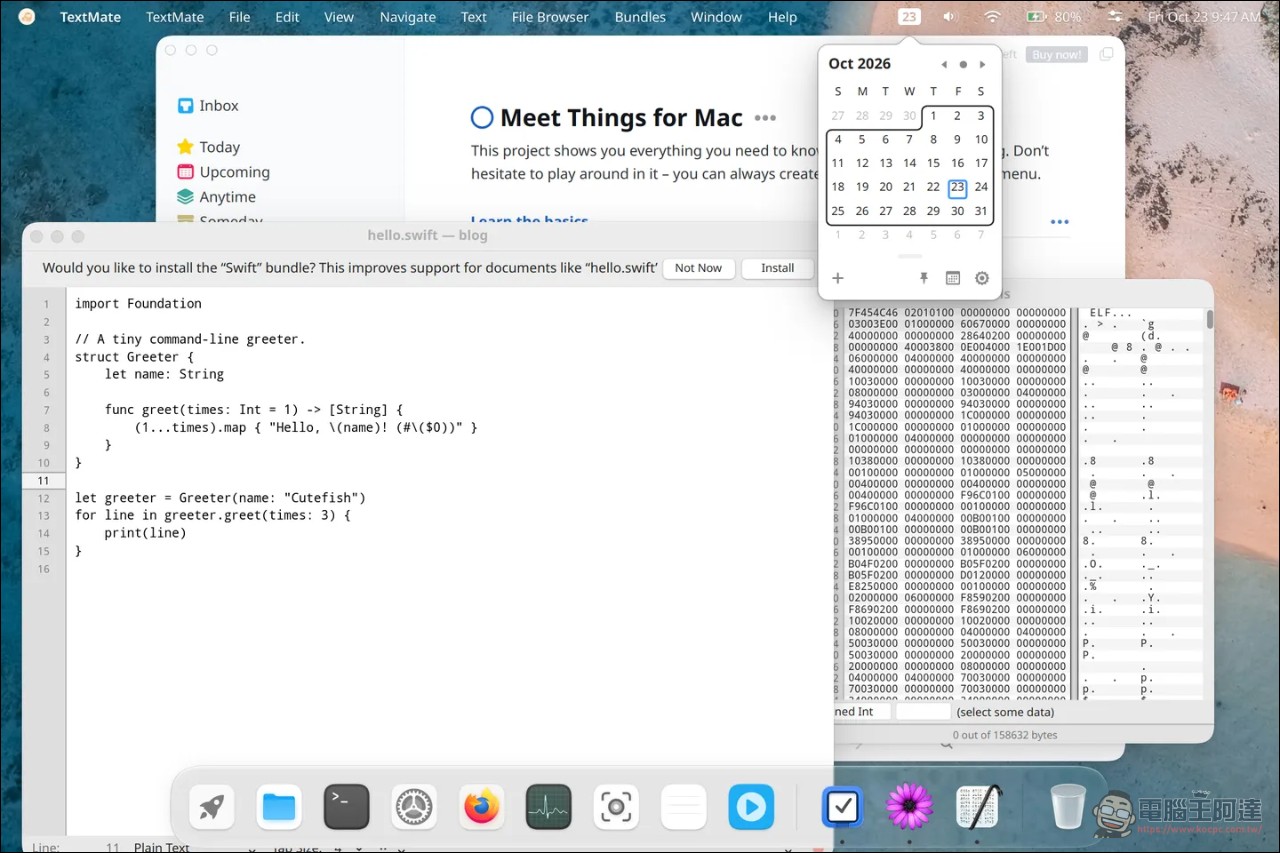
Cutefish, the Linux desktop environment famous for “looking like macOS,” dropped a bombshell on its official blog on October 23: Cutefish can now run Mac apps. Not just regular windowed software—even menu bar apps that live next to the clock in the menu bar can run. Mac apps open as normal windows on Cutefish, their menus go into Cutefish’s menu bar, and their icons appear in the Dock, no different from any other app on the desktop. The official website also specifically states: every app in the demo screenshots is a Mac app; they did not modify or recompile any of them—they are the same files Mac users normally download. Behind this capability is Cutefish’s in-house compatibility layer Reef, and the official positioning is blunt: think of Reef as “Wine for Mac.”
Why it’s hard: the Mac app can’t do anything by itself.
A Mac app does very little on its own. To open a window, show a menu, draw a line of text, or figure out today’s date, it calls macOS for all of it: windows and controls from AppKit, text, dates, and files from Foundation, drawing from Core Graphics, new interfaces from SwiftUI, and dozens of other frameworks. None of these things exist on Linux.
To run Mac apps, you have to build the entire stack yourself, and it has to behave exactly like macOS. Even a tiny difference will cause an app’s window layout to break, the screen to go blank, or the app to crash outright. Cutefish’s answer is called Reef: over 300,000 lines of code spanning more than 70 frameworks, with AppKit and Foundation alone each exceeding 70,000 lines. Beneath that are a loader for Mac programs (the executable format used by Macs is Mach-O, unlike Linux), an Objective-C runtime, Swift support, and low-level system libraries. Even at this scale, it covers only a small part of macOS, which has tens of thousands of functions waiting to be called.
How it was painstakingly produced: one App at a time.
No one knows in advance which parts of macOS an App will use, so it can’t be written all at once. Cutefish’s approach is to tackle them one by one: run a real Mac App, see where it dies, which function is missing, where a window is drawn incorrectly, which button doesn’t respond; study how the Mac behaves in that situation, implement it as a general feature rather than an app-specific patch, add tests, and run it again. Each App solved makes the next one easier to analyze, because shared components make up most of it. But how much remains undone, the project openly admits it really doesn’t know; the next App could at any moment reach for an interface no one has used.
The official list included several pitfalls they’ve encountered, each one very vivid:
- The dropdown menu and the label next to it should share the same text baseline. The edge they use to measure the baseline is different from macOS, so the dropdown menu in the settings window is off by several points.
- macOS automatically applies a tint to images whose filenames end in “Template.” They missed this tinting, so one app’s window buttons are drawn as thick black circles.
- Requesting a redraw while a window is still preparing to draw should not trigger another redraw; their program does, and an idle window redraws more than a hundred times a second.
- The app checks which macOS version it’s running on and changes its behavior, so every version difference is a decision point.
- Newer apps use SwiftUI, but Apple hasn’t disclosed the internal implementation, so they can only build it based on the documentation and then compare it pixel by pixel against the output on a real Mac.
What does it look like when running?
Mac apps on Cutefish use the same desktop foundation: the graphics toolkit draws their windows, text, and controls; the compositor gives them the same shadows, borders, and animations as other windows; and the shell places their menus in the Cutefish menu bar, their icons in the Dock, and their entries in the launcher.
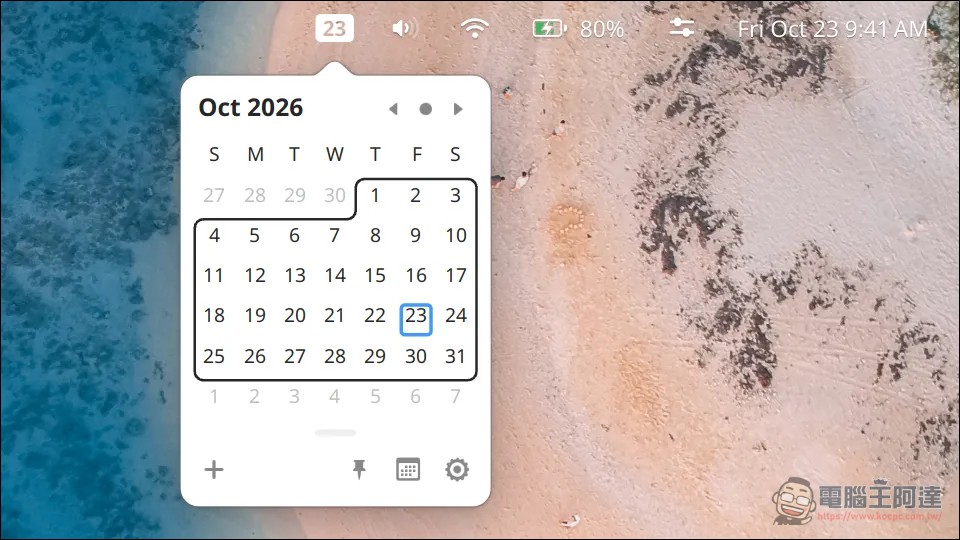
Menu bar apps were the biggest challenge. On the Mac, Itsycal draws a small icon with the date in the menu bar; click it and a calendar drops down. Cutefish designed status bar item support for this: apps draw their own items, set the width however they want, and the pop-up window opens right below. As a result, Itsycal ran perfectly: the status bar date, calendar popover, context menu, and settings window were all in place.
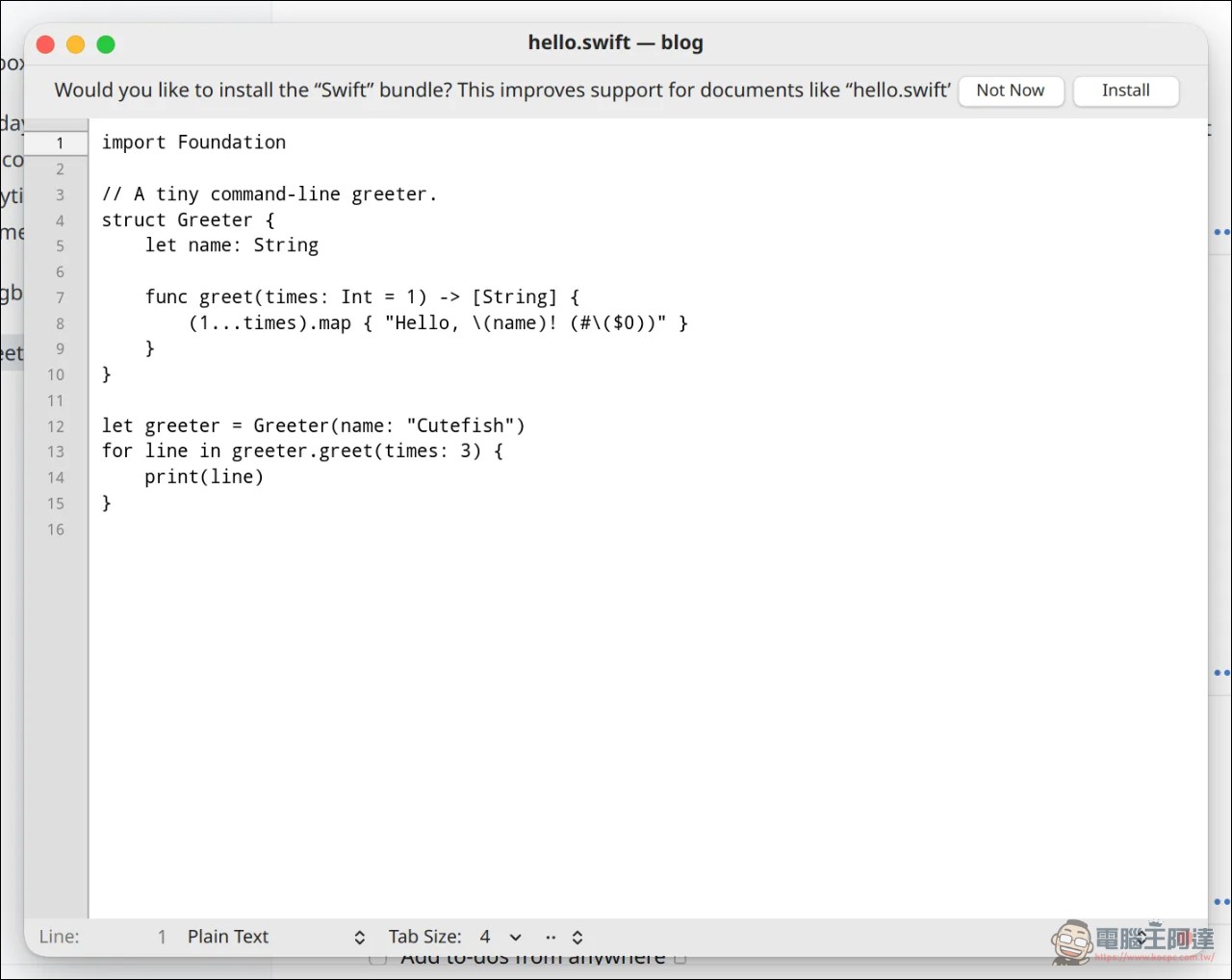
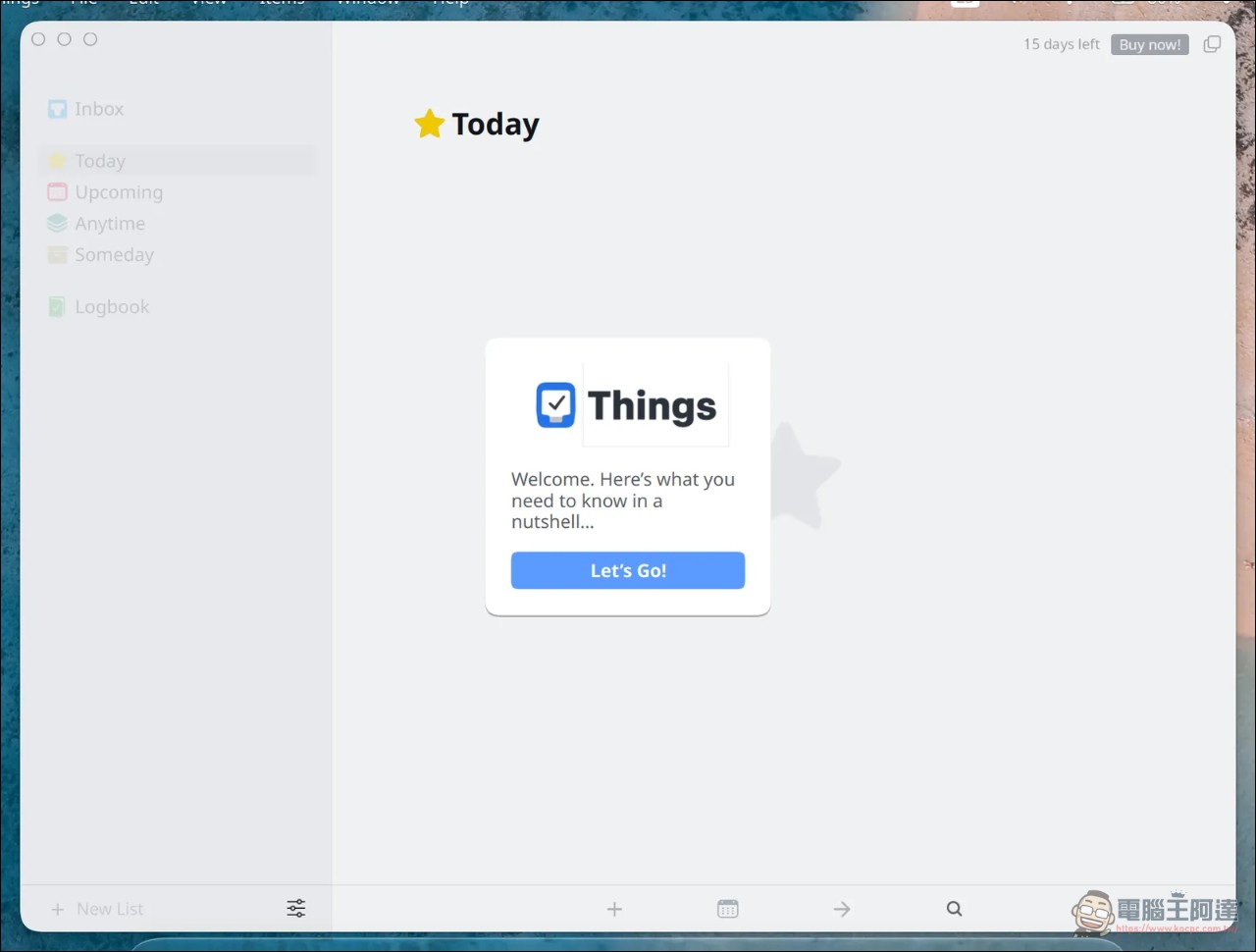
Other hands-on tests: the veteran text editor TextMate and the hex editor Hex Fiend can both open and edit files; the company even cracked a joke—in the screenshot, Hex Fiend is inspecting a Linux program. The to-do app Things 3 runs, with some of its interface drawn using their own SwiftUI, though it’s not all finished yet.
Where does the code come from: the legal boundaries are drawn very finely.
The most sensitive part of this whole thing is whether it touches anything from Apple. The official statement says Reef is entirely its own code: it does not use Darling or Wine code, does not reverse-engineer or copy Apple’s closed-source macOS software, and does not use Apple’s development kits. When they need to understand how a behavior works, they read Apple’s official documentation, observe what the app requires, and compare it with how the same app performs on a real Mac (the so-called “Cleanroom design」)。
What was actually used are Apple’s own open-source platform components, incorporated into Reef under their original licenses: Core Foundation comes from swift-corelibs-foundation (Apache 2.0), Grand Central Dispatch for app background scheduling comes from swift-corelibs-libdispatch (Apache 2.0), the Swift standard library and runtime come from swiftlang/swift (Apache 2.0), and Apple’s LZFSE compression format comes from the lzfse project (BSD 3-Clause). As for Apple’s open-source low-level projects such as objc4, dyld, xnu, and Libc, they were only read to understand Mac behavior, and no code from them was copied. Reef’s Objective-C runtime and loader were both written in-house; it also incorporates open-source components such as LLVM’s libc++ and libunwind, SQLite, curl, and Tcl.
Compared with Darling and Wine, where is it lacking?
The most well-known project for running macOS software on Linux is Darling; Wine has been doing the same thing for Windows software for decades. Wine’s famous line is “I’m not an emulator”—it reimplements Windows APIs. Reef takes the same approach for Mac, and the official note puts it this way: think of Reef as “Wine for Mac apps.”
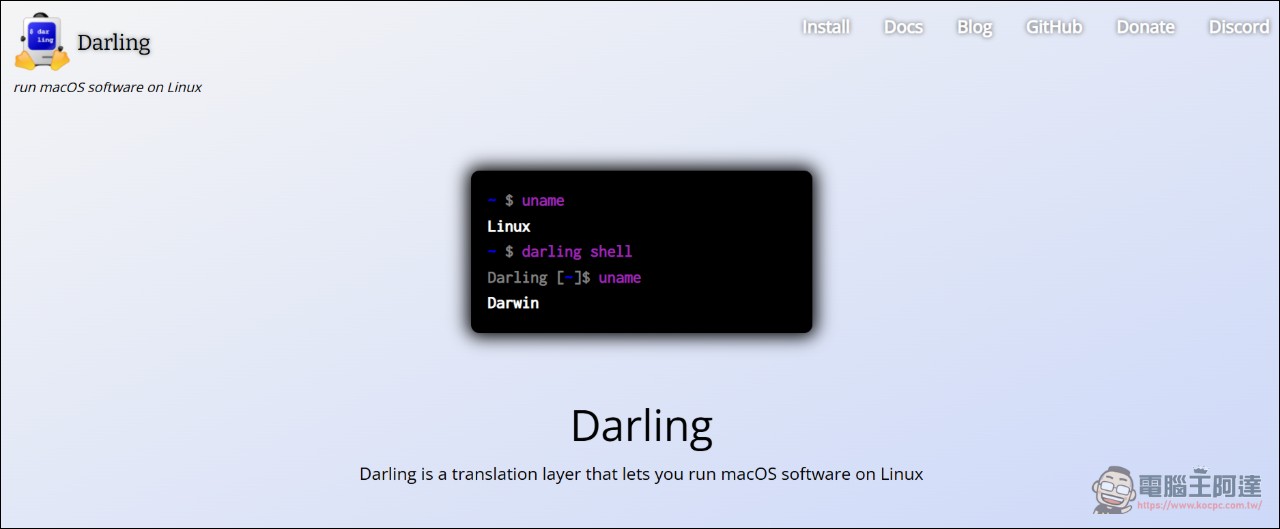
However, Darling aims to run ordinary macOS software, is far ahead of Reef in command-line tools and low-level system support, and can be used on any Linux desktop; Wine’s coverage of Windows software is even more massive. Reef only does GUI Mac apps, exists only on Cutefish, and is built around its own toolkit and compositor; command-line tools are not part of its goals.[1]Officials expressed respect for the achievements of both communities. Compatibility in the Apple ecosystem has been a hot topic recently, and we have also reported on it.Maclator, a “reverse Rosetta” tool that lets old Intel Macs run arm64 apps, in the opposite direction, but likewise finding a way through the cracks in the ecosystem.
Cutefish’s next step
First, let’s address what the community cares about most: Reef is not open source for now. The official reason is that this is a significant investment and a differentiating feature of Cutefish that needs to be protected during its growth phase; opening it up in the future is possible, for example once community sponsorship can support this work.
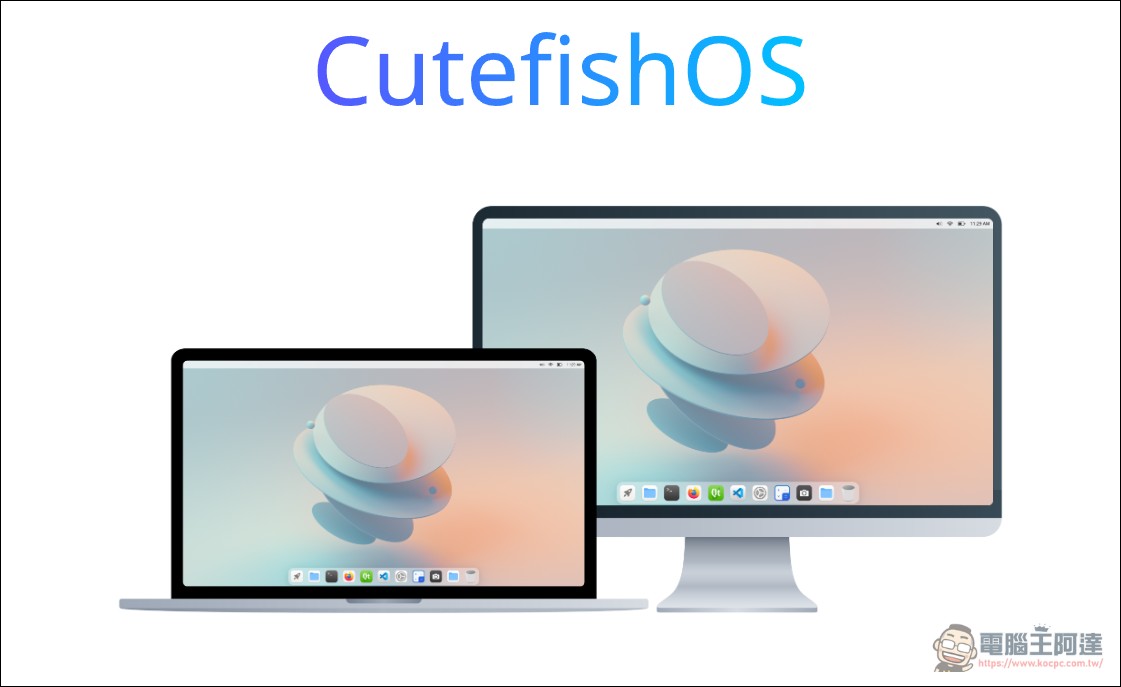
The functional limitations are also listed very honestly: Things 3 isn’t fully working yet, and more SwiftUI support needs to be added so that modern Mac apps can all run; the next major goal is a web engine, because many apps depend on it. The whole solution only supports the Cutefish desktop, and Cutefish’s predecessor is CutefishOS, which rose to prominence in the open-source community in 2021. Back then, it used the KDE framework and Qt to build a desktop environment that closely resembled macOS; it was translated into more than 40 languages and became quite popular in overseas Linux communities. Now the official positioning has been changed to “a beautiful agentic Linux distribution,” and it still retainsCommunity Edition download site。
Summary
Reef’s ambition is to bring the entire “Mac software asset” package onto Linux: without persuading developers to port their software, it directly runs the original files they release. A 300,000-line compatibility layer makes it possible to click through Itsycal’s calendar, edit drafts in TextMate, and view hexadecimal in Hex Fiend. The engineering effort is considerable, and this is not the “Hackintosh” that more people are playing with now. The next things to watch are clear: SwiftUI completeness, web engine progress, and whether community sponsorship can push this closed-source technology toward openness. In short, using Mac software with a more complete ecosystem on Linux in the future no longer seems so far out of reach.
Source:Cutefish Official Blog
Source: KOCPC Chinese