


We have previously introduced many exercise apps for home exercise, such as: , but most of them are freehand. For those who want to do dumbbell exercises, they can only skip them. Recently, I discovered this good “Dumbbell Home Exercise – 30 Days Fitness Exercise” on Google Play. It is completely free and provides three training intensities (beginner, intermediate and advanced) to satisfy users of different levels. In addition, each day’s exercise plan begins with a simple warm-up and ends with stretching exercises, which is quite good.
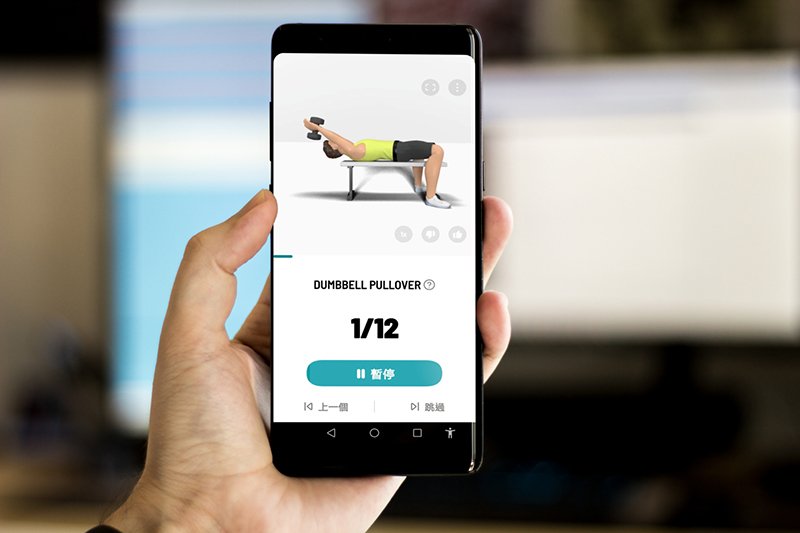
Dumbbell Home Exercise – 30 Days Fitness Workout App Introduction
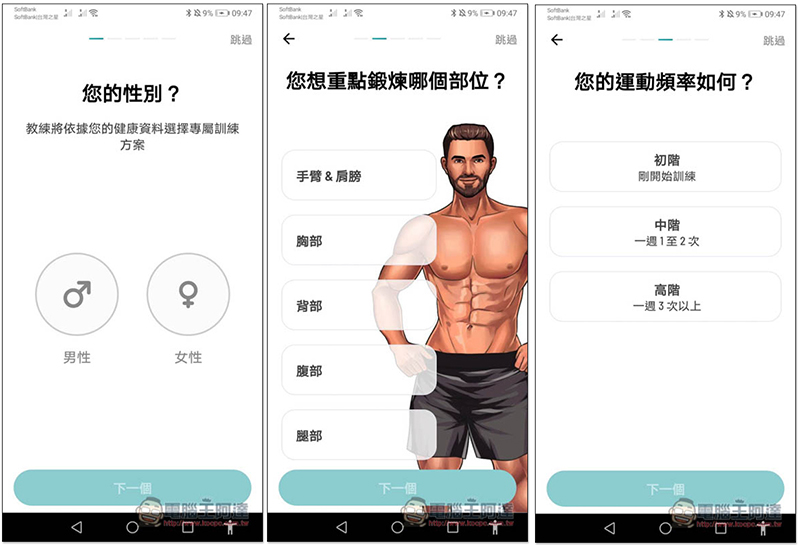
When you turn on the dumbbells for home exercise for the first time, you will be asked about your gender, which parts you want to exercise and how often you want to exercise. You can choose multiple exercise parts, which seems to be related to the 30-day plan that will be formulated for you later:
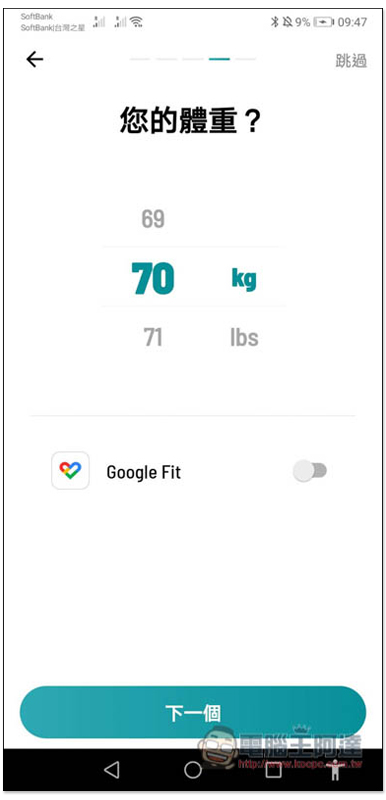
You can also click on the upper right corner to skip filling in your weight. This is mainly for calculating calories and will not affect your exercise plan:
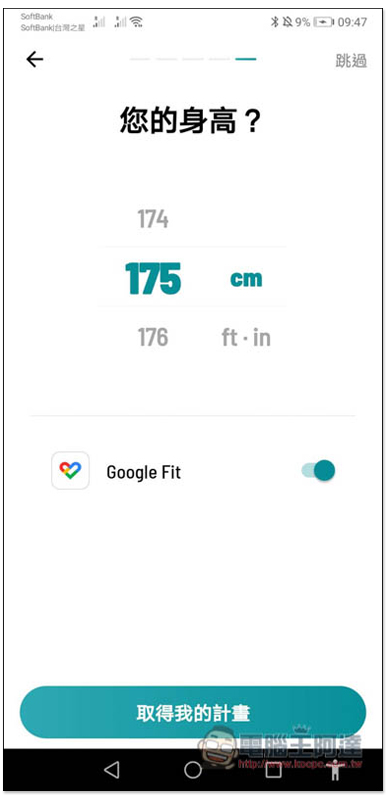
Next is the height. Those who don’t want to fill it in can still skip it:
Then your 30-day exercise plan will appear, and it will also indicate how long you need to exercise each day, in my case 13~24 minutes. If you find it too difficult, you can also switch levels (1, 2, 3) above:
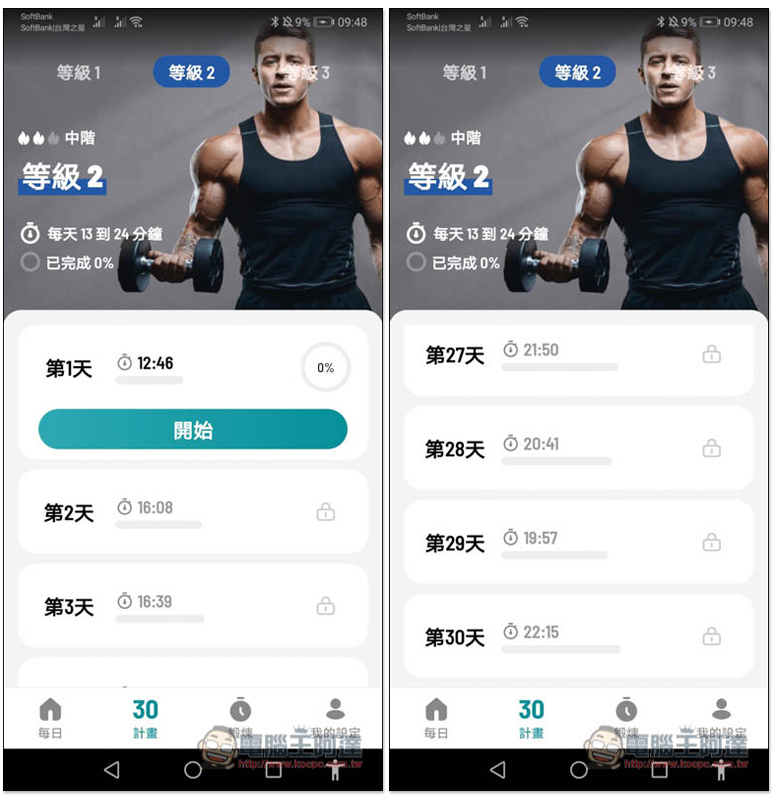
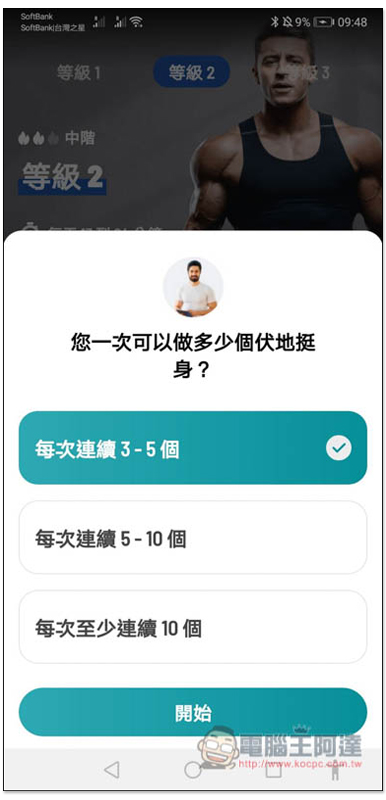
Some days of exercise include push-ups, so we will first ask you how many you can do at one time to customize it to better suit your plan:
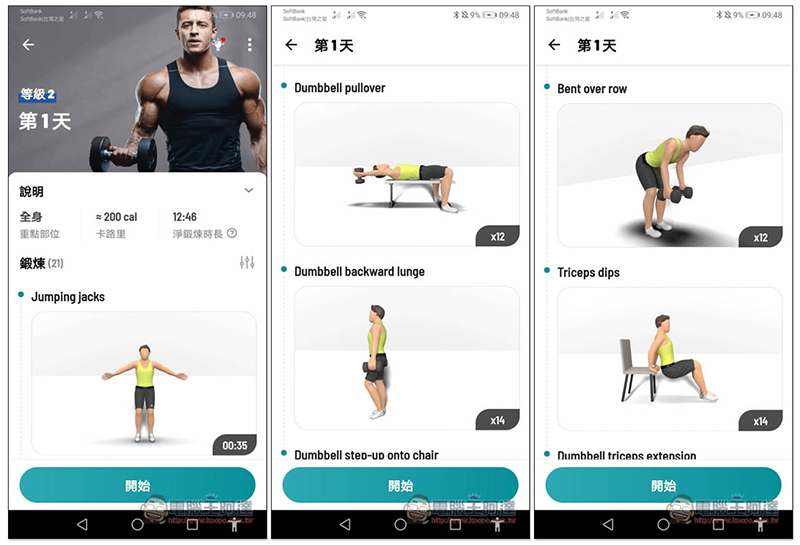
Every day’s training will also let you preview what actions there are, how many times to do each, and what auxiliary props are needed. Remember to prepare before starting:
There is a warm-up at the beginning of every day’s training, but it is relatively simple. For example, my first day was jumping jacks. I personally suggest that it would be better if you do some warm-up yourself first:
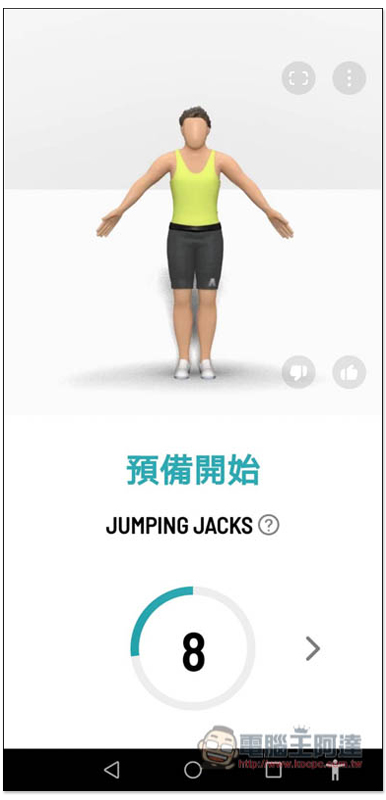
There is a rest period between each movement:
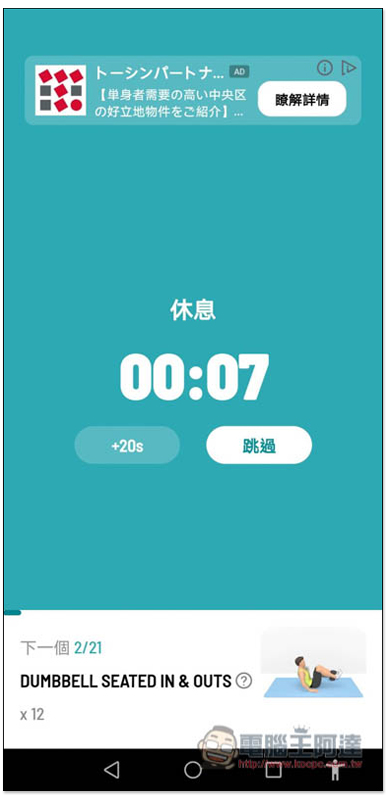
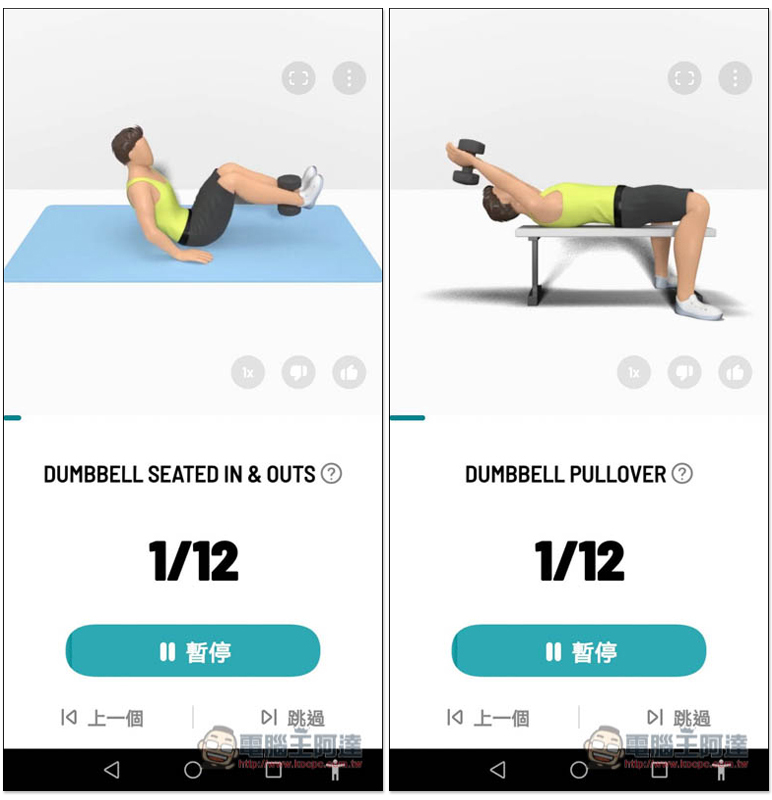
Animation will also be played during the process to give you a rough idea of how to perform the action. Of course, voice coaching functions are also provided, but some are currently only in English:
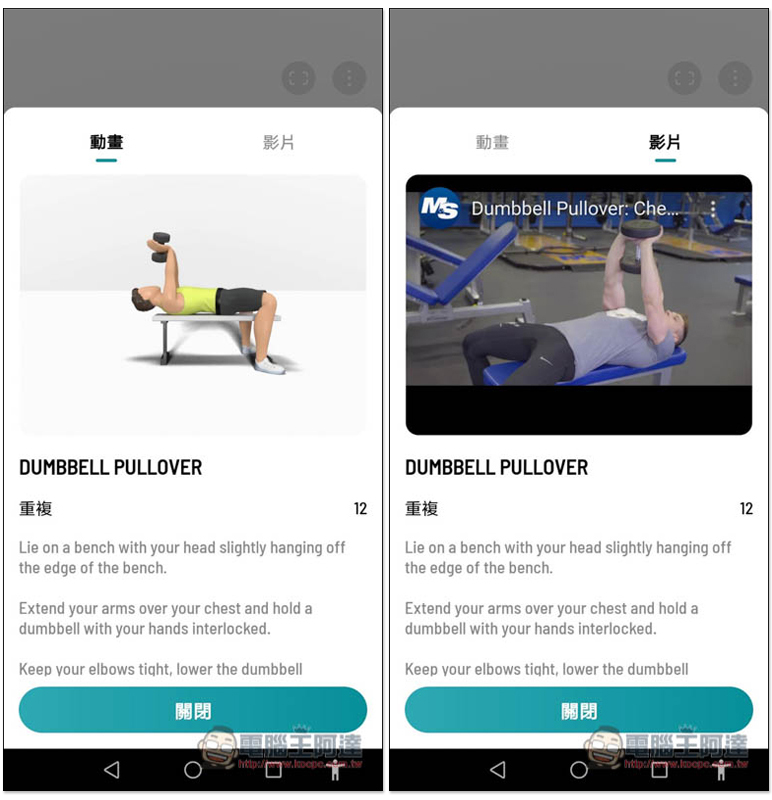
If you still don’t understand, click the question mark on the right side of the name, and there will be a detailed explanation and video. However, it is also currently only available in English. If you don’t understand, just watch the video action:
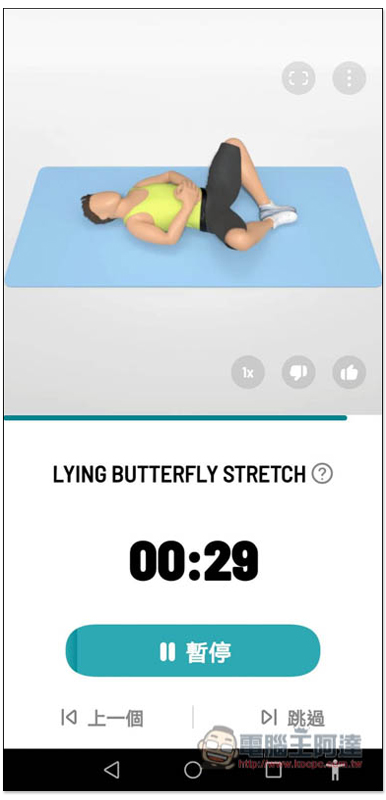
There are also stretches at the end to relax your muscles. Remember not to skip this step. This step is very important:
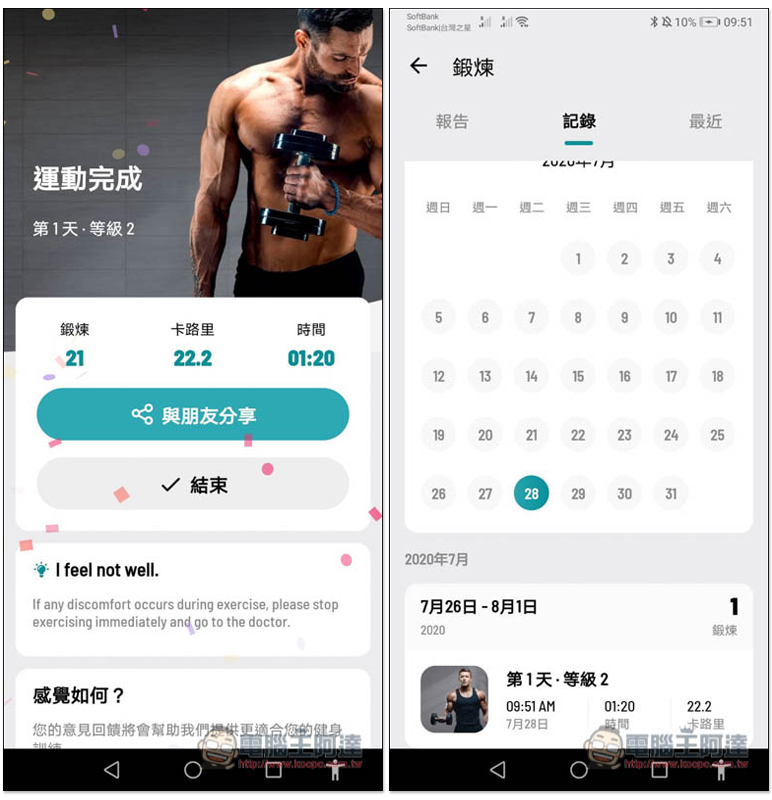
Eventually, it will record how long you exercise every day, the calories burned, etc.:
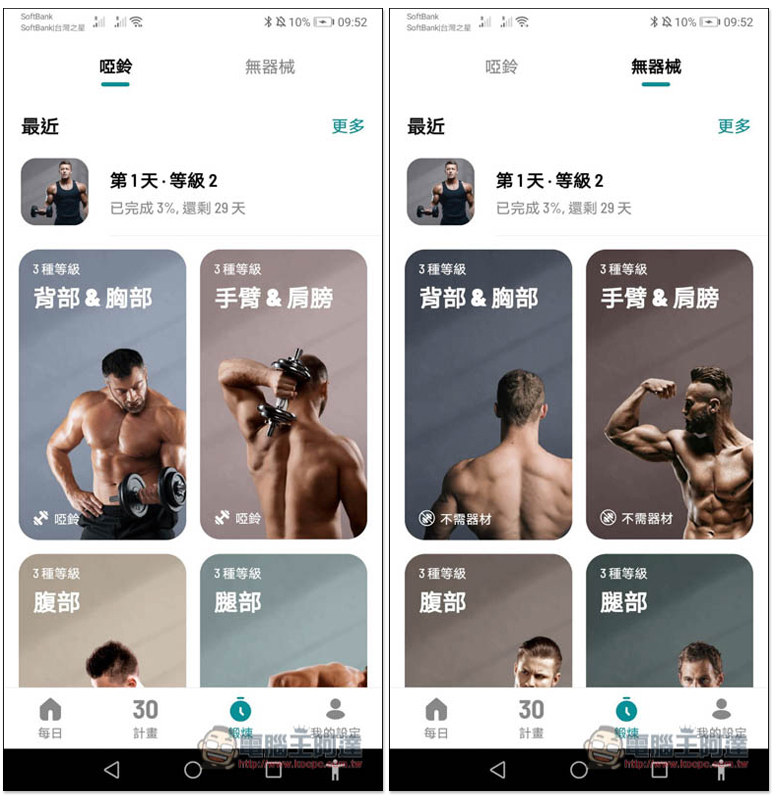
If you don’t like the training content of the 30-day plan, or occasionally want to strengthen and do more, this app also provides exercise plans for designated parts, divided into dumbbells and no equipment:
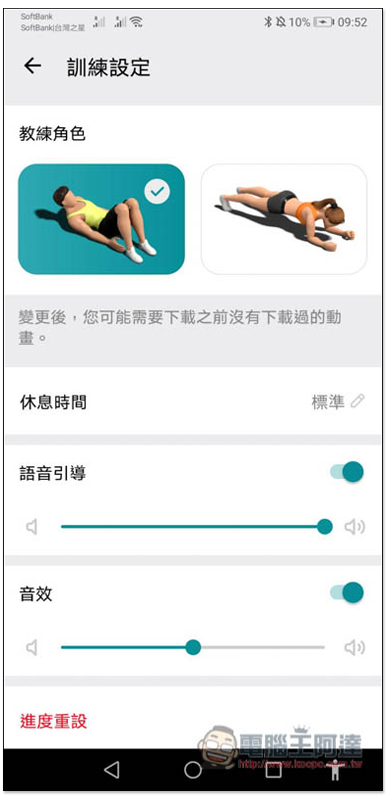
Voice coaching is also available for women:
In addition to this one, we have also introduced a “Dumbbells – Exercise at Home“You can also refer to,
Supplementary information
- App Name: Dumbbell Home Exercise – 30 Days Fitness Workout
- Nature: Free
- Supported operating system: Android
- Google Play download link:Click here to go
Source: KOCPC Chinese