


Are there too many photos on your computer taking up too much hard drive space? Are there people running websites or blogs who want to maximize their space? This free Optidash online image compression service is a good helper. It uses AI artificial intelligence technology to help you compress images to the extreme without destroying the image quality as much as possible (the resolution remains the same). This is true in my actual trial. Even if one image is compressed by 70%, the image quality is almost the same as the original after opening. It is quite good and the operation is very simple. I recommend it to everyone.
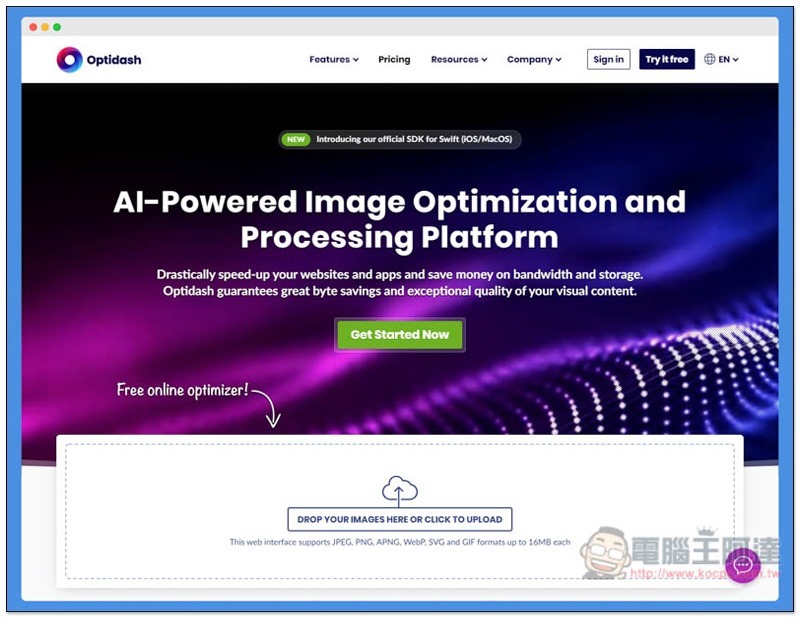
Introduction to Optidash Free Online Image Compression Tool
After clicking me to enter the Optidash website, drag the image you want to compress into the window, and the processing will begin. It supports JPEG, PNG, APNG, WebP, SVG and GIF formats, and the maximum size can reach 16MB. These two points are quite good:
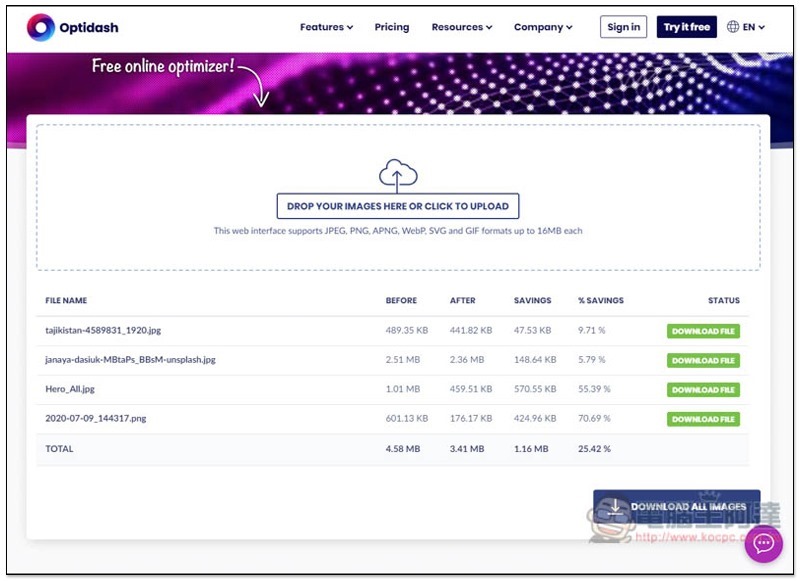
The image will then begin to compress, quite quickly. In addition, you can also notice that the compression rate of each picture is different. For example, among the pictures I selected, one has only 5.79%, but the other is as high as 70.69%. The gap is very large. I personally speculate that it may be related to the complexity of the color of the picture. Click DOWNLOAD FILE on the right to view the compressed large image. Click DOWNLOAD ALL IMAGES below to download the package in one go:
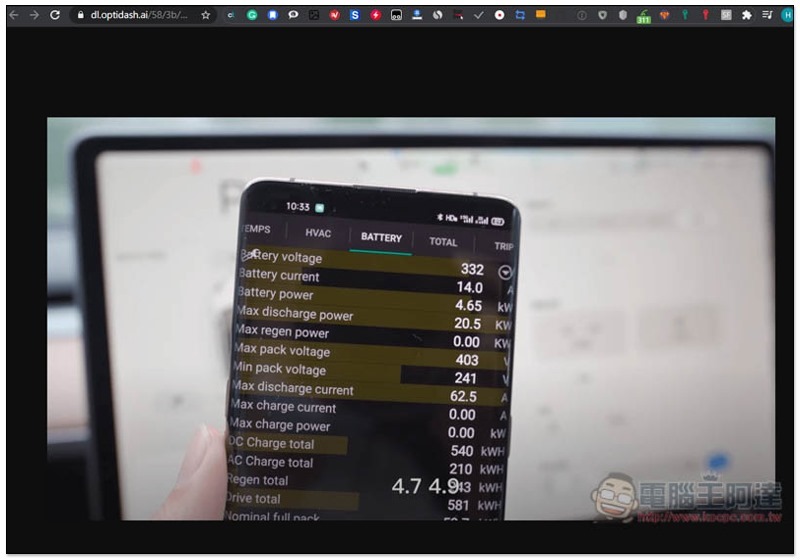
When you view the large picture, it will be fully expanded so that you can see all the details clearly. If you like it, right-click to save the picture:
This picture is compressed by more than 70%. The original file on the left is about 600KB, and on the right, only 176.2KB is left after being compressed by this tool. The image quality is almost the same, and it is completely invisible to the naked eye:
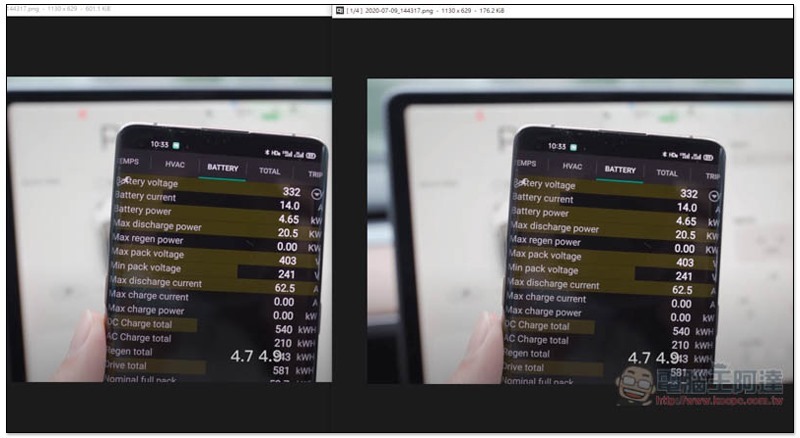
I also tested whether it can be compressed again after compression. The result is that it cannot be compressed and 0% will be displayed:
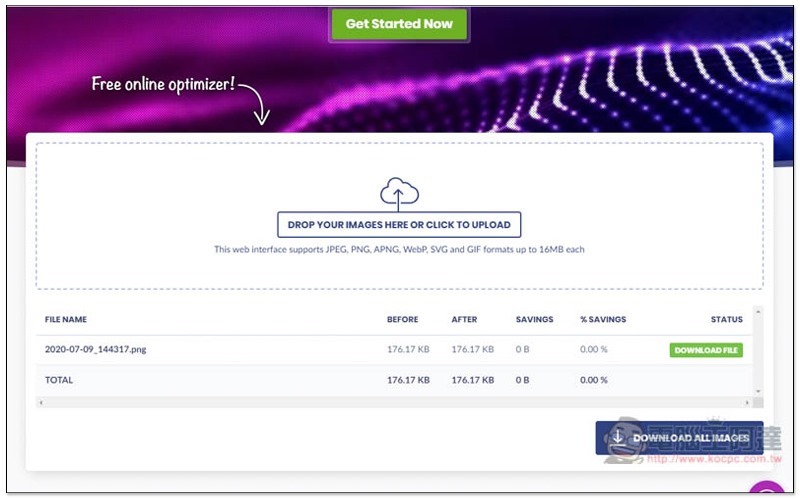
This online service mainly provides enterprise API services. If you just compress images, it is completely free and there is no limit on the number of images:

In addition to this set, we have also introduced some good free compression software before, such as: Support Windows pingo with Mac-enabled ImageOptim, I personally recommend you to try any of them and see which one you think has the best compression effect.
Supplementary information
- Service name: Optidash
- Nature: Free
- URL:Click here to go
Source: KOCPC Chinese