


In order to celebrate the important 20th anniversary, Gameloft recently launched a free Android App called Gameloft Classics: 20 Years, which collects a total of 30 super classic old games, that is, the period when flip phones were still used. All content is free to play, and there are no annoying ads, so you can enjoy these nostalgic old games.
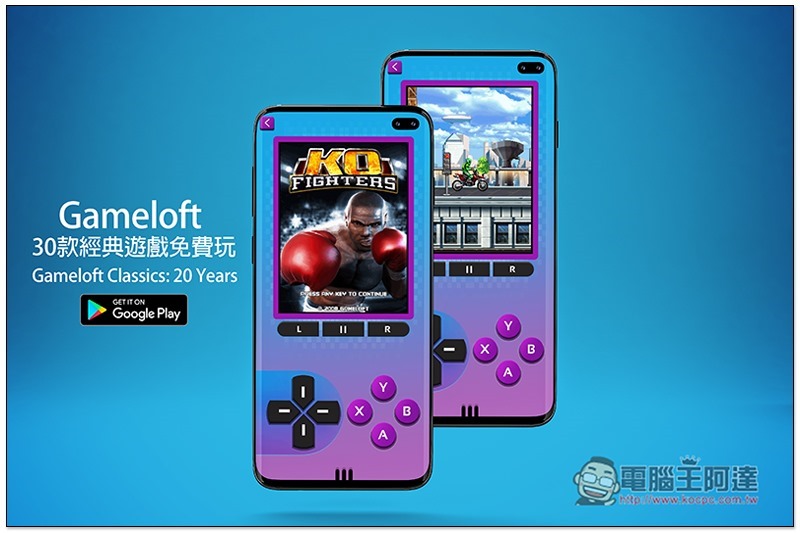
Gameloft Classics: 20 Years Introduction
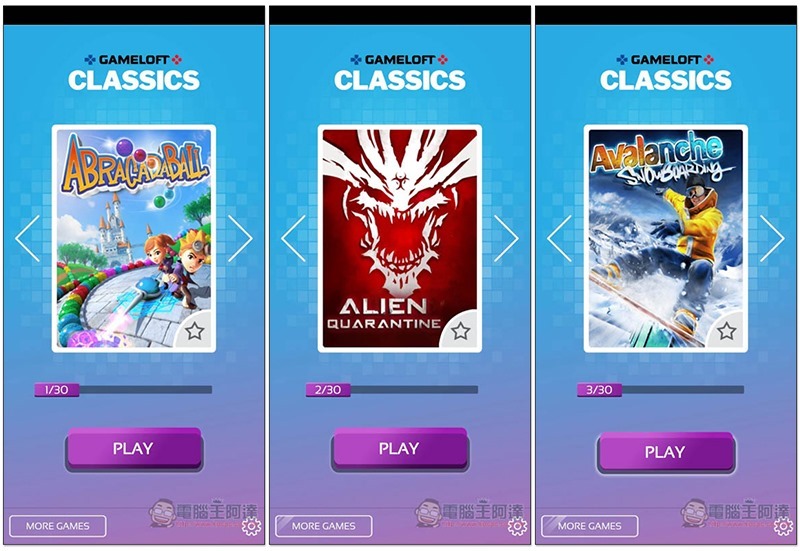
The 30 classic games collected by Gameloft Classics: 20 Years are as follows. There should be no Chinese names for this period (at least I didn’t find it when I checked online), but when people who have played it see the screen, I guess they can immediately think of:
- Abracadaball
- Alien Quarantine
- Avalanche Snowboarding
- Block Breaker Deluxe 2
- Block Breaker 3 Unlimited
- Brain Challenge 3: Think Again!
- Bubble Bash 2
- Cannon Rats
- Date or Ditch 2
- Diamond Rush
- Detective Ridley and the Mysterious Enigma
- Fashion Icon
- Gangstar 2: Kings of L.A.
- Hero of Sparta
- High School Hook Ups
- KO Legends
- Miami Nights 2: The city is yours!
- Midnight Bowling 3
- Midnight Pool
- Modern Combat 2: Black Pegasus
- Motocross: Trial Extreme
- My Life in New York
- N.O.V.A. Near Orbit Vanguard Alliance
- Platinum Solitaire 3
- Soul of Darkness
- Texas Hold’em Poker
- Vampire Romance
- Wild West Guns
- Zombiewood
- Zombie Infection
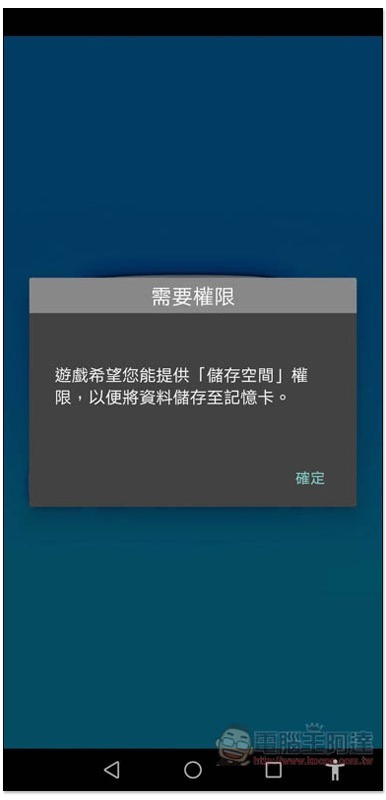
When you open it for the first time, you will be asked to obtain storage space permissions, but the game progress seems to be unable to be saved? At least the ones I’ve played can’t help it:
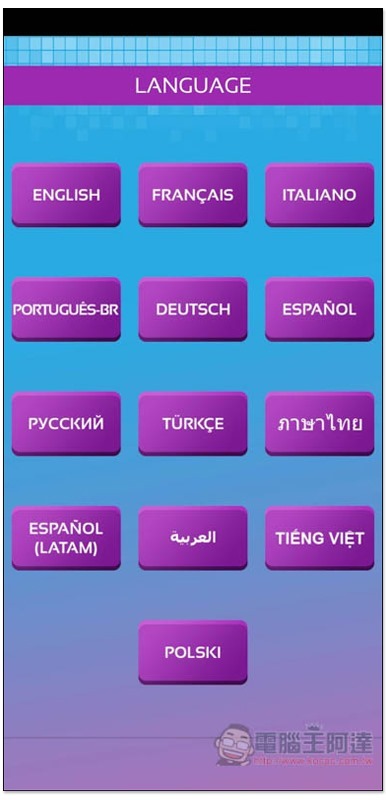
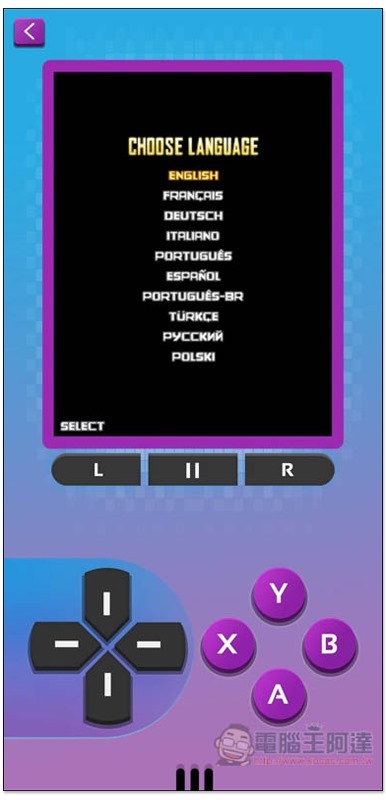
Then select the interface language you want to use. There is currently no Chinese, but the operation is very simple, so don’t worry too much about not understanding it:
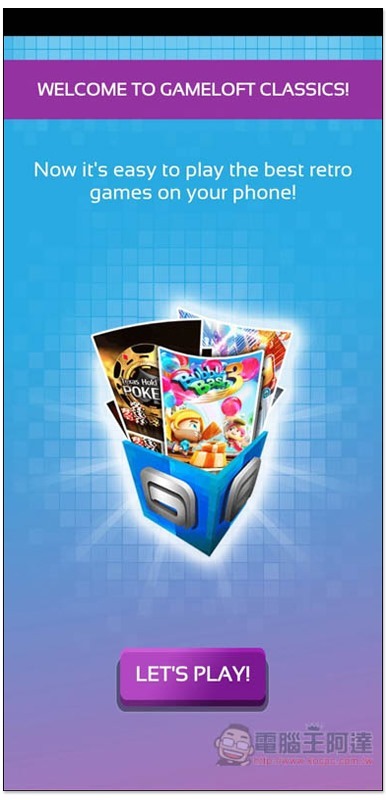
Click “Let’s Play” when you see this screen:
You will enter the main menu. Press the arrows on the left and right sides of the picture to switch the games you want to play. There are 30 games in total. Once you decide, press PLAY below:
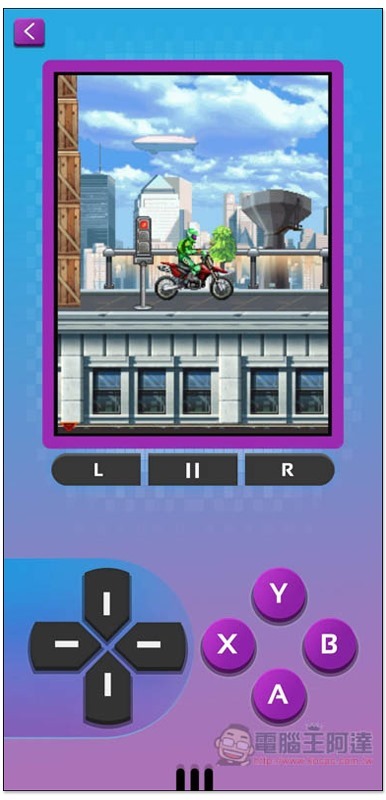
You will then enter the game interface, just like a handheld device, use the left direction keys to select the option you want, and there are A, B, Y, and K keys on the right side. Most of the time, you use the A key to confirm or select. The game screen does not support touch functions, so you must use the following controller:
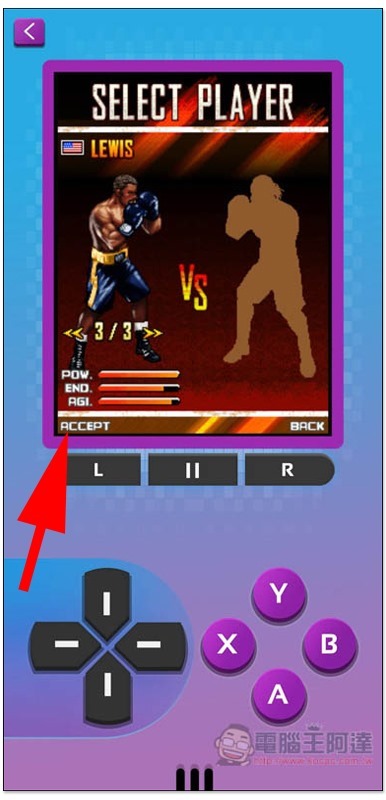
If there are options in the lower left or lower right of the game screen, please use the L or R key to select:
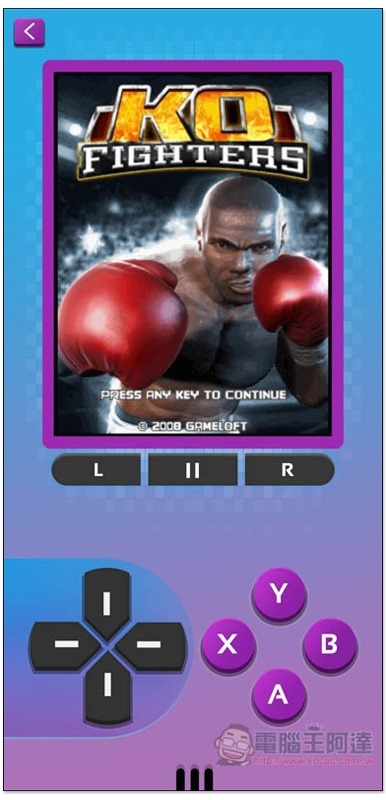
You can start playing now! Those who have played handheld consoles should be able to get started quickly:
Motocross: Trial Extreme can be said to be one of my favorite games in the past. I didn’t expect that I can now play it on an Android phone. I almost forgot about this game:
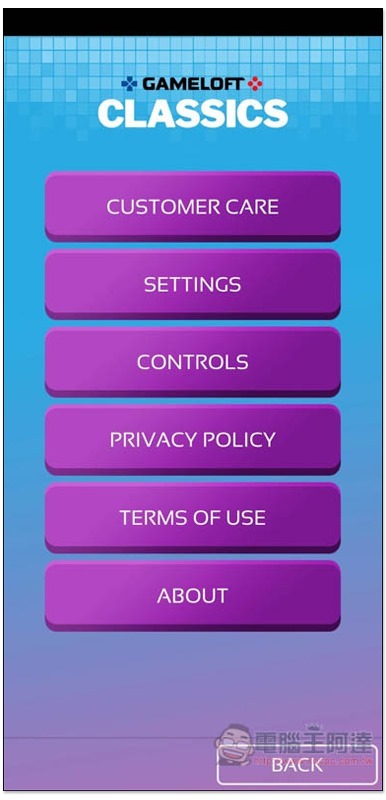
There are also some options in the settings that can be adjusted and viewed:
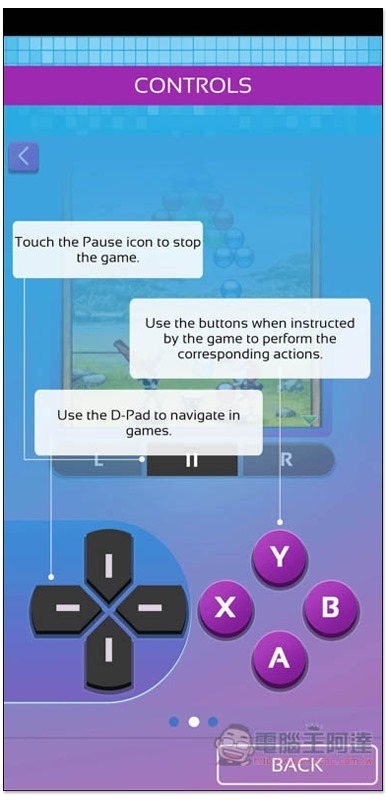
If you want to know more about the operation of the controller, you can check the CONTROLS menu:
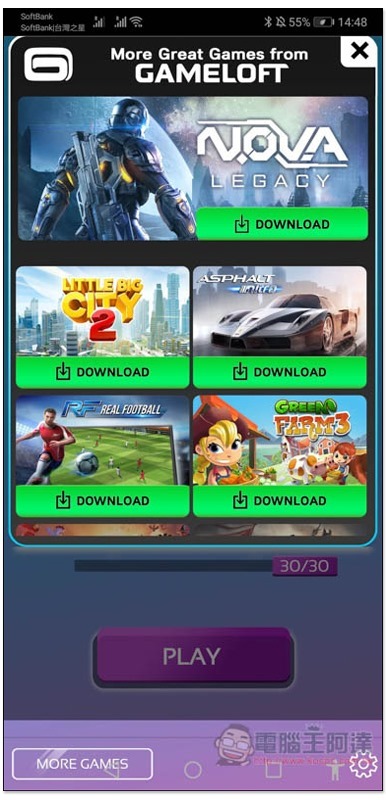
The More Games in the lower left corner of the main menu will list other games produced by Gameloft, which are all modern new games, such as ASPHALT, NOVA Near Earth Alliance, etc.:
Personally, I feel that it is a pity that the game screen cannot be enlarged, which makes the game less enjoyable and wastes a lot of screen space. I hope this feature will be added in the future.
Supplementary information
Gameloft Classics: 20 Years download page:Click here to go
Humble Bundle再推超殺2K同捆包!1美元解鎖4款,20美元解鎖NBA2K20、WWE2K20等13款遊戲大作
Source: KOCPC Chinese