


Google officially announced, Google Meet and Microsoft Teams are about to achieve two-way interoperability. This update means that enterprises and organizations will be able to join video conferences across platforms more flexibly in the future. Regardless of whether the meeting is originally established on Google Meet or Microsoft Teams, users can join smoothly through the corresponding conference room hardware, reducing technical friction in cross-ecosystem collaboration.

You’ll be able to join Microsoft Teams calls using Google Meet
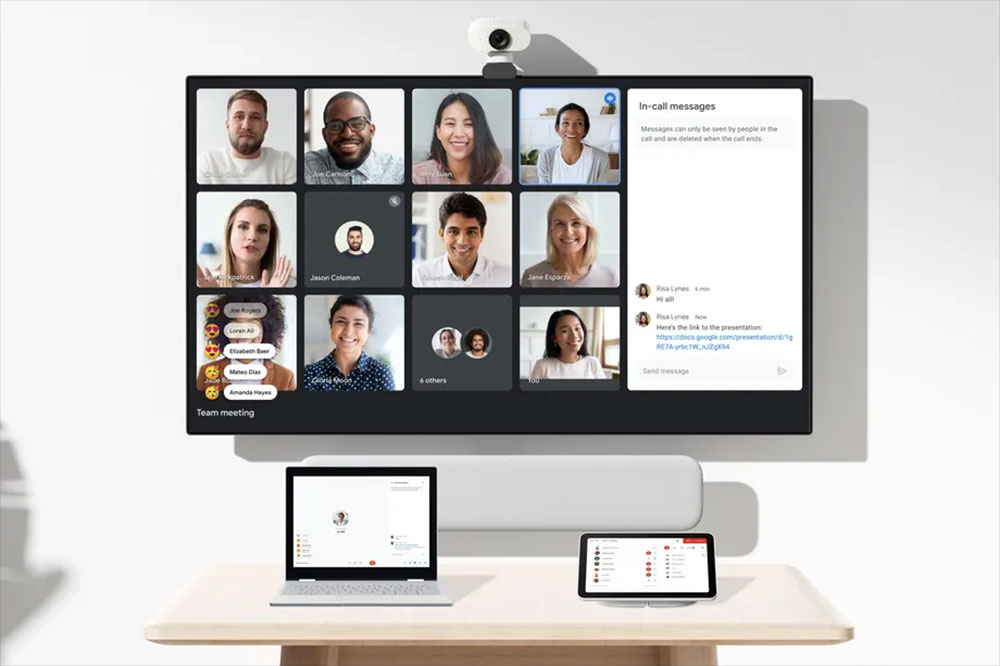
In actual use, if you want to join a Teams meeting from Google Meet, the user must have a Google Meet hardware device using Chrome OS. This type of device is a conference room solution specially built for the Google Workspace ecosystem. It usually includes a Chromebox as the main computing core, a smart camera that can automatically adjust the image and light, an easy-to-operate touch controller, and a speaker and microphone set with echo cancellation and noise suppression functions. The entire system is designed to allow meeting rooms to join Meet meetings in the most intuitive way with minimal settings, and now it can also be extended to support Teams.
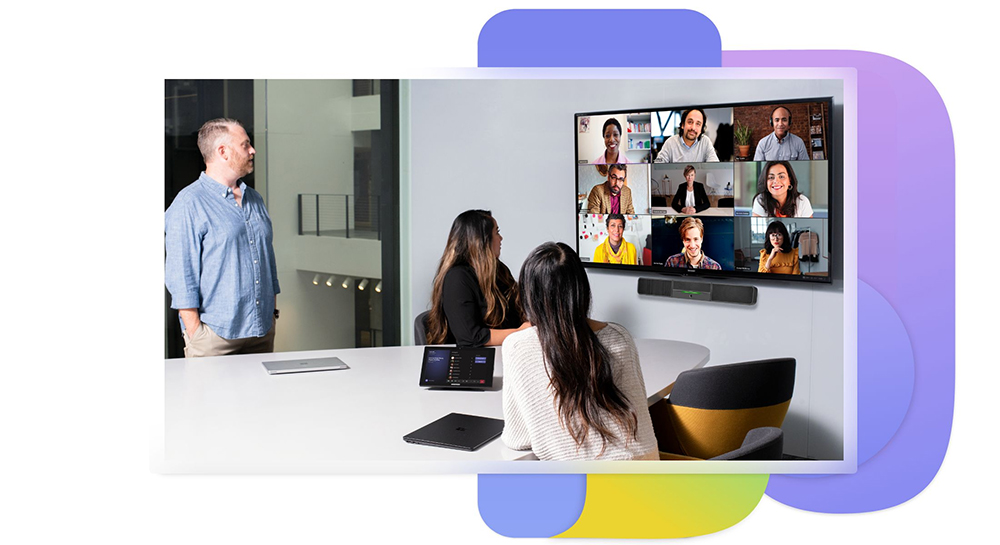
Conversely, joining a Google Meet meeting from Microsoft Teams Rooms requires Windows-based Teams Rooms certified hardware. Teams Rooms devices typically consist of a Windows mini PC or Android device as the computing unit, a touch console, and a Microsoft-certified camera, speaker, and microphone. These devices also emphasize plug-and-play, stability and enterprise-class management capabilities, and are core devices for many organizations when deploying hybrid office environments.
To enable Google Meet interoperability in Teams Rooms, administrators need to first evaluate which cross-platform join method is suitable for their organization. There are currently two main types: Direct Guest Join (DGJ) and joining via SIP. The advantage of DGJ is that it is simpler to set up, but it only supports up to 720p video quality and does not support screen sharing through HDMI or content cameras, so administrators need to make a choice based on actual meeting needs.
Next, the Exchange mailbox used by the Teams Rooms Resource Account must be configured correctly to handle invitations from the third-party meeting service and retain the main information of the meeting invitation. Additionally, organizations need to verify that tenant-level policies do not block devices from connecting to external conferencing services. If an enterprise uses a third-party URL rewriting tool, it must also add the Google Meet meeting link to the exception list to prevent the link from being modified and making it impossible to join the meeting.
After completing the above preparation, the administrator will also need to enable Google Meet as a third-party meeting provider on the Teams Rooms device. This setting can be set through the Teams Pro admin portal, adjusted in local device settings, or deployed using the SkypeSettings.xml configuration file. Once set up, Teams Rooms devices can join Google Meet as smoothly as joining a Teams meeting.
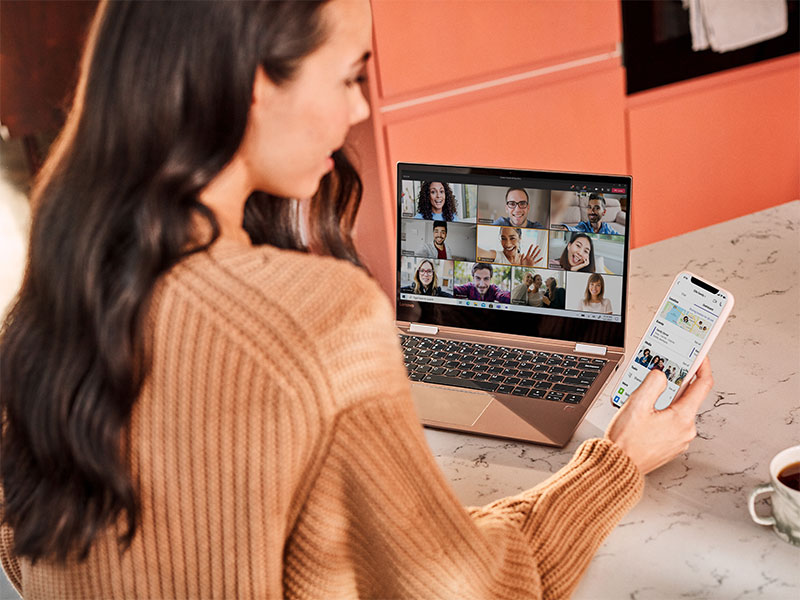
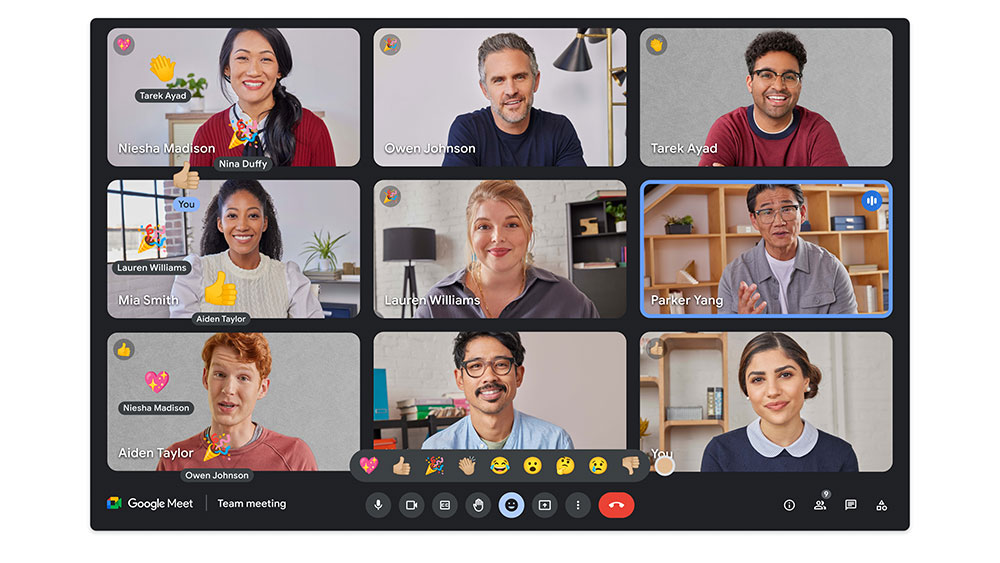
In comparison, the process of joining a Teams meeting using Google Meet hardware is more intuitive for average users. If the Teams meeting is already scheduled in Google Calendar and synced to the meeting room’s Meet device, users only need to click on the meeting name with the subtitle “With Microsoft Teams” in the schedule list. When the Teams meeting host joins, the meeting starts automatically, and the overall experience is almost the same as joining a native Meet meeting.
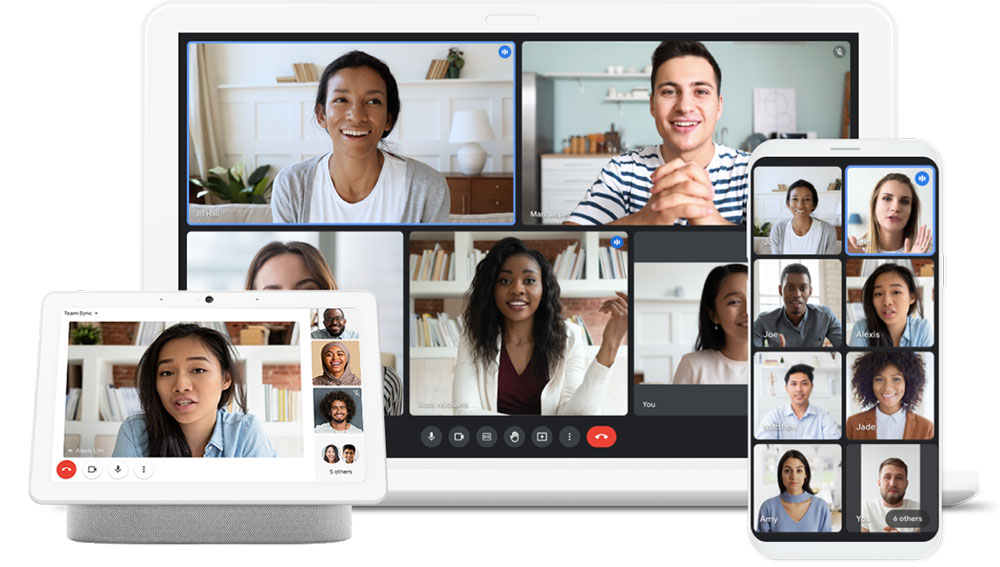
Overall, this interoperability update between Google and Microsoft is an important development for a large number of enterprises that use hybrid cloud services and cross-platform collaboration. It not only lowers the technical threshold for cross-platform conferencing, but also allows organizations to more freely choose the most suitable conference room hardware and workflow, further improving the flexibility and efficiency of hybrid office.
Source: KOCPC Chinese