


Recently, an operating system called “LiberNT” appeared on GitHub. It is neither Linux nor a Microsoft product; rather, it is a rebuilt Windows NT architecture aimed at compatibility with Windows 11 programs and drivers. The developer also admits that LiberNT’s development process makes extensive use of AI technology. It references Windows 11’s public technical documentation, SDK, WDK, and system symbols, analyzes Windows 11’s actual operating behavior through black-box testing, and then uses AI to help write code, check feature differences, and fix bugs.
In addition to regular x86 computers, it can also run on ARM64, and Mac users can try it through a virtual machine.

LiberNT is a free, open-source operating system targeting Windows 11 compatibility, and it runs on both x86 and ARM64.
LiberNT is an open-source operating system project initiated by developer Ahmed Arif. It is available for free download on GitHub and is licensed under GPL-3.0. It uses Windows 11 24H2 as its compatibility reference, aiming for Windows 11 programs and drivers to run directly on it. It currently supports three processor architectures—AMD64, ARM64, and RISC-V 64—and is still under active development.
LiberNT is a fork of ReactOS. In addition to continuing to use ReactOS’s code, it has also replaced its boot loader, graphics architecture, and memory management with new ones, and recently even the kernel has been replaced with a new one. The project also specifically states that LiberNT is not affiliated with the ReactOS project or Microsoft, and has not been endorsed by either.
In addition, like ReactOS, LiberNT also uses code from Wine. Wine is a compatibility layer that lets Linux and Mac run Windows programs, and it must run on another system. LiberNT, by contrast, is itself an NT-architecture operating system and does not require the Linux kernel.
The developer said that AI is used in the development process. AI helps write code, review code, read technical documentation, and fix bugs. However, all AI-generated content must be reviewed by a person, and end-to-end tests must also be actually verified by someone before being merged into the main branch.
The development specifications also require “clean-room development,” meaning that disassembled or decompiled Windows code must not be copied, nor may Linux GPL code be copied; one may only refer to Microsoft’s publicly available SDK and WDK header files and to behavior actually tested on Windows 11.
For the functionality section, the development results currently listed by the official source mainly include the following:
- Supports AMD64, ARM64, and RISC-V 64. Precompiled images are available for all three architectures, and ARM64 also supports Raspberry Pi.
- Supports UEFI boot; preinstalled disk images can boot via UEFI or BIOS.
- Supports PCIe, Plug and Play, USB (xHCI), SD/eMMC, and various storage and bus drivers.
- It includes a built-in LiberNT Setup installer that closely resembles Windows, allowing you to create, delete, format, shrink, or extend disk partitions and install to NTFS.
- For graphics drivers, Mesa has been introduced; there is also an optional WoW64 setup paired with FEX, allowing the ARM64 version to run x86 programs as well.
As for what everyone cares about most—whether LiberNT can run Windows software directly—there’s currently no guarantee.
In terms of performance, the developer shared that they tested on an M3 Pro Mac, comparing file caching, memory, threads, FAT32 and NTFS storage, and other items against Windows. Out of 132 system tests, it won 112, with the worst item only 28% behind, and some items more than 2000% faster than Windows.
Visit the LiberNT official website
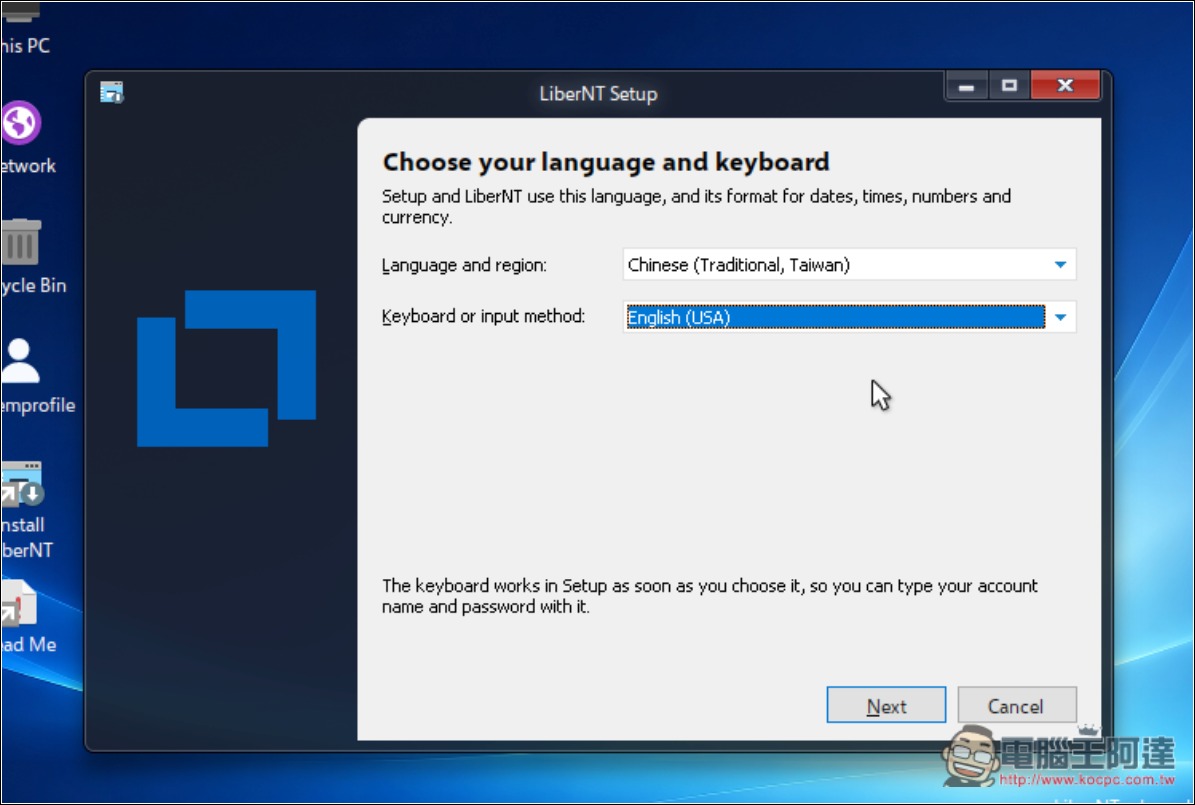
Although the installation wizard allows you to set Chinese (Taiwan), once you actually reach the main screen, most of it has not yet been localized into Chinese:
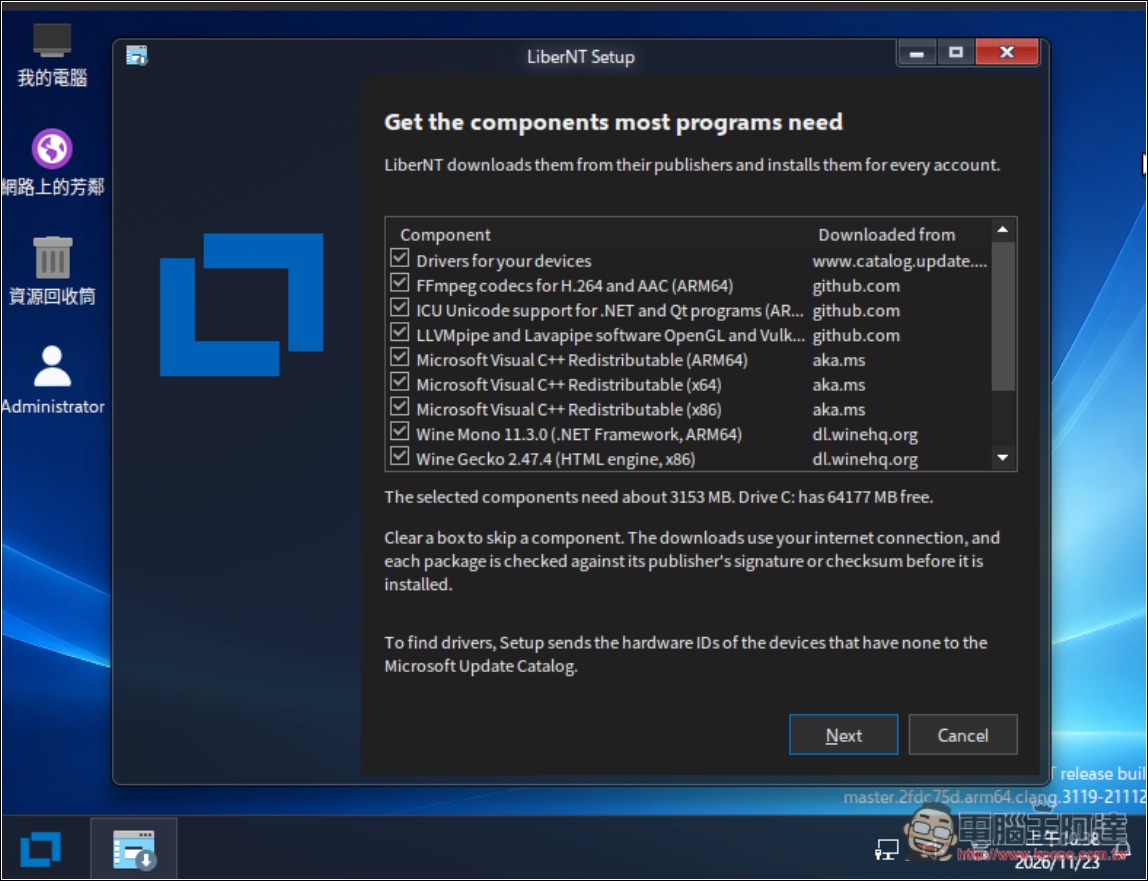
The first-boot setup wizard offers downloads of components such as Chrome, Firefox, Steam, and the Visual C++ runtime, and package management also uses WinGet—it really looks like Windows:
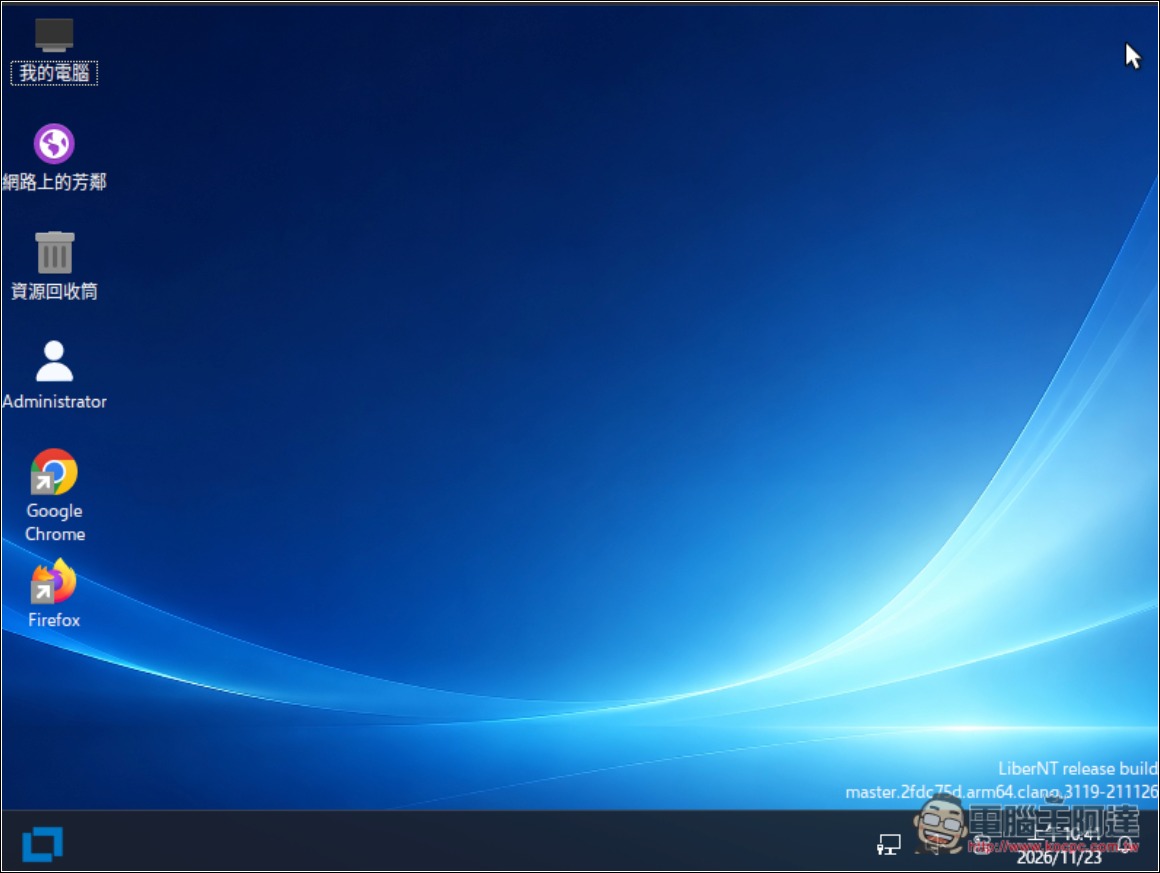
My Computer, Network Neighborhood, etc. all have:
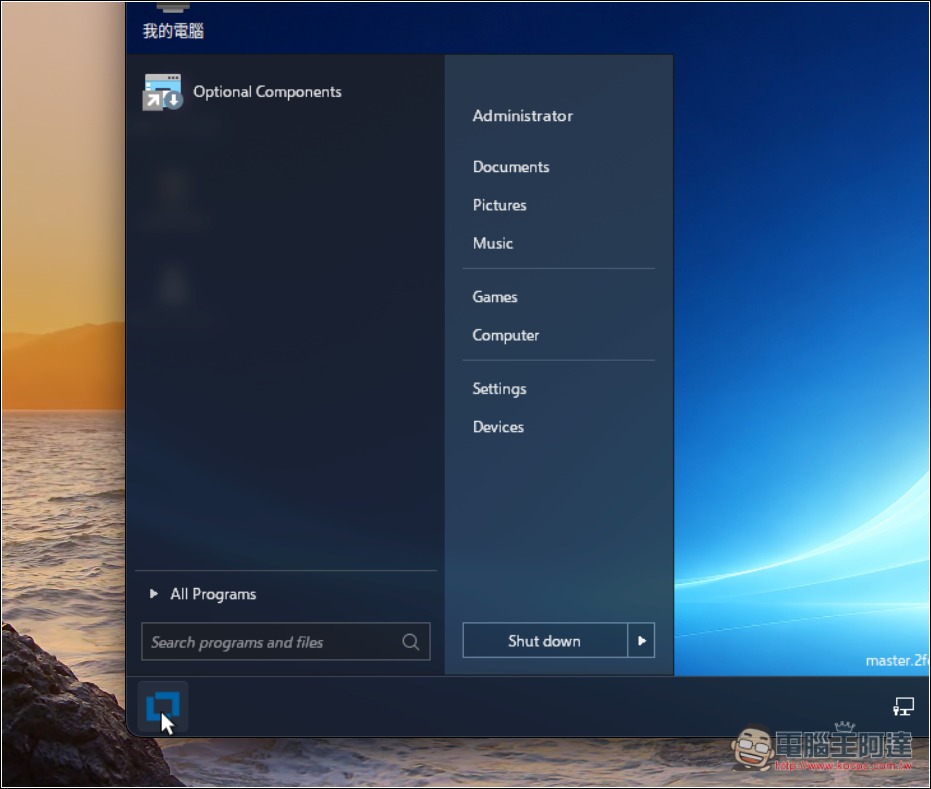
The Start menu is also very similar to Windows:
File Explorer is also:
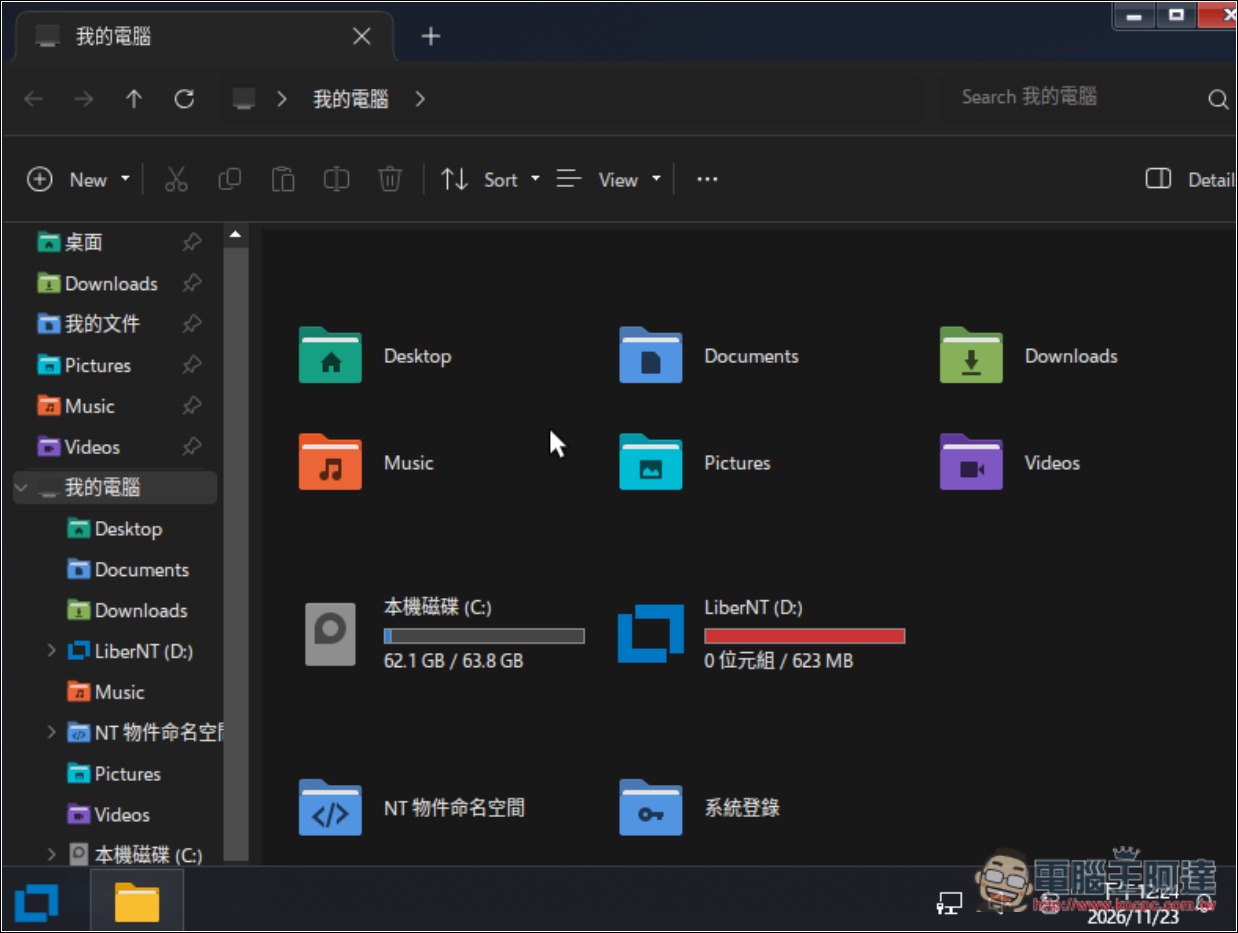
However, stability isn’t very good at the moment. I’m not sure if it’s because I’m using a virtual machine, but when downloading drivers and other components, it keeps freezing and I can’t continue. This also means I can’t test its ability to access the internet and install Windows applications.
Interested readers can try it themselves, but it’s recommended to just play around with it in a virtual machine, since it’s still in its early stages.
Source: KOCPC Chinese