


Microsoft’s Phone Link has already successfully broken down the barriers between Windows PCs and Android devices, letting users seamlessly view phone notifications, access photos, and even operate phone apps from their desktop. Now, Microsoft appears poised to take this cross-device ecosystem integration to a new level: turning your mobile device directly into a second screen for your computer.
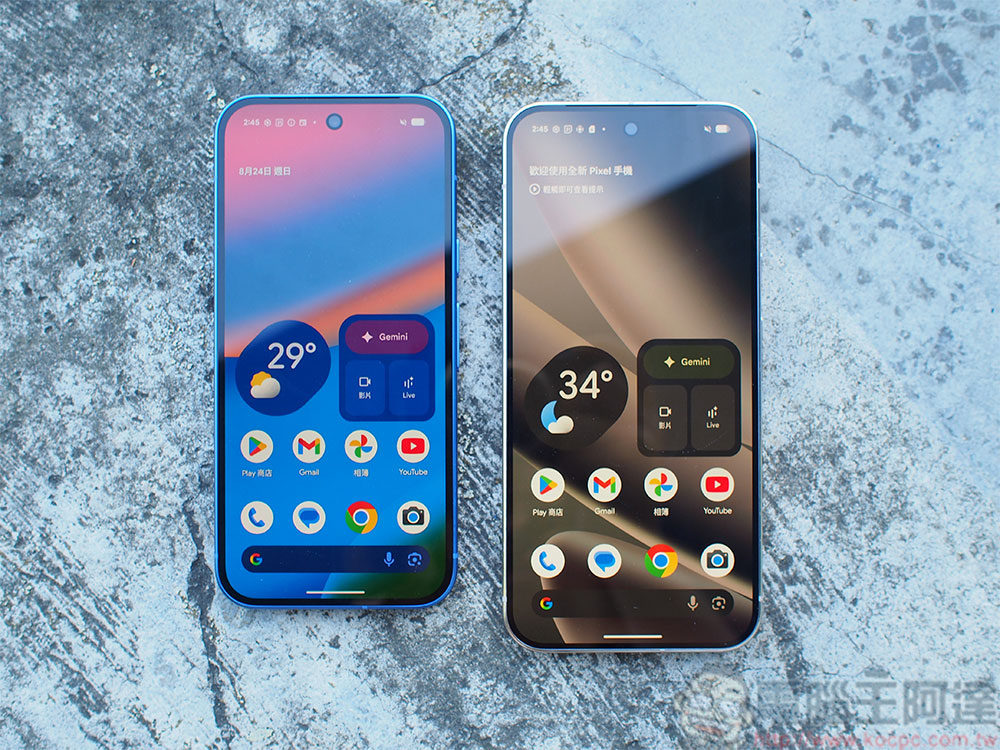
Microsoft is testing a new feature that would turn Android phones and tablets into wireless secondary displays for Windows 11.
According to foreign media,Windows LatestAccording to the latest report, developers have found clues to a new feature called “Extend Display” in the code of the “Link to Windows” app. Once this feature is officially launched, Windows 11 users will no longer need to buy an additional physical external monitor or rely on third-party software; they will be able to turn their Android phone or tablet into a wireless secondary display and easily expand their desktop workspace.
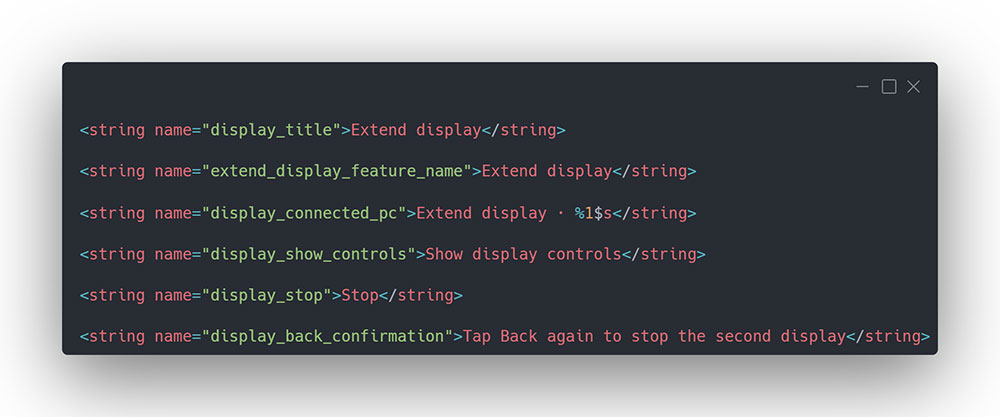
In the past, Phone Link’s core logic was “reverse projection,” meaning moving the phone screen onto the computer to operate it; the recently revealed “extended display” completely reverses this concept, with Windows 11 instead sending the desktop screen to Android devices, turning mobile devices into true extended monitors.
Judging from the leaked code details, Microsoft is building a dedicated “Phone as a Display” underlying system, where users can initiate a projection session through a connection app on either the PC side or the phone side. On the technical specifications side, the code explicitly mentions mainstream video codecs such as H.264 and HEVC (H.265), and includes detection of display parameters such as resolution and screen refresh rate. This means its operating principle is to encode the desktop screen in real time into a streaming video on the computer, and then hand it off to the phone or tablet for hardware decoding and playback.
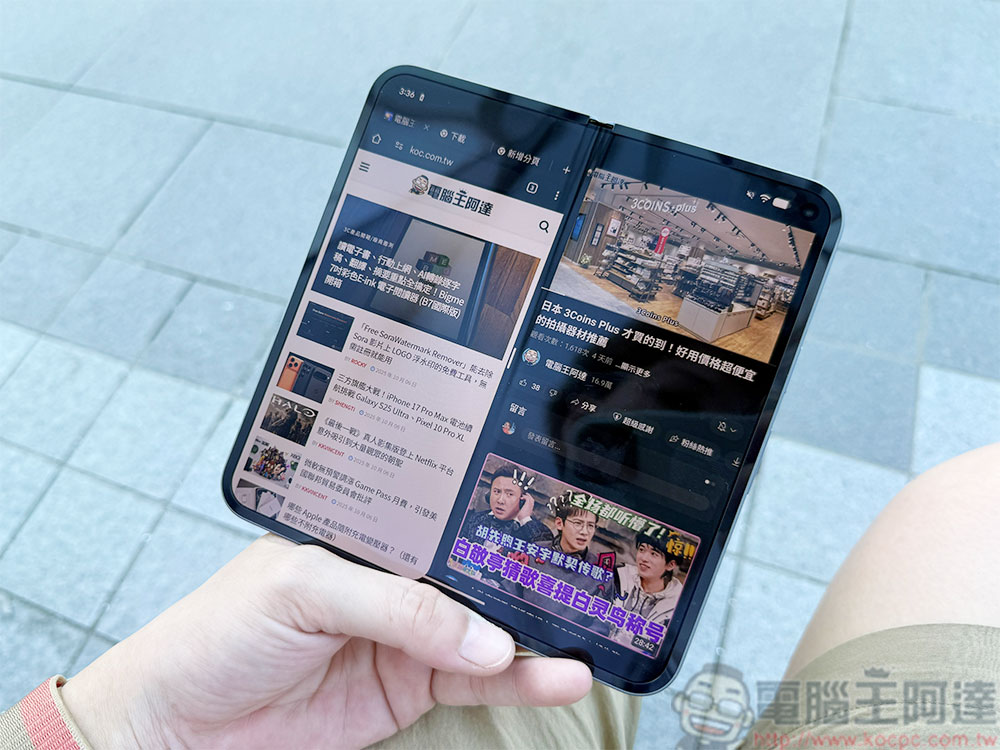
Although the technical architecture has begun to take shape, this feature is still in early development, and many key details remain unclear. The code does not explicitly indicate whether “extended display” will use pure Wi-Fi wireless transmission, support wired USB connection, or both; at the same time, the officially supported maximum resolution, screen refresh rate limit, and the list of applicable Android device brands and OS versions remain unknown. In addition, regarding connection stability mechanisms, the code shows that if the PC crashes, the network connection is unexpectedly interrupted, or the display receiver on the mobile device malfunctions, the system will automatically terminate the projection session; if the first frame cannot be successfully loaded within 60 seconds after the connection is established, the app will automatically determine that the connection has timed out and disconnect.
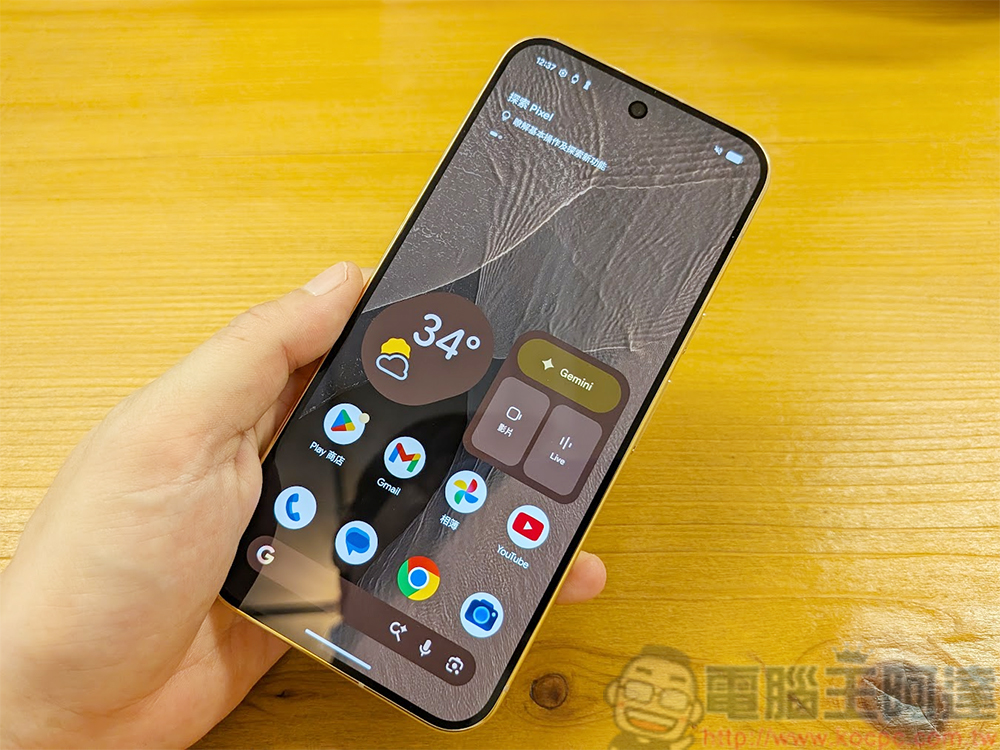
Although “an extra screen anywhere” sounds quite appealing, from real-world productivity scenarios the practical value of this feature still varies significantly across devices. Compared with traditional slab phones, Android tablets with large displays are clearly better suited to serving as a secondary screen: users can place them side by side with a laptop to keep Microsoft Teams chat windows, Slack messages, or reference documents visible at all times, truly enabling efficient dual-screen collaboration. By contrast, ordinary smartphones—even if used to monitor markets or check instant messaging—are limited by their small display area and still hard to call an efficient office setup. Foldable-screen phones, which combine portability with the advantages of a large screen, may instead become the compromise first choice for balancing mobility and productivity under this new feature.
Source: KOCPC Chinese