


Meta has finally filled this gap too! Earlier, Meta’s Chief AI Officer Alexandr Wang announced on social media that Muse’s Chrome extension is officially live, and all Muse AI users can get it from the extension store. After installing it, you can chat with Muse directly in Chrome’s sidebar, without having to use the web version or app, making it more convenient to use.

The Muse Chrome extension is officially live! Muse AI users, install it now.
Muse is an AI agent tool launched by Meta, and it now also offers an official Chrome extension, “Muse from Meta,” which lets users assign various tasks directly in the browser, including automatically operating webpages, filling out forms, checking product prices, scheduling appointments, and handling everyday work. Unlike typical AI chatbots that can only answer questions, Muse’s distinguishing feature is that it can actually perform actions and help users complete a series of tasks.
After installing the Muse from Meta extension, you can open the AI assistant directly from the sidebar on the right side of Chrome, without having to switch to the Muse website separately. You can browse the web while giving Muse instructions in natural language—for example, asking it to find the lowest price for a product, compare offers across different websites, or help fill out an online application form.
The most notable thing about this extension is that Muse can directly use your own Chrome browser to carry out tasks. Previously, Muse mainly operated websites through a separate cloud browser; now it can use Chrome on the user’s computer and even carry over the logged-in account status of websites, saving the hassle of repeated logins.
When performing tasks, Muse groups the webpages it uses into a dedicated tab group and can only operate those tabs. Users can view what the AI is doing at any time, and if they notice incorrect actions, they can click the webpage directly, press Esc, or move the tab out of the group to take over control.
In addition to browser automation, Muse can also connect to email, calendars, Instagram, Facebook, and services such as health and finance. Through these connections, Muse can help organize schedules, handle emails, track subscription costs, and even create fitness and diet plans based on data provided by users.
Key Features
- Chrome sidebar integration: Use Muse directly from the browser sidebar without switching websites.
- AI-powered web automation: can open web pages, click buttons, fill out forms, and perform multi-step tasks.
- Reuse website login status: You can use websites you’re already logged in to in Chrome, reducing the hassle of logging in again.
- Dedicated tab group: Muse operates only within its own separate tab group and will not arbitrarily act on other tabs.
- Smart shopping and price comparison: compare product prices, track price drops, and assist with shopping after authorization.
- Integrates multiple services: supports connecting email, calendar, Facebook, Instagram, and other apps.
- Daily work automation: assist with scheduling appointments, tracking refunds, managing itineraries, and setting reminders.
- Take over at any time: pause AI work and immediately regain browser control.
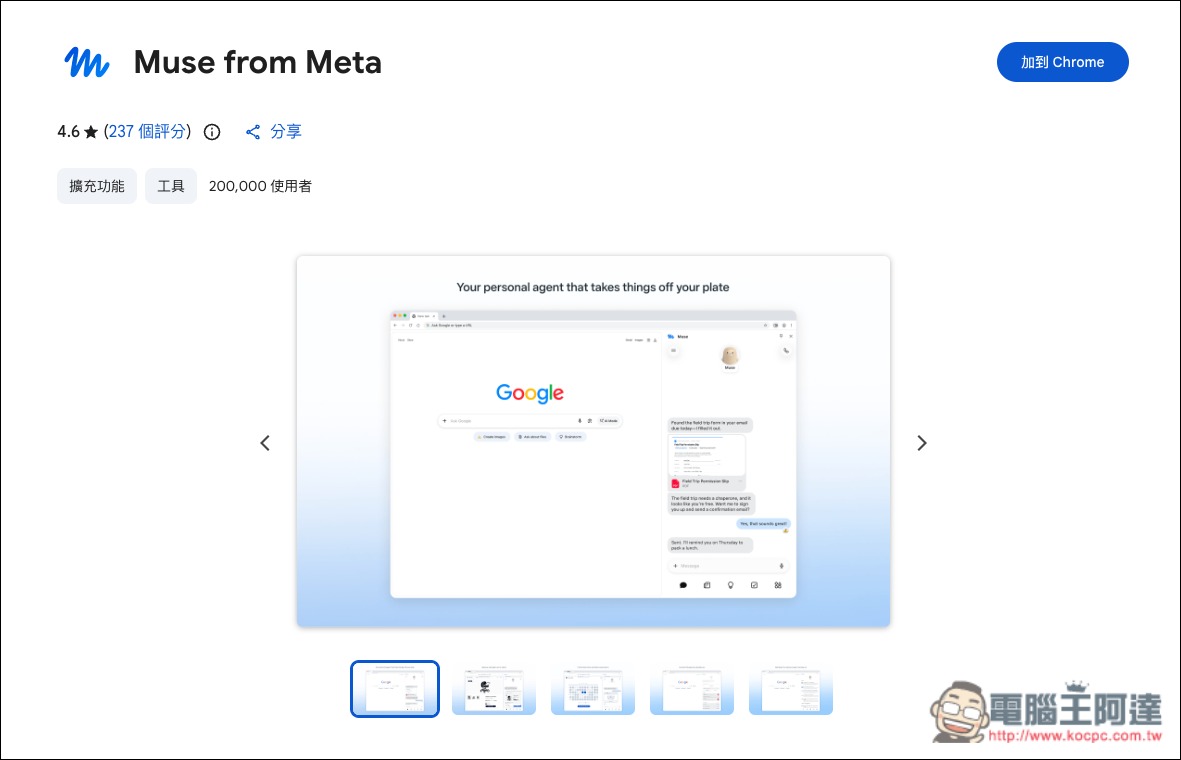
Clicking the link above will take you to the Chrome Web Store page for Muse from Meta:
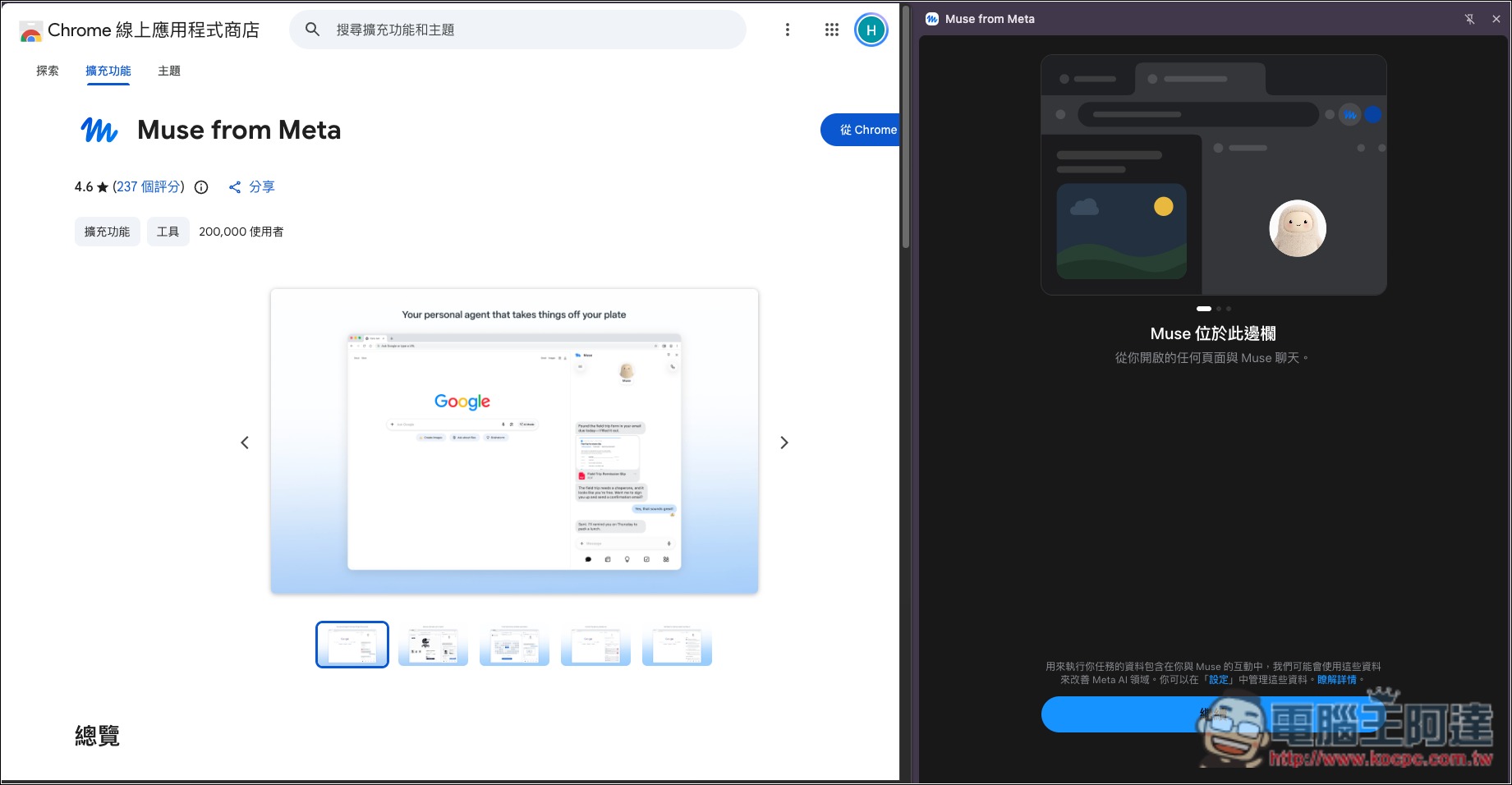
Once installed, open it. If you’re already signed in to the Muse AI web version, you can start using it right away without having to sign in again:
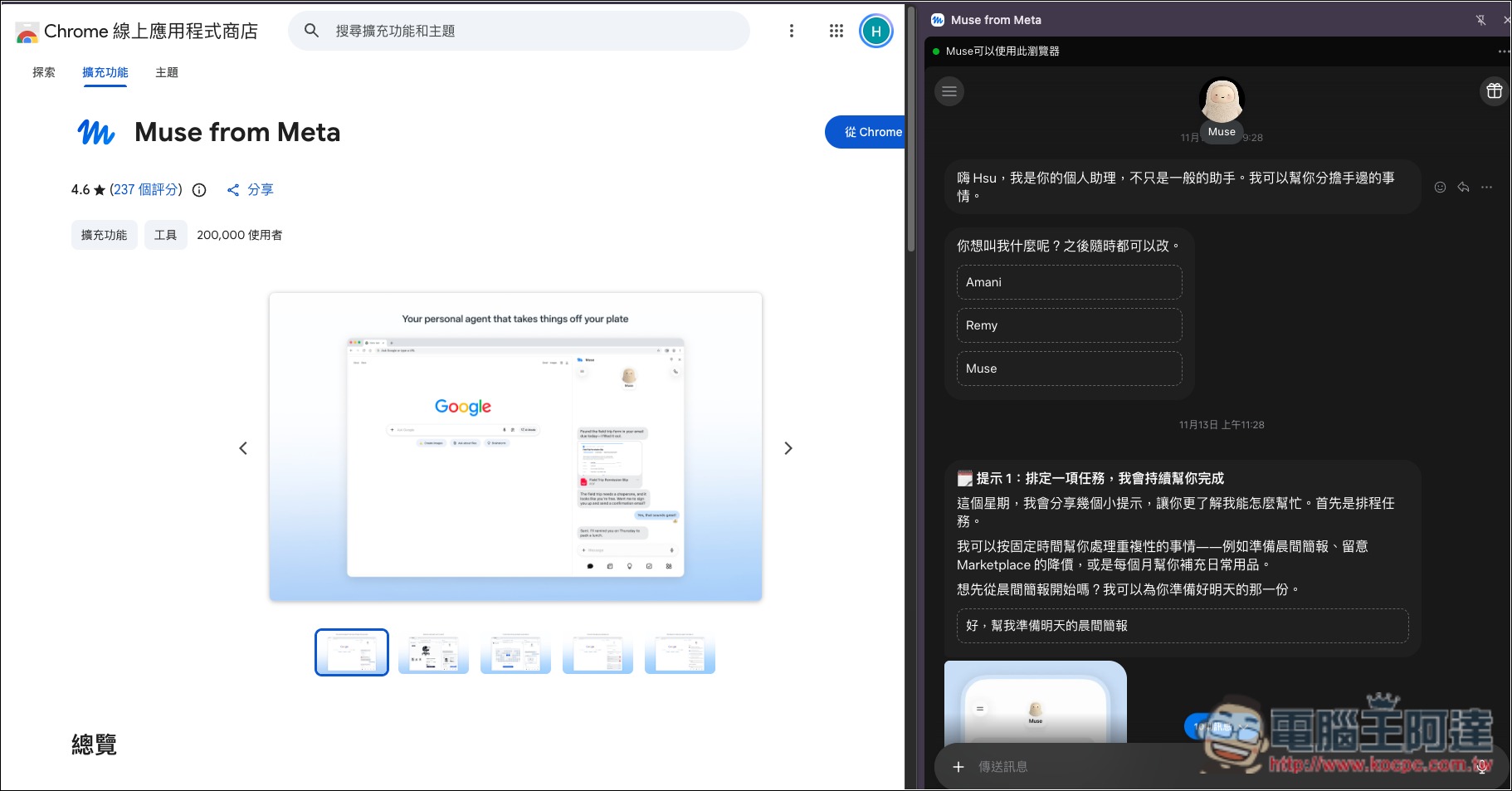
The right side will display your main Muse AI chatroom; of course, you can also use the menu in the top left to switch to the chatroom you want to use:
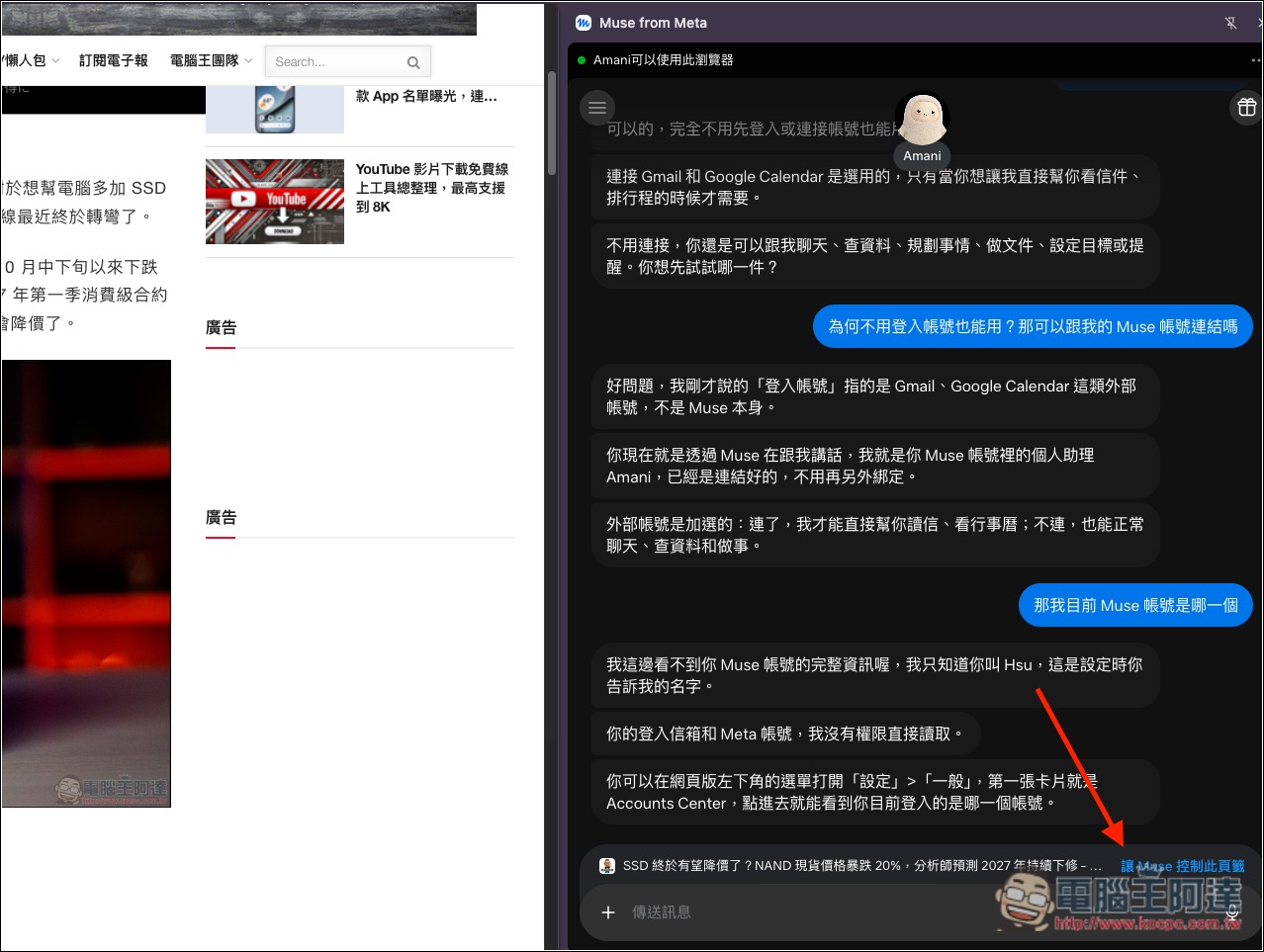
The way you use it is basically the same as in Muse AI, except that the Muse in the sidebar can directly control your browser and can also read the page you currently have open:
Source: KOCPC Chinese