


Gemini users have long had this problem: if they don’t want their conversations used for AI training, they can’t keep their past chat history, which is really troublesome. On this point, Google has finally agreed to compromise. It recently announced an update to the Gemini app’s privacy controls, splitting “chat history” and “generative AI model training” into two independent settings. This means users will be able to opt out of AI training while also keeping their chat history, with no more either-or choice.
However, this update is not yet fully available and is expected to roll out to users worldwide over the coming weeks.
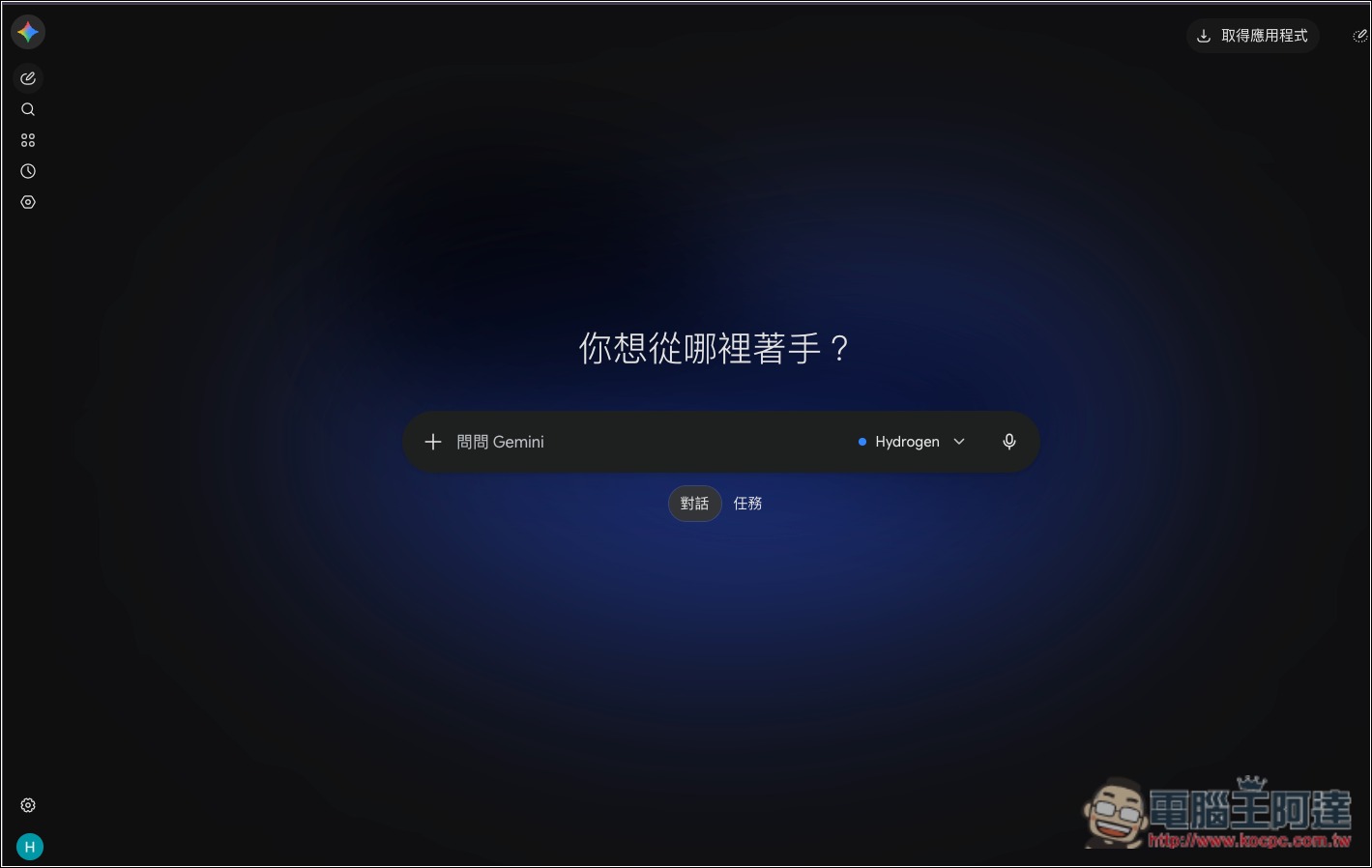
Gemini privacy settings get a major update: chat history and AI training can finally be managed separately, but after you turn off history, data will instead be stored for about 2 months.
Before this update, Gemini had only one “Keep Activity” toggle, which required deciding two things at once:
- On: Save your chat history, but also allow Google to use these conversations to improve its services, including training generative AI models; some conversations may also be reviewed by human reviewers.
- Off: Subsequent general conversations will not appear in activity history or be used to train generative AI models (except for content you actively submit as feedback), but conversations will still be temporarily stored for up to 72 hours.
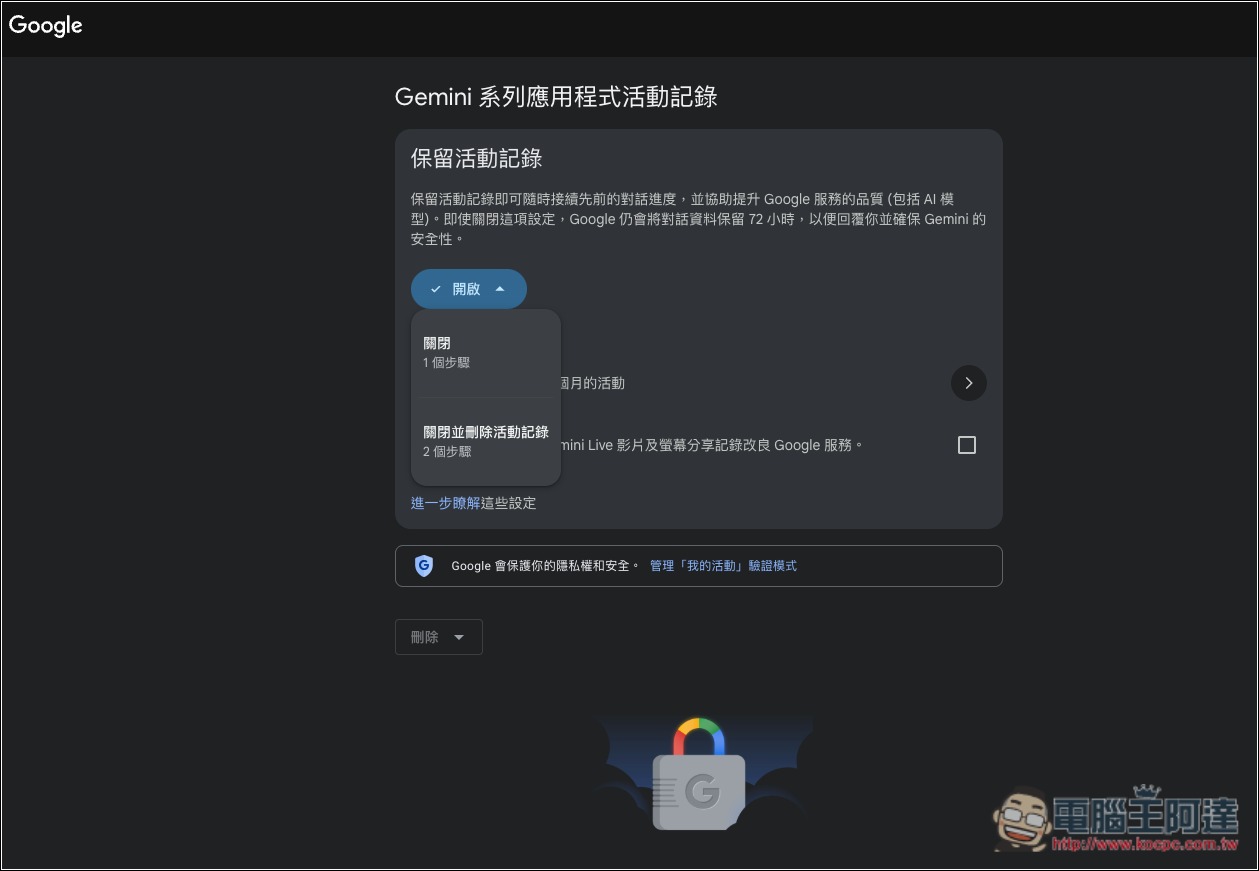
The current screen of the old version.
As a result, users cannot choose to retain chat history only while separately opting out of their conversations being used for AI model training. This means that if they want to be able to search previous conversations and pick up prior work in the future, they have to accept the training. If they care about privacy, they have to give up chat history. This design also sparked considerable discussion on Hacker News previously, with a paid subscriber posting that only after paying did they discover that keeping records meant allowing their conversations to be used for training.
and according to Google’s recent official blog announcement, the new settings will become the following three.
- History: Decide whether to keep chat history and how long to keep it. On by default for users 18 and older; auto-delete defaults to 18 months and can be changed to 3 months, 36 months, or no auto-delete.
- Chat content including text & uploads: Decide whether your entered text, uploaded files, and other chat content are used to train generative AI models.
- Audio and Gemini Live: The full name is “Improve Google services with your audio and Gemini Live videos & screenshares”; this controls whether your recordings, Gemini Live videos, and screen share content are used to improve Google services and model training.
For Gemini accounts that already had activity retention turned off, all new settings will remain off.
The following summarizes the differences between the old and new versions:
| Comparison item | Legacy Gemini | New version of Gemini |
|---|---|---|
| Keep chat history | Support | Support |
| Do not use for AI training. | Support (but turn off activity history) | Support |
| Keep records yet refuse to train. | Not supported | Support |
| Text and uploaded content training toggle | Bound to activity records | Independent settings |
| Temporary storage duration after closing records | Up to 72 hours | About 2 months |
| Temporary conversation retention time | Up to 72 hours | About 2 months |
| Automatically delete history | Configurable | Configurable (3, 18, 36 months, or never delete) |
Another important change in this update is that after you turn off the new activity history setting, conversations will not appear in your history, but they will be linked to your account and retained for about 2 months, primarily to respond to your questions, process feedback, and protect the safety of Google, users, and the public. Compared with the past, this retention period is a very large increase; previously, conversations after history was turned off were retained for at most 72 hours.
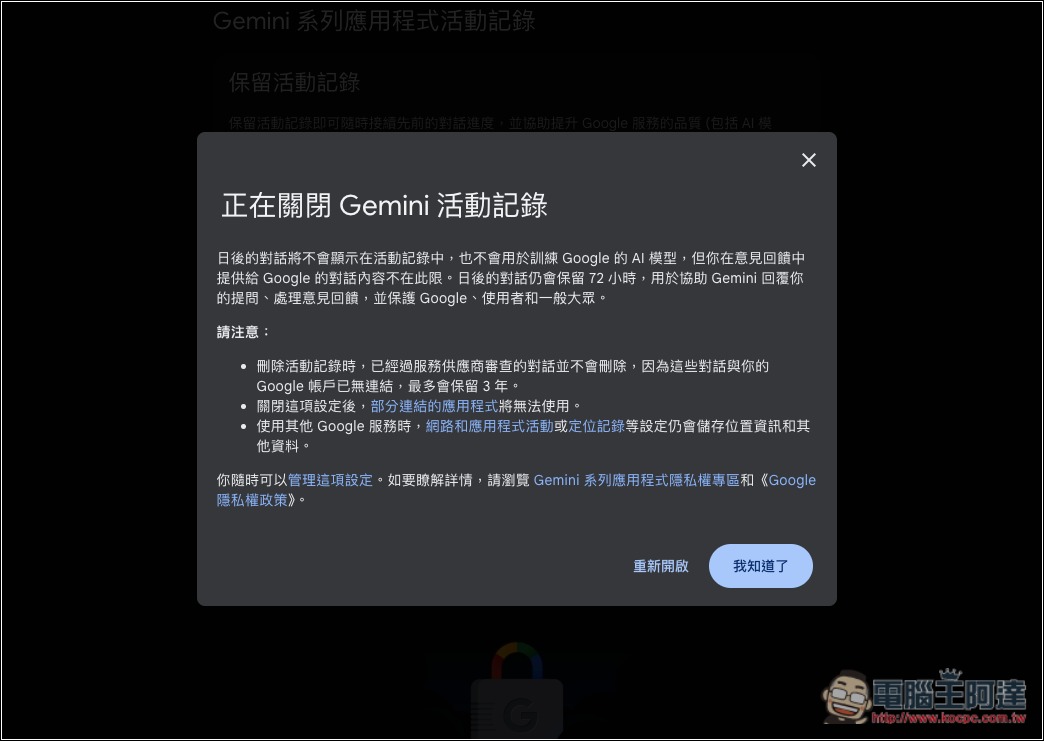
As for the setup process, according to Google’s official instructions, once you receive the update, you only need to confirm the following steps:
- Open Gemini and go to “Settings → Activity History.” On desktop, it’s under Settings in the bottom-left corner; on an Android phone, tap the menu in the top-left corner and then go to Settings.
- Turn on activity history, and chat history will be kept for the period you set.
- Keep “Chat content including text & uploads” unchecked, and your text and uploaded content will not be used to train generative AI models.
- Check as needed to confirm “Improve Google services with your audio and Gemini Live videos & screenshares,” to avoid Gemini Live recordings, videos, and screenshares being used for training.
Source: KOCPC Chinese