


Only about two months after launching Images 2.5 in September, OpenAI has released a new-generation Images 2.6 image generation model! This time there are three major highlights: it can directly generate animated GIFs, the new model’s image generation speed is 50% faster, and it can better preserve the original details during consecutive edits. It has been rolling out in ChatGPT, Codex, and the API, and free users can also use it.
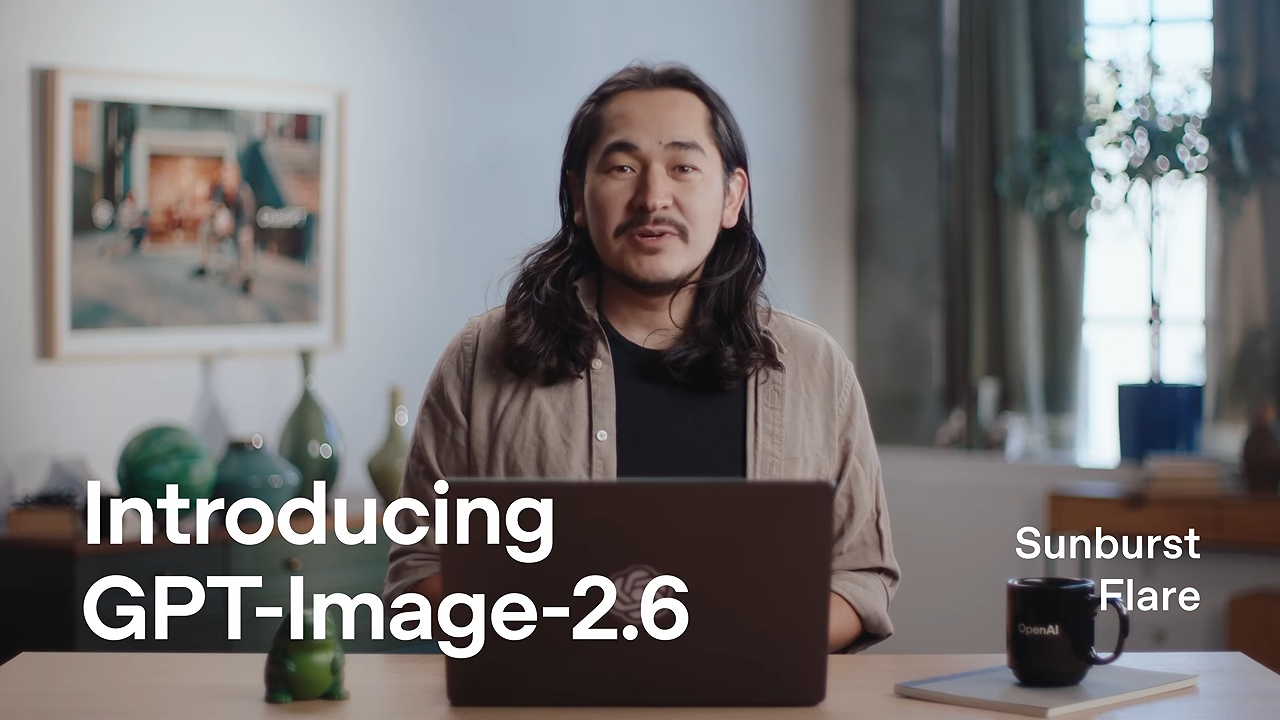
ChatGPT Images 2.6 is officially here! It can directly generate GIF animations, and the new model generates images 50% faster with more precise edits.
OpenAI announced earlier on its official blog the launch of Images 2.6, a new-generation image generation model. ChatGPT has added two new features, “GIF animation generation” and “reference image saving,” while on the API side there are two new model options: GPT-Image-2.6 Flare and GPT-Image-2.6 Sunburst. Compared with the previous generation, Images 2.6 increases image generation speed by up to 50%, meaning that generating images in ChatGPT will be much faster.
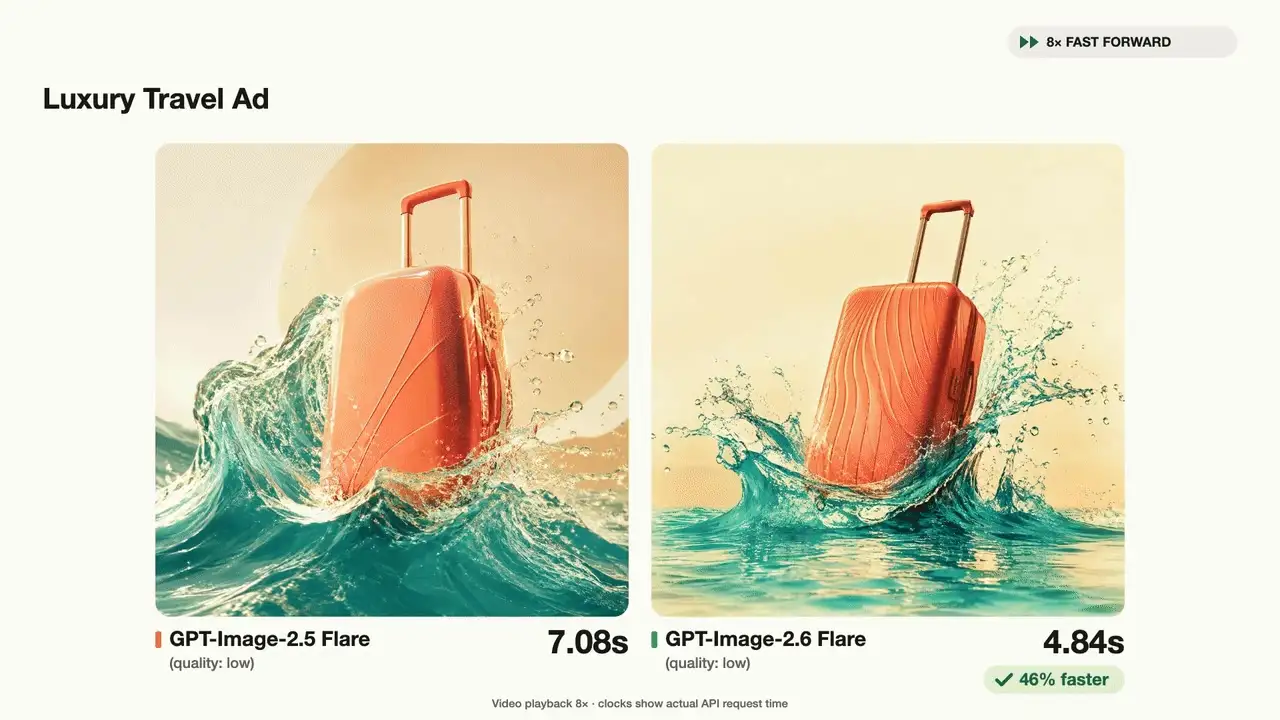
In addition, the new model also makes it easier to maintain consistency in character appearance, product and brand design, and when modifying specific areas of an image, it reduces the likelihood that other parts are changed along with them. For professional visuals that depend on layout, such as posters and product images, layout quality has also been improved.
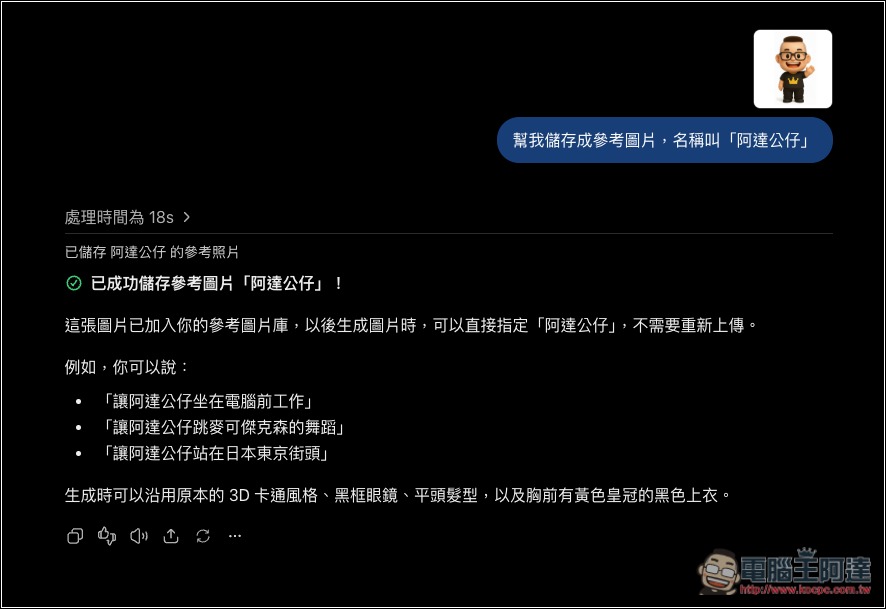
Another new feature related to consistency is “Reference Images.” You can save photos of yourself, your pets, or original characters, and then use them directly when generating new images without having to re-upload each time—that’s pretty nice and can save a lot of time.
The way to use it is also very intuitive: after uploading the reference images you commonly use, just give a prompt like “Help me save it as a reference image named xxxx,” and ChatGPT will save it:
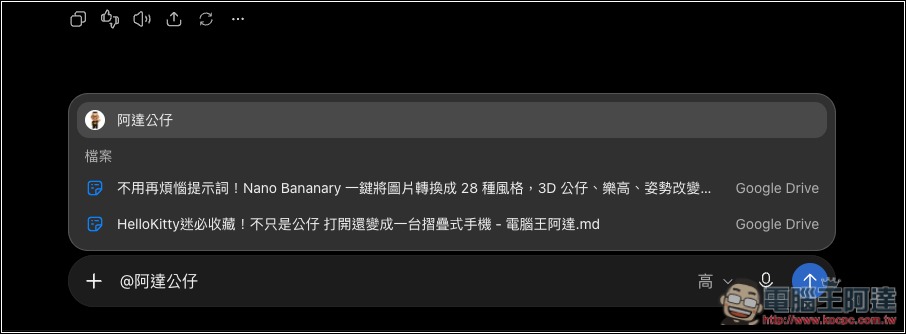
In the future, when you want to use it, just type @keyword to select that reference image:
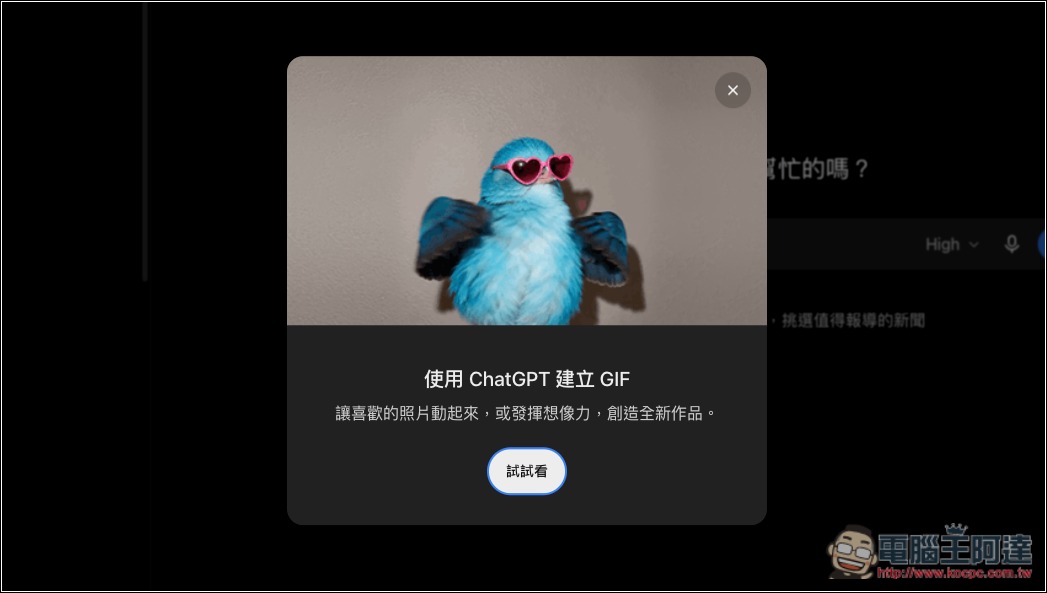
Next up is the most noticeable part of this update: ChatGPT can finally create GIFs directly.
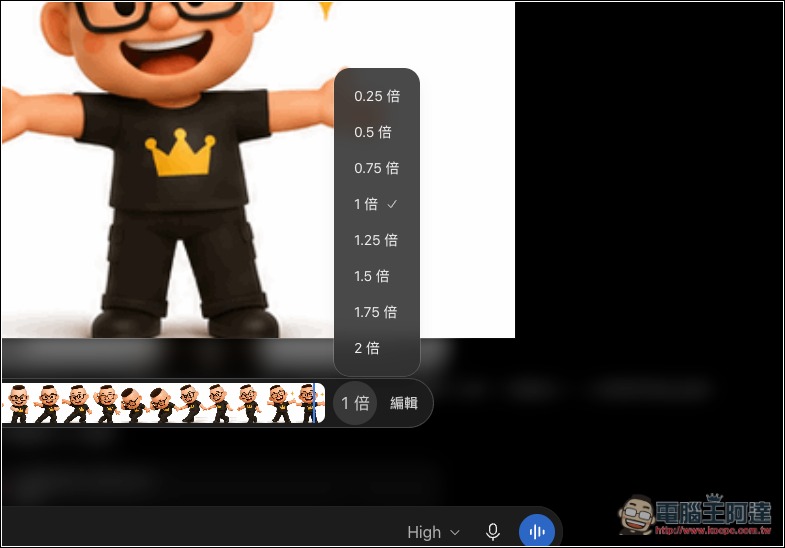
All you have to do is enter a text description or upload an image, and it will generate an animated GIF. In the past, making an animated image required generating several static images and then putting them into another tool to string them together; now it can be done in one step. After the GIF is generated, you can also adjust the playback speed, view and edit individual frames one by one, and set it to loop.
In principle, ChatGPT draws the same character as several slightly different images and then strings them together into an animation like a flipbook. I actually tested it with “turn the chibi image of 電腦王阿達 into a dancing GIF,” and it finished generating it in just a few seconds:
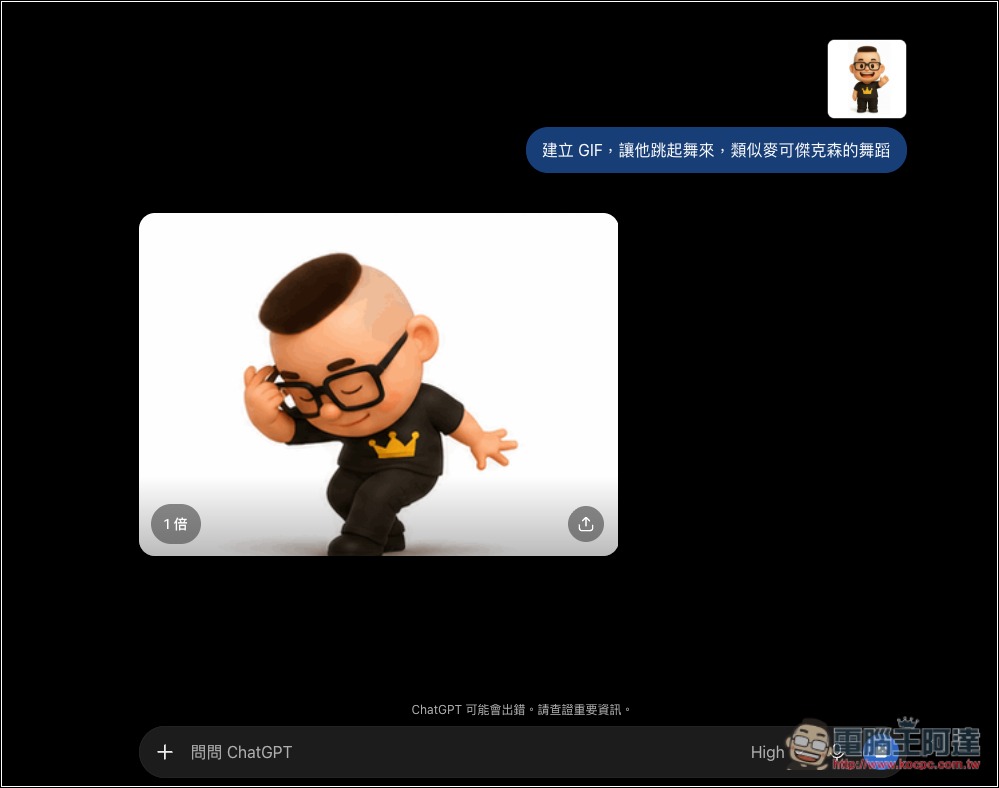
In every frame, you can tell it’s the same character. In the past, when models drew this kind of frame-by-frame motion, there would sometimes be cases where it looked too different. This time, I have to say it’s gotten pretty good:
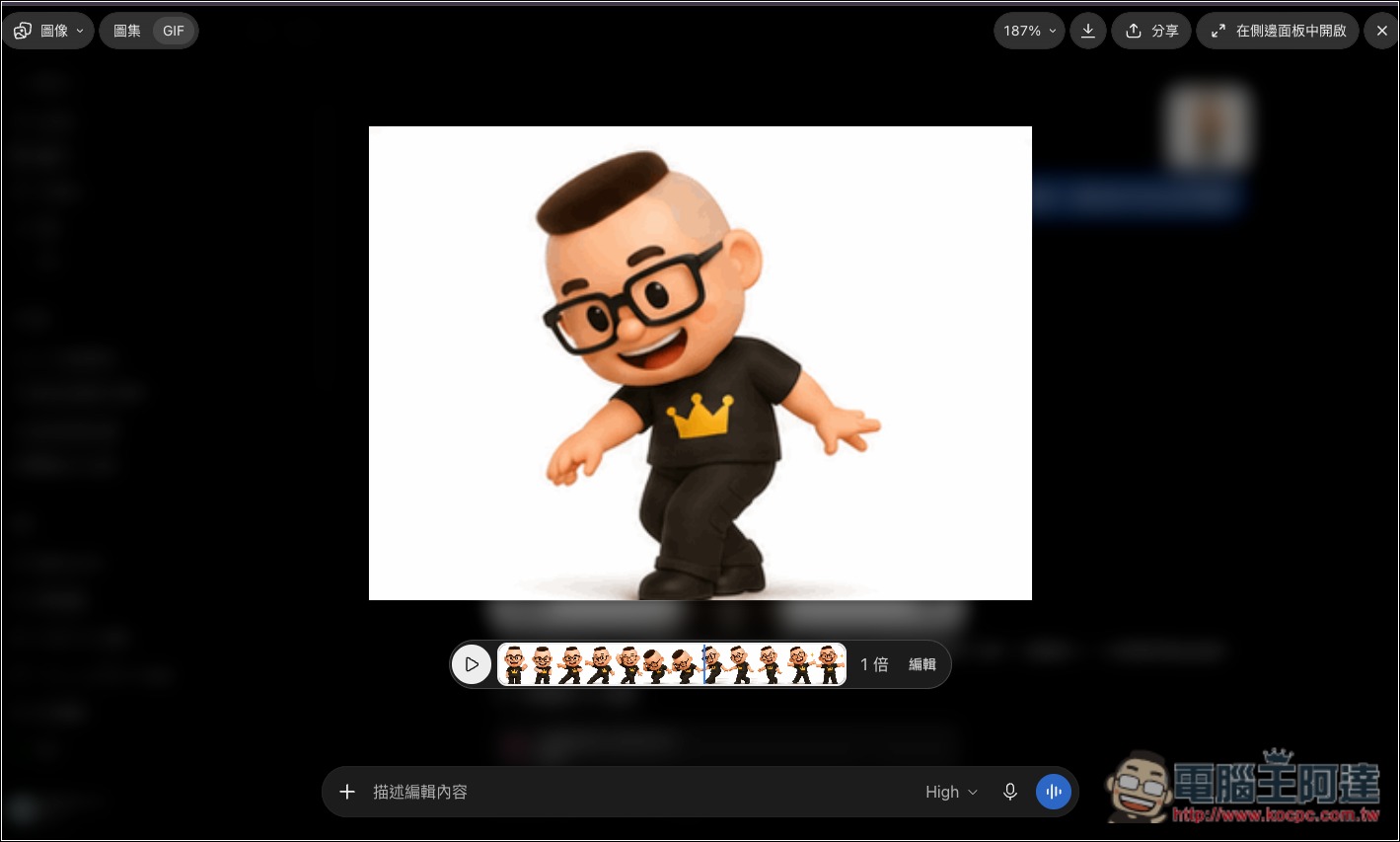
In the speed section, you can adjust it from 0.25x to 2x, and you can also edit a specific frame:
OpenAI says Images 2.6 will roll out globally starting November 4, across all ChatGPT subscription tiers, available on web, desktop, and mobile apps, with Codex also included in this update. If your account doesn’t see the GIF feature yet, try again in a few days.
However, note that OpenAI has not disclosed how GIFs are counted toward the quota or how many can be generated under each plan. Therefore, those planning to use it to mass-produce assets should still pay attention to usage limits.
Source: KOCPC Chinese