


Microsoft’s Windows 11 26H2 (also known as the Windows 11 2026 Update) began rolling out in phases on September 29, but only some users were eligible for the upgrade initially. Now, this annual feature update has entered a broader deployment phase. According toMicrosoft’s most recently updated support documentshows that Windows 11 26H2 has been made fully available to devices running Windows 11 24H2 and 25H2, meaning most eligible users can obtain the update through Windows Update, which also suggests Microsoft may not be far from activating its automatic forced-upgrade mechanism.
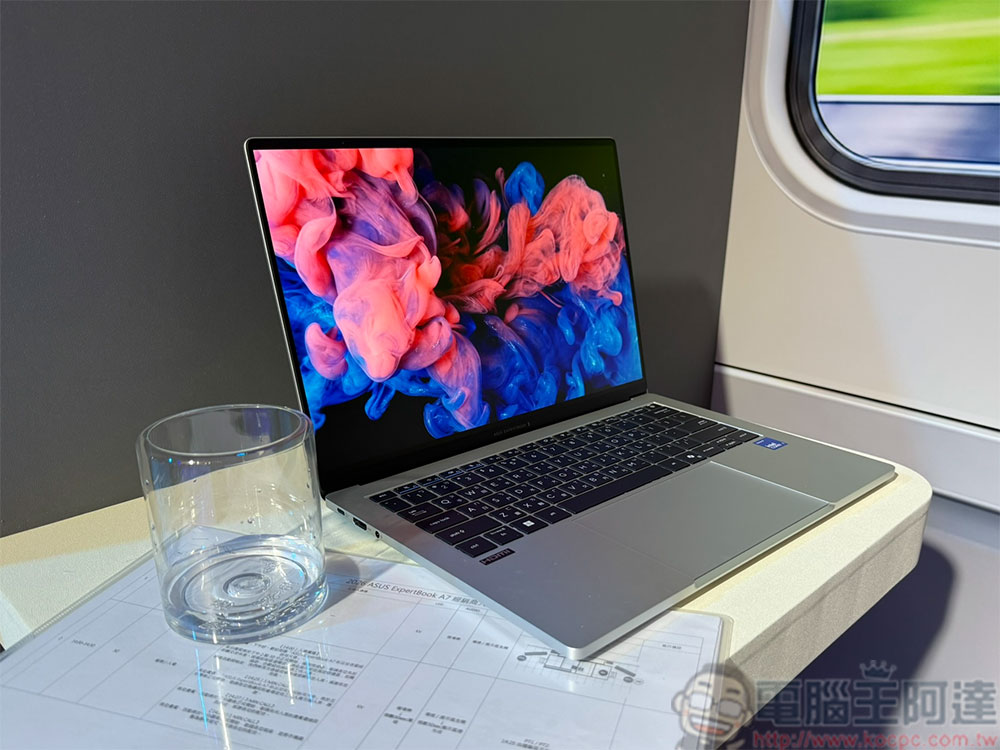
Windows 11 26H2 is now available to all users, and the installation process takes less than 5 minutes.
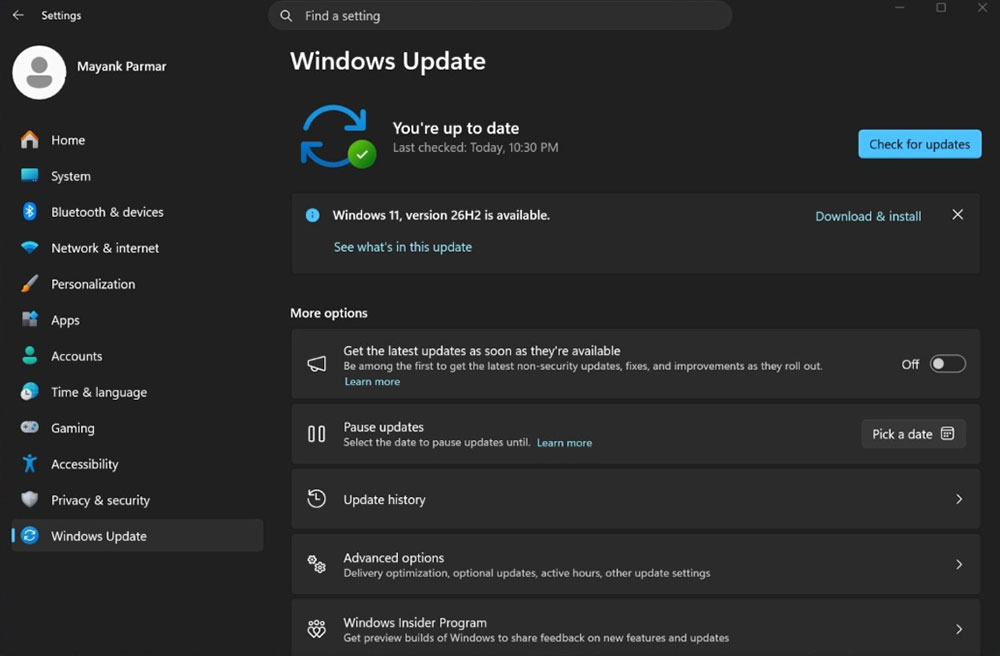
Microsoft notes that the current phased rollout of 26H2 now covers all 24H2 and 25H2 devices. Users only need to go to Settings > Windows Update and manually select Check for updates to confirm whether they have received the new feature update. If the “Get the latest updates as soon as they’re available” option is enabled, the system may even automatically download and install Windows 11 26H2 in the background.
If you haven’t seen the 26H2 update notification yet, that doesn’t necessarily mean you haven’t qualified. It’s recommended to open “Settings > System > About” and check the current system version in the “Windows specifications” section. If the version shows 26H2 and the build number is 26300, that means the PC has actually completed the annual update. In addition, some devices may have upgrade protection temporarily applied because Microsoft has detected potential compatibility issues, so they haven’t received the rollout yet.
However, these compatibility limitations mainly affect computers still running Windows 11 23H2 or older versions. Because 24H2, 25H2, and 26H2 are built on the same platform architecture and essentially belong to the same system branch, switching between them causes almost no major compatibility issues. This is also an important reason why Microsoft can quickly push 26H2 to a large number of devices.
In less than a month since its release, Windows 11 26H2 has reached general availability, showing that Microsoft is quite confident in the stability of this update. Because 26H2 is more of a lightweight upgrade than a major system overhaul for existing 24H2 and 25H2 users, the rollout has been noticeably faster than in the past.
It is widely believed that Microsoft’s next step is likely to be initiating automatic upgrades for versions nearing the end of support. In the past, Microsoft has proactively upgraded some 23H2 and 24H2 devices to newer system versions, so within the coming weeks to months, 26H2 may also become a new target for forced updates. As for users who have already installed 25H2, although they are unlikely to be forced to upgrade in the short term, as the end-of-support date approaches, they may ultimately be automatically transitioned to 26H2 in the future.
Notably, Windows 11 26H2 is not a release that brings a large number of new features. Many observers even describe it as an “empty-shell update,” because it does not add significant new consumer features, and most of the improvements have already been delivered gradually to 24H2 and 25H2 users through monthly cumulative updates. For example, Microsoft claims that overall system responsiveness has improved by about 20% and that it has optimized for 8GB memory devices by reducing memory usage, but these performance improvements are not exclusive to 26H2.
From a technical perspective, Windows 11 26H2 uses the same core platform as 24H2 and 25H2, and the update is mainly delivered through a very small “Enablement Package.” This package only needs to switch the version number and enable existing features, so the download size is only about 174KB, and installation usually takes less than five minutes—far smaller than traditional feature updates that are often several GB.
Although 26H2 lacks impressive new features, its importance actually lies in extending the operating system’s support lifecycle. As Windows 11 24H2 gradually reaches end of support and 25H2 will also approach end of life within the next year, upgrading to 26H2 is equivalent to gaining new support coverage. Home and Pro editions can receive two more years of support, while Enterprise and Education editions enjoy longer maintenance periods.
Therefore, the real value of Windows 11 26H2 lies not in feature innovation, but in providing a stable platform with long-term support. For users who are not in a hurry to chase new features and want to maintain system stability, 26H2 is actually a quite practical release. More importantly, it allows users to remain on the current system branch and avoid directly upgrading in the future to Windows 11 27H2, which is expected to bring larger changes; waiting until the new platform matures before considering a switch is also a more robust upgrade strategy.
Source: KOCPC Chinese