


Nearly a year after Canva released its redesigned desktop apps for Mac and Windows, what creators have been eagerly awaiting… Affinity’s all-new all-in-one iPad appFinally, the official launch is just around the corner! For professionals long accustomed to cross-platform creation, this is absolutely exciting news. Because files created in the new Affinity system cannot be opened in the old V2 iPad app, there has been a strong, persistent call within the community for an iPad version system update. Now, this revolutionary creative tool has finally completed the last piece of its all-platform ecosystem.
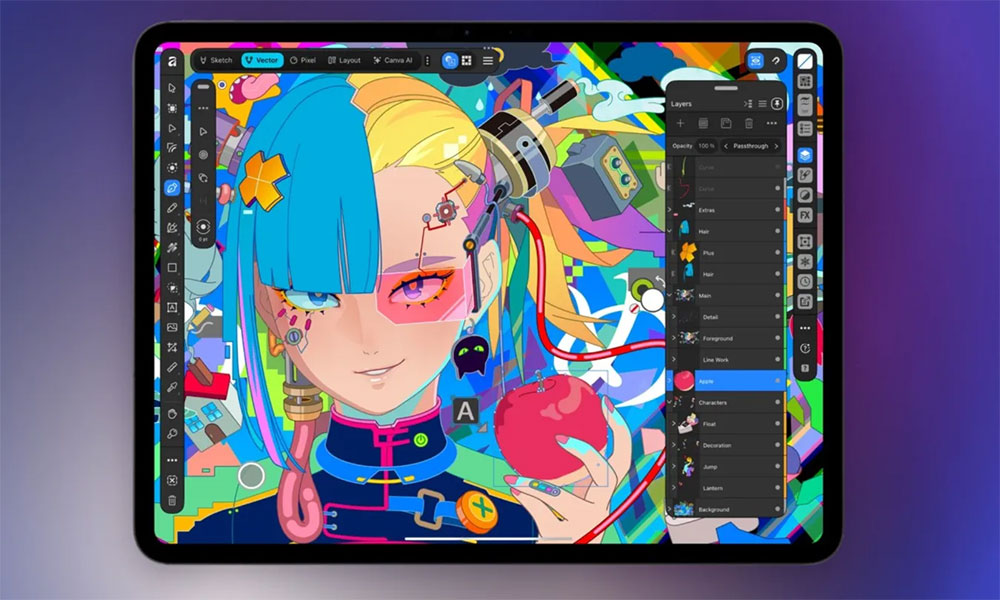
The iPad is finally getting the Affinity apps that creatives have been waiting for.
In the past, although Affinity had released three separate apps on iPad—Photo, Designer, and Publisher—the new version option fully integrates these powerful tools into a single unified and efficient application interface. This shift perfectly continues Canva’s integration strategy rolled out on desktop last year, so designers no longer need to frequently switch between different apps and export files, greatly optimizing the creative workflow.
We were going to count how many times you asked about iPad, but we ran out of numbers somewhere around “iPAAAAAAAAAAAAAAD”. The truth? We were listening and we wanted to get it right 💚 Pre-orders for the brand new Affinity for iPad are open: https://t.co/0Dgv6jp6eB 🔥 https://t.co/bM6gCINbRy
— Affinity (@Affinity) October 26, 2026
The iPad itself is an excellent device built specifically for drawing and visual creation. Users can work directly with Apple Pencil on the canvas with precision, completely free from the spatial constraints of a traditional computer with a mouse or external drawing tablet. The new Affinity apps are deeply optimized for the hardware and fully support advanced Apple Pencil features such as pressure sensitivity, tilt sensitivity, and scroll sensing. Designers can easily start with the most basic sketch concepts, then refine them directly within the same file into high-quality vector artwork, enjoying a seamless and intuitive creative process.
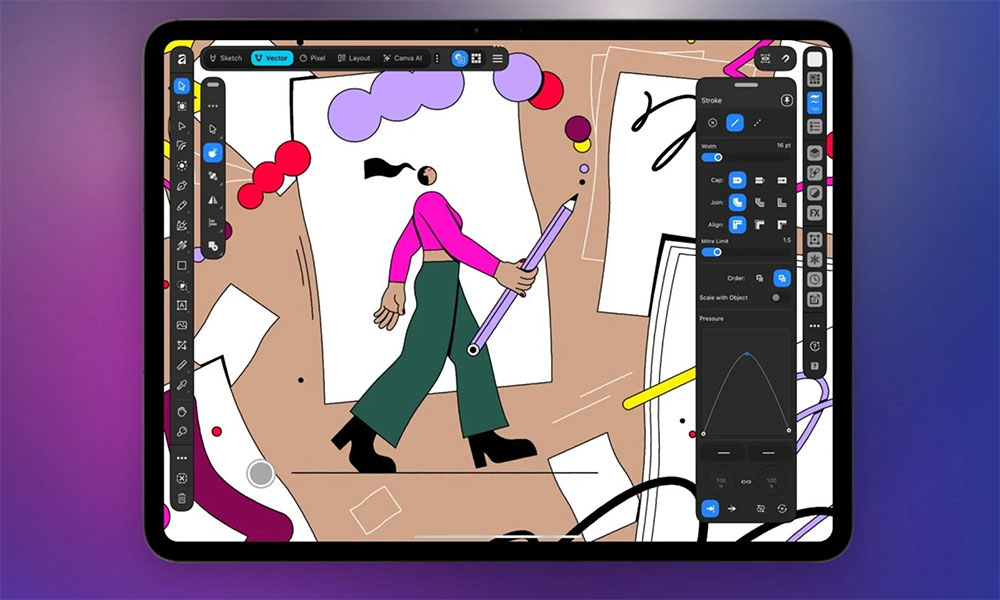
Affinity officials say this brand-new iPad app delivers extremely powerful performance, with the ability to handle RAW photo editing, detailed vector graphic drawing, professional typesetting, and page layout that can be used directly for print publishing. For professional designers, this means they no longer need to return to a Mac or PC for specific post-production workflows; with just an iPad in hand, they can access all the tools anytime, anywhere, and single-handedly complete an entire project from initial sketch concept to final product.
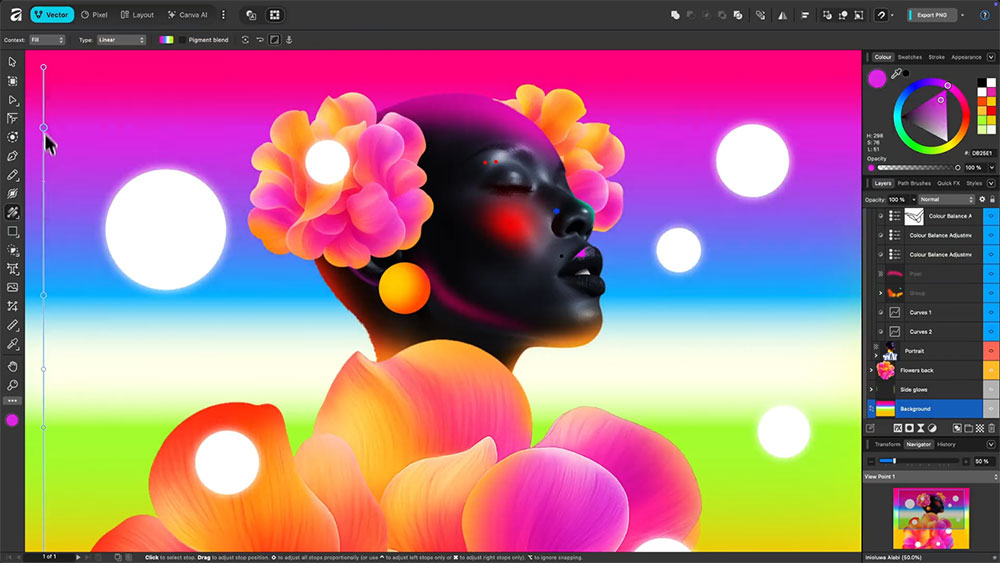
To further enhance compatibility with professional workflows, the app fully supports industry-standard creative file formats such as PSD, AI, INDD, IDML, PDF, and SVG. Whether continuing existing projects or collaborating cross-platform with team members, users can seamlessly import their existing professional work into a tablet for editing.
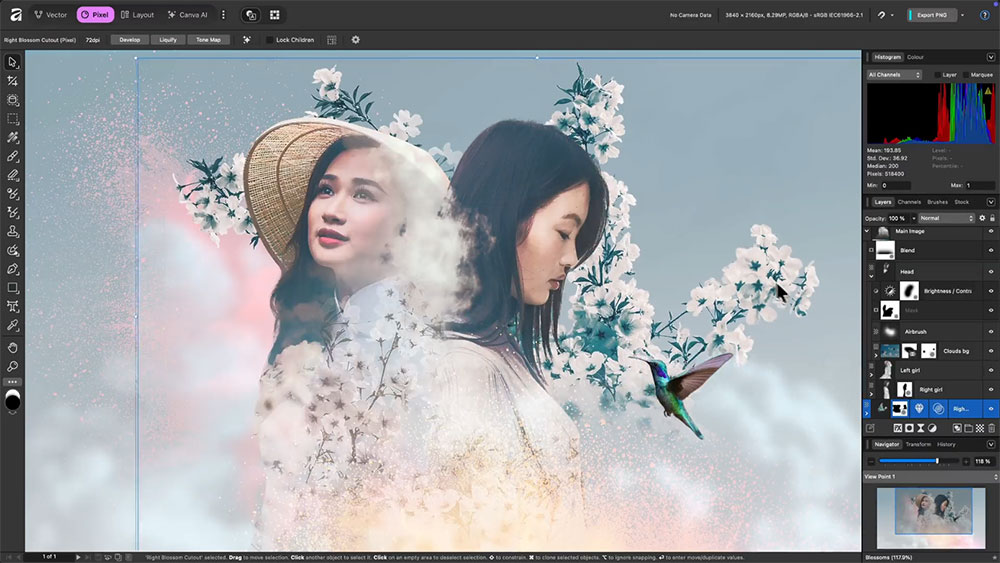
What’s most surprising is that although the App Store page currently shows a “Pre-Order” label, the app is completely free for all individual users! Its core tools—photo editing, vector drawing, publishing and layout, and sketching—can all be used without a paid subscription. Only some advanced AI features involving Canva AI Studio require a Canva Pro membership to unlock. This highly anticipated creative powerhouse will be available for official download on November 3, 2026, so whether you’re a professional designer or a digital art enthusiast, be sure to download it and try it out right away!
Source: KOCPC Chinese