


CapCut (the international version of Jianying) official account posted an announcement on X, announcing that the new CapCut plugin is coming soon to ChatGPT. The full post mentions three things: the plugin will bring CapCut’s video editing and generation tools into ChatGPT; users can start with an idea in ChatGPT and use the plugin to turn the idea into a video draft, then take the draft to the CapCut web editor to refine, share, and publish; the official content will be officially unveiled at the CapCutWorldLA event. The video attached by the official account is titled: “The CapCut plugin is coming to ChatGPT,” with smaller text below: “Open beta available across mobile, desktop and web in November” (desktop and web versions launching in November).
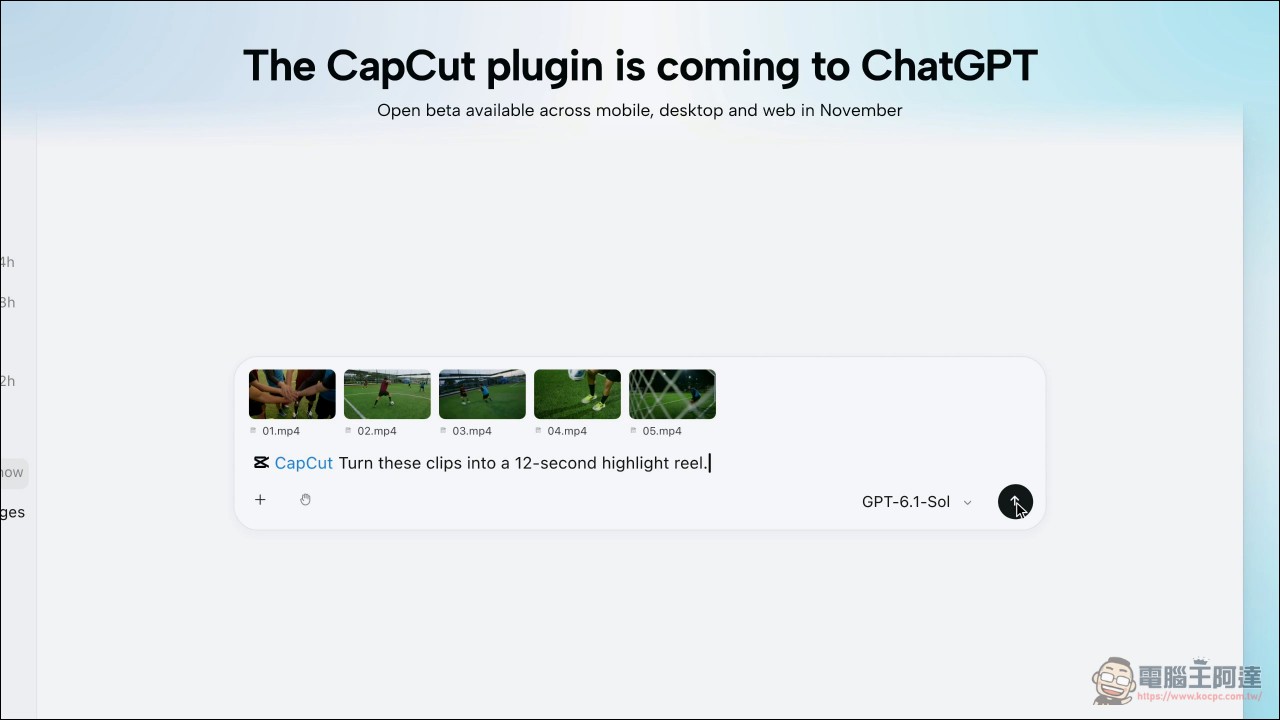
The question is whether what’s being released this time is a Plug-in or MCP. The two seem similar, but their capabilities and what they can actually do differ quite a lot. If it’s just a plug-in, then it doesn’t really mean much.
We’re excited to announce our new CapCut plugin is coming soon to @ChatGPT at CapCutWorldLA. The plugin brings CapCut’s video editing and generation tools alongside ChatGPT. You can start with an idea in ChatGPT, bring it to life with the CapCut plugin right inside ChatGPT, then take your draft video to CapCut’s web editor to refine, share and publish. By bringing the CapCut product you already love and use in ChatGPT, we’re making content creation more seamless and efficient.
— CapCut (@capcutapp) October 24, 2026
The answer is on the official website, and it’s written very clearly.
The CapCut official website navigation bar has a category called “Plugin,” under which the following are listed: “CapCut × CodexClicking it opens a page titled “ChatGPT Video Editor for AI Video Creation and Editing.”
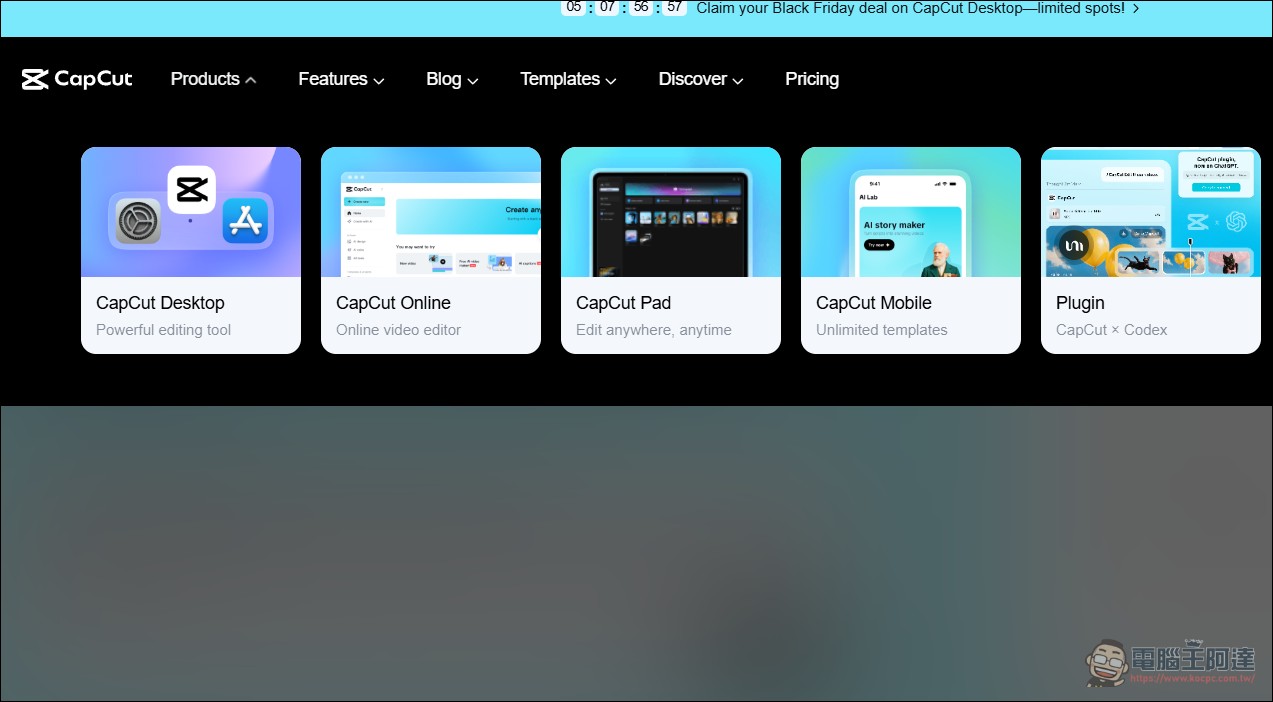
This page has an FAQ, and two of its questions directly address the outside question of whether this actually counts as MCP.
The first question asks: “What does CapCut MCP in CapCut × Codex mean?” The official answer is “Not exactly.” The page explains that this term sometimes appears when people search for the connection between ChatGPT-type assistant tools and CapCut. The product form officially presented is called CapCut × Codex, with the focus on a connected AI-assisted creative workflow.
The second question asked: “Is CapCut × Codex just CapCut’s ChatGPT plugin?” The official response was likewise “Not exactly,” saying that the page positions the official experience as CapCut × Codex.
However, the official statement also clearly says that this process applies to the PC version of the ChatGPT desktop app, not the purely browser-based online ChatGPT video editor; and “Availability may vary by app version, account, and region.”
There is another noteworthy detail on the page: the official installation instructions state that you should first download and read a SKILL.md, then follow its instructions to install and authorize the CapCut plugin. That document is hosted on a CDN path at tiktokcdn.com.
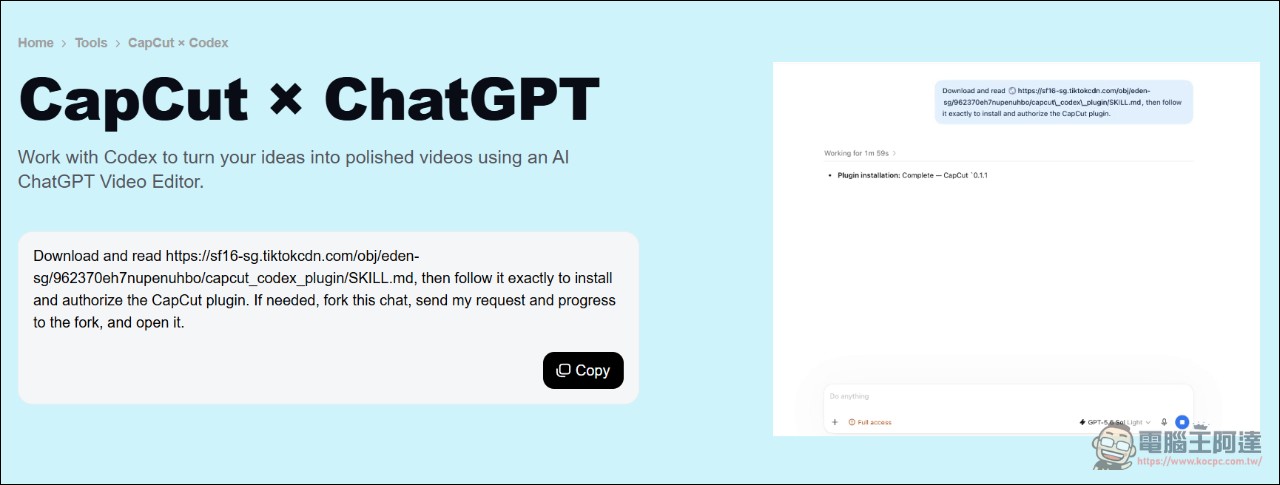
Breaking it down: it’s MCP, and the architecture is publicly available.
That SKILL.md is a complete installation manual. It starts by stating metadata version 0.2.6 and points to a plugin bundle. After we downloaded and extracted it, the configuration files inside clearly laid out the entire architecture.
The .mcp.json in the bundle defines two MCP servers:
- capcut_creation: The endpoint is
https://www.capcut.com/api/external_mcp, with OAuth resource indicator, tool timeout set to 600 seconds - capcut_creation_resourceThe endpoint is
https://www.capcut.com/api/external_mcp/resource, with the same 600-second timeout
Both are HTTP endpoints, with Accept: application/json, text/event-stream Header: a remote MCP server that uses the streamable HTTP transport, rather than a local stdio server running on the user’s computer. OpenAI’s developer documentation confirms this: a plugin can include Skills, an MCP server, or both, and the MCP server is deployed at a stable HTTPS endpoint; the MCP specification’s transport method is also streamable HTTP.
Test these two endpoints without credentials. /api/external_mcp Return 401 Unauthorized,/api/external_mcp/resource Returning 400 Bad Request means the server does exist and is online; it just requires authorization.
So on the question of whether it “counts as MCP,” the official FAQ wording is noncommittal. Judging from the bundle actually released, the answer is clear:It is MCP, uses a remote HTTP endpoint, and tools are called with OAuth authorization.。
So what exactly can it do?
The plugin bundle contains seven skills, each corresponding to a specific workflow. By compiling the descriptions from the official page and the skill documentation, a complete functional landscape can be pieced together.
Video generationIn this regard, the generate-media skill is responsible for generating images and videos from text or uploaded reference materials. It covers static image generation, Seedance video generation, model and parameter selection, follow-up operations on generated cards, quota confirmation, status polling, and cancellation. The corresponding MCP tools are named capcut_image_generate and capcut_video_generate.
Video editingRouted by the video-editing skill into two scenarios. The first is AI rough cut, which cuts raw videos or images into a first draft, corresponding to the three tools capcut_ailab_start_edit, capcut_ailab_submit_plan_response, and capcut_ailab_poll_edit_progress. The second is post-production, covering automatic generation of subtitle assets, searching for assets, and applying subtitles and assets to an existing draft. The skill documentation specifically notes that requests purely for adding subtitles should not call those three AI Lab tools; instead, they should follow the subtitle workflow.
Fine controlIt is handled by the capcut-stdraft-builder skill and has the most detailed description: it can add, update, and remove video and image segments, subtitles, plain text, music, sound effects, fonts, text effects, text templates, video effects, filters, and transitions on a draft, and it provides four atomic operations—apply, update, remove, and clear properties. Each operation takes a draft plus operation parameters and returns a validated draft and change record.
Upload and TemplatesThe two parts are relatively simple. The capcut-upload skill is responsible for uploading local videos, audio, and images to CapCut and obtaining reusable media IDs, corresponding to capcut_asset_upload_credential and capcut_batch_media_url. The search-templates skill searches CapCut video templates through capcut_template_search and capcut_template_search_poll and presents them as interactive result cards.
Cloud collaborationHandled by the web-collaborative-editing skill, enabling the agent and the user to work on the same cloud draft, covering importing drafts, reading and writing cloud changes, syncing versions, and resolving edit conflicts.
The official page also includes a section explaining that CapCut Skills brings advanced creative capabilities, and an FAQ explaining that “you can ask the ChatGPT video editor to open the timeline directly for adjustments”: when a draft needs detailed edits, the workflow can bring an editable timeline and tracks into the conversation, and users can use natural language to request adjustments to order, length, media, text, audio, and structure.
The Bigger Picture: Video Editing Is Becoming a Tool Call for LLMs
The way video editing work is being connected is branching out, and every path leads to MCP. On the open-source side, Palmier Pro, a macOS video editor, exposes a local MCP endpoint in every instance, allowing Claude Code or Codex to directly operate the timeline, perform edits, adjust assets, and manage the render queue. There are also open-source projects online working on headless Jianying that can do similar work, but they still have some limitations in use. Now CapCut officially packages video generation, rough cuts, subtitles, asset search, and fine timeline editing into MCP tools and Skills, using OAuth authorization to call cloud services. This means the official route to MCP is now open for AI editing. Going forward, people can use AI for rough cuts and simple processing, then manually refine and check, saving a lot of time. As for whether everything can be left to AI editing? Honestly, it is not that easy yet, but it is worth looking forward to.
Source: KOCPC Chinese