


As AI gets better and better at writing code, alternatives to professional tools like Photoshop have been appearing online one after another. Besides the ones we’ve previously introduced, ArtCraft、Photon StudioRecently, I came across another online tool, ImageFlow.dev, which an overseas developer spent 3 months building. Its interface is almost exactly like Photoshop, and it’s also quite smooth to use. It has all the features you’d need for photo editing and even has built-in AI. More importantly, it’s an online version, so you can use it just by opening your browser. It’s super convenient, and it’s currently completely free. I recommend it to everyone.
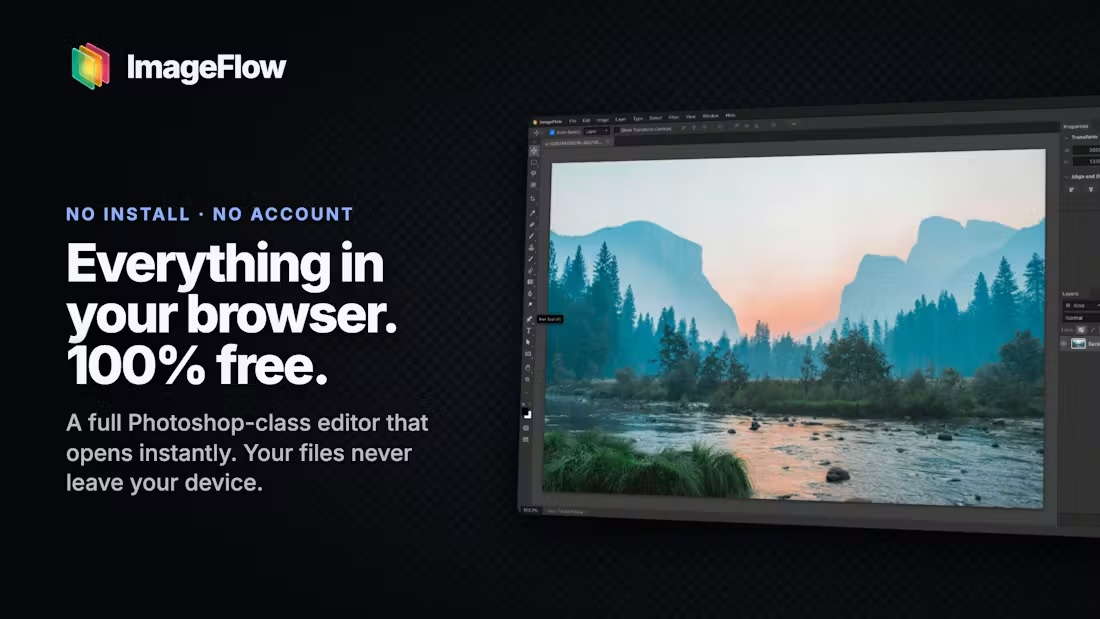
ImageFlow.dev works right in your browser, supports PSD editing, and includes an introduction to its built-in AI features.
ImageFlow.dev is a free online image editing tool that aims to deliver a professional photo editing experience close to Photoshop. It requires no software download or installation—just open your browser and use it directly. Unlike typical online photo editors that can only crop images, resize them, or apply filters, ImageFlow offers a rich set of advanced editing features, including layer management, masks, blend modes, adjustment layers, and smart objects. It even supports importing and exporting Photoshop PSD files, and also includes built-in AI-assisted editing features, making it easier for users to work with images.
The interface is very similar to Photoshop, offering a toolbar, layers panel, and main image editing area, so users who already use Photoshop can quickly get started.
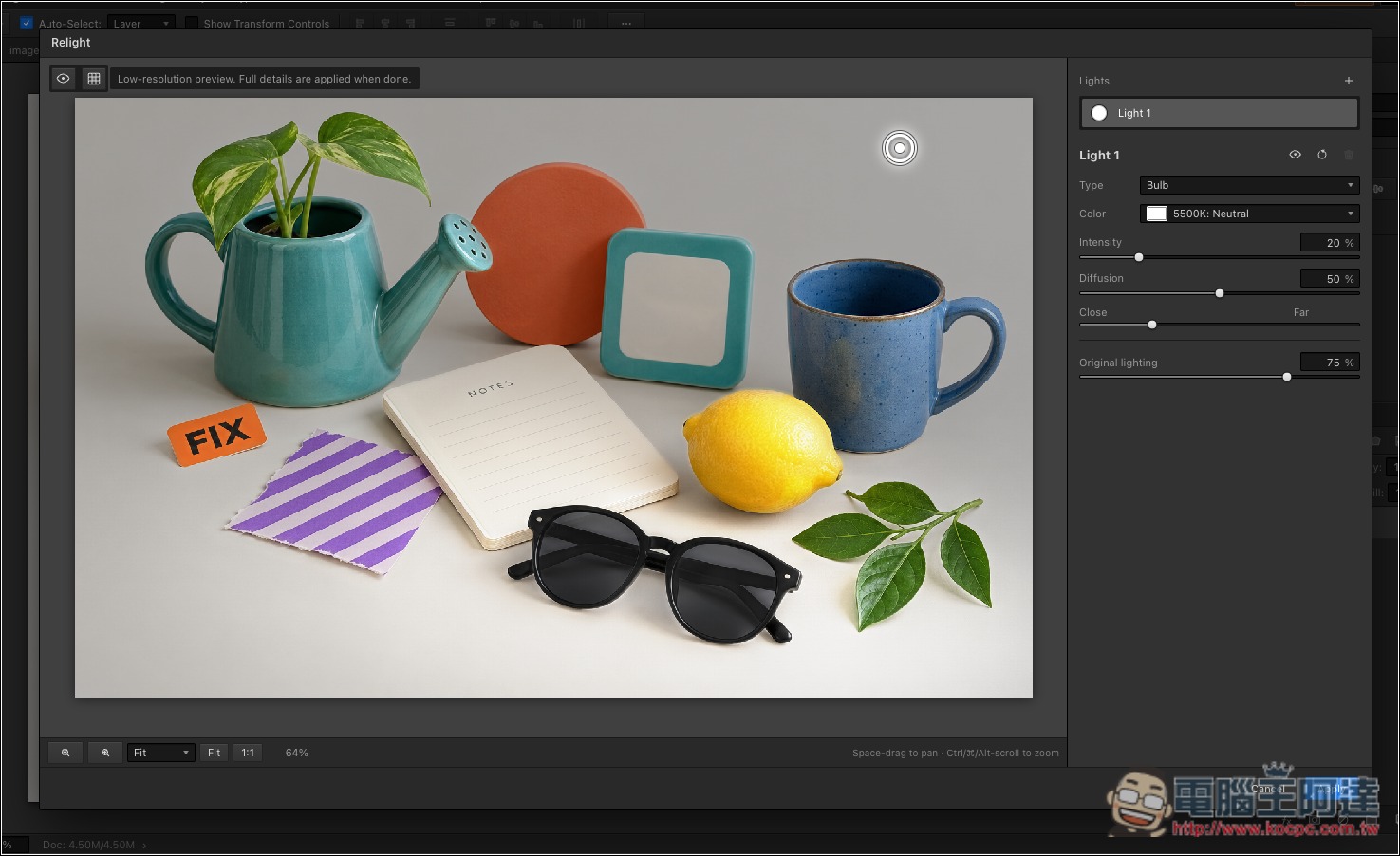
In addition to traditional image editing tools, ImageFlow.dev also integrates AI features, such as AI Object Selection, which helps users identify objects in an image and reduces the hassle of manual selection; AI Inpainting can assist with modifying localized areas of an image. There is also a rather unique Relight relighting tool that lets users add virtual light sources to existing photos and directly adjust the light source position to change the photo’s lighting effect.
The developers of ImageFlow.dev emphasize that the goal of this tool is to let a complete professional image editing workflow be done directly in the browser, rather than offering a simplified version of photo-editing features.
Key Features
- Free to use online: no software installation required—just open your browser and start editing images.
- A Photoshop-like interface: provides a professional image editing environment with a toolbar, layers panel, and more.
- Supports PSD format: import and export Photoshop PSD files, making it easy to continue existing editing workflows.
- Comprehensive layer management: edit images, text, and other design elements independently.
- Mask feature: controls the visible range of a layer, making non-destructive editing easier.
- Multiple blend modes: Adjust how layers are composited to create different visual effects.
- Adjustment Layers and Filters: You can modify image color, brightness, contrast, and other effects.
- AI Object Selection: Use AI to help identify and select objects in images, reducing the time spent manually drawing selection boxes.
- AI inpainting feature: helps edit localized areas in images for detailed modifications.
- Relight: Add virtual light sources to existing photos and interactively adjust their positions.
ImageFlow.dev doesn’t support Chinese yet, but that shouldn’t be a problem for anyone familiar with Photoshop. After clicking the link above to go to ImageFlow.dev, you’ll see a very familiar interface. You can open PSD files directly: the toolbar is on the left, the menu is at the top, and layers are in the bottom right:
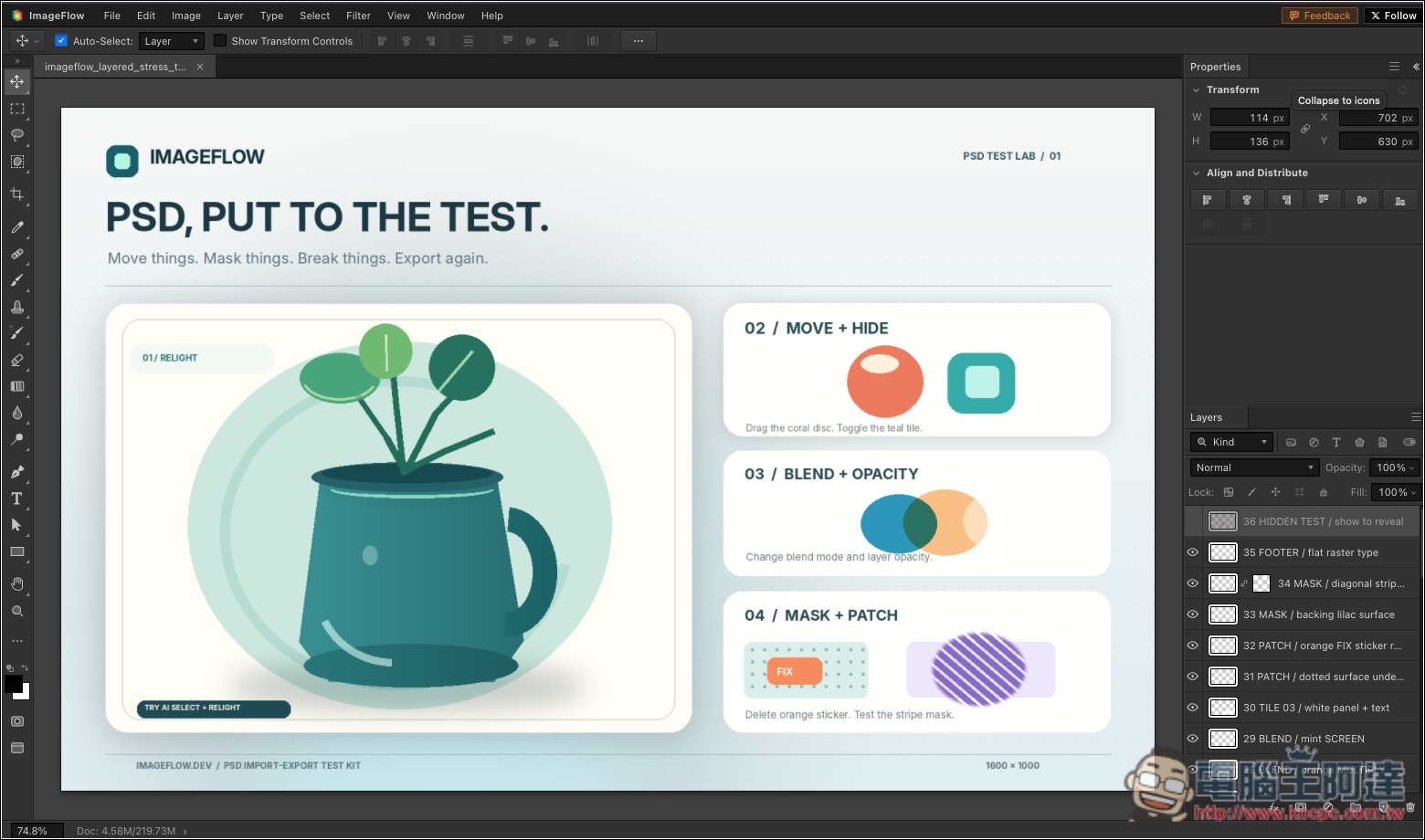
Although it is the web version, it runs very smoothly. Whether using the various tools or moving objects, it also has an auto-align feature:
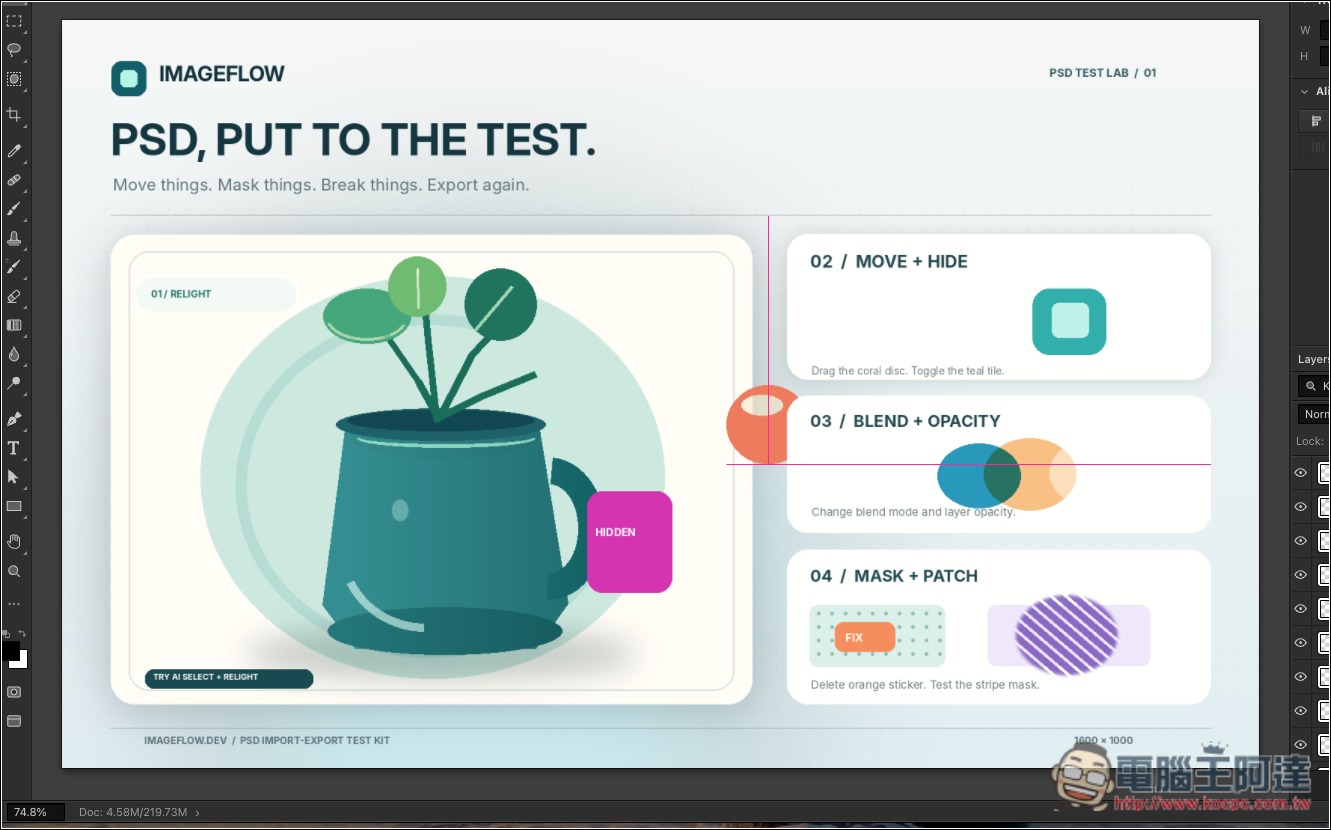
I tested the mask, and there’s no problem either:
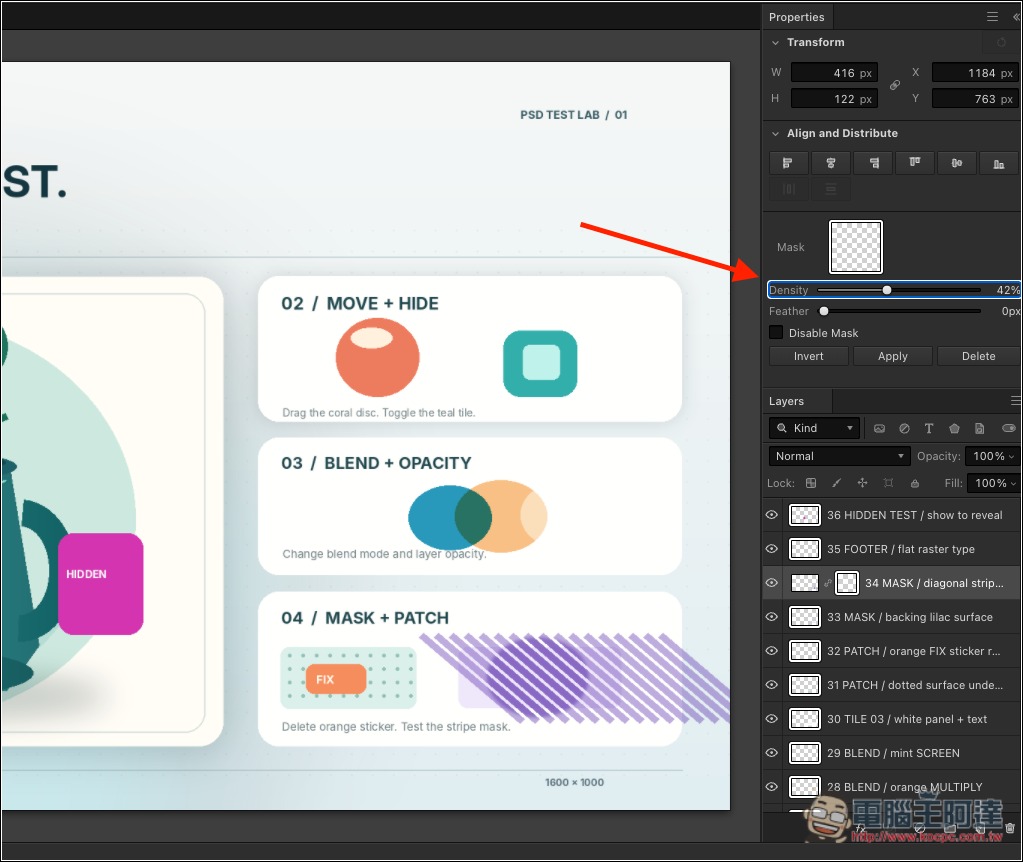
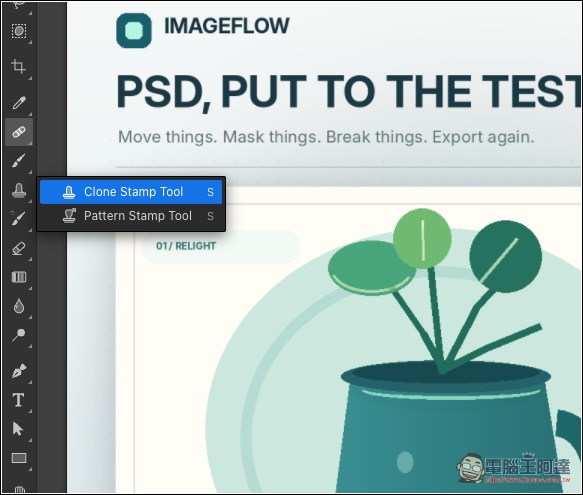
There are also tools for replica seals and pattern seals:
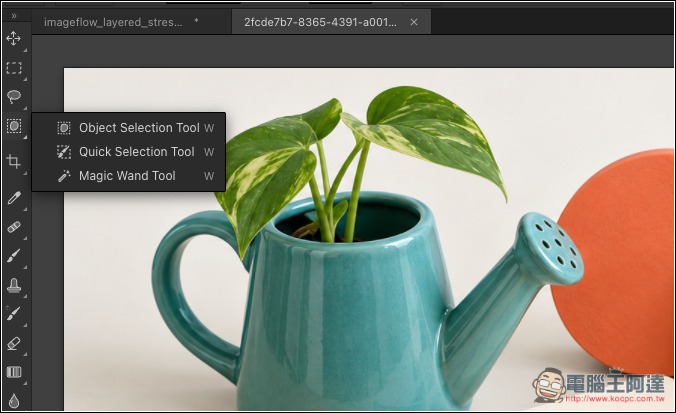
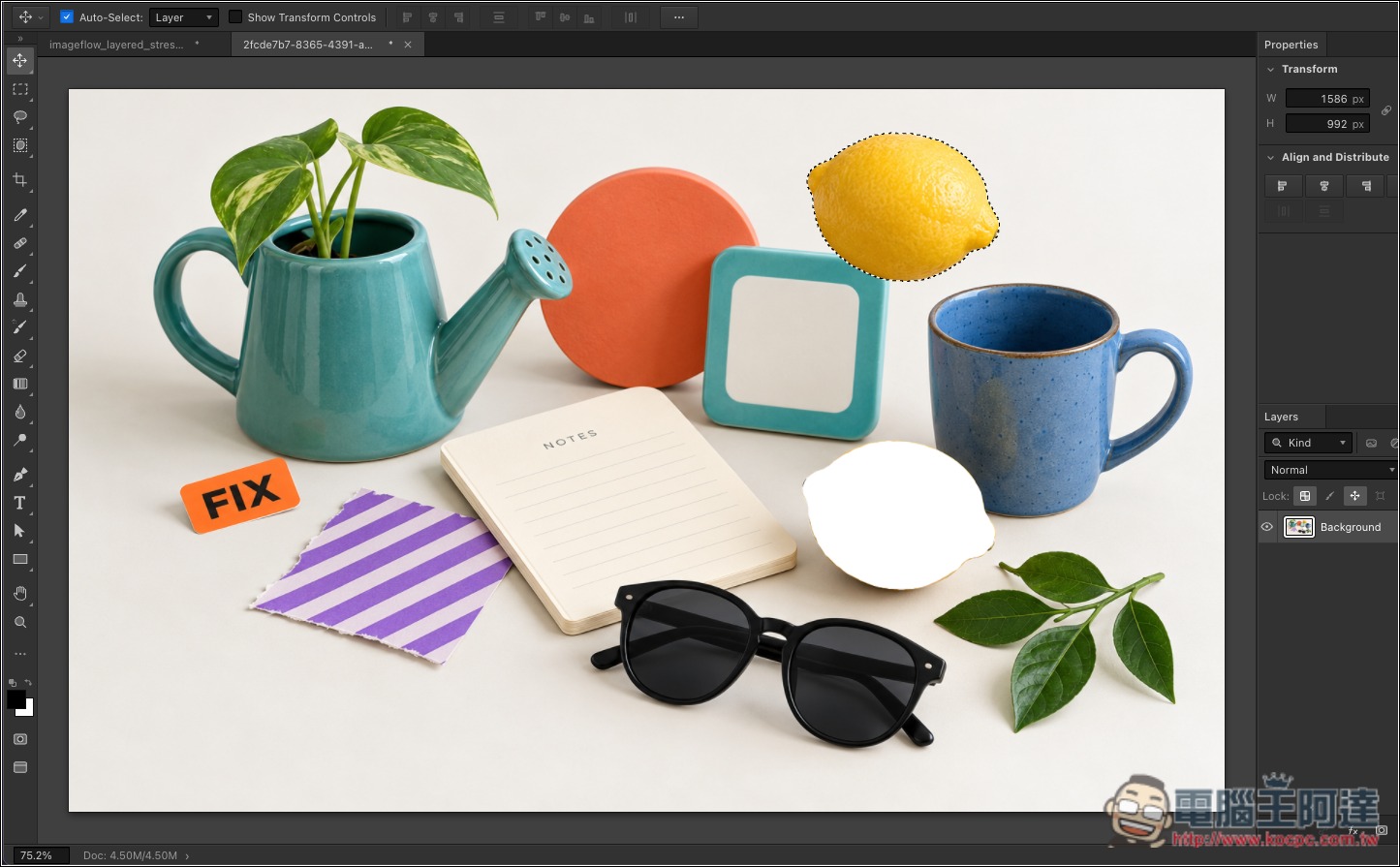
The Object Selection Tool is an AI feature. It uses AI to recognize objects in an image, allowing users to quickly select them, such as plants, people, or other subjects:
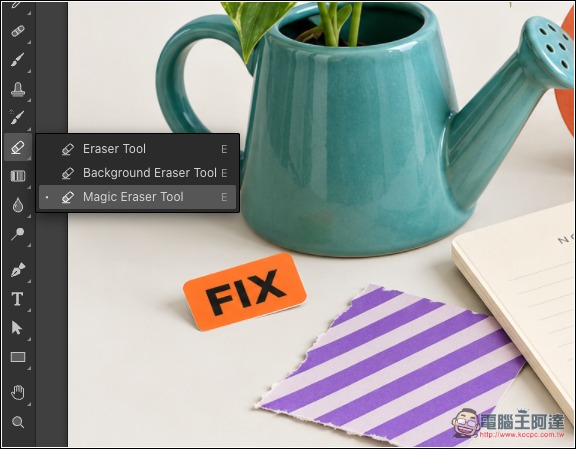
There are also various eraser tools:
I tested the recognition and it’s pretty good. Select the object I want to move:
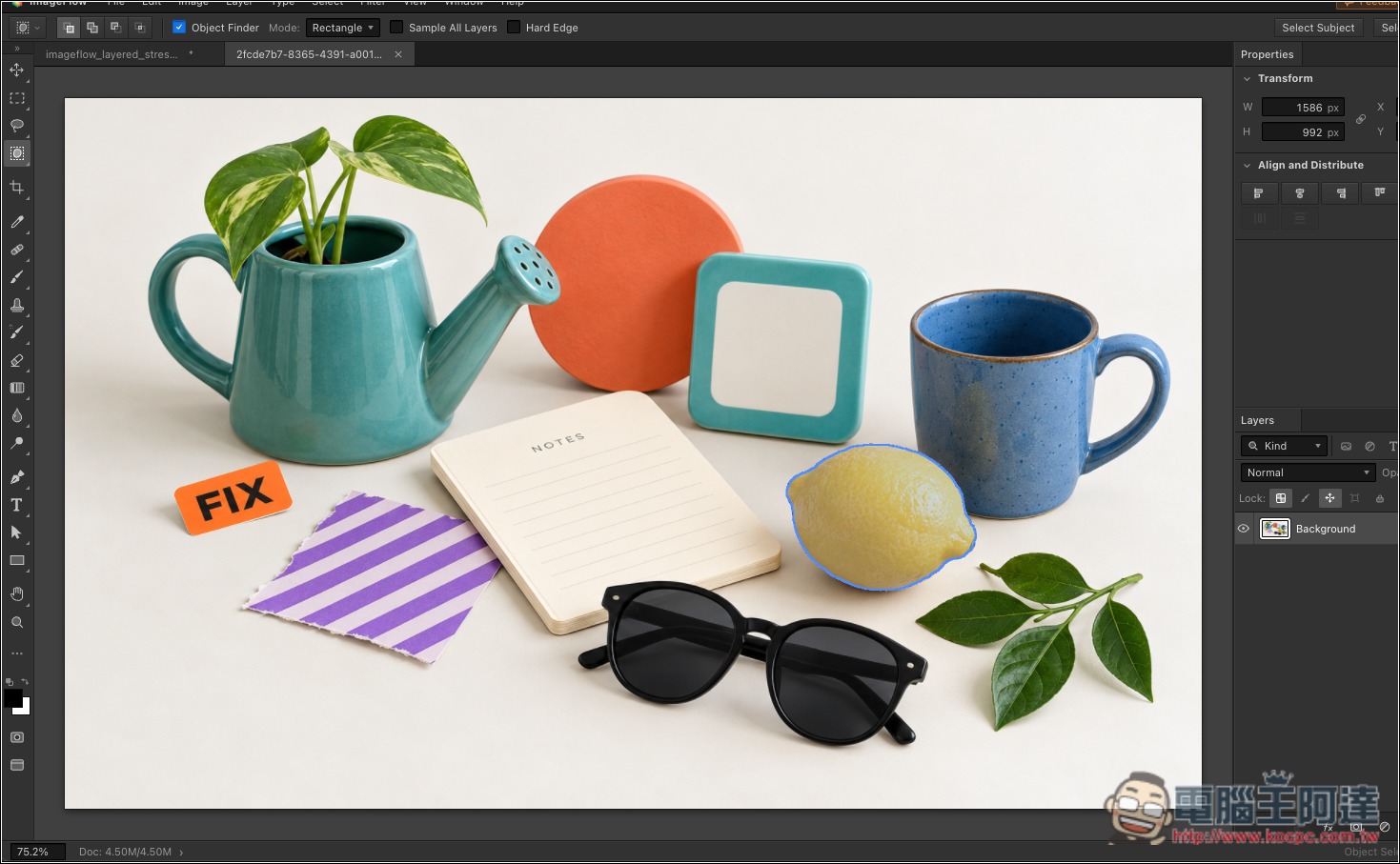
Then you can move this object elsewhere:
Relight is a relighting feature that lets you specify the light source, intensity, and color:
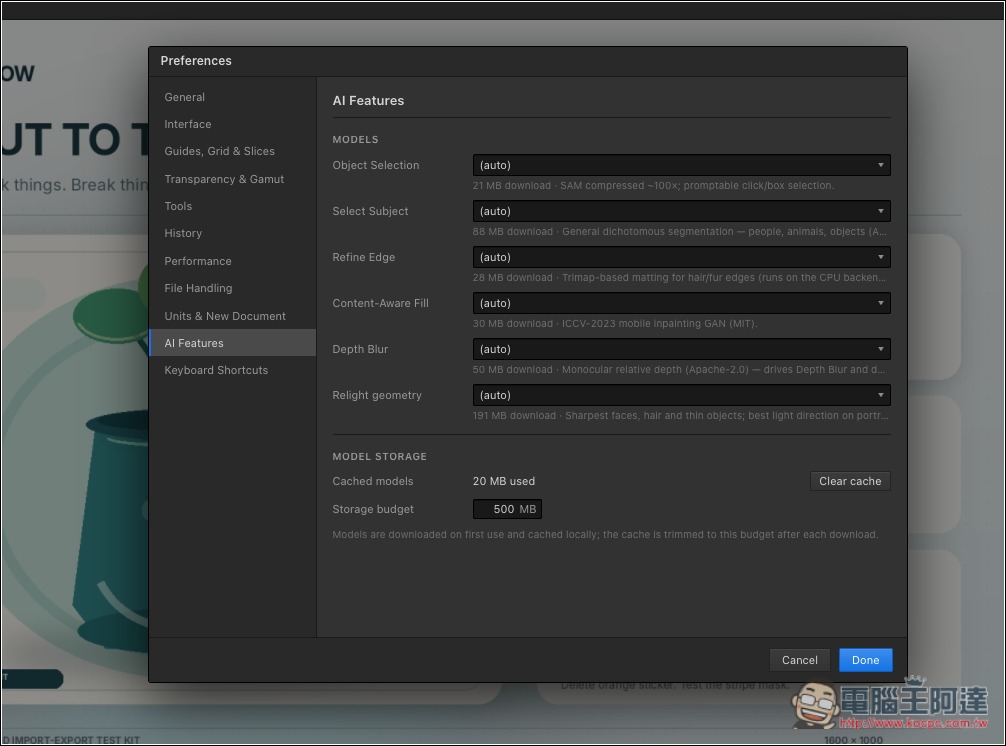
AI models are downloaded and run locally; you can manage them in Settings:
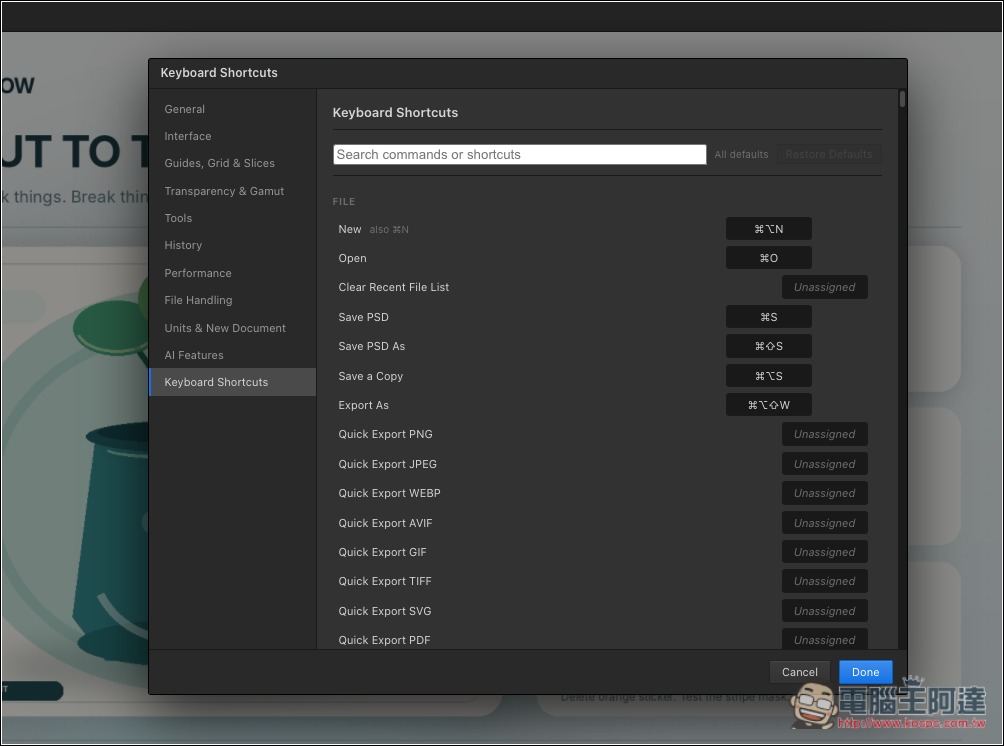
It also supports various operation hotkeys:
Source: KOCPC Chinese