


Google is providing Android users with more mobile security protections, and some new features no longer just warn about suspicious apps—they further improve device security at the system level. Google is continuing to expand the Advanced Protection mode introduced in Android 16. This security feature is designed for users who want stronger protection against scams, device theft, and targeted attacks. It is especially suited to journalists, public figures, and other high-risk groups, but any Android user can enable it.
Unlike in the past, when users had to enter multiple settings menus separately, they now only need to turn on a single switch to enable multiple security features across Android and Google apps at once. With the arrival of Android 17, the range of features covered by Advanced Protection will also increase substantially.
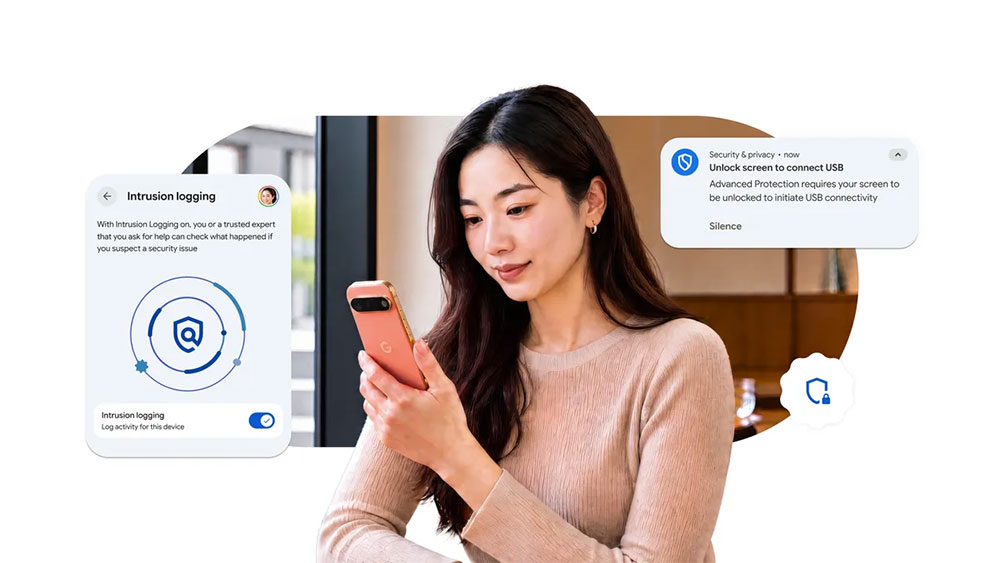
Android 17 just received a security upgrade that expands its advanced protection features.
Intrusion Log feature debuts, retaining attack traces for up to one year
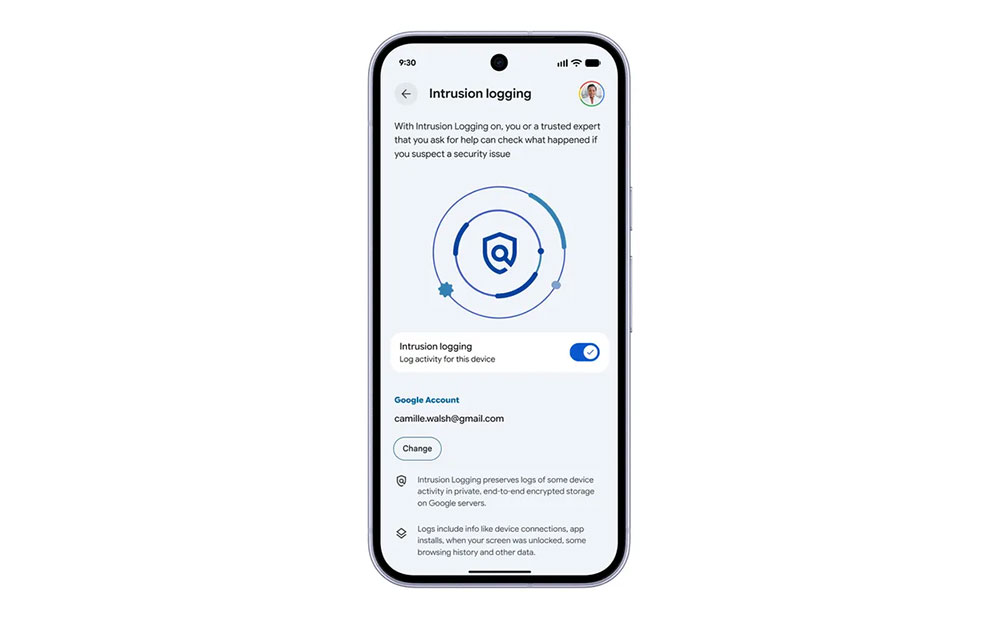
Among the new features, the most noteworthy is the “Intrusion Logging” mechanism. When users suspect their phone has been compromised, it is often difficult to investigate after the fact what exactly happened. To address this issue, Google introduced the Intrusion Logging feature, which helps investigators reconstruct the course of events by recording device security events and network activity.
Once enabled, Android will automatically collect relevant logs and store them in the cloud with end-to-end encryption. Google says this data has tamper-resistant mechanisms, can only be accessed by the device owner, and can be retained for up to 12 months. Even if an attacker deletes traces of activity from the phone, the related evidence may still be preserved. Google noted that while developing this feature, it referred to suggestions and feedback from organizations including Amnesty International and Reporters Without Borders.
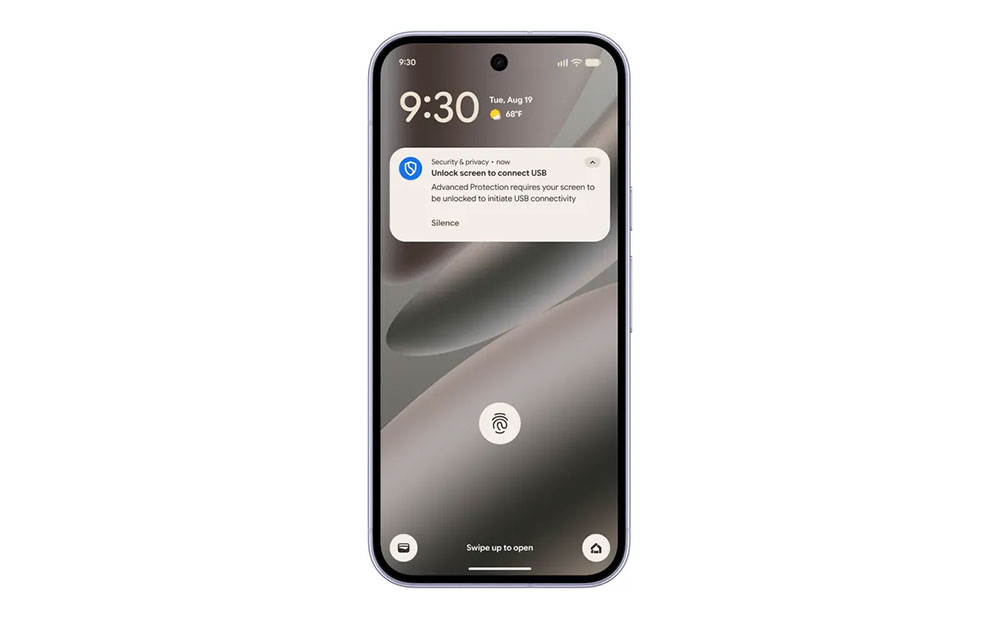
USB protection mechanism now live: charging only when locked.
In addition to software-level protections, Google has also strengthened physical security defenses. A new USB protection feature can restrict the permissions of newly connected USB devices while the phone is locked. On supported devices, when a new USB accessory is connected while the phone is locked, the system allows only charging, and data transfer is blocked until the user unlocks the phone.
This helps reduce cybersecurity risks posed by public charging equipment, unknown USB accessories, or malicious connections. The feature is currently supported on Pixel phones running Android 16 or later and will gradually expand to more Android devices in the future.
Android 17 further closes off potential attack vectors
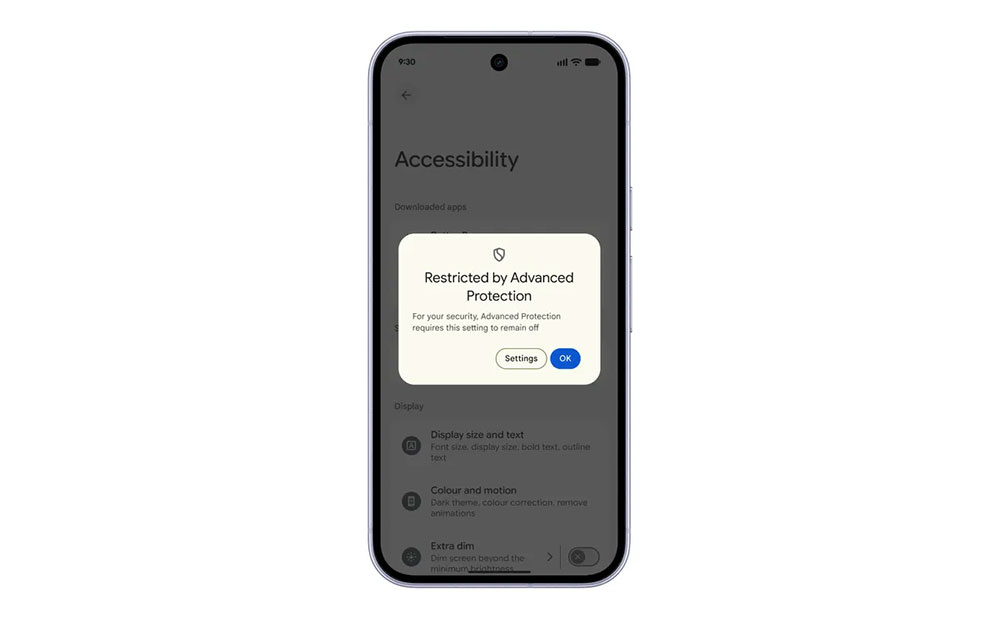
Android 17 also brings several less conspicuous but equally critical security upgrades. One of them is controls for “Accessibility Permissions.” Although these permissions can help apps that need them function, they can also give apps broad access to screen content, making them a long-standing target for malware abuse. After Advanced Protection Mode is enabled, Android 17 will only allow verified apps recognized as accessibility tools to obtain the relevant permissions, thereby reducing the risk of sensitive information being stolen or maliciously manipulated.
Google is also bringing a similar concept to the Chrome browser. When Advanced Protection mode is enabled, the system disables WebGPU. WebGPU is normally responsible for running advanced graphics computations and intensive workloads in web pages, but it can also become an entry point for advanced browser attacks. Disabling it reduces the potential attack surface and further improves browsing security.
Multiple failed verification attempts will automatically lock the device.
If an attacker actually gets hold of the user’s phone, Android 17 still has one last line of defense. When someone fails authentication multiple times in system settings or a protected app, the system will activate an “Authentication Failure Lock” mechanism, automatically limiting further attempts to prevent brute-force attacks or persistent probing.
In addition, Google has also added a dedicated settings page that lets users clearly see which apps have detected that Advanced Protection Mode is enabled, and adjust their own security strategies accordingly.
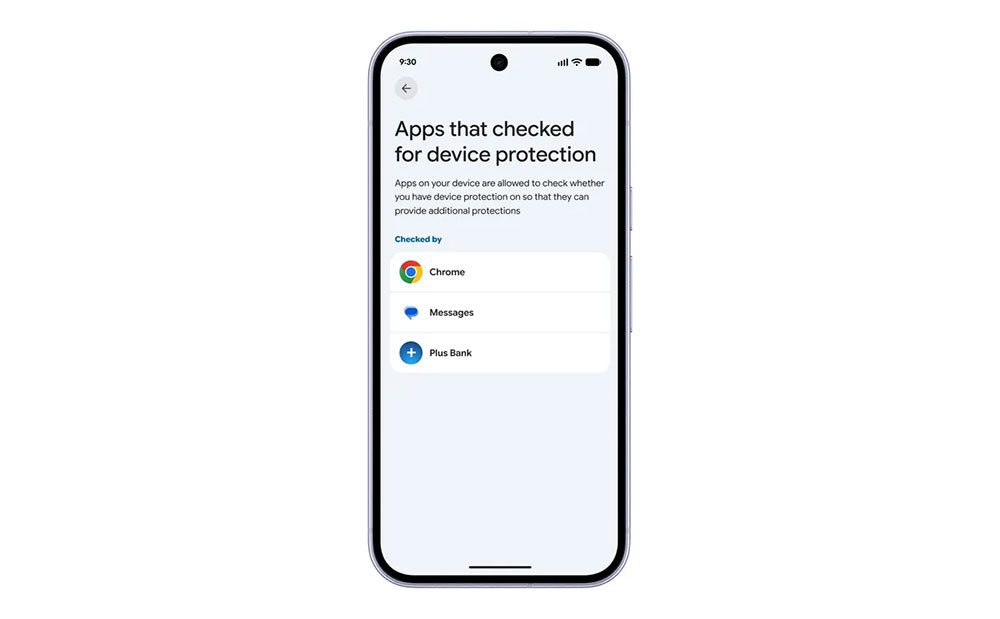
One-click activation makes security protection easier.
For most users, they may not need to use all the security features mentioned above every day, and some mechanisms are currently supported only on certain Android 17 devices. However, this is exactly where Advanced Protection Mode offers its greatest value. Users do not need to deeply understand various cybersecurity threats or search one by one for protection settings scattered across different menus. They only need to enable one option, and Android will automatically enable multiple layers of security in the background, providing more comprehensive device protection.
Source: KOCPC Chinese