


AI video generation models are becoming increasingly powerful, and many people want to try them out, but they all run into a problem: “I don’t know how to write prompts.” Simply entering “a girl drinking coffee in a cafe” can also generate a video, but it can’t precisely generate the character, camera shot, action, and atmosphere you want. This article recommends an excellent AI video prompt library, “QuickPhoto.shop,” which includes 600 sets of Y2K and UGC ad prompt examples, covering all kinds of types, so you don’t have to write prompts from scratch. You can directly modify the examples and easily generate the AI video you want.
QuickPhoto.shop Free AI Video Prompt Library: Introduction and How-to Guide
QuickPhoto.shop is a free online tool dedicated to collecting AI video prompt examples. The site currently features a “Y2K Ad Video Prompt Compendium” theme, compiling as many as 600 sets of video prompts for different scenarios, allowing people who don’t know how to write AI video prompts to find inspiration directly from ready-made examples and then modify them for their own needs.
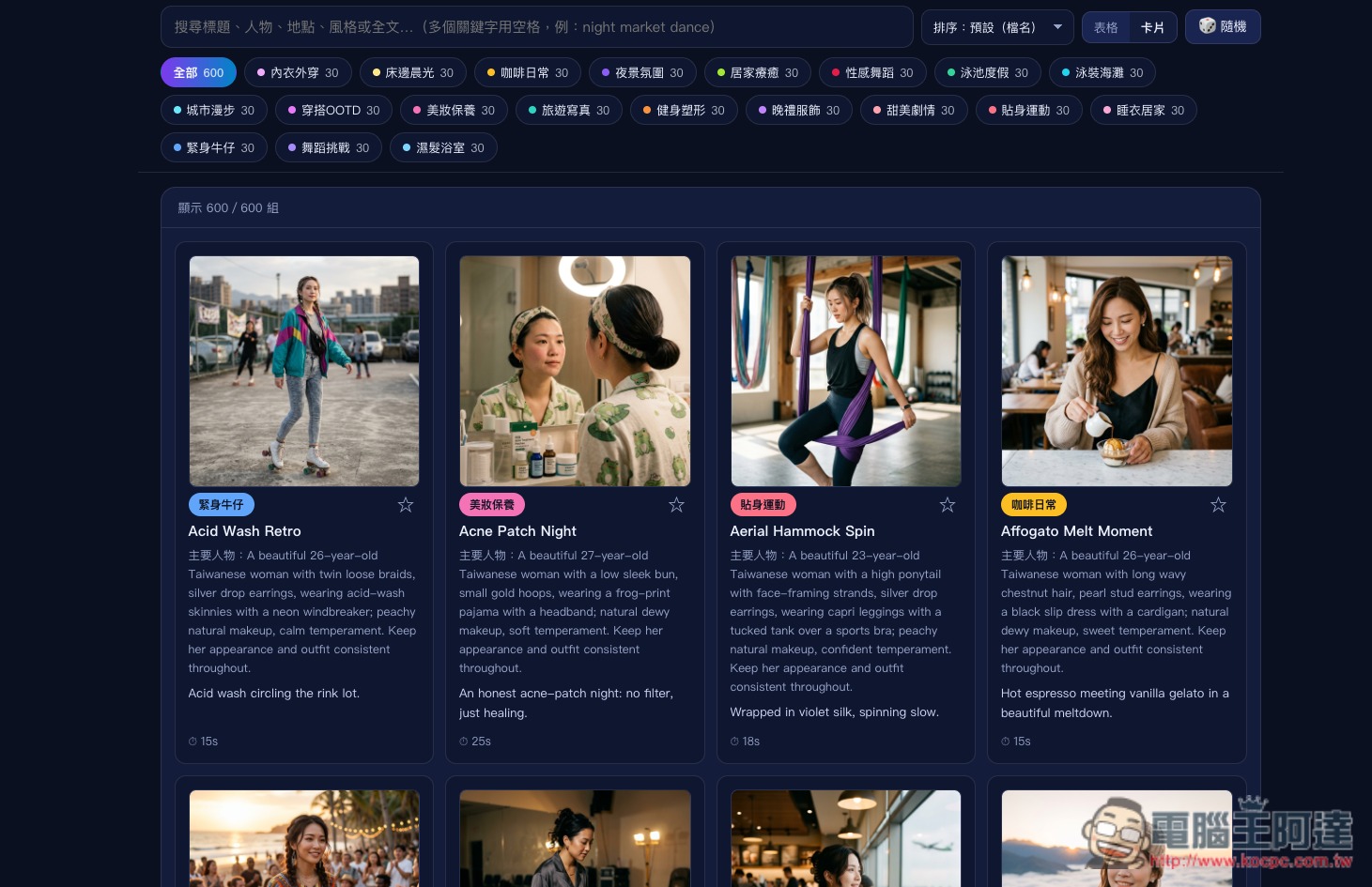
It does not provide AI video generation itself; instead, it is a large library of prompt materials. The website organizes prompts by different themes, including outfit OOTD, beauty and skincare, coffee daily life, city walks, travel portraits, fitness and body shaping, dance challenges, nightscape ambiance, cozy home, pool vacations, and more than 20 categories. Whichever type of video you want to create, you can quickly find it through categories or search.
Its most notable feature is that each set of prompts is written quite thoroughly. Rather than just a simple description like “a girl drinking coffee in a cafe,” it further specifies the character’s age, hairstyle, clothing, accessories, setting, and current action, covering scenarios such as drinking coffee during an airport layover, watching a sea of clouds in Alishan, a barista teaching latte art, and making banana bread at home. It also labels different video lengths such as 10 seconds, 15 seconds, 20 seconds, and 30 seconds.
The actual usage is also very simple: first, find a video example on QuickPhoto.shop that is close to what you have in mind, then refer to the Prompt in it and change the character, clothing, scene, location, or action to what you want, and finally use it in your preferred AI video generation tool. Even if you don’t intend to copy it directly, these complete prompts are also great for learning how to write AI video Prompts and understanding what details a good prompt usually needs to describe.
Key Features
- Includes approximately 600 sets of AI video prompt examples.
- Featuring a Y2K, UGC, and short-form video advertising style.
- Provides over 20 video scenario categories.
- Includes topics such as fashion, beauty, travel, coffee, fitness, home, and dance.
- The prompt covers details such as characters, hairstyles, clothing, accessories, scenes, and actions.
- Provide examples of different video lengths, such as 10–30 seconds.
- Supports keyword search and category filtering.
- Provides a favorites feature for easily organizing favorite prompts.
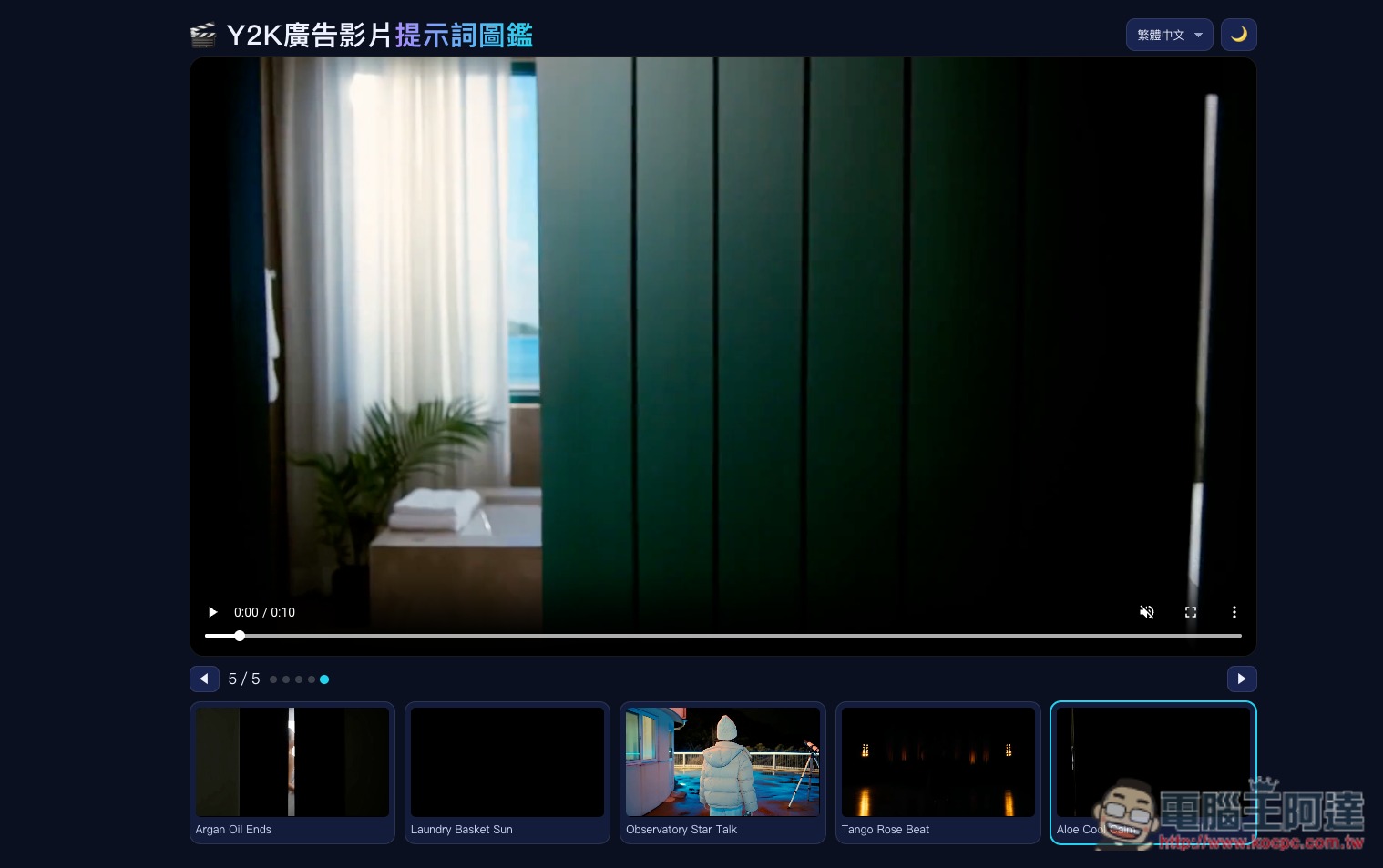
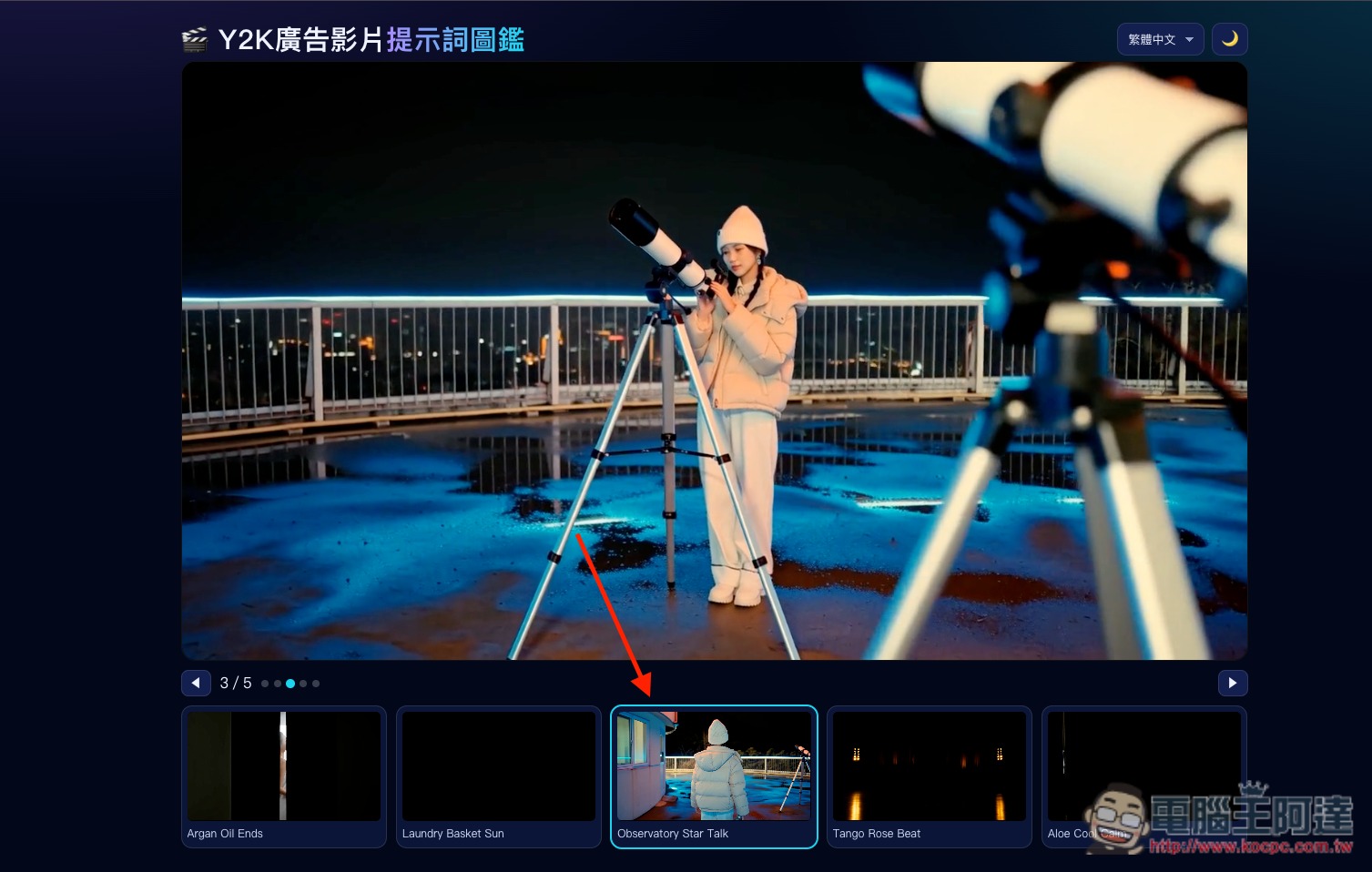
After clicking the link above to go to the QuickPhoto.shop website, there will be 5 demo videos at the top; those interested can take a look:
Then scroll down further, and you’ll find the currently available 600 free AI video prompts. Each one is categorized and also supports keyword search:
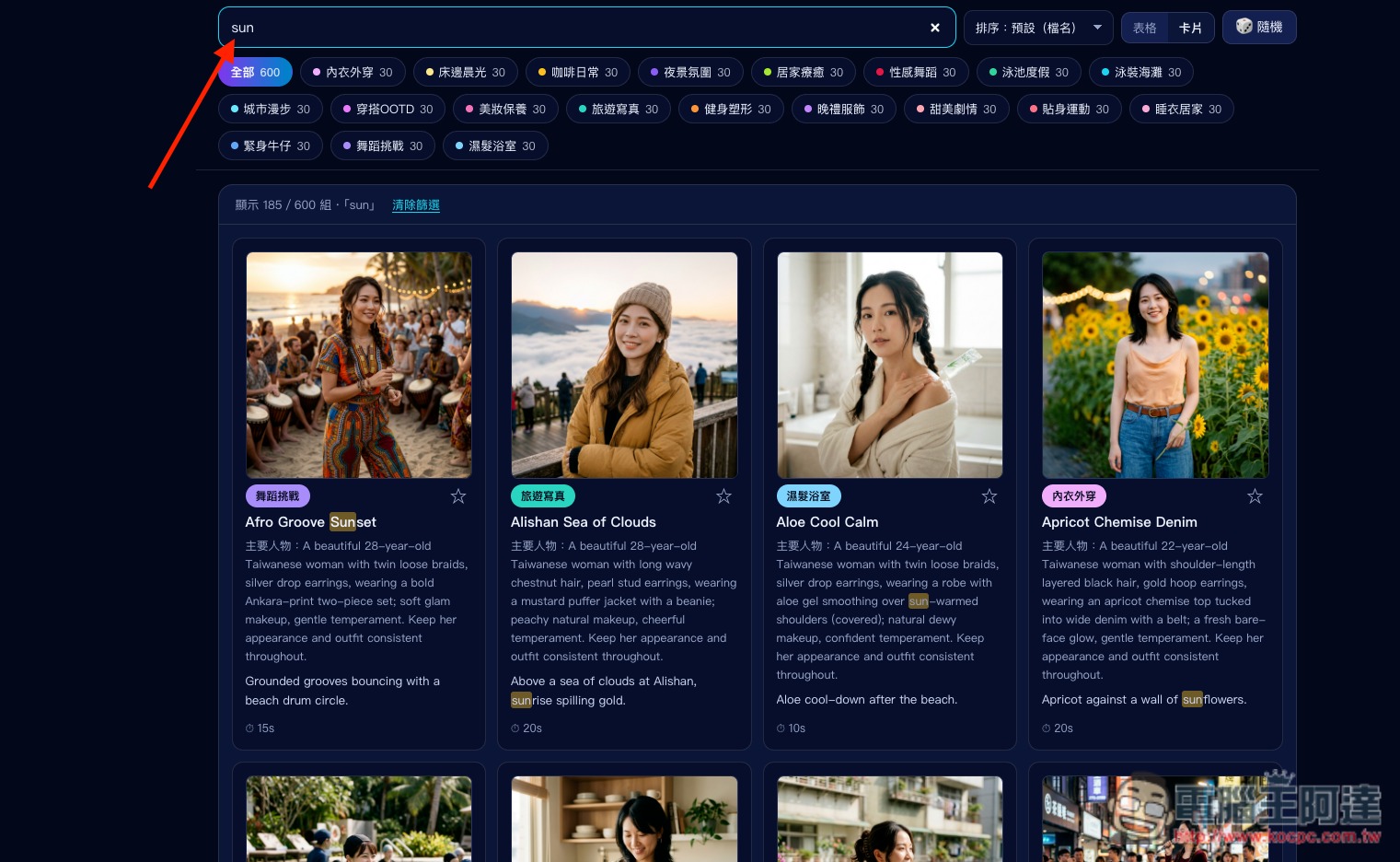
For keyword search, remember to enter it in English; once entered, matching results will appear below:
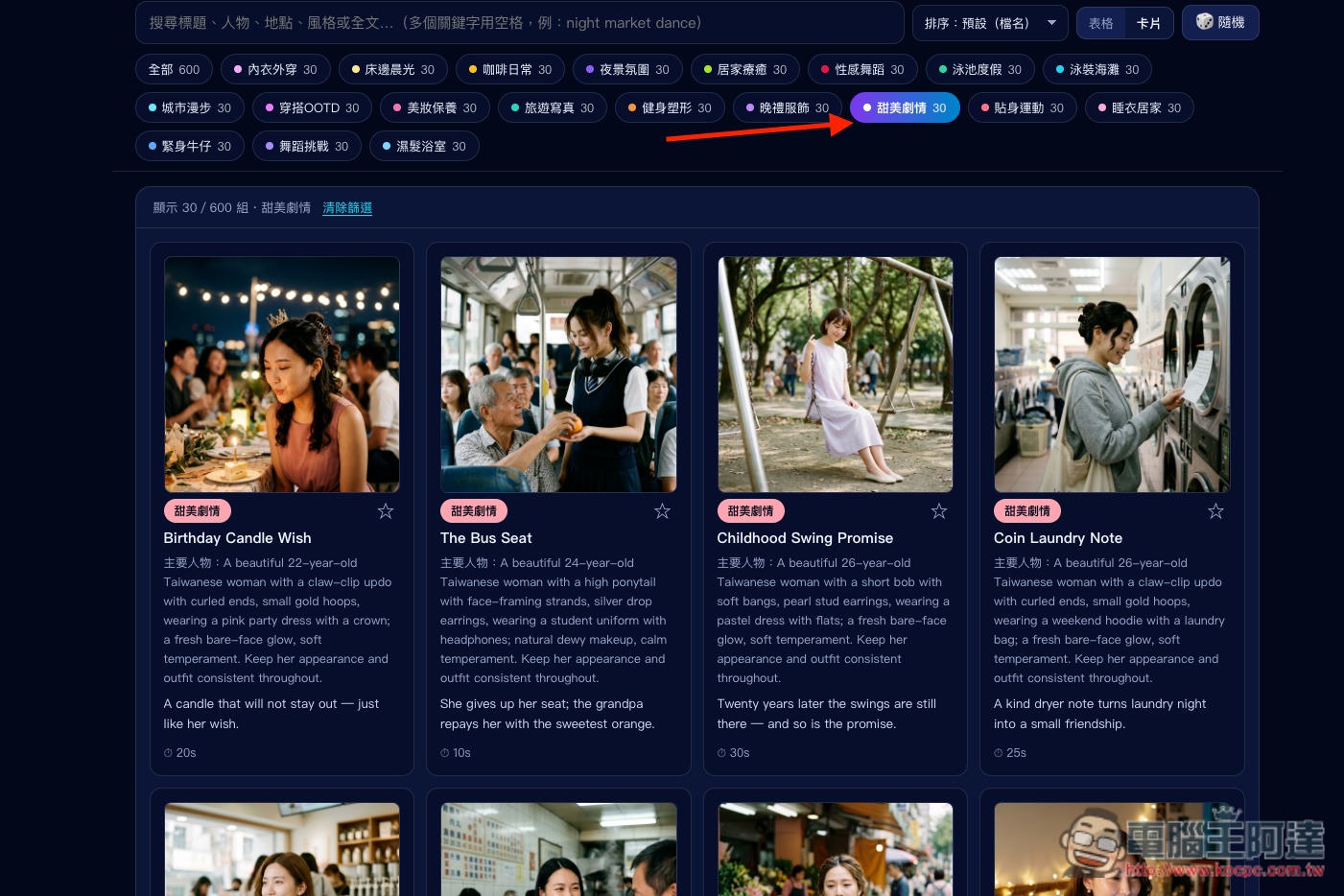
You can also click directly on a category to browse:
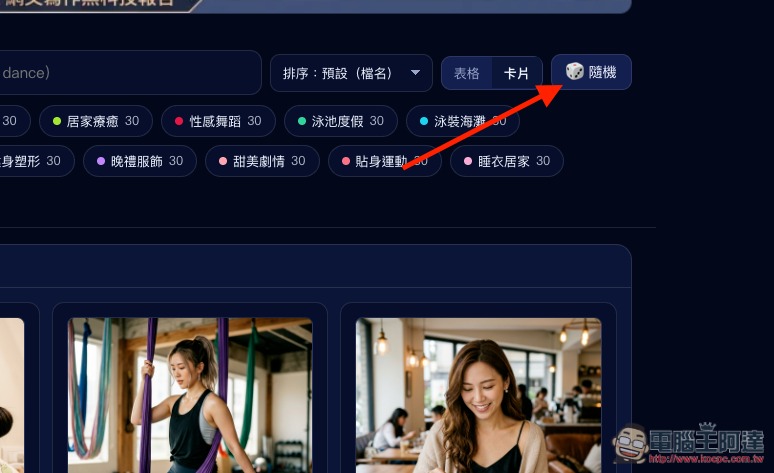
It also has a fun random button—click it and the prompt content for an AI video will appear at random:
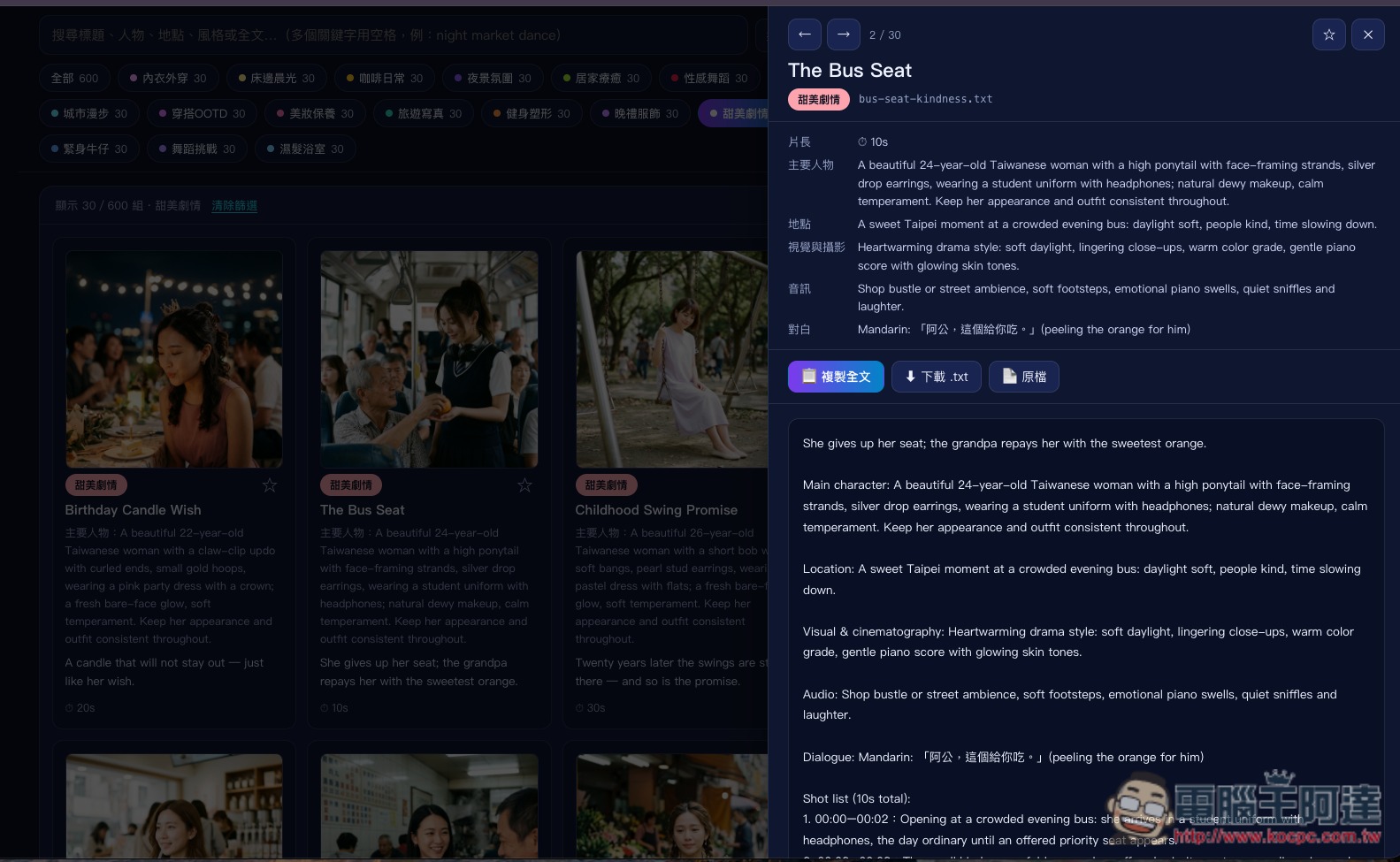
After finding an AI video that interests you, the relevant information will appear on the right, including the video length, main characters, location, visuals and cinematography, and the complete prompt, etc. The prompts and information are mainly in English; if you don’t understand them, you can ask AI to translate or modify them to your liking:
It also supports a favorites feature, so you can tap the favorite button on any AI videos you’re interested in:
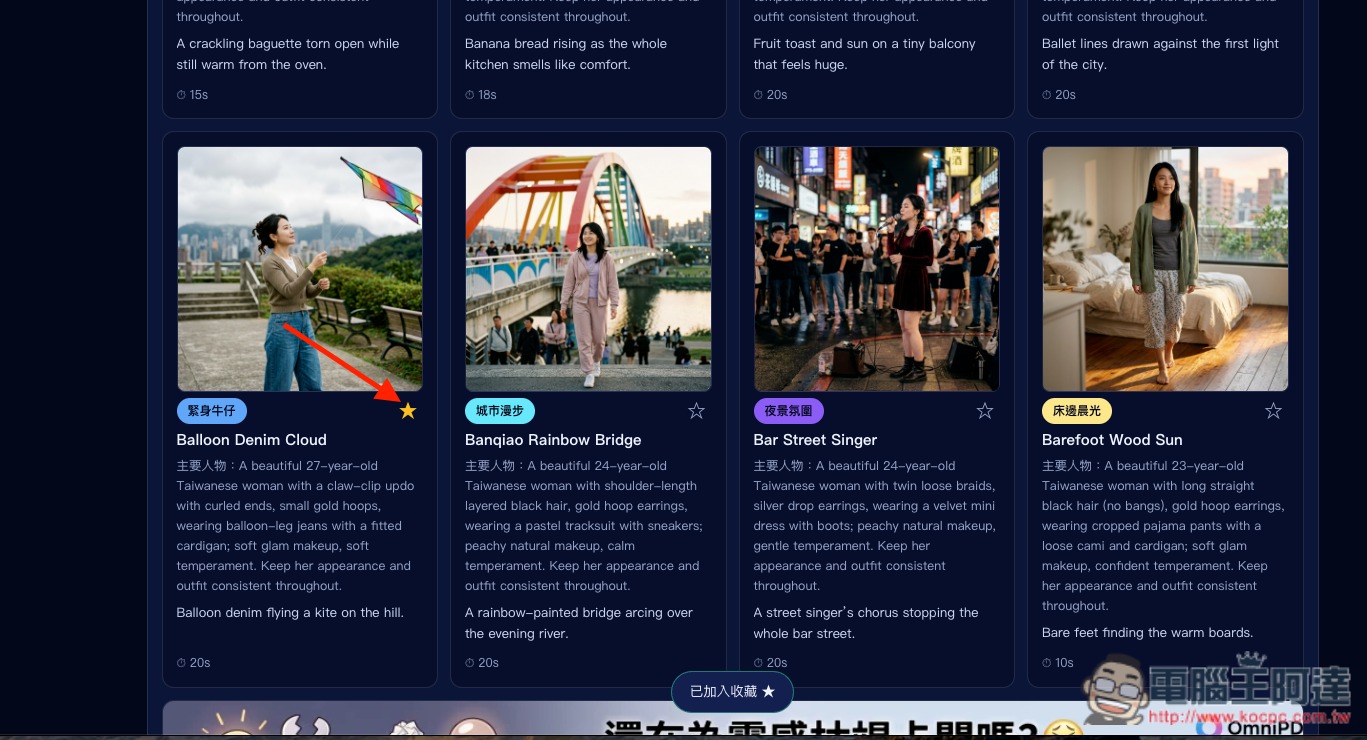
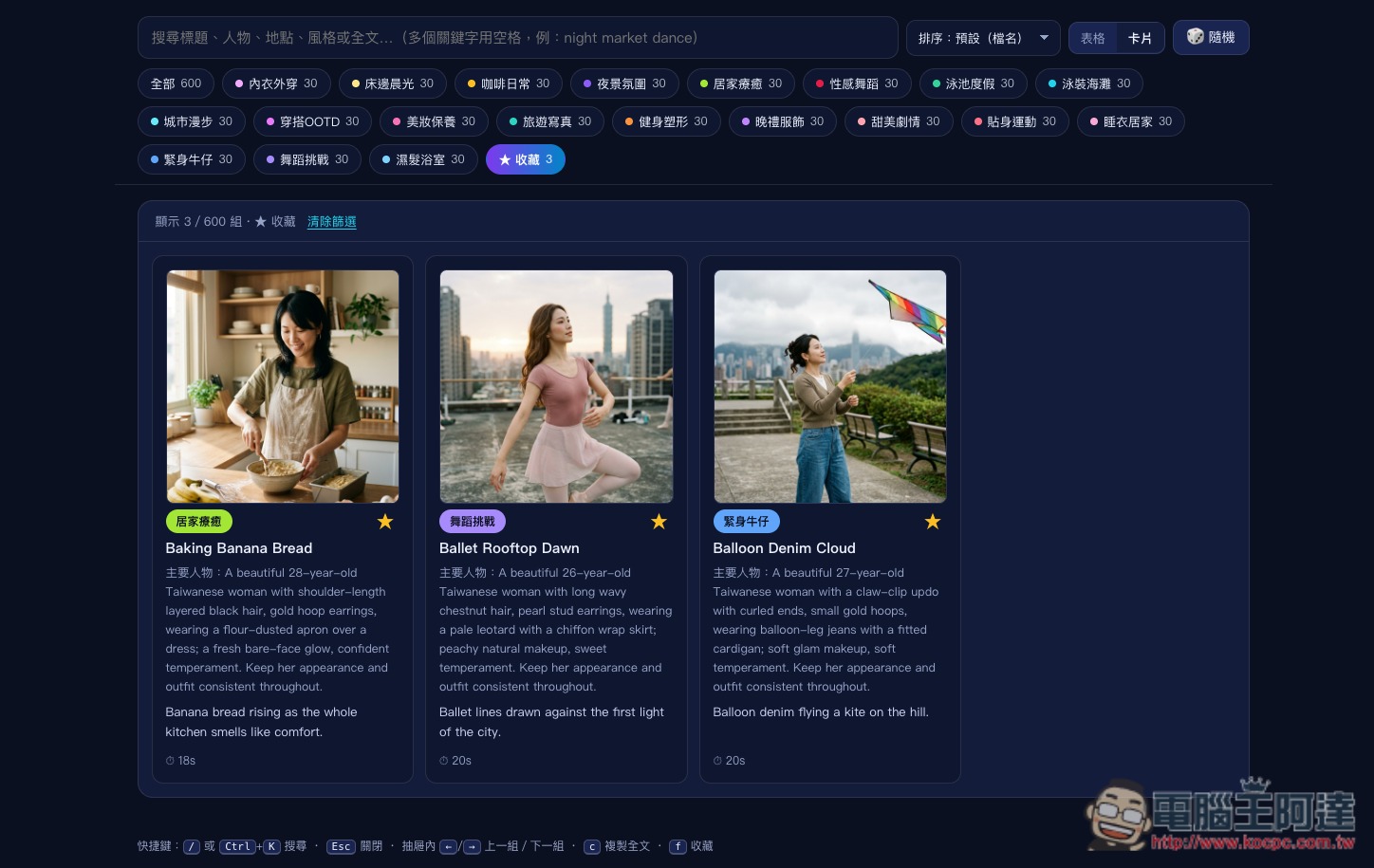
In the future, once you switch to the Favorites category, you’ll be able to quickly find these videos:
Source: KOCPC Chinese