


Due to the privacy controversy surrounding Typeless, many people are looking for similar alternatives. Although there are already many similar open-source voice-to-text software options online, after trying them, they still fall far short of Typeless—for example, the speech recognition isn’t as accurate, and the content revised by AI isn’t as polished. Recently, I came across SogaType, which seems to be a pretty good alternative.
Compared with Typeless, although SogaType has not yet reached the point of being fully on par, it is at least very close in recognition accuracy, speed, and AI auto-correction capability, and it also supports AI translation. More importantly, it was developed by a Taiwanese team, comes with a built-in 225,000-entry Taiwanese lexicon, and prioritizes commonly used Taiwanese terms.
It’s also cheaper, starting at under NT$60 per month, and it offers a seven-day free trial of the Pro version—no card required and no account registration needed.
Of course, it also offers a free version. In the free version, speech-to-text is unlimited, but AI correction has a daily usage limit. It works on Windows, macOS, iOS, and Android.
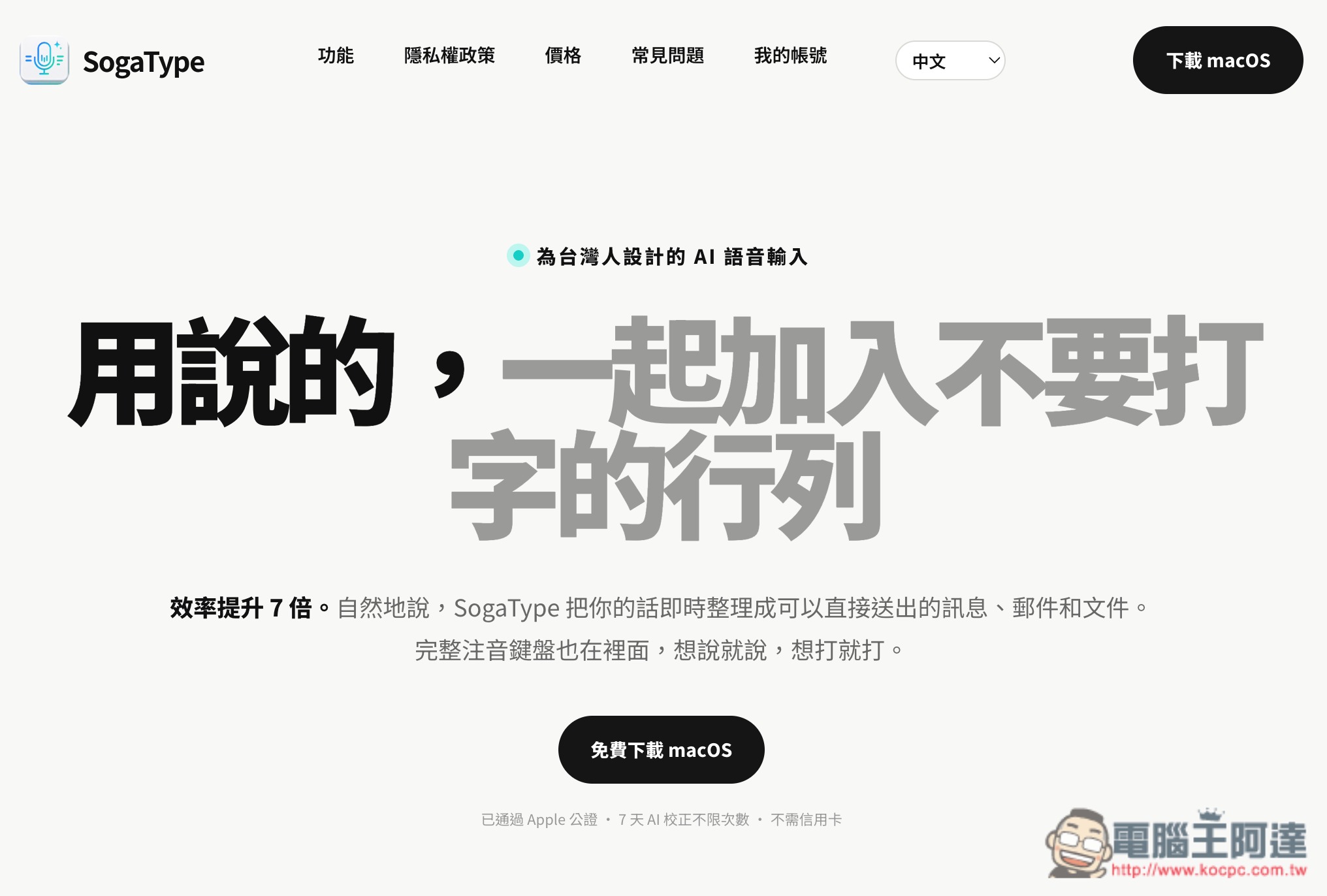
SogaType Introduction and User Experience Sharing
SogaType is an AI voice input tool launched by the Taiwanese team at Soga Technology, marketed as “designed for Taiwanese people.” Its biggest feature is not simply converting speech into text; it uses AI to further organize what you actually want to express, including automatically adding punctuation, correcting homophone errors, removing spoken fillers such as “um,” “uh,” and “like,” and even understanding when you correct yourself mid-speech so that only the final confirmed version is kept.
For example, if you originally say, “We’ll meet tomorrow at 2 p.m., um, no, change it to 3 p.m.,” SogaType can ultimately organize it directly into “We’ll meet tomorrow at 3 p.m.,” so you don’t need to go back and edit it yourself. When you dictate an Email, list, phone number, or work content, it can also help automatically format it, making the output text closer to a finished product that can be sent or pasted directly into a document.
For Taiwanese users, another very useful feature is the built-in Taiwanese lexicon of more than 225,000 entries, including the Ministry of Education Mandarin Dictionary and the vChewing corpus. It prioritizes common Taiwanese terms such as “mouse,” “software,” and “video” rather than converting them to terms used in other regions. Frequently used company names, product names, and technical terms can also be added to a personal dictionary to reduce the chance of recognition errors later.
SogaType can be used directly in LINE, Gmail, Google Docs, Notion, Slack, browsers, and anywhere else you can enter text, without needing to open a separate transcription website and then copy and paste. In addition to voice, it also integrates Zhuyin, Cangjie, and Quick keyboards, so you can still type normally when it’s not convenient to speak. The company says its speech recognition supports more than 100 languages, while its translation feature supports 36 languages.
On privacy, the company says voice recognition is done on-device, audio recordings are not uploaded, and only the transcribed text is sent for AI correction, with no content stored. Even without an internet connection, basic voice input is still available.
Currently, SogaType’s basic voice input and keyboard features can be used free forever. Unlimited AI corrections are provided for the first 7 days, after which the free version includes 10 AI corrections per day. Even after the quota is used up, basic voice input can still continue to be used.
Key Features
- An AI voice input tool designed for users in Taiwan, with voice input and basic keyboard functions free forever
- AI automatically adds punctuation and corrects homophones and typos.
- Automatically removes filler words such as “um,” “uh,” and “you know,” and can understand mid-speech self-corrections, only
- Keep the last confirmed content.
- Automatically organize emails, lists, steps, and text formatting.
- Built-in dictionary of over 225,000 Taiwanese entries
- Supports personal dictionaries, allowing you to add company names, product names, and technical terms.
- Speech recognition supports over 100 languages.
- Integrated Zhuyin, Cangjie, and Quick keyboards
- Speech recognition is performed on-device, and recordings are not uploaded.
SogaType supports multiple operating systems; I’ll use macOS as an example here. Installation is simple: after downloading the installer from the official website, just follow the instructions to install it and grant permissions.
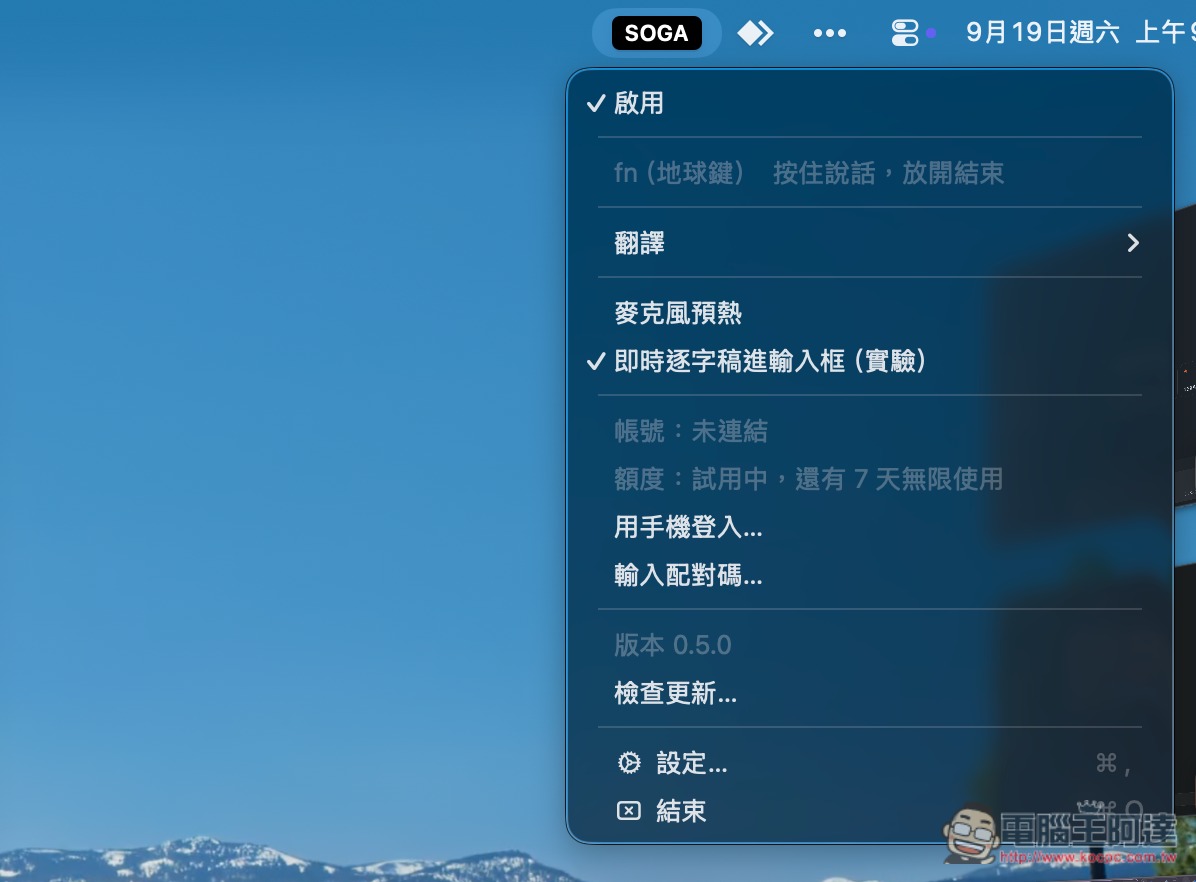
Then you’ll see a small SOGA icon in the top-right menu bar; this is SogaType. Open it to find the relevant settings. When you need AI translation, remember to select the language you want to translate into in the translation section. Currently, SogaType supports showing recognition results immediately during voice input; this is the default mode, but it’s still in the experimental stage:
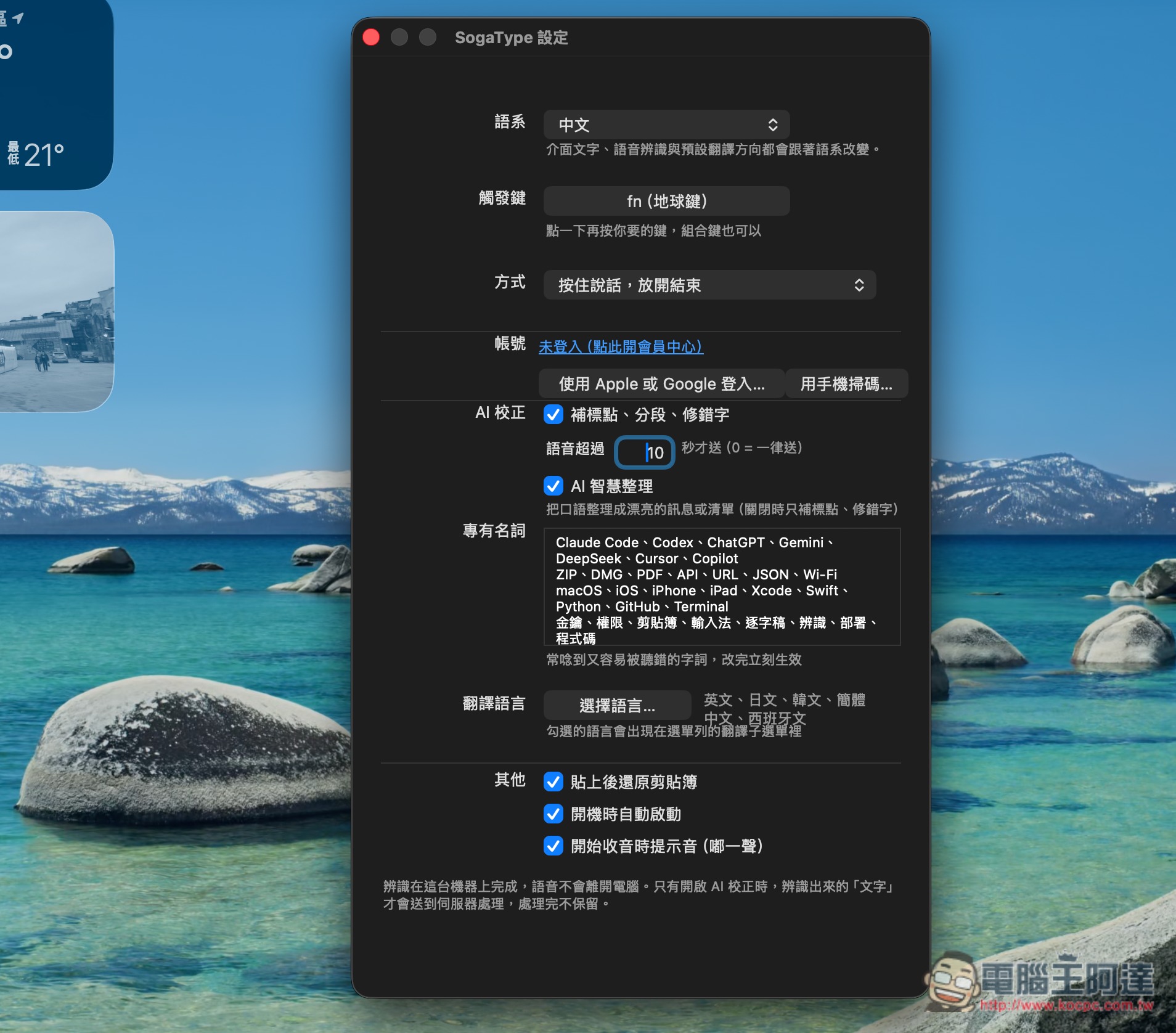
Open Settings to find the custom terms field, and add the text you type often here. On Mac, the default trigger key is fn, but you can also change it to a key you’re used to:
After pressing fn and starting to speak, SogaType will begin recognizing and displaying the results, and punctuation marks will also be added at appropriate sentence intervals:

If it’s about a list, AI will automatically correct and optimize what is said into a list, removing unnecessary words, filler words, and redundant text:

The AI translation feature is also quite fast—it finishes translating the moment you stop speaking:

After a quick trial, SogaType’s recognition was very accurate in the vast majority of cases, and the AI really did a good job correcting what I said and removing filler words. Recognition was also very fast. That said, it’s not without flaws: when I use it in Google Docs, sometimes extra characters appear at the beginning of the output, or the content gets pasted twice after recognition.
In addition, although SogaType’s free version offers unlimited voice input, it only provides 10 AI corrections per day. Compared with Typeless’s free version, which has an 8,000-word weekly allowance and supports AI correction and translation, Typeless is still more appealing when privacy concerns are not taken into account.
But when it comes to the paid part, SogaType is much cheaper.
Source: KOCPC Chinese