


As AI video generation models become more powerful, many people have surely started gradually trying to generate AI videos. However, video is still much harder than images, so getting a specific scene, camera movement, special effect, etc., requires a lot of time spent experimenting. This article recommends a highly bookmark-worthy free AI film prompt library called Cinematique, featuring over 150 techniques for shots, lighting, composition, editing, and visual effects, with real examples and Prompts you can copy directly, allowing you to quickly apply them to your own work and save a lot of trial-and-error time.
Introduction to Cinematique, a Free AI Movie Prompt Database
Cinematique is a free AI movie prompt library launched by vvsvs. It curates various cinematography and video production techniques and turns them into Prompts that can be used directly. It currently includes more than 150 cinematic techniques, covering categories such as camera angles, camera movement, lighting, composition, editing, and visual effects. For people who regularly use AI to generate images or videos, it can save a considerable amount of time they would otherwise spend researching on their own.
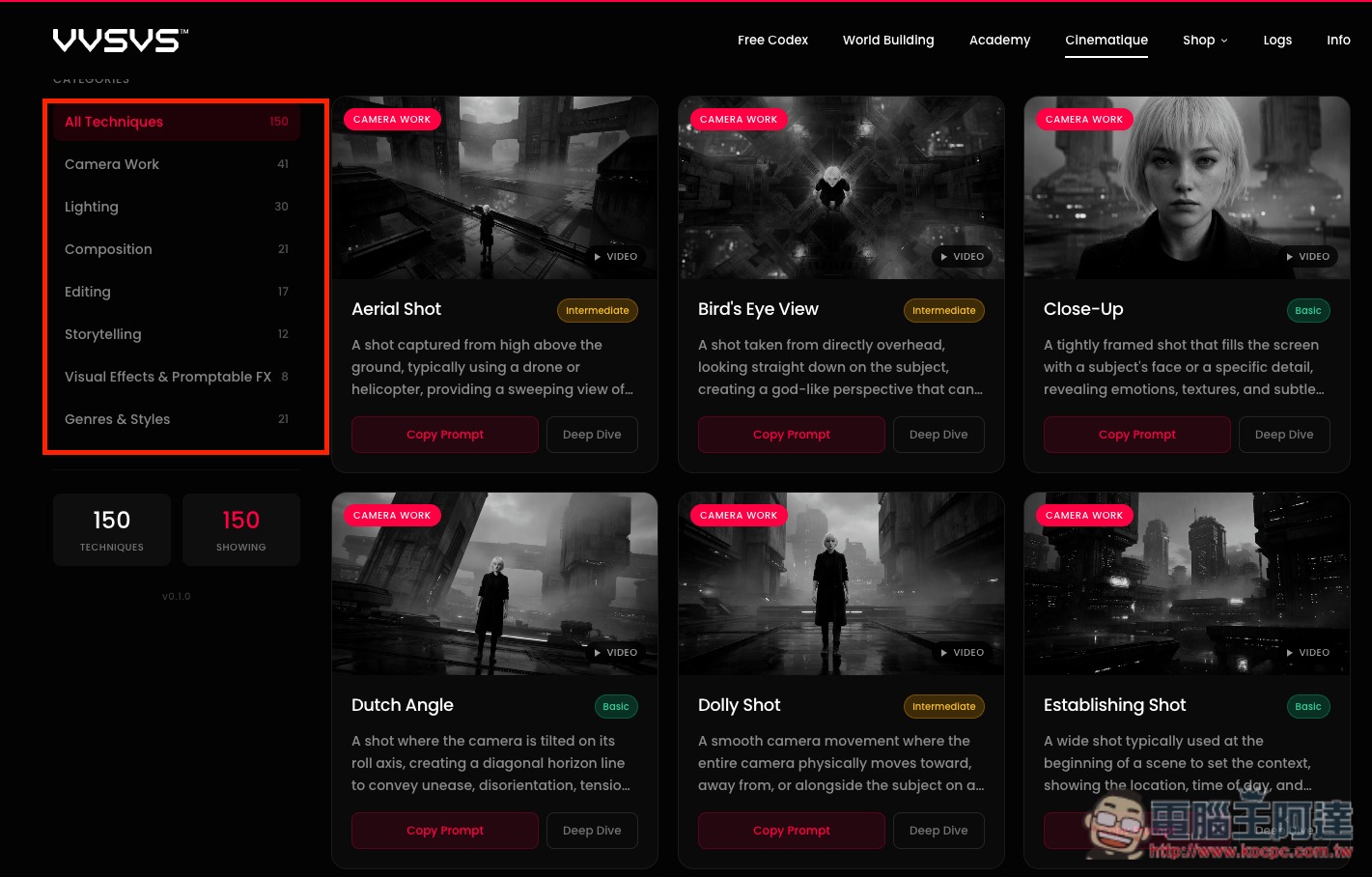
Unlike websites that simply share AI prompts, it’s more like a “cinematography prompt encyclopedia.” For example, in the Camera Work category, you can find techniques such as Aerial Shot, Close-Up, Dutch Angle, Dolly Shot, POV, and Tracking Shot. Lighting includes options such as Three-Point Lighting, High-Key Lighting, and Low-Key Lighting.
There are also dedicated Composition categories, where you can find common ones like the rule of thirds, centered composition, and triangular composition, and even editing and post-production effects such as Cross-Cutting, Color Grading, and Desaturation.
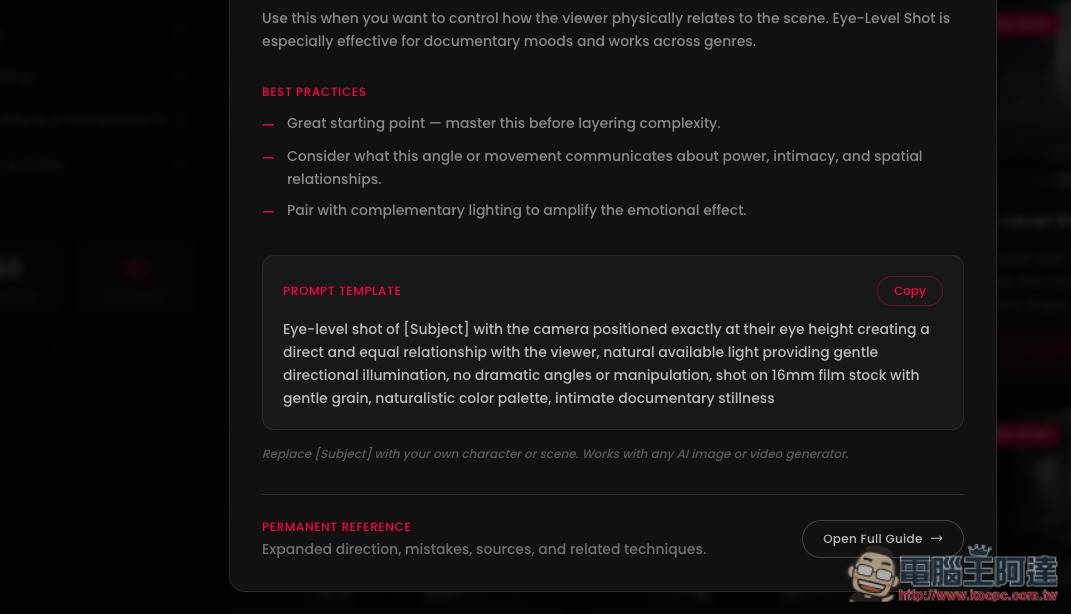
Each technique will briefly explain its purpose and the visual effect it can create, and some will also list how famous films or directors have actually used it. The prompts will include a [Subject] field; just replace it with the person, object, or scene you want to generate, and you can use it directly without having to write from scratch.
These prompts are not tied to a specific AI model; officially, they are positioned to be applicable to various AI image and video generators, and the website specifically mentions tools such as Midjourney, Runway, and Veo.
Key Features
- Free access to over 150 prompts for cinematography and video production
- Covers camera angles, camera movement, lighting, composition, editing, and visual effects.
- Each technique includes a usage description and a complete Prompt template.
- The prompt reserves [Subject]; replace it with your own topic to use it.
- Find suitable film techniques by category, difficulty, and mood.
- Provide image and video effect references so you can confirm the style before applying it.
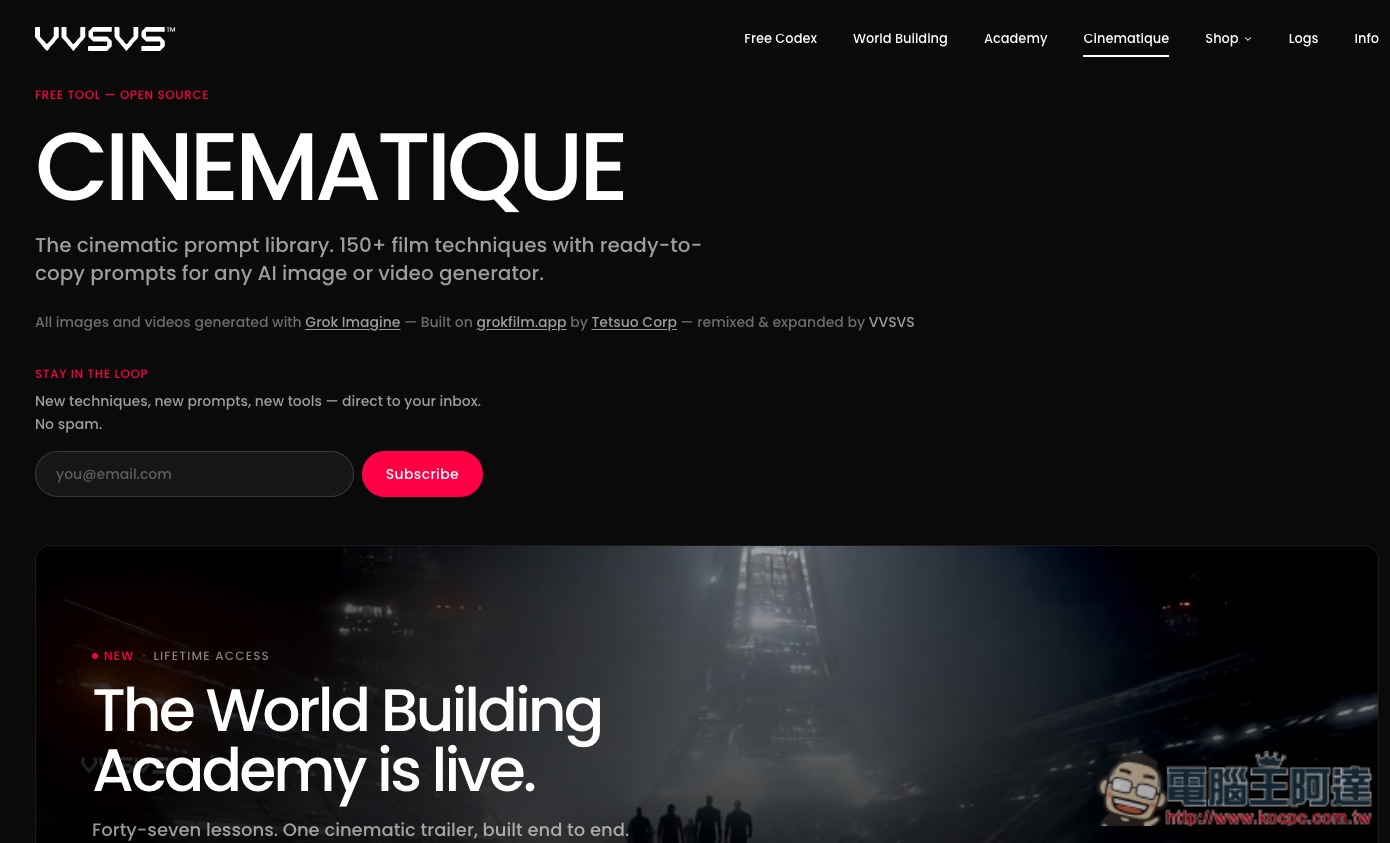
After clicking the link above to go to vvsvs’s Cinematique page, if you’d like to receive the latest prompts in real time, you can enter your Email to subscribe:
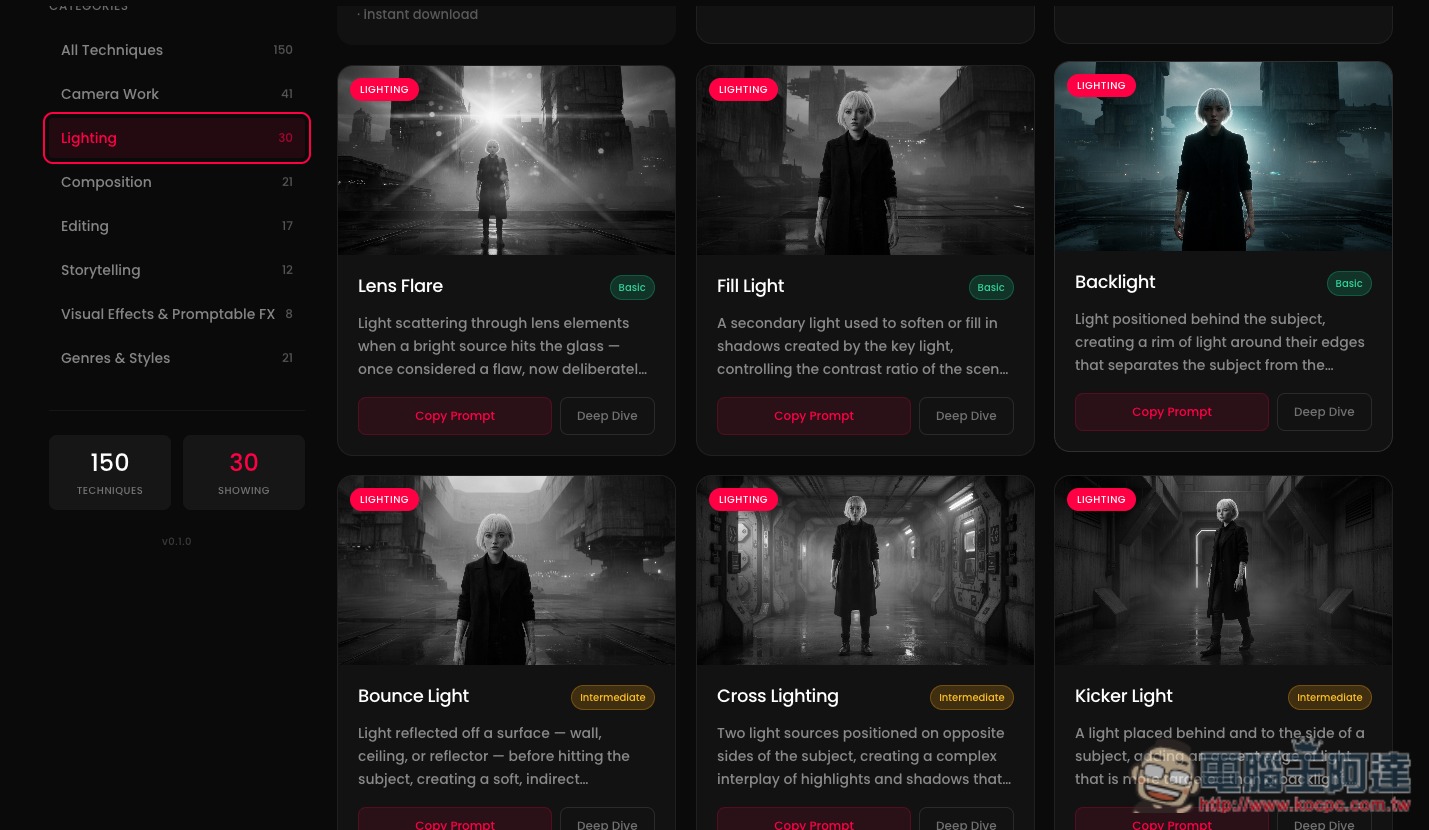
Scroll down to browse all prompts. On the left are all the categories: All Techniques, Camera Work, Lighting, Composition, Editing, Storytelling, Visual Effects & Promptable FX, and Genres & Styles:
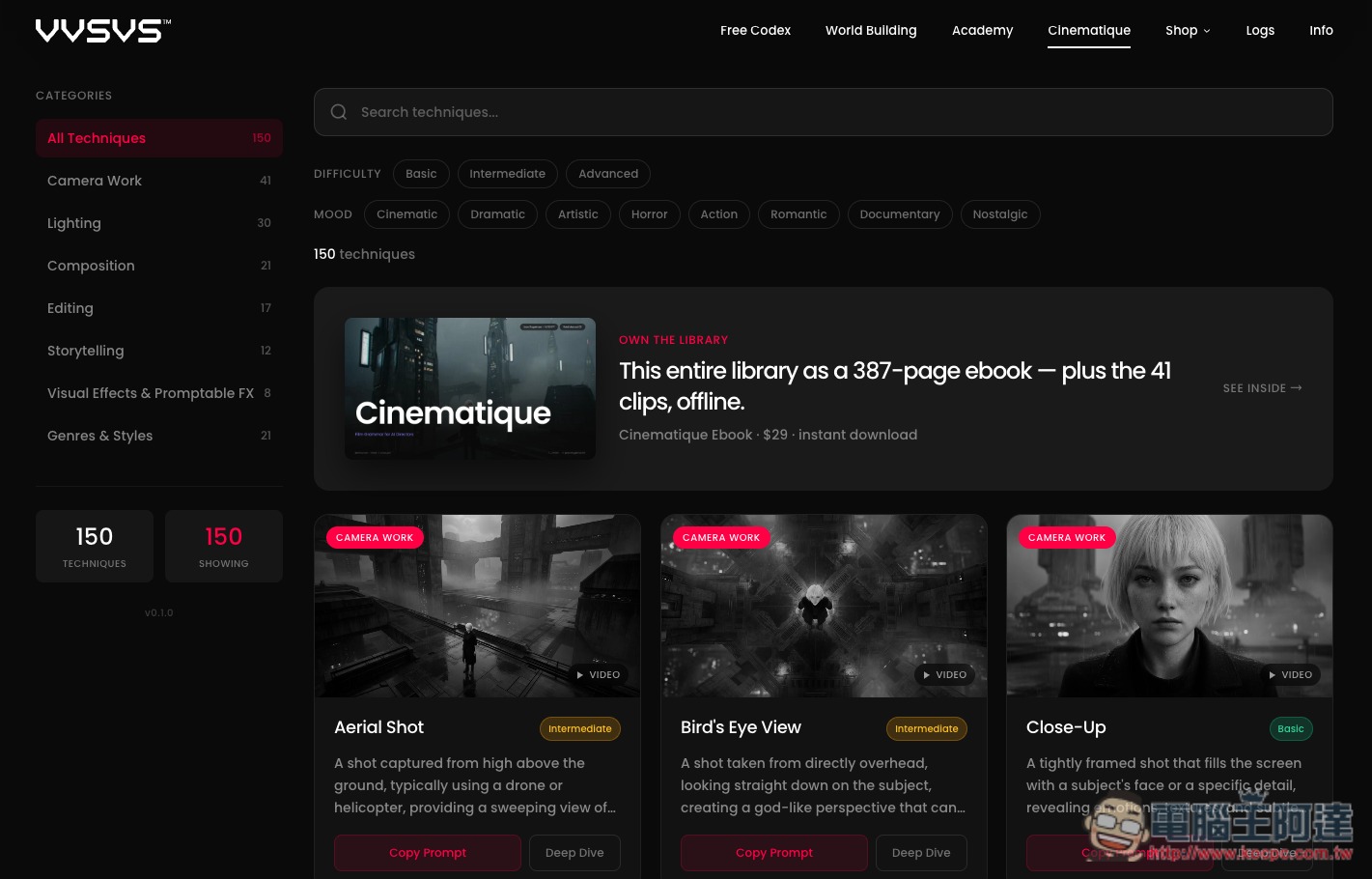
Each technique includes images or videos demonstrating its effects. After clicking, you can also view more detailed introductions, including when to use it, how to guide the AI, and common mistakes.
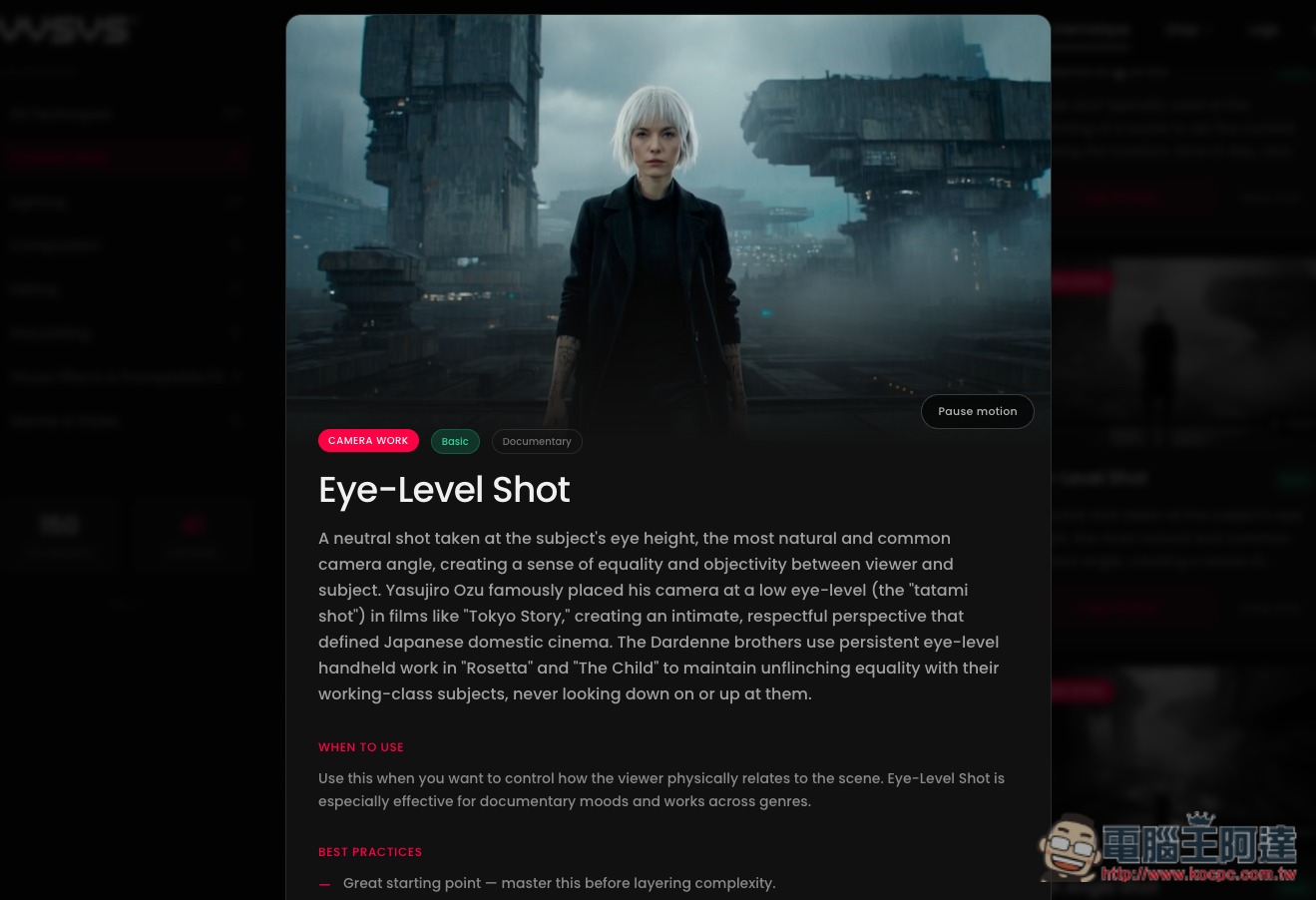
Scroll down to find the Prompt template, then click Copy in the upper right corner to copy it with one click:
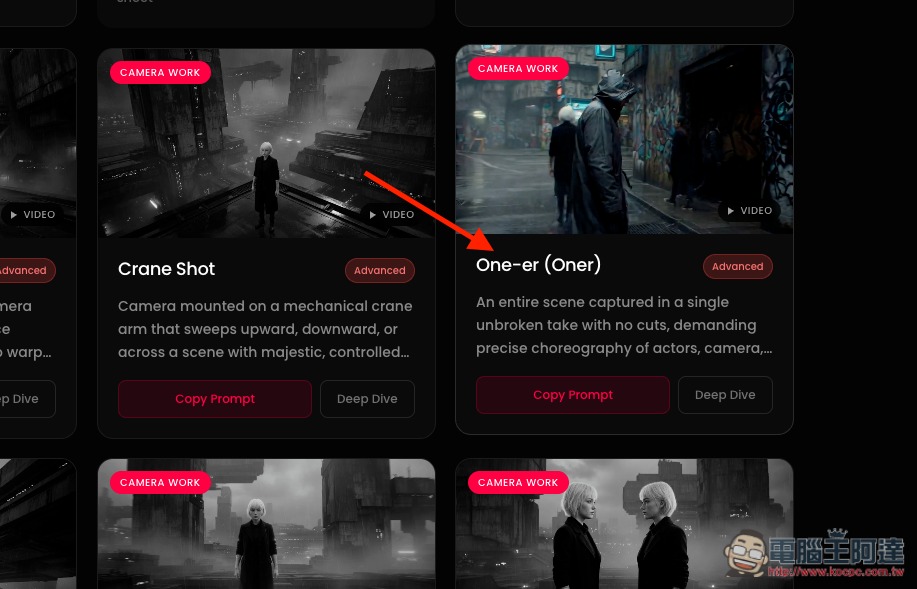
Many camera movement techniques are very practical. Something like the One-er (Oner)—a way of shooting with no cuts throughout, using a single long take that follows the characters and scene as they move—is probably something many people would want to try:
There are also as many as 30 lighting effect prompts:
Source: KOCPC Chinese