


Compared to traditional wired speakers, Bluetooth speakers offer clear advantages in wireless playback and portability, allowing users to enjoy music with greater freedom. However, Bluetooth speakers are not without their drawbacks, and users may still encounter various issues during use. Some of these situations may be isolated incidents, bad luck, or defects inherent to a specific product model; but some problems fall under the common pain points of using Bluetooth speakers.
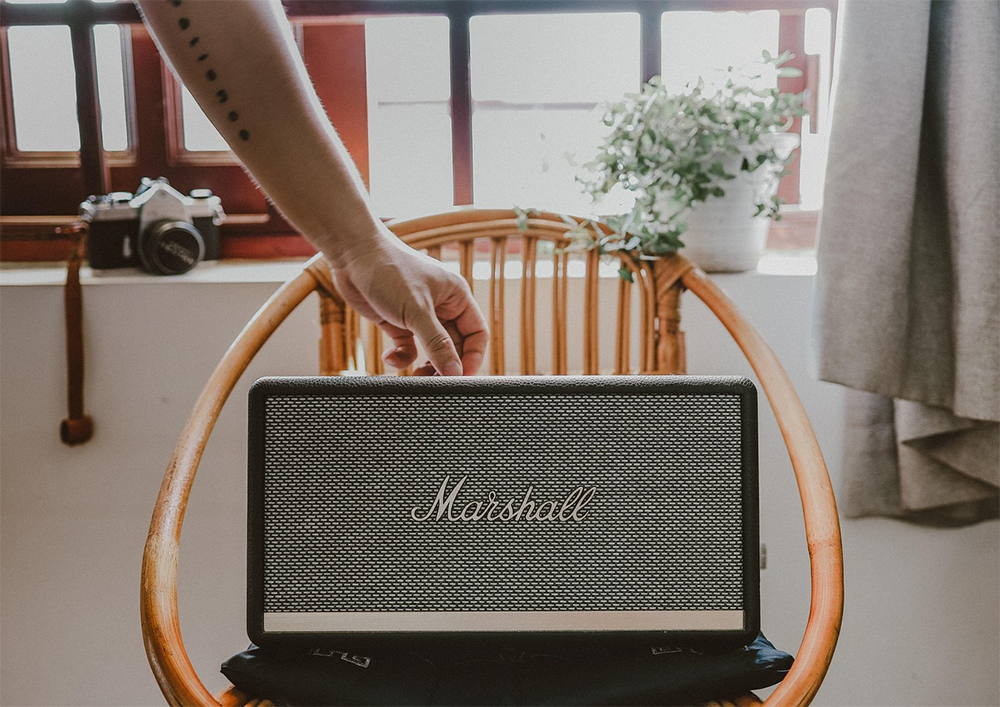
4 Common Bluetooth Speaker Usage Problems—Solved the Right Way
Of course, every user’s actual experience will be somewhat different. If you’re using a Bluetooth speaker that’s well-reviewed on the market, you can usually enjoy a stable and convenient wireless music experience without worrying too much about malfunctions. However, in certain situations, issues like unstable connections, degraded sound quality, or insufficient volume can still arise. While the problems users face vary across different brands and devices, many of them are common issues that users frequently encounter.
Fortunately, most issues can be resolved through simple measures. For example, moving the speaker closer to the playback device, restarting the equipment, or re-pairing via Bluetooth often restores normal operation. However, if the problem persists, professional repair services may be needed, with technicians inspecting the device to prevent the malfunction from worsening or leading to other issues.
The speaker cannot connect to other devices properly.
If you’ve ever used a Bluetooth speaker, you’re surely familiar with a common problem: sometimes the speaker suddenly fails to establish a connection with your phone, computer, or game console, resulting in no audio output at all. This is not only one of the most common failures of Bluetooth speakers, but also one of the most frustrating issues. After all, a speaker that can’t play sound loses the meaning of even its best features.
There are many possible reasons why a Bluetooth speaker fails to connect, so the solution will vary depending on the source of the problem. Sometimes it is just a temporary system glitch, incorrect pairing settings, or a connection conflict between devices; in some cases, however, it may involve more serious hardware failure. First, it is recommended to restart both the speaker and the playback device, then try connecting again to see if the issue can be resolved.
If you still cannot connect after restarting, the next step is to delete the existing Bluetooth pairing records and pair again. The exact procedure may vary depending on the device model and operating system, but the relevant option is usually found in the Bluetooth settings menu. If the problem persists after re-pairing, the speaker’s Bluetooth module may be malfunctioning. Before sending it in for repair or considering replacing the device, it is recommended to test pairing the speaker with another phone or computer to confirm whether the speaker itself is faulty or the original playback device is the issue.
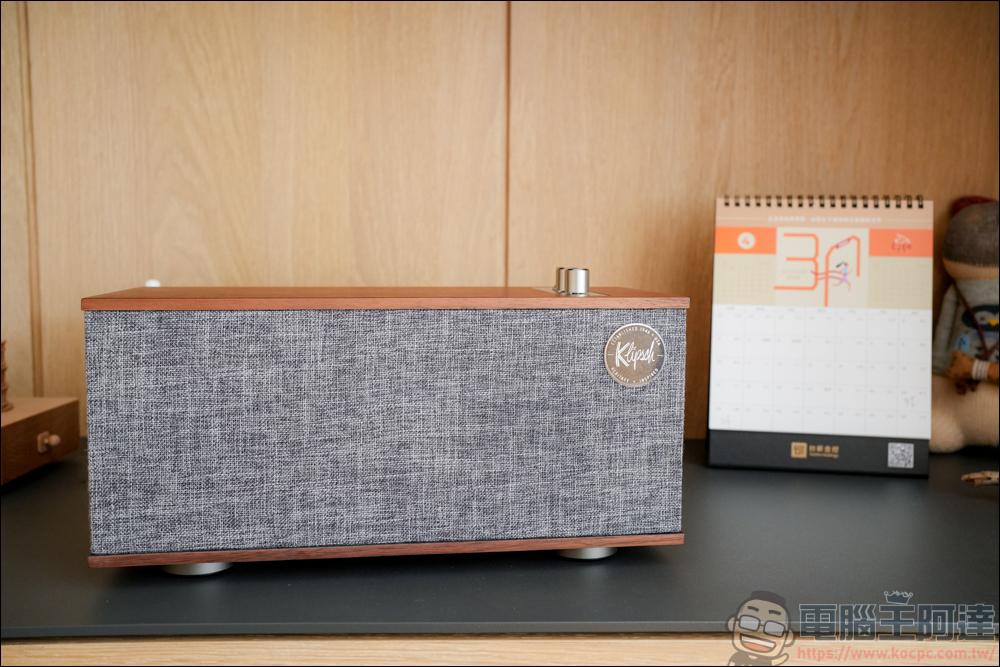
Interference can cause latency and audio stuttering.
When using Bluetooth speakers, even if the device itself is functioning normally, issues such as audio delay, sound stuttering, or intermittent playback may still occur. These problems are mostly related to wireless signal interference. When a Bluetooth speaker cannot stably receive audio data from a phone, computer, or other playback device, transmission quality may be affected, leading to abnormal sound. There are many causes of interference, including signals being blocked by obstacles such as walls and furniture, or too many nearby wireless devices causing frequency band congestion.
No one wants to experience latency while enjoying music, watching videos, or playing games, especially in situations where audio-visual synchronization is critical. For example, when watching a movie with delayed audio, the characters’ lip movements may fall out of sync with their speech; in gaming, important sound effect cues may also arrive later than the visuals, affecting reaction speed and the overall gameplay experience. This tends to be even more pronounced in fast-paced games that rely on music or sound cues for timing, such as rhythm games or competitive games.
If the speaker is not obstructed by walls, furniture, or other obstacles, the problem likely stems from an overly crowded wireless band. Bluetooth devices primarily transmit data over the 2.4GHz band, but this band is also the shared operating frequency for many household devices, such as Wi-Fi routers, microwave ovens, and other wireless equipment. When a large number of wireless signals are present nearby, they can interfere with one another, affecting the stable transmission of audio data and leading to issues like latency, noise, or dropouts. This is similar to being in a noisy, densely packed crowd—even if the other person is right next to you, it is hard to hear each other clearly.
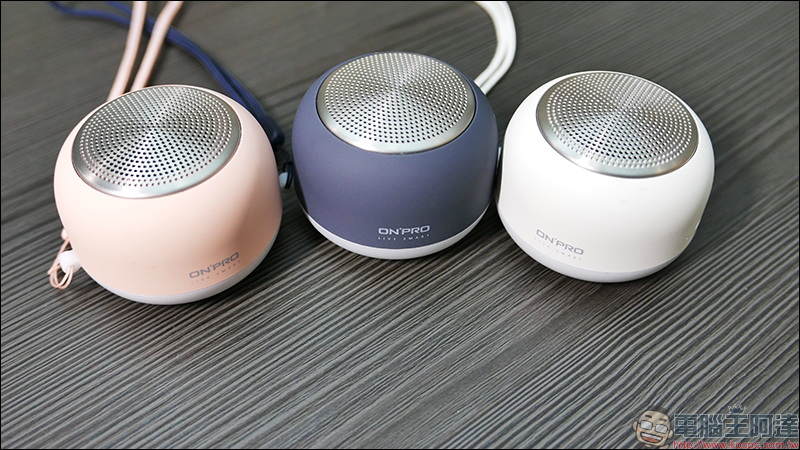
Limited transmission distance may affect audio quality and connection reliability.
People easily overlook how important the distance between a Bluetooth speaker and the playing device is. They are wireless by nature, meaning your phone or computer is no longer tethered by cables as before. However, this “wireless” range may be shorter than you think. The farther the distance between the speaker and the playing device, the more unstable the Bluetooth connection becomes. This can have a huge negative impact on your overall listening experience, because the longer the distance between devices, the more both audio quality and connection stability are affected.
The Bluetooth connection range varies depending on its generation, but generally speaking, under ideal conditions, the effective range of modern Bluetooth technology is typically between 30 feet and several hundred feet. A Bluetooth 5.0 connection can transmit data up to about 800 feet, depending on interference and the speaker’s material. If you go beyond the speaker’s effective range or block the signal in some way, you’ll experience choppy audio and other strange audio distortions, causing the speaker’s sound quality to become very poor.
Fortunately, the solution is simple. You just need to stand a little closer to the speaker. However, if that still doesn’t work, the problem may lie with the speaker itself—a low-quality built-in battery with poor battery life can easily result in thin sound quality and unstable connectivity.
The sound from the speakers is very quiet, muffled, or muddy.
Low speaker volume is not necessarily caused by the Bluetooth speaker itself, but in some cases, it may indeed be related to the Bluetooth device. If the problem stems from poor Bluetooth connection quality, sound performance will naturally be affected. In such cases, special attention should be paid to factors such as signal interference, distance between devices, and the effective Bluetooth transmission range, to ensure that the speaker and playback device operate in a good connection environment. However, Bluetooth connection is not the only cause of insufficient volume or poor sound quality.
Power issues are also a common factor. When a Bluetooth speaker doesn’t receive a stable and adequate power supply, it may fail to deliver the expected audio performance, resulting in low volume, unclear sound, and even compromised overall sound quality. Causes of such issues may include low battery levels, abnormal power systems, or the use of batteries with insufficient capacity or poor quality. Even some budget Bluetooth speakers with decent reviews can face similar situations, so this should not be overlooked.
Additionally, outdated firmware can also affect your speaker’s sound performance. If you notice that the speaker volume is too low, the sound quality is muddy, or the device is behaving abnormally, outdated firmware may be one of the causes. Firmware is the core software built into the speaker, responsible for controlling the device’s various functions and operations. Although firmware does not need to be updated frequently, regularly checking for and installing official updates can still help improve performance, fix bugs, and enhance the overall user experience. To learn the correct update procedure, it is recommended that you refer to the product user manual or visit the manufacturer’s official website for relevant instructions and support information.
Source: KOCPC Chinese