


When building a custom desktop PC, the pain point gamers fear most is buying parts that won’t fit in the case, or ending up with lighting effects that don’t match what they imagined. On top of that, wrongly purchased parts can’t be returned, so they can only be resold at a low price to other gamers who need them. The website introduced this time “BuildCoresBuildCores is a “3D PC Building and Parts Selection Platform” built specifically for PC enthusiasts, and it could be said to perfectly solve these headaches. It has a massive parts database and focuses on an ultimate 3D visualization experience, letting you assemble a PC whose internals you can’t see online before ordering any hardware. Whether you want to confirm whether a flagship graphics card will interfere with a water-cooling radiator, test RGB lighting combinations across different hardware, or simply compare prices in real time to find the best-value build list, BuildCores is an indispensable powerful tool for modern PC DIY players:
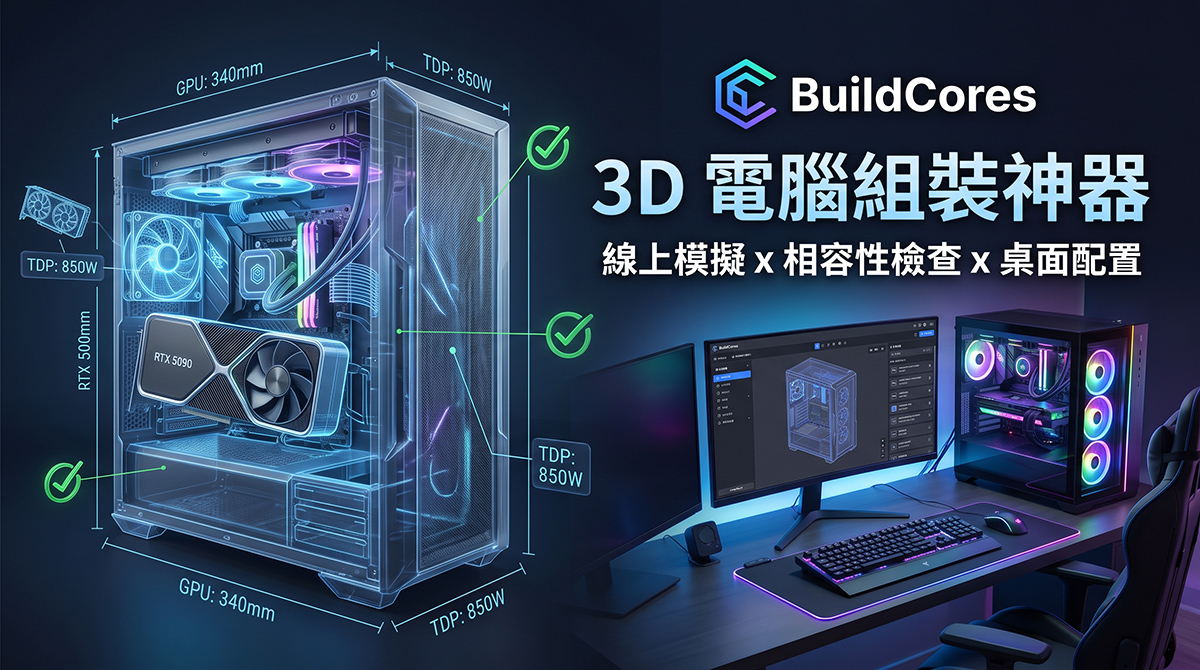
BuildCores Overview
After entering the homepage, click Start Building on the screen to begin online assembly:
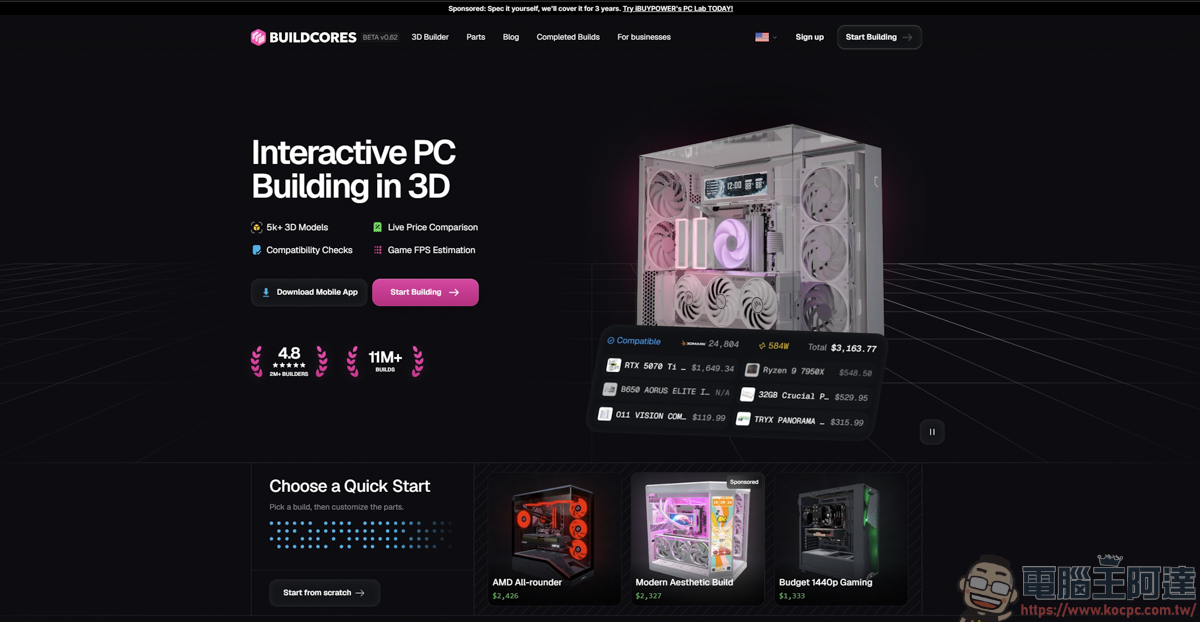
BuildCores has a massive model library with over 5,000 detailed 3D hardware models built in, where players can find all kinds of hardware devices currently sold on the market: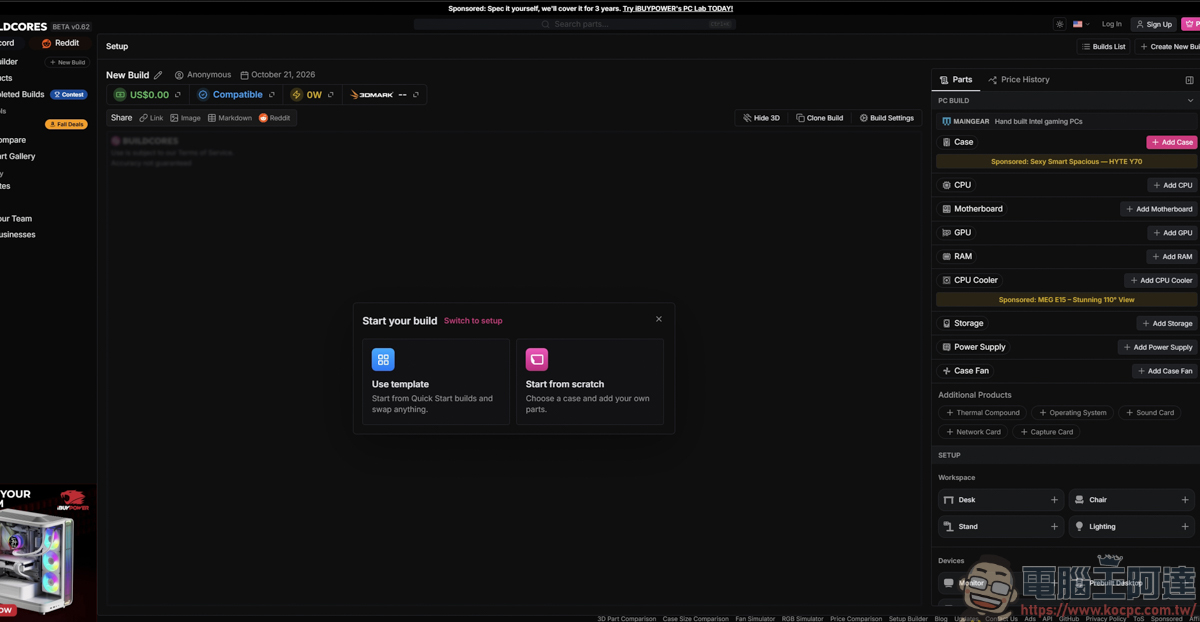
Since the website doesn’t support Chinese, I’m using the site’s translation feature here to make it easier for readers to understand the features introduced below:
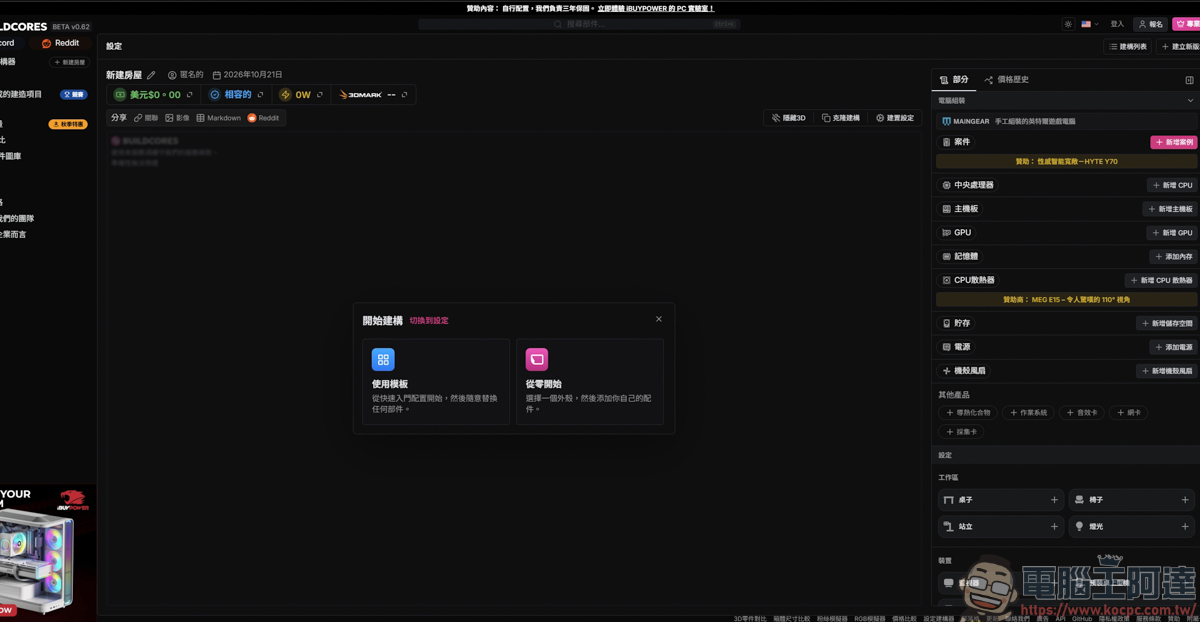
In the above feature, there are two options: templates and starting from scratch. For the template part, the website itself provides several pre-assembled builds, and players can directly use these templates to observe how these PCs are assembled:
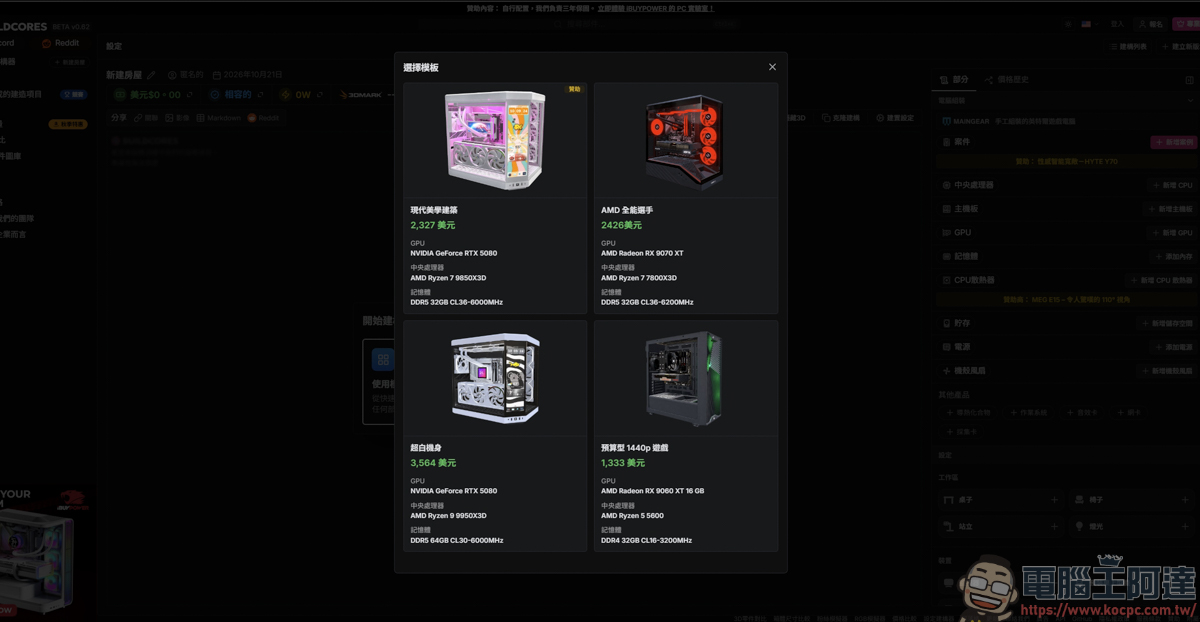
For now, let’s just click on any template machine to take a look. After selecting it, a 3D image of that machine will appear on the screen. The parts used will also appear on the right-hand side:
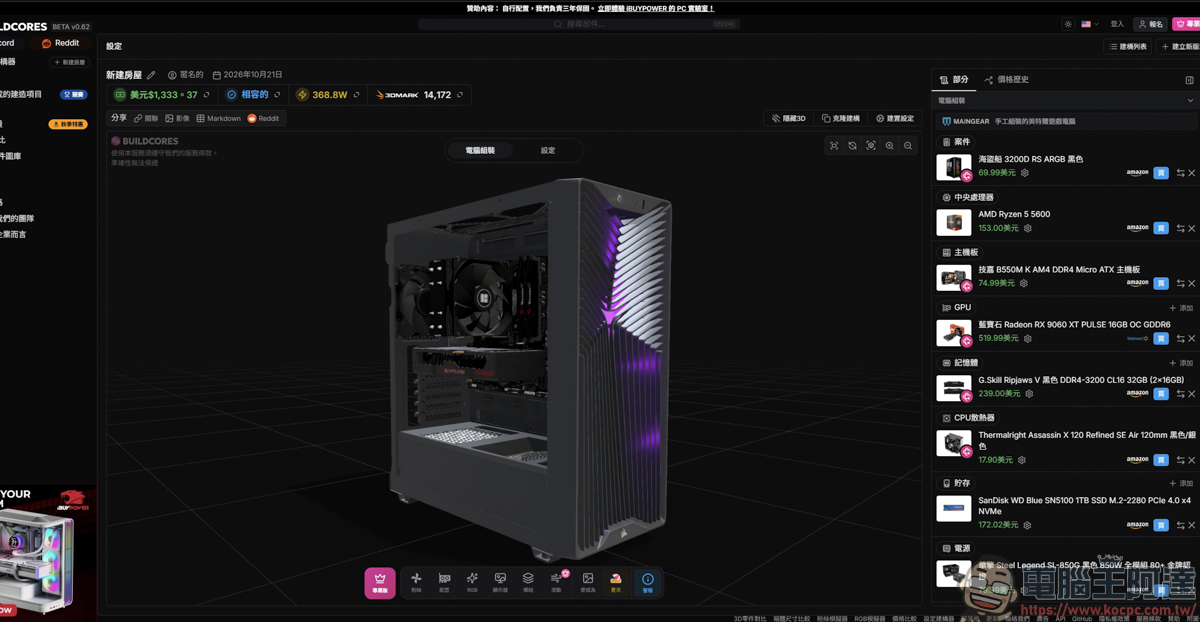
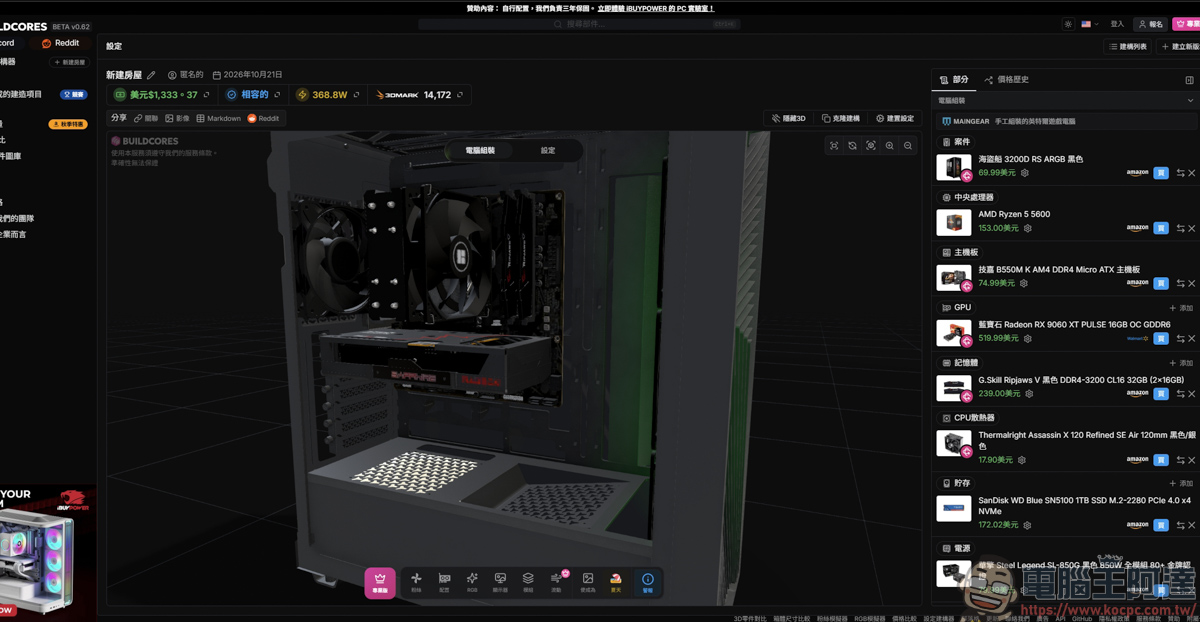
By rotating, zooming, and moving the view, you can observe the locations of components such as the case, motherboard, graphics card, fan, etc.:
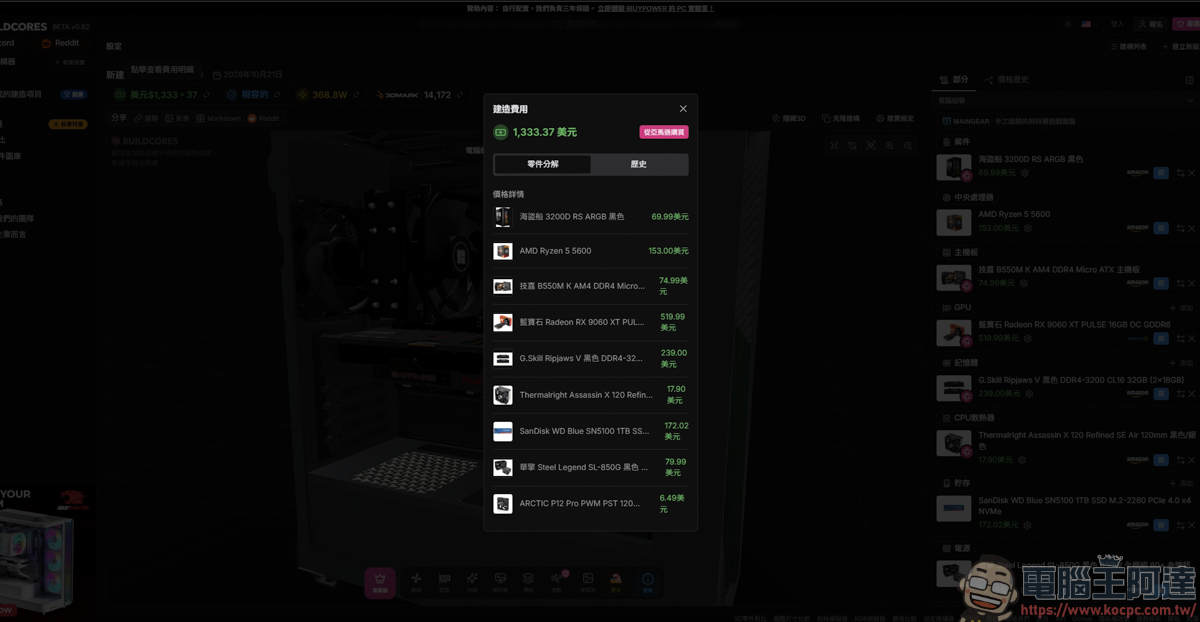
The total cost of the complete build is also clear at a glance, but since this price is mainly based on prices sold on Amazon, the pricing is for reference only:
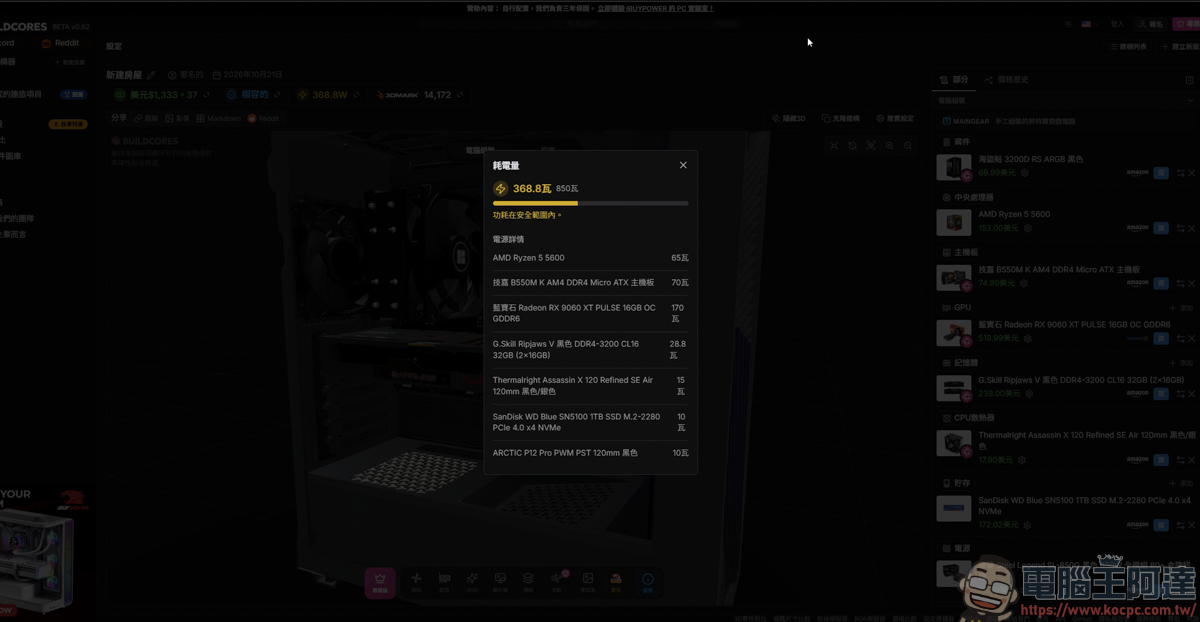
You can also clearly see the power consumption of every component in the entire system, so you can avoid choosing a power supply that isn’t large enough:
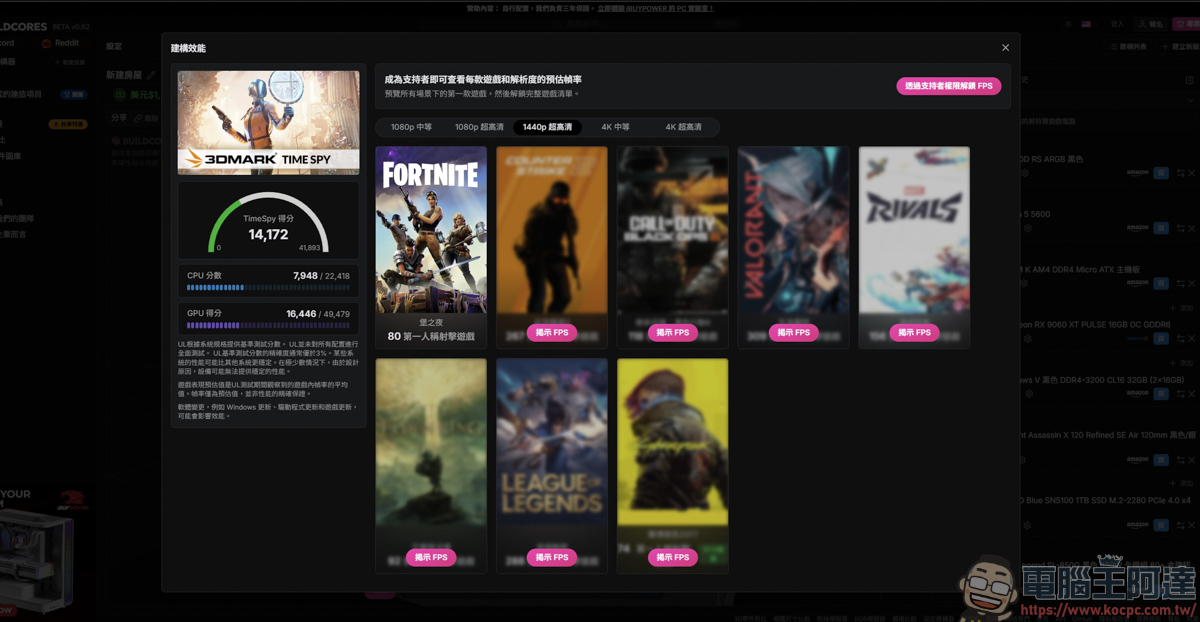
It also provides 3D Mark benchmark scores, giving you a rough idea of how well this computer can handle gaming. If you want to see FPS performance in other games, you need to become a supporter to use this feature:
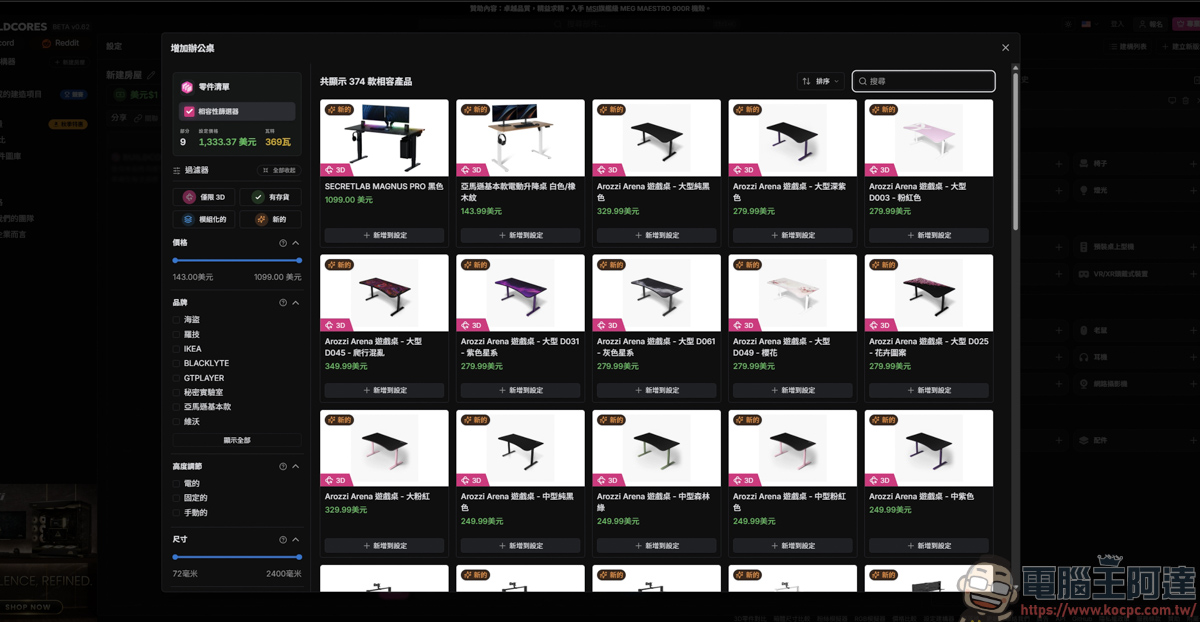
Next comes the main event: “custom builds.” The custom build feature offered by BuildCores isn’t just for computers—it can handle the layout of an entire space for you, such as first choosing a desk you like (if you want a 3D display, you must select a product with the word 3D in its image for it to work):
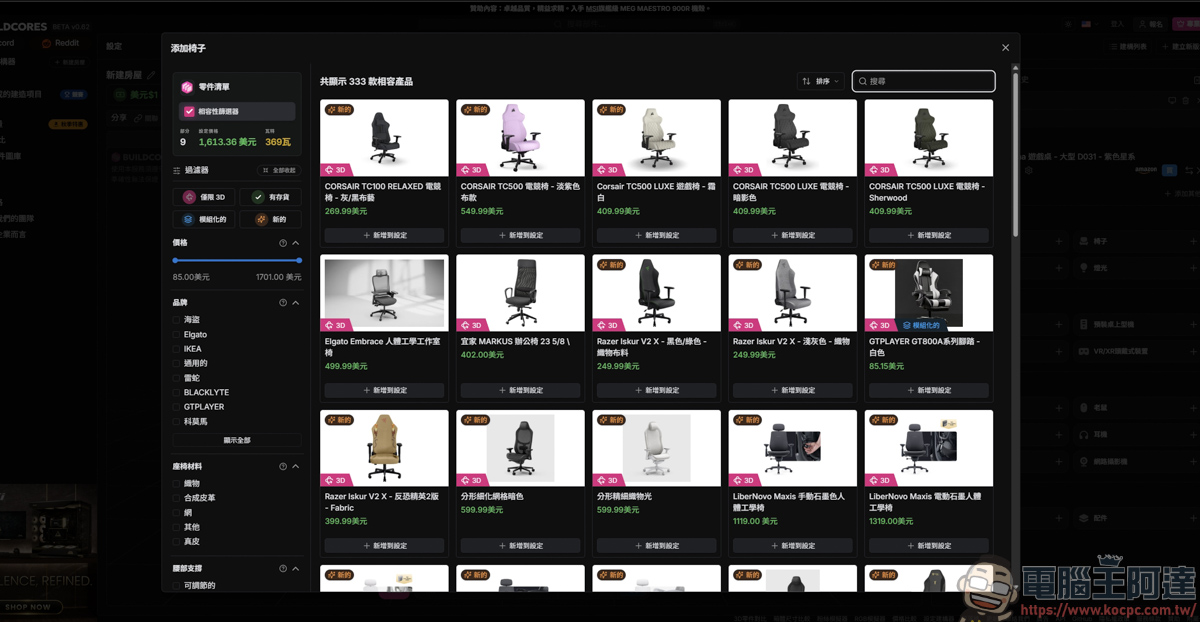
You can even choose your computer chair:
Next, we’re about to start assembling the PC we want. First, choose the case you like:
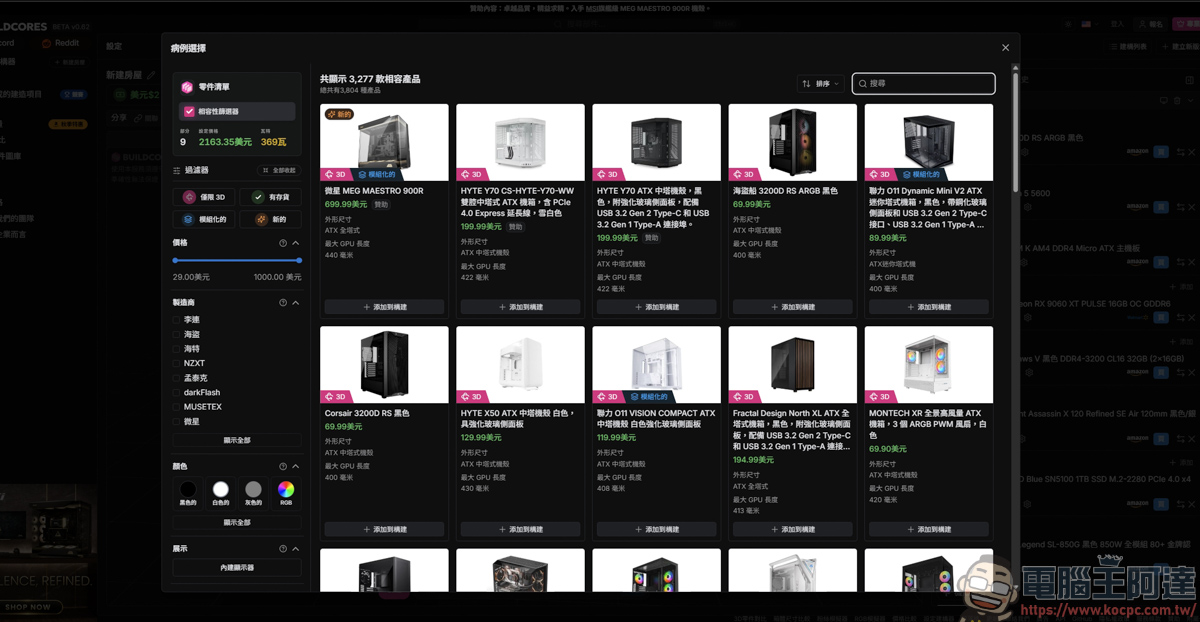
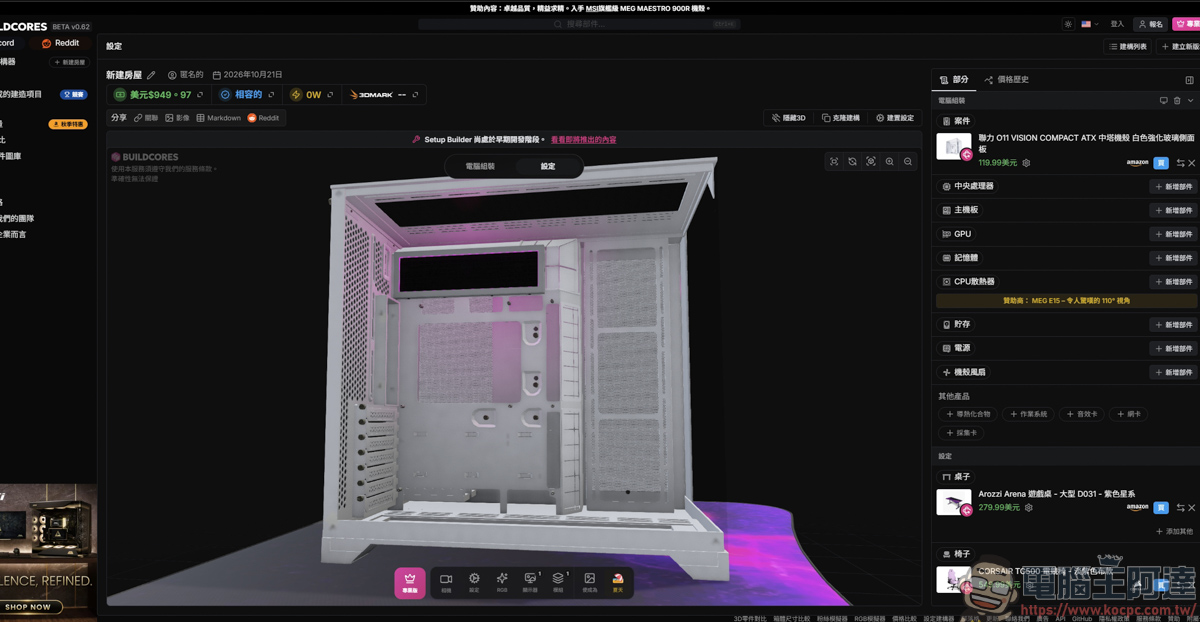
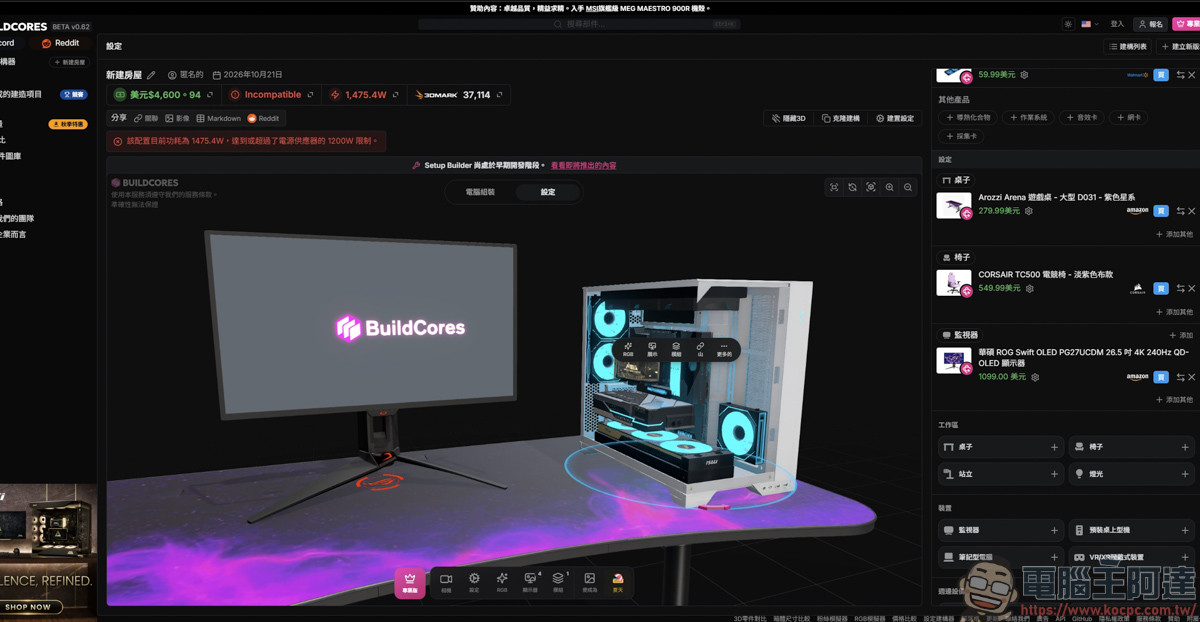
After you choose a case, the case you just selected will be placed on the original desk, so you can see what it looks like and how it will look on the desk:
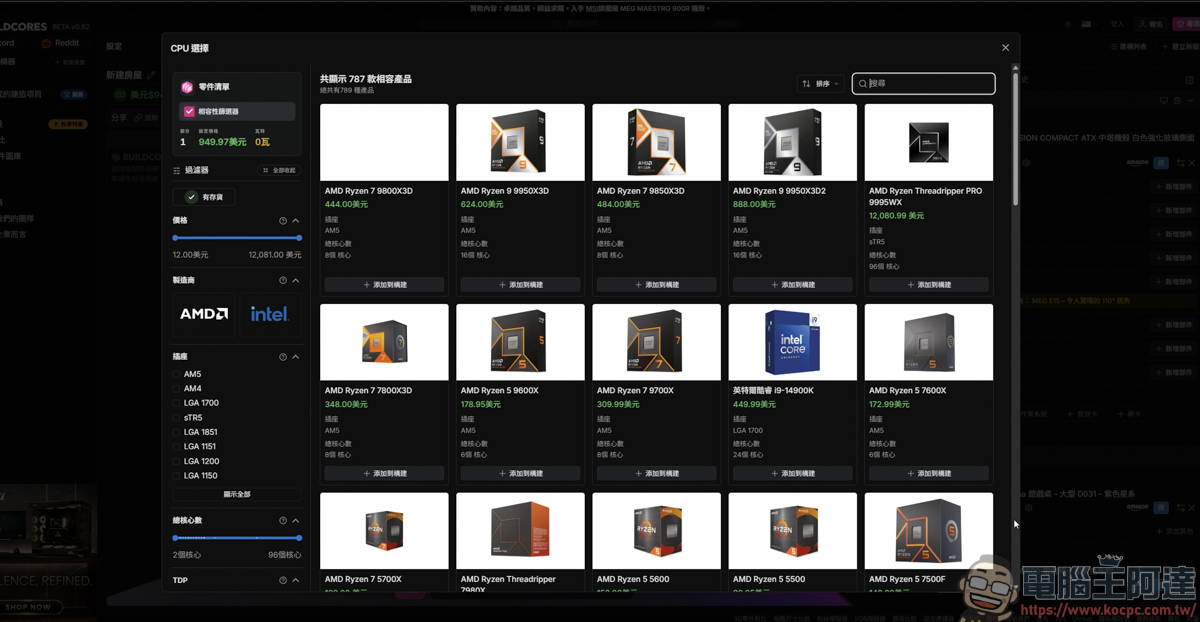
Next, choose the components you want to assemble, such as the CPU, motherboard, SSD, and so on:
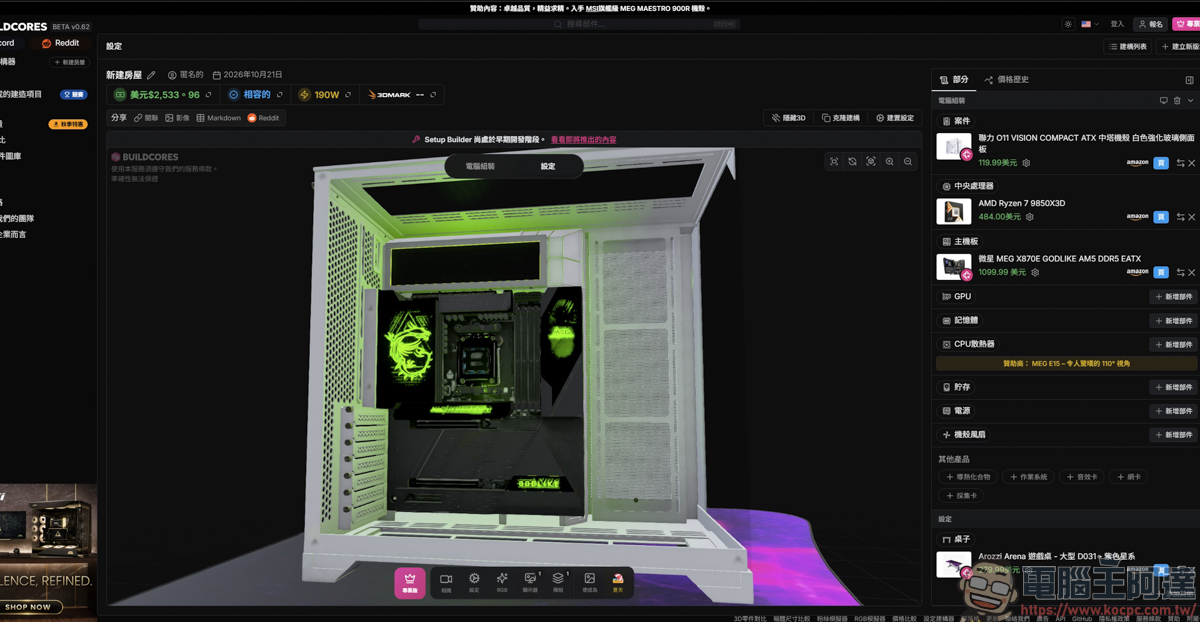
The components you select will be installed directly in the case for you, and a lighting effect display will also be shown, so you can clearly see where the motherboard lights up and what the lighting effects look like:
Finally, add the graphics card, fans, liquid cooling, and power supply. By building a PC this way, you can get a general idea of how these components fit together. You can also clearly see whether the components you’ve chosen are actually suitable for forming a complete computer:
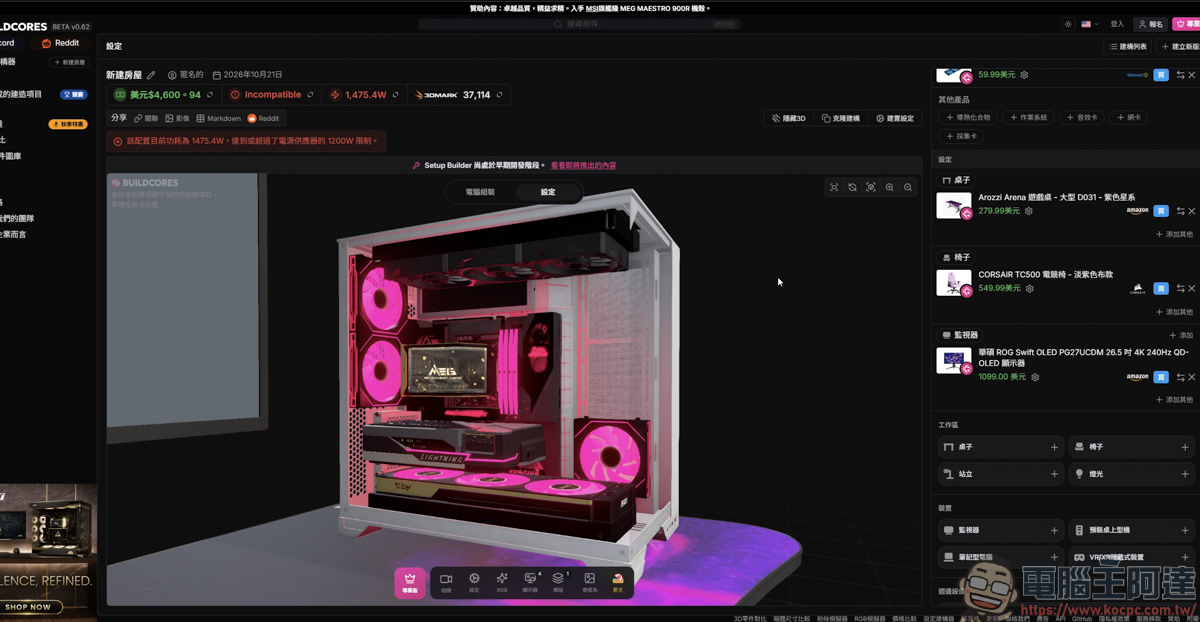
And the overall appearance and full-build price are clear at a glance, too. For example, with the RTX 5090 graphics card I configured, because the power supply I chose was too small (the full build is 1475W), a warning appeared in the power supply section. If a beginner building a PC doesn’t notice this, there’s a good chance they won’t be able to use it because they bought the wrong part:
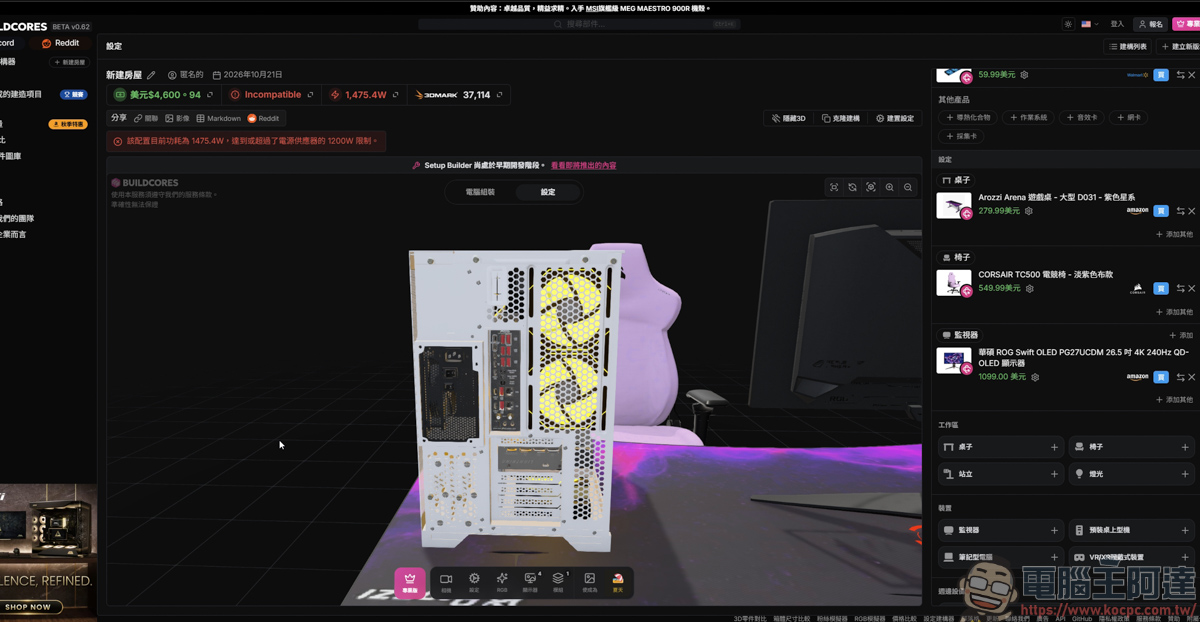
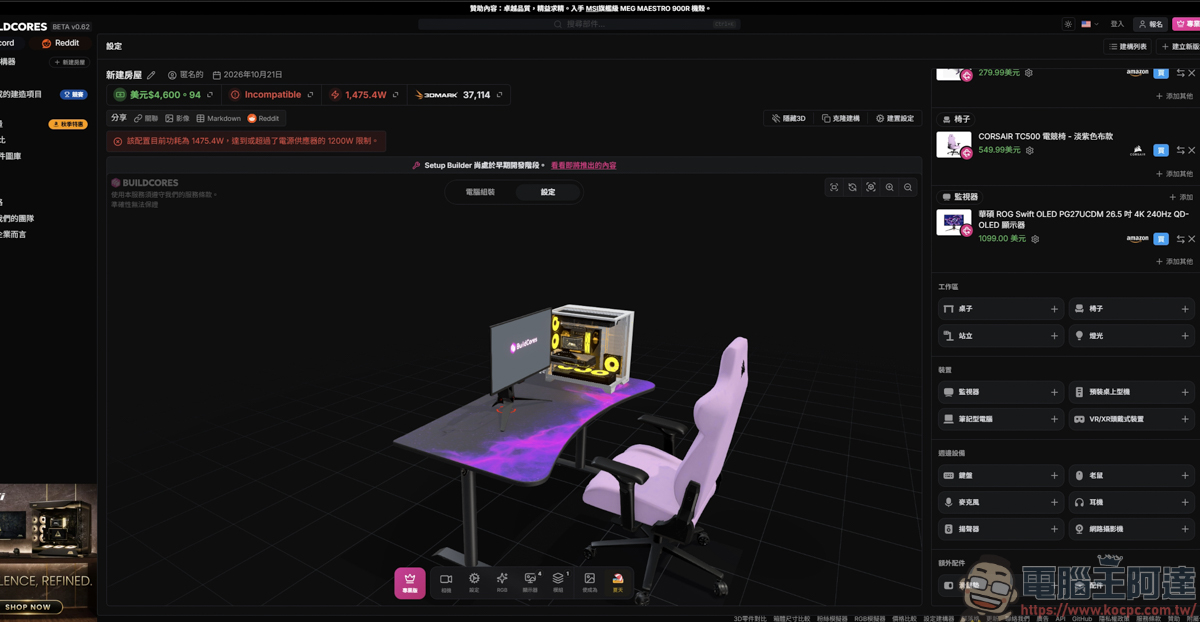
And it’s not just the PC itself—monitors, desks, chairs, and other gear that PC gamers commonly use can also be turned into a simulated space through 3D modeling. That’s seriously cool!
Summary
Overall, BuildCores completely eliminates the old pain point of PC building where you could only look at specs and imagine the result. It not only offers more than 5,000 detailed 3D hardware models, but also makes the assembly process three-dimensional, covering everything from case compatibility, water-cooling fan interference, and RGB lighting displays to power supply wattage warnings and 3DMark benchmark estimates, and it can even extend to simulating the overall desktop space, including desks, chairs, and monitors. Although it currently only supports an English interface and mainly quotes prices in USD, for beginners it can greatly reduce the wasted cost of “buying the wrong part that won’t fit,” and for advanced users it is also a highly practical and enjoyable simulation tool. It is absolutely a PC-building tool every PC DIY enthusiast should try before placing an order!
Source: KOCPC Chinese