


The well-known open-source macOS virtualization software UTM released v5.0.5 Beta yesterday, officially adding support for DirectX 12 graphics hardware acceleration, making it the first virtualization solution capable of running Windows 11 on macOS with Feature Level 12_1 specifications. This update directly closes the biggest functional gap between UTM and Parallels Desktop or VMware Fusion—3D graphics acceleration. Previously, Mac users who wanted to play games or run 3D graphics software in a virtual machine had almost no choice but to use paid solutions like Parallels Desktop. Now, UTM’s open-source, free approach has finally filled in that missing piece.
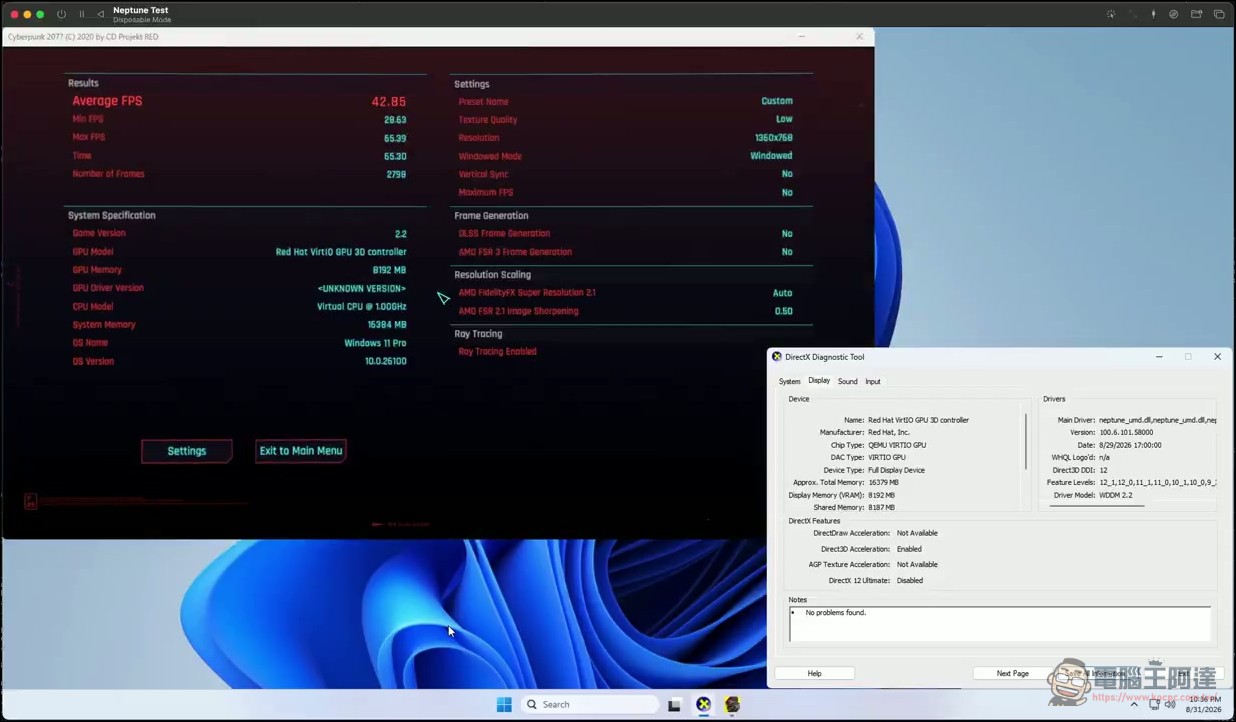
The UTM team also directly called out two major rivals in their post on X (formerly Twitter): “Your turn.” The provocation was unmistakably strong (honestly, this is a truly remarkable achievement).
UTM v5.0.5 beta is out with support for DirectX 12! UTM is the first virtualization software for macOS that can run Windows 11 with FL 12_1. Your move @parallels @VMware pic.twitter.com/pYbOP4qrGA
— UTM (@UTMapp) September 2, 2026
DirectX 12 with the D3DMetal backend
The most critical change in v5.0.5 is the addition of the D3DMetal backend on macOS, enabling hardware-accelerated graphics support for DirectX 12. This feature gives UTM its first modern 3D acceleration in Windows 11 virtual machines, reaching Feature Level 12_1 specifications—equivalent to the baseline DirectX 12 capabilities of a physical Windows PC, with support for modern GPU features including Tessellation, Compute Shader, and Conservative Rasterization. Previously, UTM users encountering 3D applications in virtual machines could only rely on software rendering or the extremely limited VirGL graphics support, which fell short of the demands of games or graphics software. That situation has finally been broken.
The UTM team specifically reminds that this driver is still in the experimental stage, and game compatibility is currently limited. Users are advised to perform a clean installation of Windows 11, because when installing UTM guest tools, the system will prompt you to select a DirectX driver. Applying the new driver directly on an existing system may cause instability or display abnormalities.
Vulkan 1.3 and OpenGL 4.1 arrive in sync
In addition to DirectX 12, this update also brings Vulkan 1.3 graphics support to Linux guests, using the VirtIO Venus driver with the Mesa library. For Linux users, this means many games on Steam Linux have a chance to achieve near-native 3D performance inside virtual machines. Meanwhile, on the macOS side, OpenGL 4.1 support is provided through the new Apple Core OpenGL backend, covering more needs for professional graphics and scientific visualization applications.
Currently, MoltenVK remains the recommended Vulkan driver; KosmicKrisp is included but still in development, and its upstream build is not yet complete. Rendering on Linux desktop in Vulkan mode is currently non-functional due to the lack of indirect draws for geometry shaders, so it is recommended to switch to the older VirGL Gallium driver instead.
It should be specifically noted that after this update, the graphics architecture on the macOS side is actually divided into three tiers: the D3DMetal backend handles DirectX rendering for Windows guests, the Apple Core OpenGL backend handles OpenGL-related applications, and Vulkan mainly serves Linux guests. The three backends are independent of one another; when users create virtual machines for different operating systems, UTM automatically applies the corresponding graphics setup without requiring manual switching.
iOS Version Sync Upgrade: DirectX 11 Support Added
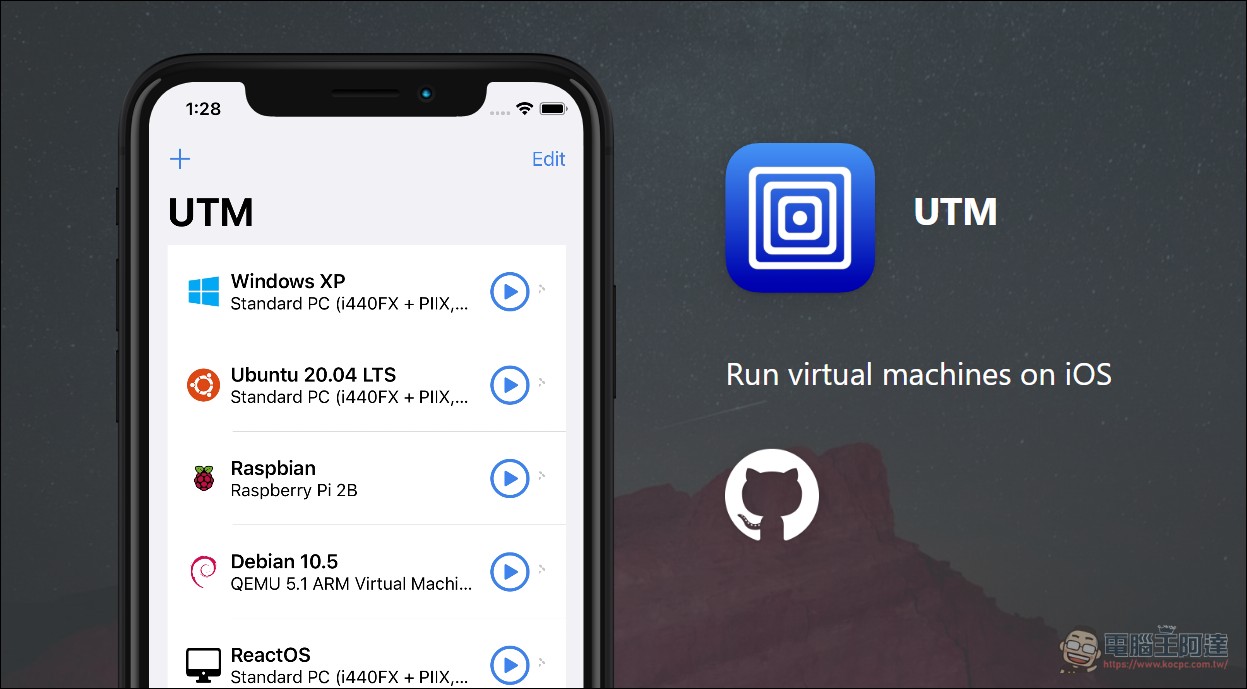
UTM for iOS also gained DirectX 11 support in v5.0.5, using the DXMT translation layer, allowing virtual machines on iPhone and iPad to run some DirectX 11 games and 3D applications. However, the UTM team noted that DirectX compatibility on older iOS versions that support TrollStore + Hypervisor is not as good as on macOS, so actual gaming performance will be reduced. It also fixed issues such as MMIO BAR errors and RAM limit detection, improving the stability and memory management of iOS virtual machines.
The range of supported versions has been widened, but the DirectX requirement still stands.
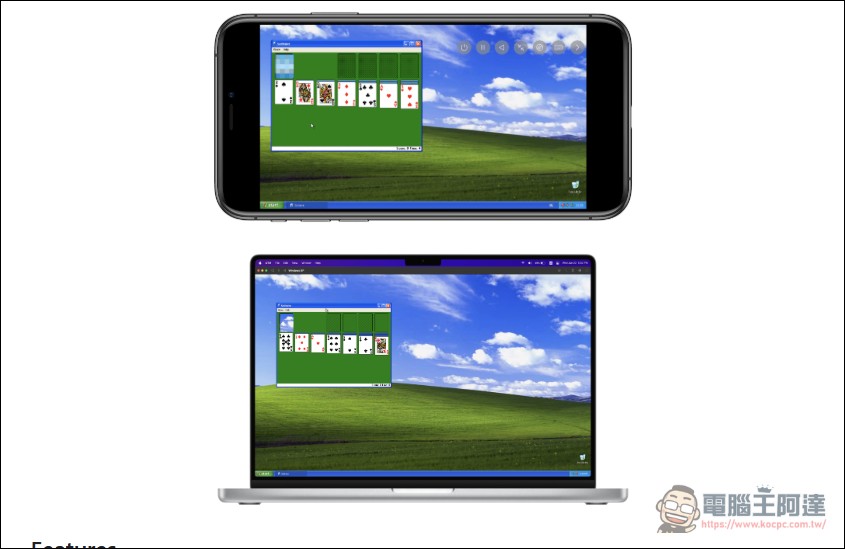
v5.0.5 reverts to the minimum version requirements from before v5.0.4, restoring support for macOS 11.3 Big Sur and devices starting from iOS 14.0, so that more older Macs, iPhones, and iPads can still use UTM’s basic virtualization features. However, DirectX hardware acceleration relies on underlying support from the Metal API, so it remains limited to macOS 13.0 Ventura and iOS 16.0 or later; older systems cannot use this feature. Users can decide whether to upgrade to v5.0.5 based on their macOS version. If their main use case does not involve 3D graphics acceleration, older systems can still function normally.
Development blog launched, technical details to be released progressively.
The UTM team also simultaneously launchedDevelopment blogThe first wave of articles is expected to dive deep into the technical details of bringing DirectX support to QEMU, from the underlying D3DMetal bridge to the design of the conversion layer between DXVK and Direct3D. This is well worth attention for readers interested in virtualization technology and graphics driver development. These technical articles will detail how to add DirectX 12 support to the QEMU virtual machine monitor, as well as the various challenges and solutions encountered along the way.
UTM v5.0.5 Beta Release Notes
Other Important Improvements
v5.0.5 also includes several minor updates. ARM64 configurations now enable GICv3 by default (previously it was only enabled when more than 8 vCPUs were used), which significantly improves performance for VMs with higher vCPU counts—a meaningful improvement for developers and server applications that require multi-core computing. The downloader now includes path traversal and symbolic link security checks to prevent potential risks during ZIP extraction, enhancing security. In wizard mode, scaling settings now automatically select nearest or linear filtering based on the “Classic” or “General” emulation type, resolving the previous issue where all configurations used nearest, resulting in poor image quality at high resolutions.
In addition, UTM now also includes a feature to gracefully shut down all running virtual machines upon exit, preventing data loss. The Cmd⇔Opt key swap support makes it easier for users with different keyboard layouts. The scriptable snapshot management interface lets developers and advanced users automate the creation and management of VM snapshots. String localization has also been updated with Traditional and Simplified Chinese translations.
UTM, as an open-source virtualization solution, has long been known for being free and supporting both Apple Silicon and Intel Macs, earning a strong reputation among developers and the open-source community, with over 28,000 stars accumulated on GitHub. The addition of DirectX 12 support, although the driver is still experimental, fills the biggest functional gap UTM had compared to commercial software. The next key step lies in real-world compatibility testing for gaming and 3D applications. If future versions can gradually catch up to Parallels Desktop’s graphics performance, UTM’s competitiveness in the macOS virtualization market will significantly improve, making it especially appealing to users on a budget or those who prefer open-source software. Currently, v5.0.5 Beta is available for free testing on the GitHub Releases page, allowing users to directly experience DirectX 12 performance in virtual machines.
Source: KOCPC Chinese