


Starting with macOS Tahoe 26, Apple has removed the long-standing Launchpad and replaced it with a new app browsing interface integrated into Spotlight. It’s not hard to use, but long-time Mac users may still find it unfamiliar. If that sounds like you, you can try the free tool LaunchOS introduced in this article—once installed, you can bring Launchpad back and even restore the original experience.
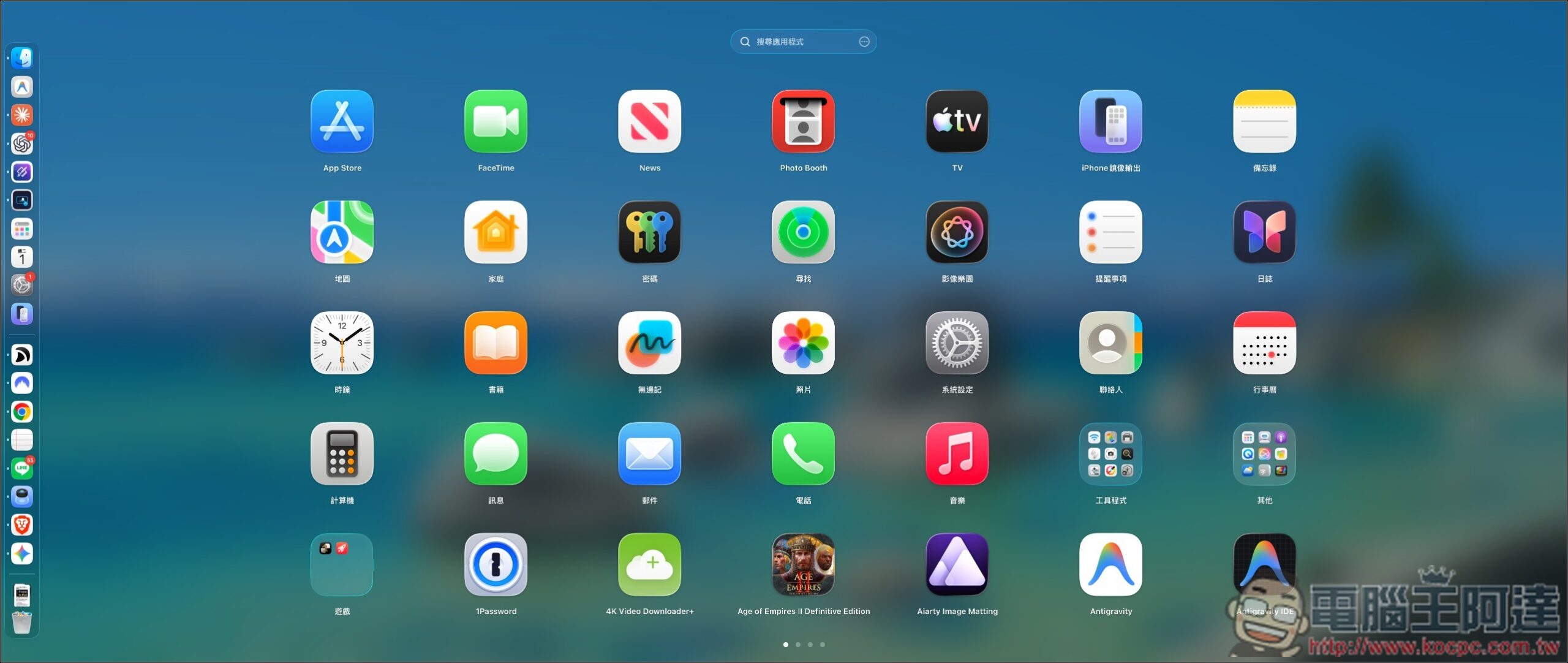
LaunchOS: A Free Tool That Restores the Launchpad on macOS — Introduction and Tutorial
LaunchOS is a Launchpad replacement tool built specifically for macOS, bringing back the familiar “Launchpad” interface everyone knows.
The interface and operation logic are designed to closely replicate the classic Launchpad. When opened, you’ll see the same familiar full-screen grid of app icons. You can drag apps to rearrange them, move them across pages, or stack two apps together to create a folder. You can even import your existing Launchpad’s layout, pages, and folder data directly, so there’s no need to reorganize everything from scratch. Trackpad controls are fully supported, including opening with a four- or five-finger pinch, and you can also set up a three-finger gesture. It also supports various launch methods, such as the F4 key, global shortcuts, and screen hot corners.
Besides bringing back the Launchpad, LaunchOS also adds many advanced features that weren’t available before, such as customizing the number of rows and columns of apps on each page, vertical scrolling mode, automatic sorting by name, date added, or most recently opened, and the ability to rename and hide apps you don’t want to see. Right-clicking an app also lets you reveal it in Finder, move it to a specified folder, and completely uninstall it while clearing related settings and caches. Furthermore, it supports multiple displays, custom app sources, layout backup and restore, and features a visual style that matches macOS Tahoe Liquid Glass.
However, please note that this tool has both a free and a paid version. New users get a free 7-day PRO trial, and after that, if you want to continue using the advanced features, you’ll need to upgrade to PRO.
Key Features
- A Launchpad alternative built for macOS 26 and macOS 27
- Faithfully recreates the classic Launchpad full-screen interface and operation methods.
- Supports drag-and-drop for freely arranging apps and moving them across pages.
- Supports creating, renaming, and organizing App folders.
- Can import the arrangement, pages, and folders from an older version of Launchpad.
- Supports opening with a three-finger, four-finger, or five-finger pinch on the trackpad.
- Supports F4, global hotkeys, and Hot Corners activation.
- Customize the number of rows and columns of app icons and the layout.
- Supports traditional horizontal pagination and vertical scrolling modes.
Go to the LaunchOS official website.
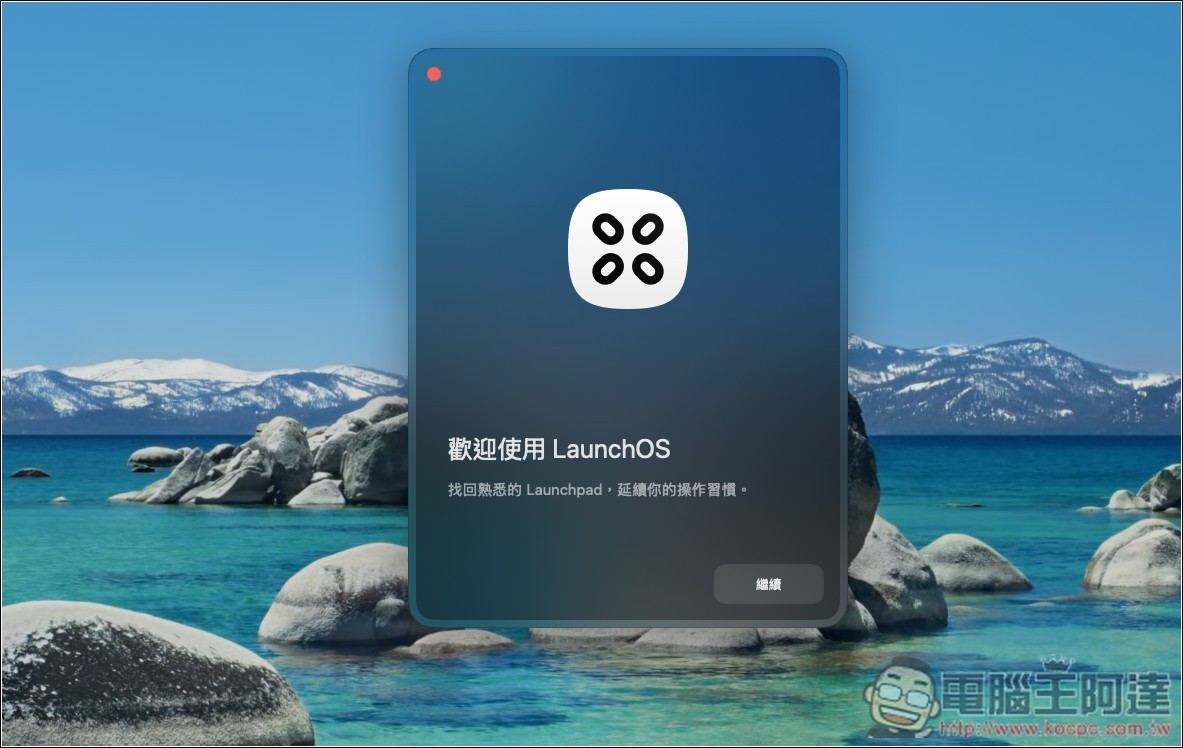
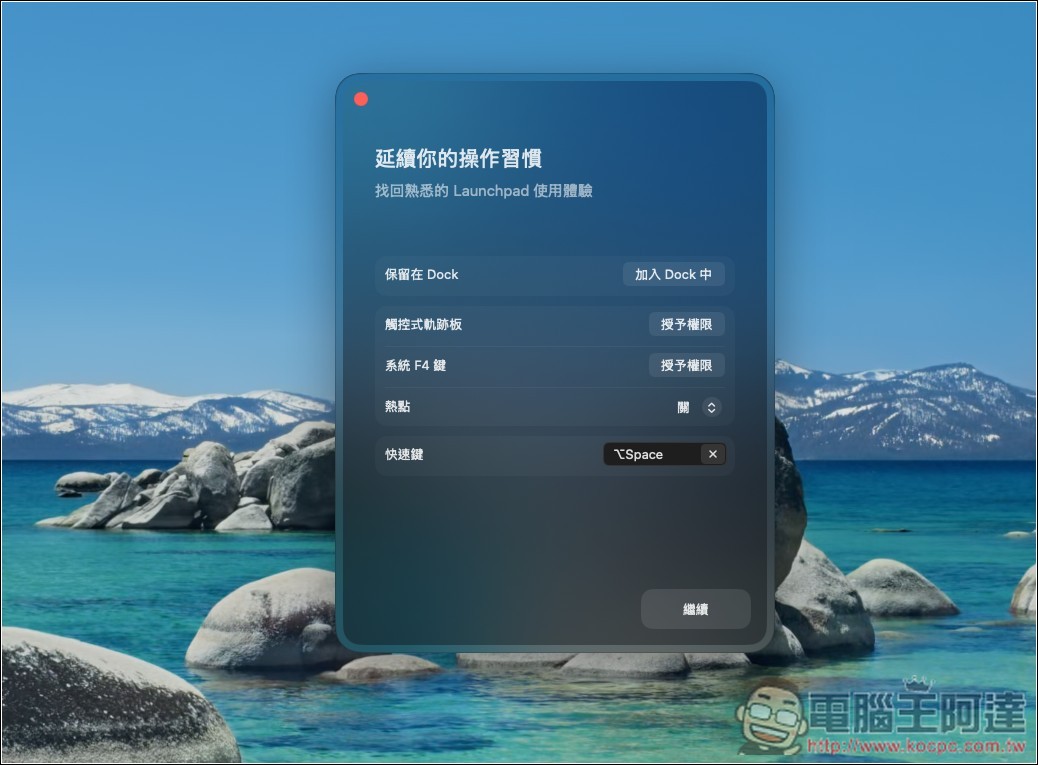
After LaunchOS is installed, there will be a simple setup process:
Such as whether to keep apps in the Dock, and enabling shortcuts. If you want to use gesture features, remember to grant the trackpad permission, and the same goes for the system F4 function.
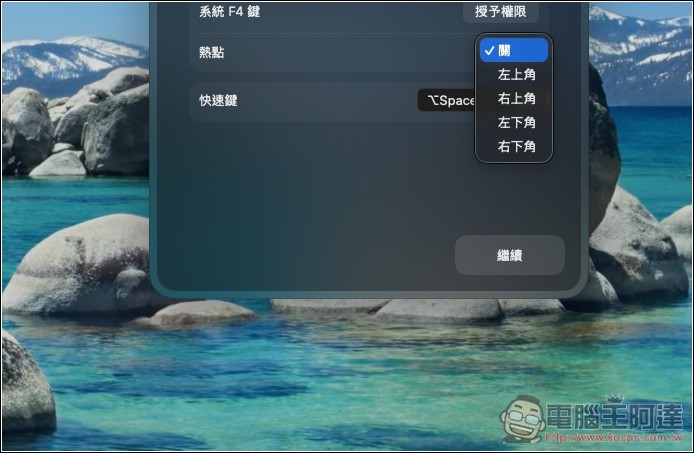
The hot corner is when you move the mouse to the top-left, top-right, bottom-left, or bottom-right corner of the screen to open the Launchpad feature.
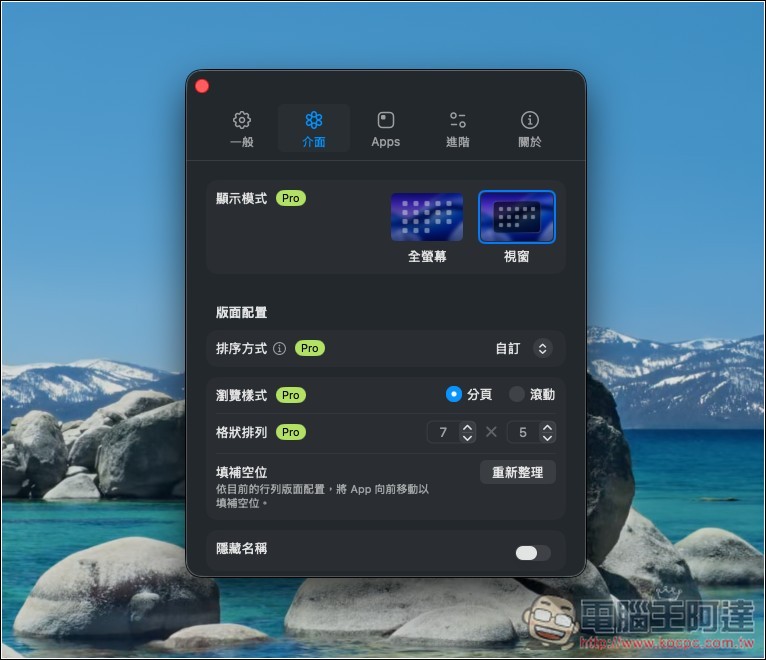
There are two display modes: fullscreen or windowed. Since the goal is to bring back the launchpad of the past, fullscreen is obviously the way to go.
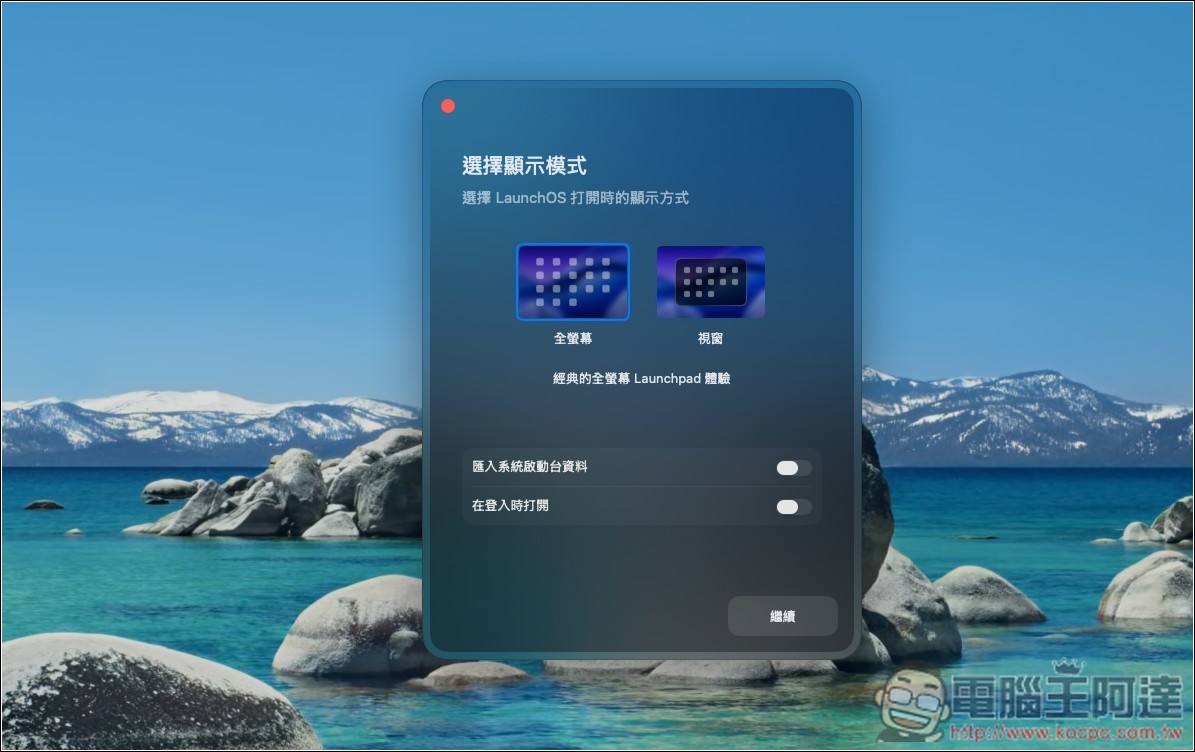
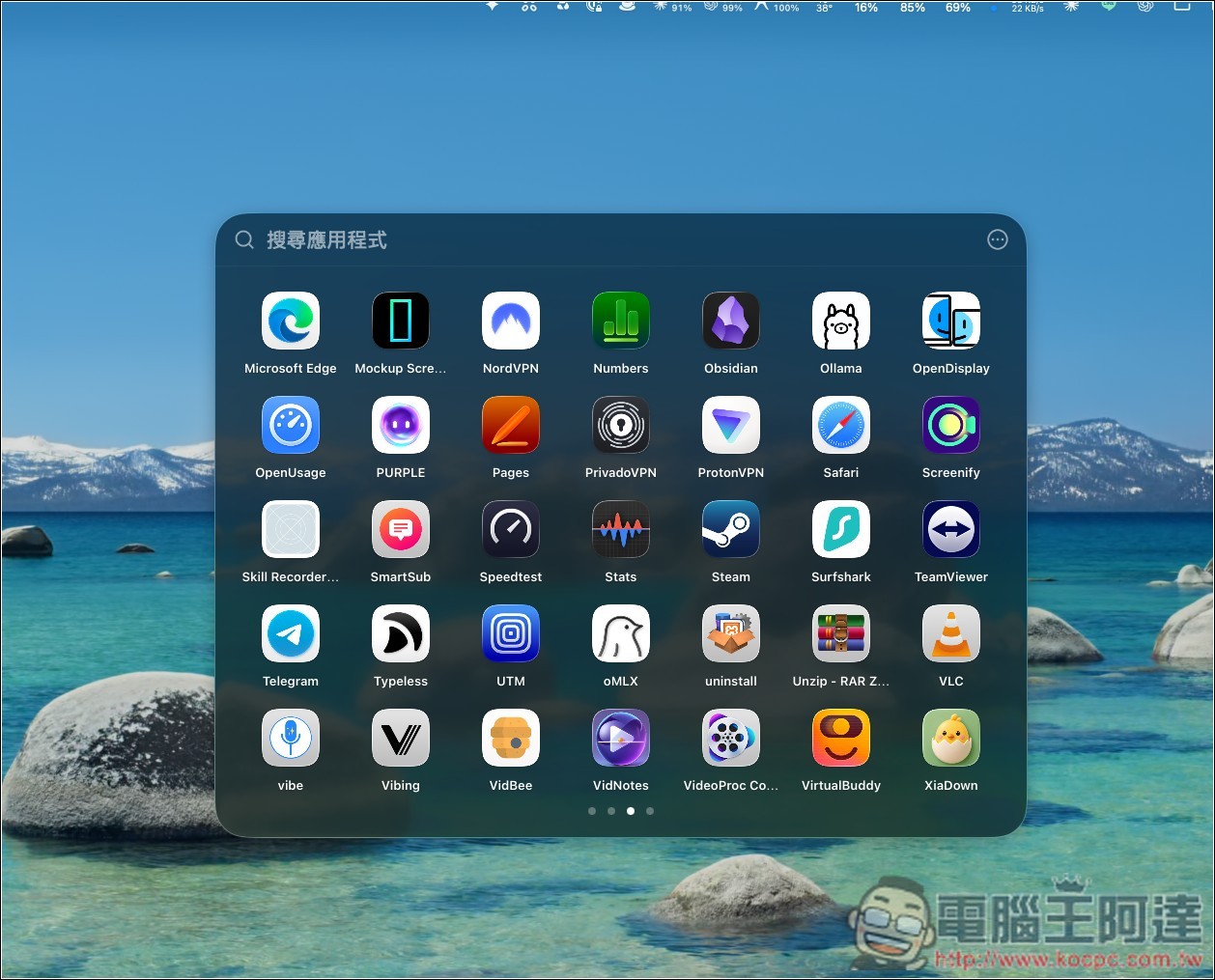
The window mode looks like this, and fullscreen is like the first image:
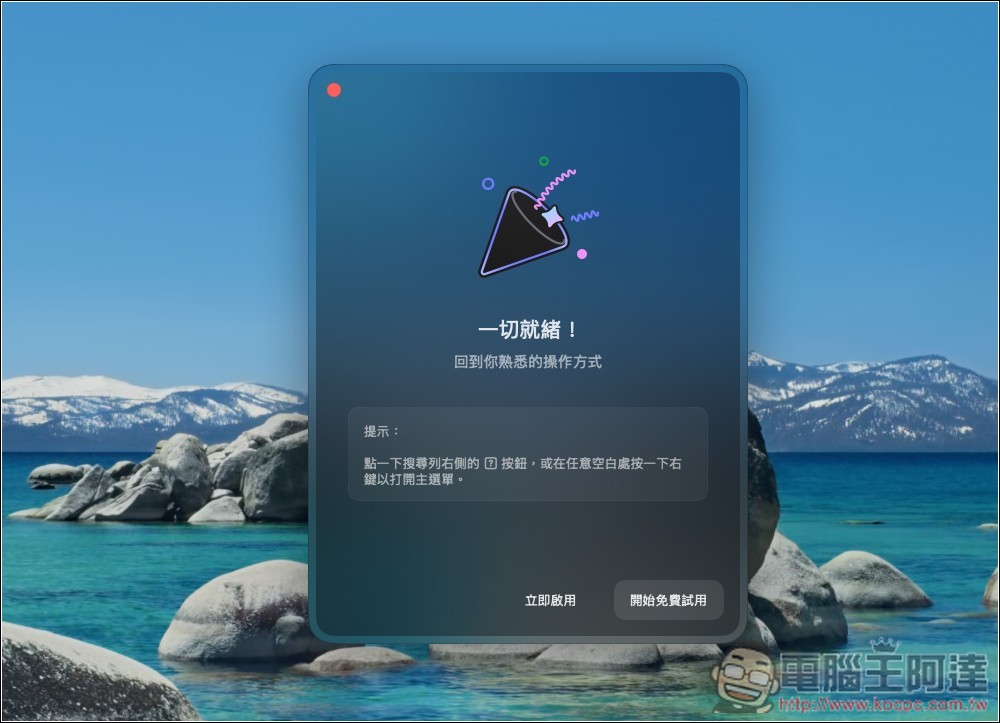
For the first time, you can try the PRO version free for 7 days, with all features unlocked:
The LaunchOS feature icon will remain permanently in the menu bar at the top right corner:
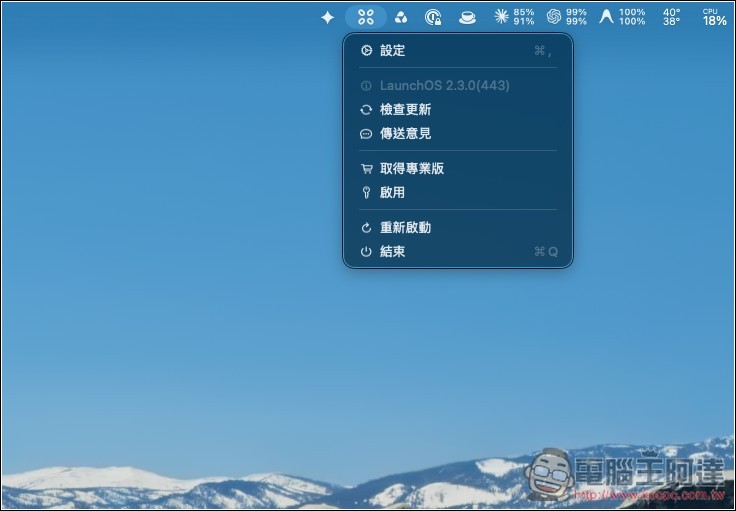
All the options just now can be adjusted again in settings. Those marked with PRO are paid features; once the free trial ends, they can no longer be used, and you must upgrade to the PRO paid version:
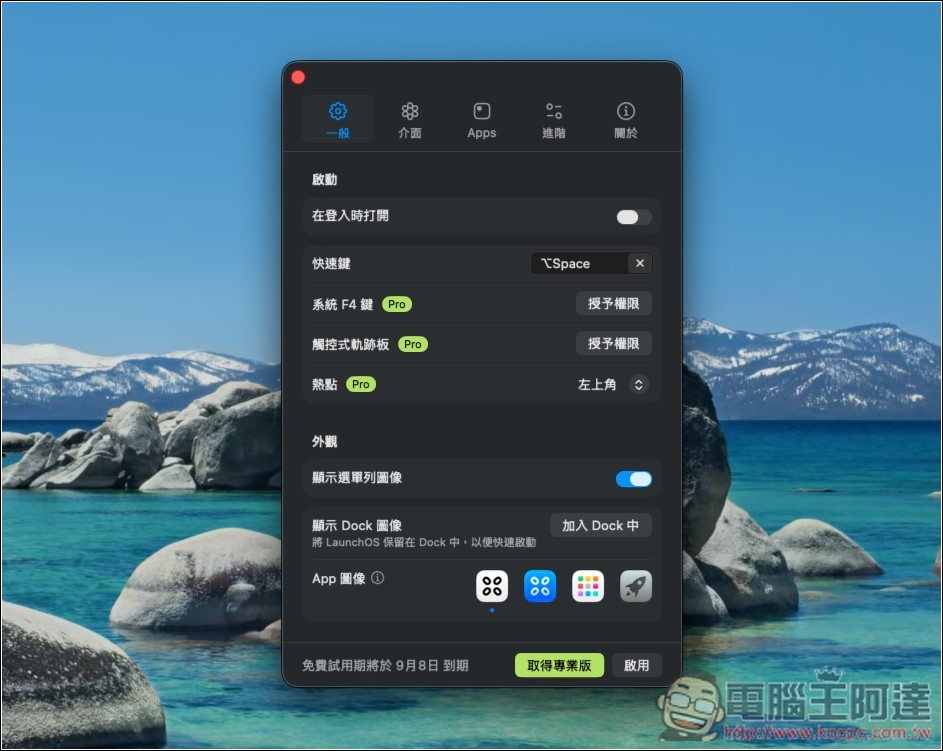
Most features are actually PRO-exclusive, but the fullscreen dock is something you can find and use in the free version:
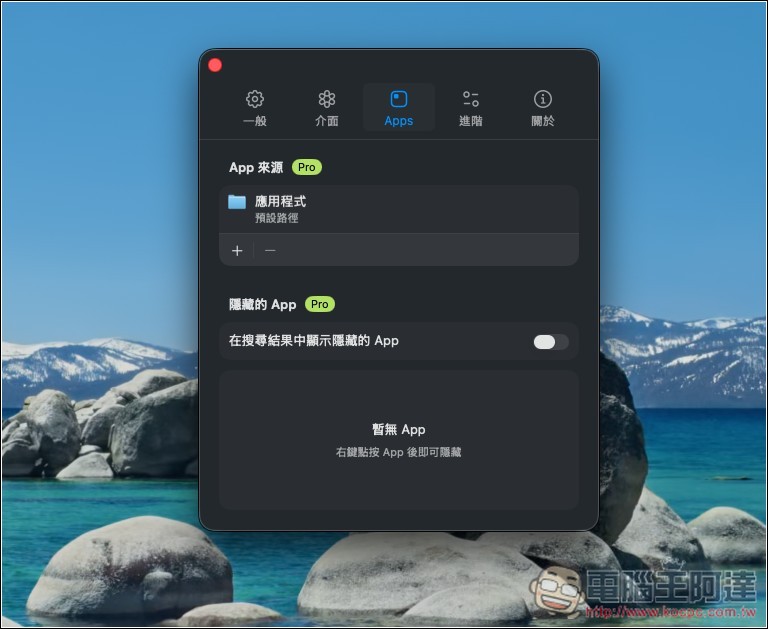
You can also set apps to be hidden:
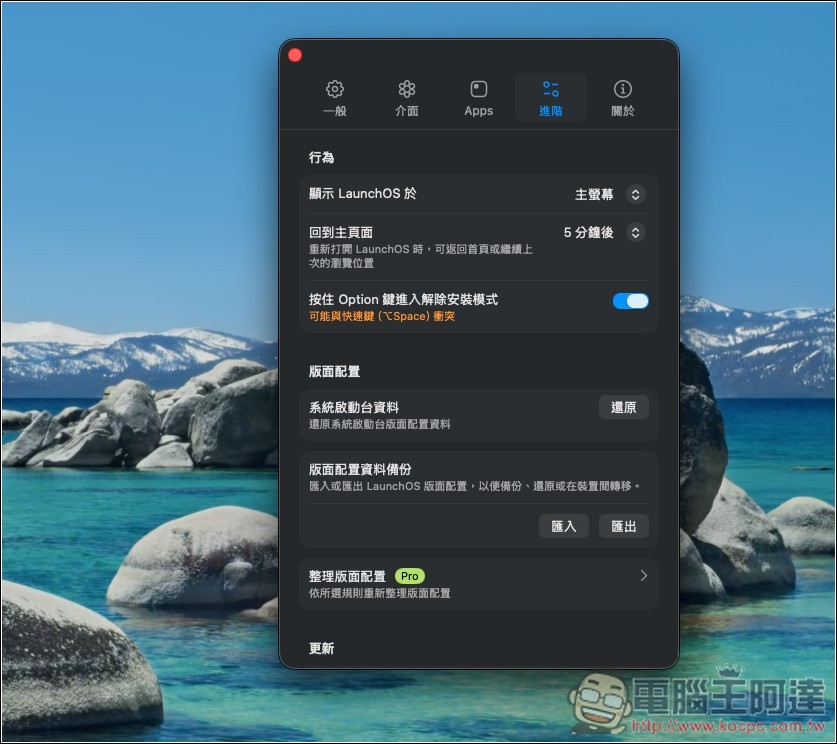
LaunchOS layout configuration can be imported or exported in the advanced menu:
Source: KOCPC Chinese