


As generative AI imagery spreads rapidly, distinguishing real photos from synthetic ones has become significantly harder, making this new feature especially important. In the past, creating a convincing synthetic photo required professional editing skills and a lot of time; now, just a few vague prompts can have an AI generate a realistic-looking image within seconds. This has made verifying image authenticity far more complex and has pushed tech companies to find new ways to label or authenticate AI-generated content. The latest iOS 27 beta 5 shows that Apple is preparing to roll out a new image verification mechanism designed to confirm whether a photo was actually taken with an iPhone camera.
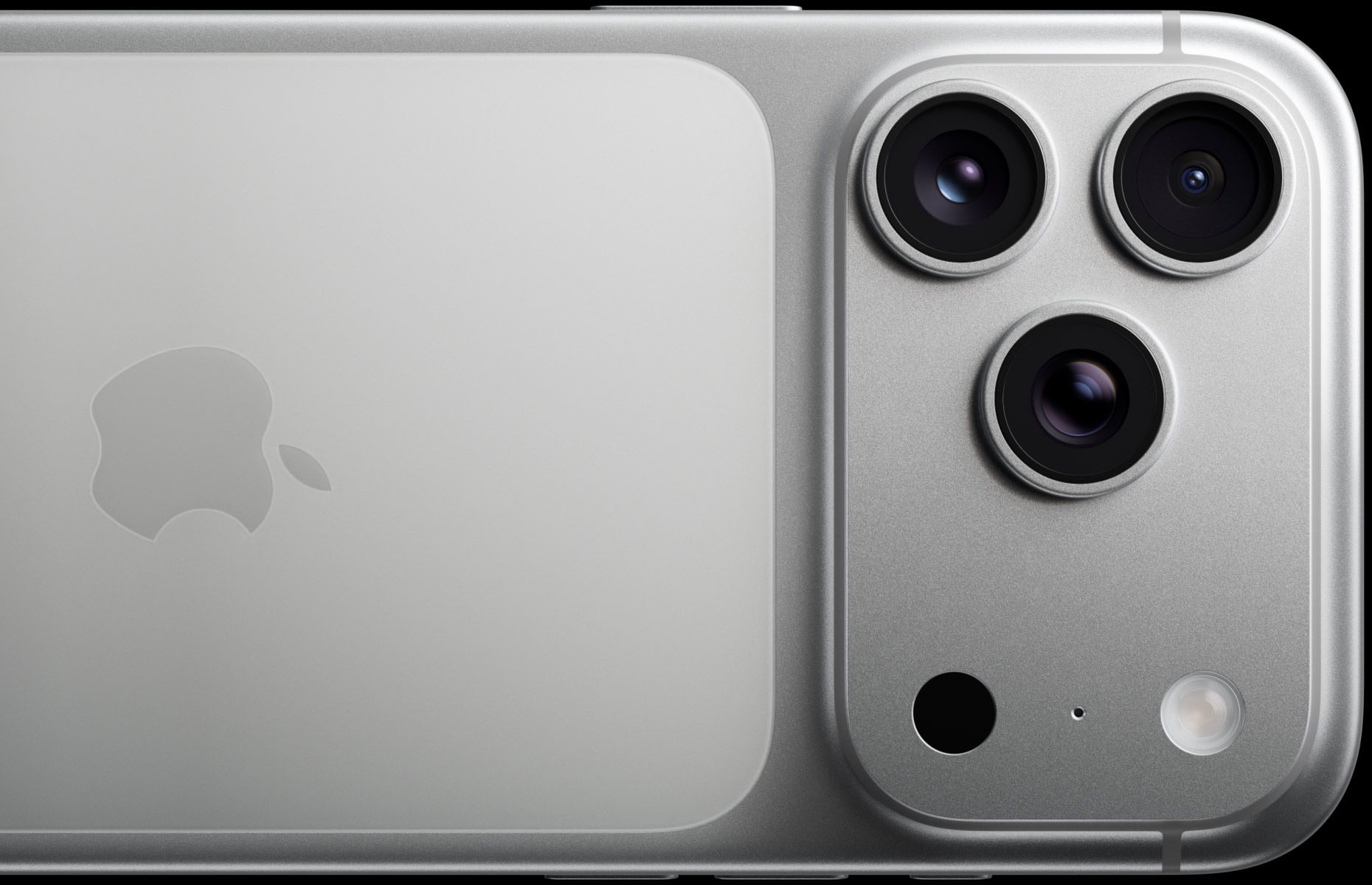
Apple is researching a method to verify whether photos come from an iPhone camera.
Google has already rolled out SynthID, which embeds imperceptible watermarks in AI-generated images and videos, and has expanded it to other companies’ products, including OpenAI’s generative imaging tools. Meta has also added labels for AI content on Facebook, Instagram, and Threads. However, even for media generated by companies’ own models, these labeling systems still struggle to fully detect tampered images.
Apple seems to be taking a different approach. Besides adding metadata tags to images generated by Image Playground, code in iOS 27 beta 5 shows that Apple is developing a new feature called Apple Reference Image, whose core concept is to use unique sensor data from iPhone camera hardware to verify whether a photo was actually taken by that device.
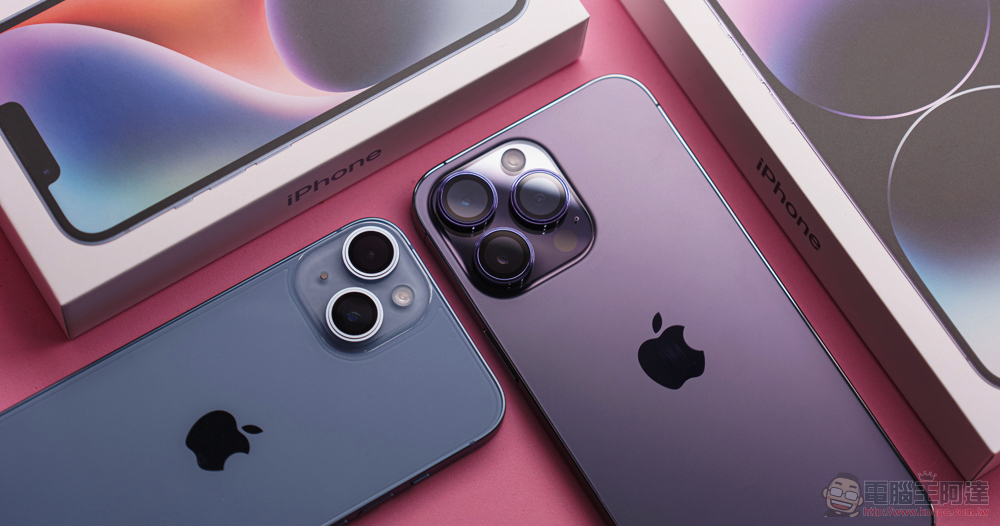
In line with Apple’s consistent privacy design, the Reference Image architecture avoids letting Apple directly access original photos. When a user requests verification, the system sends the image to the Private Cloud Compute platform for comparison, and Apple receives only the necessary sensor information and raw data. If a camera sensor is determined to be potentially compromised, Apple can even revoke that sensor’s past verification records.
Currently, this feature is disabled by default. Once it goes live, users can enable “Reference Mode” in Settings > Camera > Reference Image. Note that only photos taken with Reference Mode enabled will include the source information needed for later verification; photos taken normally cannot be retroactively supplemented. Reference Mode itself does not automatically verify photos. Users must actively select “Verify” after capturing a photo, and only then will the system send the original image and source data to the private cloud computing platform. After verification is complete, Apple assigns a unique ID to the photo, which serves as the basis for future identification.
Apple also designed another privacy protection mechanism: verified photos can be freely shared, and the recipient’s Apple device can locally check whether the photo still holds valid authentication, without sending any data back to Apple. This means the verification status can circulate across devices without creating a new tracking channel.
The information attached to photos varies depending on the sharing method. For example, when sharing via AirDrop, Messages, or other means, if the user chooses “Share All Photo Data,” the transferred content may include a unique hardware identifier and even uncropped video clips associated with the photo. Apple has also added a “Transfer with Source Information” option to USB transfers, so that verified photos retain reference-mode data when transferred to a Mac or PC; unverified photos may still contain some source information.
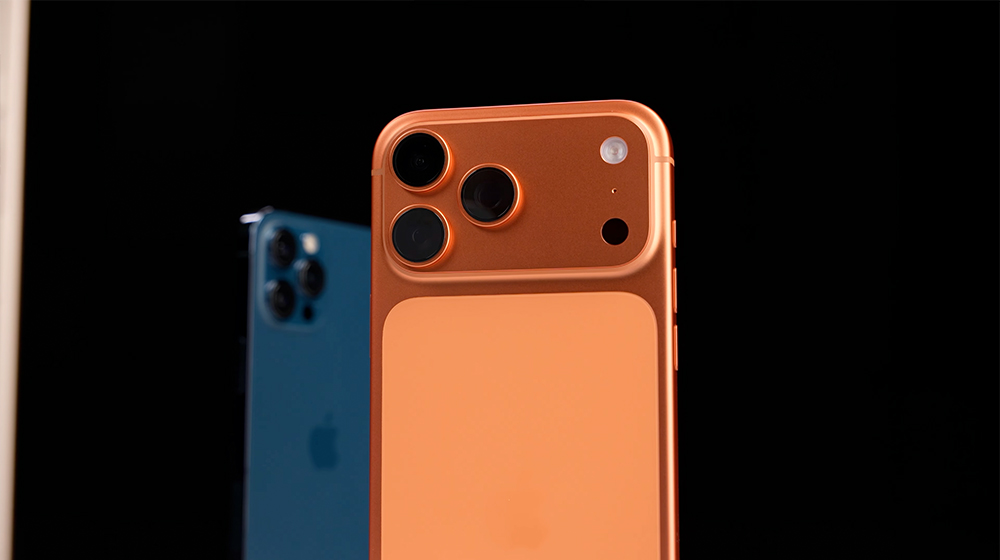
As AI-generated images become increasingly realistic, image authenticity verification has emerged as a new technological issue. Apple’s Reference Image represents a different approach: rather than tagging AI content, it proves that “this photo was genuinely captured by a real camera.” Whether it will become a new standard for image credibility in the future is worth monitoring closely.
Source: KOCPC Chinese