


Everyone has some old black and white photos at home. If you want to convert them to color, you can try the Kolorize.cc online tool, which uses AI to help you colorize. Not only is the coloring quality good, you can color it multiple times, and then find your favorite combination. In addition, if you want to download large images with this online tool, although you need to exchange points for it, you can also do it through other methods, such as free enlargement tools. This article will also tell you about it.
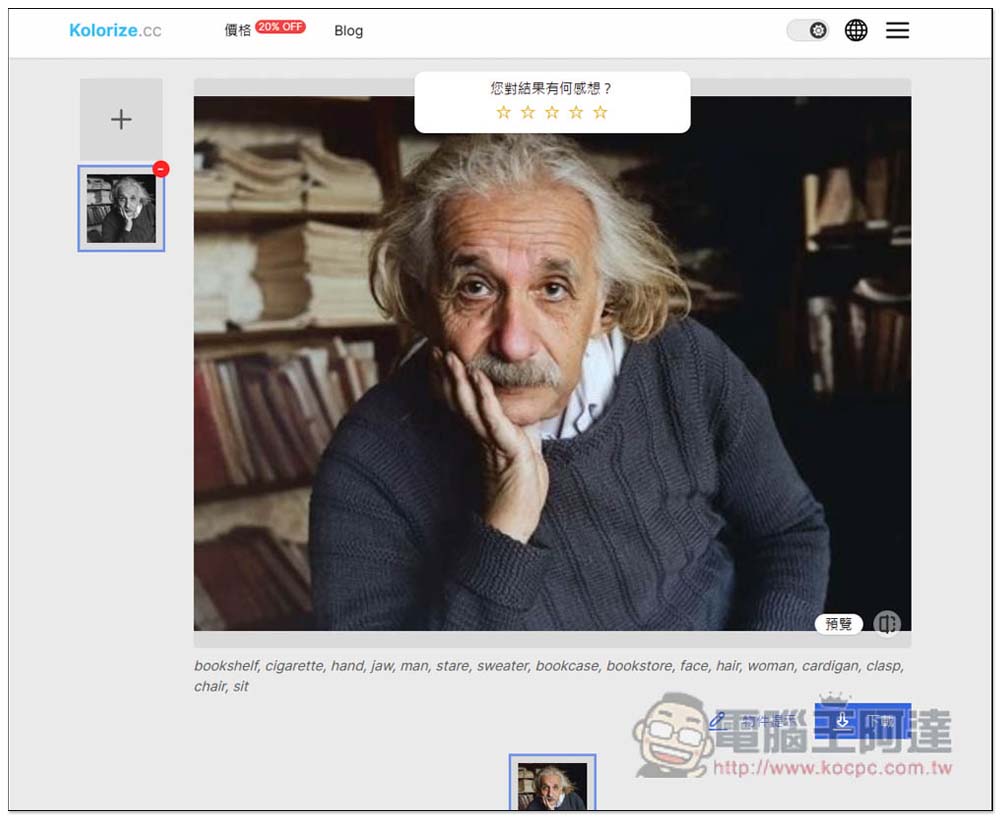
Kolorize.cc is an online tool that uses AI to colorize black and white photos. It can colorize multiple times and let you choose the best one.
Kolorize.cc is an AI-driven coloring tool that you can try without registering as a member, and you can keep recoloring until you find something you are satisfied with. There is no limit to the quantity. The file transfer process will also be encrypted with 2048 bits and will be automatically deleted after the operation is completed to ensure data security.
After entering Kolorize.cc, drag in the black and white photo you want to color, or click to upload the photo to select it manually. Remember to control the resolution below 2048×2048:
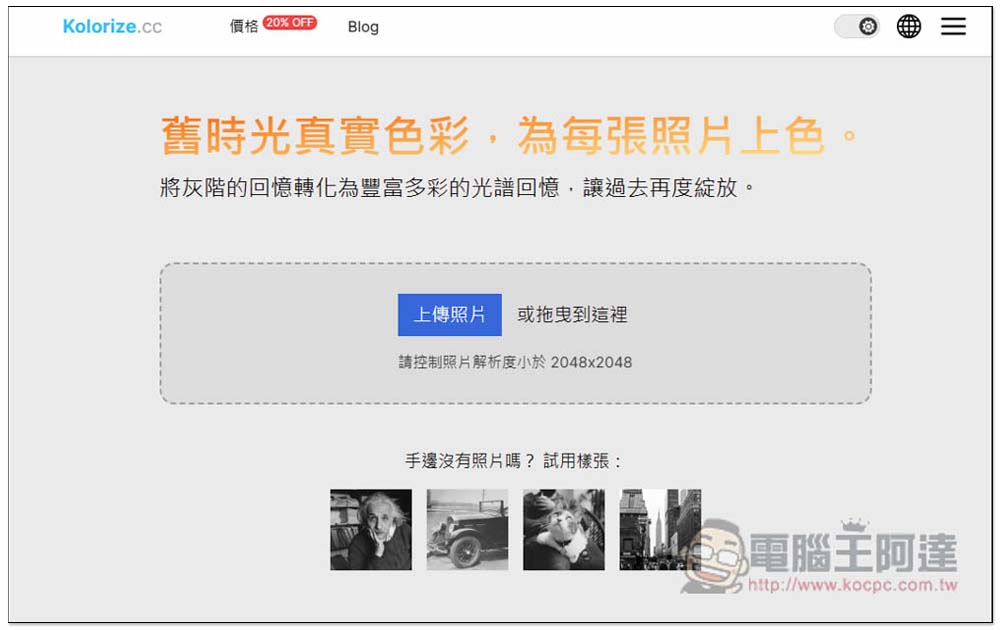
I used this black and white photo of Ada to test:

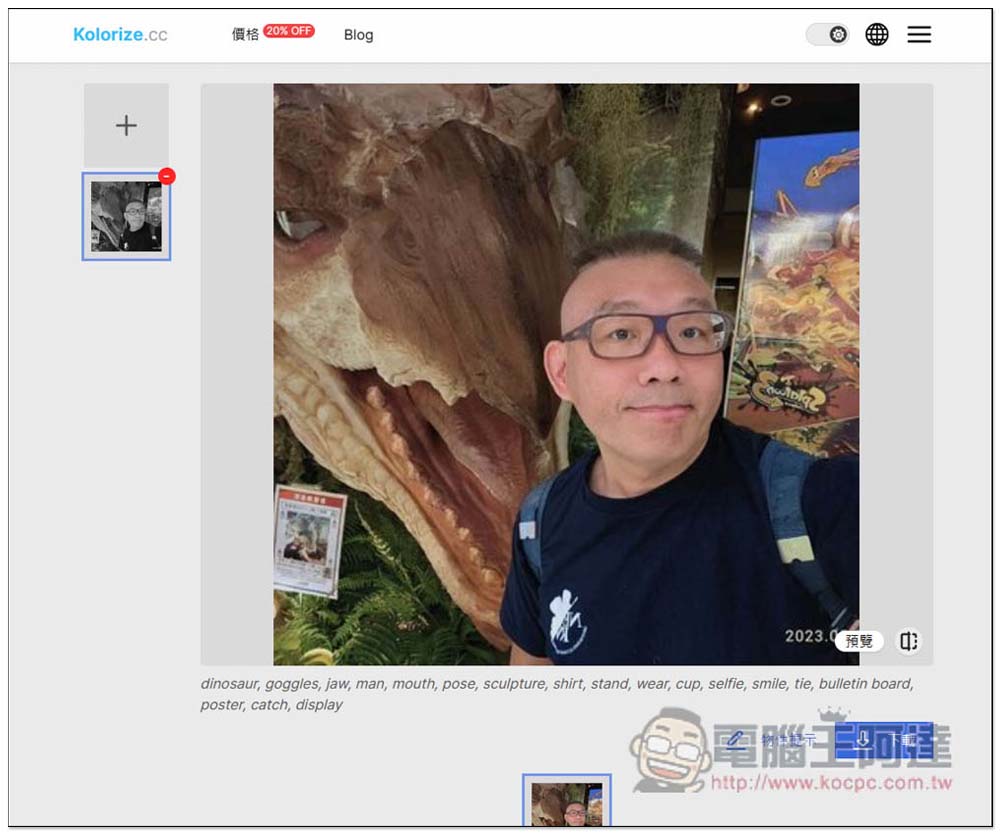
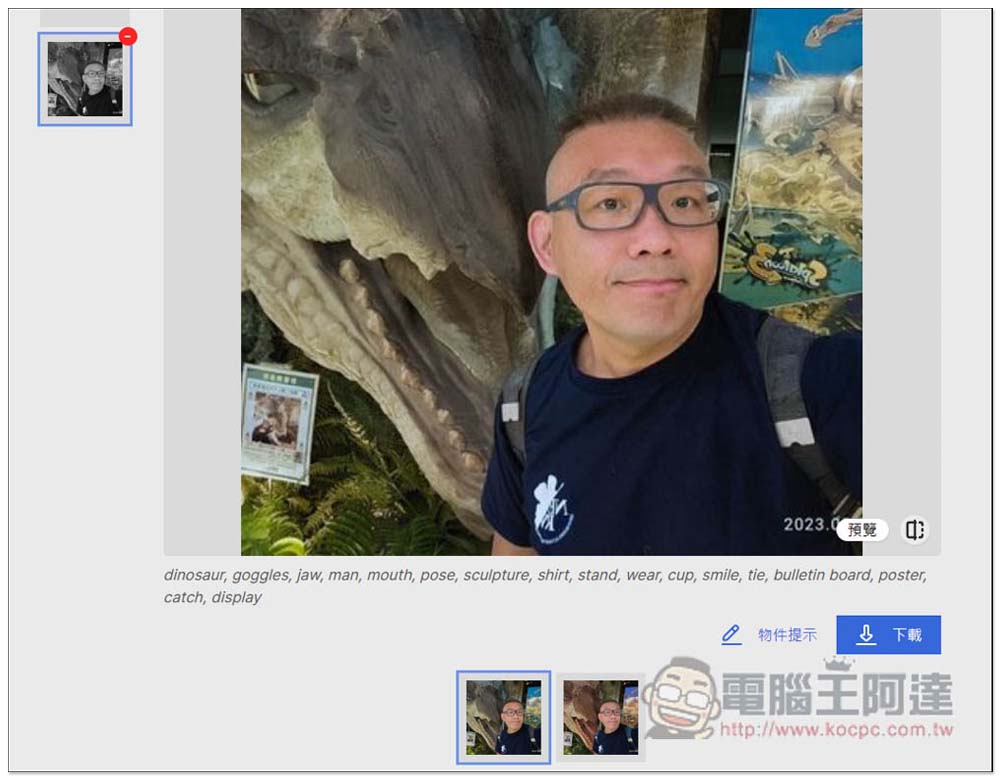
After waiting for a few seconds, you will see that the coloring is completed. The effect is really good, the skin color looks natural, and it does not look like an old photo. In addition, there is an object tip below. If you are not very satisfied with this coloring, or want to try more colors, you can click the “Object Tip” below:
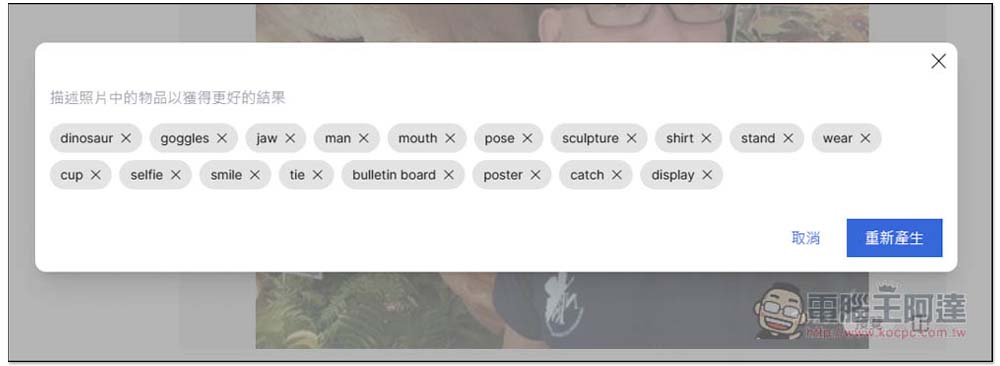
This small window will pop up. The English words displayed here are the prompt words given by this tool to the AI. Pressing “Regenerate” will recolor them all:
The previously colored photos will also be kept below, allowing you to quickly switch and compare to see which one you are most satisfied with:
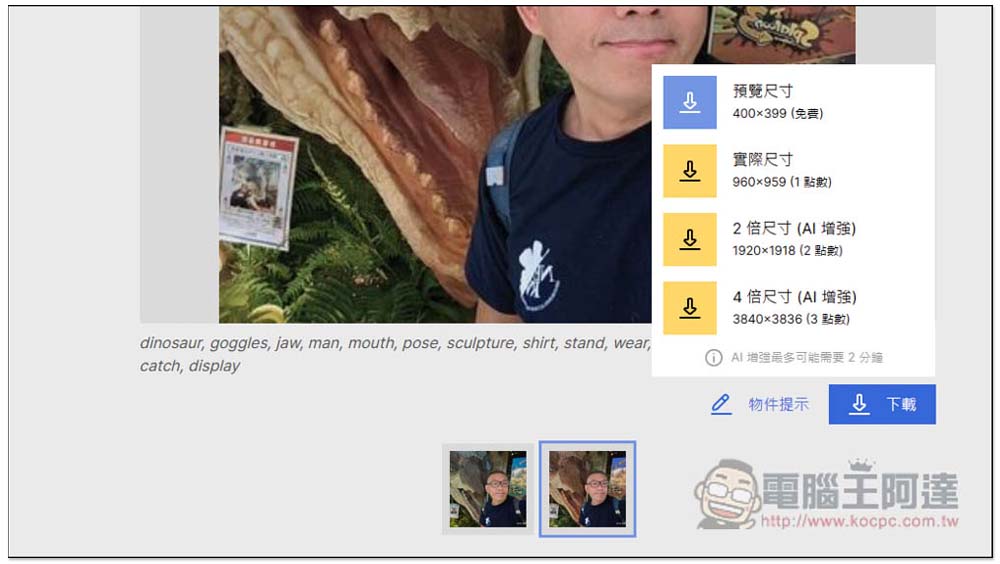
Click the download function to download the finished photo to your device. The preview size is free to download and no registration is required. The original size and enlarged size need to be redeemed with points. After registration, you will be given 1 point for free, which means you will have a free download of the actual size. If you want a larger size than the original image, you can only spend money to buy it, or use other AI image enlargement tools as I mentioned earlier:
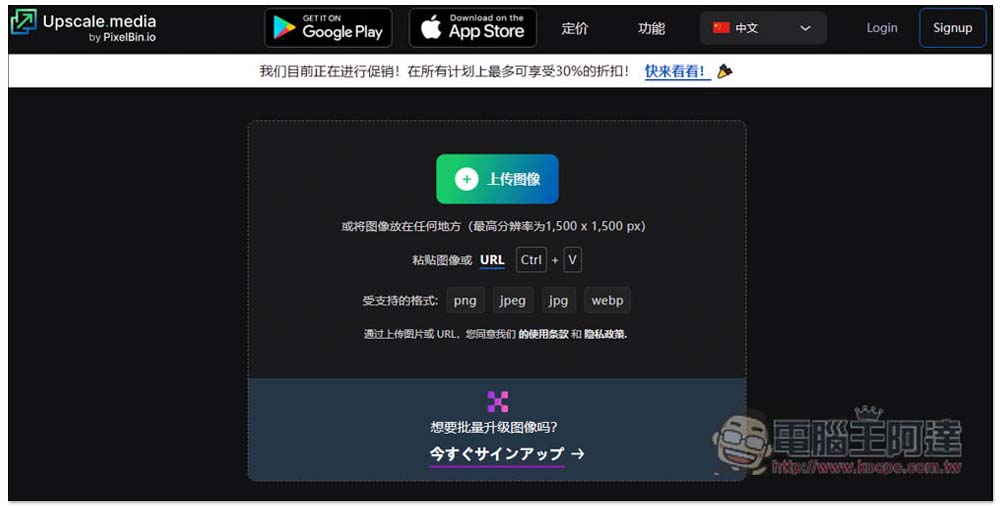
It is recommended to use the one we introduced before Upscale.media, a completely free online photo tool with very good enlargement effects:
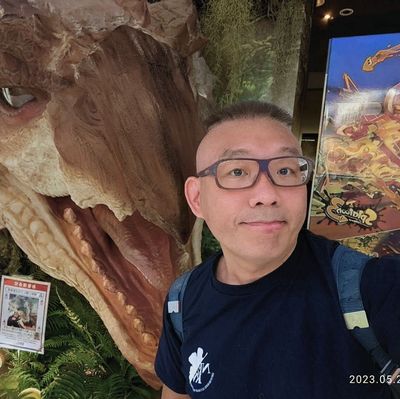
The picture below is a free small picture size downloaded from Kolorize.cc:
After throwing it into Upscale.media and waiting for a few seconds, you will get a 2x magnification effect. It is also divided into two types: normal upgrade and AI upgrade. It is recommended to use AI upgrade. The picture quality is better. Normal upgrade will be a little blurry, but AI upgrade will not. It also provides the function of enhancing quality:
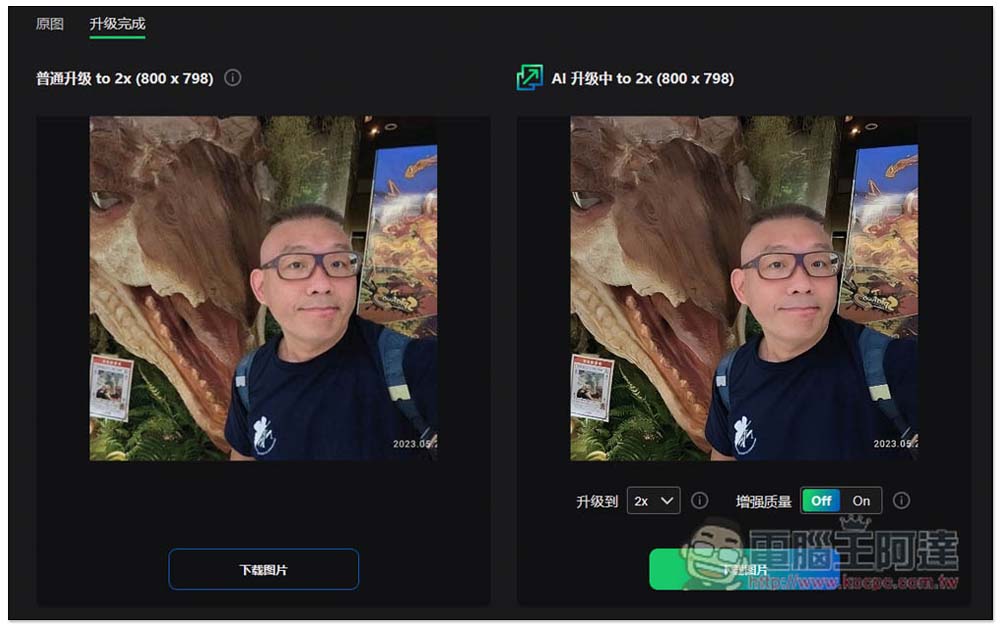
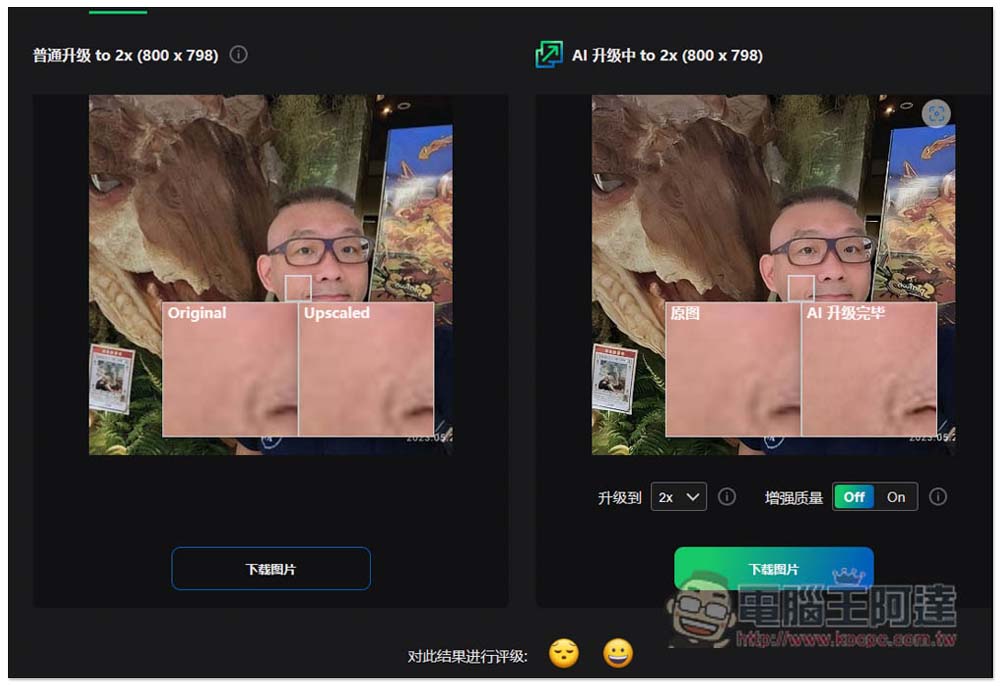
It also provides a zoom comparison tool for the same location, which is quite convenient. Click download image and the download will start:
The picture below is the result of using Upscale.media’s AI upgrade to enlarge it by 2 times. I think it’s very good:
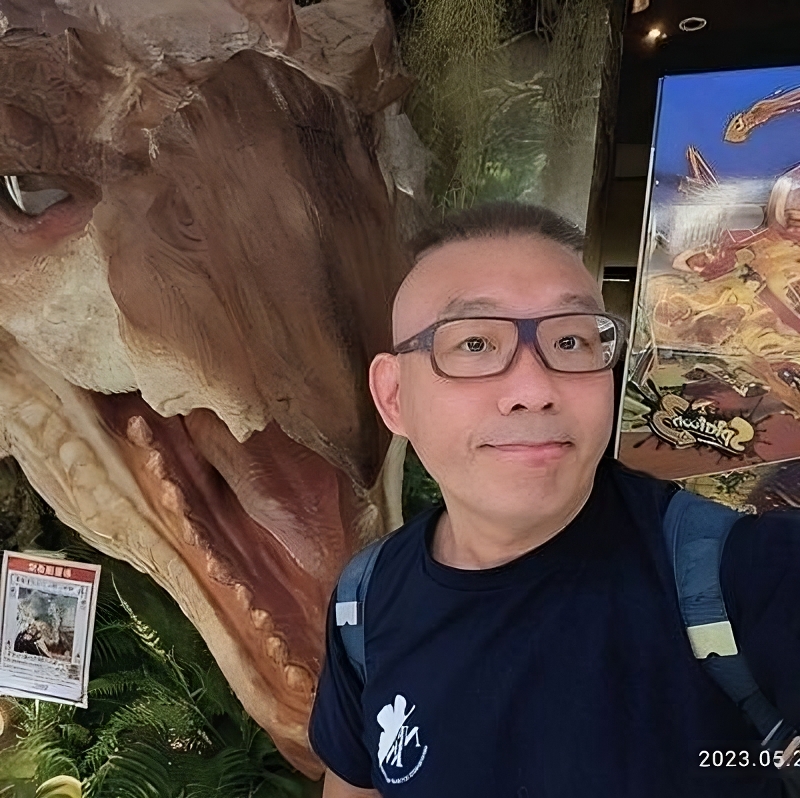
Therefore, if you are quite satisfied with the quality after AI enlargement, then Kolorize.cc does not need to spend money to download large-size images.
Source: KOCPC Chinese