


Opera is arguably the browser that has been most consistently developing AI among all browser software. The Opera AI Tab feature showcased a few months ago has finally officially launched. Opera browser users can now wake up Aria via a keyboard shortcut and ask it to manage their current tabs, such as grouping pages from specific domains, closing certain tabs, or pinning the pages you want. This is very useful for users who often have a lot of tabs open.
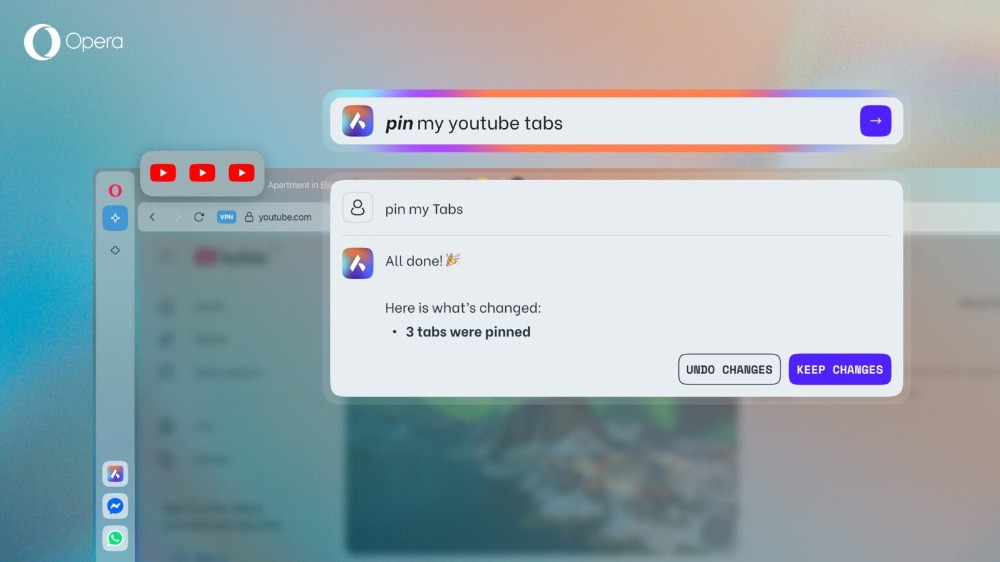
Opera AI Tab is officially here — you can now ask AI to help manage your browser tabs.
During last year’s Opera Browser Days event, Opera showcased the Opera AI Tab, a way to manage browser tabs more quickly. Now, just update to the latest version to enjoy this Aria-powered feature.
Opera One users can now use natural language to ask the built-in AI assistant Aria to close, group, and pin browser tabs via the browser’s Command Line feature, which also supports Chinese prompts.
Opera product director Joanna Czajka said: “For users who like to open a lot of tabs, this feature will be a revolutionary experience. For example, if you have more than 70 tabs open, some of which are Wikipedia pages about university research, in the past you had to find and group them one by one. Now you can simply tell Aria, and it will help you group those pages together into a ‘tab island,’ so you can continue working more easily.”
Some people may be concerned about security issues. To address this, Opera has emphasized that when relevant prompts are sent to Aria via the command line, Aria’s server only processes the text prompt itself and returns a set of commands telling the browser how to operate tabs. It does not read or store users’ browsing content or other behavioral data, ensuring privacy.
Usage is as follows: For the “Command Line” shortcut, on Windows it’s Ctrl + /, and on Mac it’s Cmd + /. After pressing it, a command line will pop up for communicating with Aria. Enter your request—for example, if I want it to pin the page for Computer King Ada, I would enter “Pin the koc webpage for me.” One important note here: at this stage, it seems unable to read webpage names, so you must enter the domain name instead. You can’t enter something like Computer King Ada, or it won’t find it.
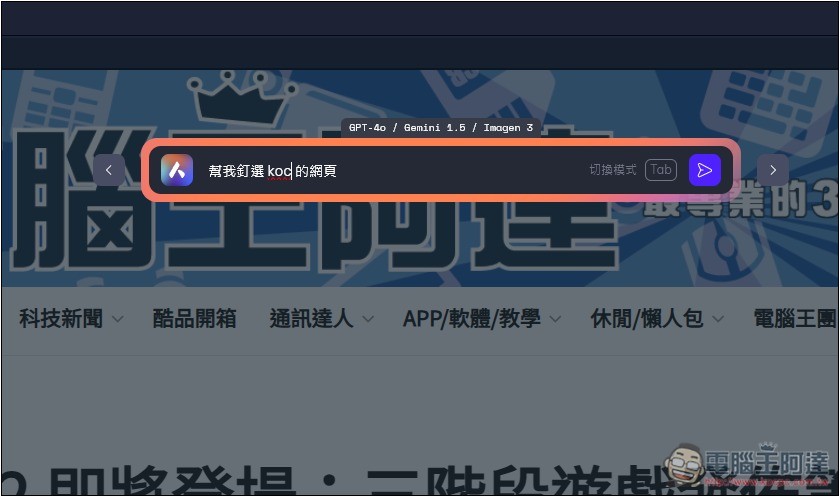
After completion, it will reply “All done”. At this point, you can check whether everything is pinned. If you go back, you can press “Undo changes” to restore. If there’s no problem, press “Keep changes”.
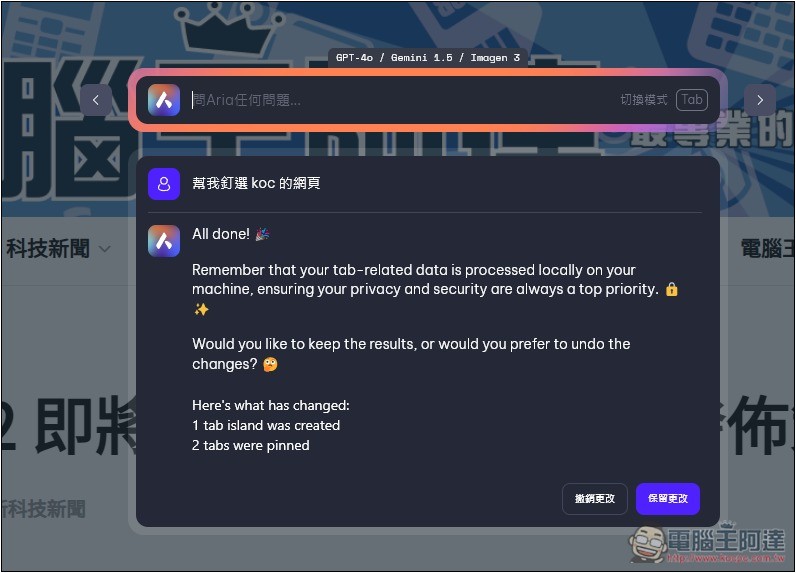
This means the pinning was successful; it will pin all currently open koc web pages:

When you have more and more browser tabs open, you might want to quickly close certain websites. For example, I often have many YouTube tabs open, and in the past I had to manually close them one by one:

Now with Opera AI Tab, I just need to type “close YouTube webpage” and Aria will do it for me:
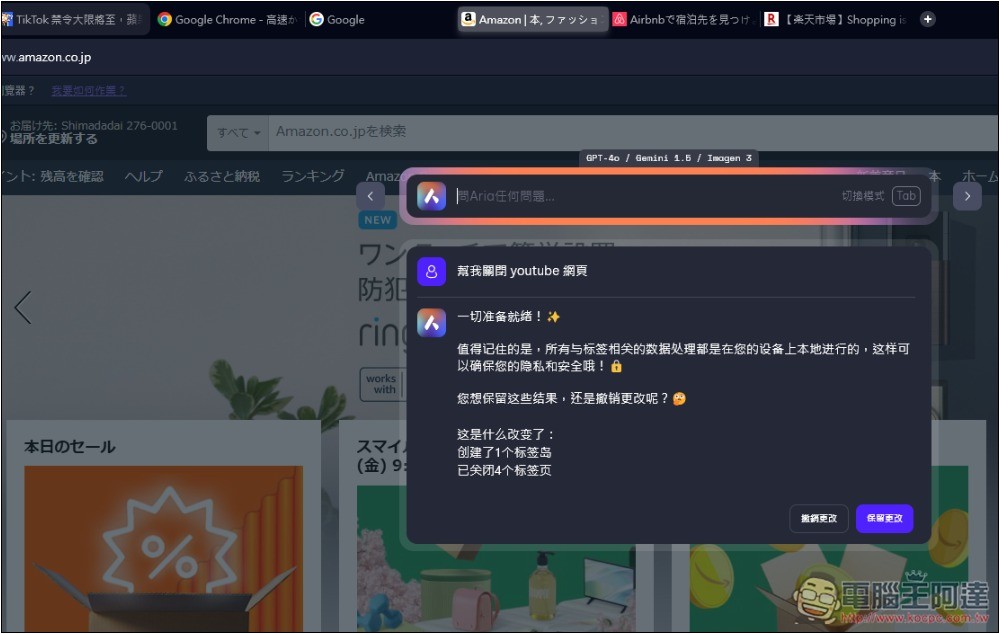
Currently, Opera AI Tab supports the following features:
- Group all tabs
- Close specific websites (e.g., only close all YouTube pages)
- Create bookmark
- Pin frequently used tabs
Data source:Opera
Source: KOCPC Chinese