


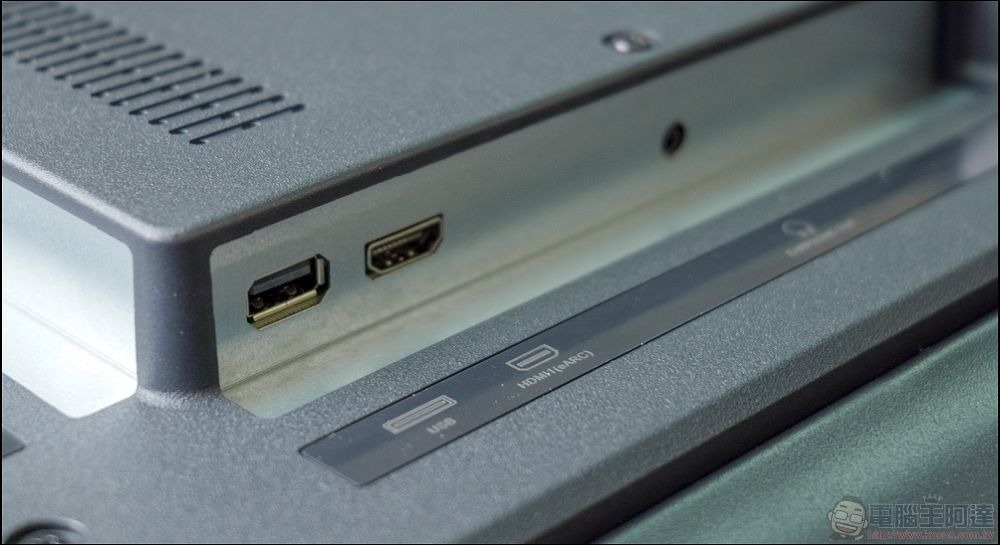
Today’s TVs are equipped with many features, most of which we are not even familiar with. This is the case with the USB socket, which makes it one of the most overlooked parts of the TV since users usually do not use it. If you think the same thing, you are wrong. The USB port on the TV certainly has its uses, and there are many uses. You can use the TV in unique ways to add functionality, so that the money you spend on the TV is not wasted at all.
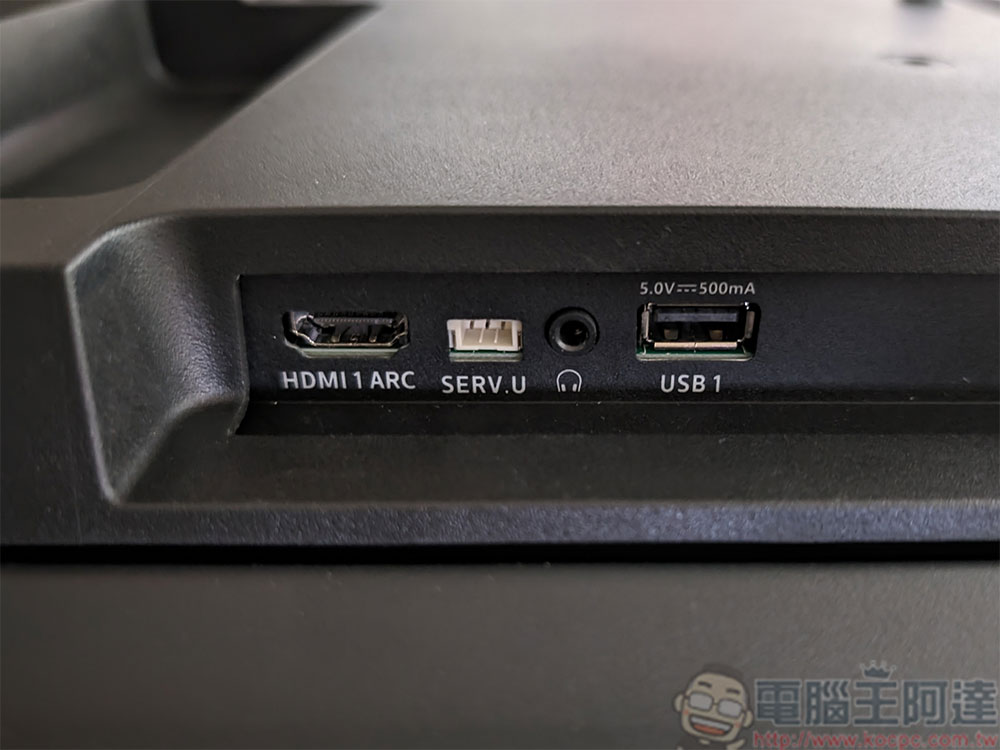
What is the USB port on the TV used for?
With the rapid advancement of technology, most devices and functions are now wireless-enabled, but a USB port is helpful whether it is on a router, modem or TV. This is useful when you want to play media saved on other devices on the big screen or use some cool gadgets on your TV. Additionally, using the USB port for firmware upgrades is an effective way to experience the latest features and updates on your existing TV. Next, we’ll introduce you to the many uses for USB on your TV that may surprise you. But first, let’s clarify that not every TV has the same features and capabilities, and the same settings may not apply to every make and model, so the cases mentioned here may only apply to some TVs.
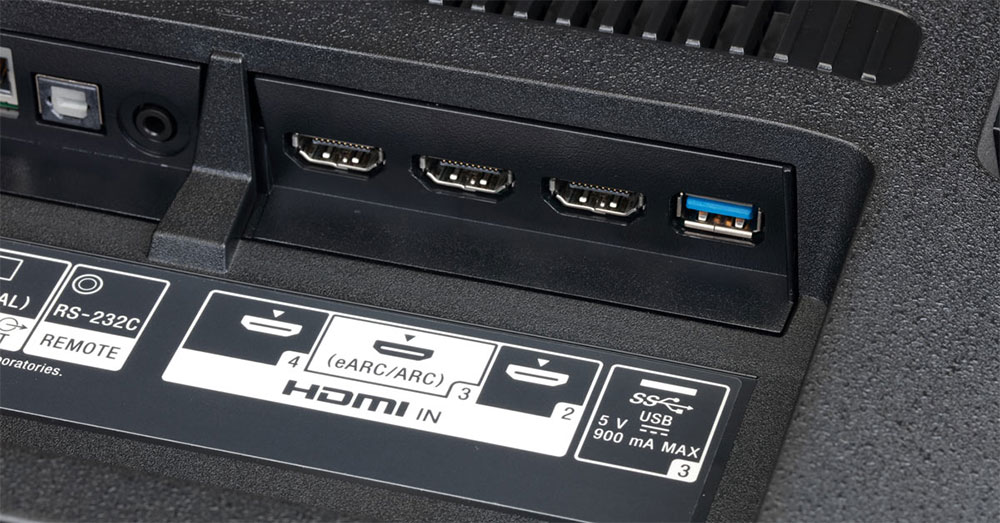
Connect game controllers and peripherals
TV screens, especially large ones, can make gaming better, and whether it’s an Xbox or PlayStation, these game consoles can be used with TVs, and you can pair their controllers via the USB port. While most modern game controllers are wireless, there are times when Bluetooth and Wi-Fi functionality may not work as expected, so a wired connection can come in handy. However, remember to double check the brand’s official website to check the compatibility list.
Additionally, you can connect other peripherals to your TV. Wired keyboards and mice are compatible with nearly all Google TV and Android TV, so you can use the screen as a monitor to get things done. Apart from this, wired speakers are also a good idea to connect to your TV when you want to enhance the sound and experience a theater-like environment at home.
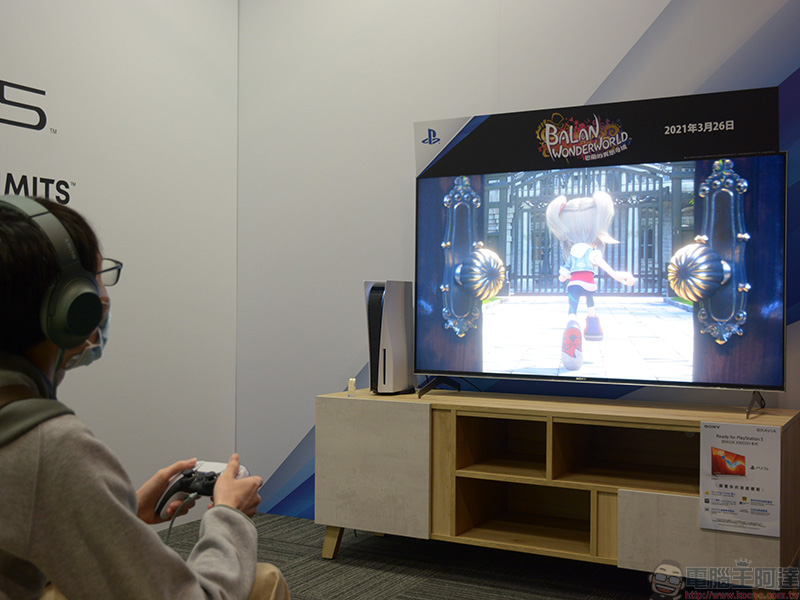
Play media
Another super useful feature of the USB port is that it allows you to play many types of multimedia on your TV. You can use it when you have downloaded a movie on your computer but want to watch it on a larger screen in a more comfortable environment. Save movies or shows to a USB flash drive and plug it into your TV. Once the TV recognizes the connected external device, you can play the loaded video on the TV without annoying buffering and loading times. One important thing to remind you: please make sure the USB flash drive is formatted as FAT32 or NTFS so that the TV can successfully identify the device and read its contents.
Update TV firmware
It’s a good habit to install regular updates on your device, whether it’s a smartphone or a TV. Keeping your TV updated will ensure it runs smoothly and enhances compatibility with new devices over the long term, while also giving you access to many new themes, features, and settings.
The process is quite simple. Go to the TV brand’s official website and look for the software or firmware updates section, where you can find the update file for the corresponding TV model in case you miss the update. Download the update file and transfer it to a USB flash drive formatted in a supported file system, then plug it into your TV’s USB port. The firmware update should begin as soon as the contents of the US device are recognized.
Record TV shows to watch later
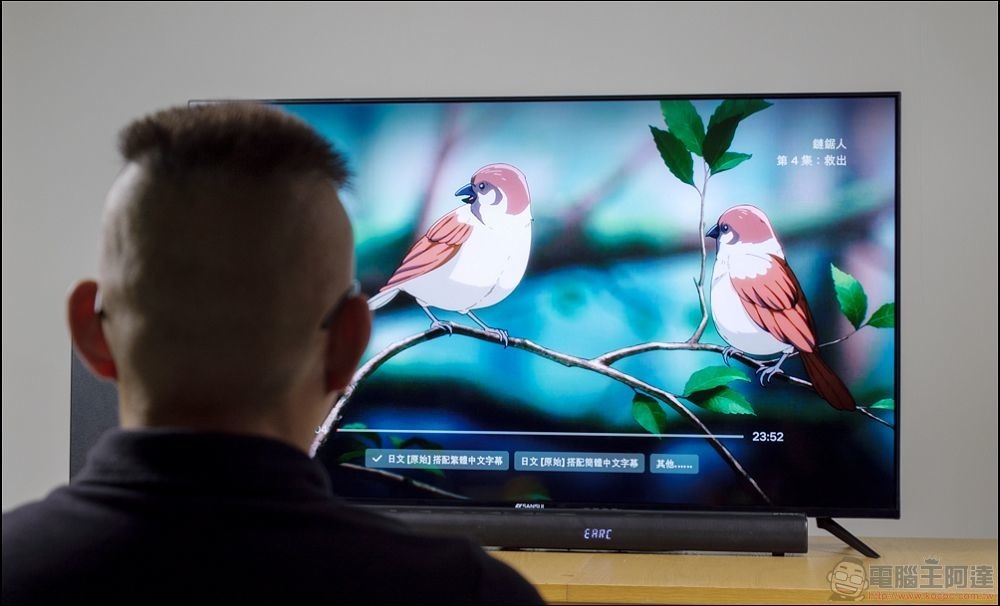
When your favorite show is on the TV and you happen to be busy and unable to watch it on time, or you want to rewatch it with friends later, with modern TVs, you can not only watch the show at the designated broadcast time, but also record the show for later viewing. Note that this option only works for TV shows, not streaming platforms like Netflix.
If you want to record a TV program, please plug the USB flash drive into the port and wait for the recognition screen to appear on the TV. Different brands of TVs may have different operating procedures, so check the manual for steps.
Make a video call
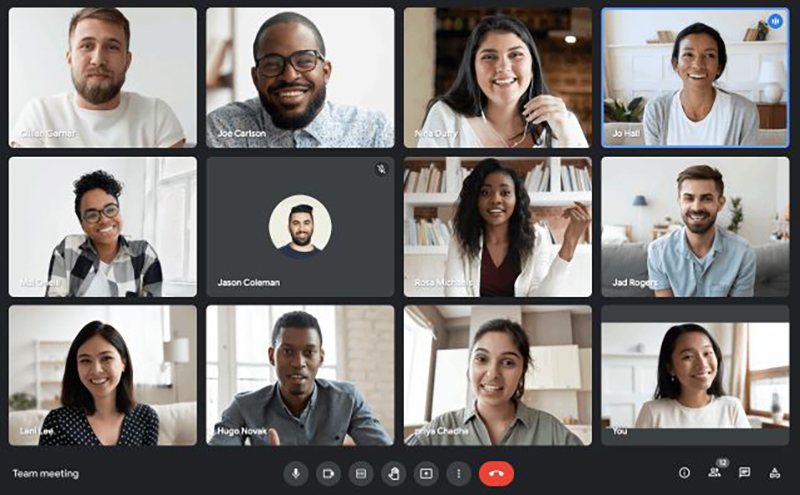
Use a smart TV as a display for video calls and turn your room or lounge into a meeting space. But the TV doesn’t have a camera to capture you, so what do you do? This is where USB ports come in handy. You can connect the USB Type-A plug of the webcam to the USB port of the TV to capture the scene where you are.
You can buy affordable photography lenses that can be mounted on your TV, providing ultra-clear wide-angle views. Not only for meetings, you can also make video calls with family and friends, and continue your work comfortably while staying connected instantly on the big screen.
Source: KOCPC Chinese