


When you buy a new Android phone, you may find information aboutbattery healthThe tool will include battery health indicators, charging cycle counters and charging modes that can extend battery life. This is very common in mid-range and above mobile phones, and it is also very practical to help people understand the status of battery degradation. Since battery health is a relatively new topic, not everyone fully understands it. Battery health revolves around technical details that don’t always clearly communicate the uses and benefits to users. This time we’ll take a closer look and learn how to make the most of it.

Key points you should know about Android battery health tools
What is battery health?
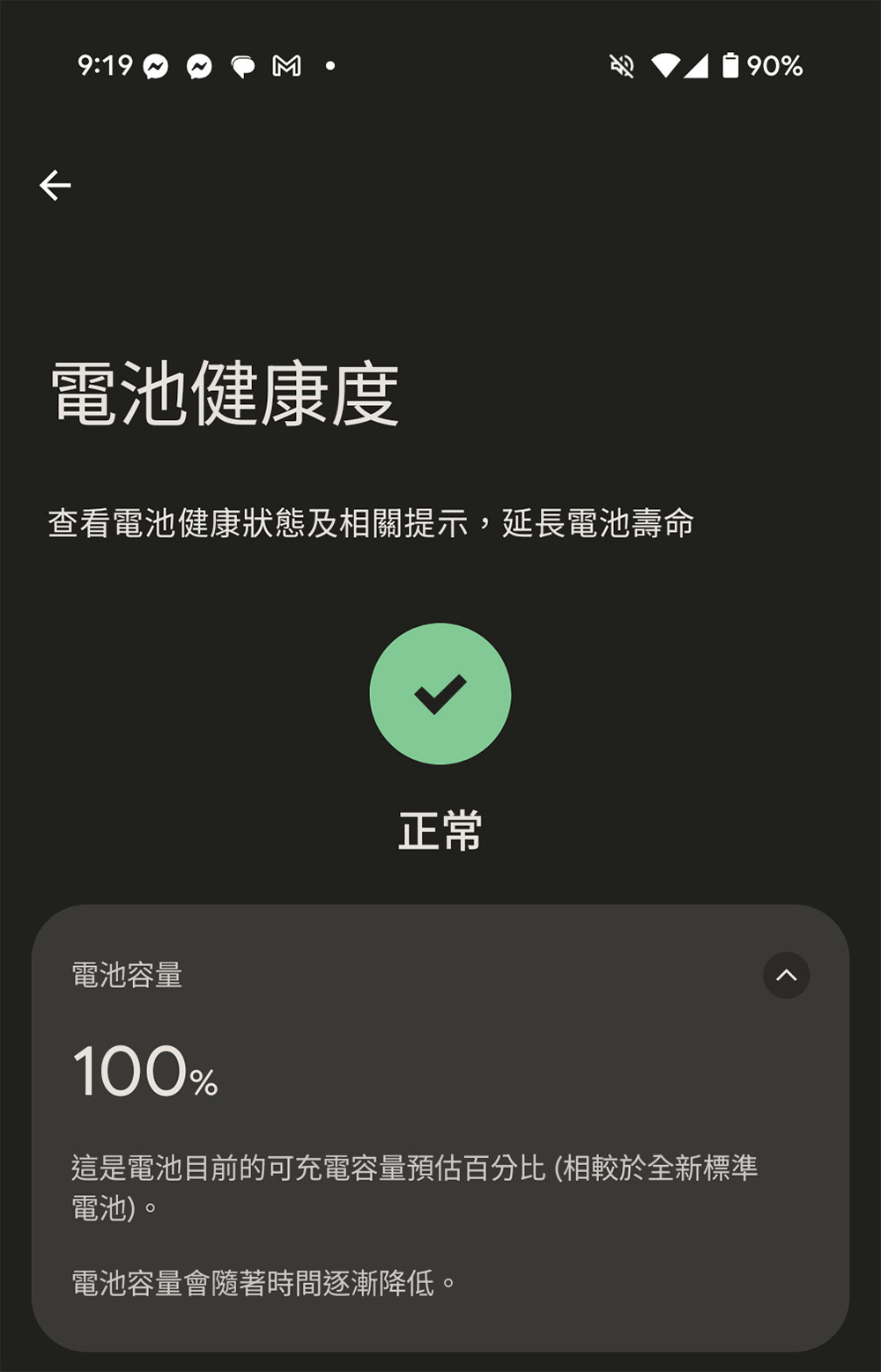
Battery health indicates how much power the battery in your phone can hold compared to a new battery. When shipped from the factory, a phone’s battery capacity is 100%. For example, a new 5,000mAh battery is 100%, so after a few years of use it can hold 4,000mAh power, which means it is 80% healthy.
Battery health and battery life are sometimes interchangeable, but they have different meanings. Battery life is how long your phone lasts between charges, while battery health is about its ability to retain charge over the long term. On average, a cell phone battery should last about 2 to 3 years, but various factors can affect longevity.
What is good battery health?
The simplest answer is that the closer the battery is to 100%, the healthier it is. Battery degradation is a gradual process that may take several years to become a problem, but when the battery health drops to 80%, it may cause the phone to shut down unexpectedly or even damage the hardware, and you may consider replacing the battery. If this happens to your device while under warranty, you may still have the opportunity to get a free replacement. Typically, a lithium-ion battery reaches the end of its useful life when its health drops to 70% to 80%, although this number varies by manufacturer.
So why is a battery that only reaches 70% of its original capacity considered too old? On the one hand, a phone with a battery health of 70% can still be used. Although the battery life between charges will be shorter, it will not become unusable immediately. On the other hand, an aging battery may lose its charge. Old batteries have higher resistance, making them unable to handle sudden spikes in power demand. When the phone needs to perform energy-intensive tasks, power spikes can cause sudden voltage drops on unhealthy batteries, which can cause unexpected shutdowns.
In addition, the old battery may have additional conditions such as swelling and deformation, which may cause physical damage to the phone. It is best to replace it before anything happens.
What is a battery charge cycle?
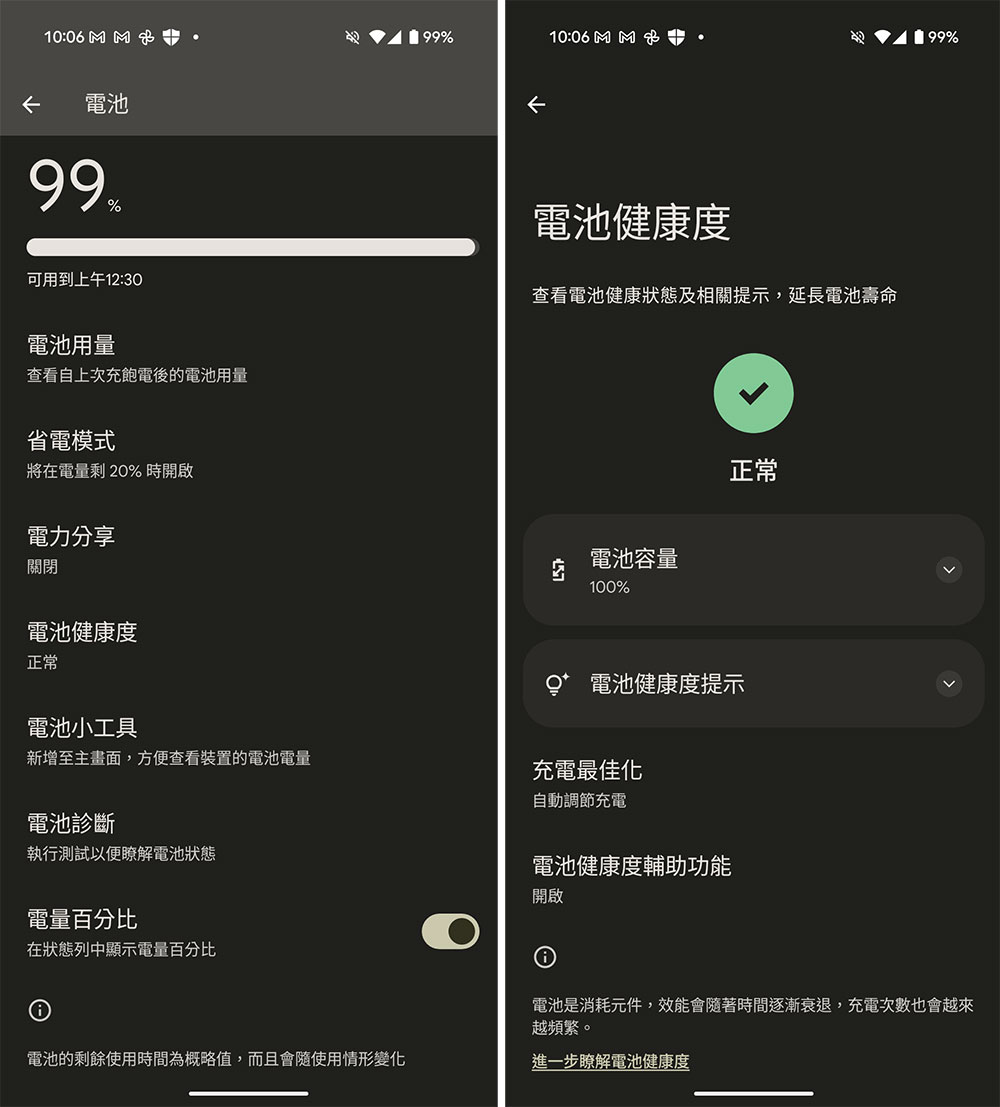
Some phones include a battery charge cycle counter as an item in the battery health tool. Charge cycles are another measure of battery health, and most manufacturers have a set number of cycles the batteries in their products should last, typically between 500 and 1,000 for phones.
When the battery charge goes from 100% to 0% and then back to 100%, this is a charging cycle. This is not limited to a single completion, if you fully charge the battery and then use it to 50%, then charge it to 100%, and then charge it again when it is drained to 50%, in this case even if you charge it twice, it will be counted as one charge cycle.
Although the charge cycle counter can be a reliable indicator of battery health, if your phone has a health indicator, it is still based on health.
Can any tools improve battery health?
Even if you have the most top-of-the-line Android phone, you will still need to replace the battery when the time comes. The decline in battery health is an irreversible process that cannot be improved by any built-in battery health tools. Factors that negatively impact battery life include placement in a hot environment and the time it takes to fully charge and discharge.
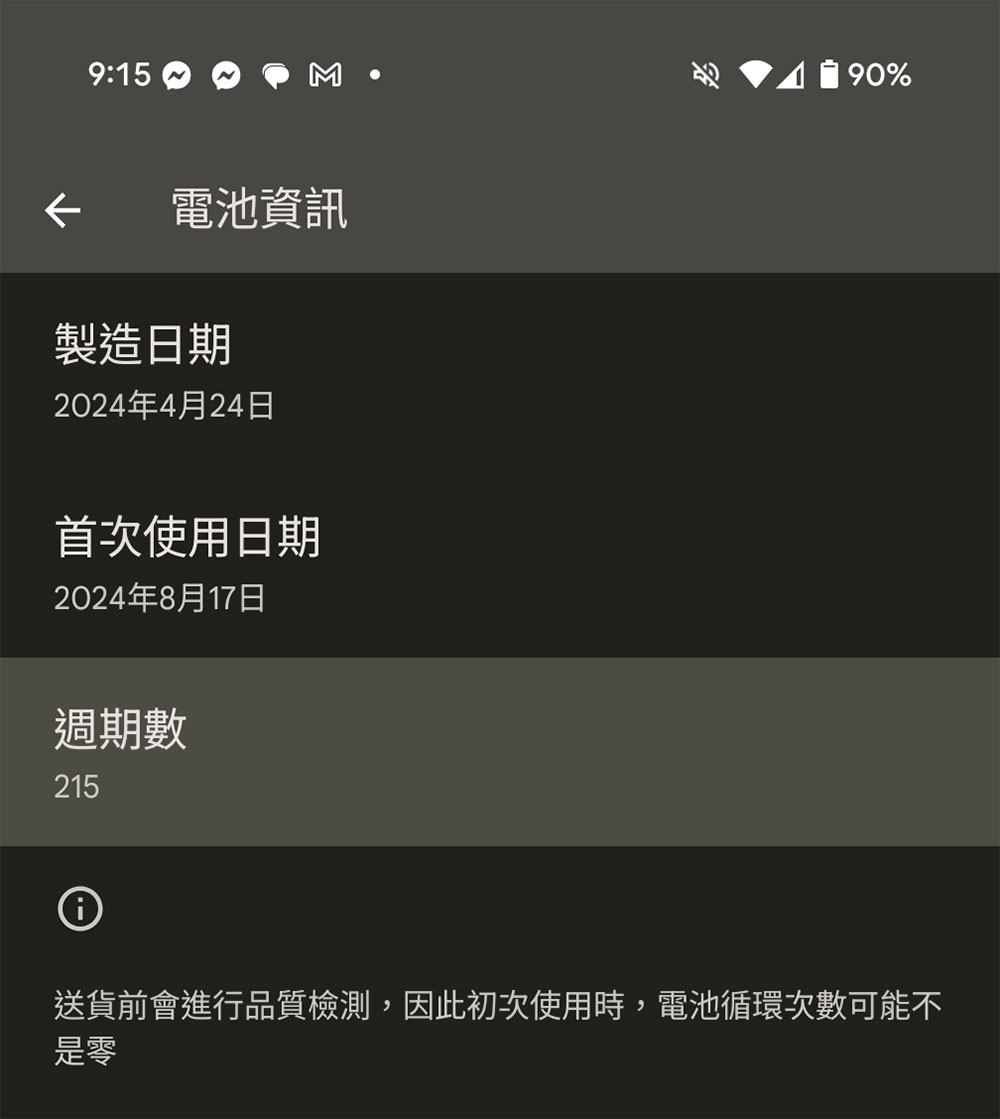
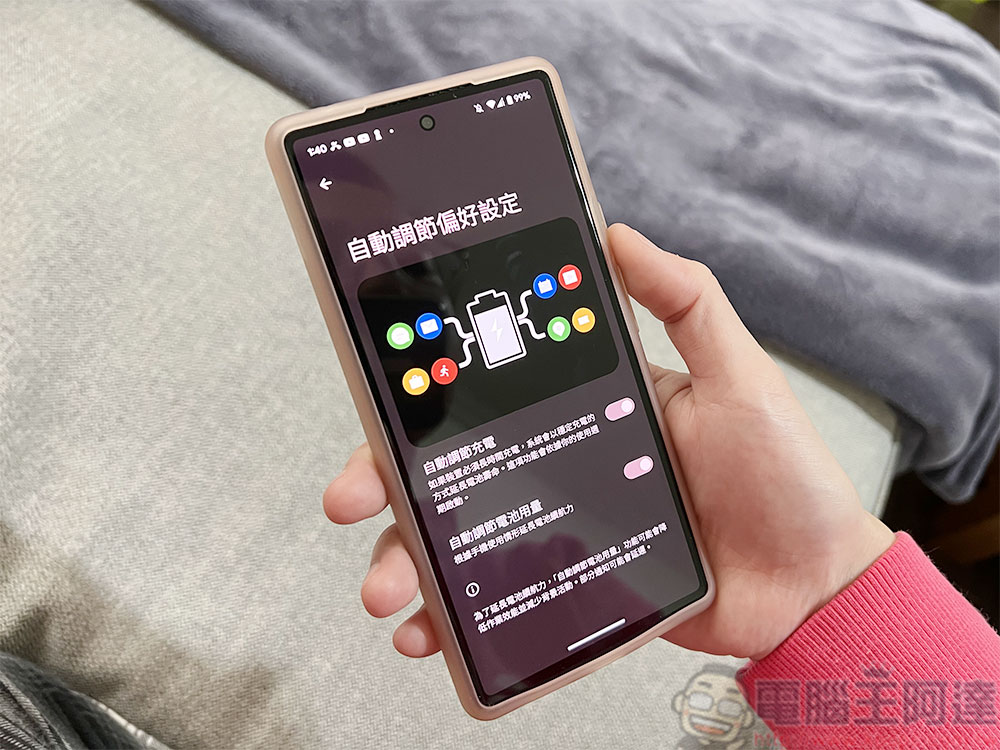
Battery health tools in modern Android phones only slow down the aging process, often at the expense of convenience and short-term battery life. Auto-scaling charging is one such feature that’s available on most new Android phones, and when charging the battery overnight, it pauses charging at 80% and then charges the remaining 20% before your average wake-up time.
Auto-Adjust Charging takes a few days to analyze your charging habits before it works properly, so if you temporarily charge your phone during your lunch break, the feature may not be triggered.
When should I use the 80% charge limit?
Some phones offer the option to limit battery charge to 80%, which is a more effective battery health protection feature, but it’s not for most people. First of all, its disadvantage is that 20% of the battery capacity is stuck, which is very inconvenient for ordinary people. Second, it’s unclear how much more effective this feature is than adaptive charging. However, in some cases, enabling the 80% limit makes sense, and if your phone is plugged into a charger most of the time, you’re in a good position to turn this feature on. For example, a taxi driver needs to use navigation all day long, or you often play with your phone while charging.
The phone may sometimes ignore the 80% limit and charge to 100%, this is not a bug, the phone does this to recalibrate the battery meter. Phones cannot test how much power is left in the battery, instead they measure the amount of power that goes in and out of the phone, a process that allows for very precise battery power measurements. But these numbers can err on the side of time, especially if the battery hasn’t been charged to 100% for a while.
What if your phone doesn’t show health status?
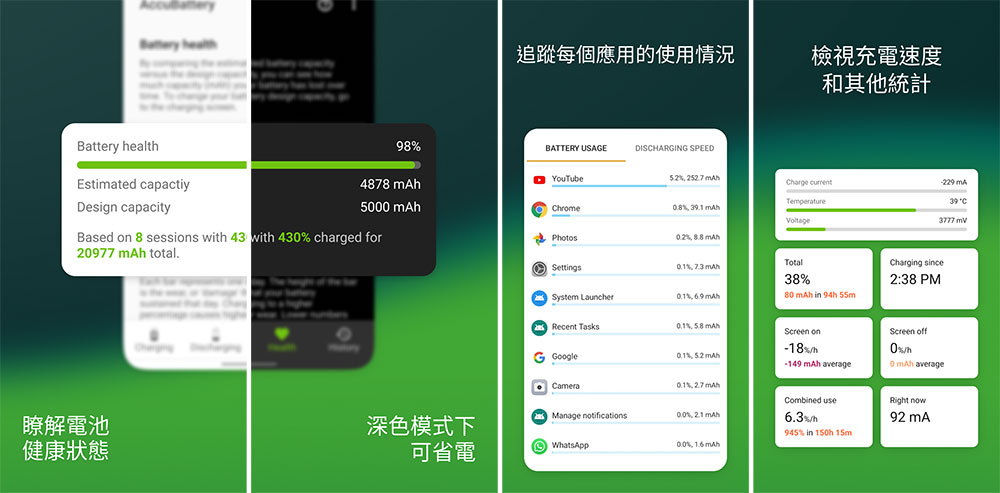
Not all phones come with a full set of battery health tools, so you can turn to third-party apps like “AccuBattery – battery”, a free and well-reviewed app that can be used for battery insights and measurements.
In AccuBattery’s Health tab, you’ll find estimates of your phone’s battery health based on recent charging data. To get a reliable evaluation, let the app run for a few days and go through several charge cycles. If the app cannot automatically detect your phone, you may need to enter your phone’s battery capacity.
In addition to this, AccuBattery also provides access to instant data such as power consumption, charging current, wattage and battery temperature. These statistics let you know whether the phone can achieve its claimed charging rate or whether the charger can provide full power to the device. As an alternative to Android’s built-in 80% charge limit, the app features a notification mechanism that will alert you when your phone reaches a certain battery level.
Today’s phones last longer thanks to expanded software support and future-proofed hardware. The battery remains a key consumable that hinders the life of your phone, so it’s important to know how to use the battery health tools at your disposal. As new battery technology develops, battery life should no longer be an issue and battery capacity will reach new heights.
Source: KOCPC Chinese