


Meta will discontinue the Meta Spark third-party tools and content platform on January 14. At that time, only filters created by Creators will be available. Meta has recently spent a lot of money to buy filters from creators, but it is still a bit difficult to find Creators filters among a bunch of third-party creator filters. Recently, iOS development intern Yi Nu, a master on Threads, developed the APP “InstaFilter” to help you quickly save your favorite filters and even share them with friends. As long as you download the APP, you can see nearly 200 Creators filters. For those who are afraid that there will be no good-looking filters available after January 14th, take a look at this introduction to InstaFilter!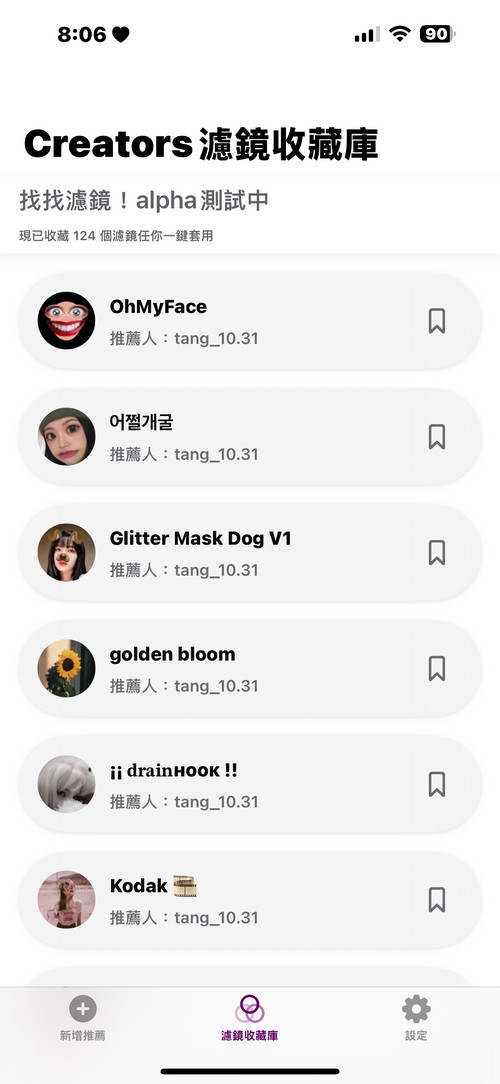
Don’t be afraid of not finding good-looking IG filters! Netizens developed an APP “InstaFilter” that can quickly save favorite filters.
Today I would like to introduce netizens to you iOS development trainee Yi NuThe “InstaFilter Search Filter” free APP launched, InstaFilter allows users to quickly save their favorite filters. At present, InstaFilter is still in the public beta stage, so today I will introduce how to use InstaFilter. At the end of the article, I will introduce how to participate in testing InstaFilter. If you are interested, please continue reading!
在 Threads 查看
InstaFilter Filter Finder can help you find your favorite filters from the organized Creators filter library. Click on the filter that appears in InstaFilter to jump directly to your Instagram limited time feed. You can directly add your favorite Creators filters to your favorites. Take the video below as an example: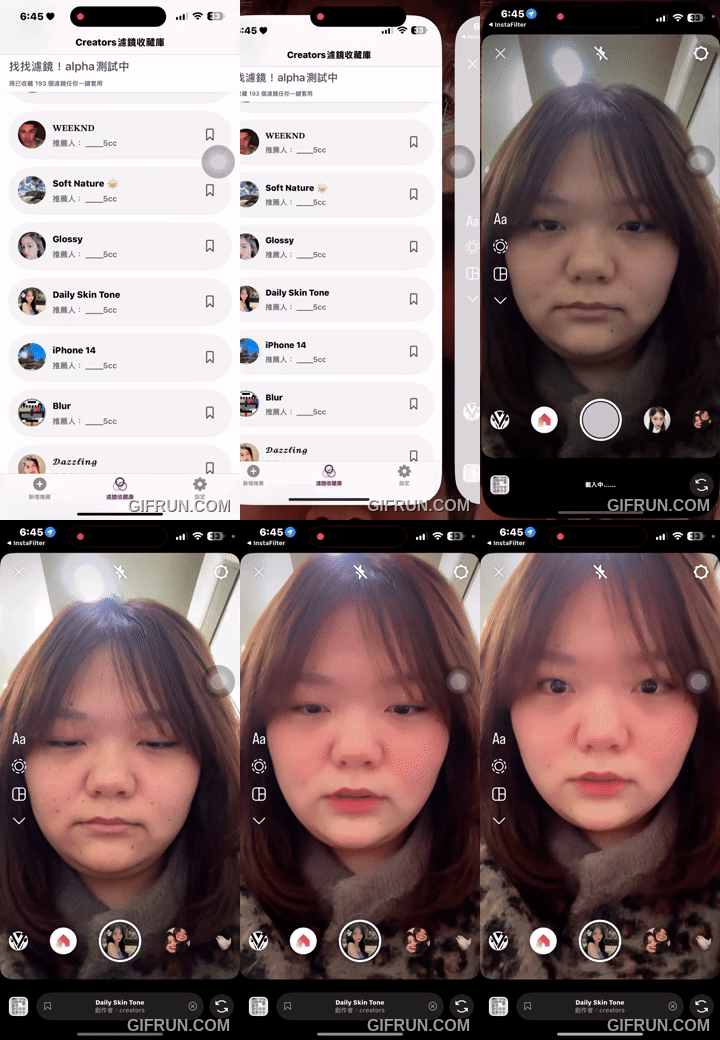
In addition, you can also provide the Creators filters you find to add more Creators filters to InstaFilter’s filter library:
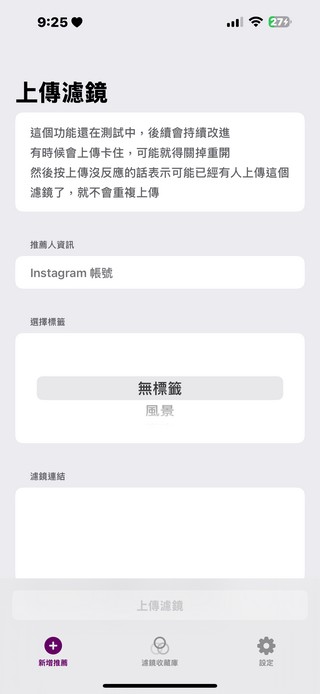
How to participate in the InstaFilter APP public beta?
Currently, the steps to participate in the public beta of InstaFilter are cumbersome. You need to download the public beta app first, and then join the community to obtain a verification code before you can participate in the public beta. If you find it troublesome, we will introduce it after InstaFilter is officially launched on the App Store. You can wait until then to experience the official version of InstaFilter. If you don’t mind the trouble and want to help InstaFilter optimize, then continue reading~
Currently, InstaFilter is only available to Apple users. If you want to experience InstaFilter, you need to go to the App Store to download TestFlight. TestFlight is a beta testing service provided by Apple specifically for iOS application design. Developers can let users conduct public testing on TestFlight before the APP is officially released to the App Store.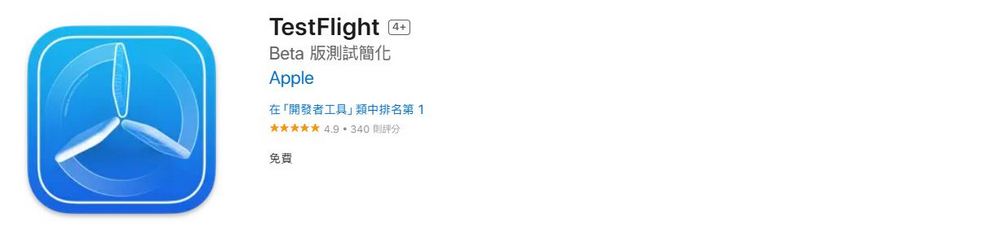
Go to the App Store to download TestFlight
After downloading TestFlight, click the link provided below and click Install to download the InstaFilter public beta APP.
Go to download the InstaFilter public beta version APP
There are two steps required to test InstaFilter. First, go to Threads to follow the iOS development trainee Yinu, and then go to the internal beta communication community of iOS development trainee Yinu to get an invitation code. Friends who are interested are advised to go to the Threads post of iOS development trainee Yi Nu to learn how to join the internal beta communication group. Since the author is currently working part-time, he cannot reply to messages at any time, so everyone must be polite when asking for invitation codes!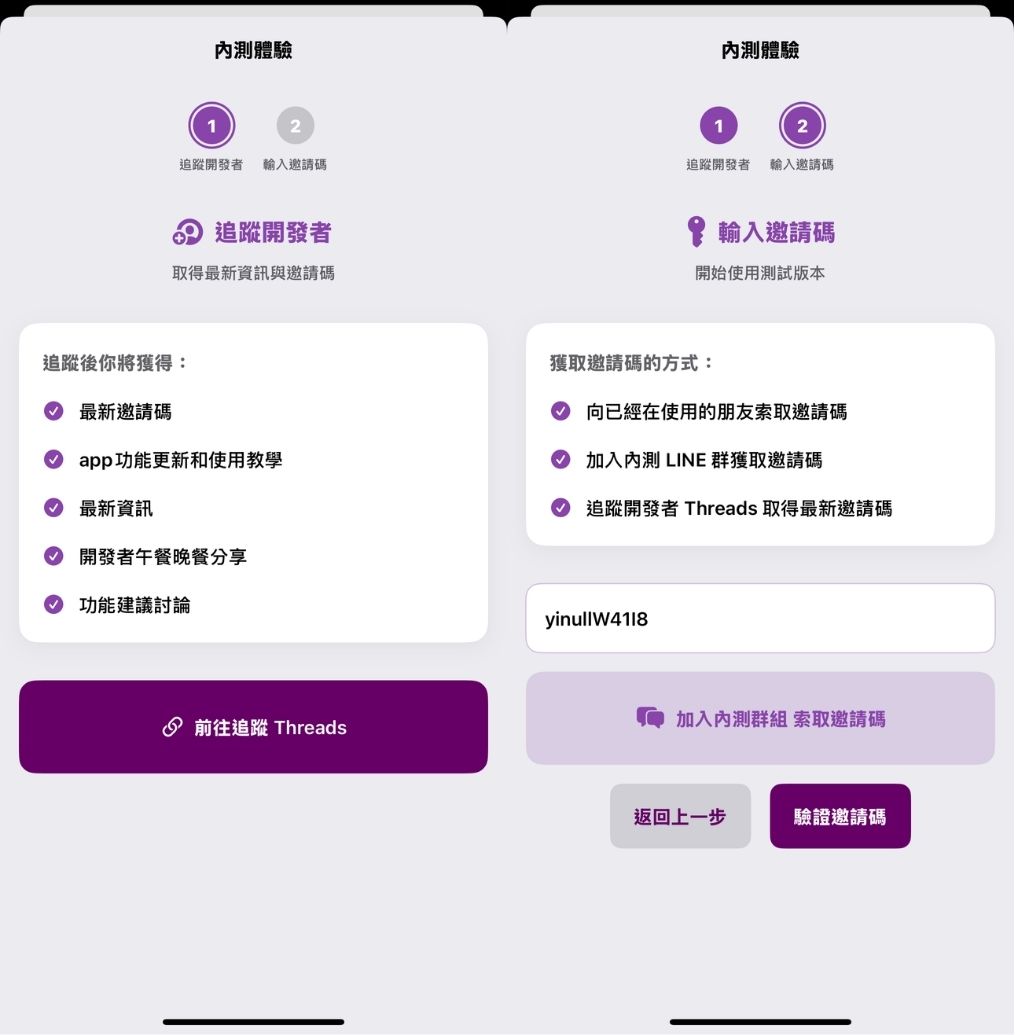
Source: KOCPC Chinese