


On Windows 11, it’s only a matter of time before you start encountering different types of problems. After a long period of use, the device may start to experience problems due to daily tasks, installed applications, storage usage, automatic settings, malware, etc. These problems may significantly reduce performance, affect the startup sequence, corrupt files, and cause many system errors, including blue screens. Although you may be able to fix the problem, reinstalling the operating system is usually the best option for the most common problems.
There are several ways you can perform a reinstall on Windows 11, but the option in Restore Settings is the easiest to use. In this guide, I’ll share with you the symptoms that identify when you need to reinstall your operating system to resolve common problems, sometimes more efficiently than spending more time trying to fix them.
When these 9 problems occur on your computer, it’s time to reinstall the Windows 11 system
1. Significant performance degradation
The question is not “if” but “when” because over time, the performance of the operating system will degrade, which can happen due to many reasons, including installed applications, custom settings, storage usage, viruses, etc. If uninstalling the app, deleting junk files, canceling settings, and running a full virus scan doesn’t resolve the issue, you may need to reinstall your operating system.
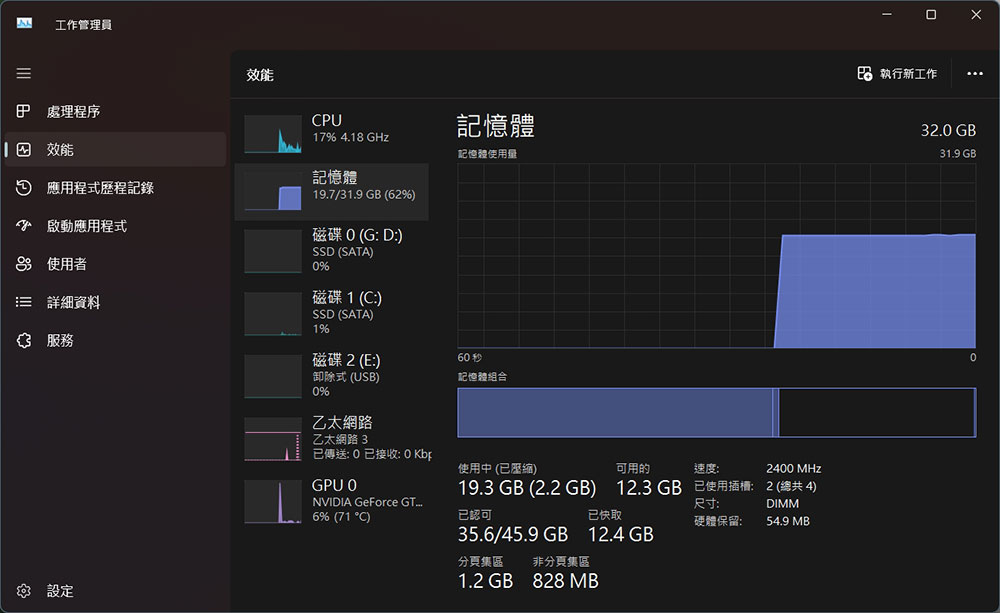
2. Frequent freezes and crashes
If your computer frequently becomes unresponsive or crashes, you can try reinstalling or uninstalling certain applications and device drivers. However, if the problem still exists after going through the above procedures, you may need to reinstall the operating system.
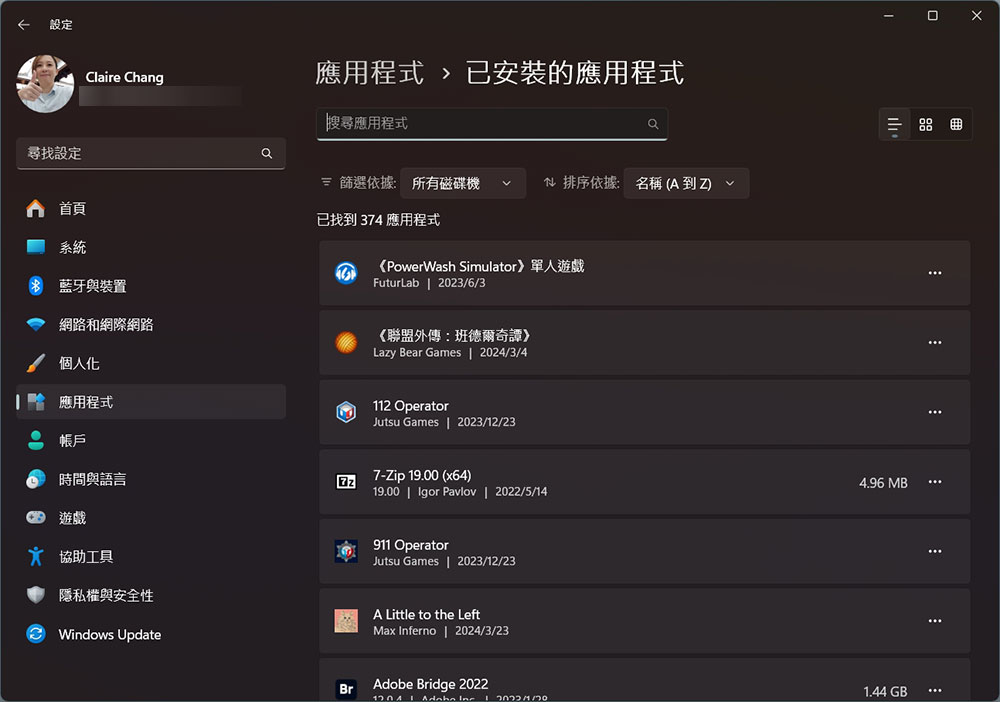
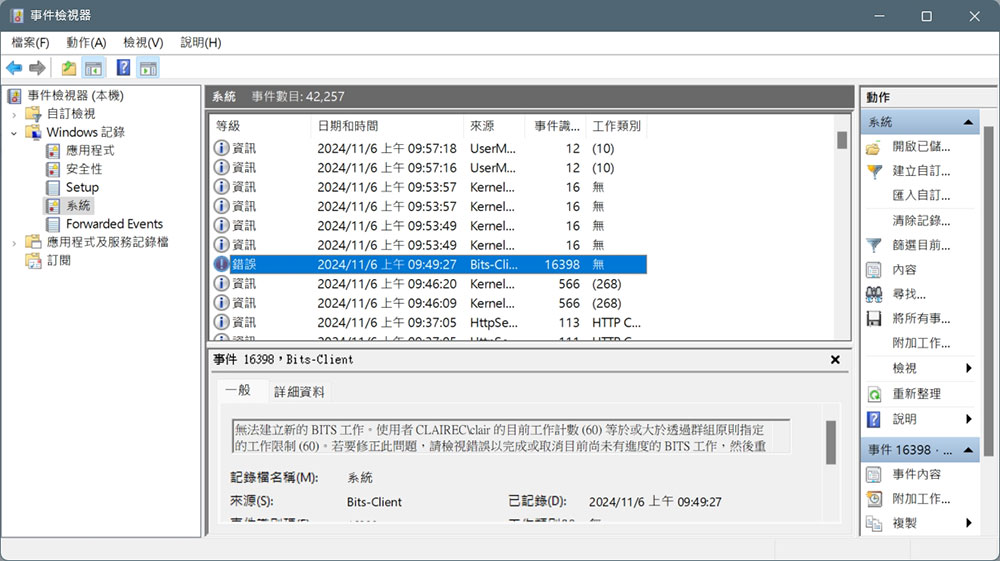
3. Frequent system errors
If error messages pop up from time to time, it may mean that the system is unstable. You can use the Event Viewer tool to check the System log for errors in Windows Logging, but if you find different errors in different locations, the best thing to do is to update the settings.
4. System files are damaged
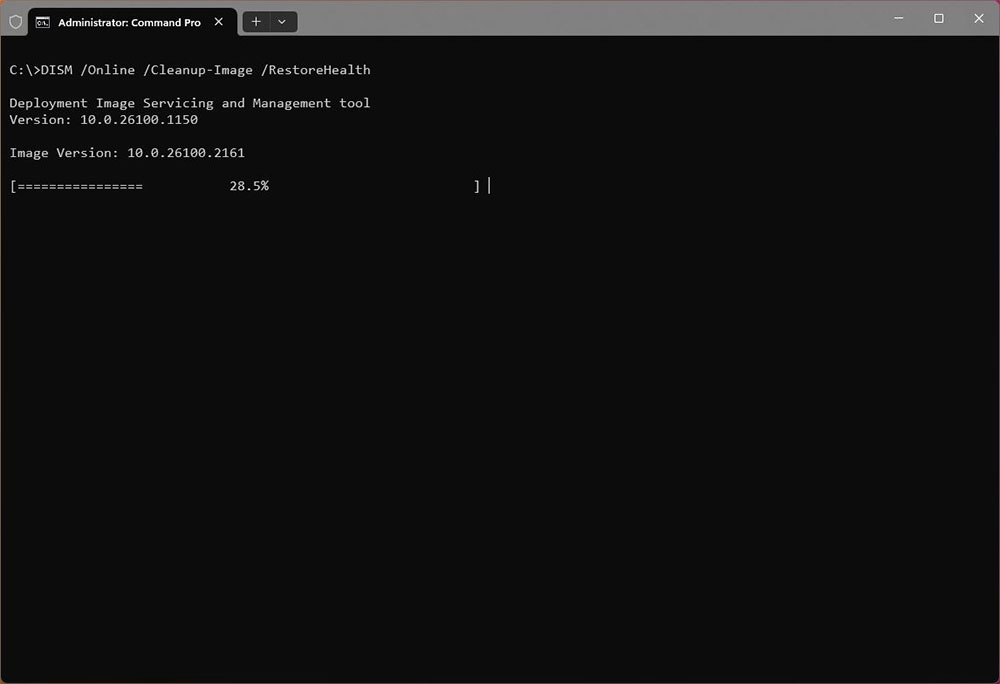
If you try to use System File Checker (SFC) or Deployment Services and Management (DISM) and find irreparable corrupt files, reinstalling may be the best solution.
5. Install new hardware
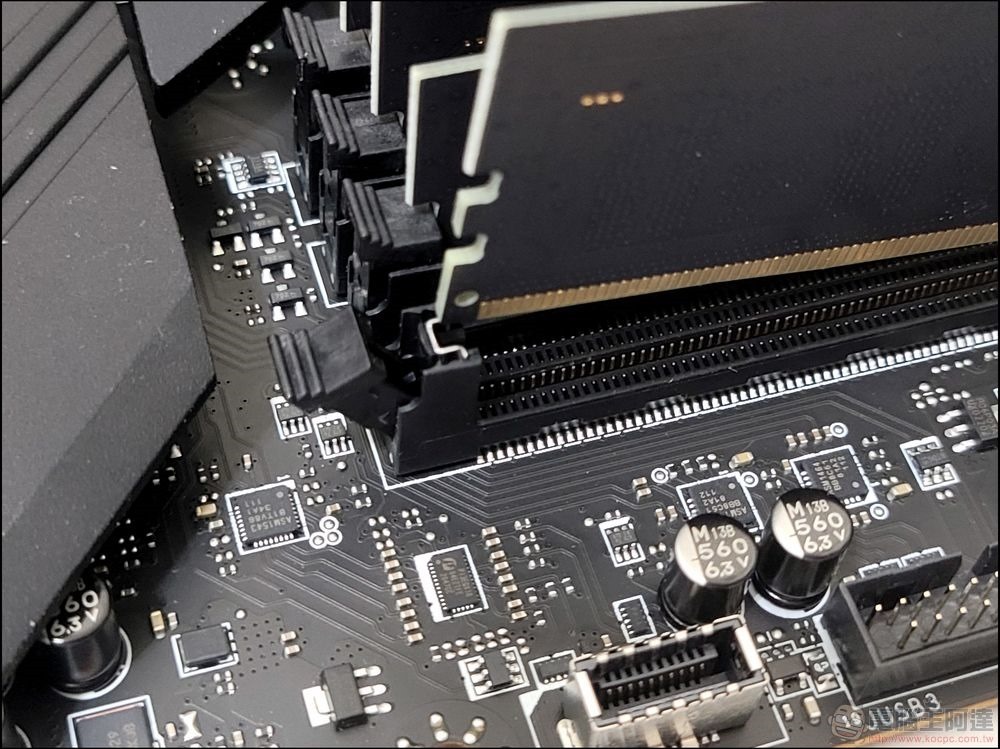
Sometimes, reinstallation ensures optimal compatibility and performance when making major hardware updates, such as replacing motherboards, processors, and graphics cards. In addition, replacing the hard drive can also be counted. Although it is possible to copy or restore the system from the backup on the new hard drive, if you want to replace the hard drive of the operating system, the best way is to perform a Winodws 11 reinstallation and then restore the files from the backup.
Hardware changes do not strictly require reinstallation, but it is generally recommended as a best practice to ensure optimal performance and compatibility. Reinstalling provides a fresh start, eliminating potential driver conflicts and system instability issues that can arise after major hardware changes.
6. Startup problems
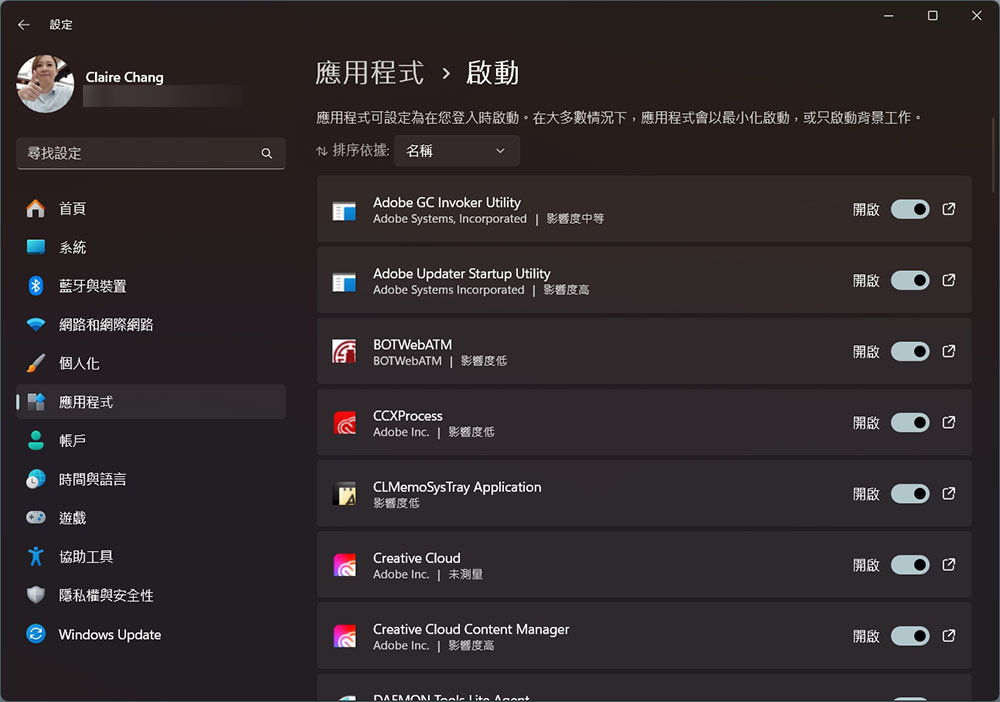
If your computer is having trouble starting up and you’ve taken steps to disable startup programs and services, you may want to consider reinstalling the operating system to improve startup time.
7. Malware infection
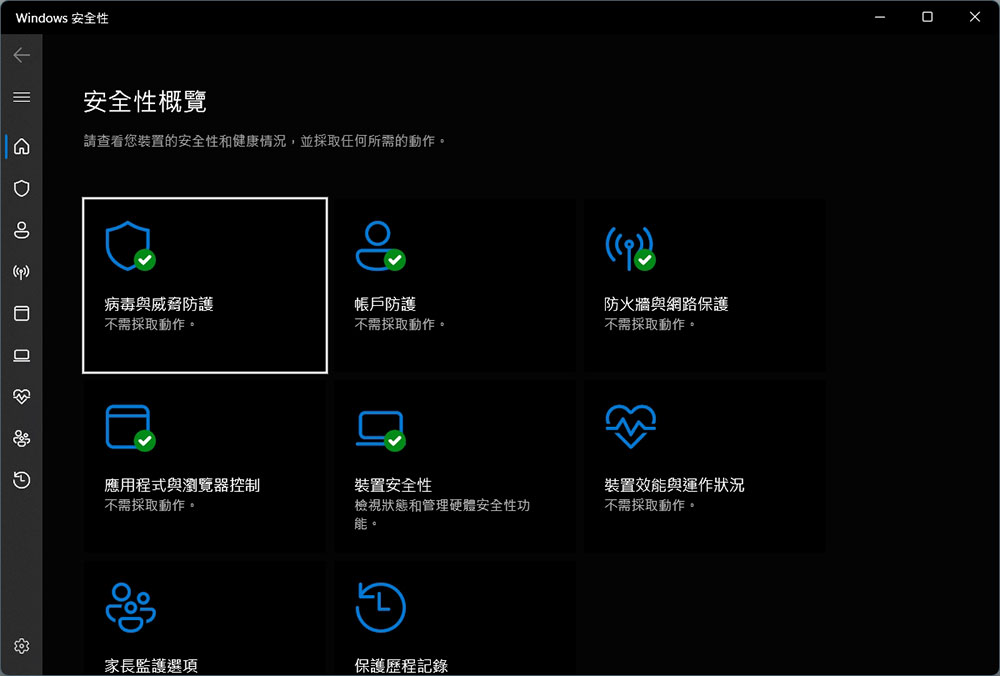
Although you may be using Microsoft Defender Antivirus or third-party antivirus software, it’s still possible for malware to infect your computer. In severe crises of severe malware infection, reinstallation may be the most effective way to completely remove the malware.
8. System instability after major changes
If you make major changes to your system, such as installing new drivers or applications, or making some system changes through the registry or file system, and those changes are presumed to cause instability, you may need to reinstall to restore the correct changes.

9. Failed troubleshooting attempts
If your computer is experiencing a specific problem and you’ve tried multiple troubleshooting steps, such as reinstalling the driver, using the built-in troubleshooter, or performing a system restore, but nothing helps, clearing the previous installation and starting a fresh setup is the best approach. Additionally, if you spend more time diagnosing and repairing than effectively using the system, reinstalling may save you more time in the long run.
Source: KOCPC Chinese