


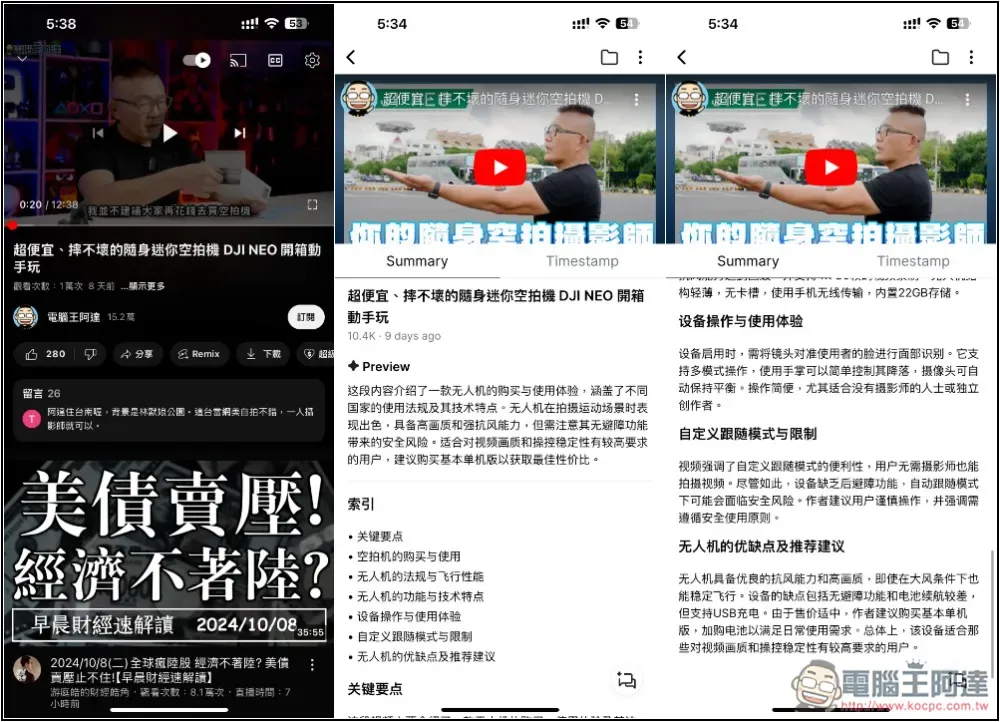
I believe that many people have a lot of YouTube videos that they want to watch, especially knowledge-based videos. However, these videos are almost 8 to 10 minutes long, and time is limited every day, so it is impossible to take the time to watch them all. Then you can consider using Lookies AI, a free app, to summarize and focus YouTube videos through AI models, so that you can quickly understand the content of the videos and evaluate whether to watch them all.
Both Android and iOS versions are available. It has just been launched, so it is completely free to use. As the number of users increases in the future, it may be changed to a paid version. Those who need it can use it more at this time.
Lookie AI provides app operation tutorials for summarizing YouTube
Lookie AI download link
Lookies AI supports more than 200 languages, but I’m not sure if it just happened to be wrong now or for other reasons. I chose Chinese, but the AI summary summary I finally got was still in English, so I can only see whether the developer will fix it in the future.
The current temporary solution is to use other software to translate into Traditional Chinese. I will also share my method below. (Latest additions:If you get the summary in English like me, then change the language settings again and you can get the Chinese version normally! But it will be in simplified Chinese, please refer to the cover image of the article for details)
Also, which AI model does this app use? The developer did not explain, but based on usage, it should not be the strongest model currently such as GPT-4o, GPT-4, Claude 3.5 Sonnet, etc. Generating content is also a bit slow.
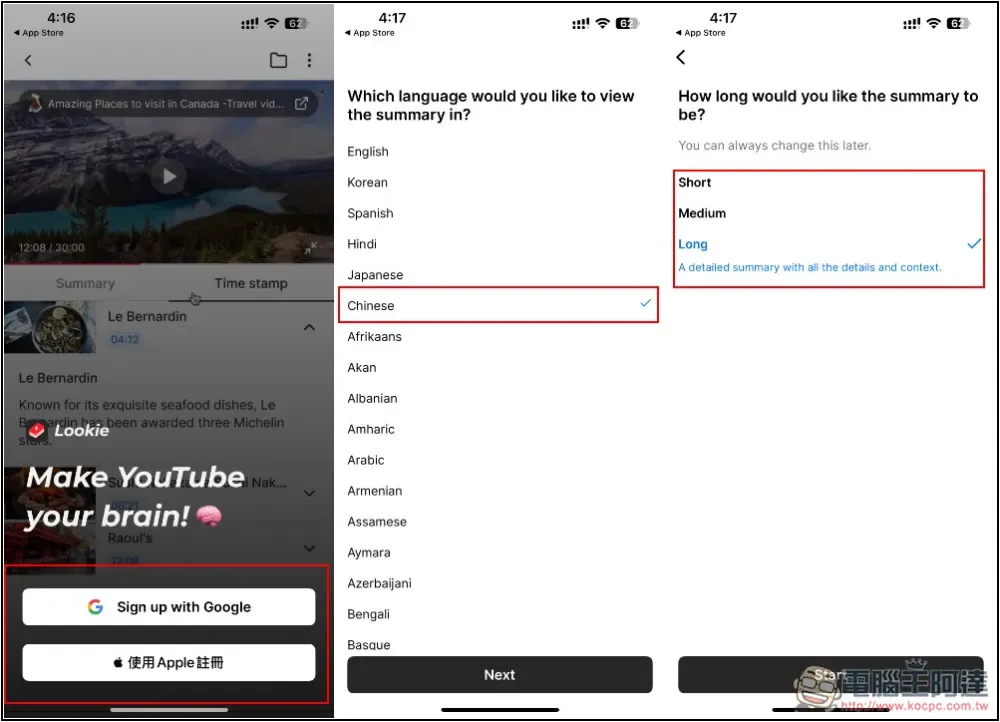
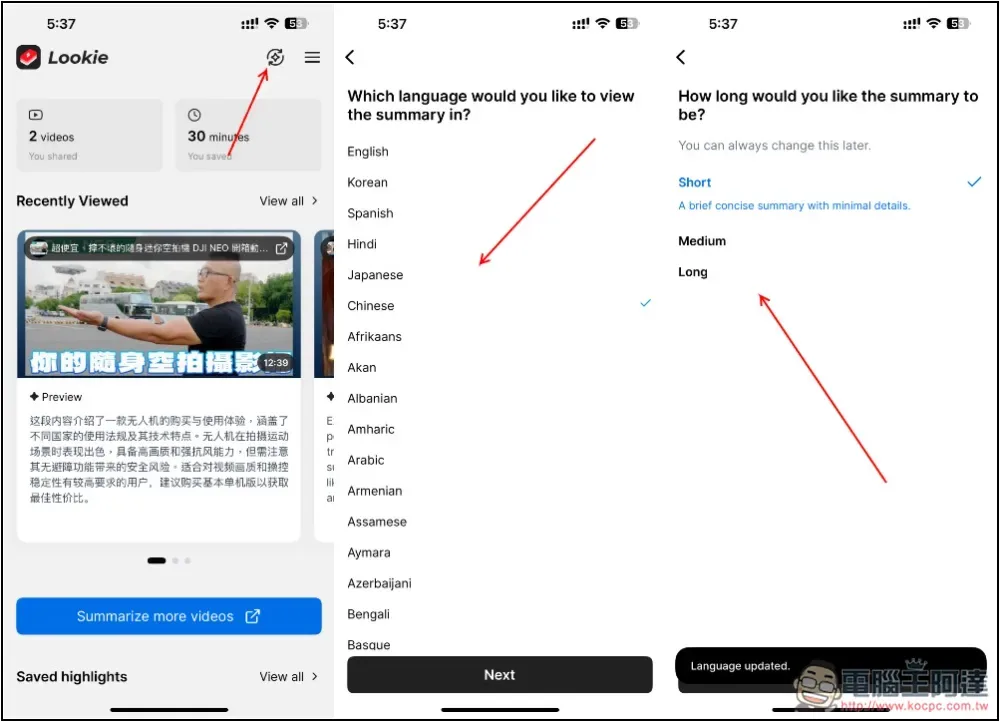
You need to register an account to use it. The iOS section provides Google and Apple account registration. Then select Chinese in the next step. The summary length can be set to short, medium, or long. This can be adjusted later:
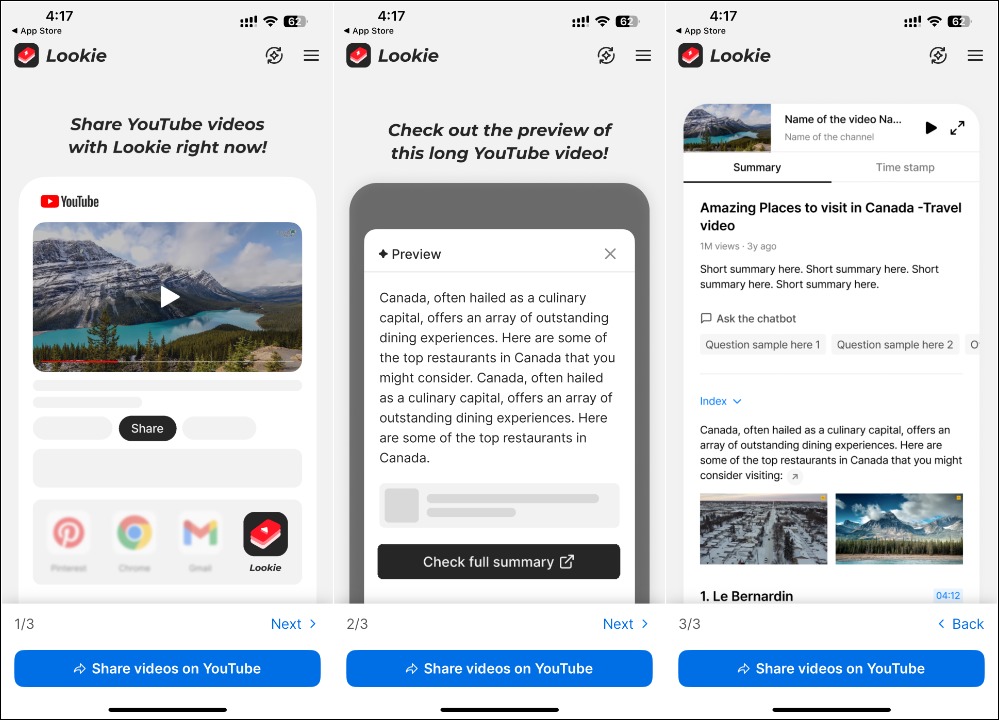
After entering the main screen, the usage tutorial will be displayed. It is very simple. Just open the YouTube video and select Lookie from the share menu, and you can ask Lookie to AI summarize the video:
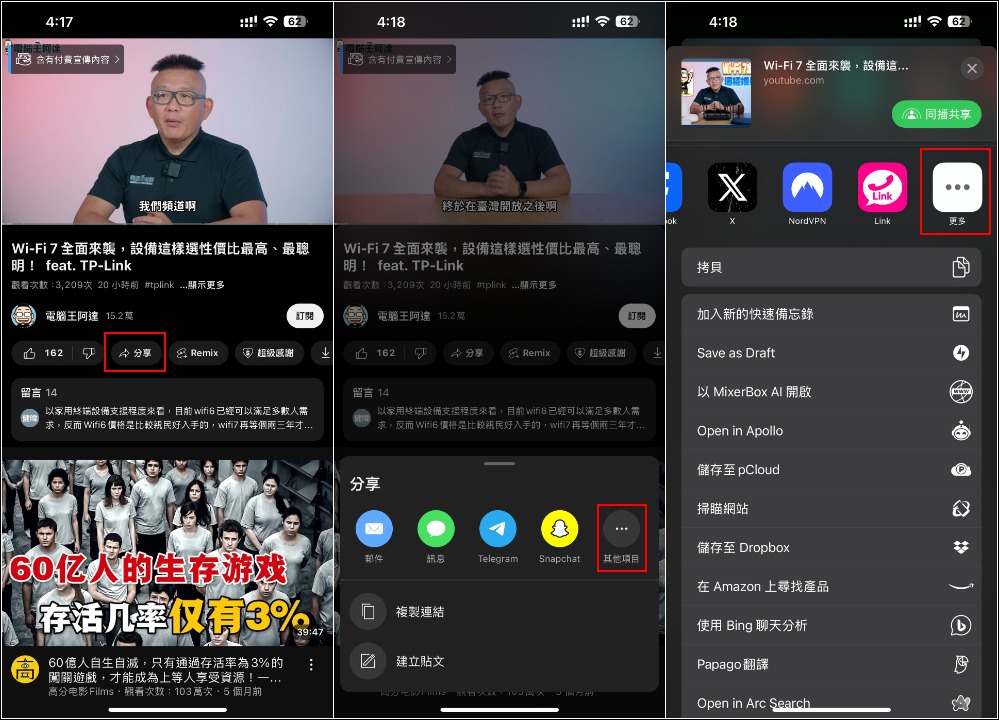
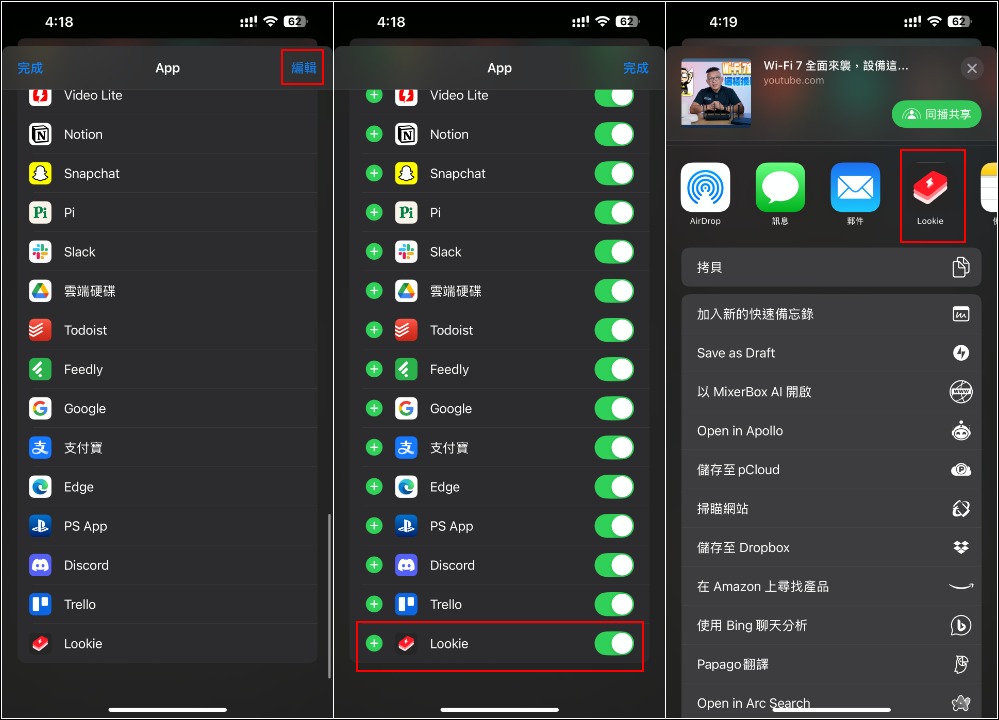
The actual operation is as follows. Open the YouTube video you want to summarize and click Share. If you don’t see Lookie in the list, go to the rightmost… menu:
After you find Lookie, it is recommended to add it to the App menu so that you can find it quickly later. Click Edit in the upper right corner, then click the + symbol, and the Lookie will appear in front of the App list:
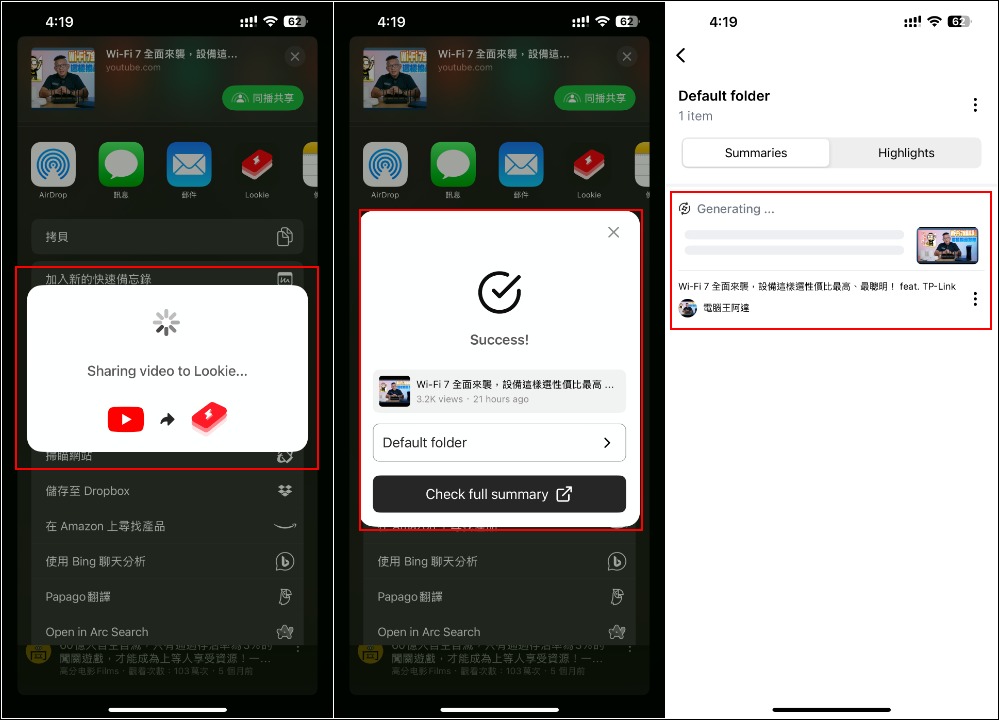
Showing Success means it has been added to the Lookie folder and the AI summary summary is started:
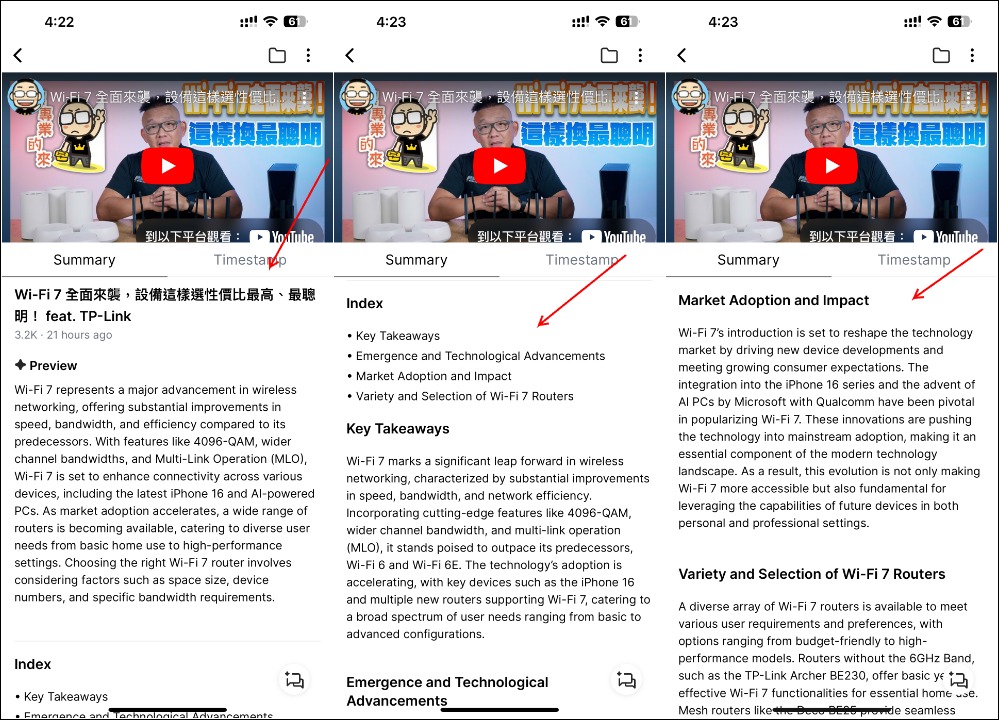
I chose a long summary, so I got a lot of content. In addition to the short summary, I also sorted out the key points of each stage of the film, but it took a relatively long time:
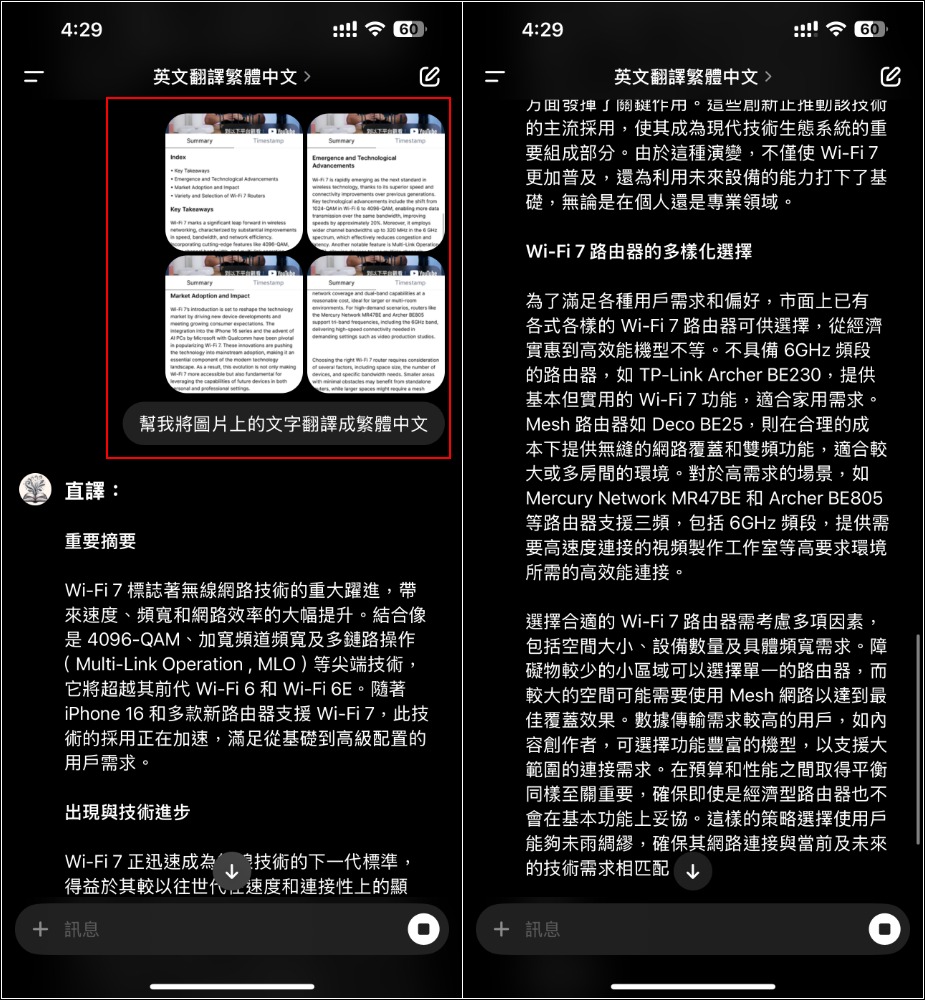
If you don’t understand English, you can copy the content and translate it through ChatGPT or the like:
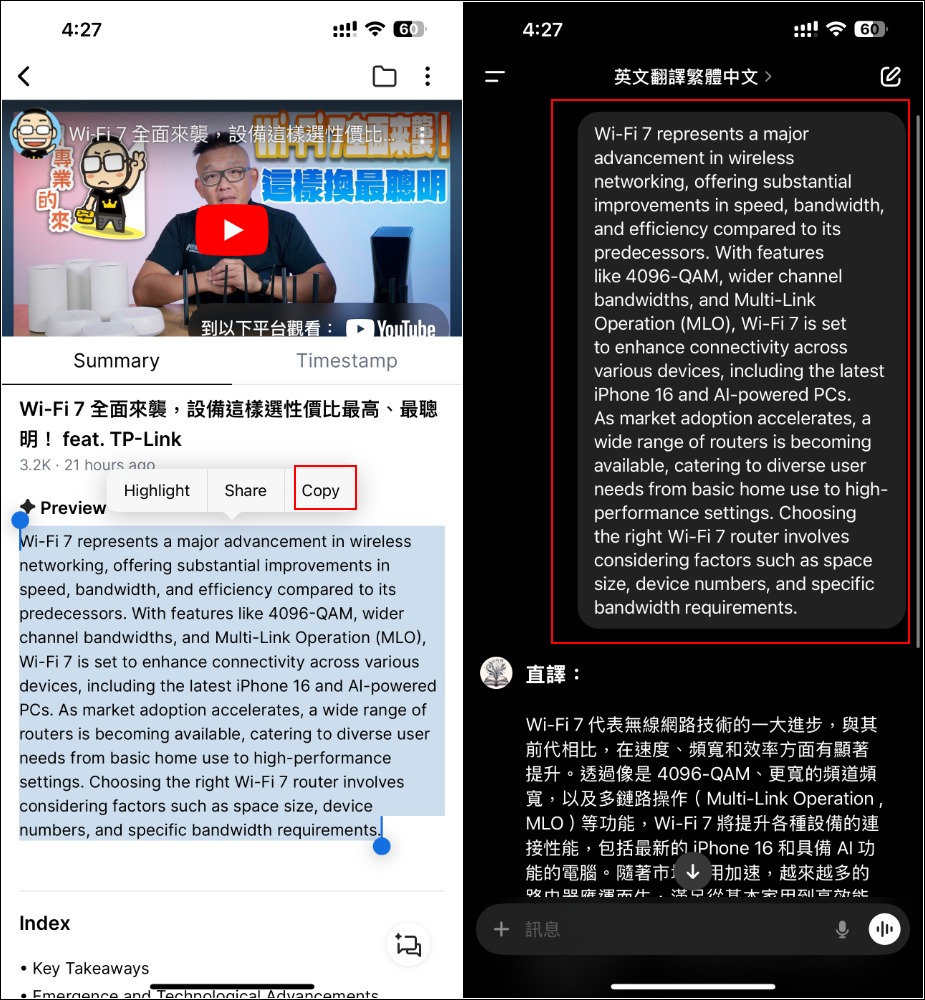
If you also have ChatGPT Plus, another trick is to directly upload the screenshot and ask it to translate the content in the image, so that all the content can be translated at once:
How to change language and summary length settings
On the main screen of the app, press the circle icon in the upper right corner to enter the language and summary length settings:
Source: KOCPC Chinese