


now AI It’s really getting more and more powerful. Even poster images that couldn’t be modified before can now be converted into editable versions through AI. Recently Lovart AI’s new “Edit Elements” feature makes this possible! In other words, you can move objects on a poster, modify text, add other things, or even extract a specific object to use elsewhere.ImageUp.
Although Lovart AI’s editing elements feature is not free, you get 100 points daily, and each use of the editing elements only costs 5 points, meaning you have at least 20 edits per day—a very generous allowance.
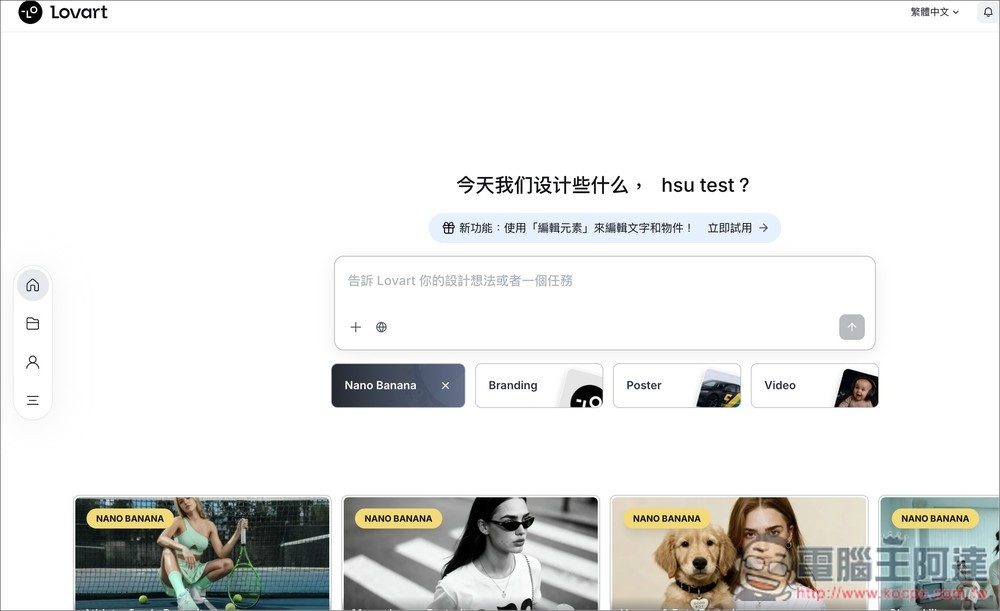
Lovart AI’s latest “Edit Elements” feature can turn poster images that were previously unchangeable into content that can be edited and moved.
“Edit Elements” is a new feature update launched by Lovart on November 10, 2025, designed specifically to address the pain points of AI-generated design. In other words, after generating a poster, if you only need to modify a certain element, you can easily extract and replace it using this feature, without having to regenerate the entire thing.
Since it can extract elements from images, it’s also well-suited for posters and images that cannot be edited. The following are the main features:
- Instant Element Separation: Separate text, subjects, and backgrounds in an image with one click, allowing you to edit each independently.
- Editable text: modify the text, font, color, and layout on images.
- Precision fine-tuning: Supports interactive adjustment by clicking elements.
After clicking the link above to go to Lovart AI, log in to your account (if you don’t have one, register for free; you get 100 points daily). On the main screen, you’ll see the new “Edit Elements” feature. Click “Try Now” next to it:
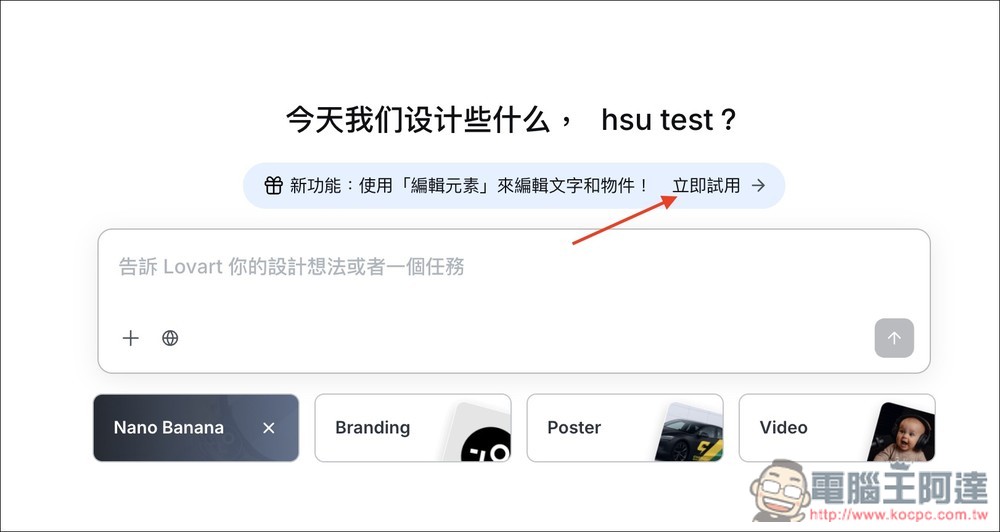
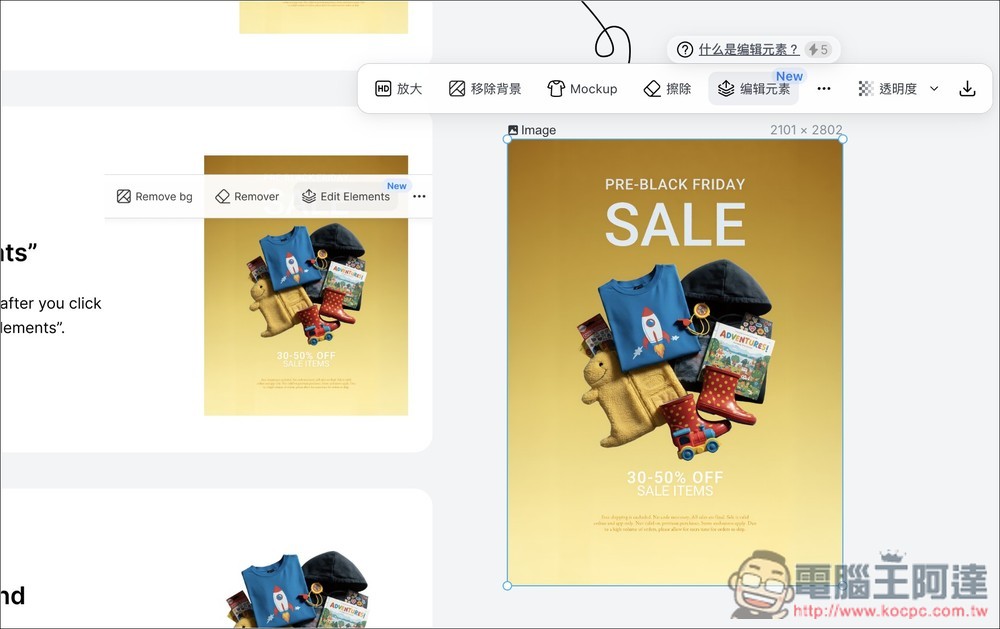
Lovart provides a sample image for you to try. This image cannot be modified as is, so click “Edit Elements” above; next to it, it notes that each use will deduct 5 points.
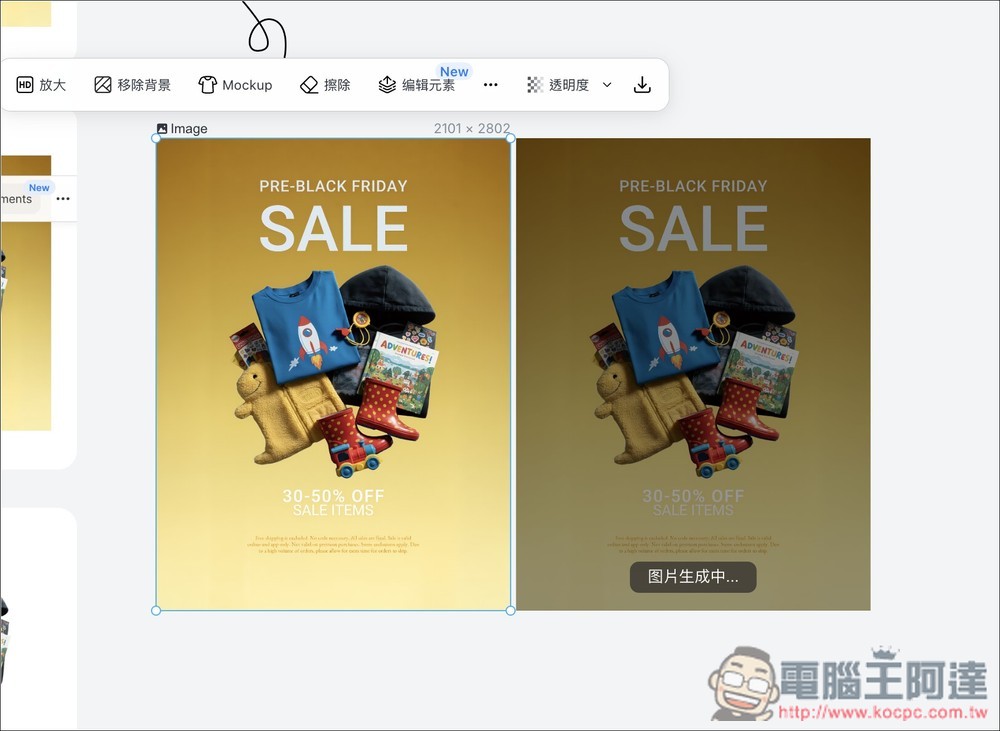
The AI will begin calculating and regenerating, which will take a few dozen seconds:
After it finishes running, you’ll find that all the elements on the poster can be moved and edited. You can freely move their positions, and the text can also be modified:
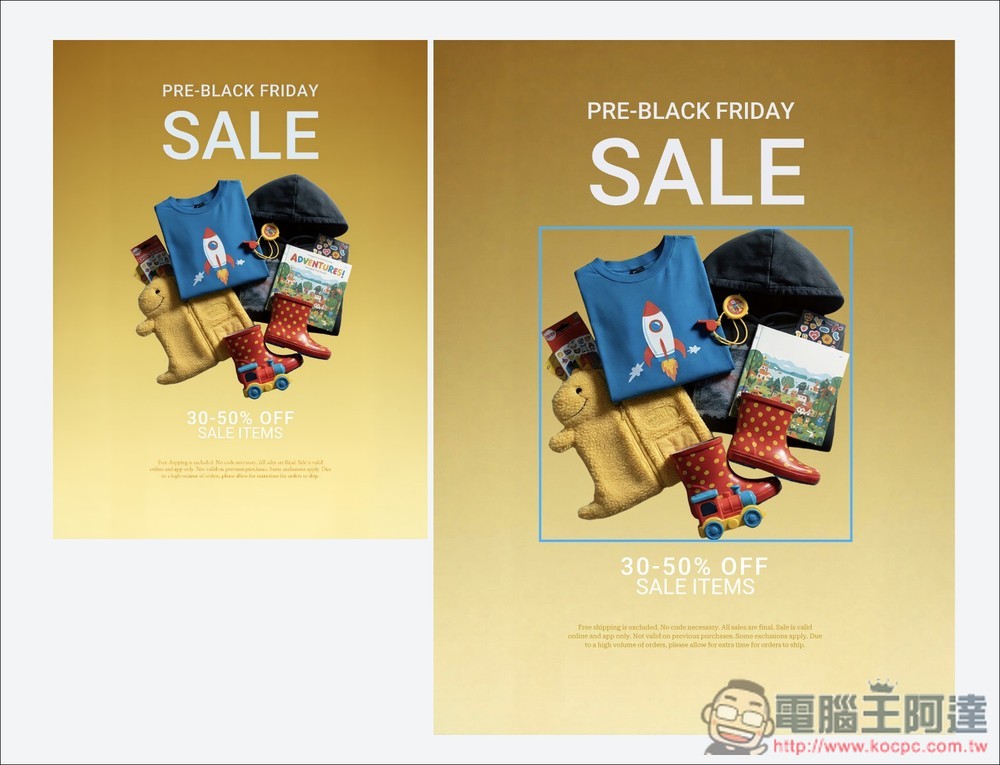
Like the image below, I moved the middle image to the bottom, moved the descriptive text that was originally at the bottom to the top, and changed SALE to red:
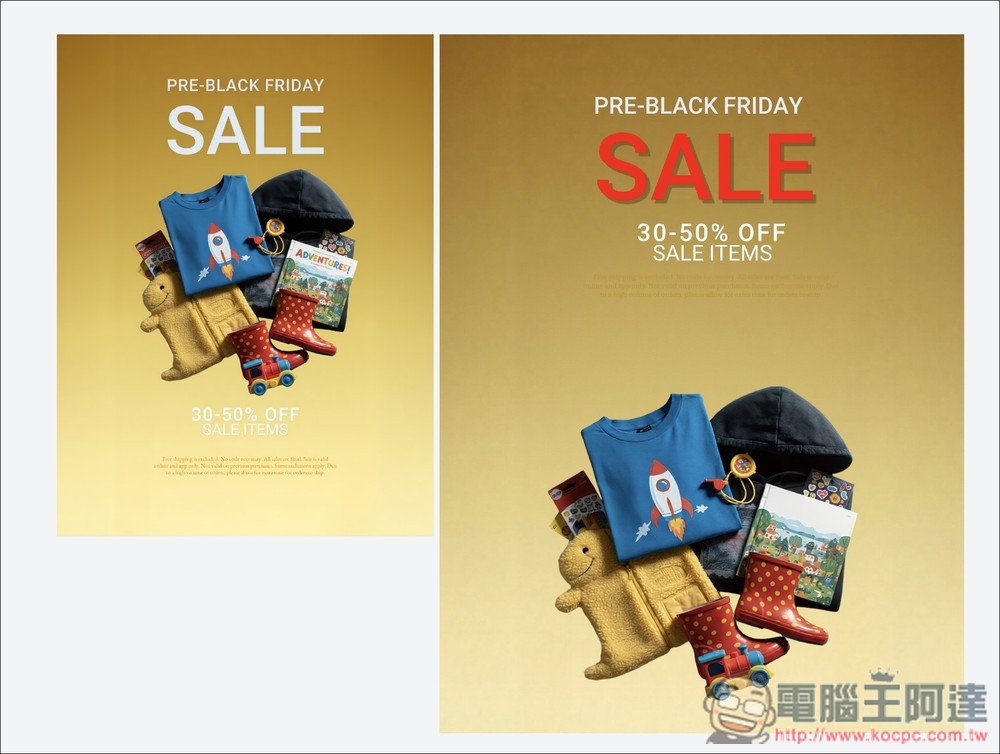
Of course, the image above is an official sample from Lovart, so it’s been optimized for this feature to some extent.
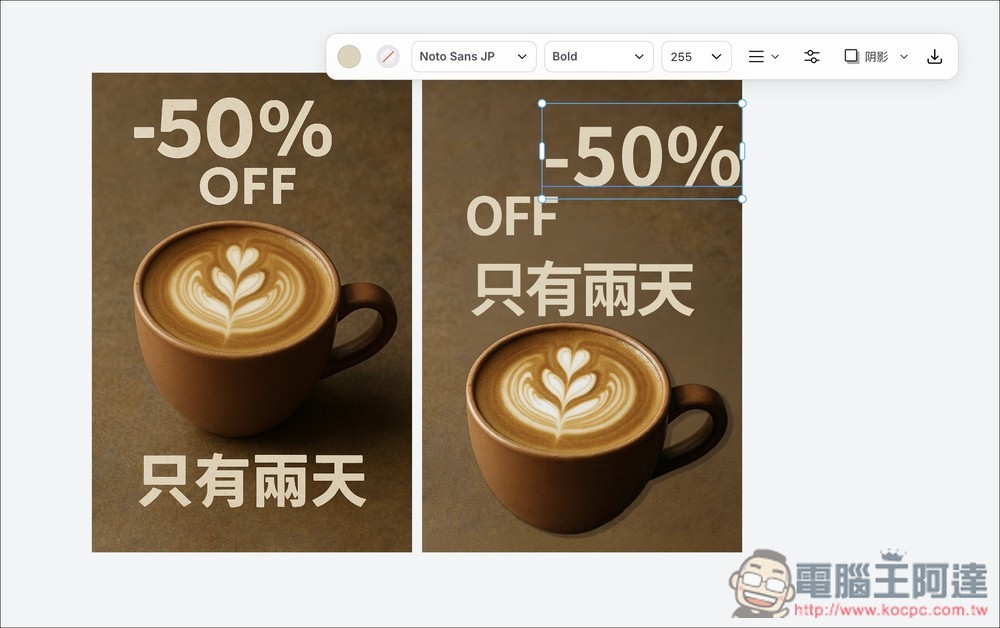
So I also tried other poster images that I generated myself. Below is a coffee discount poster I created with ChatGPT, and there are Chinese characters on it as well. After using the edit elements feature, sure enough, every element could be freely moved and edited, including the Chinese text, and the result was quite good. However, the coffee cup’s original shadow disappeared:
Next, I tried the more difficult Computer King Ada Banner. The Chinese text part seems to be because this font isn’t available, so after separating, the font ran off.
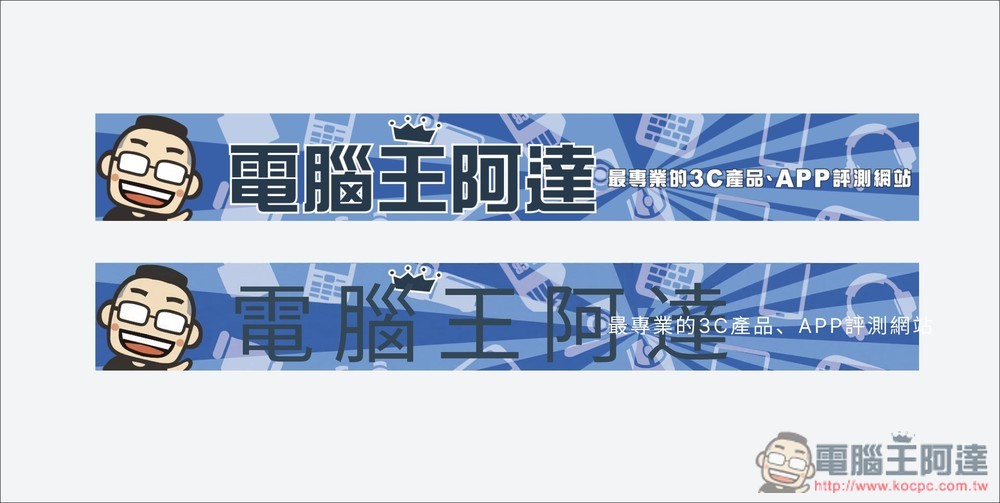
Although the text was successfully separated, the Ada figure on the left wasn’t separated, and neither was the crown above the character 王. That said, the AI’s background filling is quite natural.
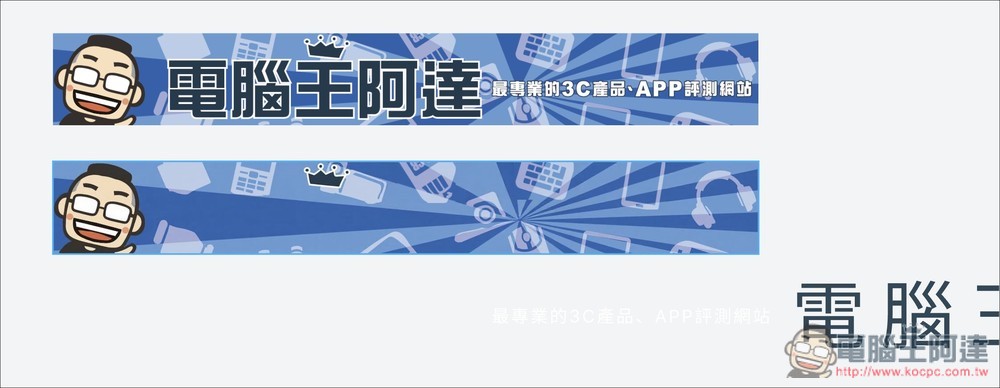
So at this stage, if Lovart encounters complex backgrounds, Chinese characters, or similar situations, it may still make mistakes and can’t achieve 100% perfection. But I don’t think there’s any need to worry about that—AI is advancing so quickly that who knows, in just a few months, this feature could become much more powerful.
Source: KOCPC Chinese