


Wi-Fi that’s too slow can waste time, lead to failed page loads and endless buffering, but for many people, the rush to Wi-Fi 7 may be overkill because the cost of these routers is still too expensive compared to Wi-Fi 6. Wi-Fi 7 offers impressive speed increases in the 2.4GHz, 5GHz, and 6GHz ranges, with multi-gigabit throughput, but realistically, most people won’t need anywhere near that speed. If you’re ready to upgrade your home network, Wi-Fi 7 technology may be overkill and a waste of money.

Do you really need Wi-Fi 7? Find out more before following the trend and upgrading
Do you really need Wi-Fi 7?
Is Wi-Fi 6 not fast enough?
Wi-Fi speed is more important than an expensive router, and for many people, Wi-Fi speed is more susceptible to signal quality and interference. For example, if you live in an apartment building, Wi-Fi signals from all your neighbors will affect your speeds because your router needs to bypass these other signals. Wi-Fi 6 combats this interference with upgraded technologies like 1024-QAM and OFDMA that can better address interference issues. While Wi-Fi 7 bumps it up to 4K-QAM, most people will find Wi-Fi 6 to have adequate speeds.
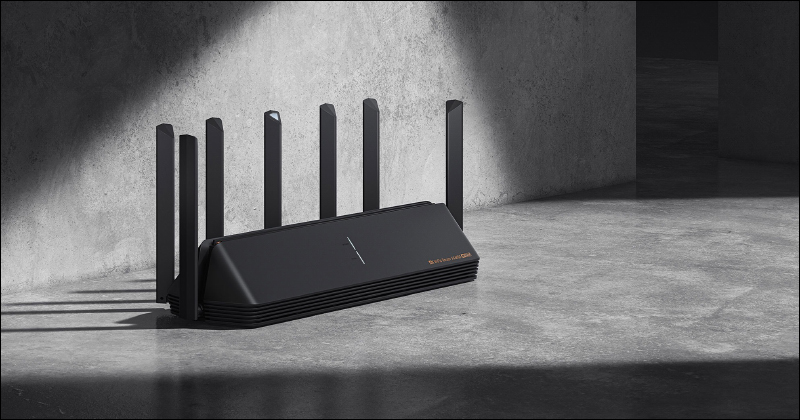
Wi-Fi 6 clients support 1201Mbps or 2402Mbps, depending on their bandwidth support, so you can easily achieve gigabit speeds with Wi-Fi 6. Wi-Fi 6E adds the 6GHz band, and while it theoretically offers the same speeds as 5GHz, there’s more spectrum available on 6GHz, so there’s virtually no congestion.
Is Wi-Fi 7 more secure?
Like Wi-Fi 7 routers, most newer Wi-Fi 6 routers support the WPA-3 security protocol, which is harder to crack than WPA-2. While this is a big deal for security, many people will continue to run their networks using WPA-2 and WPA-3 because many existing Wi-Fi devices don’t support WPA-3 and probably won’t be replacing them anytime soon.
Although newer routers may take longer to receive software updates, in most cases Wi-Fi 6 offers the same level of security as Wi-Fi 7. However, as long as your Wi-Fi 6 router is still supported by the software, you can continue to use it without worrying too much about security.
How is the coverage?
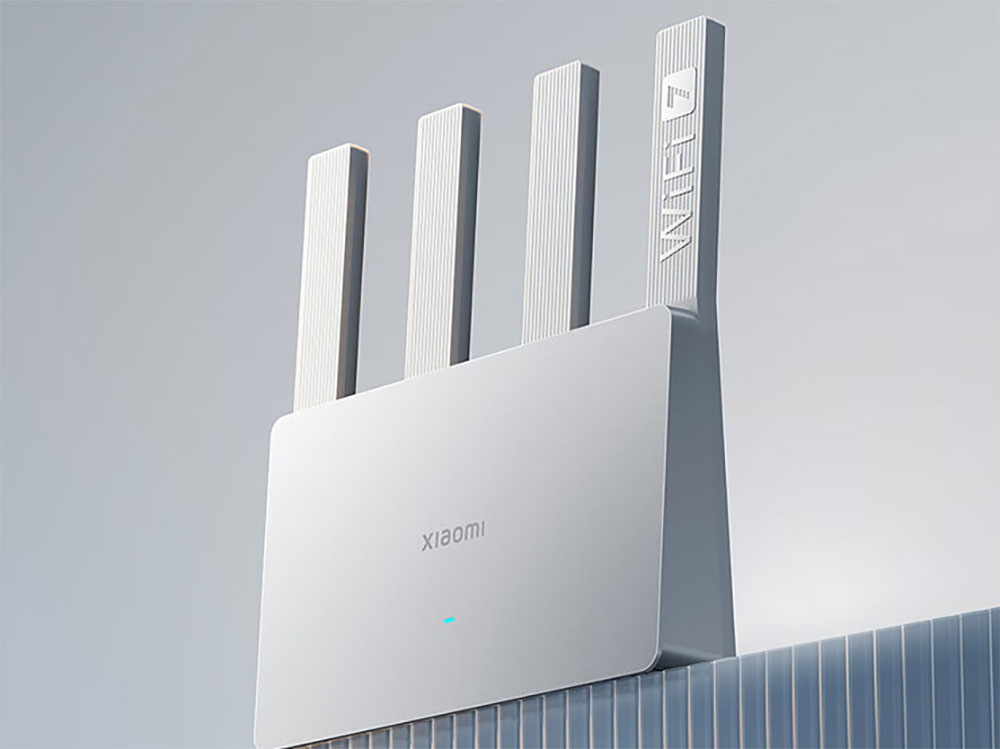
Wi-Fi coverage is one of the main reasons people want to upgrade their routers, and unfortunately, Wi-Fi 7 doesn’t bring the coverage improvements one might expect. The problem is that one of the biggest limiting factors in coverage is the power level your router allows. Wi-Fi routers can use the 2.4GHz, 5GHz and 6GHz spectrum at power levels set by the FCC to avoid interference with other devices using wireless signals. Expanding these bands to 160MHz or 320MHz can provide faster speeds at the expense of coverage.
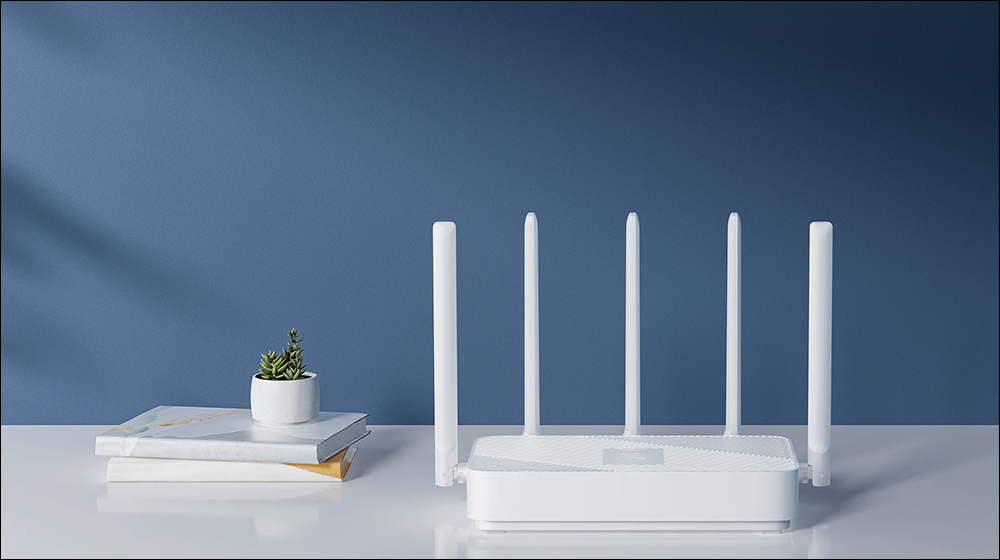
If you notice a drop in coverage with a newer, faster router, these wider bands may be the cause. Wi-Fi 6E and Wi-Fi 7 at 6GHz must use lower power levels than 5GHz and are only allowed indoors as the FCC works to ensure that other devices using the 6GHz band continue to be used.

If you need whole-home Wi-Fi coverage and a single Wi-Fi 6 router doesn’t meet your needs, a single Wi-Fi 7 router probably won’t meet your needs either. If you want to keep it simple, upgrading to one of the best mesh Wi-Fi systems will solve your coverage issues better than Wi-Fi 7.
Some may still want Wi-Fi 7
If you have a decent Wi-Fi 6 router and a sub-gigabit (Gbps) Internet connection, you don’t have much reason to rush to upgrade. But if your current router is still Wi-Fi 5, there is no problem in jumping directly to Wi-Fi 7.
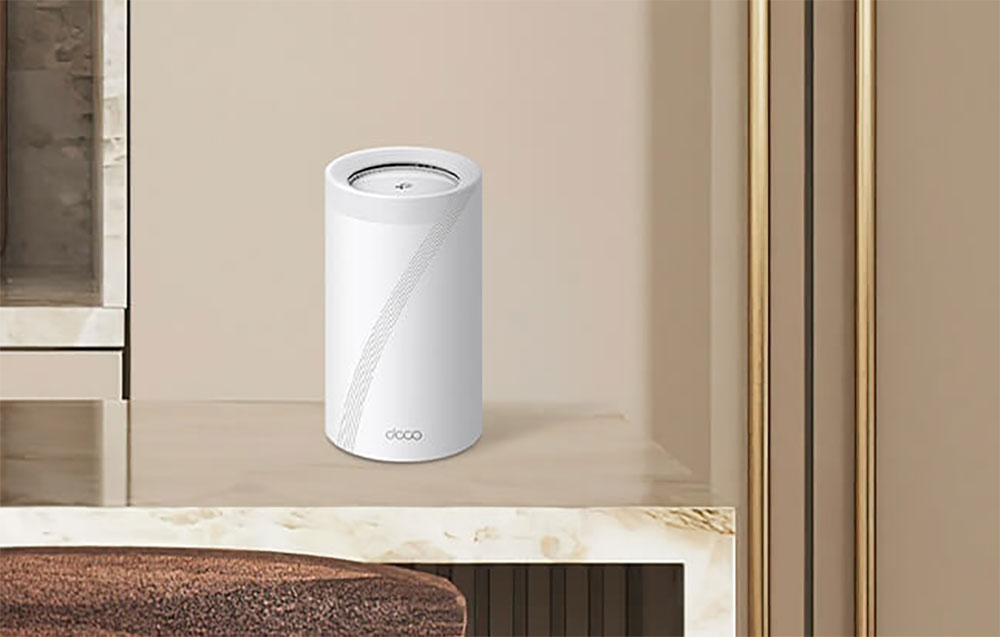
If you’re configuring a mesh system, Wi-Fi 7 can help you stay connected at full speed. A mesh Wi-Fi system must use some of its capacity to send data between nodes, so if you connect to one of the remote mesh nodes, there may not be enough capacity for a full-speed connection. Wi-Fi 7 mesh systems like the TP-Link Deco BE85 add massive capacity gains with faster 5GHz speeds and 6GHz speeds, enabling multi-gigabit mesh performance.
Finally, if you have a very fast internet connection (e.g. 2GB fiber, etc.), Wi-Fi 6 will have a hard time keeping up. There are many high-end Wi-Fi 6 routers that support 10Gbps Ethernet, but once you go wireless, you get Wi-Fi speeds of only 2402Mbps, and Wi-Fi 7 routers can double the bandwidth to 320Mbps. While you’ll never see the full speed of these Wi-Fi connections outside of lab conditions, in this case Wi-Fi 7 will be able to deliver higher Wi-Fi speeds than Wi-Fi 6 or Wi-Fi 6E.
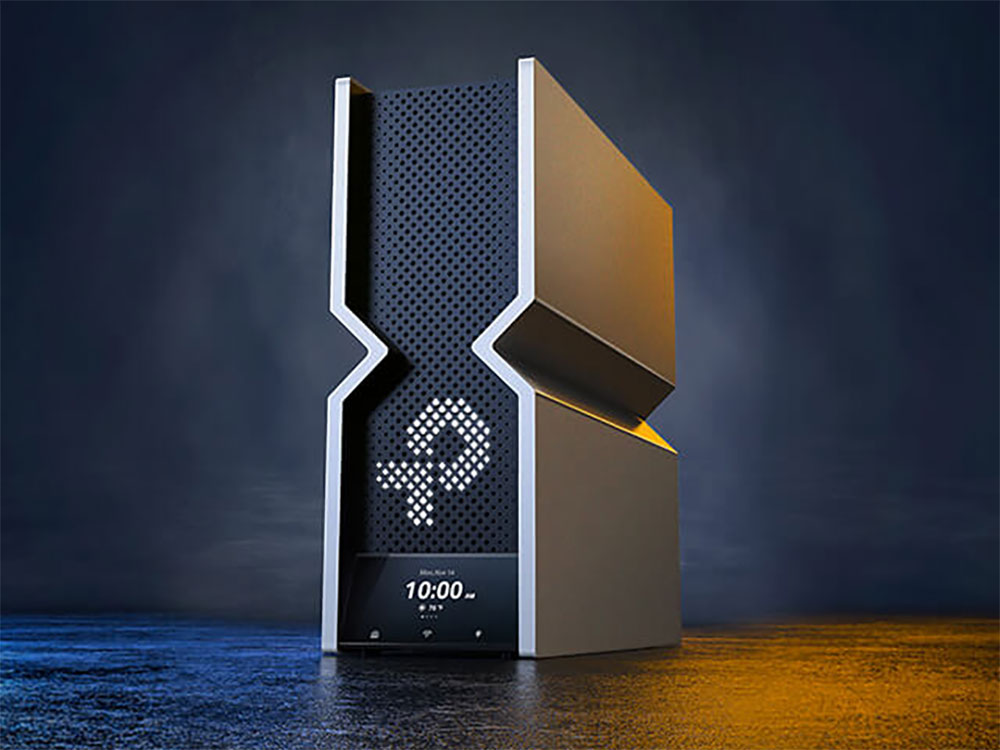
Wi-Fi 6 is a value-for-money option for the average consumer
If your current router is old and no longer meets your needs, and you’re ready to upgrade, a fast, high-capacity Wi-Fi 7 router might be a good choice. However, if you’re looking for something cheaper, Wi-Fi 6 is still a better deal, even among mid-range and high-end Wi-Fi 6 routers. Many of the best Wi-Fi routers you can buy still use Wi-Fi 6, and if you buy a higher-end model like the Asus RT-AX88U Pro, you’ll get plenty of performance with 2.5Gbps Ethernet support. The bottom line is, if your Internet connection is gigabit or slower, Wi-Fi 6 is still a worthwhile option.
Source: KOCPC Chinese