


During the cherry blossom viewing season between March and April every year, many people choose to go to cherry blossom viewing spots in Japan, South Korea and other places to enjoy the blooming cherry blossoms. However, the prediction of the cherry blossom blooming period is not necessarily accurate. It is possible to spend a lot of money to book air tickets and hotels to travel to the destination, only to find that the cherry blossoms have not yet bloomed. Now, you can enjoy cherry blossoms online through LINE! The LINE Sakura Rain chat room special effect starts today, allowing everyone to enjoy the beautiful scenery of the flying petals of cherry blossoms on LINE.
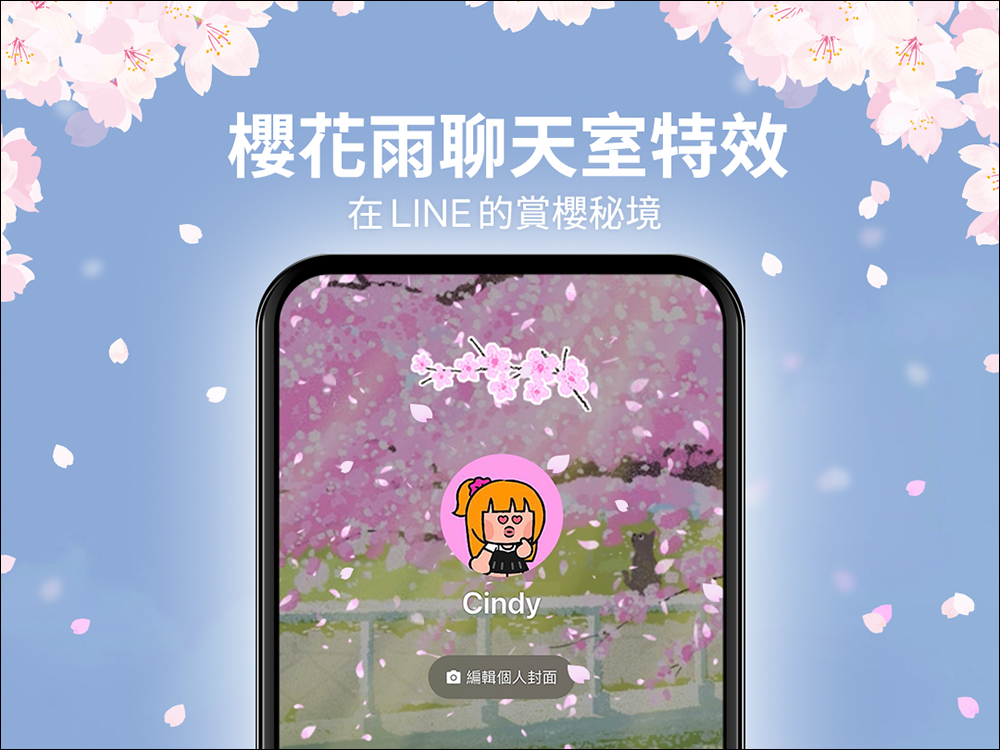
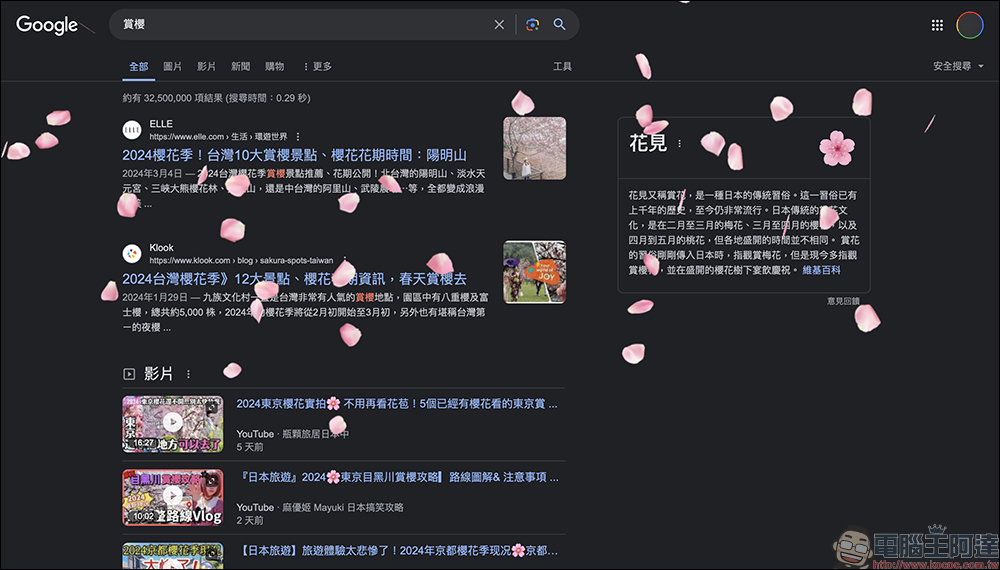
LINE Sakura Rain chat room special effects are now available! In addition to viewing cherry blossoms online on LINE, you can also use Google
It’s cherry blossom season recently, but can’t schedule a holiday to go out to enjoy the cherry blossoms? Or don’t want to go to crowded cherry blossom viewing spots? Starting from the 2nd, you can open the LINE chat room and have your own secret place for cherry blossom viewing! This time, there is no need to enter keywords for the chat room special effects. Just open the LINE chat room during the event, and you will see the special effects of cherry blossoms flying in the background. The full rain of cherry blossoms fills the chat room with a pink and romantic atmosphere.
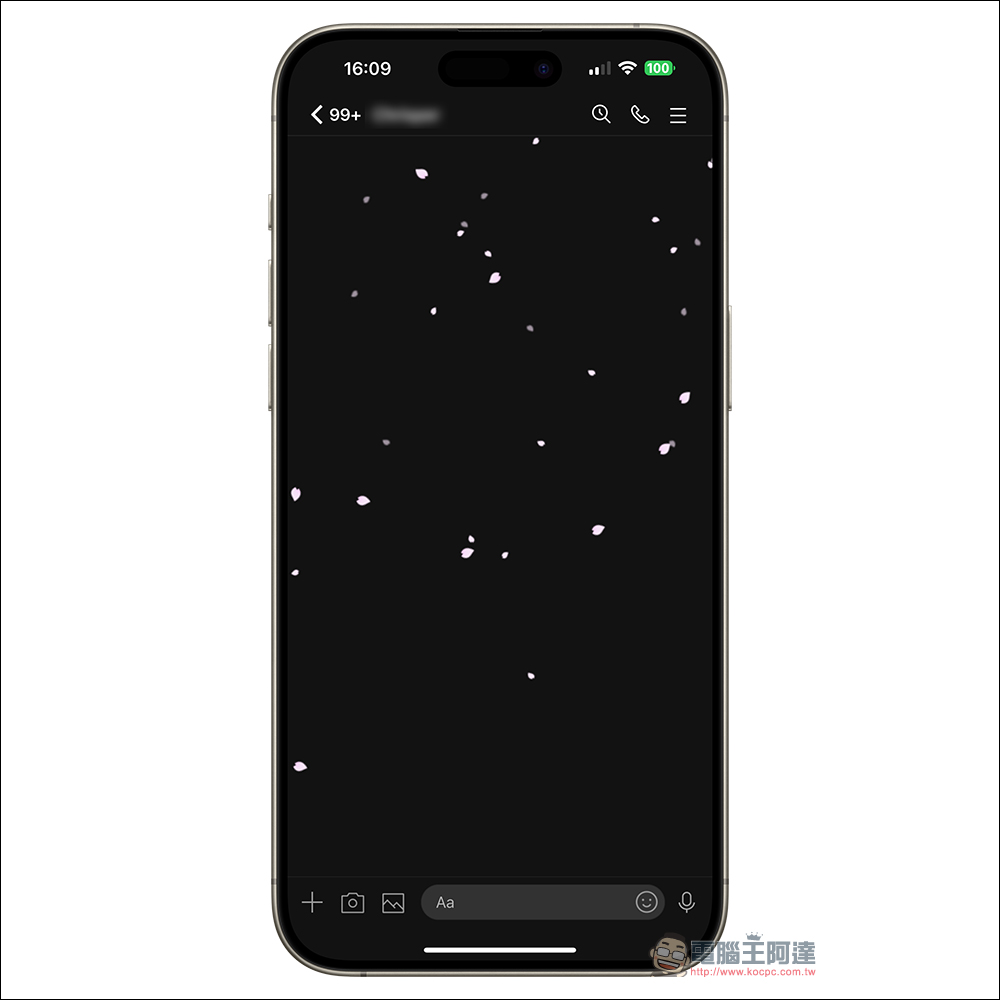
Sakura Rain chat room special effects period
This year’s Sakura Rain chat room special effects will last from 10:00 on April 2, 2024 to 10:00 on April 5, 2024.
Applicable version for Sakura Rain chat room special effects
In addition to the mobile version, this year’s Halloween special effects are also available on the computer version. The applicable app versions are as follows:
- LINE iOS 9.15.0 (inclusive) and above
- LINE Android 10.2.0 (inclusive) or above, and Android OS 7.1 or above
- LINE PC version 6.7.3 (inclusive) or above
How to turn on/off chat room effects?
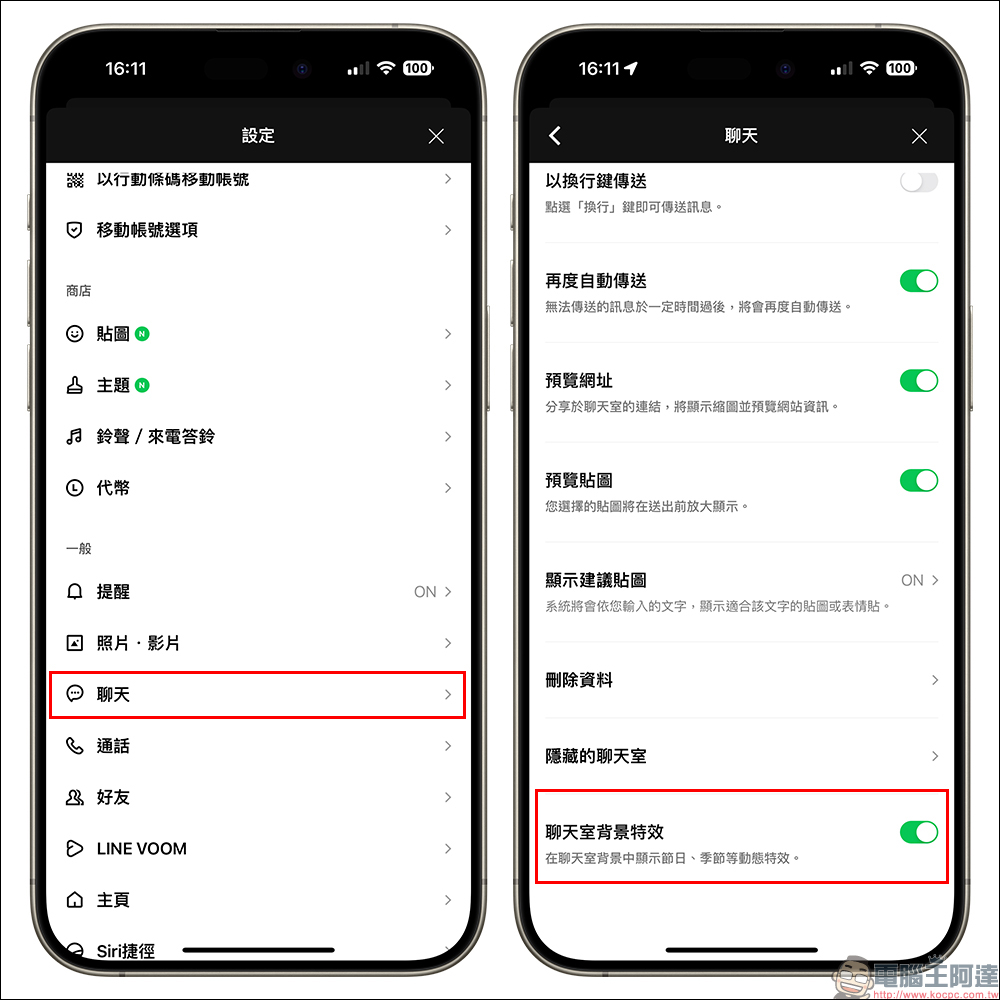
Chat room effects are all turned on by default, but if you open the LINE APP during the event and do not see the chat room background effects, you can first try to completely close the LINE App and then reopen it, or go to “Settings” > “Chat” and confirm whether the “Chat Room Background Effects” function is turned on.
Of course, if you feel that the special effects of cherry blossoms are a bit unsightly in the background and don’t want to see the chat room background effects, you can also manually turn off the “Chat Room Background Effects” yourself.
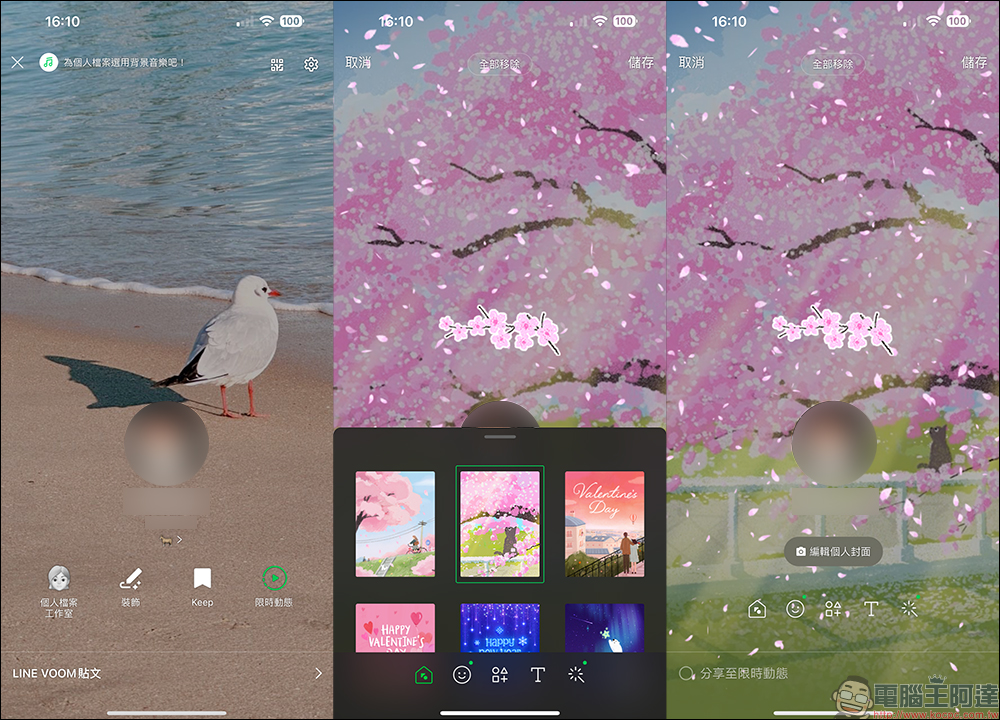
Additional screenings at the same time: Sakura-themed personal files, Google can also enjoy cherry blossoms online
In addition to LINE chat rooms, users can also apply cherry blossom-related themes, stickers, and special effects to their personal profiles to further add a spring atmosphere to their personal profiles. The operation path of personal cover layout and occasion decoration is as follows: Home>Personal Profile>Decoration
In addition to LINE, there are actually hidden special effects for cherry blossom viewing on Google! Just open Google through your browser, enter the keyword “cherry blossom viewing”, and click the cherry blossom icon on the right to see the special effect of cherry blossom rain starting to fall on the screen. According to the actual test, whether you are using the Chrome browser or the Safari browser, you can wake up this hidden cherry blossom rain special effect. It can be regarded as a little easter egg given to users by Google during the cherry blossom season! Friends who want to enjoy cherry blossoms can also search for the cherry blossom attractions, flowering times and precautions compiled by us on Google, and go happily enjoy cherry blossoms in spring!
Further reading:
LINE free sticker collection: 13 LINE stickers available for free download for a limited time

Source: KOCPC Chinese