


Because of work, I often use Gmail to communicate with other people. Sometimes I have sent several emails but never received a reply. I don’t know whether the other party didn’t receive it, didn’t open it, or read it but didn’t reply. Streak CRM for Gmail is a very good auxiliary tool. It is a Chrome extension. After installing and authorizing permissions, you can track the use of Gmail. For every email you send, you will receive a notification when the other party opens it and reads it, so you can be sure that the other party has read it.
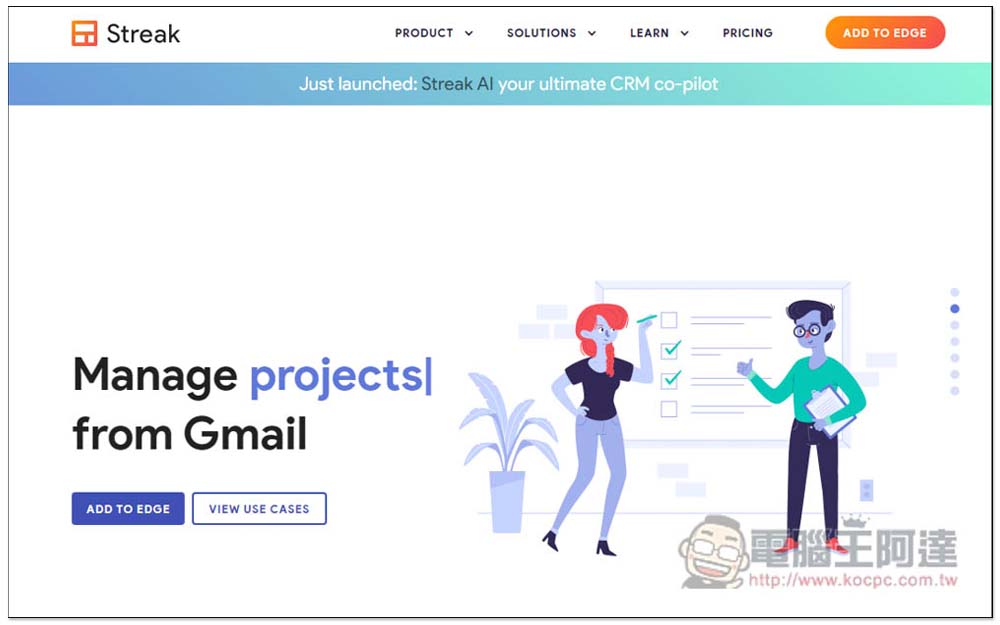
Streak CRM for Gmail is a free tool that can track whether the other party’s email has been read.
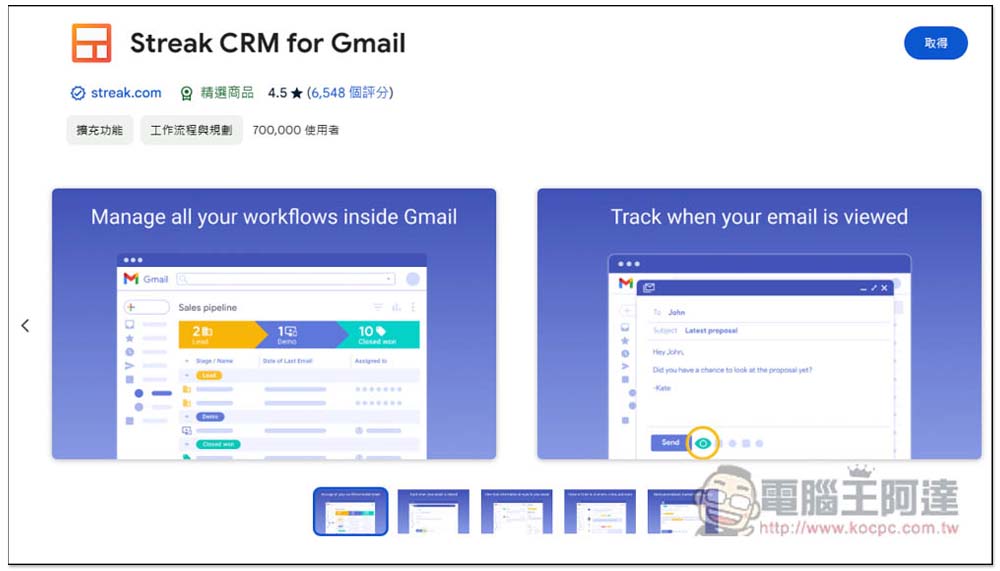
Streak CRM for Gmail is a Chrome extension that can also be installed on the Microsoft Edge browser. After entering the store page, click Get in the upper right corner:
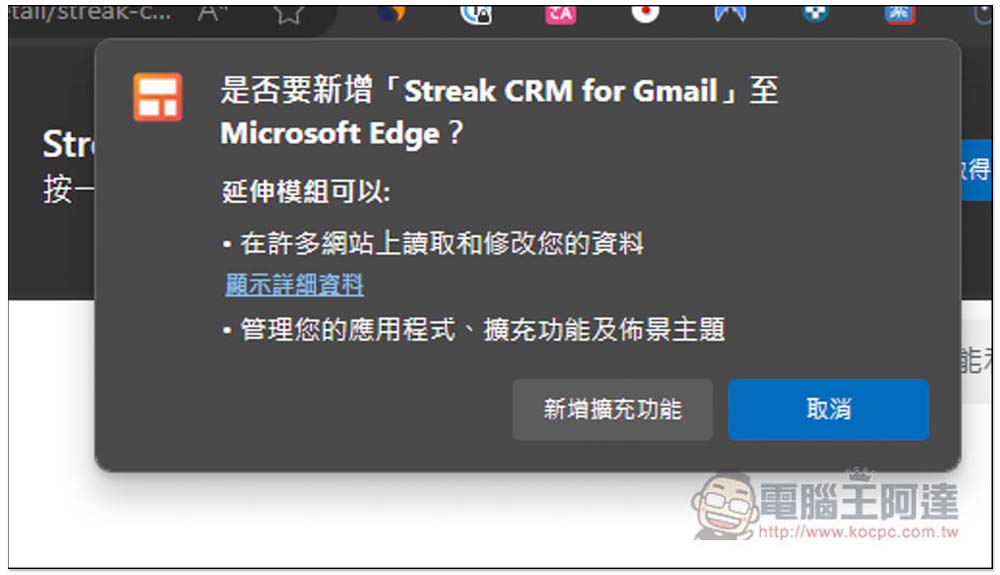
This message will pop up at the top, click “Add Extension”:
This message is displayed in the upper right corner to indicate that the acquisition is completed:
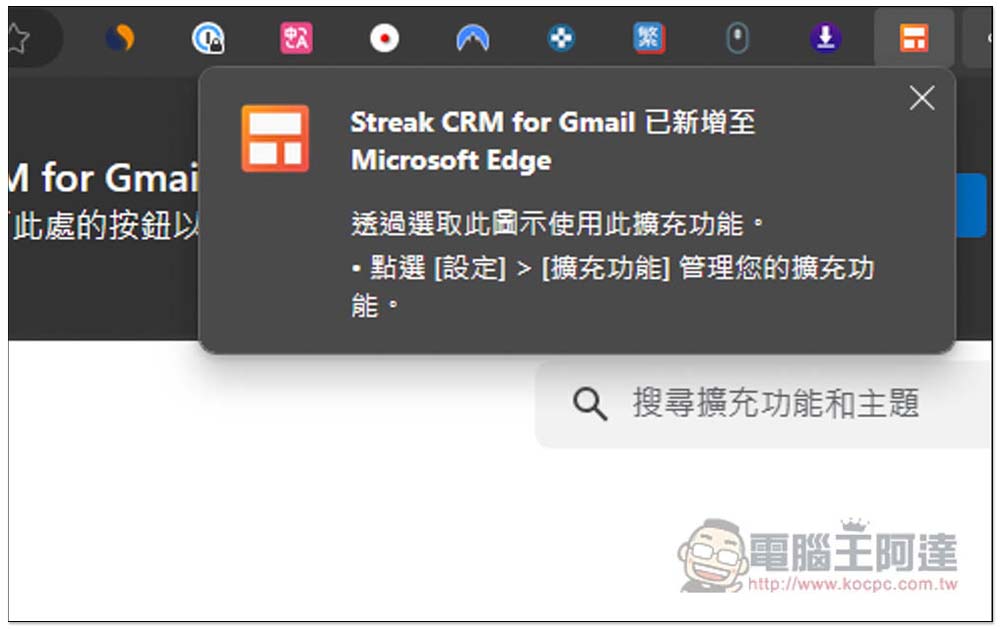
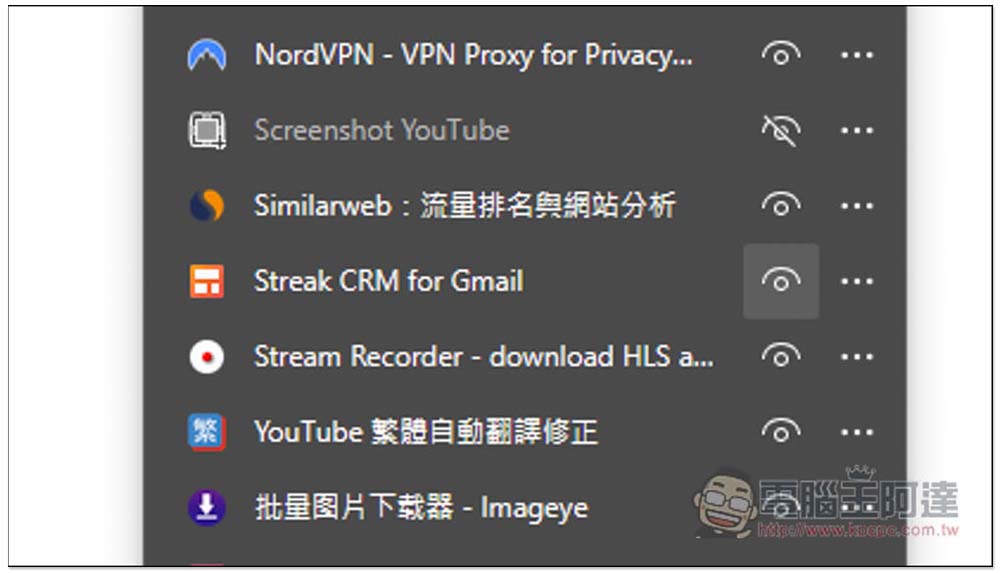
The extension will be hidden by default. It depends on whether you enable it or not:
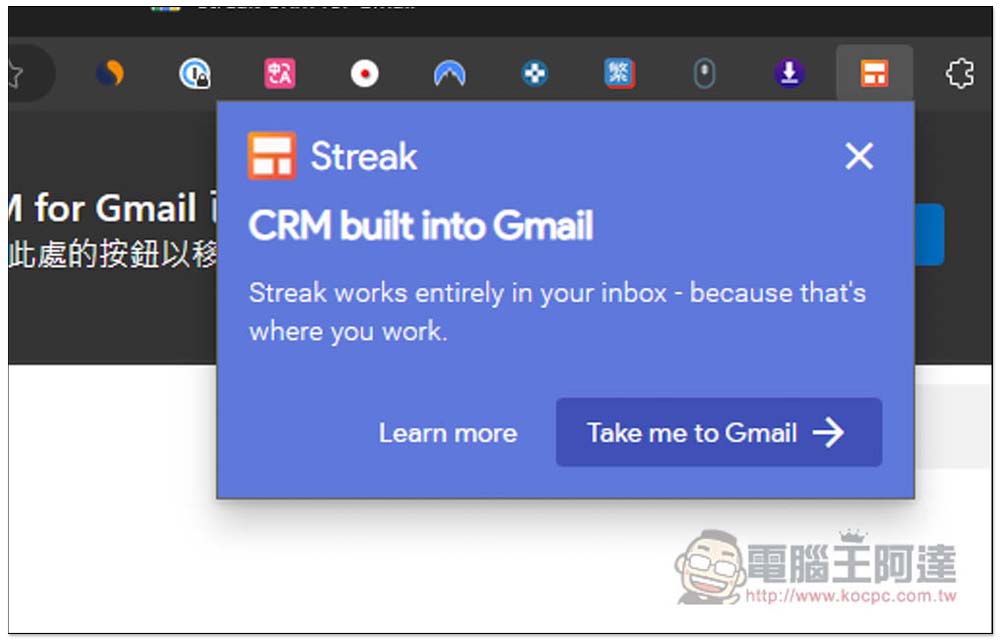
Then go to your Gmail mailbox to authorize Streak permissions. You can directly click on the extension function of Streak. Click Take me to Gmail to open Gmail:
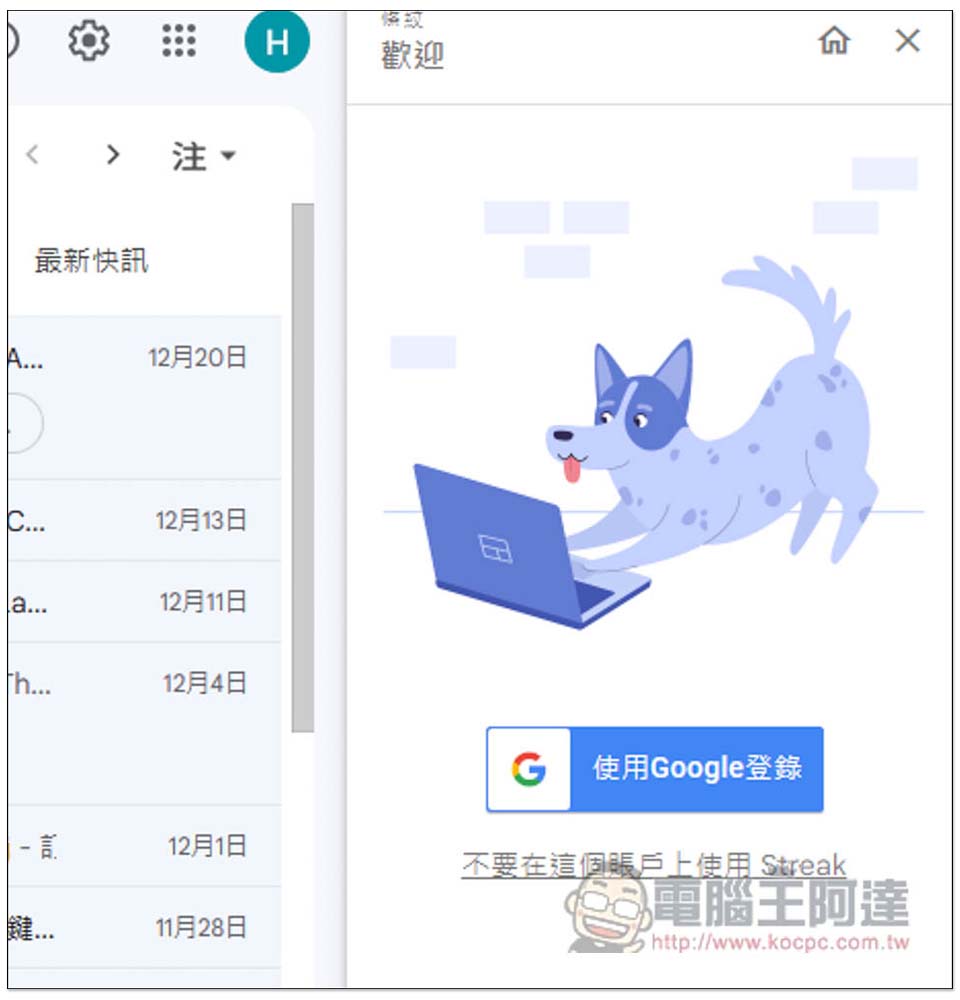
A login function will appear on the right, please log in to your Gmail account:
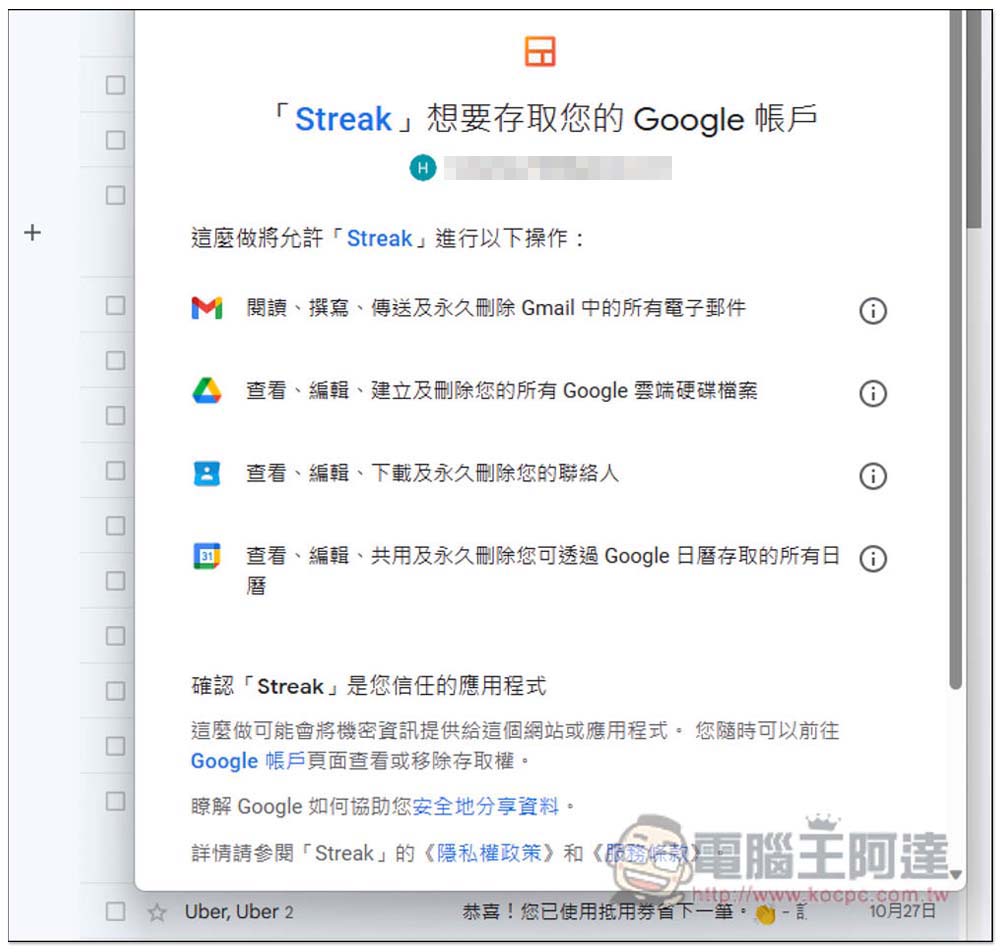
You will need to obtain these permissions, just click Allow. For those who are worried, Streak is a well-known Gmail management service, and its extended functions are also highly rated.You can click me to go to the official website to learn more before making a decision.:
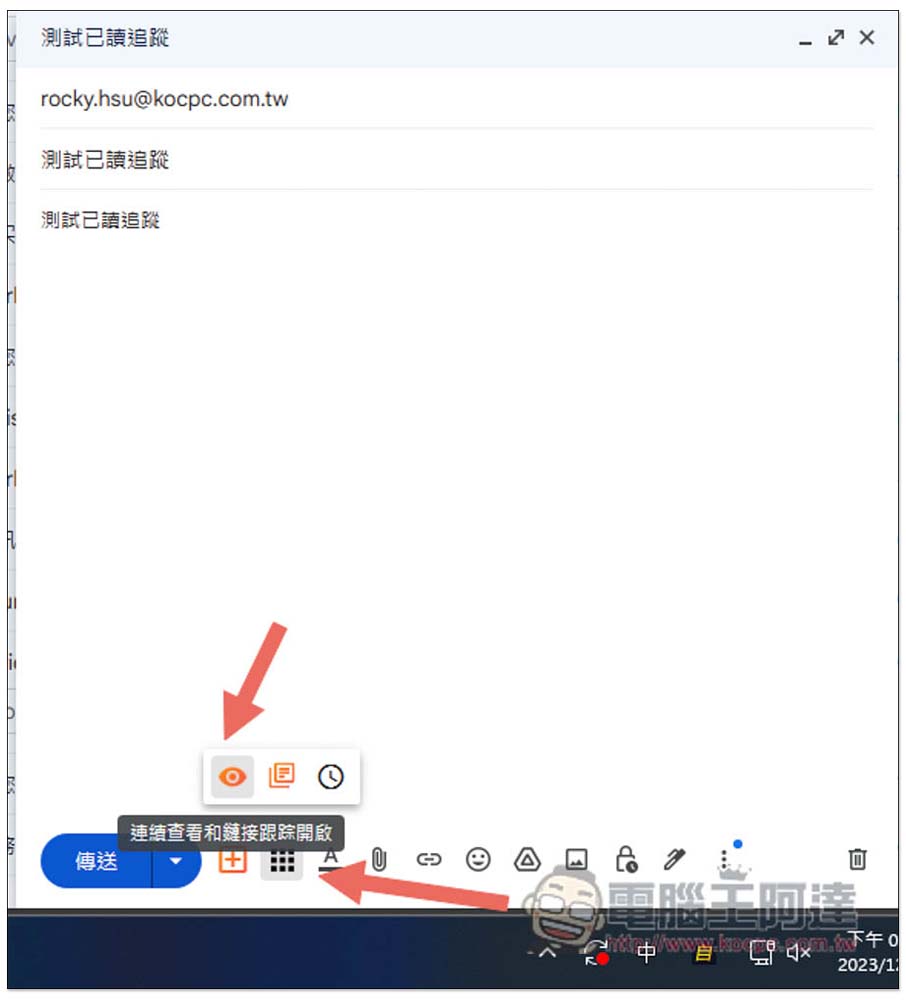
After authorization, when composing an email, you will see three new function icons below. The eye function is to track whether the email has been read. It is turned on by default, so if you want to track it, you don’t need to change it. If you don’t want to track it, just click to turn off the eye:
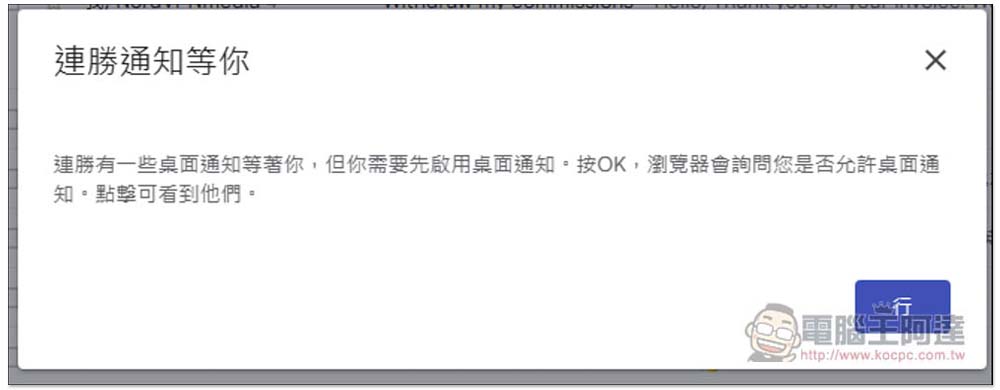
Remember to also allow notifications. Currently, Streak’s Traditional Chinese is automatically translated, so some translations may not be read or understood, such as “Win Streak Notifications are waiting for you.” Ignore this. It is related to notifications anyway. Just press OK:
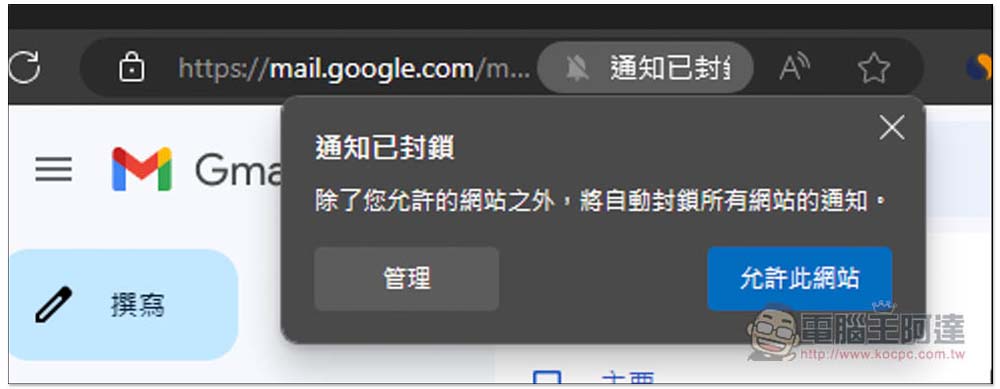
If your Gmail notifications are not turned on, you can change the options on the right side of the address bar and select “Allow this site” instead:
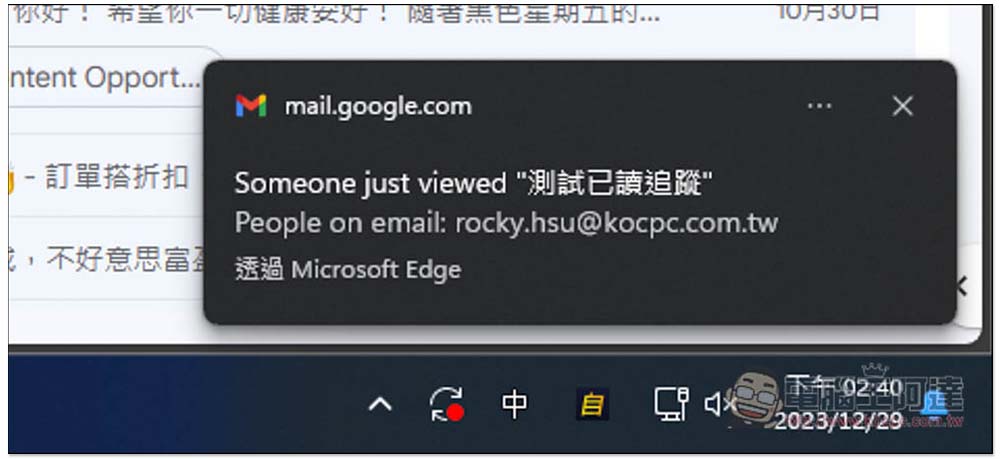
When the other party opens the email to read, you will receive this notification that the other party has read it:
The function of Streak CRM for Gmail is not only to track read emails, but also to manage bills and teams. This part is for readers to play with and see. It’s fine if you don’t use it.
In addition, I am not sure whether every mailbox can be tracked accurately. It is recommended that you test some special mailbox services by yourself before using it. Gmail is absolutely fine.
Streak also provides iOS and Android applications. Those who need it can install them in the App Store or Google Play store, and are fully integrated with GSuite, Zapier and API.
Source: KOCPC Chinese