


As Double 11 and Black Friday are coming soon, more and more softwares have started to launch limited-time free promotions recently. I discovered earlier that this ultra-comprehensive conversion software WonderFox HD Video Converter Factory Pro is launching a limited-free promotion. It can not only convert more than 500 formats, but also supports video editing, more than 1,000 website audio and video downloads, screen recording, GIF production, image to video, ringtone tools, etc. For those who haven’t, I highly recommend you to get it, convert + download. + Screen recording is enough once.
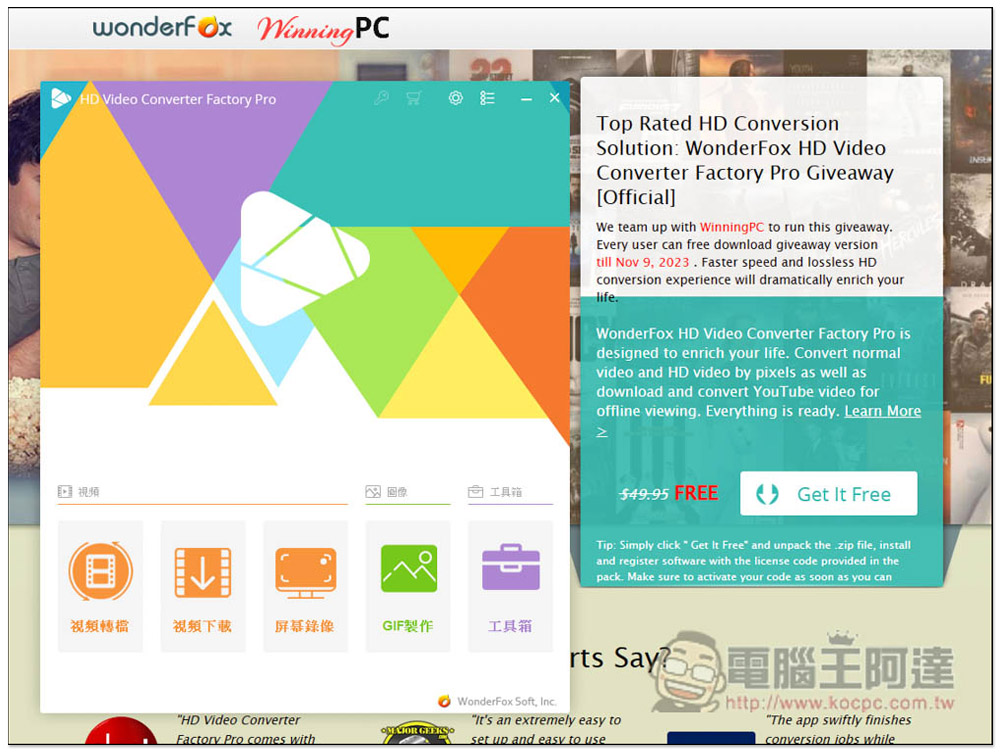
WonderFox HD Video Converter Factory Pro is free for a limited time only! Super multi-functional software that can convert files, download audio and video, screen recording, convert photos to videos, etc.
This WonderFox HD Video Converter Factory Pro limited-time free event is launched by Wonderfox and WinningPC. After entering the event page above, click Get It Free to download the limited-time free event file. There is no need to fill in any information, and no E-Mail is required:
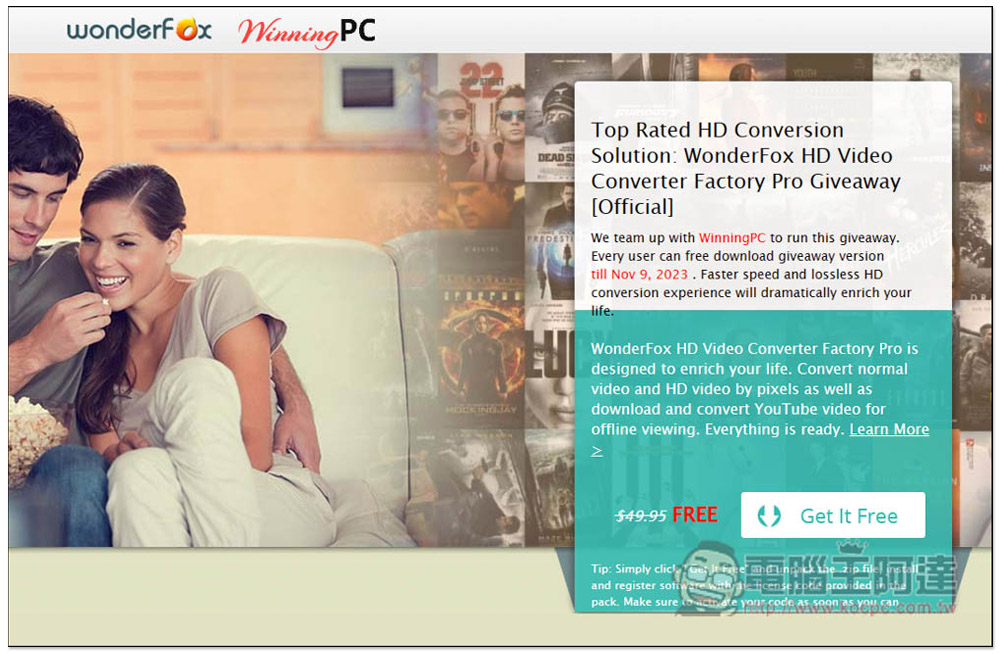
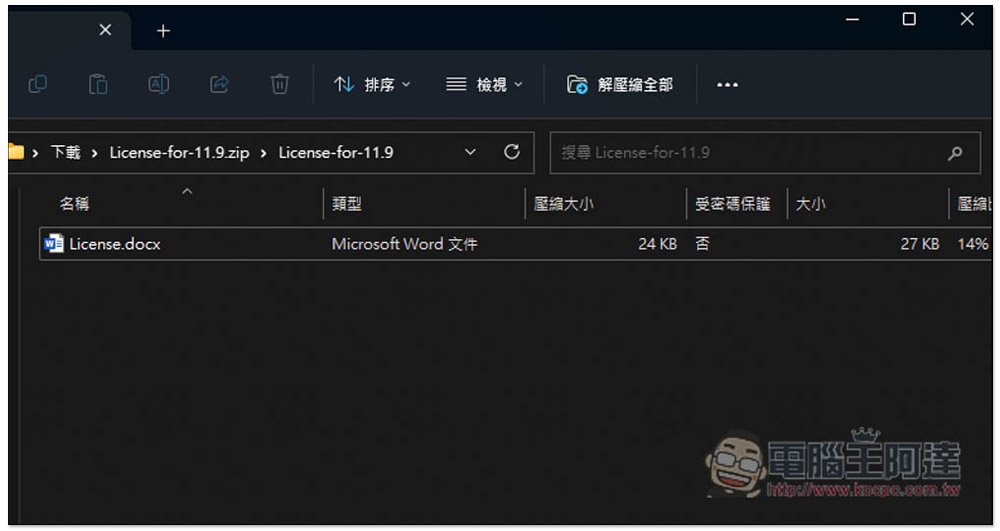
This file will be downloaded, please open it:
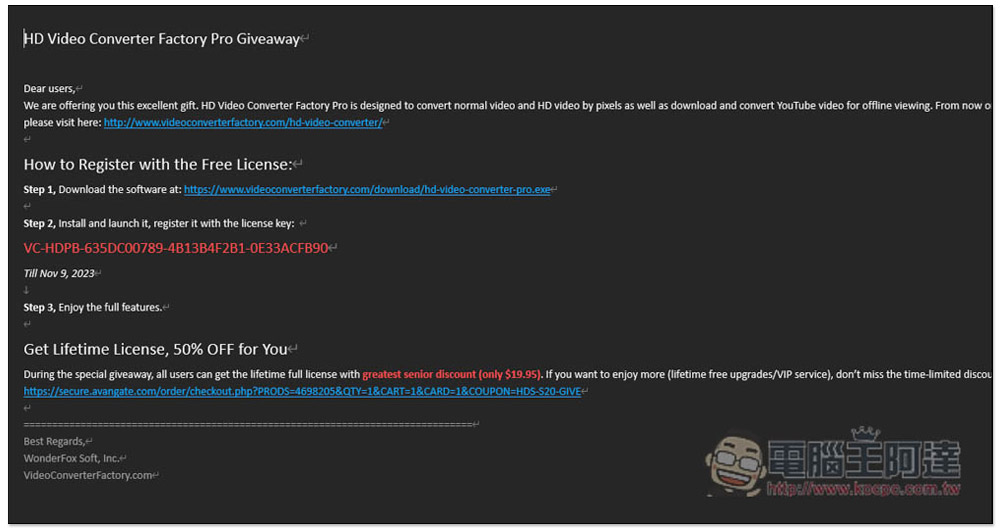
The software installation file download point and activation serial number will be attached. The software is only available for free until November 9, 2023. Remember to activate it before then:
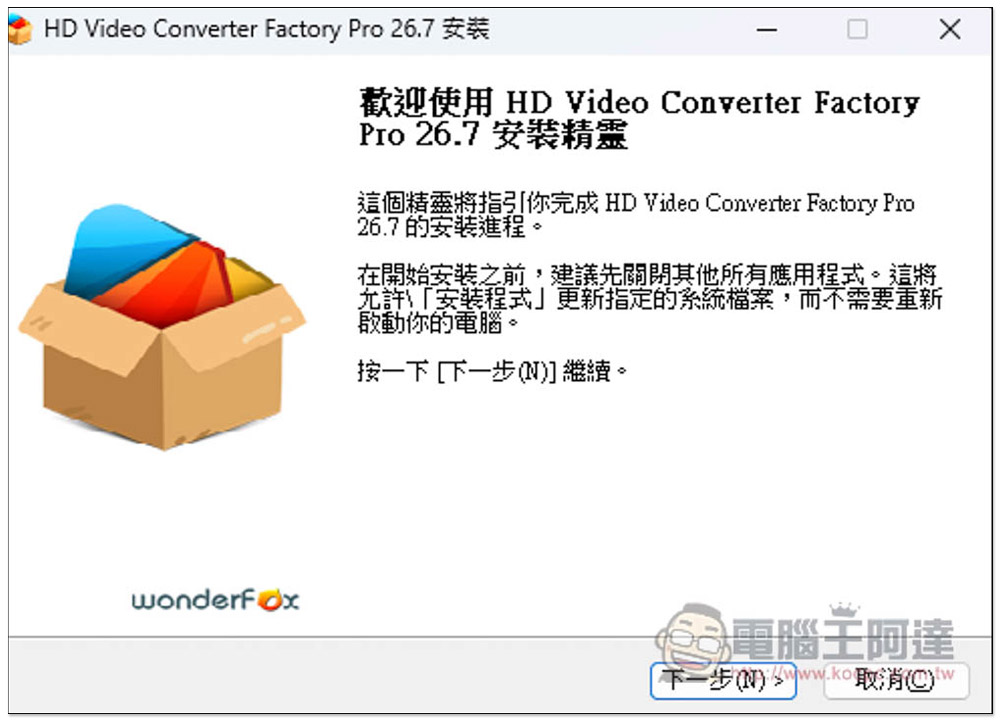
This product has a Traditional Chinese interface, so you don’t have to worry about not understanding it. If there are no special requirements, just keep pressing the next step during the installation process:
After installation, open it. There is currently a trial version, please click on the key pattern above:
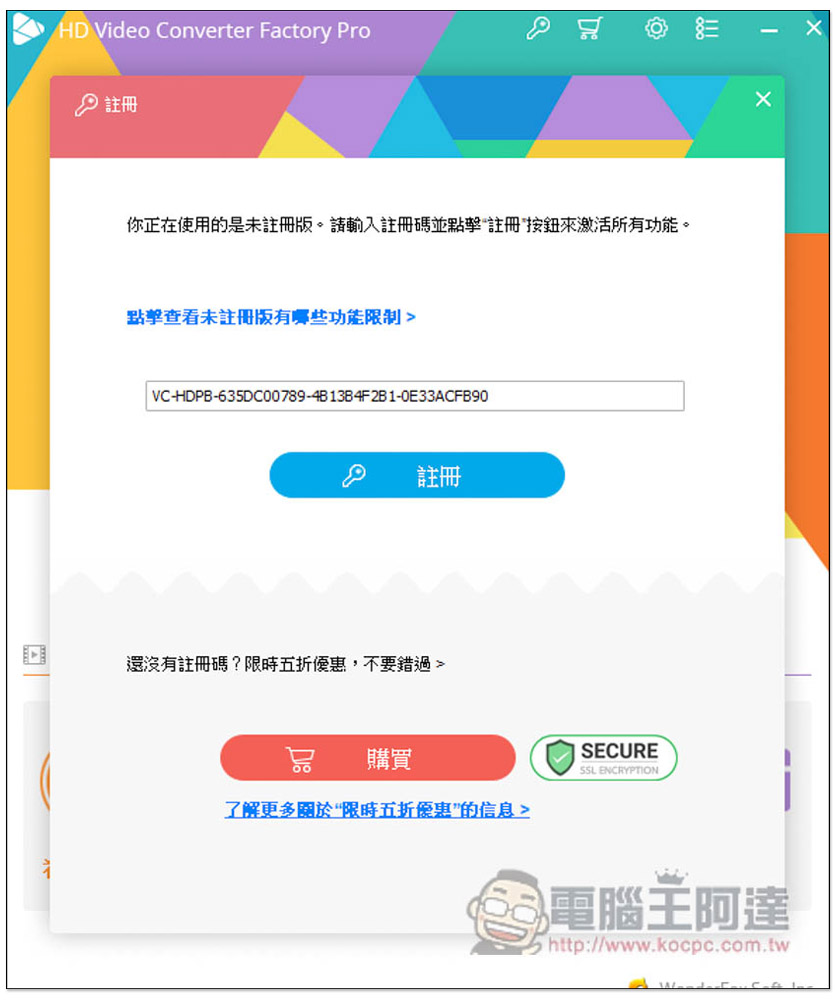
Paste the activation serial number in the file and click register:
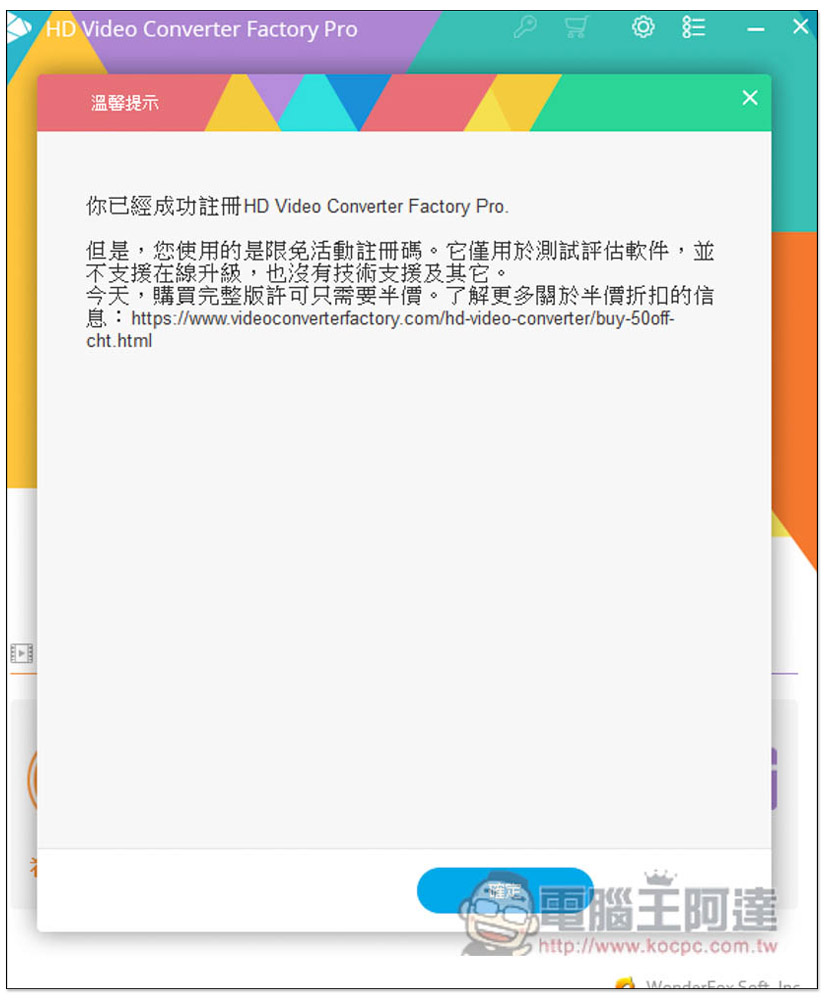
That’s it! Please note when using it that the limited-free version cannot be upgraded to a later version, so if an update notification pops up, please click Skip or Cancel. If you accidentally press Update, it will change back to the trial version:
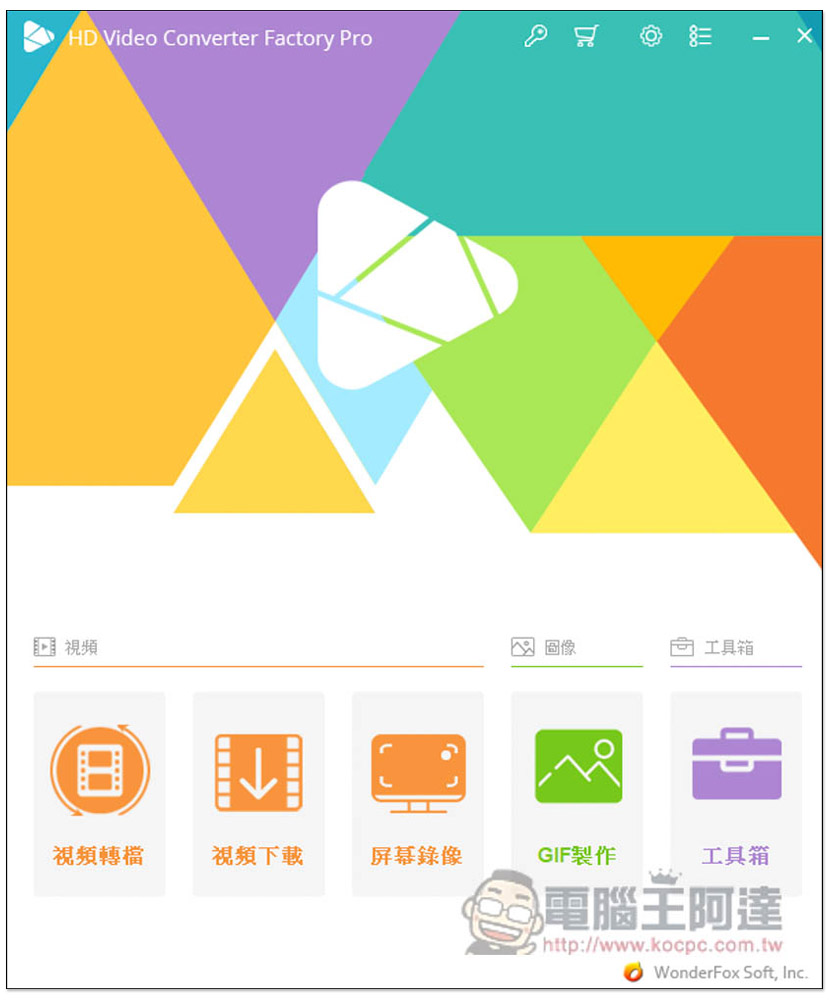
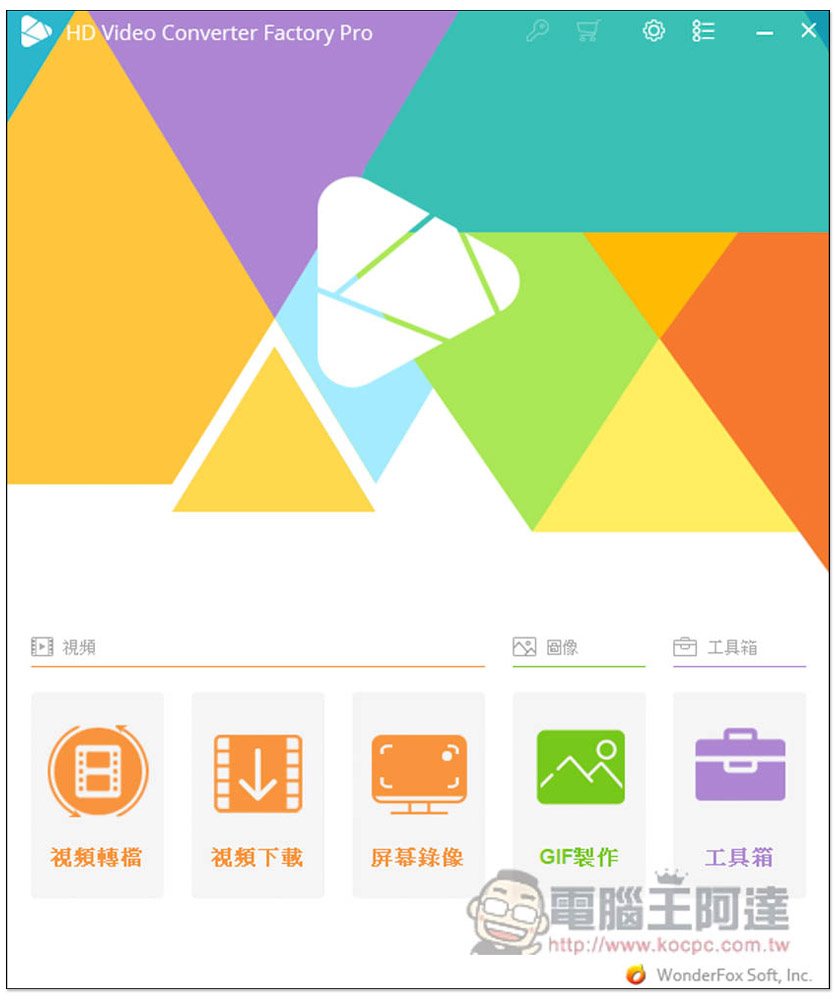
There are four major functions, namely video conversion, video download, screen recording, GIF production, and toolbox:
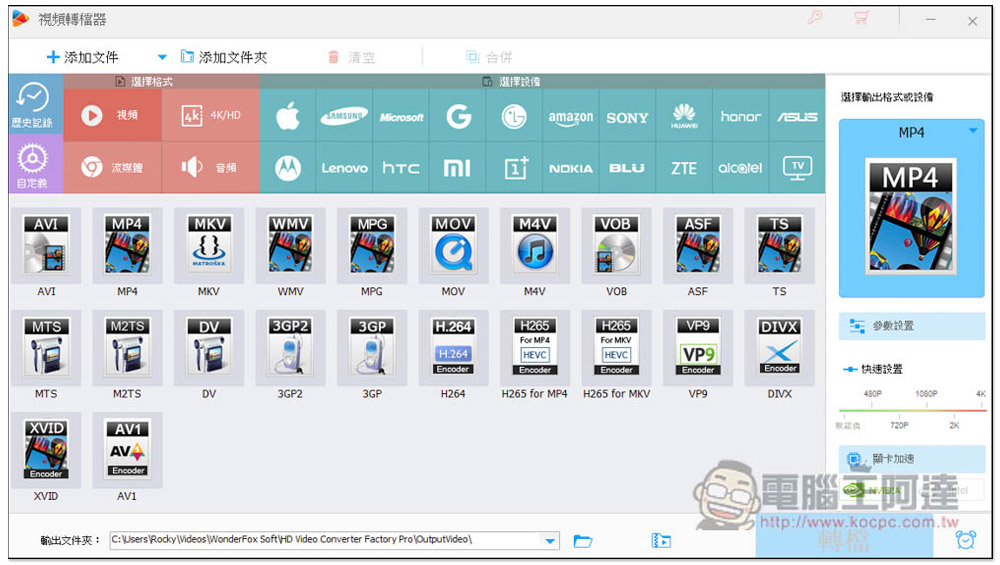
The video conversion part supports the output of more than 500 formats and also provides device names. If you want to transfer to iPhone for viewing, you will definitely not go wrong if you choose Apple, and you don’t have to worry about selecting the wrong format. It also supports graphics card acceleration function, and the conversion speed is OK:
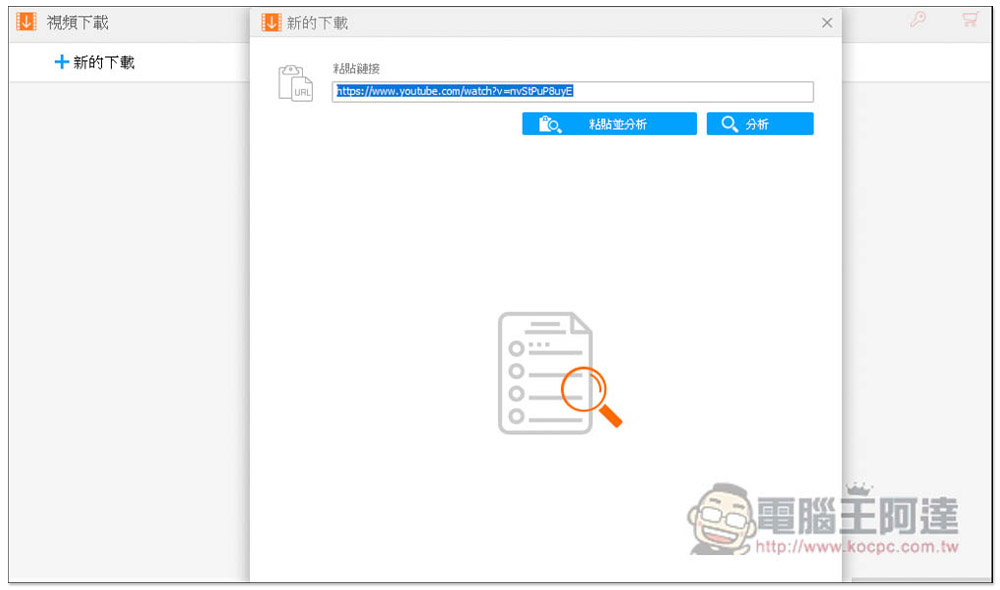
The video download function supports more than 1,000 websites, including YouTube. After pasting the URL, click Analyze:
After waiting for a few seconds, the download point will appear. Videos and music can be loaded. The video part also supports 4K MP4 format, which is quite good. Although music does not have MP3, it can be downloaded to WEBM format first, and then use the built-in conversion function to convert WEBM to MP3. The file size of each format will be told to you in advance:
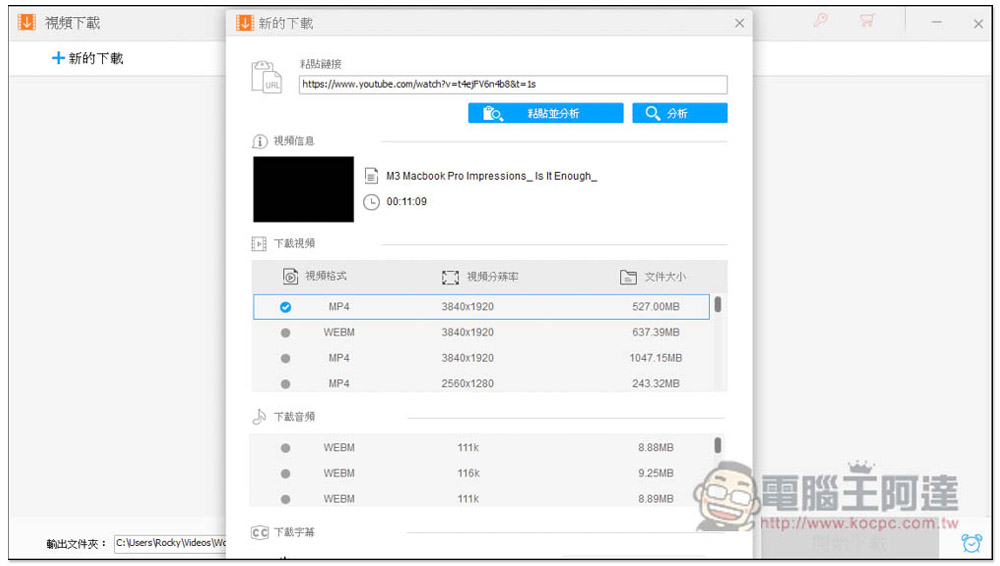
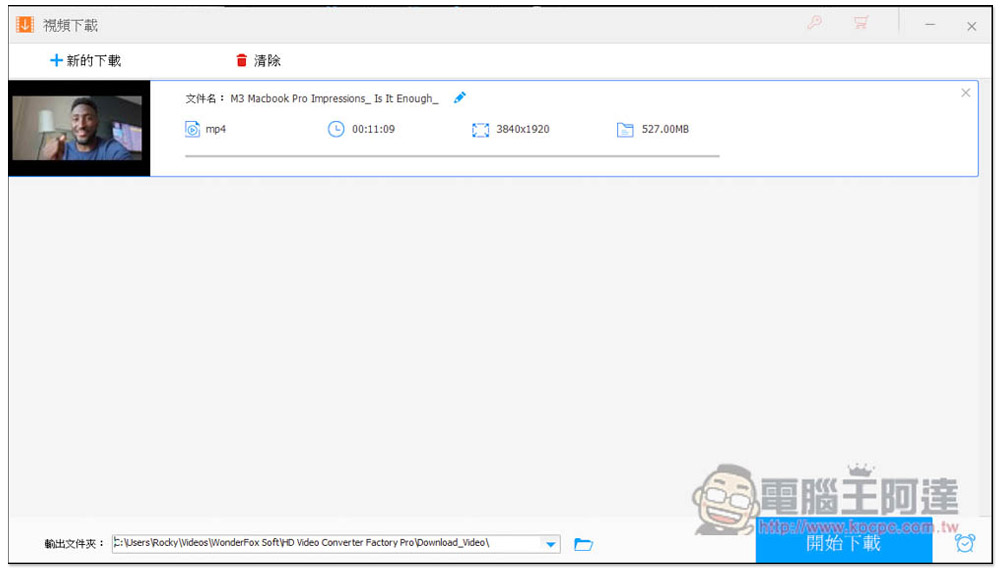
After setting up, click Start Download to start the process, and the download speed is also very fast:
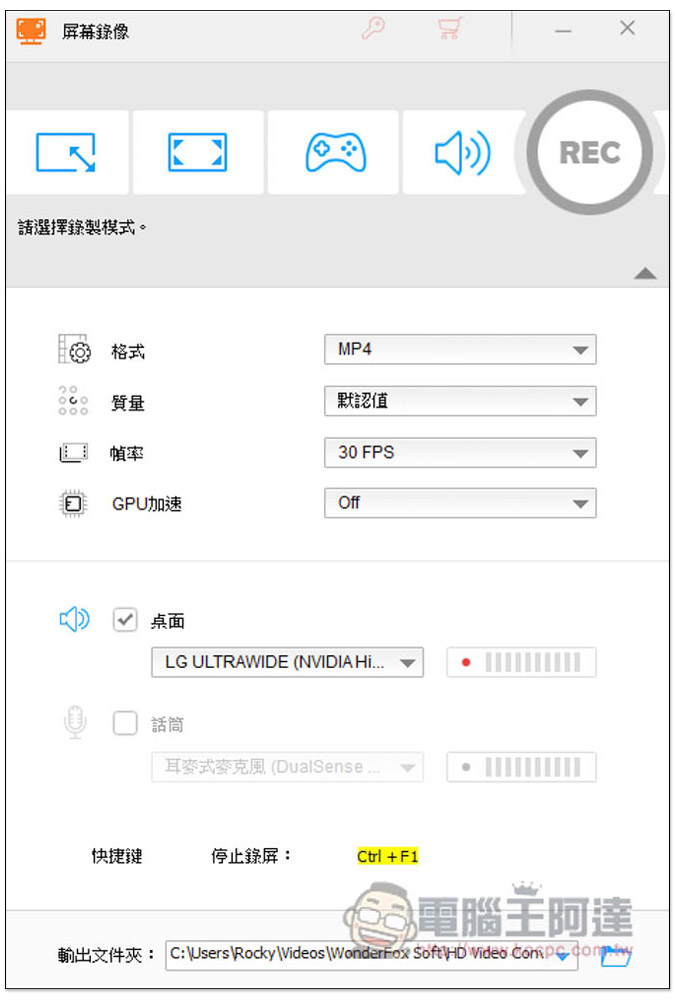
There are also quite a few screen recording functions, including full screen, manual drawing area, game and other modes. You can also set the desired format, quality and FPS:
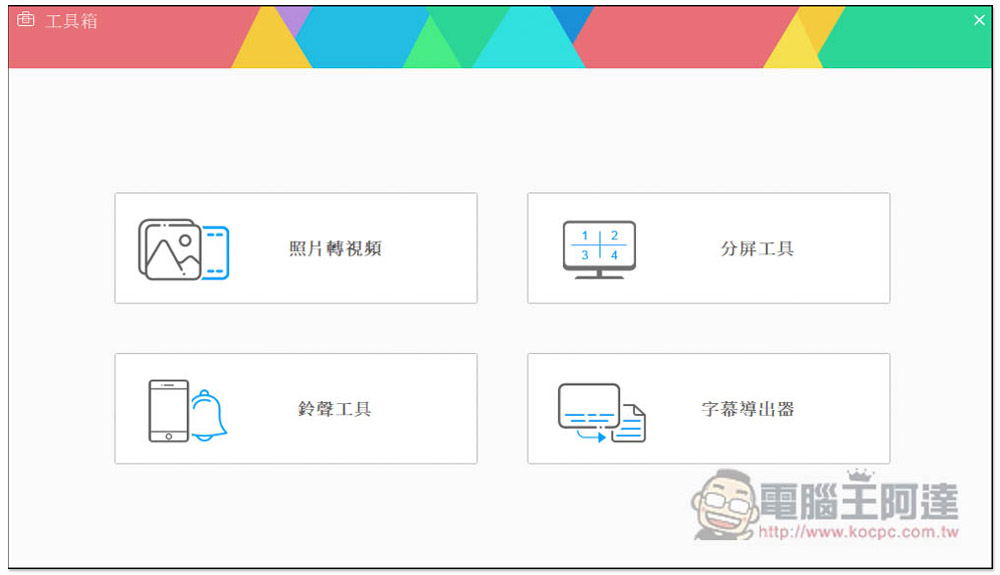
You can also find photo to video conversion, split screen tools, ringtone tools, and subtitle exporters in the toolbox:
Source: KOCPC Chinese