


There are many free tools on the Internet that can quickly get key summaries of YouTube videos, but most of them are summaries of the entire video. Therefore, it is easy to encounter that there is actually information you want to know in the video, but the summary is not captured. Recently, I discovered Summarize.tech, a more useful free online tool for YouTube key summaries. It will summarize every 5 minutes, so it is like 40 or 50 You can also get a more detailed summary of long videos such as minutes (such as conversation videos), know what each paragraph is roughly talking about, and have a more comprehensive grasp of the video content.
What’s even better is that you can quickly find the video clips you want to watch through the 5-minute summary highlights, which is also the part I use most.
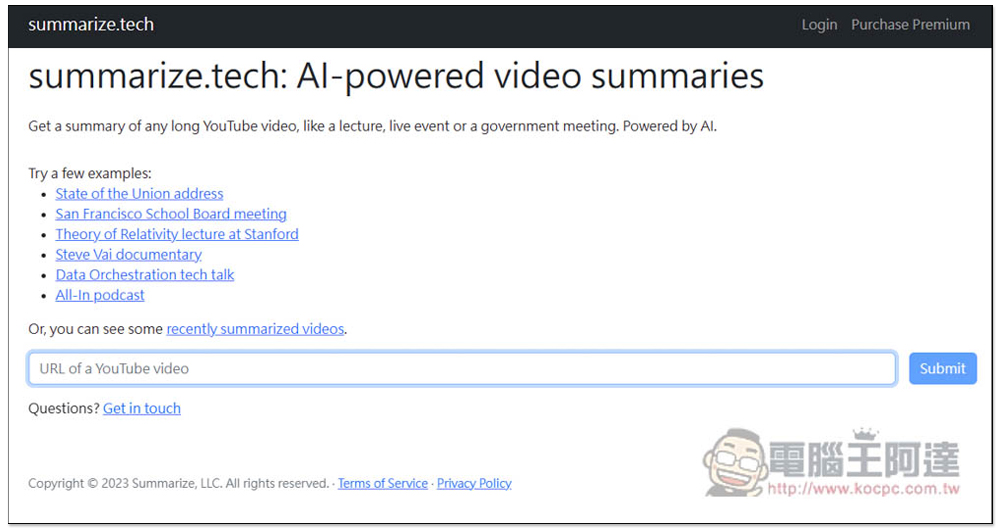
Summarize.tech uses AI to obtain key summaries of every 5 minutes in the video, allowing you to quickly understand the entire video content.
Summarize.tech is a foreign AI tool that can also summarize Chinese videos, but the summary results will be in English, so people who can’t understand can use the full-page translation function of the browser, or throw it into a translator, ChatGPT, etc. to translate it into Chinese.
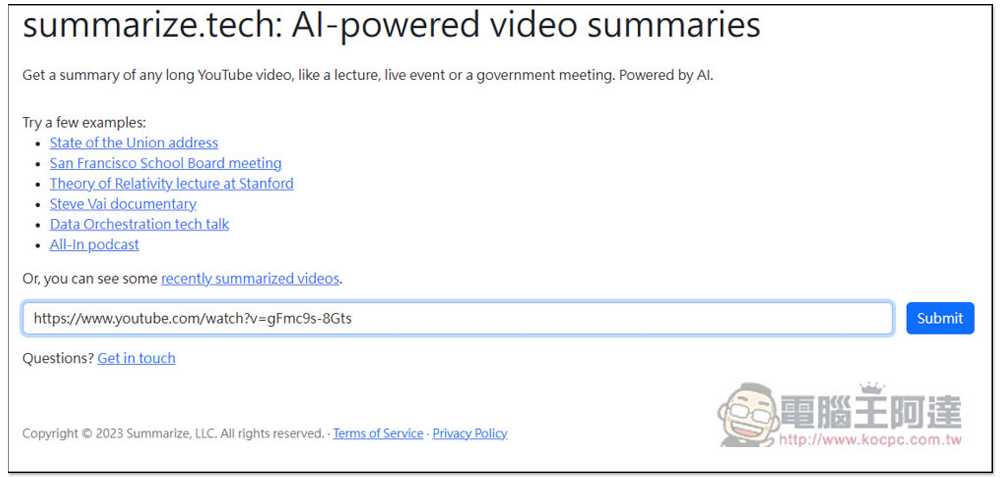
The method of use is very simple. Just paste the URL of the YouTube video you want to summarize and press Submit:
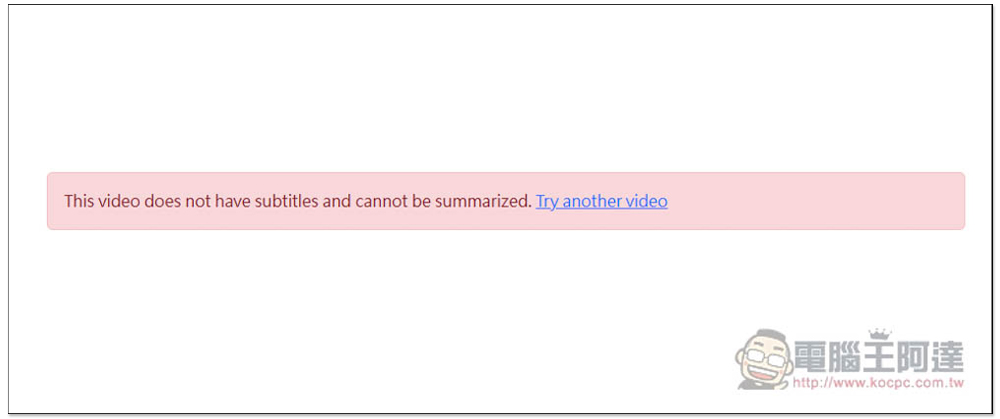
Another thing to note is that YouTube videos must have subtitles. If the YouTube video URL you lose does not have subtitles, an error message “This video does not have subtitles and cannot be summarized” will be displayed:
If the lost YouTube video has subtitles, you will get summary results. The summary of the entire video will be displayed first like other AI tools. If you want to see a summary of every 5 minutes, please click See more:
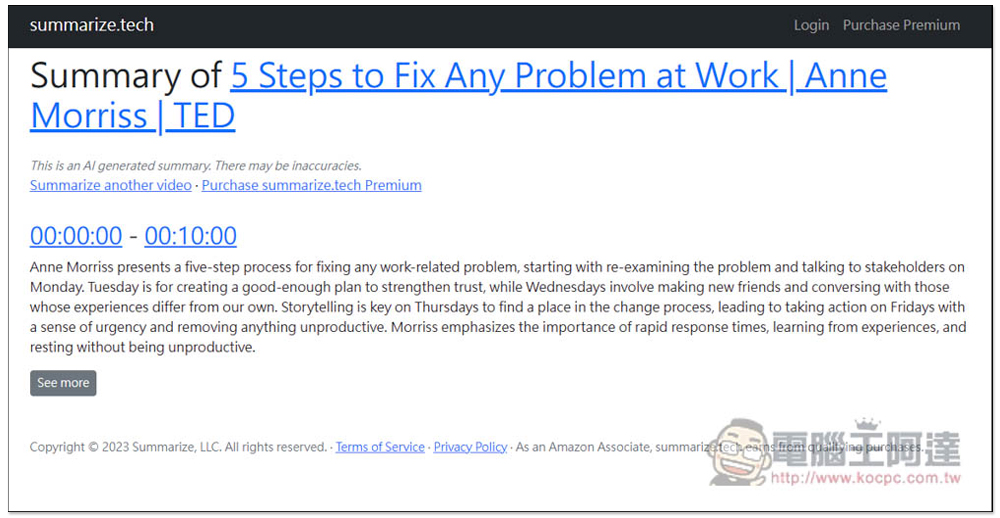
If you can’t understand English, just like the picture below, turn on the full-page translation function of your browser to translate it into Chinese:
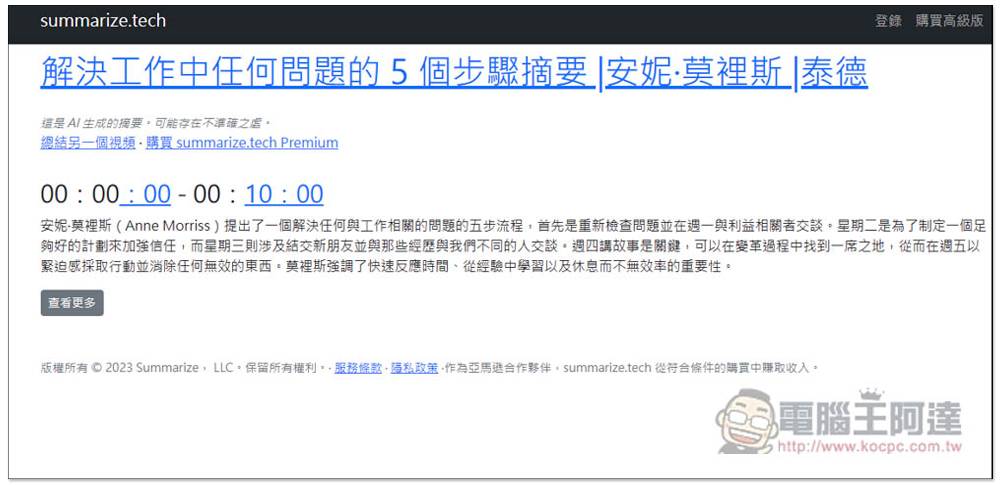
Click to view more to get a summary of the highlights of each 5-minute video clip:
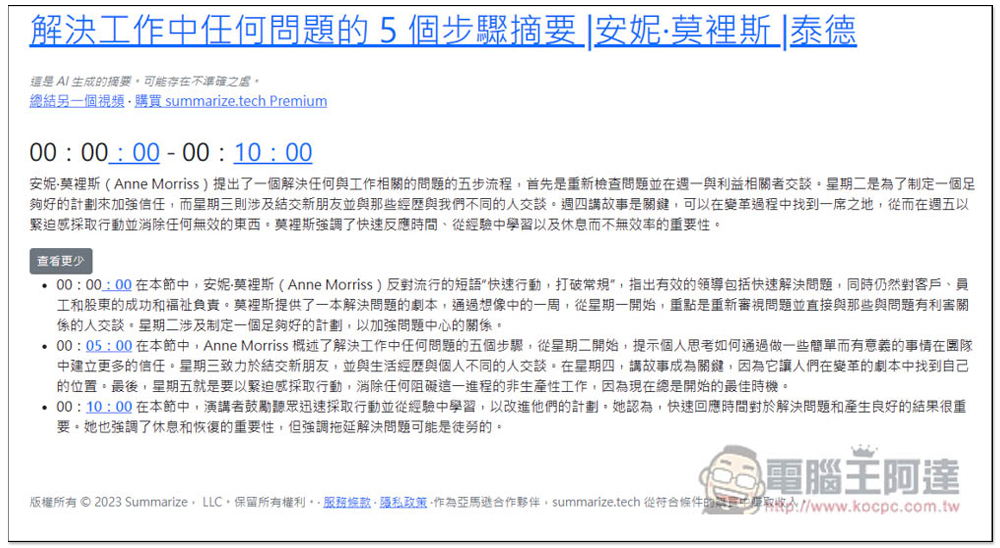
This AI tool is particularly suitable for long videos, and the longer the better, especially conversational videos where most of the key points are not marked. You can quickly find when the video clip you want to watch starts. For example, I recently used this AI tool to quickly find the time point in the video I want to watch where “resolution setting” is mentioned, saving a lot of time.
In addition, if you have some conference, lecture audio files or video files, you can also use it to help you find the video clips you want to listen to repeatedly. First upload the video to your personal YouTube channel, and then use Whisper JAX To convert speech into text, get the subtitle file, hang it in that video, and then send the video URL to Summarize.tech.
Finally, I would like to remind you that the free version of Summarize.tech has a daily limit on the number of videos. If it exceeds the number, you cannot transfer it and need to wait until tomorrow. Or you can also consider its paid version, but the price is not very cheap, and there is a limit of 200 videos per month.
Source: KOCPC Chinese