


Nowadays, more and more AI drawing functions are starting to charge a fee, or the ones provided free of charge are rarely generated and cannot be used for commercial purposes. This article recommends a very good Playground AI, which has a quota of 1,000 free generated AI pictures every day, which is enough for most people, and these pictures can also be used for commercial purposes.
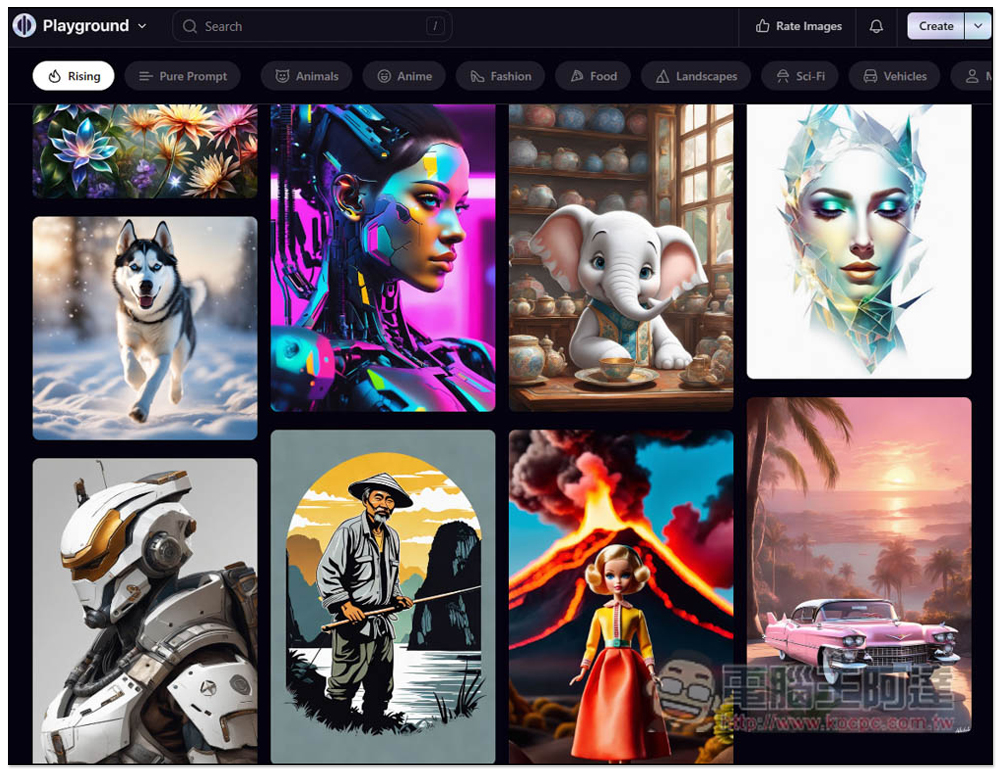
Playground AI provides 1,000 free pictures every day. It is an AI drawing online tool that can also generate pictures for commercial use.
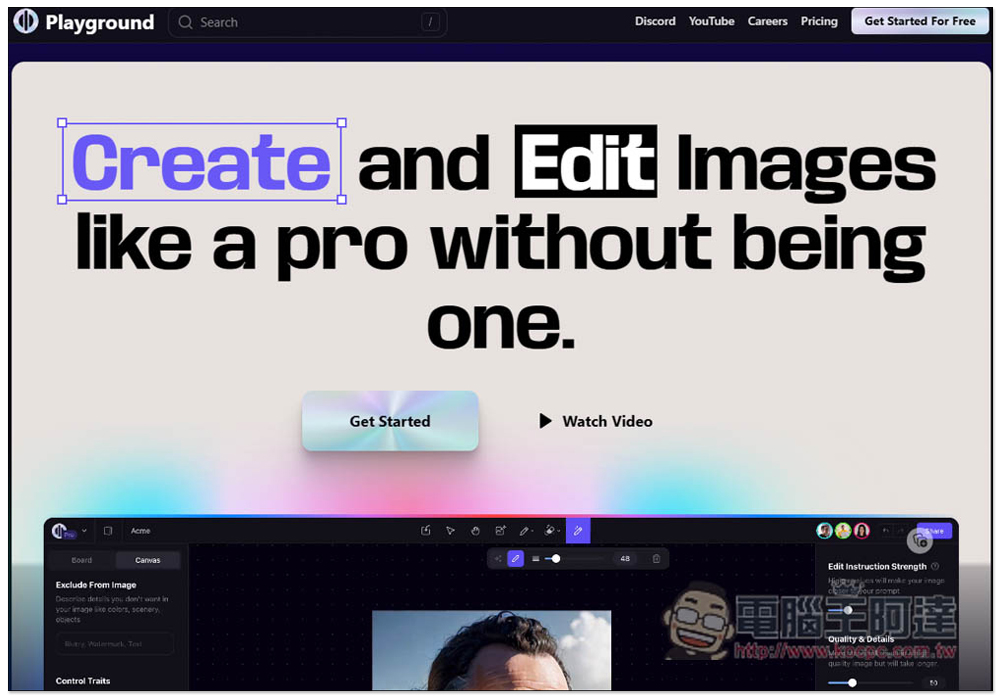
After entering the Playground AI homepage, you need to create an account to start using it, click Get Started:
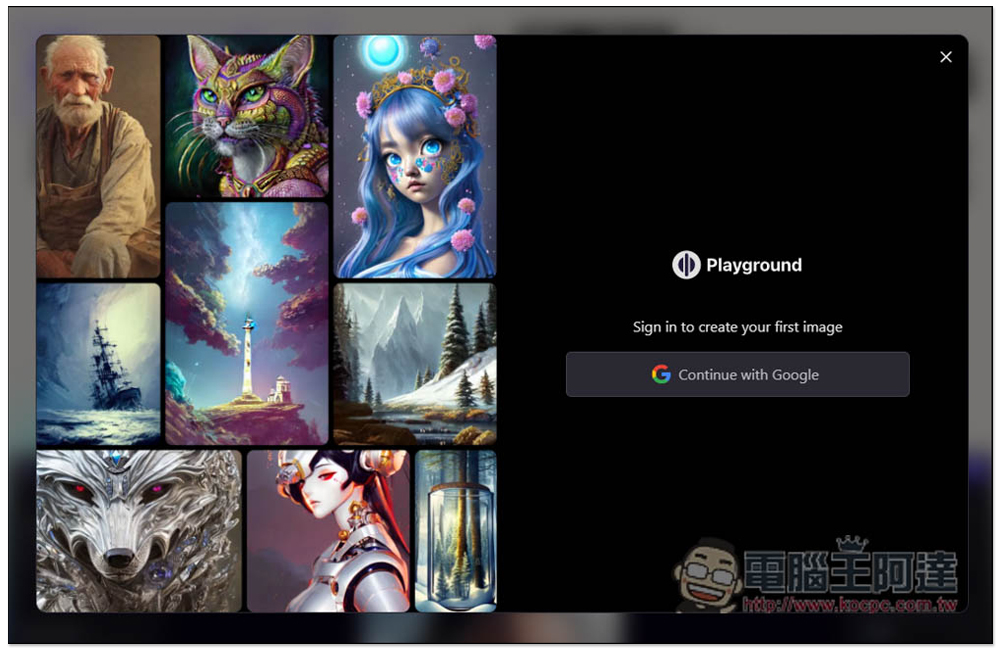
Currently only registration with Google account is supported:
Then there will be a series of tutorials that you need to follow to complete. There is no way to skip it. Basically, it teaches you where to issue drawing instructions and how to move the blackboard:
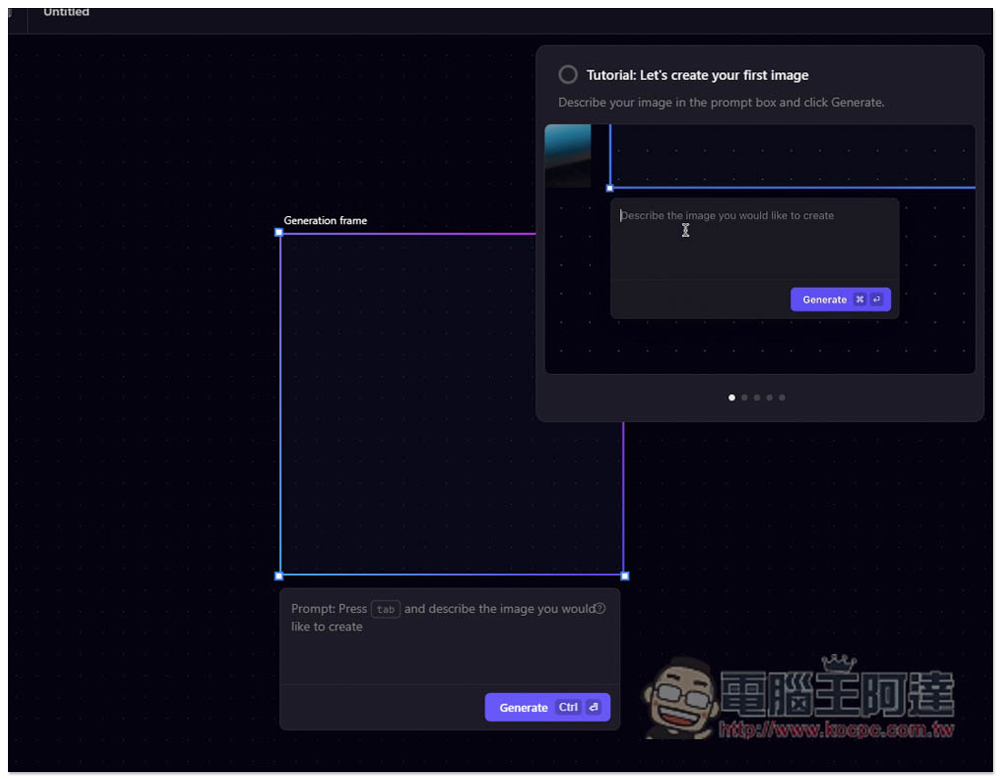
Most foreign AI drawing tools do not understand Chinese commands very well, and this one is no exception. I tested Chinese first and entered the commands below:
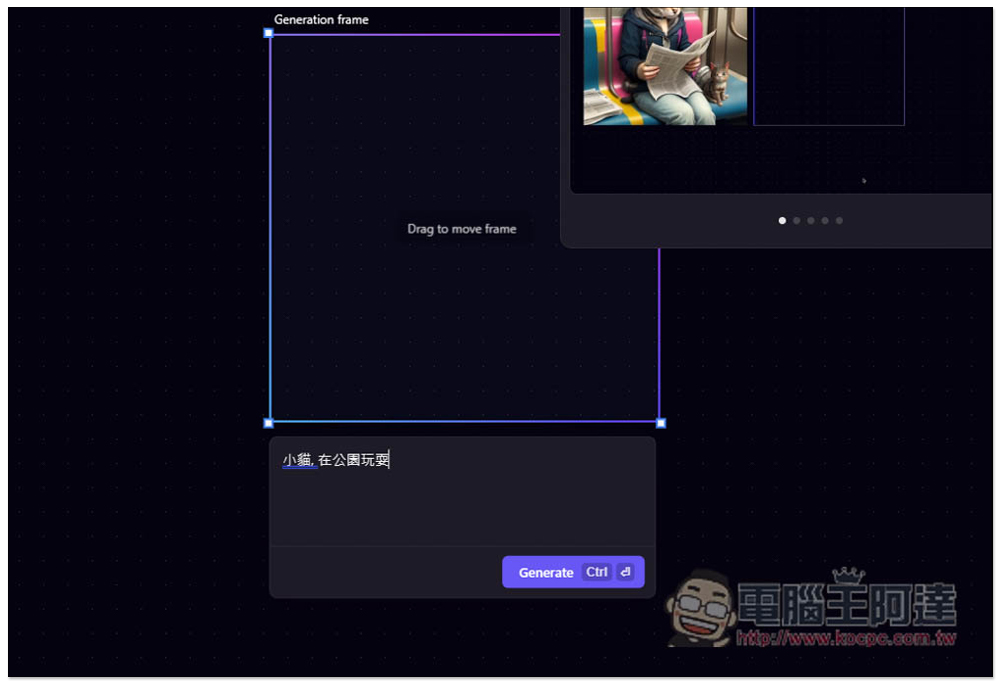
The generated picture has nothing to do with the description I gave. There is neither a kitten nor a park, so it is better to give the command in English. For those who don’t know how to give English instructions, you can first ask ChatGPT to help you generate:
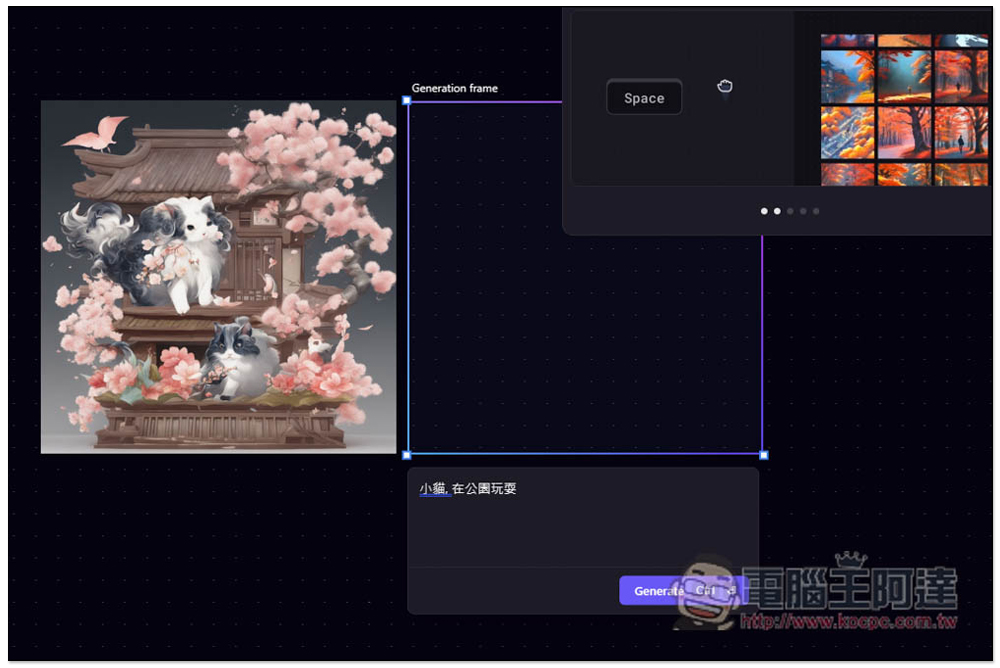
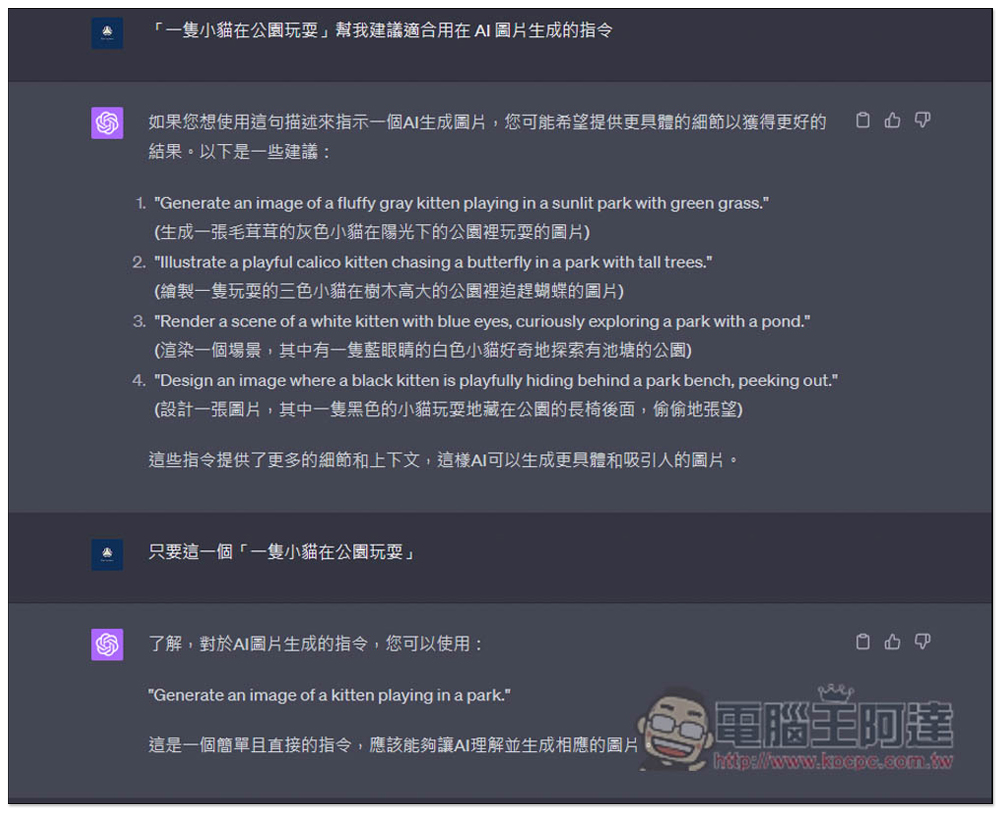
For example, I asked ChatGPT to help me generate “a kitten playing in the park”, which is a command suitable for use in AI image generation. At first, it will give other more detailed description instructions, but I don’t want it. I only want this sentence given at the beginning, so I tell it again “Just this one xxxx”, and then ChatGPT will give me this English command suitable for use in AI image generation:
I threw it into Playground AI and generated it again:
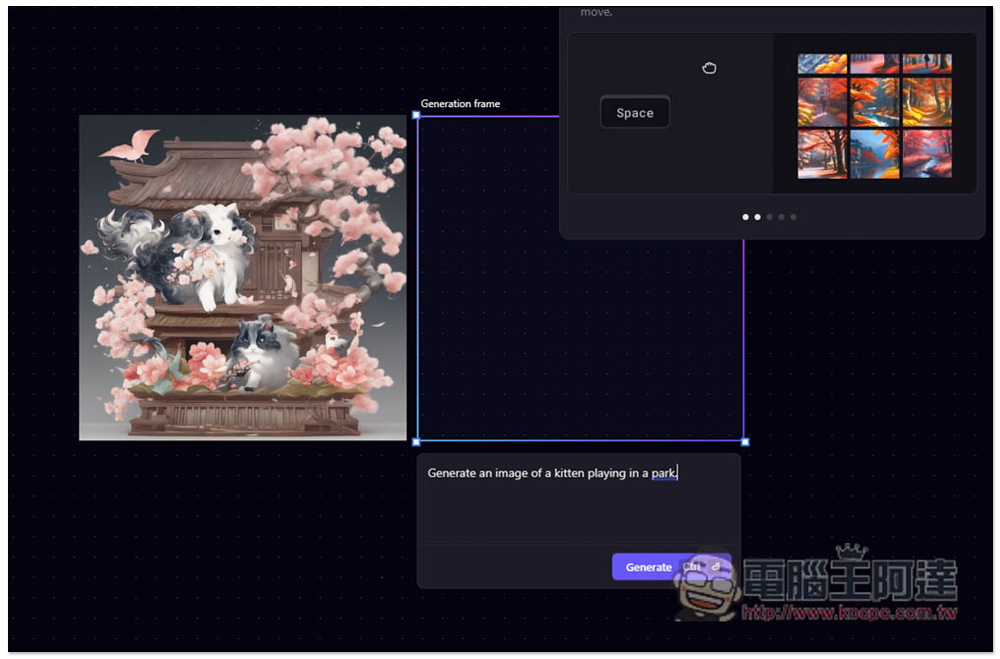
It’s perfect as expected:
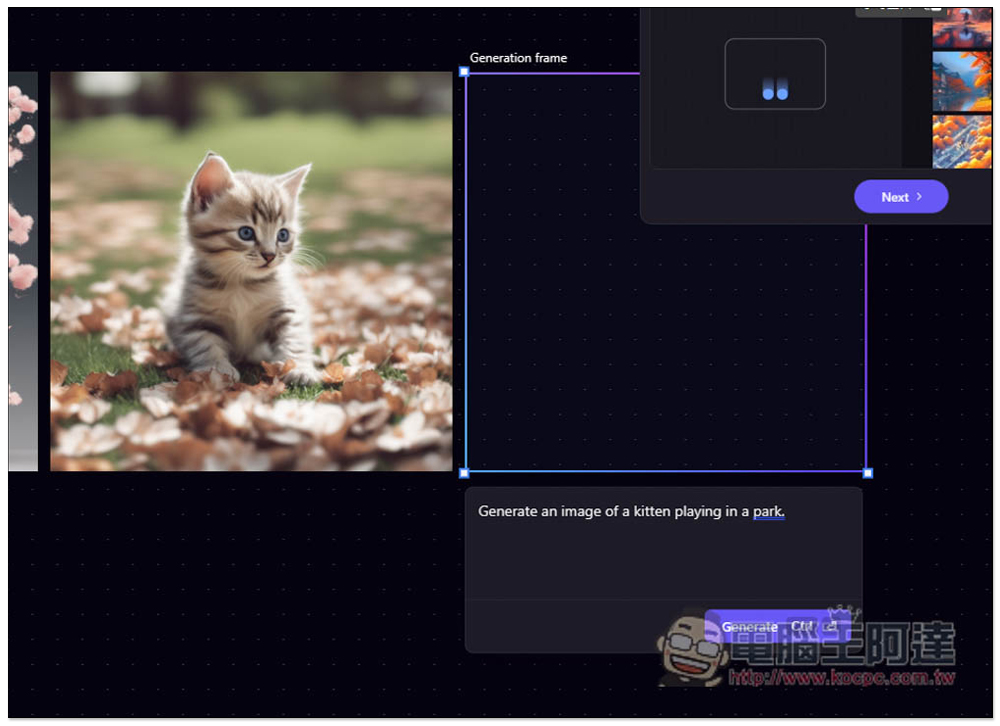
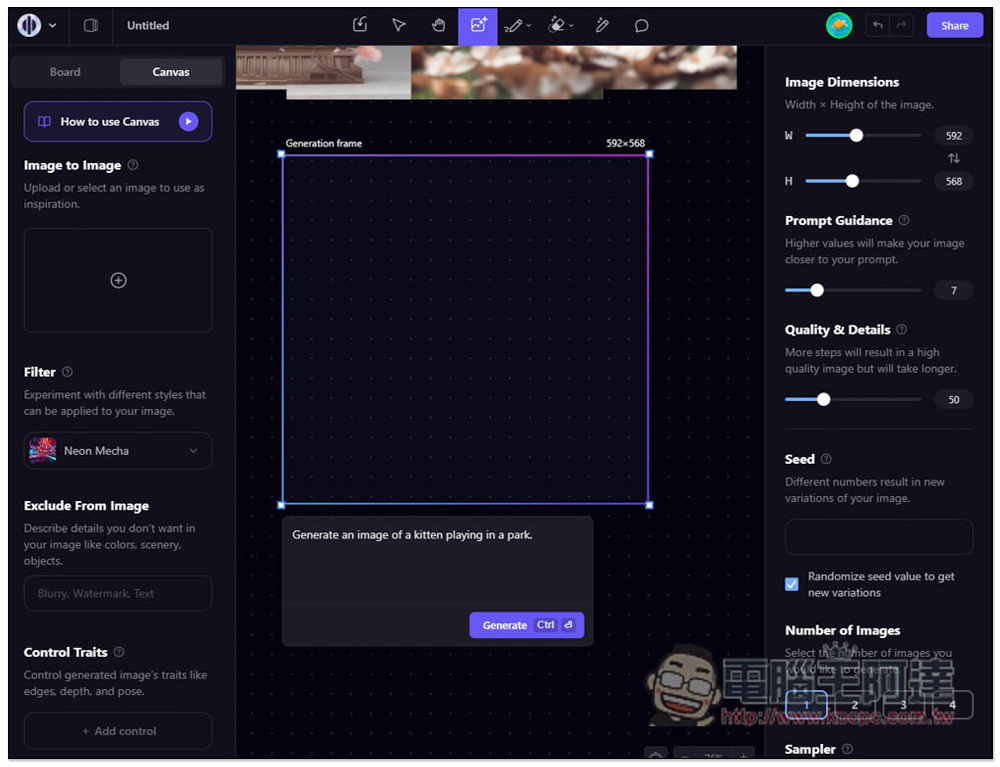
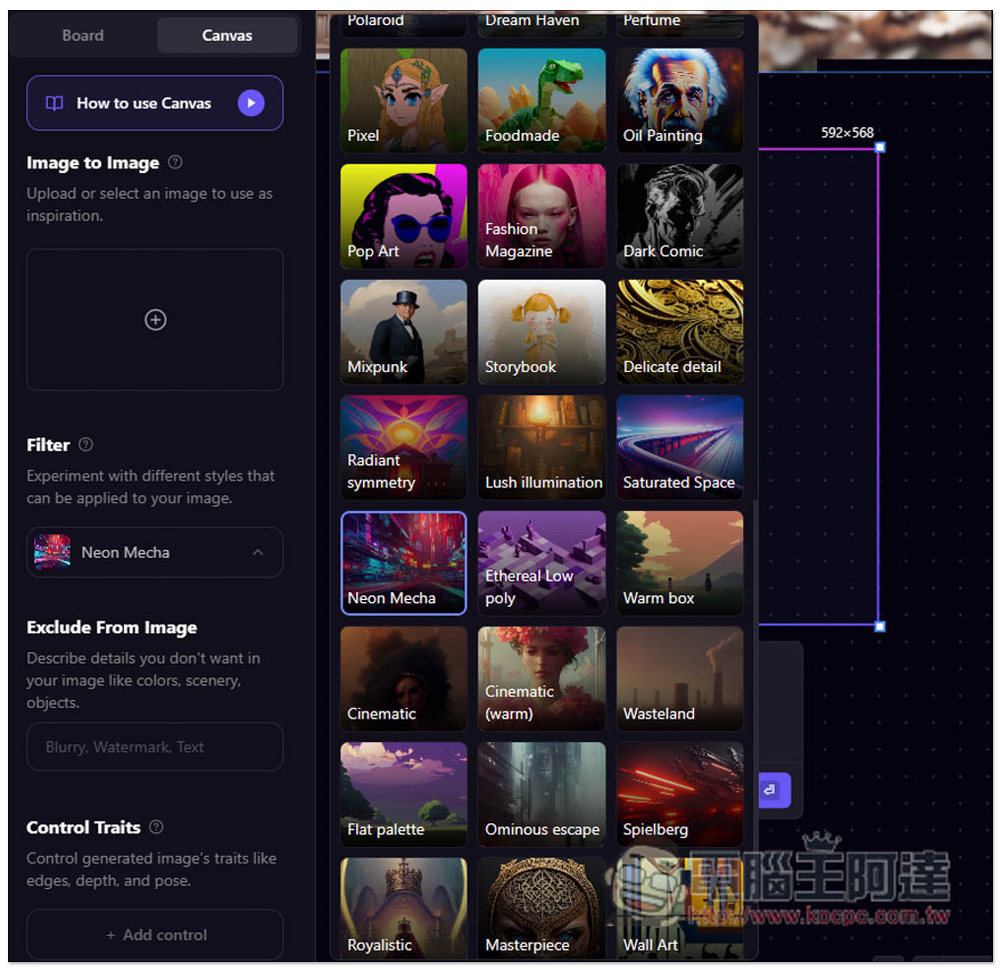
When the teaching is completed, you will enter the background. This is where you generate pictures. There are two modes: Board and Canvas. There are many functions. I will not explain them in detail here. Simply put, you can give more conditions for generating pictures. For example, in Canvas, there is a Fiter function on the left, which can set the desired picture style:
There are many options available, find what you like:
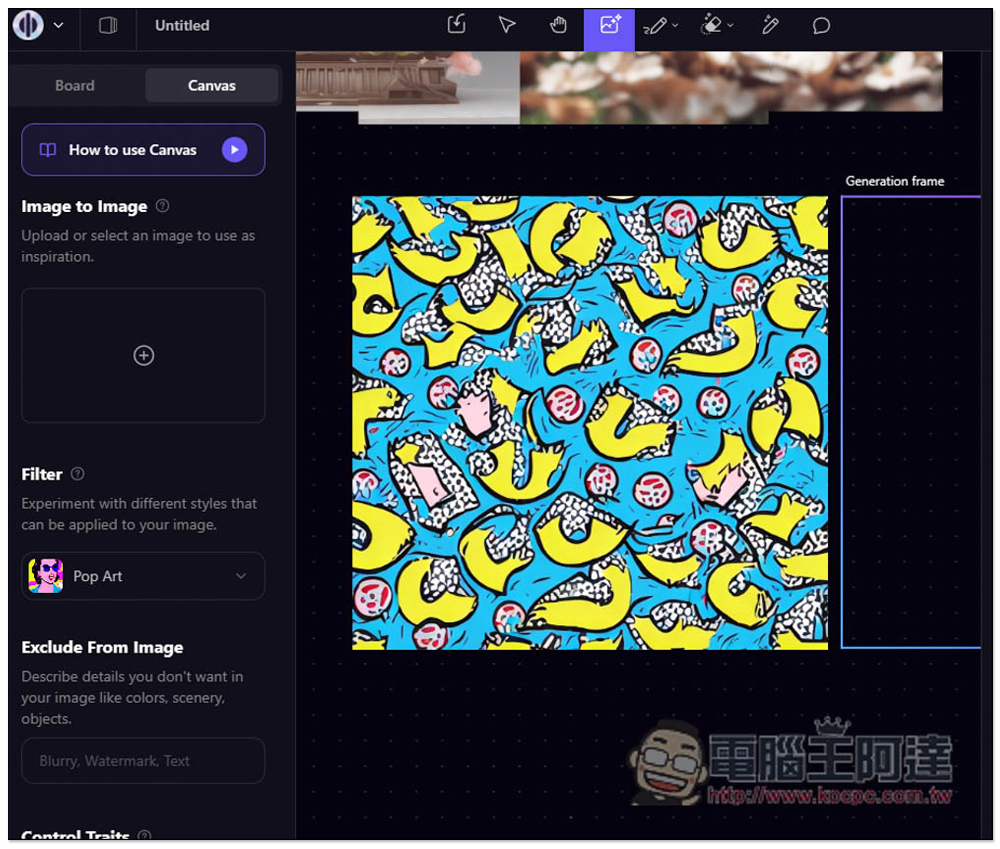
Like I tried Pop Art, and then gave the same command, it produced a Pop Art style picture:
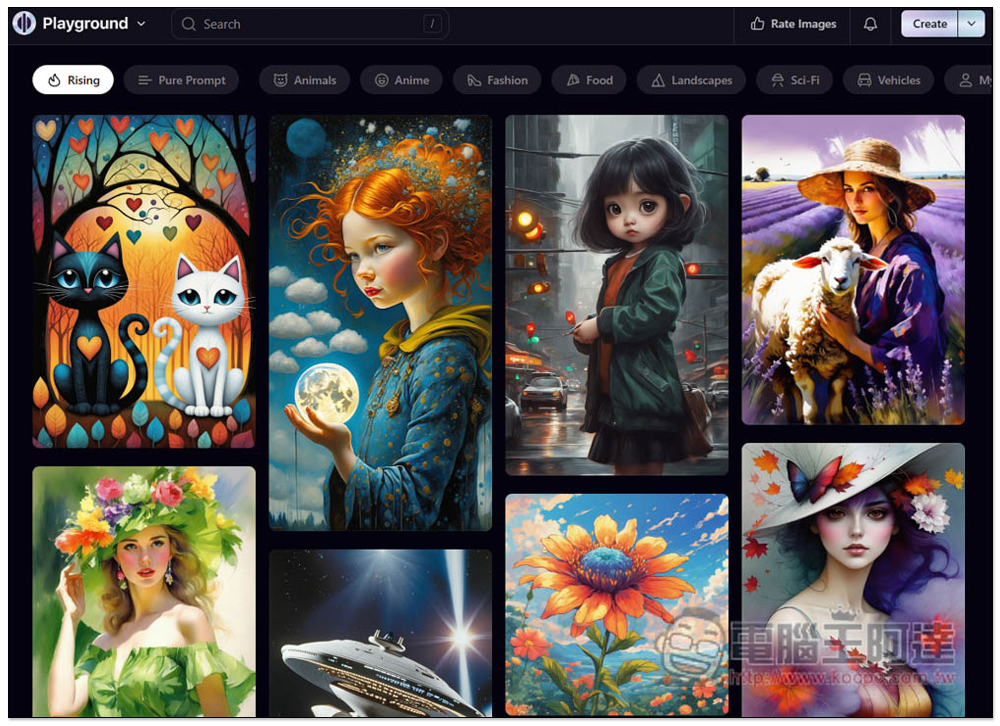
For those who don’t have any ideas for issuing commands, you can go to the Community Feed and browse pictures generated by other netizens. Search and tag functions are also provided to facilitate your quick search:
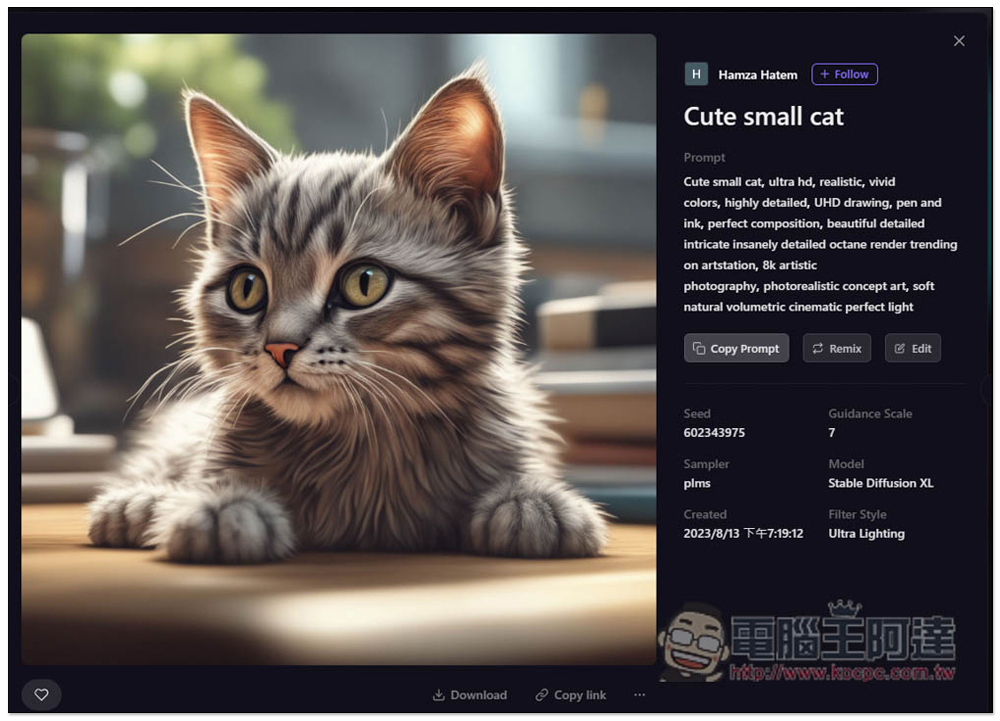
Find a reference picture that you think is good. After opening it, you will see Prompt on the right, which provides a one-click copy function, allowing you to generate another AI picture that is exclusive to you. There is also a Download function below, if you want this:
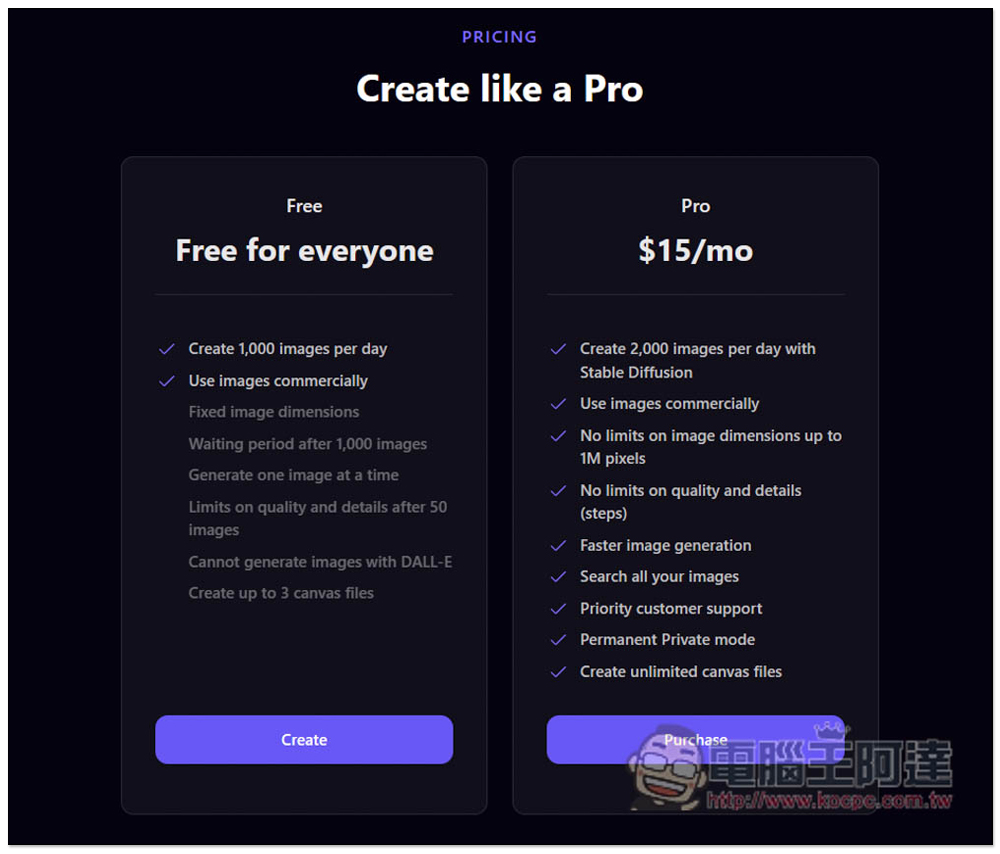
The free version of Playgroumd AI has a daily quota of 1,000 pictures and can be used for commercial purposes. If 1,000 pictures are not enough for you, or you want faster generation speed and no quality restrictions, you can consider upgrading to the paid version:
This function is very powerful, and there are many settings that can be adjusted. The rest is left to the readers to play around.
Source: KOCPC Chinese