


Earlier, we have already introduced the one by… The Flux Kontext model launched by Black Forest LabsAlthough you can experience this model’s editing effects on the official website, some users may find the interface a bit difficult to use. This article recommends a free tool called EasyEdit, which is also based on the Flux Kontext model and is simple to use—just upload what you want to modify.Imageand give relevant instructions, you can get results without any complicated options, and it can also be deployed locally.
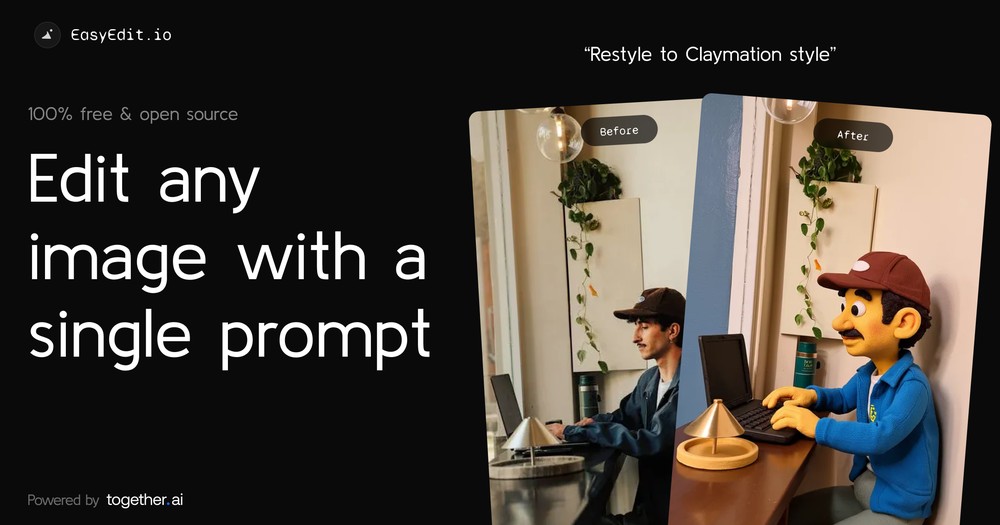
EasyEdit lets you edit photos with just one sentence—no Photoshop skills needed, powered by the Flux Kontext model.
EasyEdit is an open-source tool that focuses on “editing any image more easily with a single prompt.” You can deploy it locally, but the local version requires your own Together API Key, while the online version can be used directly.
However, the online version has usage limits. If you want to keep using it, you’ll need to enter your own Together API Key.
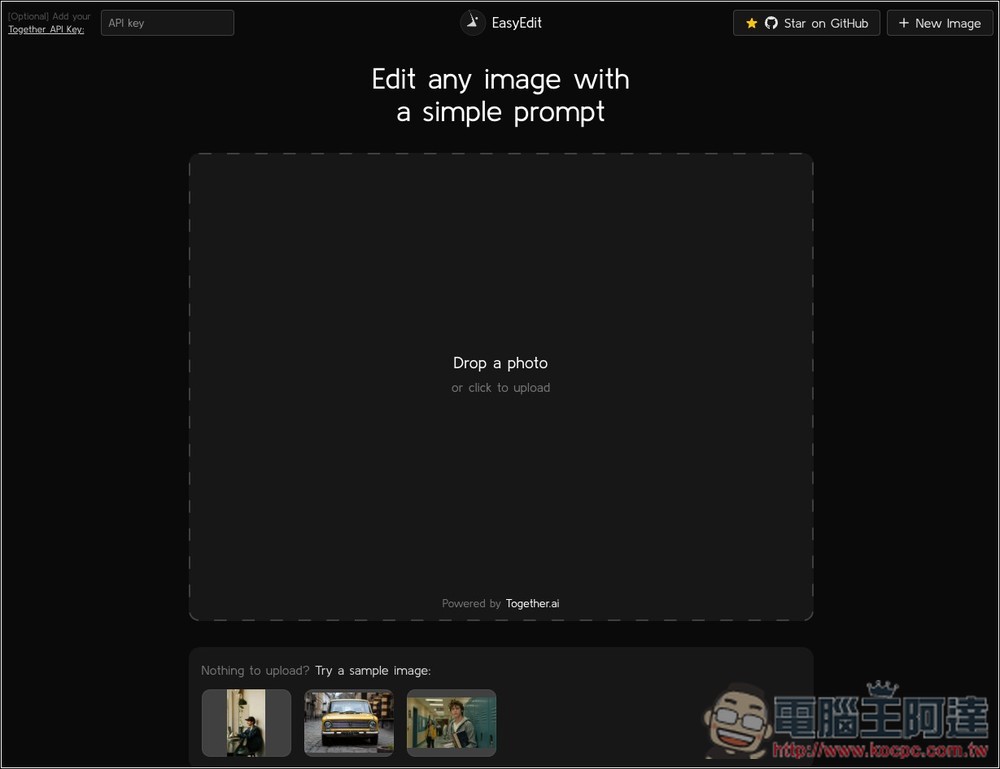
The EasyEdit interface is really that simple — after clicking the link above to enter the online version, just drag and drop the image you want to edit, or click “click to upload” to select it manually.
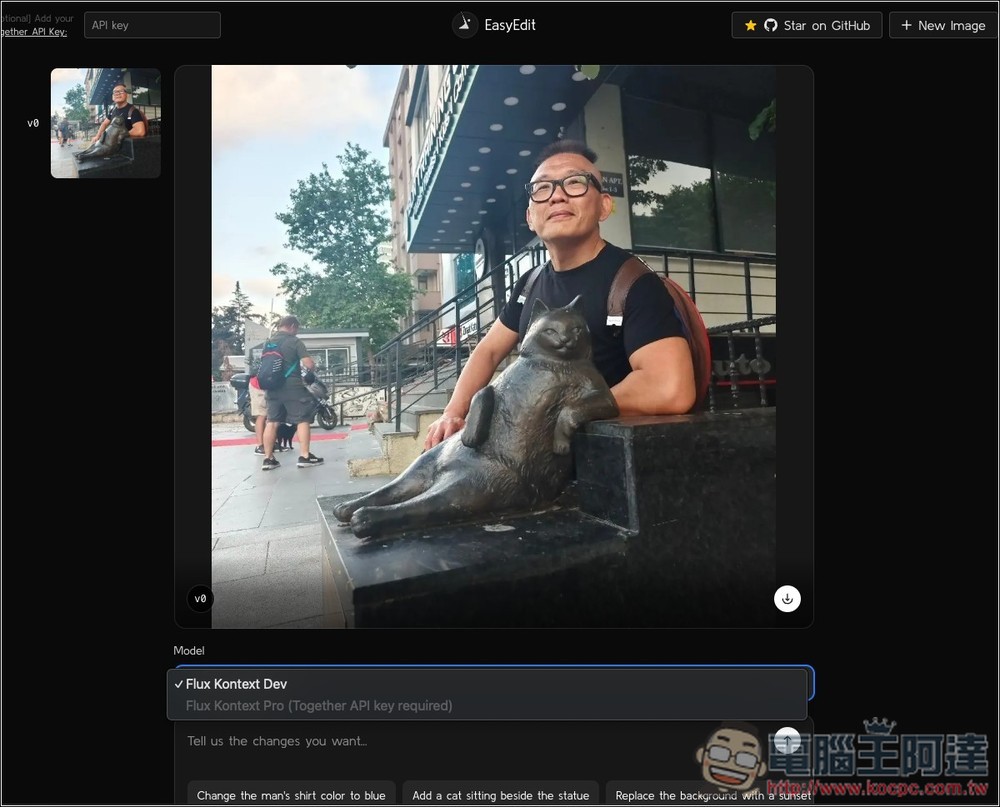
Taking Ada’s image as an example, the models come in two types: Flux Kontext Dev and Flux Kontext Pro. The latter requires you to fill in your own Together API Key to use, while the former does not:
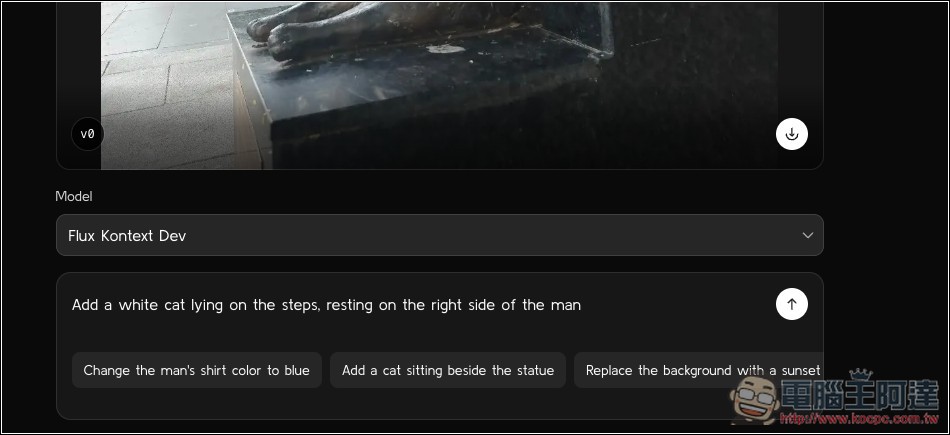
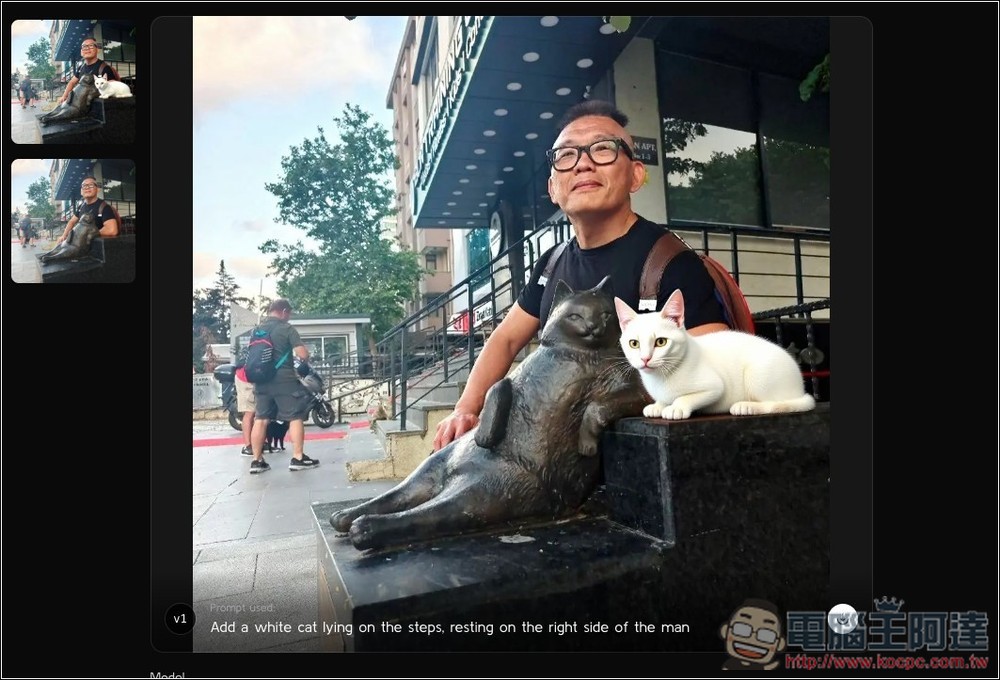
Then input the prompt into the box below. Remember to type it in English; Chinese isn’t supported yet. You can use something like ChatGPT to translate it into English and paste it over. I asked the AI to add a white cat on the steps to the right of A-Da. ‘Add a white cat lying on the steps, resting on the right side of the man.’
And AI really did successfully add it alongside, though unfortunately the colors look somewhat unnatural:
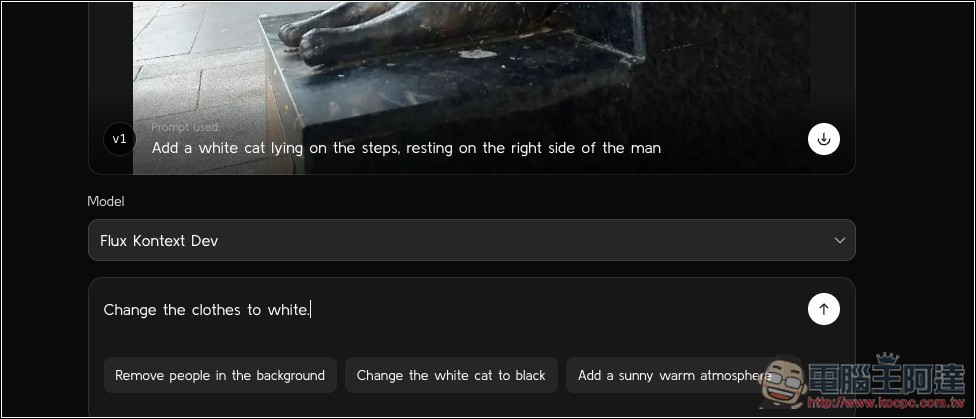
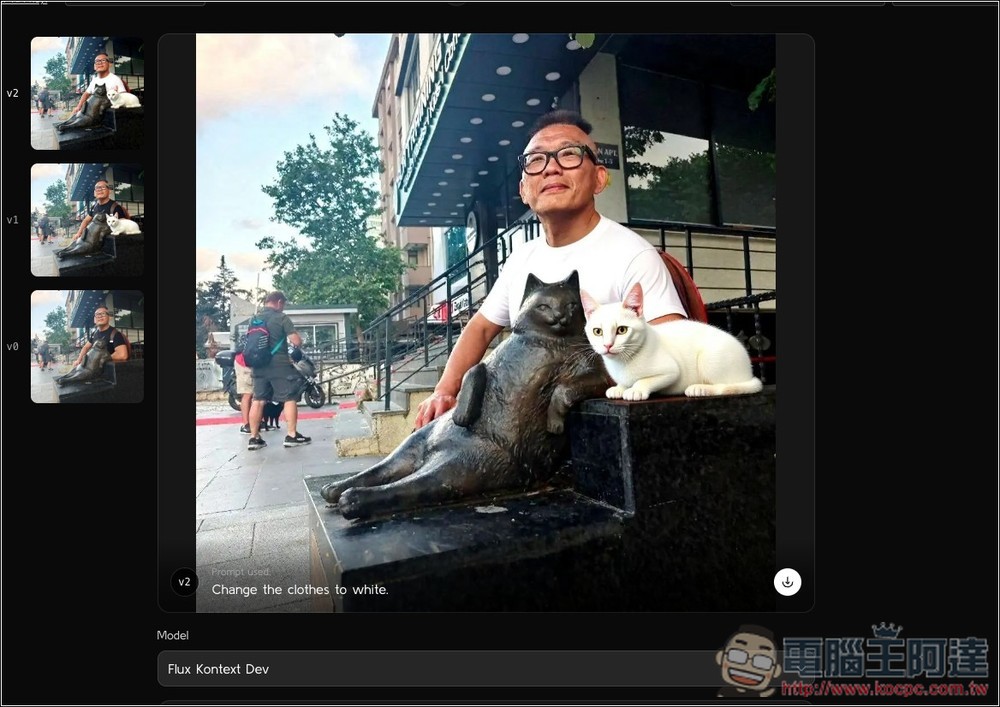
Next, let’s test something simpler: have the AI change Ada’s clothes to white, using the prompt “Change the clothes to white.”
This part is handled perfectly, and the AI automatically identifies who the main subject is. It only changed the color of Ada’s shirt, not the clothes of the passerby on the left:
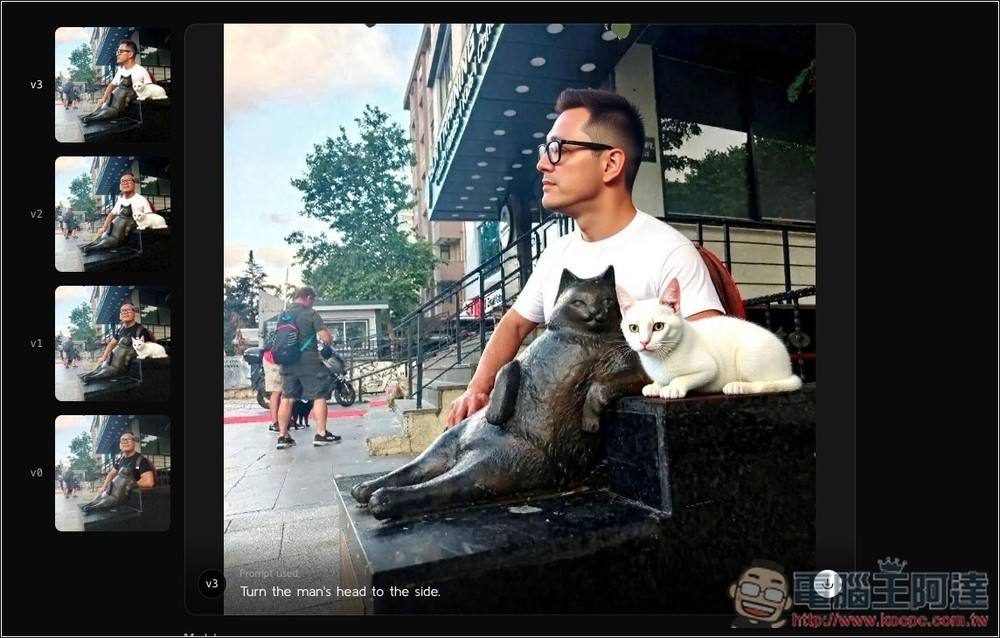
But changing the pose doesn’t work well; the person completely changes. I asked the AI to turn Ada’s face to the side, “Turn the man’s head to the side,” and the resulting face became a different person, with the proportions also a bit strange:
If you are satisfied with the image, press the download button at the lower right of the image to download the modified image.
Together gives free credits to all new registered users, so if you feel like you haven’t had enough playtime, or want to try the Flux Kontext Pro model, you can go ahead and sign up—no need to enter payment details like a credit card.
Source: KOCPC Chinese