


Recently, on Facebook, Mainland China’s Xiaohongshu and other apps, you should often see advertisements with many pictures of beautiful women (or photos of AV actresses). The pictures keep shaking left and right, and the main body and background of the picture look like they are separated. It is very vivid. You must be curious about how this is done? Do you need to use professional photo editing software such as Photoshop? The answer is absolutely not! Using the Leiapix Converter free online tool introduced in this article, you can easily create this effect. The image will become dynamic immediately after uploading, and the rotation direction can also be set.
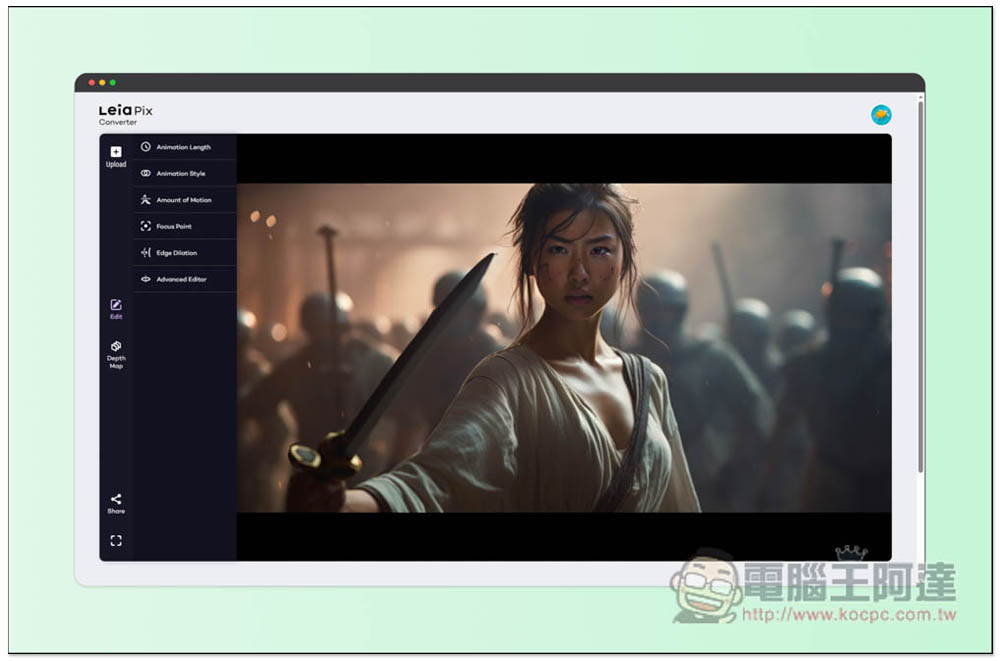
Leiapix Converter turns static images into 3D animation in one second and provides a variety of file download formats
Leiapix Converter is a free online tool that can turn 2D static images into 3D dynamic images. You need to register before using it. Click Sign in with Lela on the screen:
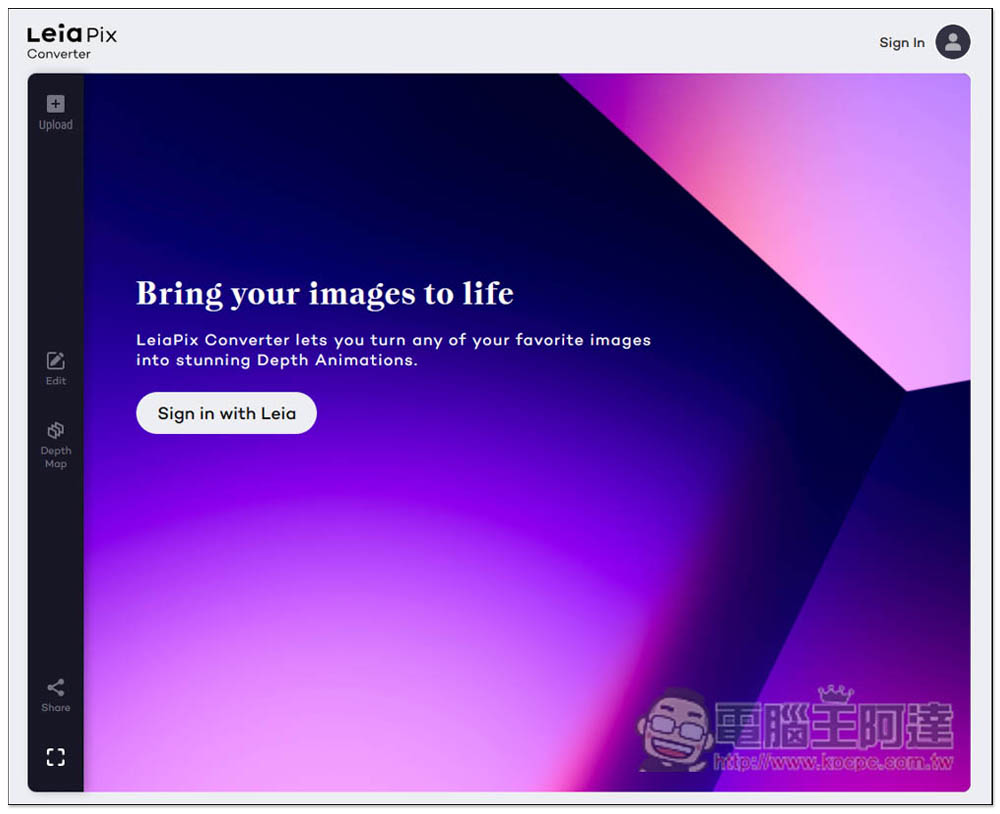
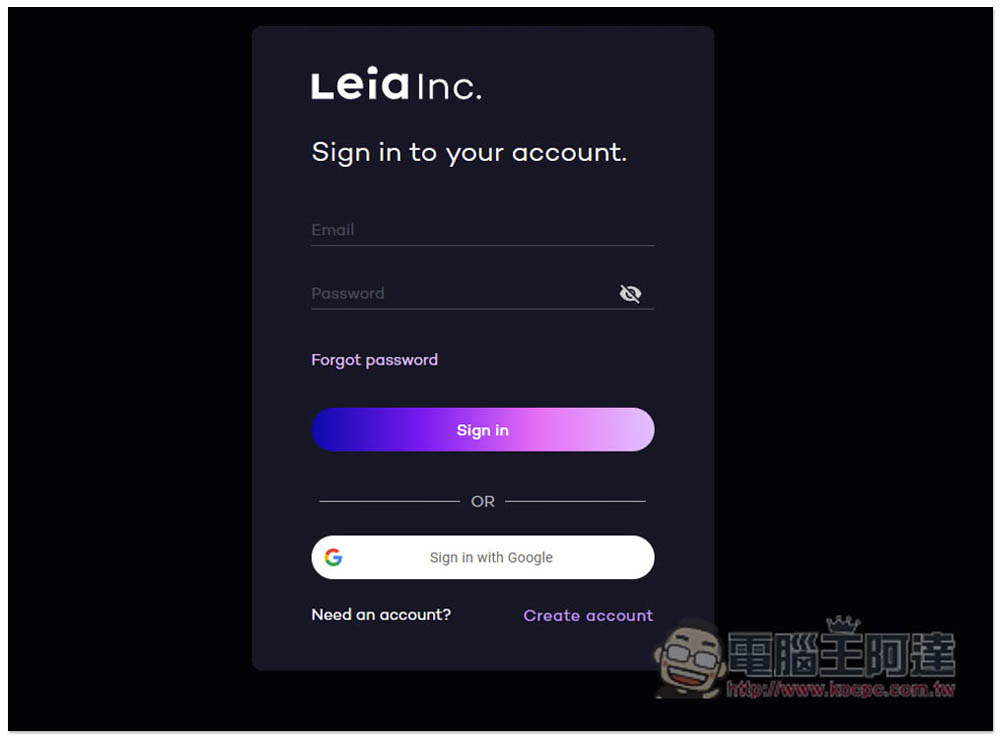
Click Create account in the lower right corner to create an account. Google account quick login is also supported:
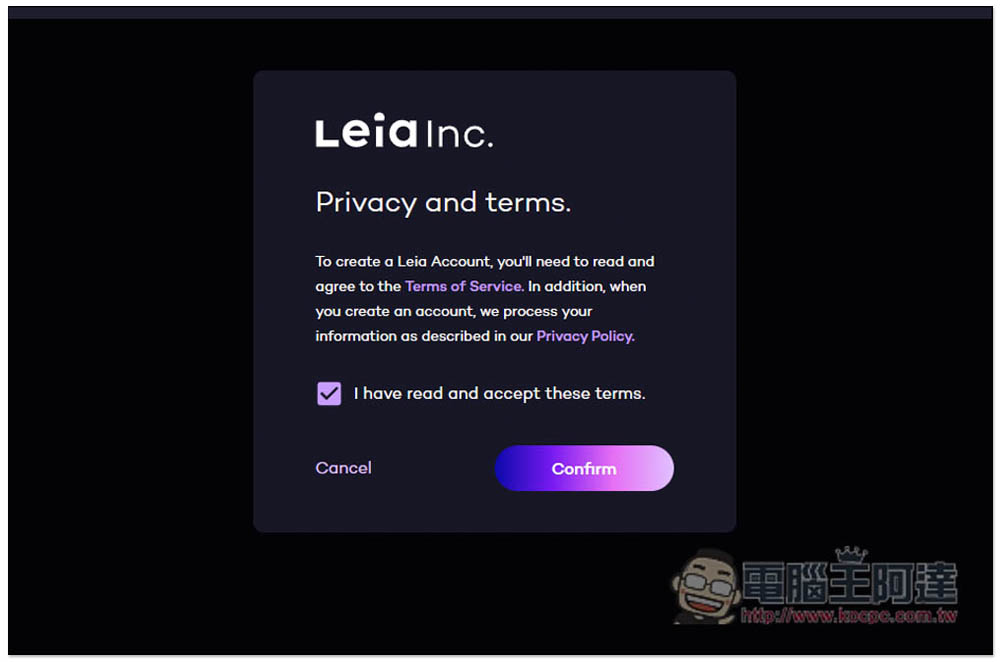
Then press Confirm:
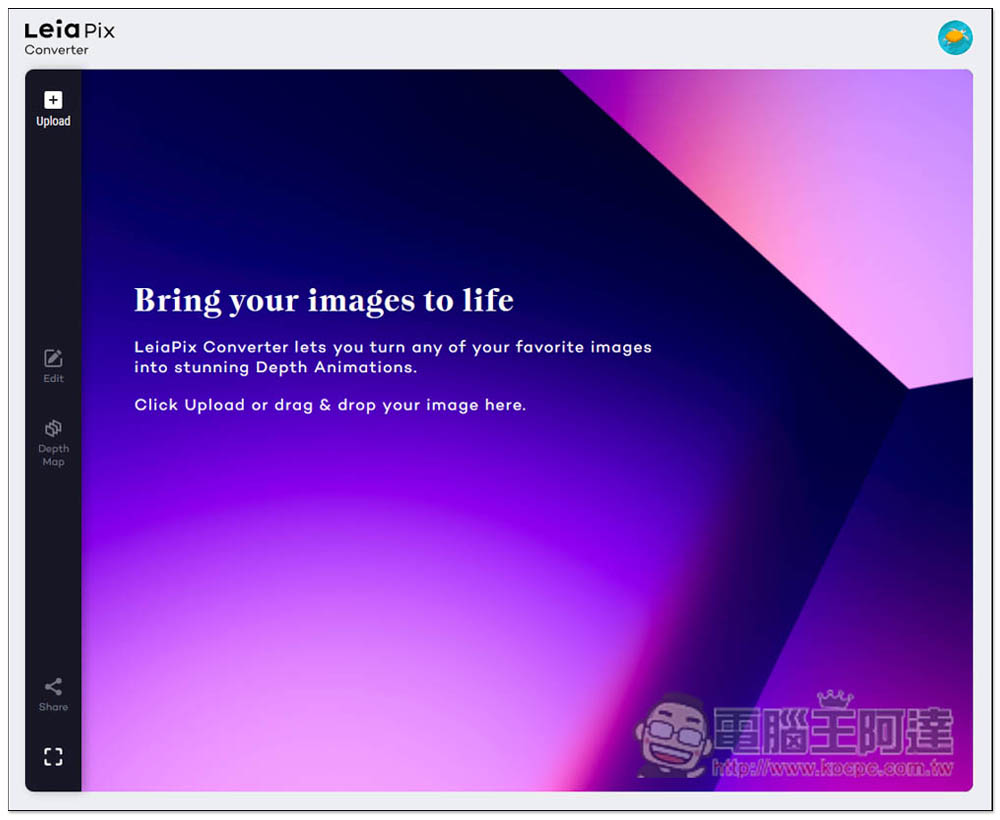
You are ready to start using it. Drag in the static images and photos you want to turn into 3D animation, or click Upload in the upper left corner to upload:
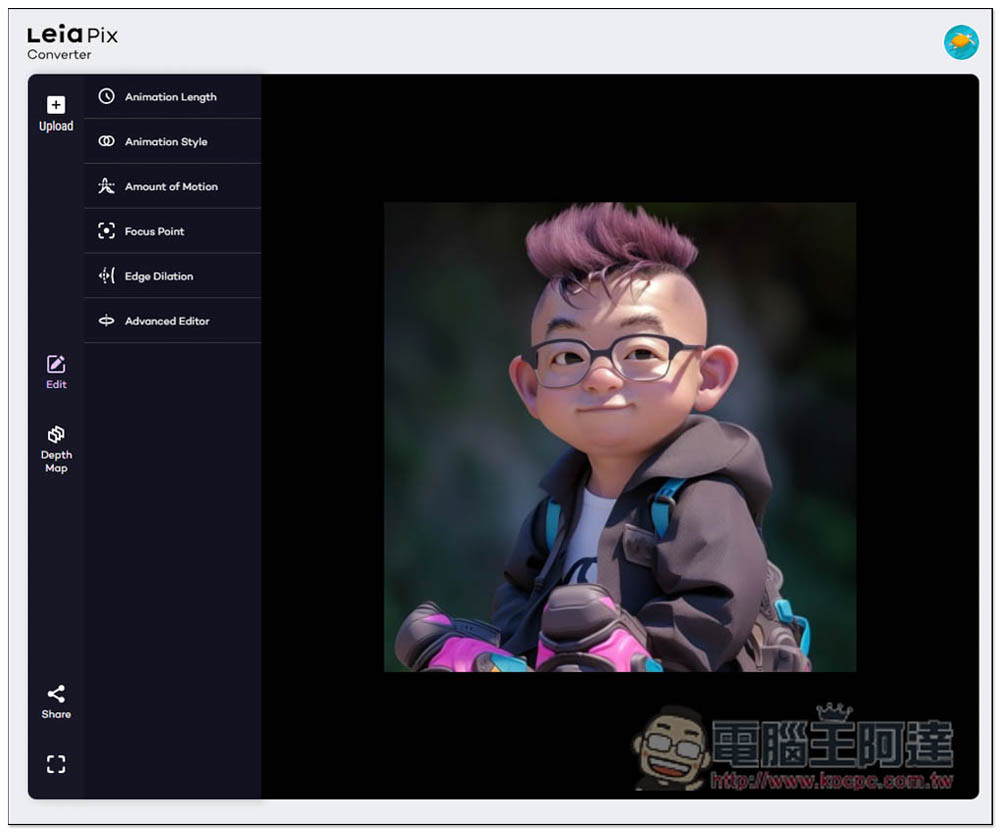
I first tested this cute and rebellious AI picture of Ada. When this picture appears, you can see the 3D dynamic effect. However, I don’t know if this picture is too small. I don’t think the whole dynamic feeling is very good:
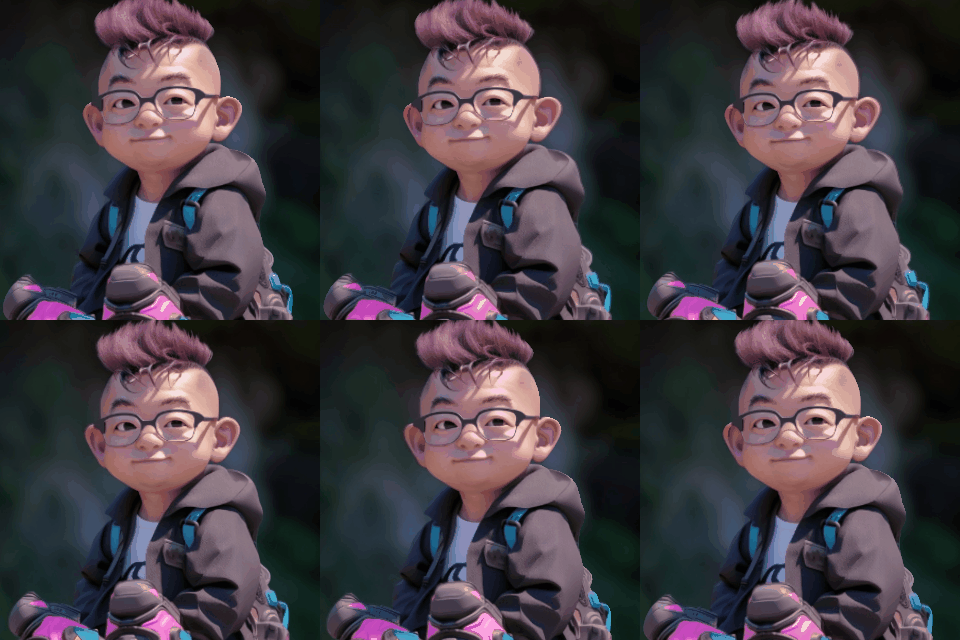
Although the dynamics of the finished picture are not very satisfactory, the subject and background are separated very well:
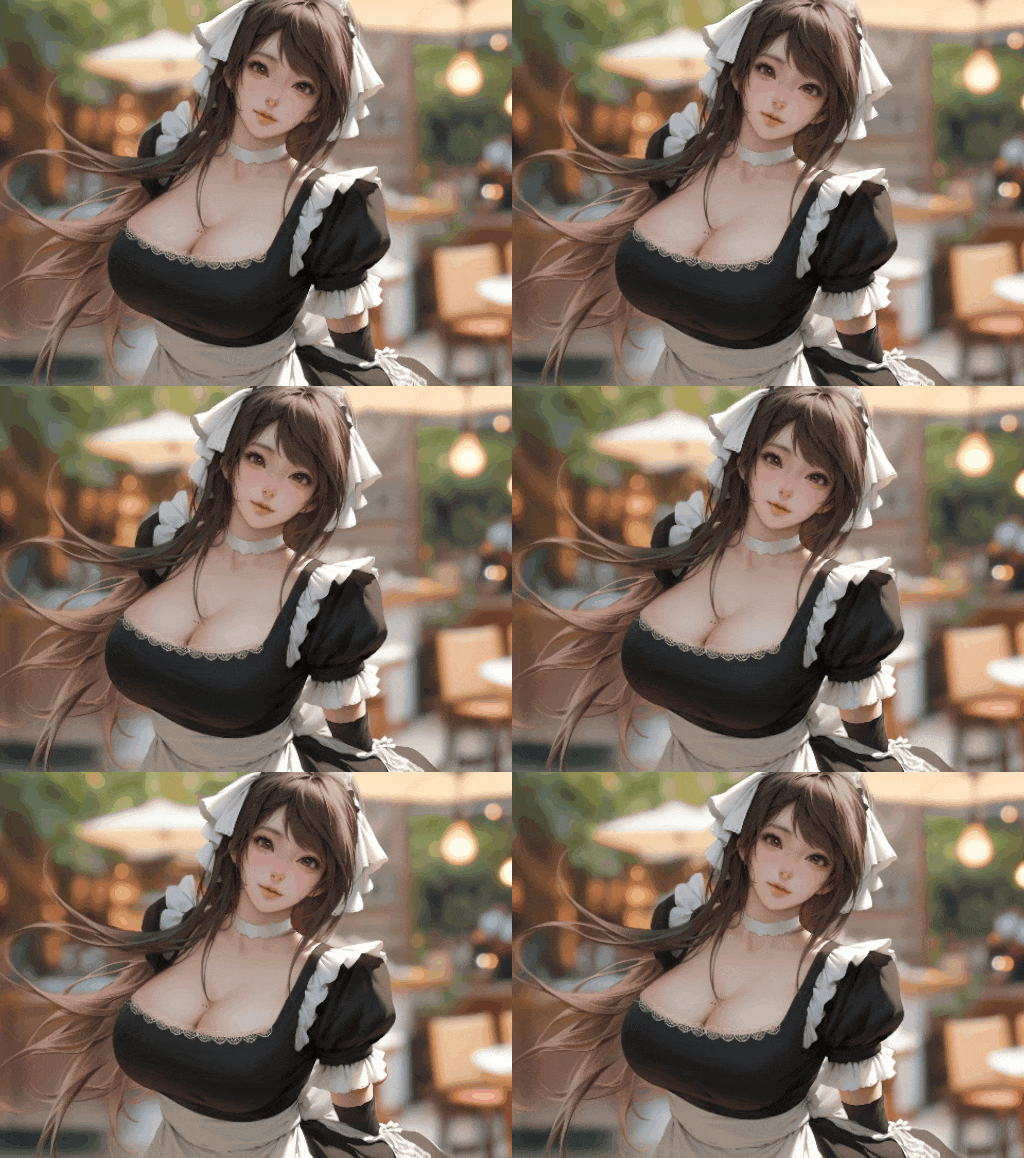
Then I tested another beauty AI picture, and the effect was great. The picture was also larger than the picture of Ada:
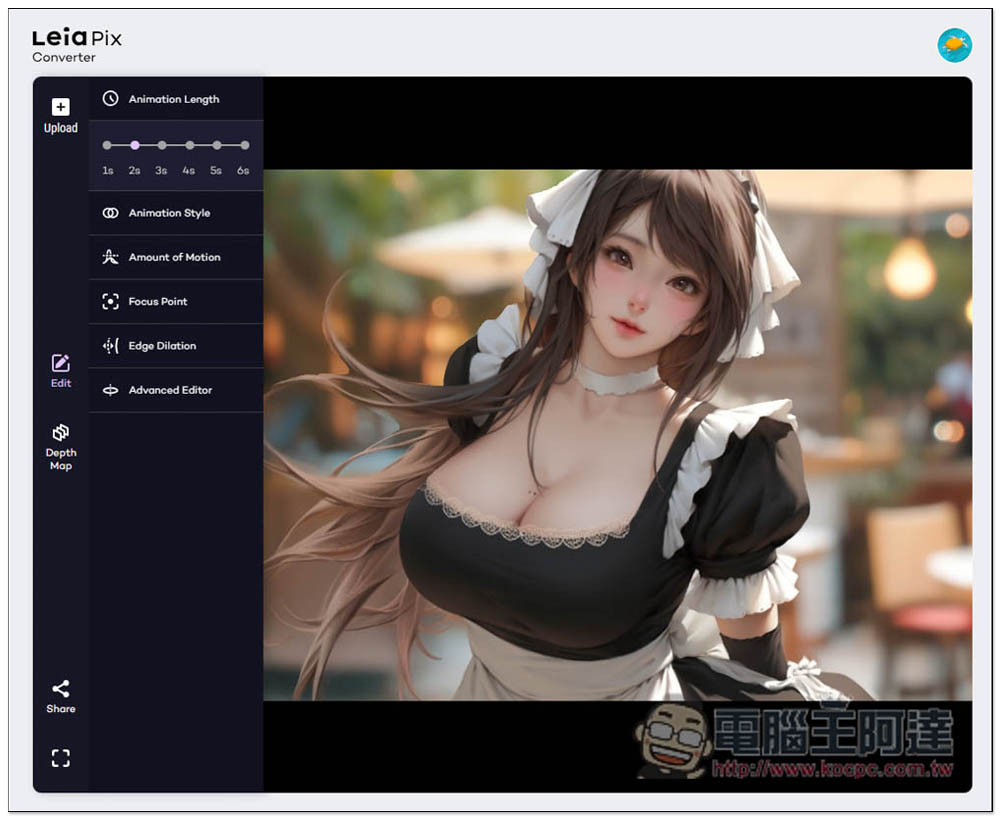
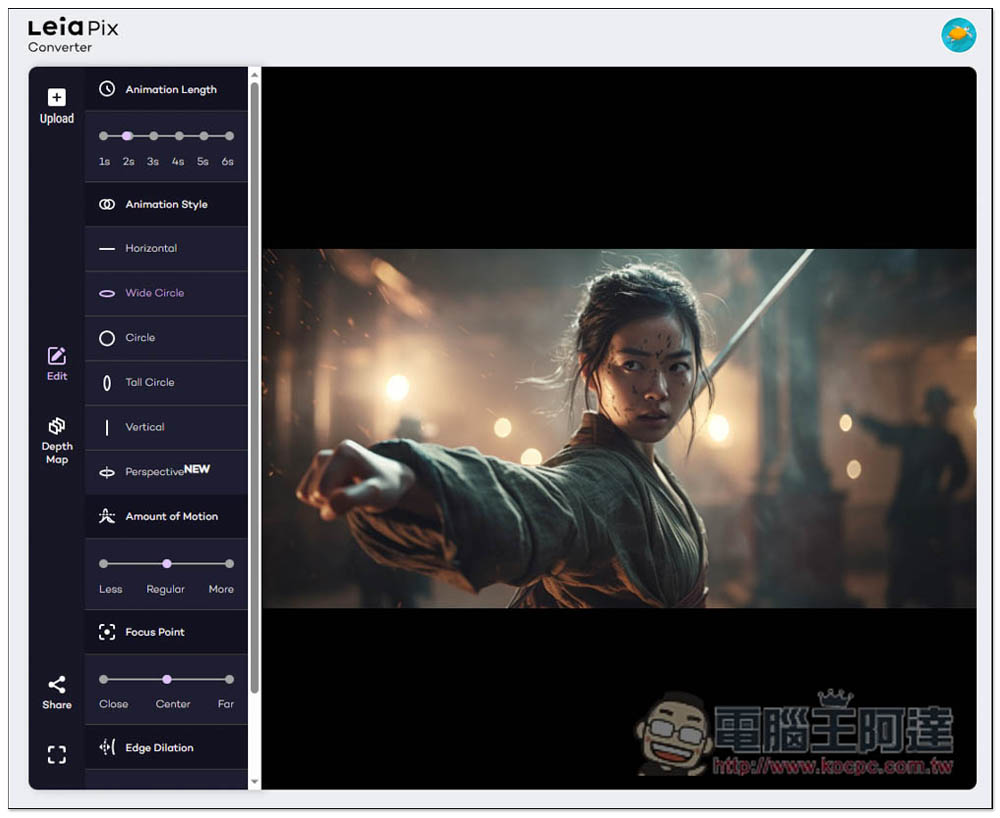
Like this, this tool also has many adjustment functions. Currently, the defaults are applied directly:
The other one is also an AI picture, a female swordsman, the picture is about 16:9 ratio:
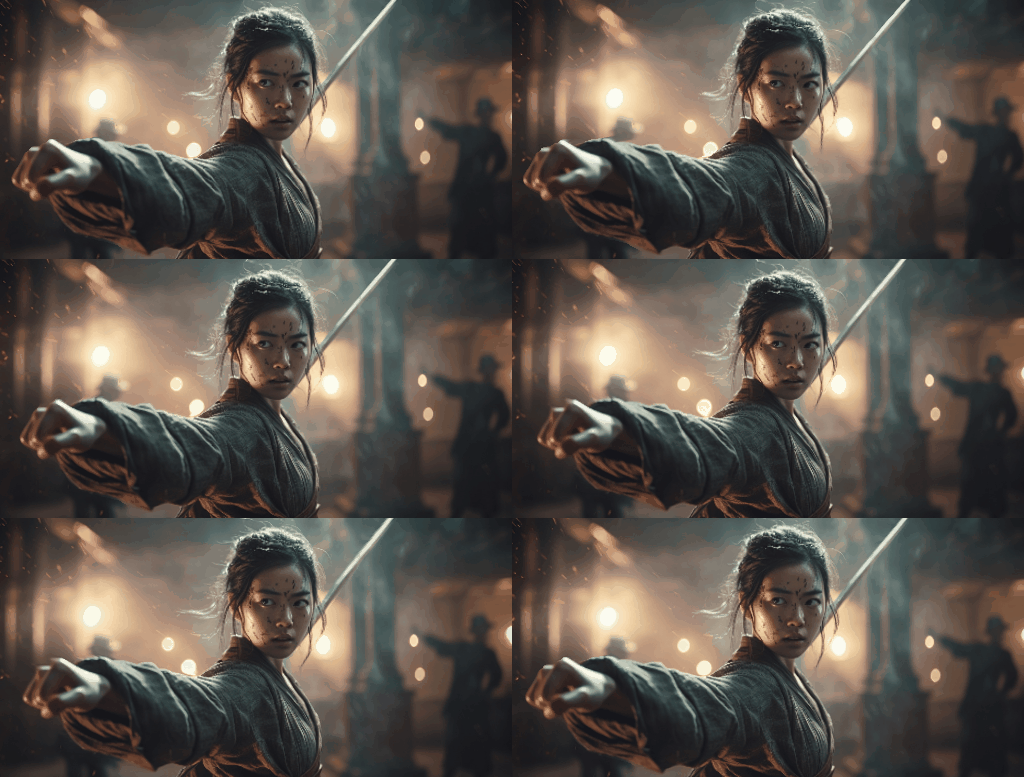
The effect is also quite good. I think the 16:9 picture should be the best ratio. If the female swordsman holds a sword in front of her, it would be even better:
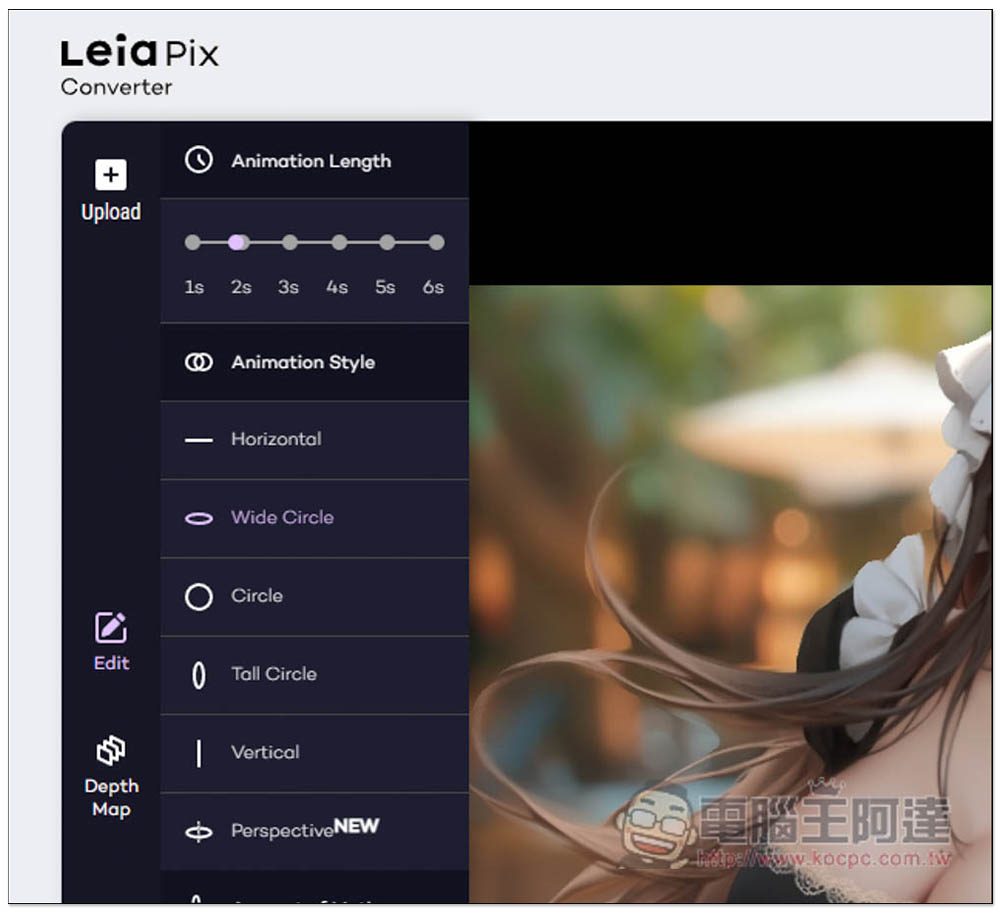
There are many functions that can be adjusted on the left side, such as animation length (Animation Length), which is the length of the swing. The default is 2 seconds, 1 second will be faster, and 6 seconds will be a bit slow:
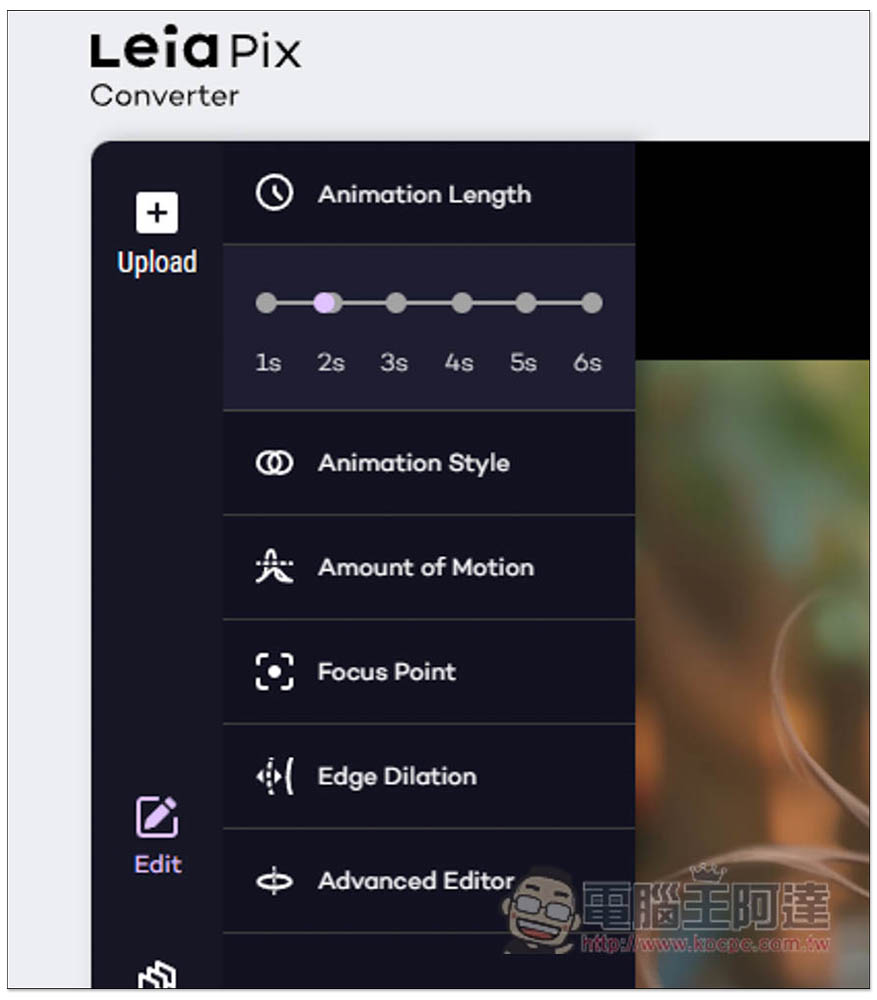
Animation Style The animation style can be changed in dynamic mode. The default is Perspective at the bottom, as well as Horizontal, Wide Circle, Vertical, etc. It doesn’t matter if you don’t understand English. Click on the right side and the effect will be applied. Just find what you like:
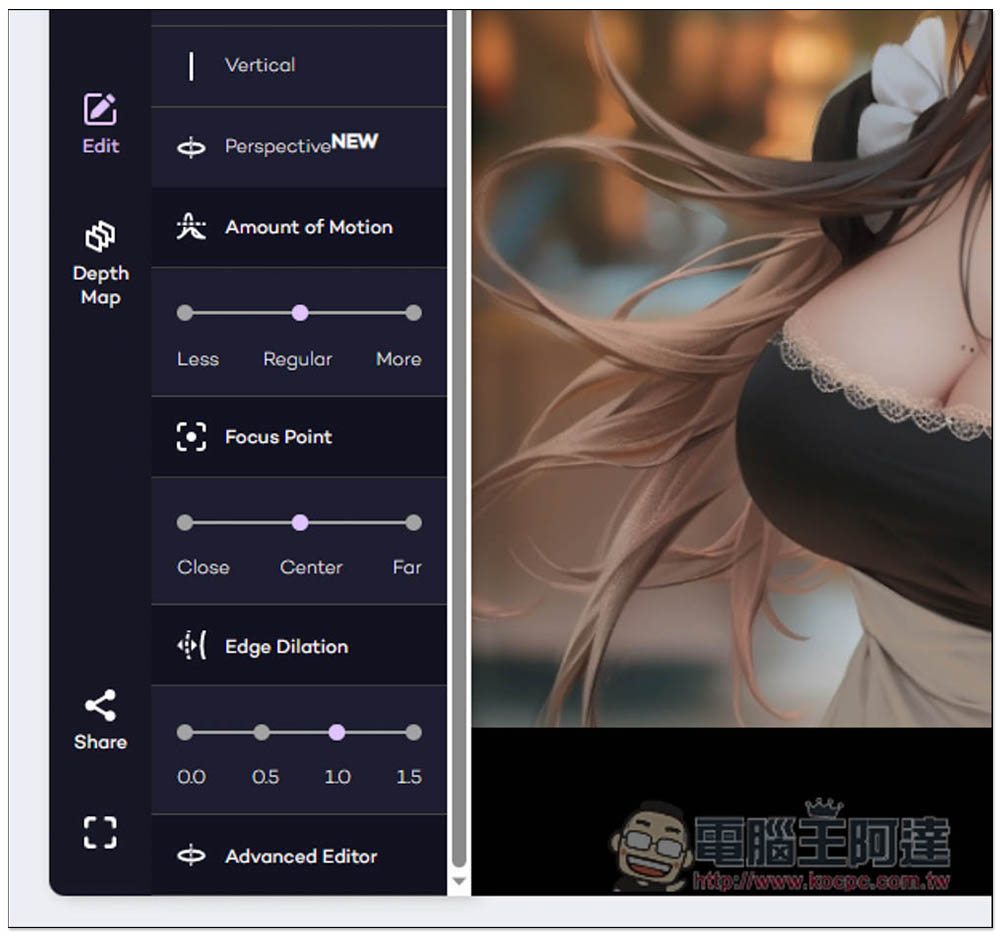
There are also Amount of Motion, Focus Point, Edge Ditation, etc., you can play with them:
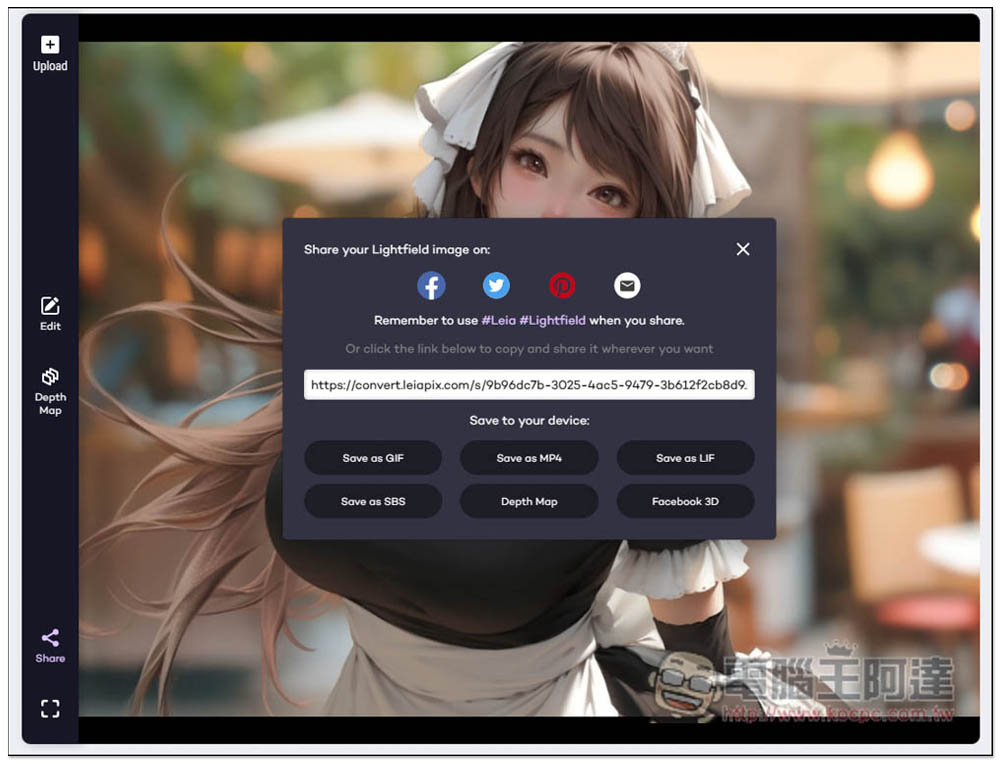
After adjusting, click Share in the lower left corner and a sharing link will be automatically created. You can share this link directly with others, or download it as GIF, MP4, LIF, SBS, and Facebook 3D options:
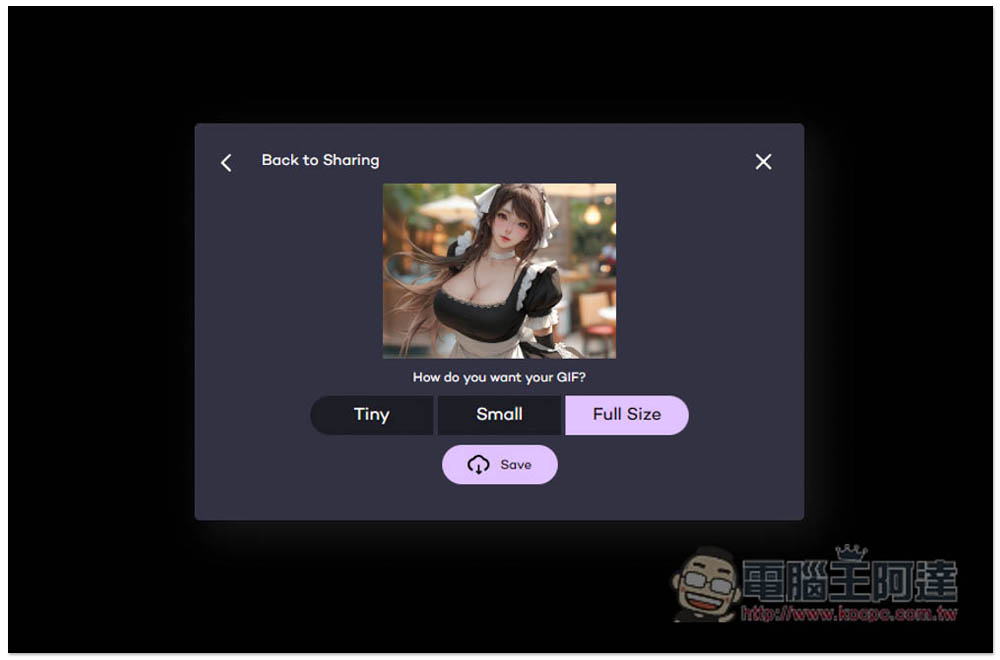
There are three size options for the GIF part, and the Full Size is not that big:
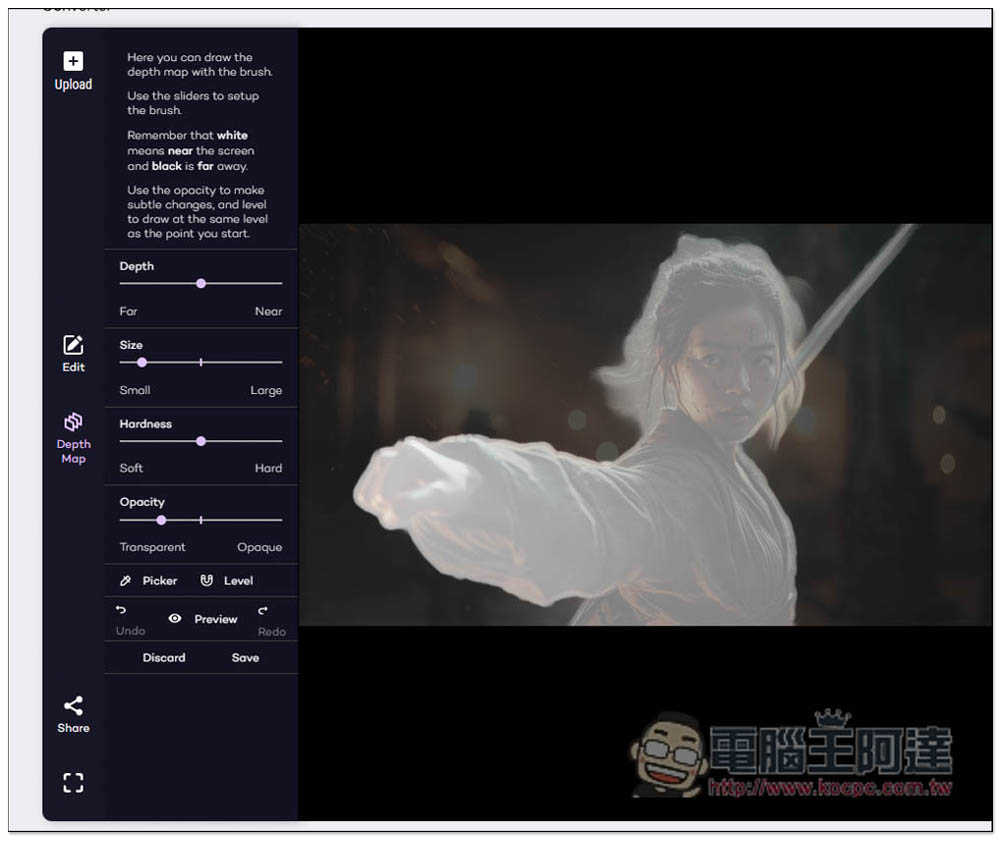
The Depth Map part is where you adjust the subject range. If you feel that the subject is not shaking very naturally, you can fine-tune it from here:
Source: KOCPC Chinese