


Recently while browsing the internet, I accidentally discovered uTools, this super powerful free tool. It is not only a… Windows Launcher + search tool, also granting AI An assistant that lets us quickly chat with AI and ask it anything. More importantly, it also has a rich plugin marketplace, meaning you can install more commonly used tools based on your needs, making uTools even more powerful and comprehensive.
However, there’s one thing to add first: this free tool isChinaDeveloped by the company; if you’re worried about it, it’s recommended to skip it. Besides Windows, it also supports Mac, so interested Mac users can take a look as well.
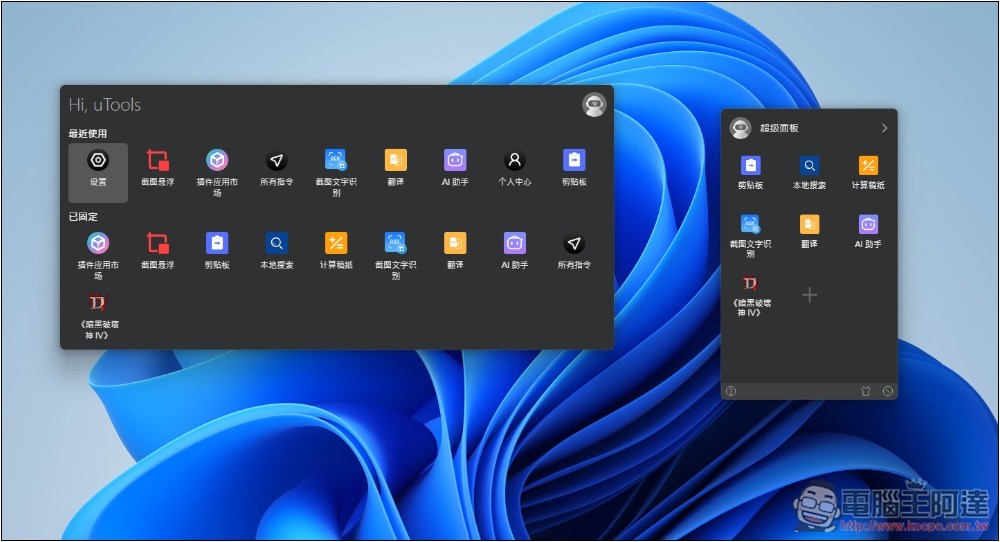
uTools is a free tool that boosts productivity, combining a Windows launcher + search, AI assistant, and extension plugins.
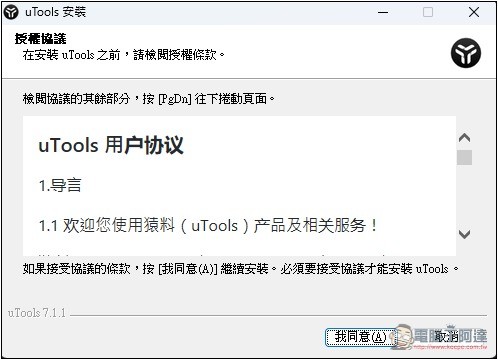
According to the official website, uTools is a tool developed by Fuzhou Yuanli Information Technology Co., Ltd. It is currently completely free to use and supports Windows, Mac, and Linux operating systems. For Mac, it offers not only Apple M-series versions but also the older Intel ones, which is quite impressive.
uTools’ most unique feature is that it has its own plugin marketplace, filled with a wide variety of additional tools, including AI, coding, note-taking, images and videos, system tools, learning, and efficient office work, among others. This lets users customize uTools to best suit their own needs. Once installed, plugins appear directly in the uTools launcher, and after summoning it with a hotkey, you can open them with a single click.
uTools currently only has a Simplified Chinese interface, and it seems it doesn’t yet support Traditional Chinese:
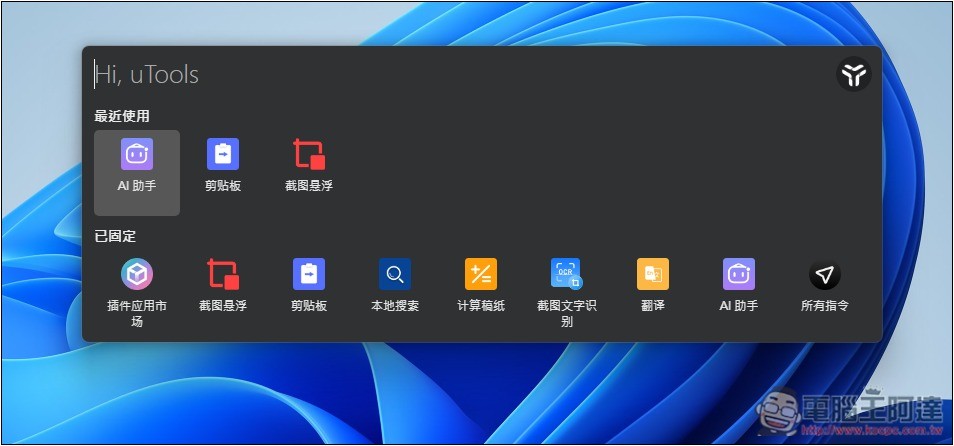
After installation, on the Windows version, press Alt+Space to bring up the uTools launcher. It comes with uTools’ default features, including the plugin marketplace, floating screenshot, clipboard, local search, calculation scratchpad, screenshot text recognition (OCR), translation, AI assistant, and more. In the search field at the top, you can type keywords to directly search for apps installed on your computer and quickly open them, or enter any question to ask AI or search online.
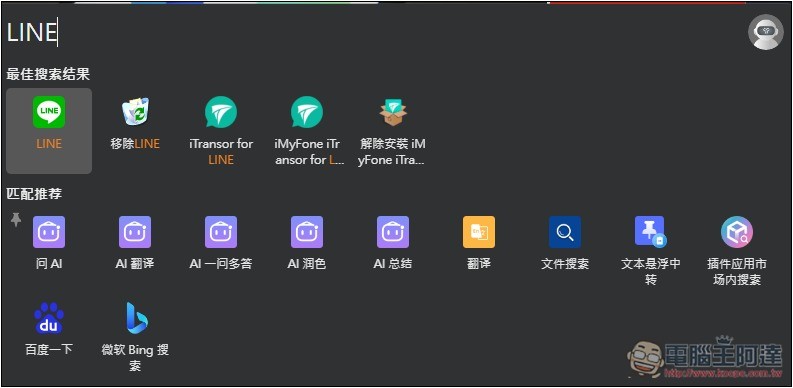
For example, when I type LINE, the top shows matching results on my computer, and then I can press Enter to quickly open LINE. The matching recommendations below, on the other hand, use third-party tools, such as Ask AI, translation, document search, Microsoft Bing search, etc.:
Screenshot text recognition is the OCR function, which can identify text in screenshots, but I feel the accuracy still needs improvement. A lot of it isn’t recognized correctly, possibly because Traditional Chinese support isn’t very good.
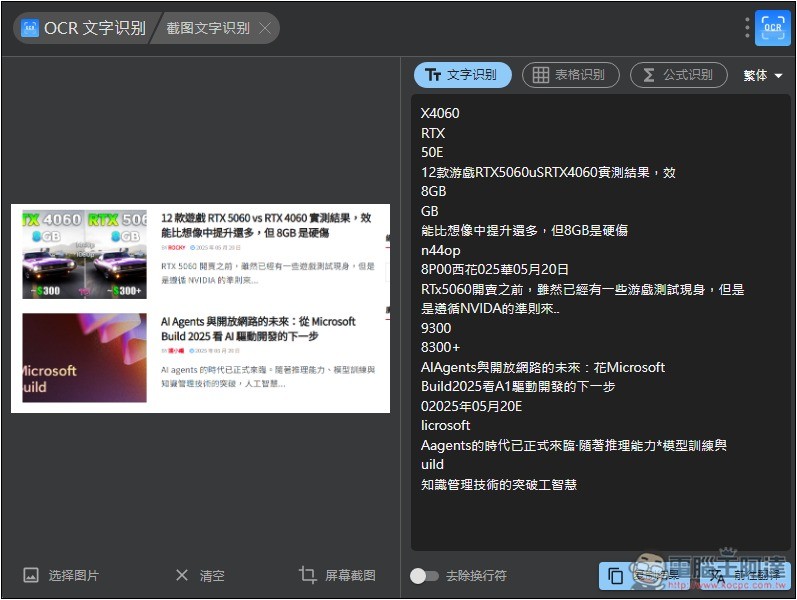
I think the floating screenshot is quite useful. When you have any reference material you want to place on top, you can use this function to achieve that:

You need to register and log in to a uTools account before using the AI assistant.
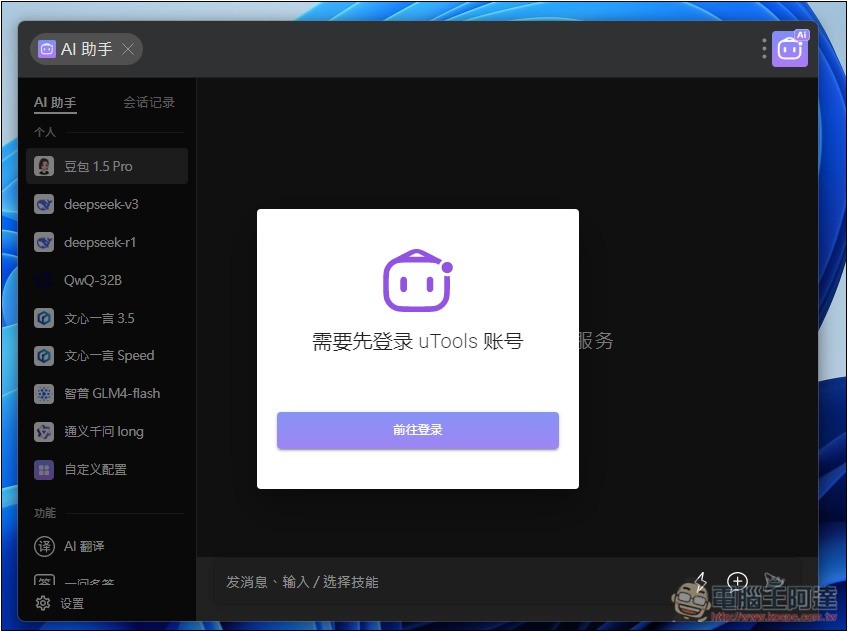
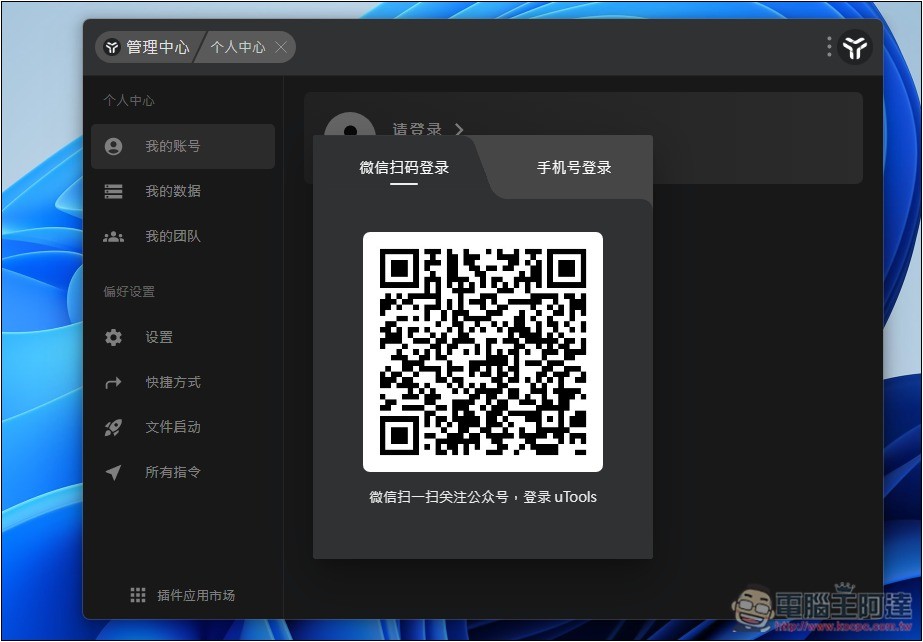
Although WeChat QR code login is provided, you still need to enter your phone number at the end to receive a verification code for authentication. Phone numbers from all countries are supported, so you can also log in directly with your phone number:
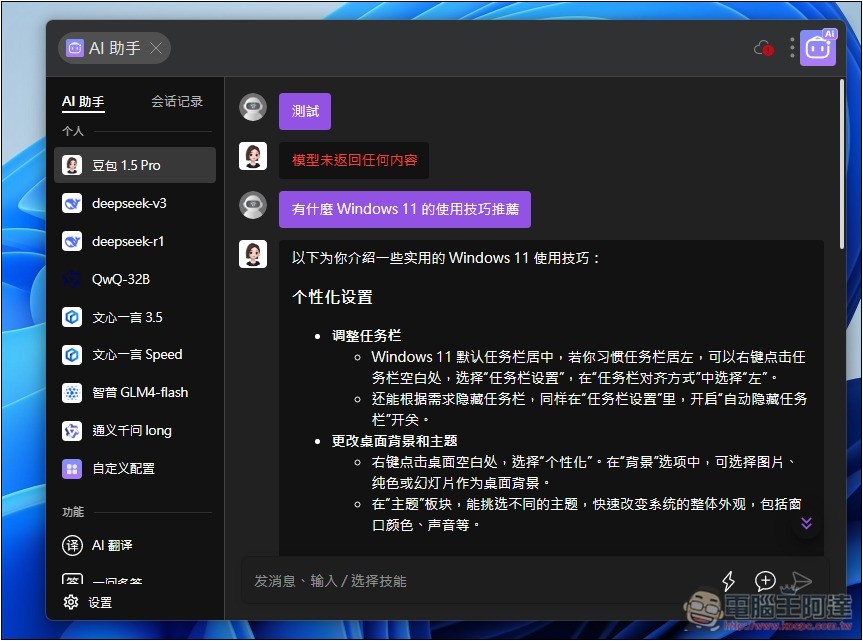
After logging in, you’ll enter the AI chat interface, which supports multiple models developed by Chinese companies, including Doubao 1.5 Pro, Deepseek-v3, Deepseek-v1, QwQ-32B, Ernie Bot 3.5, Ernie Bot Speed, Zhipu GLM4-flash, Tongyi Qianwen ling, and more. Each model consumes energy when used, and first-time registration gives you energy:
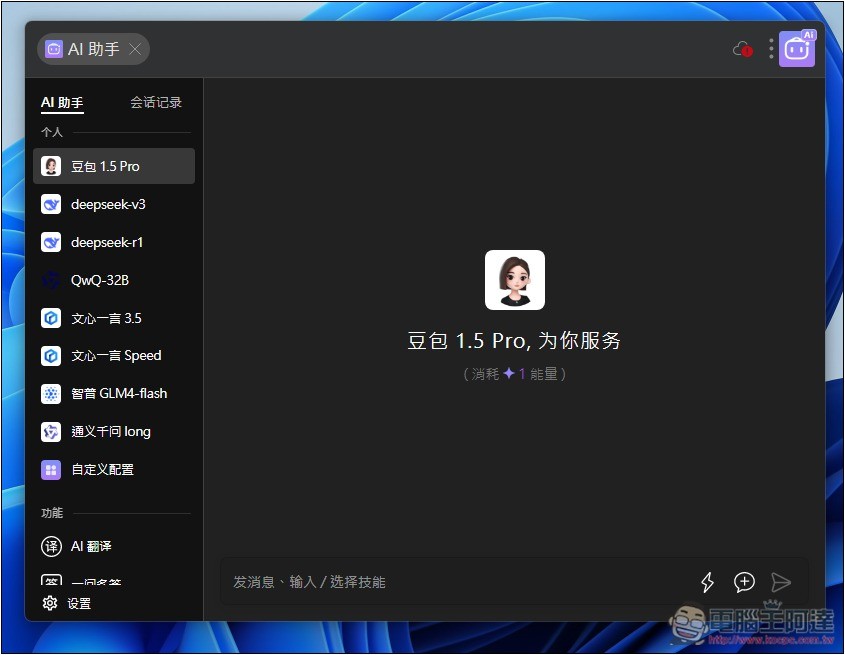
You get 50 AI energy, which means you can ask 50 times; beyond that, you’ll have to pay:
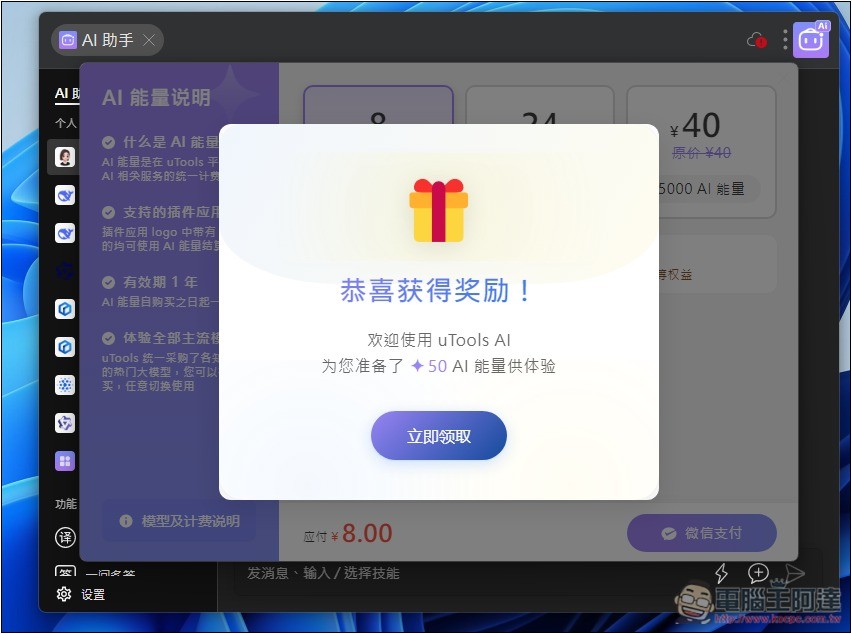
In actual testing, the free points do work, but the default replies are all in Simplified Chinese. If you’re not used to Simplified Chinese, remember to specify using Traditional Chinese when you ask questions:
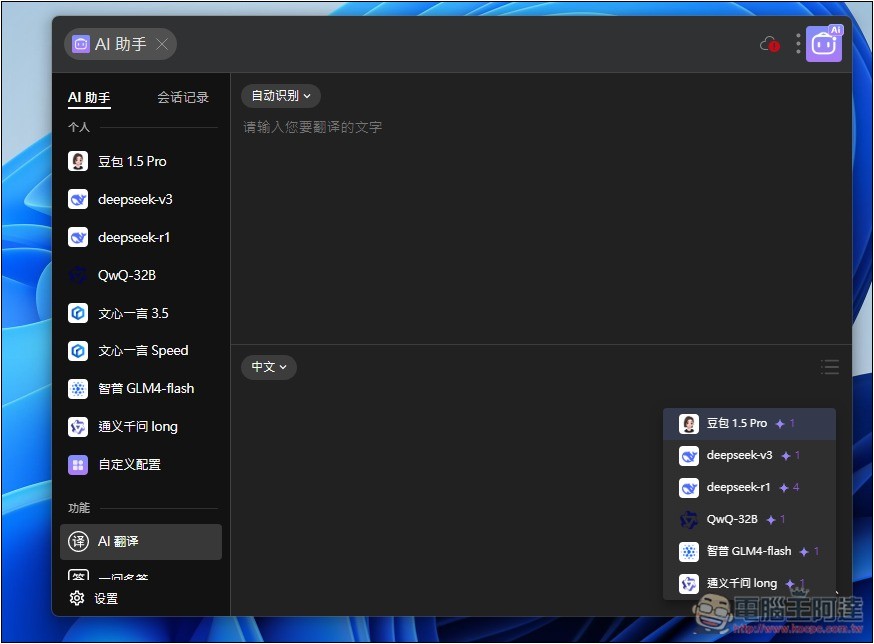
The built-in AI translation here also uses these models, so every translation consumes energy; it’s not recommended to use.
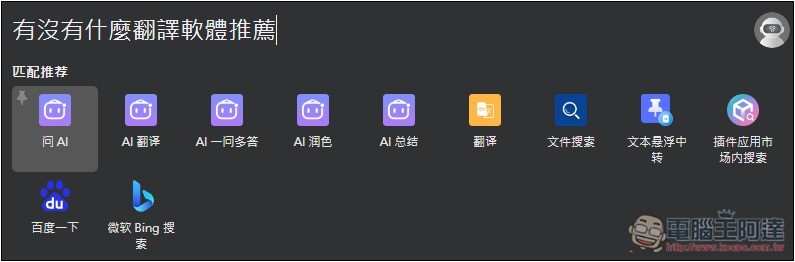
When you have any questions to ask AI, you can also type them into the uTools launcher, then press the “Ask AI, Polish, or Summarize” button:
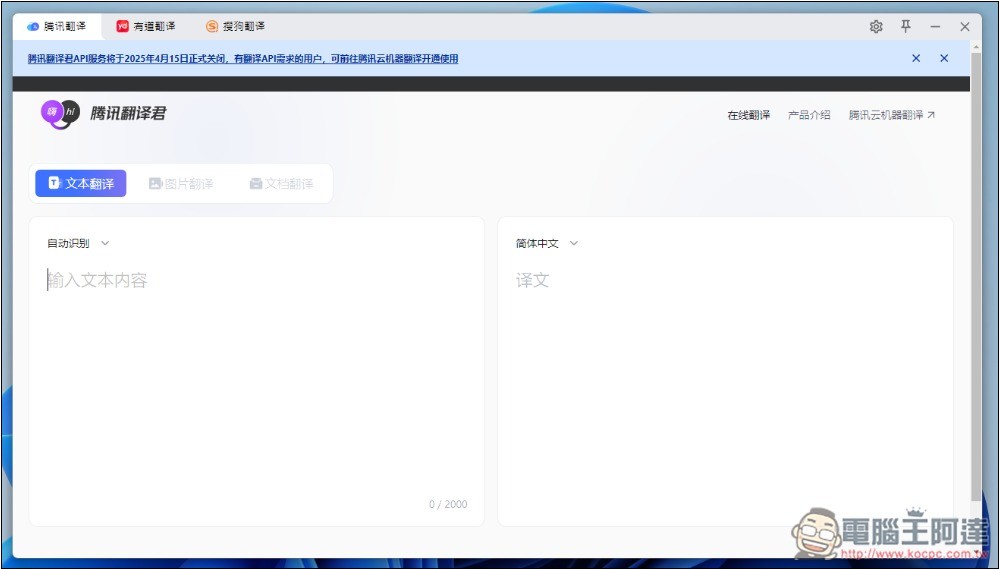
uTools also has a translation tool. When you open it, it enables a window with multiple translation services, including Tencent, Youdao, and Sohu. Of course, you can also change it to open others, including Google Translate, which is also supported:
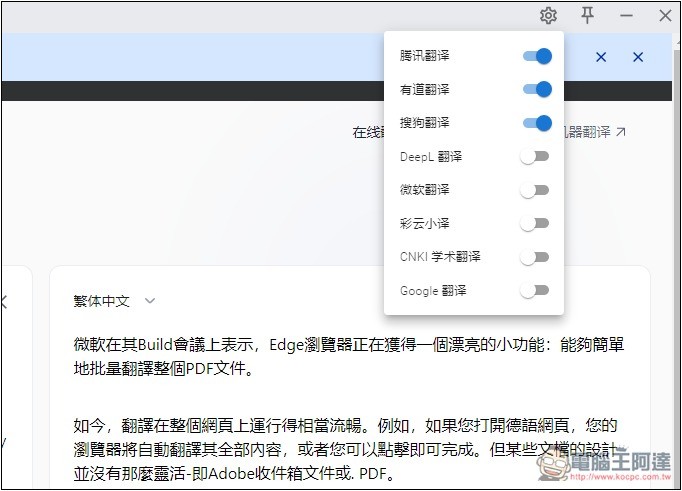
After tapping the settings icon in the top-right corner, turn on the translation services you want to use, and turn off the ones you don’t need:
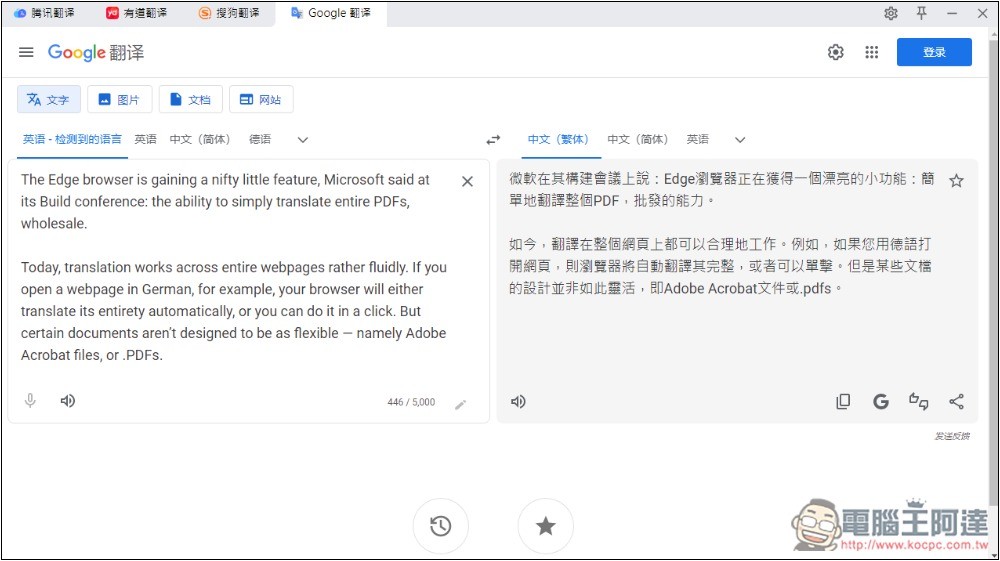
Google Translate testing works fine:
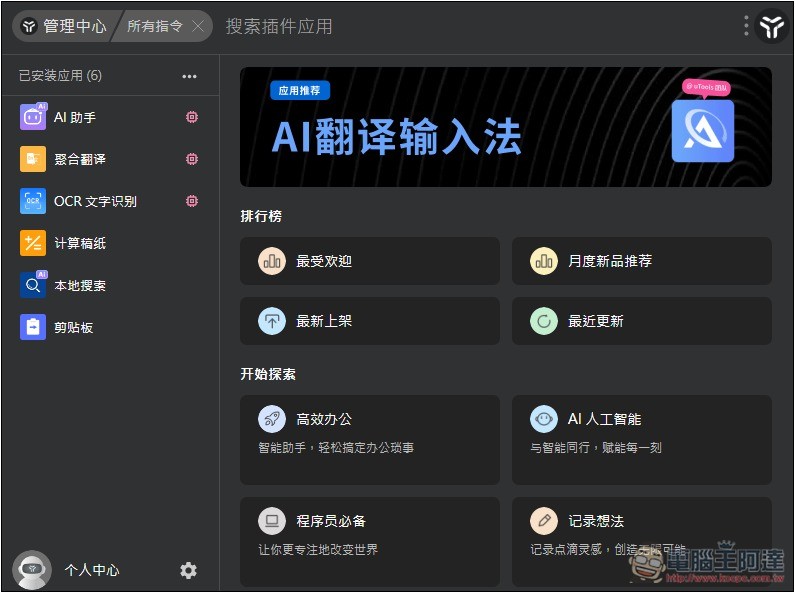
The extra tools shown in the launcher can be installed or removed from the management center. If you want to find more useful tools, you can look in the plugin app marketplace.
Additionally, you can long-press the right mouse button anywhere on the screen to open a super panel, where you can add your frequently used tools for quick access:
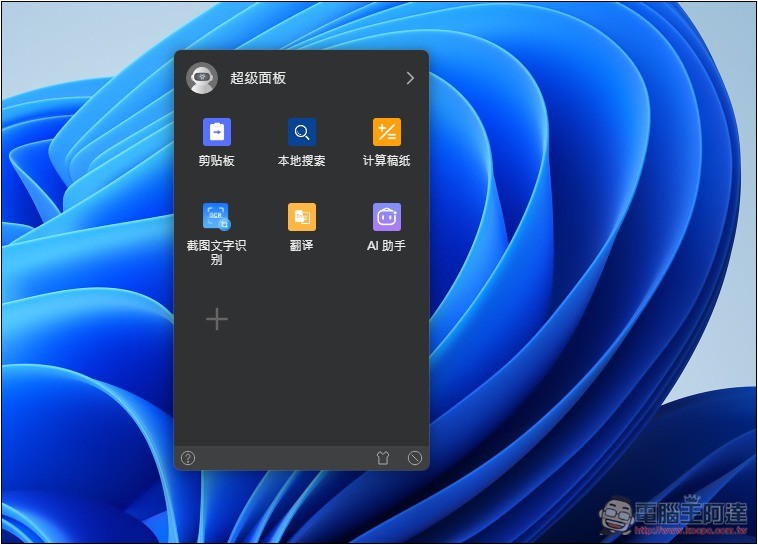
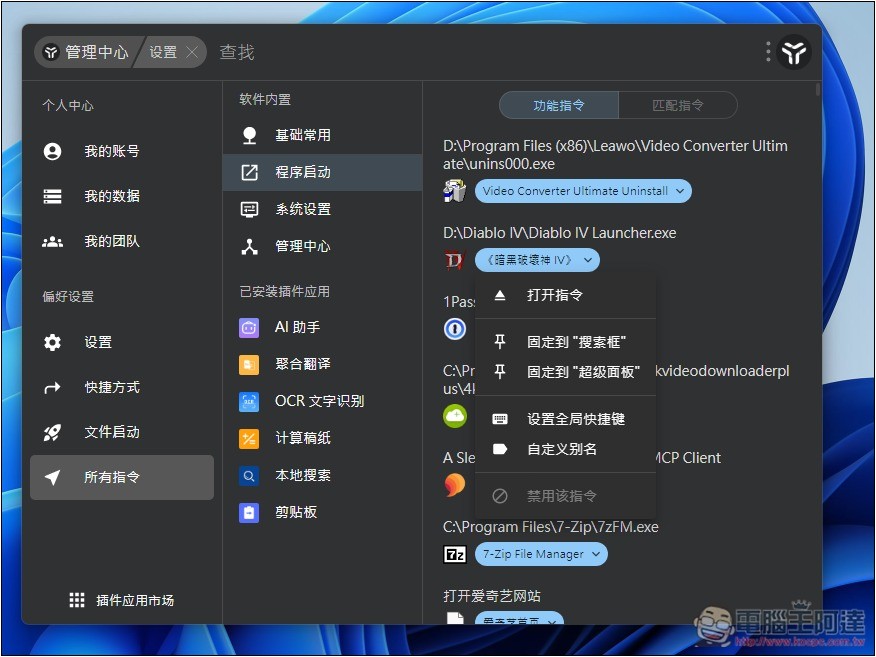
Go to All Commands in Settings -> Program Launch, and you can add programs installed on your computer to the “Search Box” or “Super Panel”:
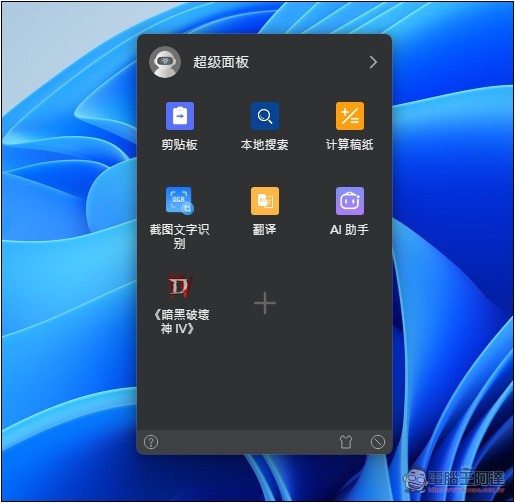
For example, I added Diablo IV to it, and when I want to play in the future, I can long-press the right mouse button to quickly open it. That’s really convenient.
uTools has even more features beyond these—the rest is for readers to explore on their own.
Source: KOCPC Chinese