


Regarding iPhone For users, ChatPDF AI can be said to be a must-have tool, besides supporting PDF,YouTubeWeb pages and document content can also be imported, and then you can directly chat with AI to get the information you want. This not only greatly saves time on absorbing and searching for information, but also lets you save the content you’re interested in. In the future, whenever you want to access related information again, you can open it up and ask anytime. It’s really handy.
Currently, the ChatPDF AI lifetime version is in a limited-time free state, and it’s been going on for a day already—it might end soon. If you haven’t grabbed it before, hurry and take this chance to get it. It’s already over.
Although this one also has an Android version, the current limited-time free promotion is only for iPhone.
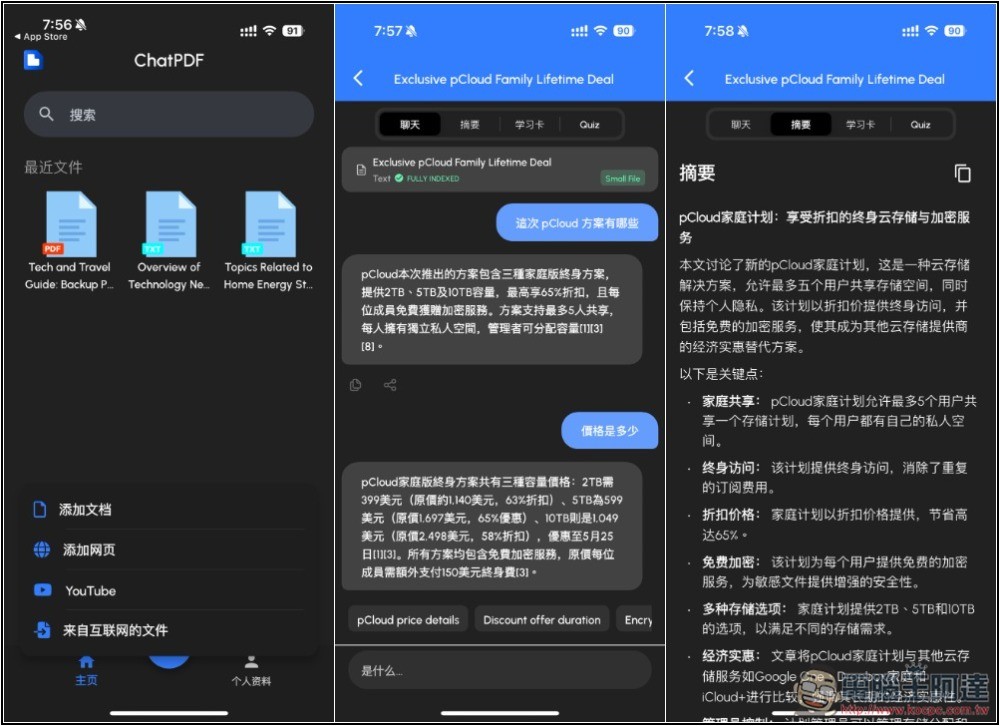
Import content into ChatPDF AI to chat with the AI and quickly get the information you need.
ChatPDF is an AI app that supports importing PDFs, YouTube videos, web pages, and document content. In addition to chatting with the AI to get information, it also provides summaries and can even generate flashcards and quiz questions to help users reinforce their memory. Note, however, that this AI runs in the cloud, meaning you need an internet connection to use it.
Before I start, let me clarify that ChatPDF hasn’t announced how long the free promotion will last.When purchasing, be sure to check whether the lifetime version is still free at $0 — if it has reverted to the original price, do not pay.
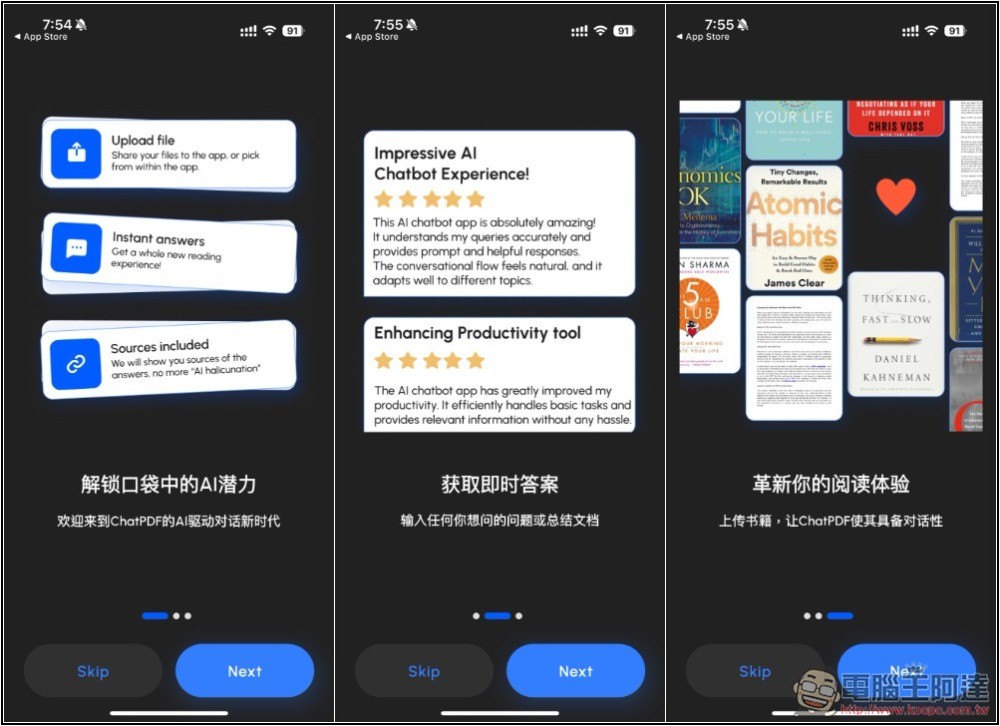
After opening the ChatPDF app, there’s a brief introduction you can browse through to quickly understand the features:
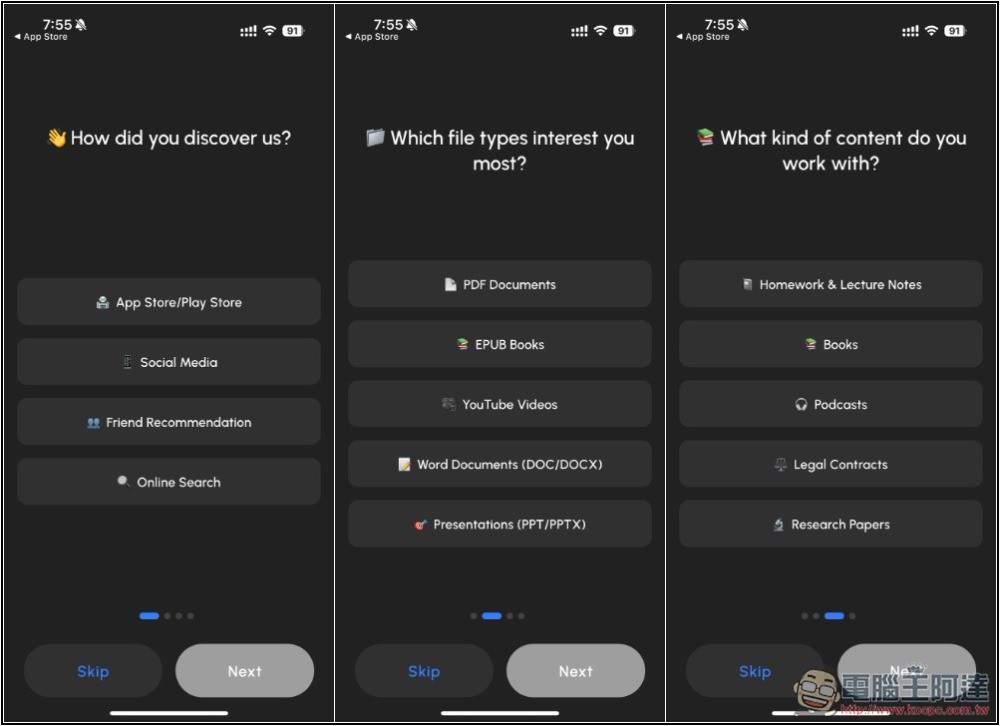
Additionally, it will ask about your intended use. If you don’t want to choose in this step, you can click Skip to skip it, and it won’t affect future usage.
Next is the most important step. If the lifetime version is still in its free promo state, to the right of Lifetime it will show $0.00 and %100 SALE. If that’s fine, you can get it. I had already obtained the lifetime version of this one before, so the button shows Unlock Premium Again.If the Lifetime price is not $0, absolutely do not pay.:
After obtaining it, go to the Profile menu on the right. If ChatPDF Premium shows at the top, that confirms it’s correct—you now have the lifetime Pro version:
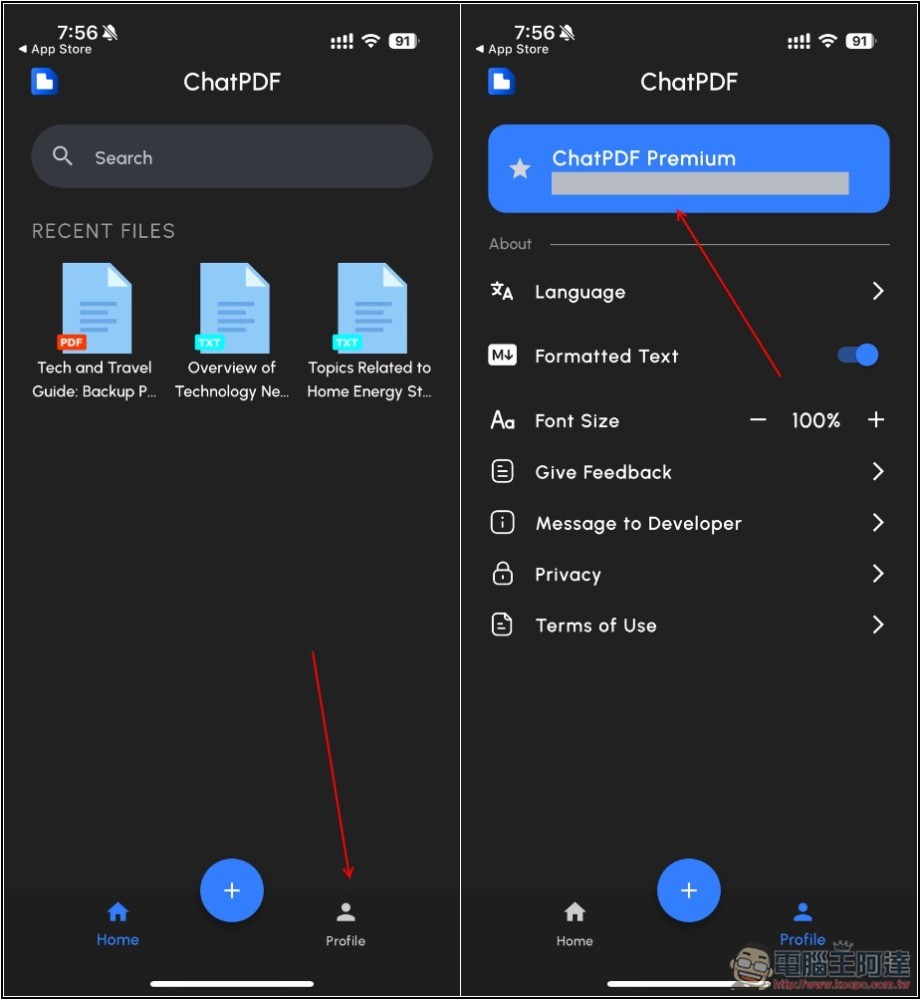
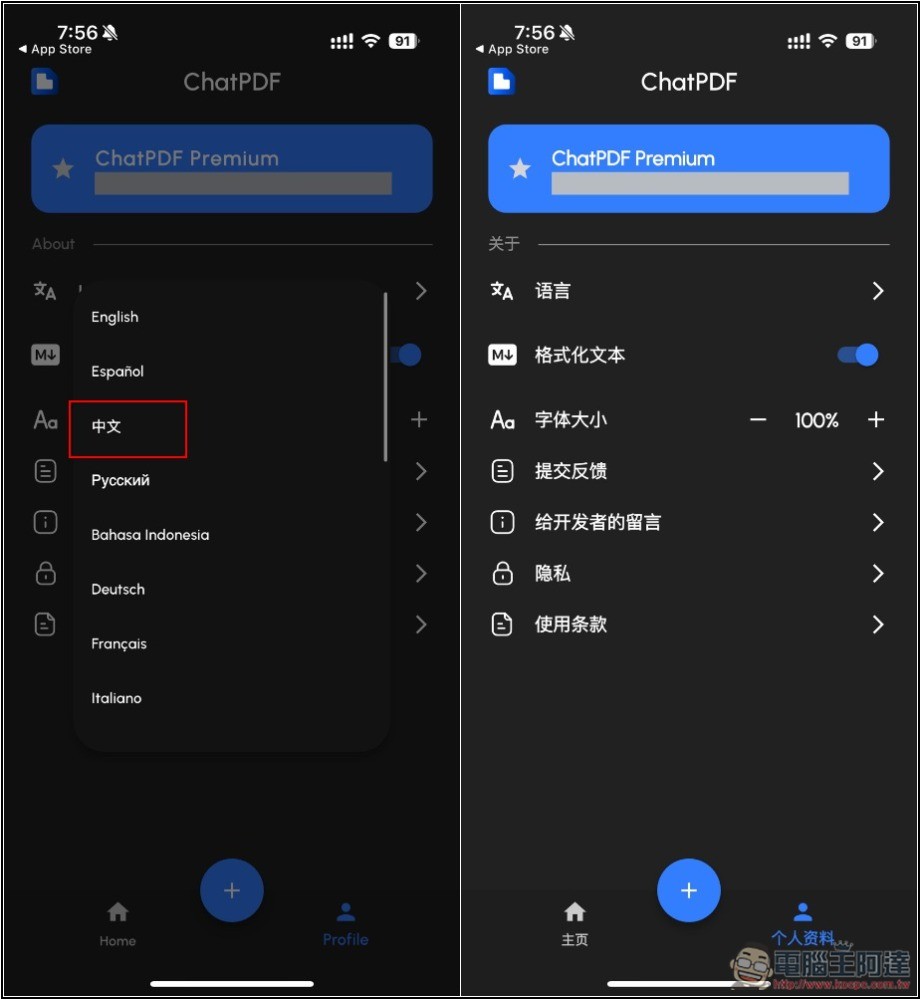
If you’re not used to English, you can go to the language settings menu and change it to Chinese:
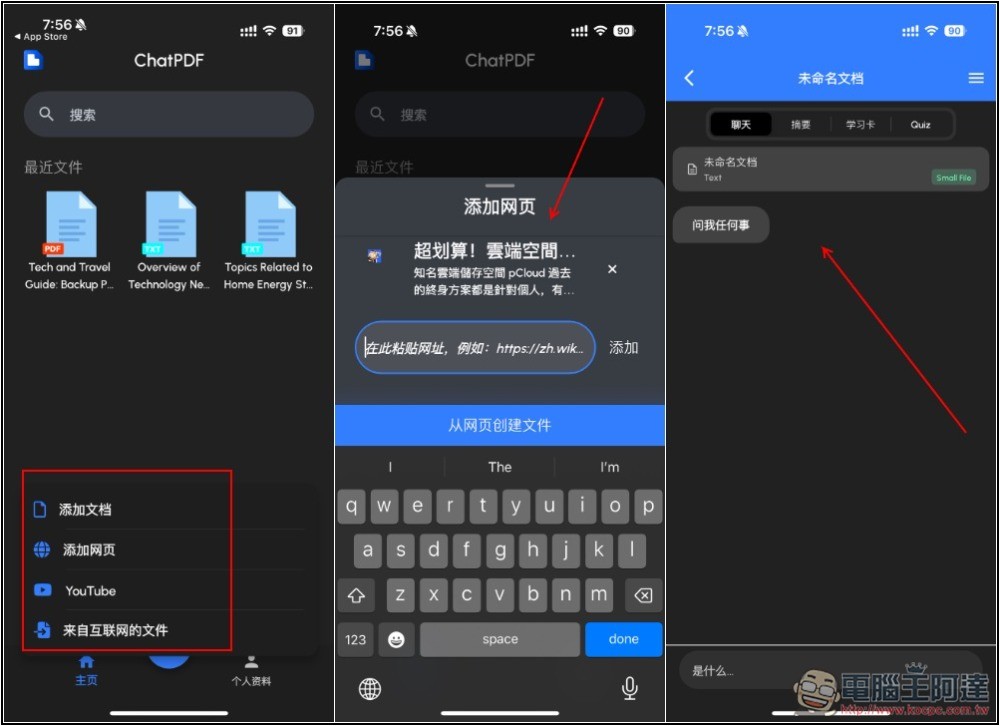
Usage is very simple. Press the + button below, and four options will appear: Add Document, Add Web Page, YouTube, and Files from the Internet. It’s up to you which one you want to use. I’ll use importing web content as an example. Once the import is complete, you can start chatting with the AI.
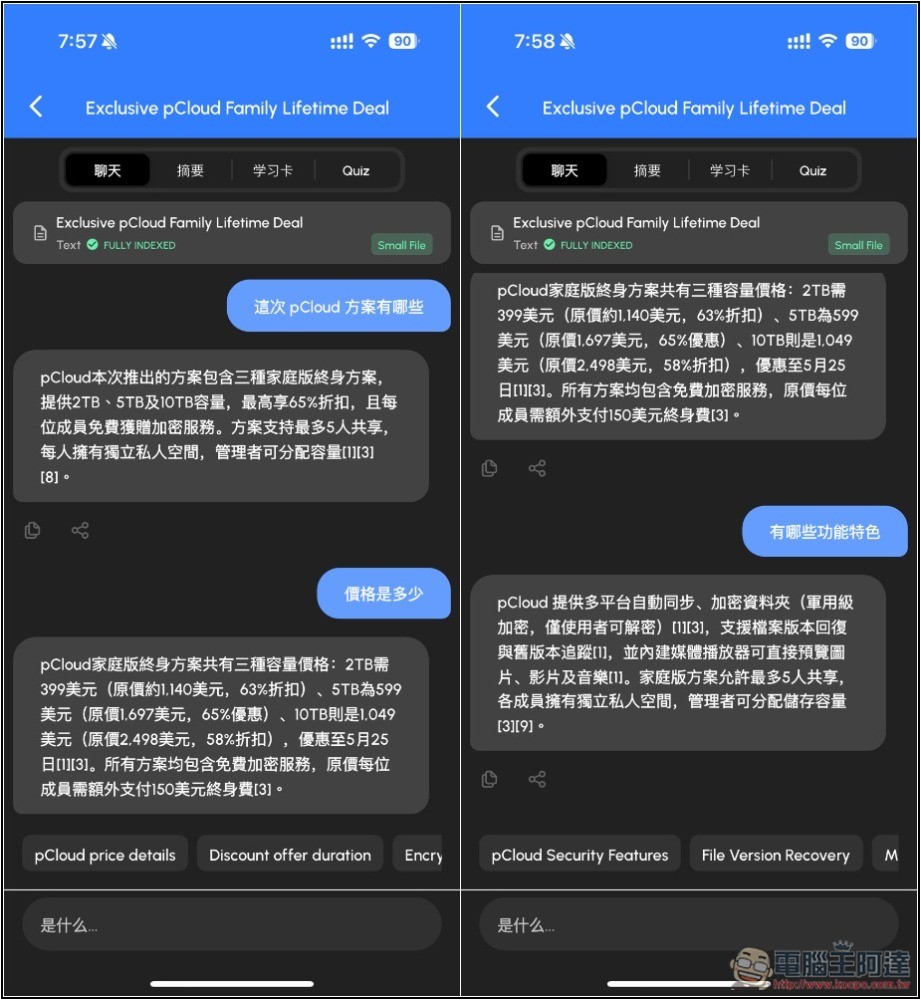
What I imported is pCloud’s latest article on the family plan lifetime deal, the answers given by AI are all correct:
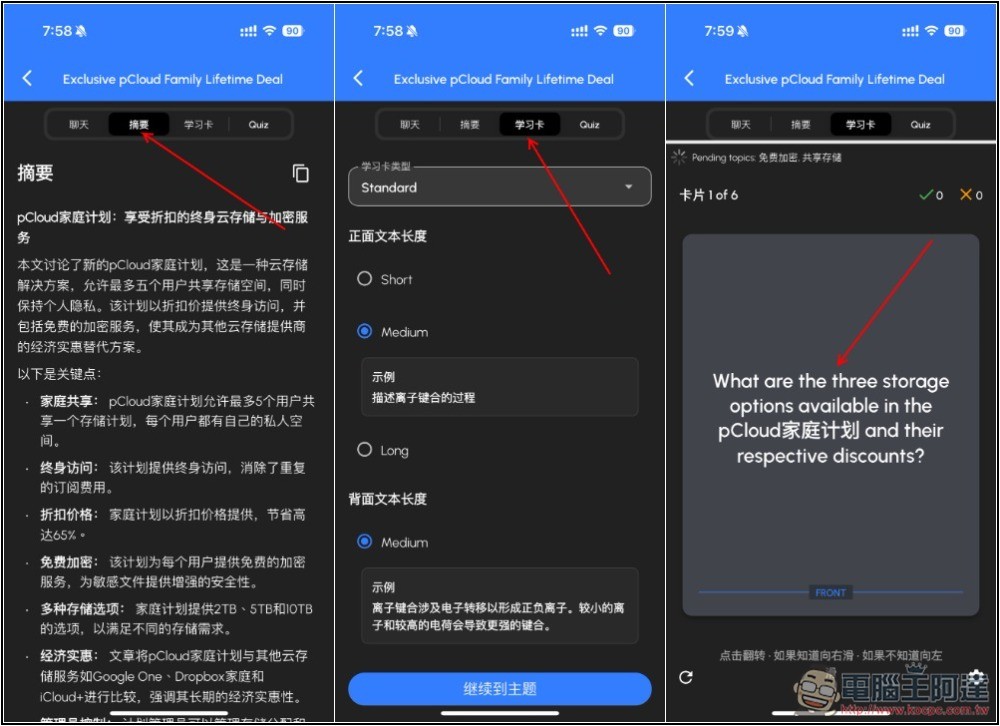
Besides chatting, you can also browse AI summaries, or ask AI to generate vocabulary cards for convenient learning. However, vocabulary cards seem to only support English:
The final Quiz generates quiz questions, and these two modes are very useful for learning:
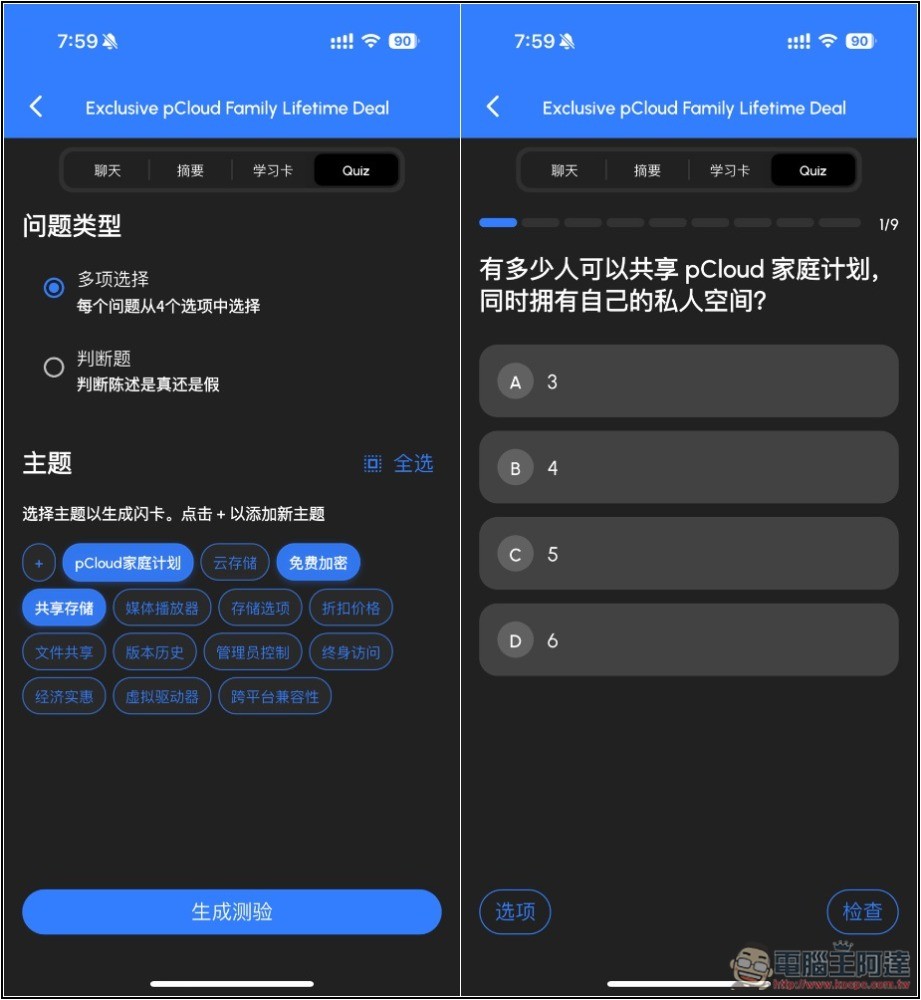
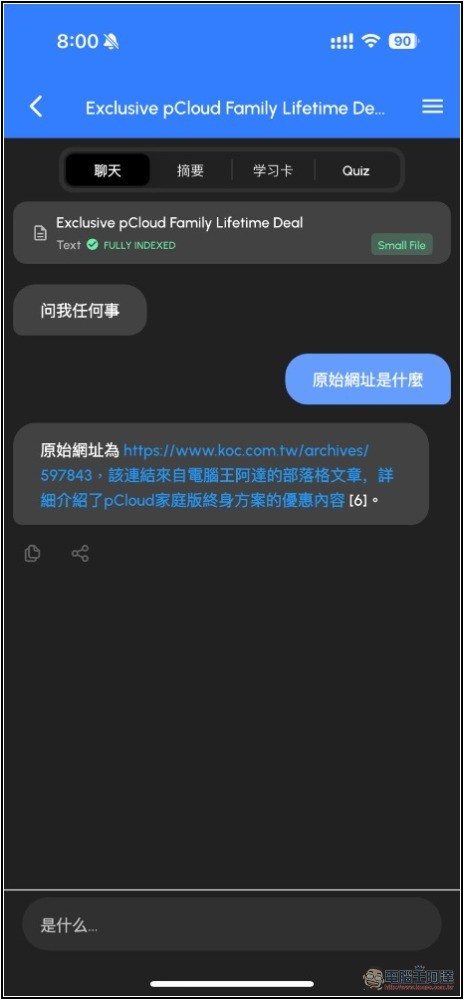
Imported content is all saved in ChatPDF. Whenever you need it in the future, you can open the chat again, even ask what the original URL of the content is. This is really nice:
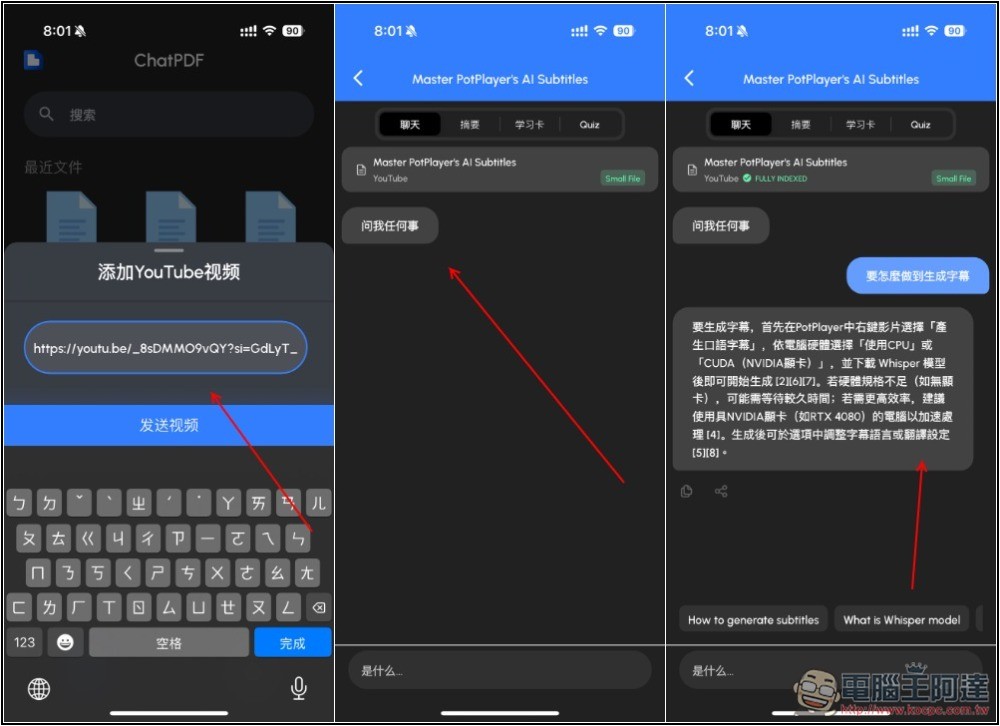
I tested YouTube videos and it worked without any issues, so in the future, if there are too many videos to watch and I can’t finish them all, I can use AI chat to quickly get an understanding of unimportant YouTube videos without having to spend time watching them in full. Unfortunately, when the AI reads them, it only converts the content into text, so there’s no way to query timestamps:
Source: KOCPC Chinese