


It can be said that there are more and more AI generators on the Internet recently, in addition to those introduced before Midjourney、BLOG FEATURED IMAGE GENERATOR、cutout.pro,as well as Katteb Wait, this article will recommend another Lexica free online tool. Not only can you input text descriptions and use AI to generate images, it will also index images that others have created and provide you with a reference, letting you know how to describe them to generate the images you want.
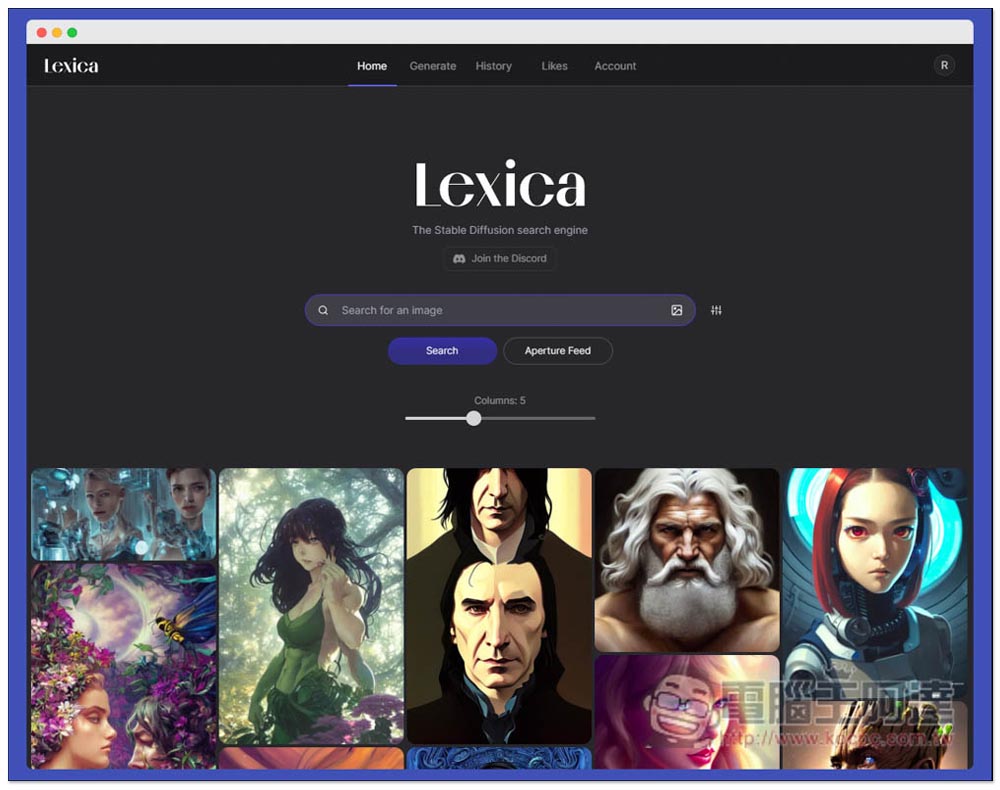
Lexica is a free online tool that lets you enter text descriptions and let AI generate images for you.
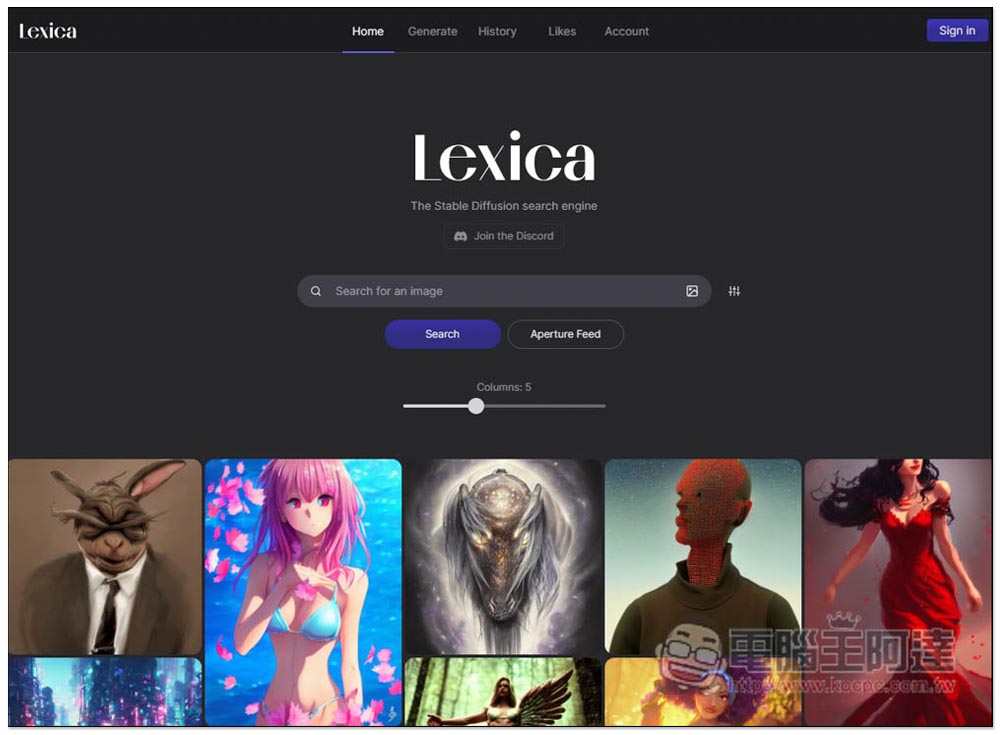
After entering the Lexica homepage, the pictures generated by other netizens will be listed below, and a search function is also provided. After entering a keyword and pressing Search, pictures with this keyword will be listed:
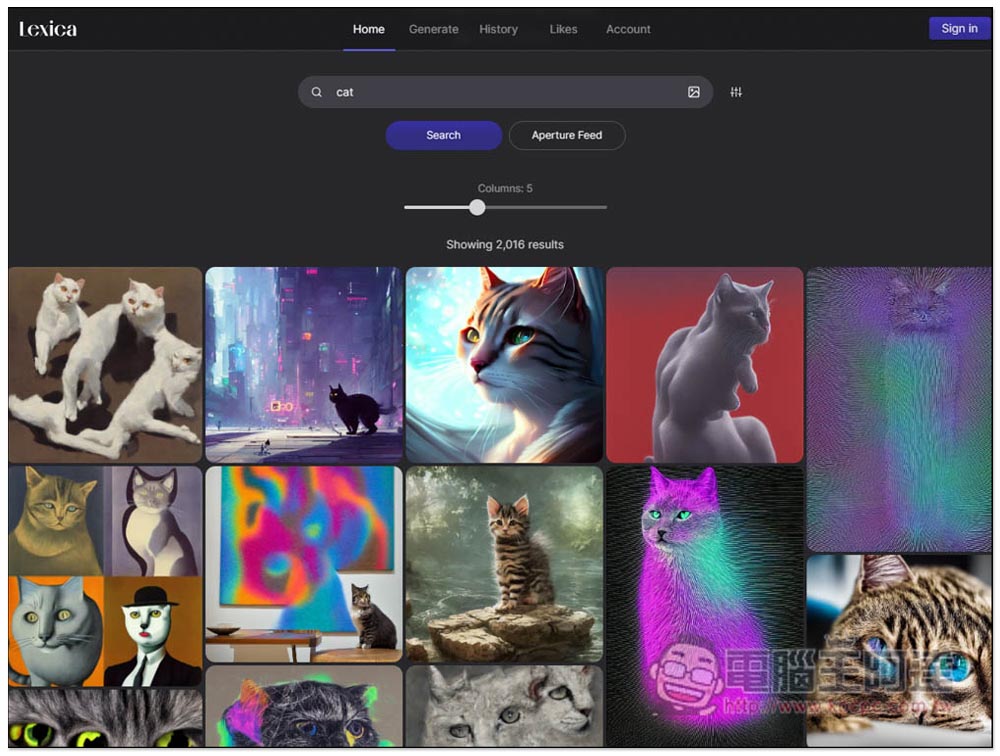
If I enter Cat, only pictures with Cat will be displayed, making it easier to find:
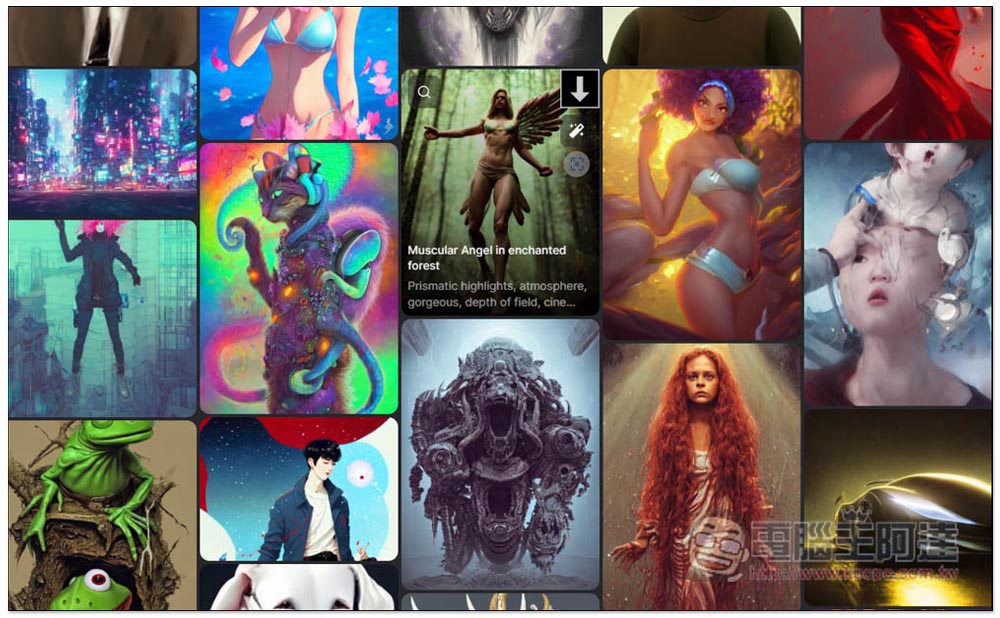
Move the mouse over the picture to see what description was entered to generate the picture. If you like this picture very much, you can copy the description and then change the input to generate it. The picture generated by AI will be different every time:
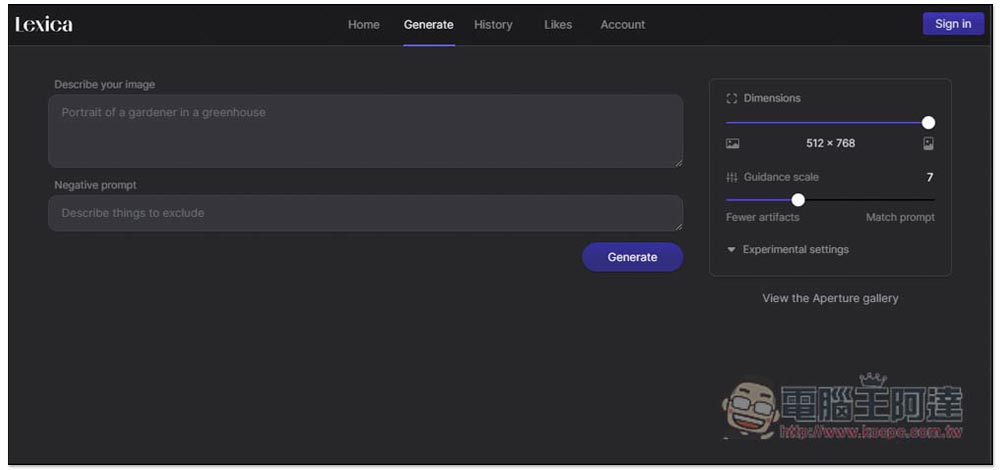
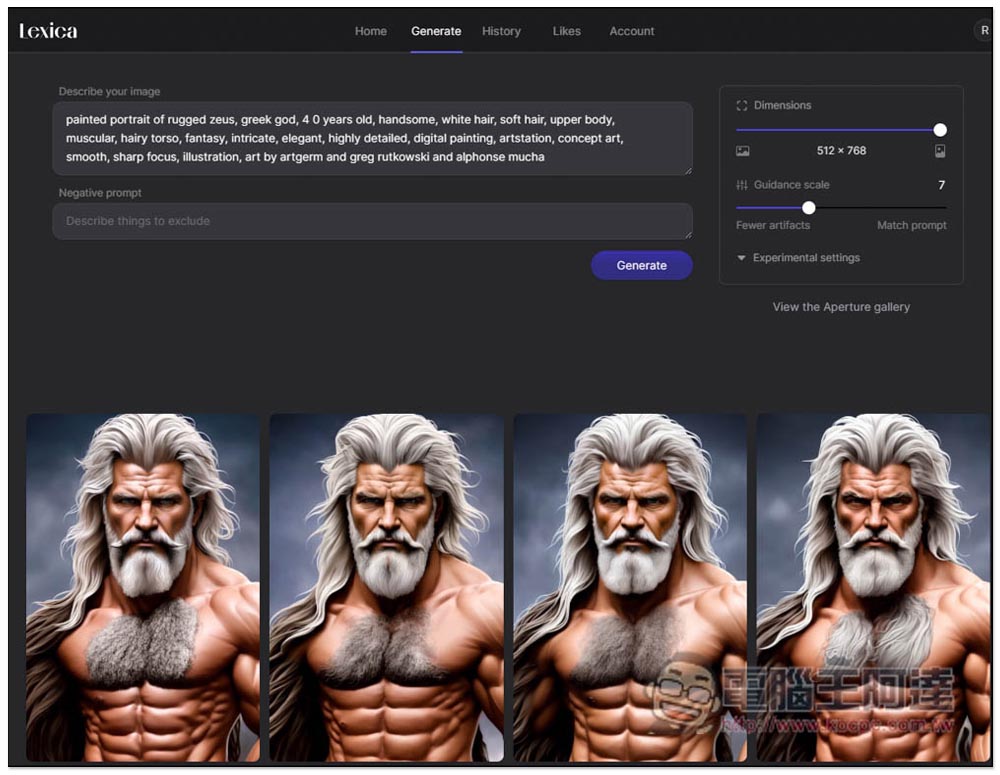
The second Generate is the AI generation tool. Enter your description in Describe your image. Currently it only supports English. The Negative prompt is the description you do not want to appear in the image:
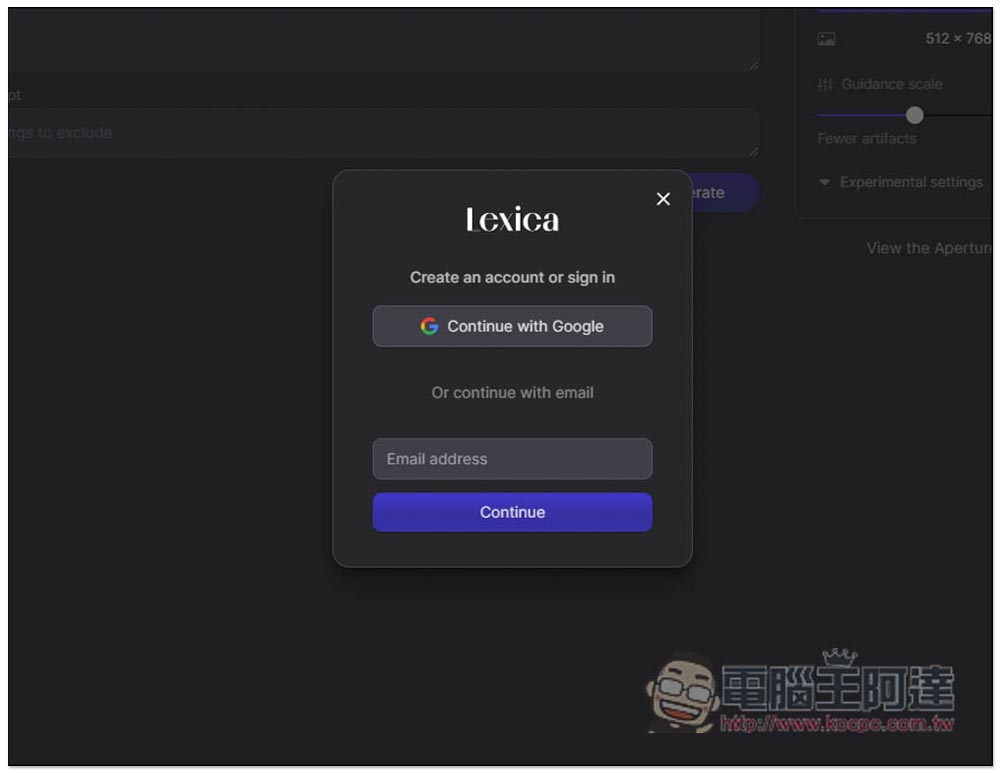
Registration and login are required before use, and Google account login is supported:
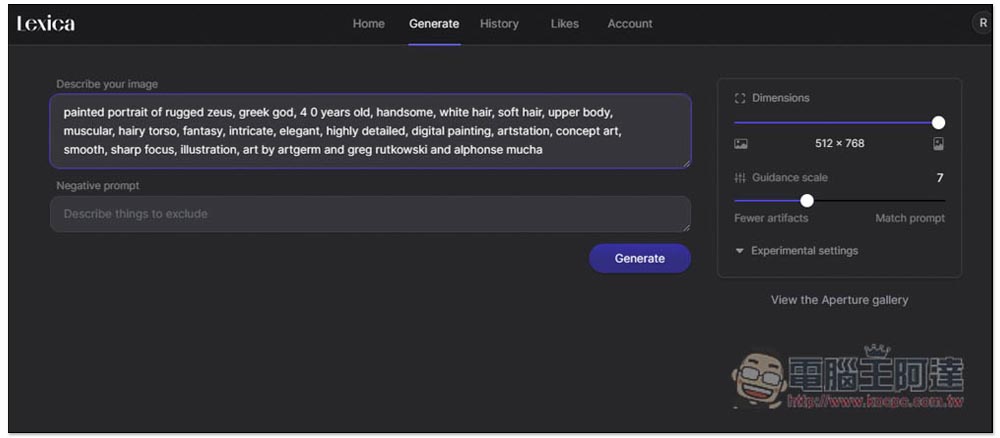
Then you can start using it. After entering the description, press Generate and it will be generated. Free users get 100 discounts every month, which is definitely enough for you:
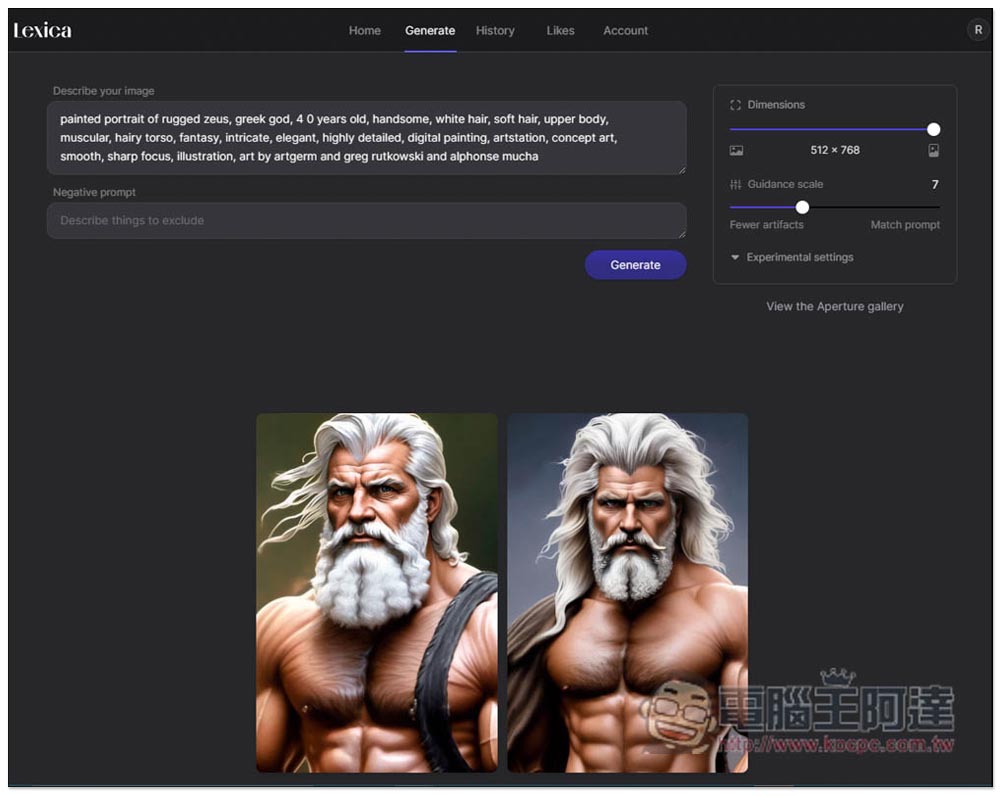
After waiting for tens of seconds, the pictures generated by AI will be displayed below. The number of pictures generated is different each time. The more detailed the picture is described, the more accurate the pictures generated will be, and the number will be smaller:
If you particularly like any of the pictures generated by AI and want AI to generate similar pictures, you can move your mouse above and the Generate variations function will appear at the top:
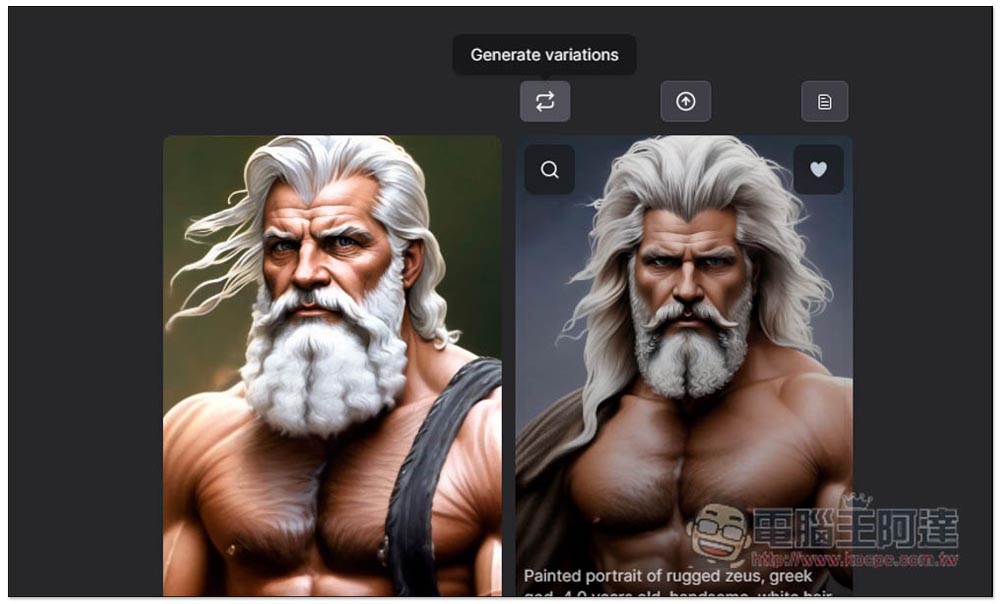
Click it and it will use this picture as the basis to generate other similar pictures. However, the screenshot I took for testing only has a small part of the change (such as hair). I have also tried other pictures, and the difference is relatively large:
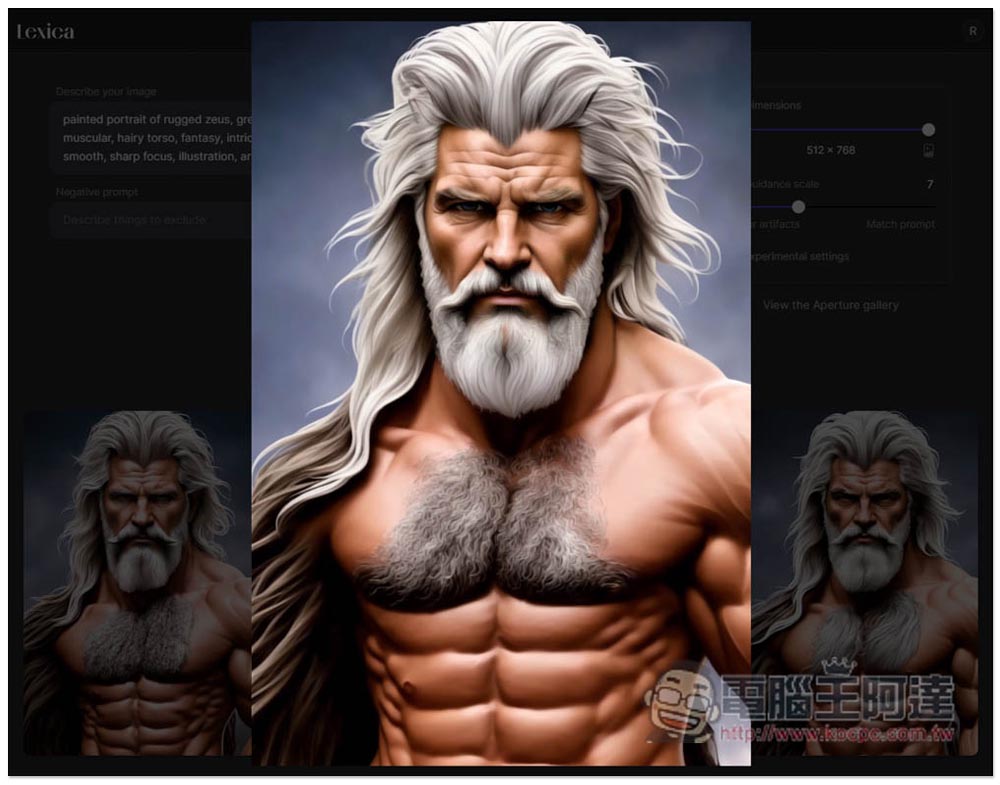
After you find a satisfactory picture, click on it to enlarge the picture. At this time, you can open the right-click menu and save it:
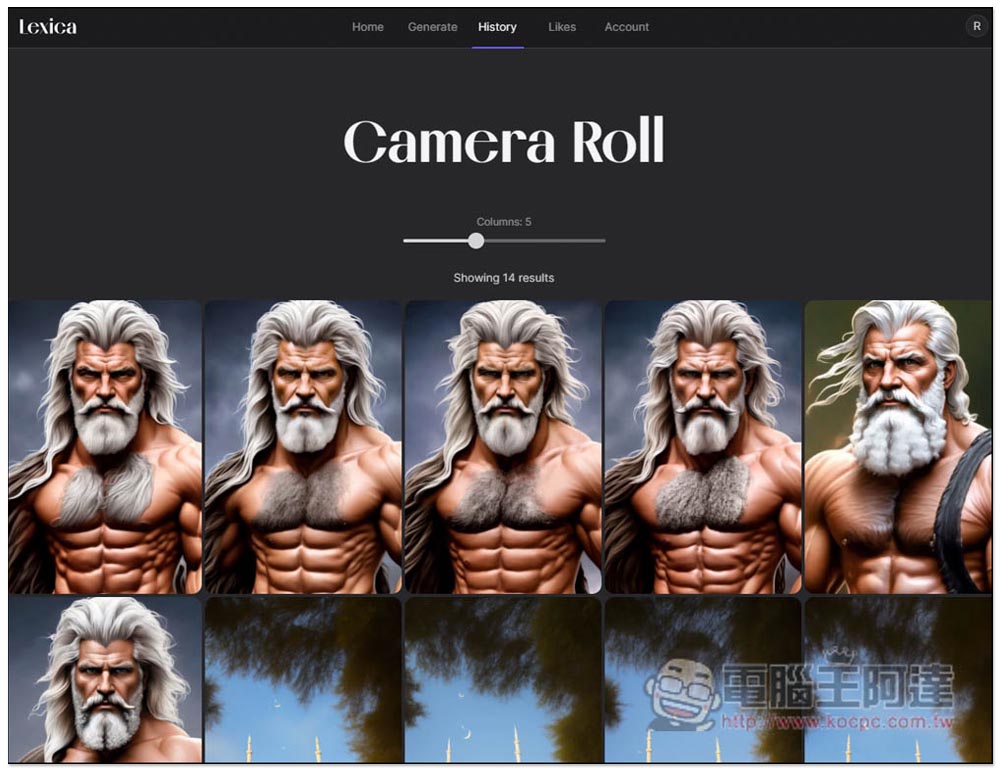
History will record the pictures you have produced in the past, so they will not be lost if they are not saved:
Another thing to note is that although free users have 10 discounts per month, judging from the description, it seems that it cannot be used for commercial purposes. Only paying users are allowed. For those who want commercial use, it is recommended to consider whether to upgrade to paid. In addition to the Max plan, images created by Starter and Pro will be public (free users of course):
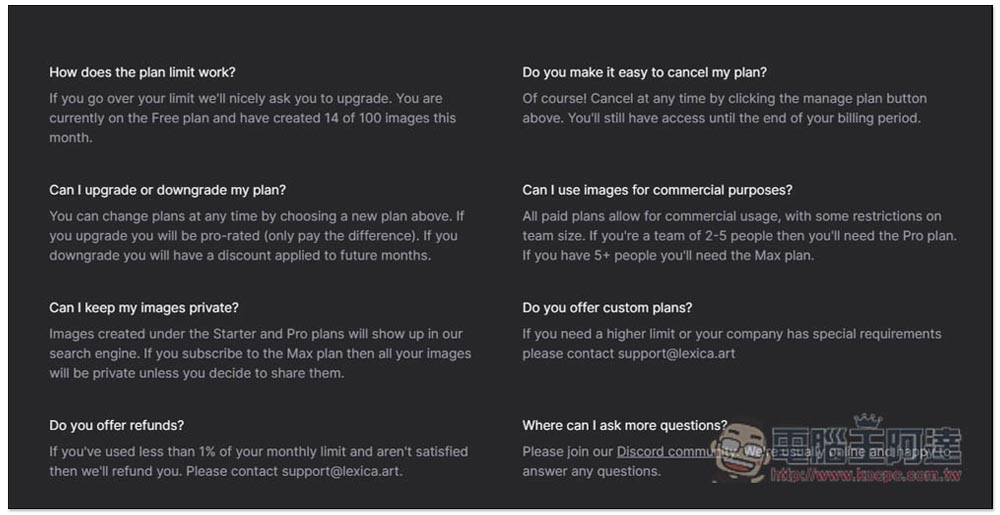
If you have other usage questions, you can also join their Discord discussion forum. It may be more clear to ask here. This website also has a “Likes” function. If you find a good picture, you can press Like to save it for browsing again.
Source: KOCPC Chinese