


iOS 16, which will be preloaded on the iPhone 14 series models starting from the 16th, will be officially launched on September 13th. Most iPhone models can be downloaded and installed, and you can be the first to experience the newly conceived lock screen, gadgets that include battery power, and the new “Focus Mode” and other functions.
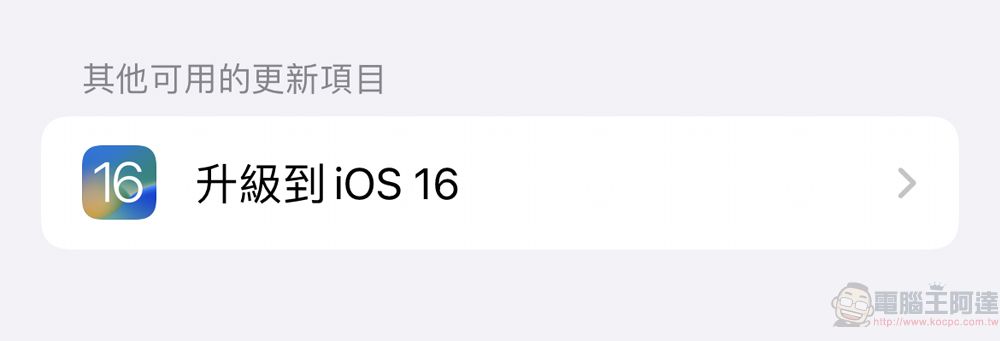
iOS 16 is officially open for updates, you can experience the new “Focus Mode”, “Safety Check” and other functions
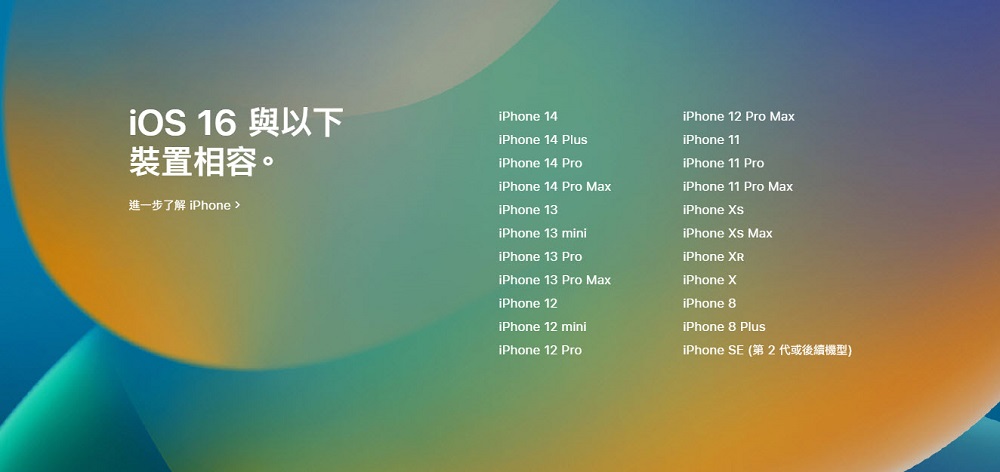
Apple’s official website announced that iOS 16 will be officially updated on September 13. I believe many people have already seen it in the iPhone’s software update. Since this iOS 16 is a major version update, there are also a large number of new features launched. First, you can confirm whether your iPhone supports iOS 16 through the official website. You can see that the rumored news that iPhone 6s, iPhone 6s Plus and the first generation of iPhone SE are not supported is confirmed, at least iPhone 8 or iPhone SE (No. 2 generation or subsequent models).
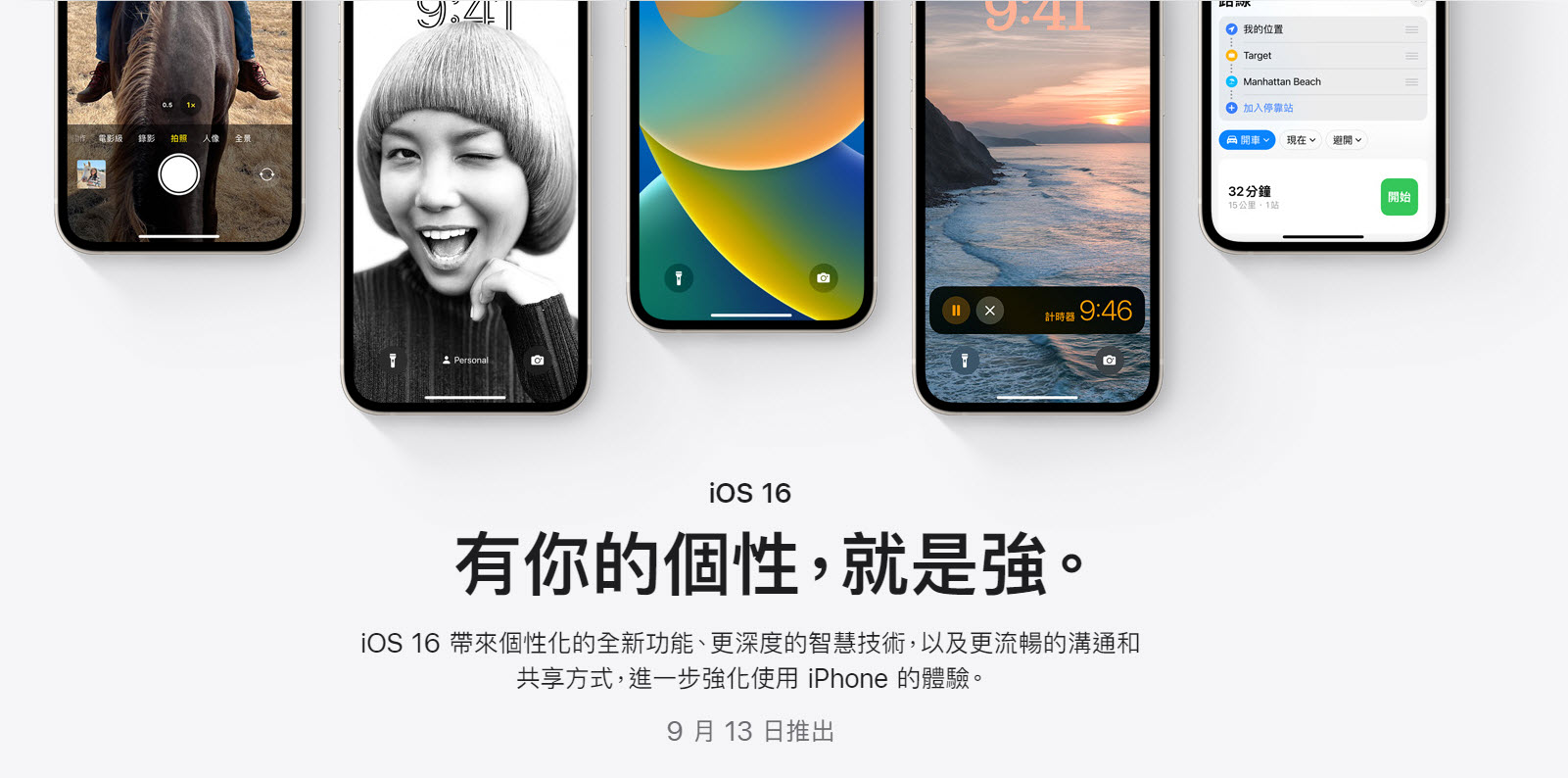
This time, iOS 16 includes “Lock Screen”, “Focus Mode”, “iCloud Shared Gallery”, “Messages”, “Mail”, “Safari”, “Password”, “As-is Text”, “Dictation”, “Map”, and “Apple Pay”. “Wallet”, “Home”, “Health”, “Fitness”, “Family Sharing”, “CarPlay”, “Privacy Protection”, “Security Protection”, “Assisted Usage” have many updates, and there are also various enhancements for “Camera” and “Photos”.
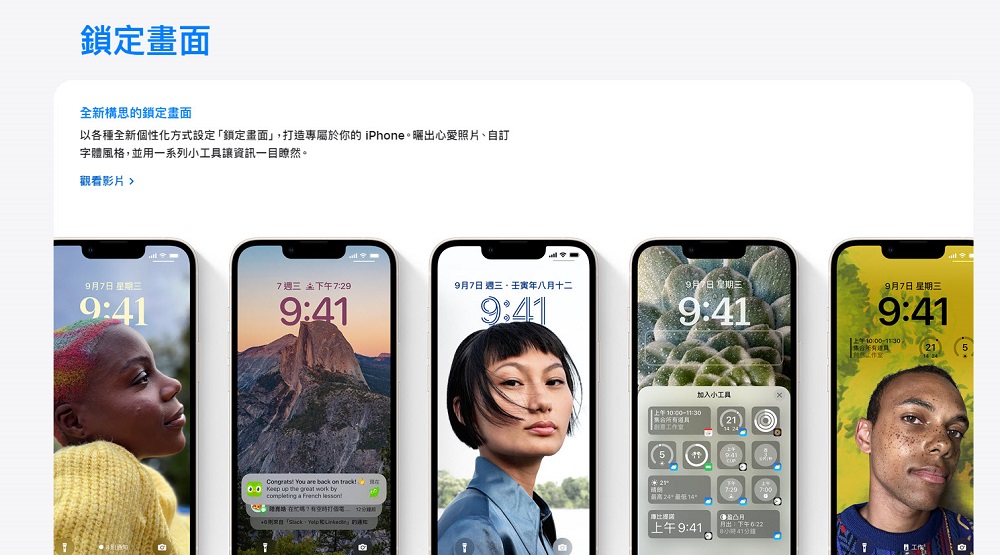
iOS 16 has spent a lot of effort on the “lock screen” this time. You can set the “lock screen” in a new personalized way to create your own iPhone, such as posting your favorite photos, customizing font styles, and using a series of gadgets to make information clear at a glance.
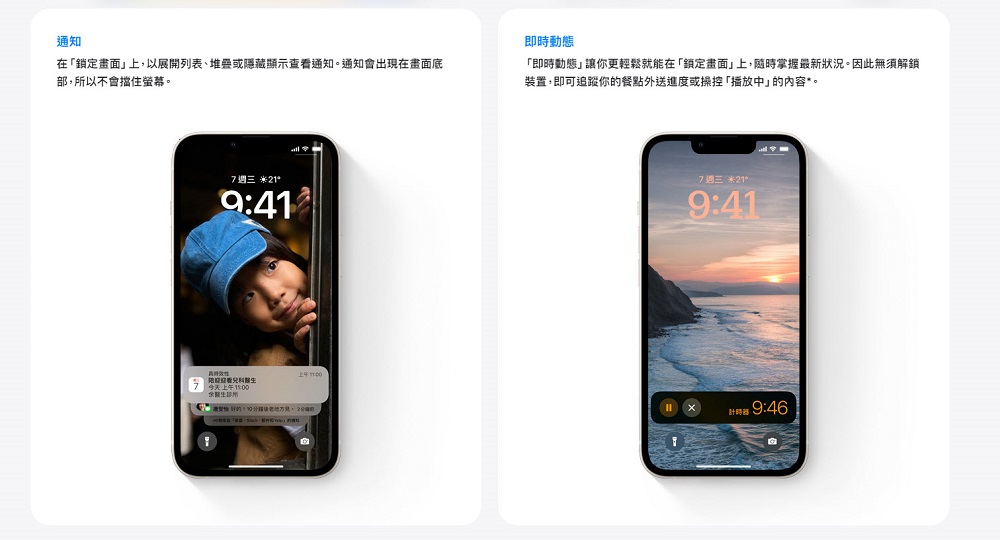
There are also some convenient features, such as notifications on the “Lock Screen” that can be expanded, stacked or hidden, and notifications appear at the bottom of the screen so they do not block the screen. “Real-time updates” make it easier to keep track of the latest status on the “lock screen” without unlocking the device.
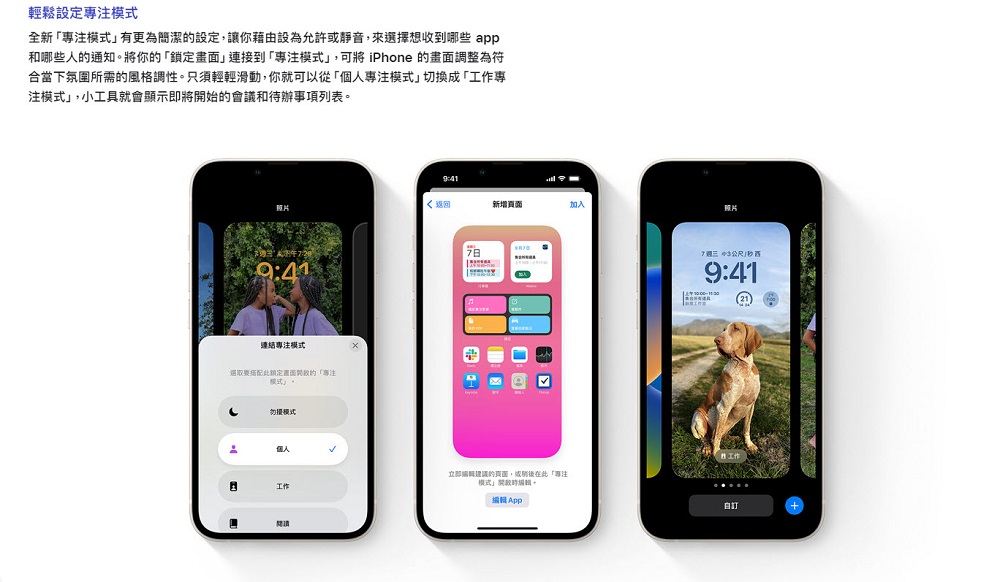
The new “Focus Mode” allows you to choose which apps and people you want to receive notifications by setting them to allow or mute. If you connect “Lock Screen” to “Focus Mode”, you can also adjust the iPhone’s screen to the style and tone required for the current atmosphere.
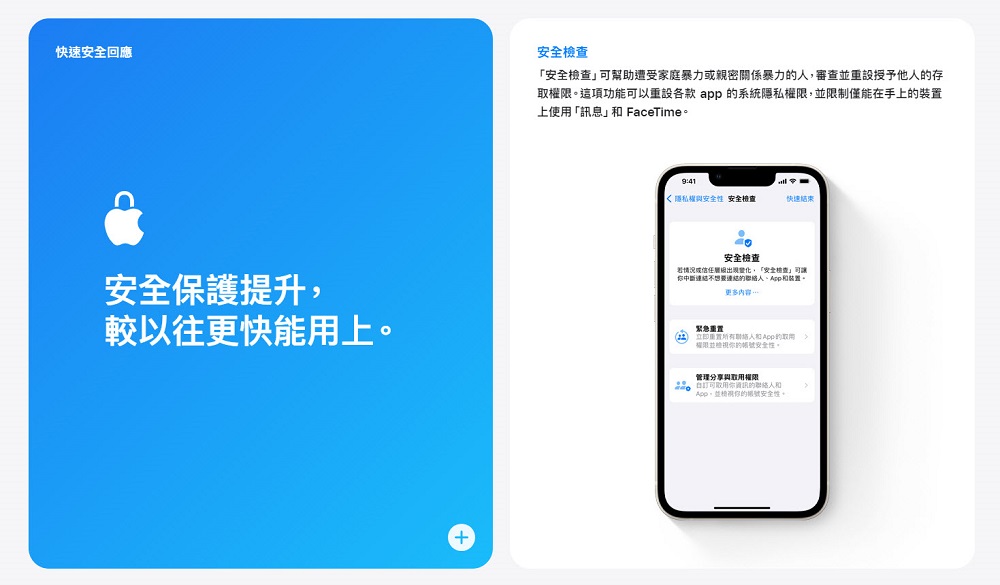
There are also enhancements to privacy and security, such as “Safety Checkup” that can help people who have experienced domestic violence or intimate relationship violence review and reset the access permissions granted to others. This feature can reset the system privacy permissions of each app and limit the use of “Messages” and FaceTime to only the device in hand; the “Hidden” and “Recently Deleted” photo albums are locked by default and can only be unlocked by using Face ID, Touch ID or password authentication on the iPhone.
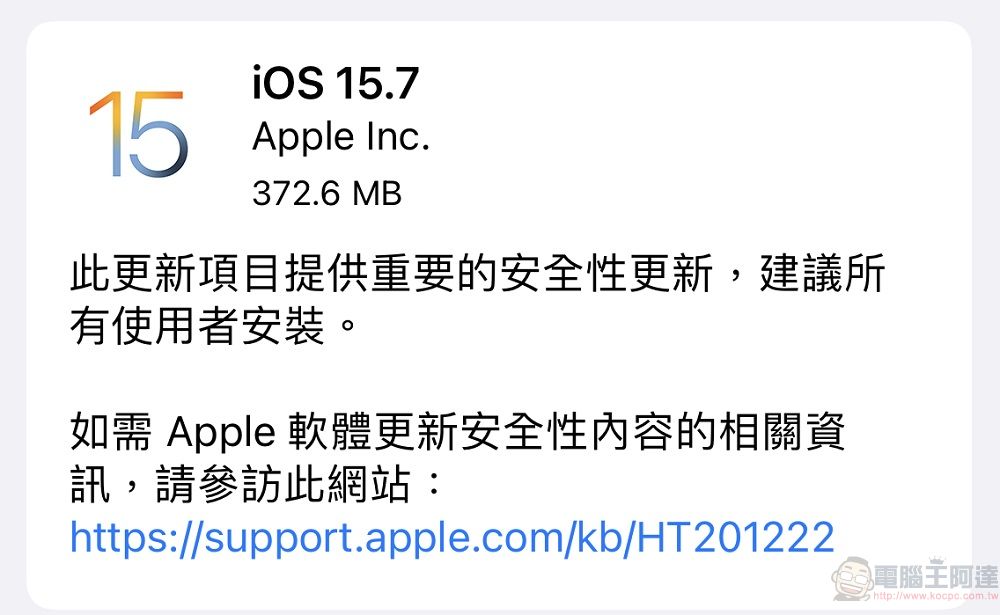
Of course, like every major update, many people will choose not to update so quickly. This time Apple also provides the security update of iOS 15.7 for those who want to stay on iOS 15. Those who want to see the status of iOS 16 first can choose to install this security update first.
This time, iOS 16 has major changes in many functions, and also adds functions such as “iCloud Shared Gallery” that will be provided later. Of course, as the old saying goes, please make a backup before updating. If you are not in a hurry to experience the new functions, you can choose to update later when the version is confirmed to be more stable.
iOS 16 – Apple (Taiwan) introduction page
Source: KOCPC Chinese