


Although OpenAI’s latest release o3-mini modelIt’s been made available to free ChatGPT users, but o1 still isn’t—it’s limited to paid members. If you want to try o1’s capabilities, here’s the good news: Microsoft recently announced that all Copilot users, including free users, can use the o1 reasoning model. When chatting, just make sure the feature is enabled, and when it replies, the AI will think more deeply before giving an answer.
The OpenAI o1 model is now completely free in Copilot.
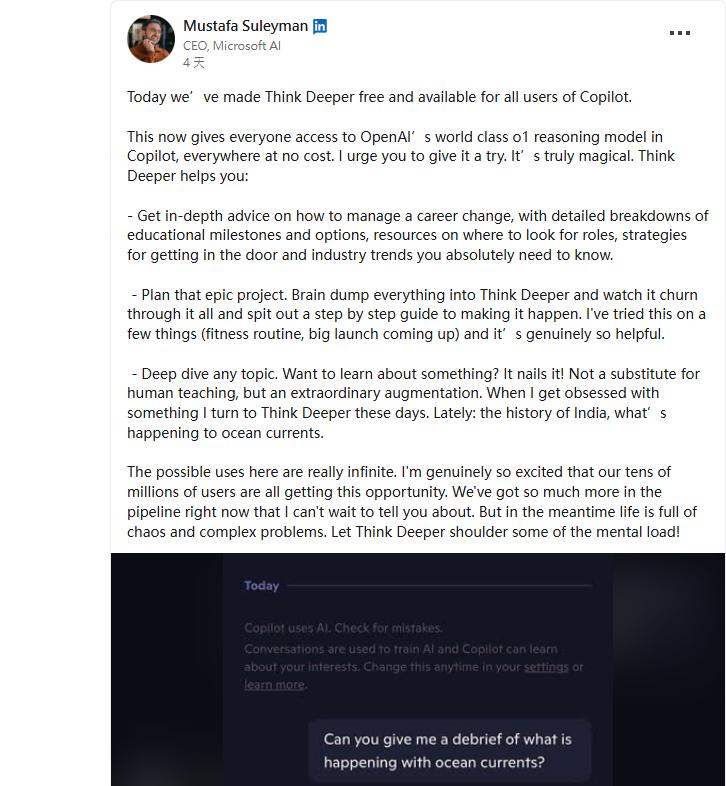
A few days ago, Microsoft’s AI CEO at LinkedIn Announced that all Copilot users can access OpenAI’s o1 reasoning model at no cost—all you need is a Microsoft account.
今天,我們正式宣布 Think Deeper 對所有 Copilot 用戶開放,完全免費!這代表現在每個人都能在 Copilot 中零成本體驗 OpenAI 頂尖的 o1 推理模型。我誠心推薦你試試看,這真的很神奇!
However, note that although it’s completely free to use, there are limitations. Microsoft only mentioned that it will be adjusted based on the current number of users, so how much you can actually use? That’s unknown.
Compared to Copilot’s previous GPT models, the o1 reasoning model engages in deeper thinking before answering, so you’ll get more accurate and complete responses. Additionally, o1 is stronger at programming—you can ask it to design an app, and it will usually provide the full development process, even the code.
Based on my past tests with ChatGPT, as long as the program isn’t too difficult, it can basically run successfully on the first try, and you can later ask to add other features.
o1 takes longer to respond because it engages in deep thinking, and the reply time could be up to 30 seconds.
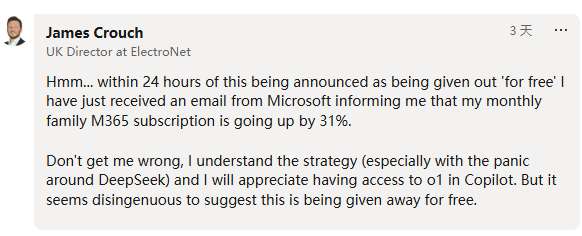
As for whether Copilot can guarantee a certain level of o1 model usage like ChatGPT’s paid version, Microsoft hasn’t disclosed that. But some users complained in the comments below this post, “Less than 24 hours after this service was announced as ‘free,’ I received an email from Microsoft notifying me that my monthly fee for the family plan of M365 would increase by 31%.”
How to enable Copilot’s o1 model
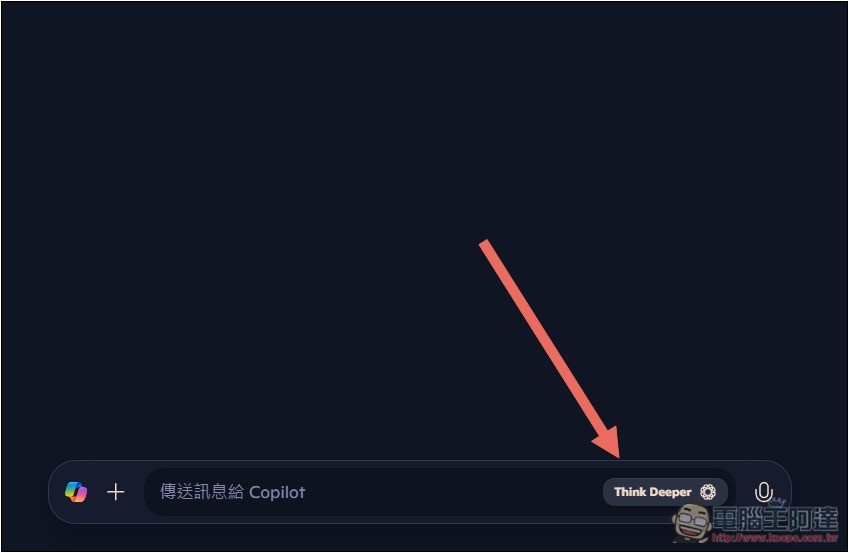
Copilot’s way of enabling the o1 model is quite unusual—you turn on the Think Deeper feature in the chat box, and it switches to the o1 model.
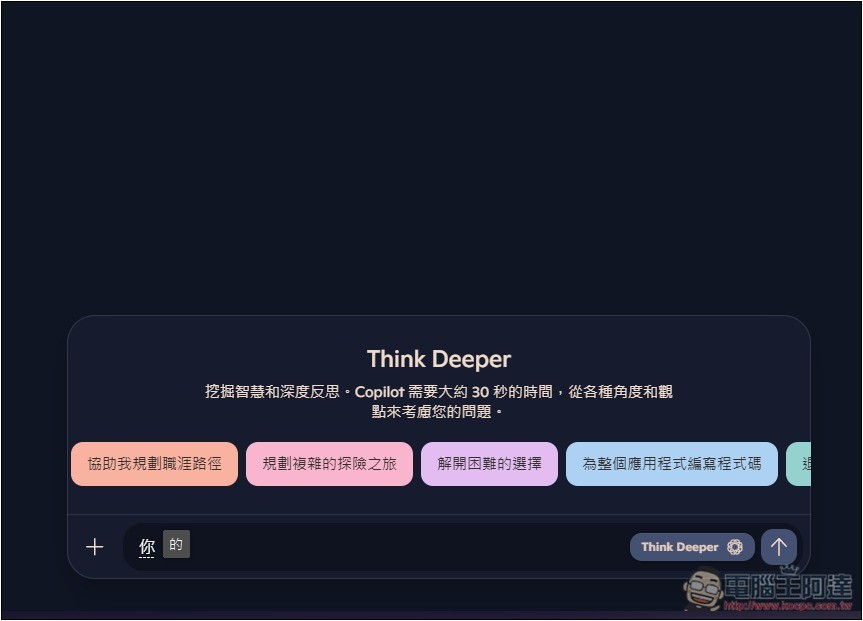
Now when you open the Copilot web version, you’ll see “Think Deeper” on the right side of the chat box. Make sure it’s turned on before asking questions:
The above will also provide some reference questions, and remind that Think Deeper takes about 30 seconds of deep reflection:
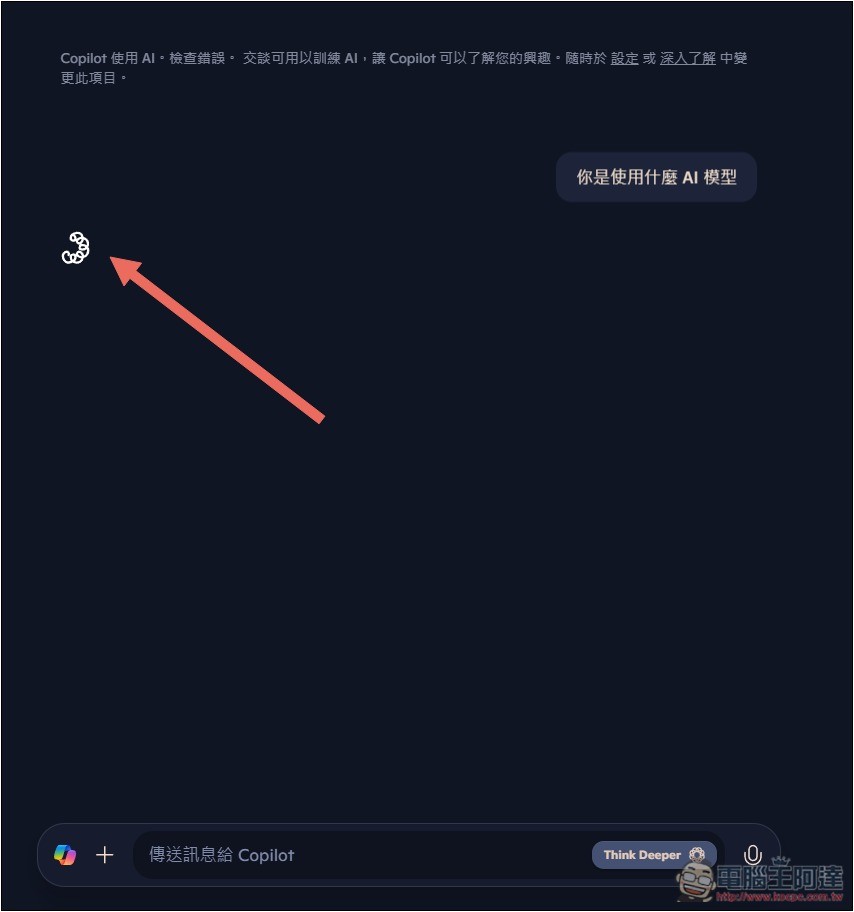
When thinking, a spinning indicator appears.
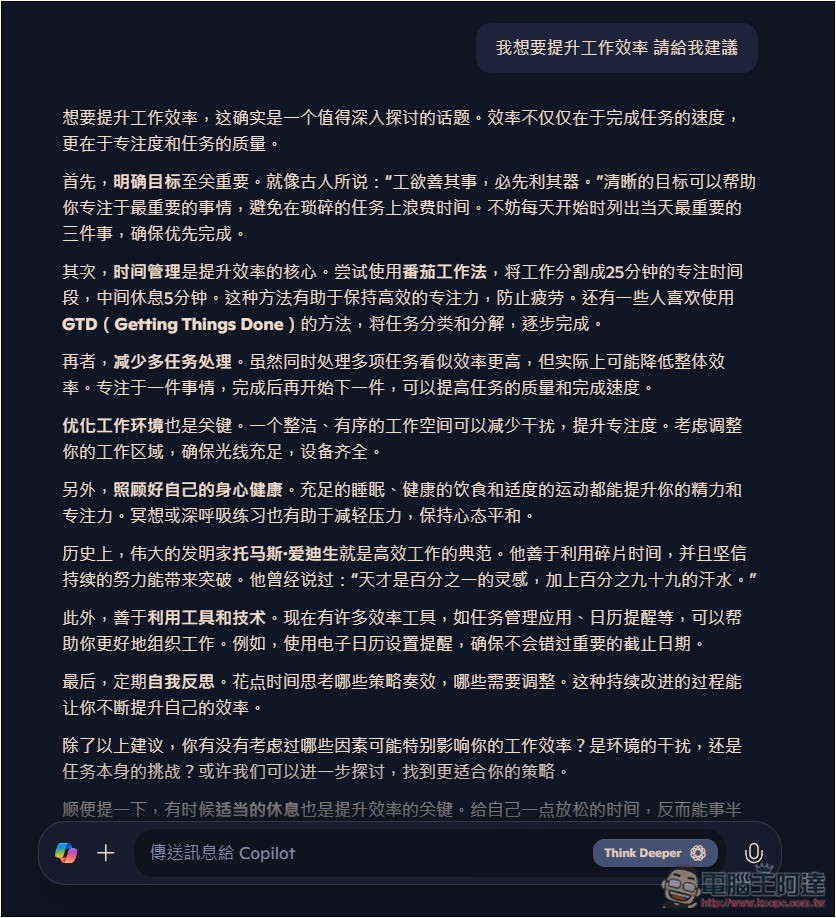
After thinking, you’ll get an answer, but the default seems to be Simplified Chinese, even when I ask in Traditional Chinese. If you want to get Traditional Chinese, remember to add “answer in Traditional Chinese” to the prompt.
It’s worth noting that OpenAI’s latest o3-miniIn some tests it beat o1, and although the o3-mini model offered in the free version of ChatGPT is probably not Medium or High, I still recommend giving it a try.

Source: KOCPC Chinese