


Previously, we introduced that Google launched on AI Test KitchenFree AI Music Generator “MusicFX”Simply enter keywords to generate a 30-70 second audio track. Recently, Google launched a free AI image generator called “ImagenFX” – just enter keywords to generate images.
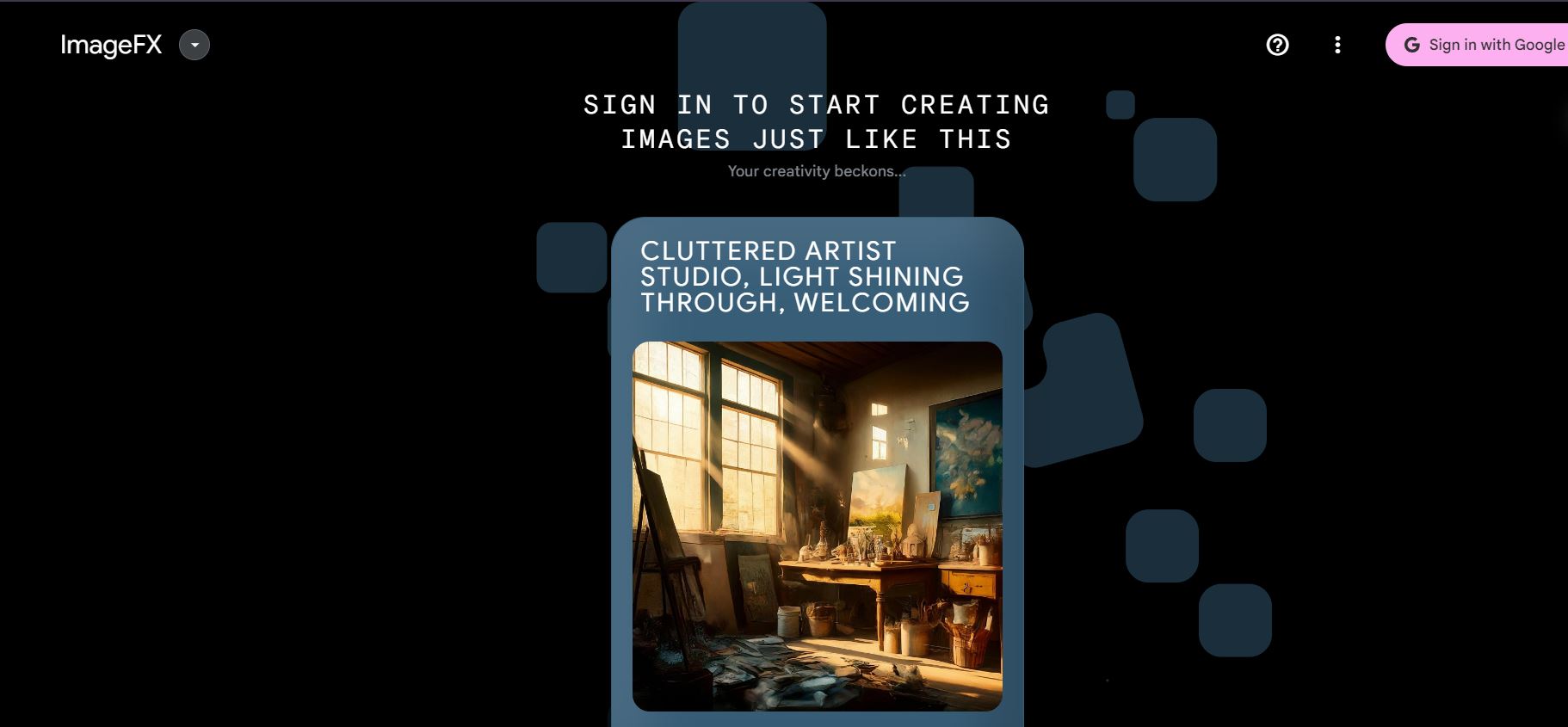
Google launches free AI image generator ImagenFX
Google AI Test Kitchen has launched three tools—ImageFX, MusicFX, and TextFX—allowing users to convert text into images, music, and text. Today, we’ll be introducing ImageFX, a free AI image generator that doesn’t require advanced prompts or much brainstorming; even entering a few simple words can generate images. However, it’s currently only available in certain regions (like the US), and to experience it, users will need to use VPN。
Like MusicFX, ImageFX also requires signing in with a Google account to AI Test Kitchen before you can start using it.

After logging in, you can start using ImageFX to generate images. You can click on the “keywords” provided below the input box to generate images. Just select a few adjectives or styles you like, add a subject for your image, and you can generate one. Click on the provided keywords “blue”, “orange”, “realistic”, then input “building” as the image subject, and ImageFX will generate four images at once.
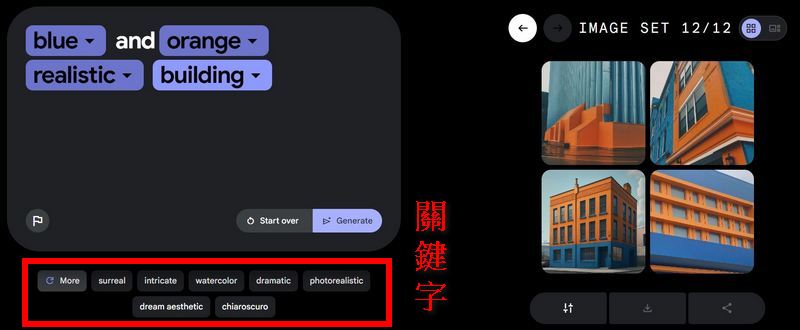
You can download photos generated by ImageFX and share them with your friends. Or use the “Share” button to share the prompt and generated image together.
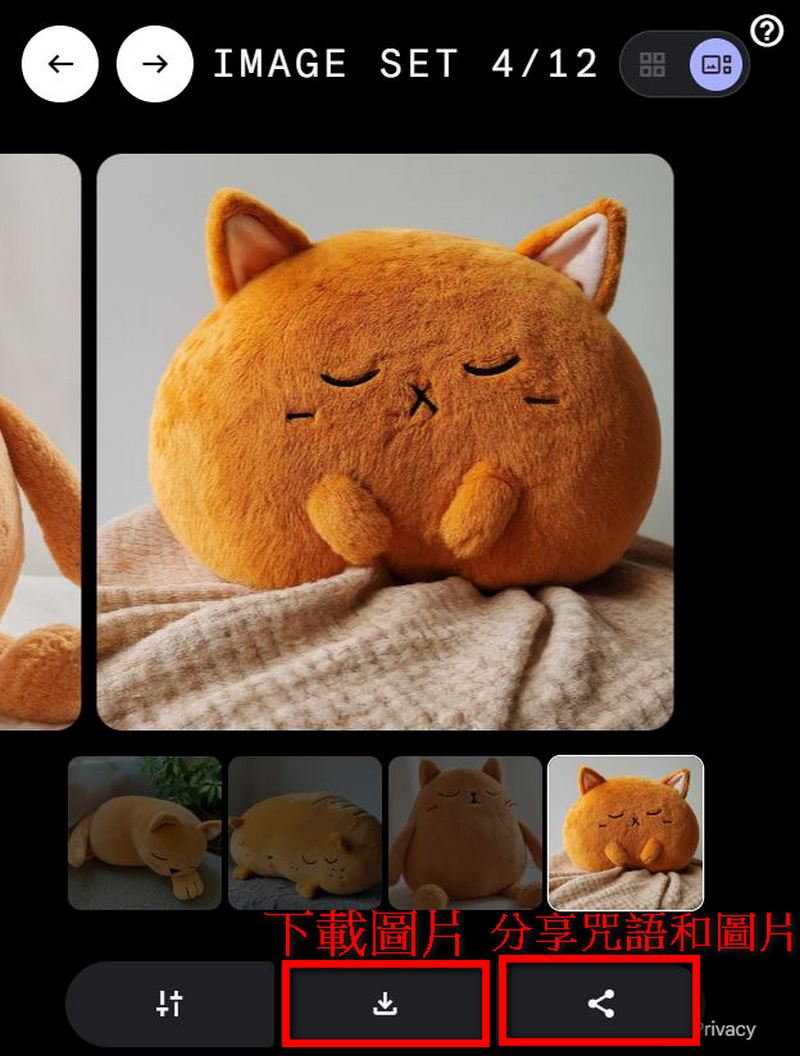
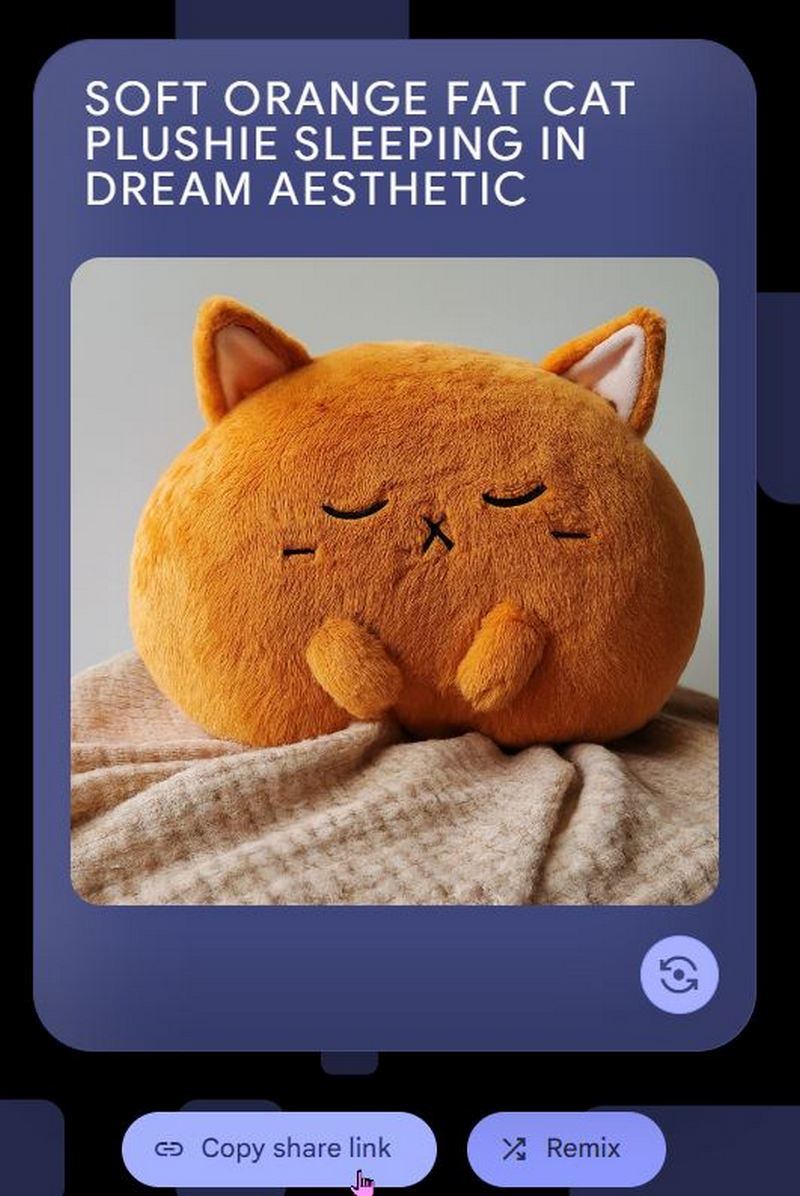
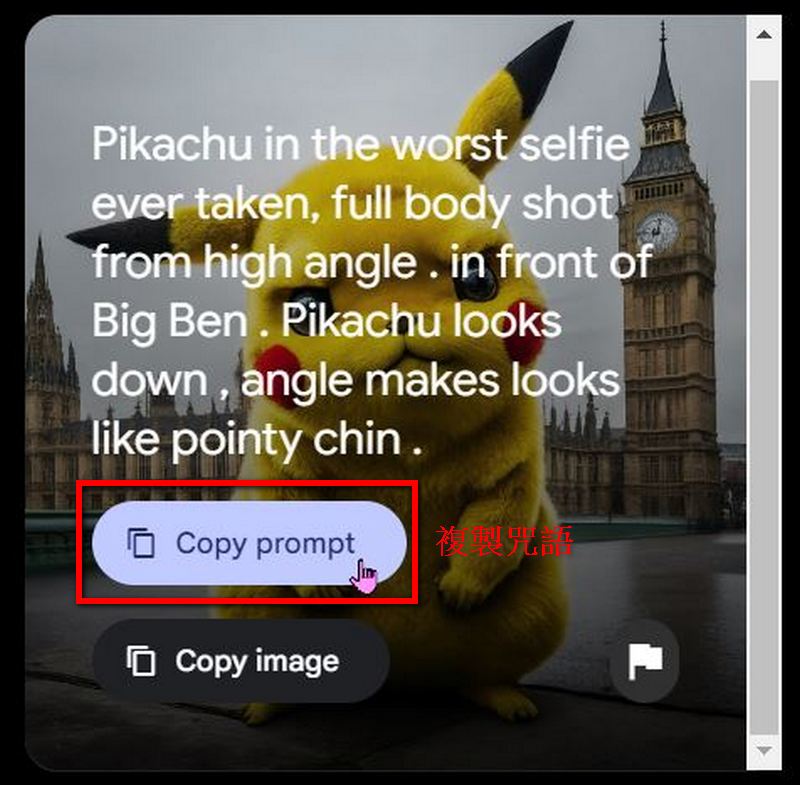
ImageFX also offers a “copy prompt” feature – once you generate a great image with ImageFX, you can copy the prompt and share it.
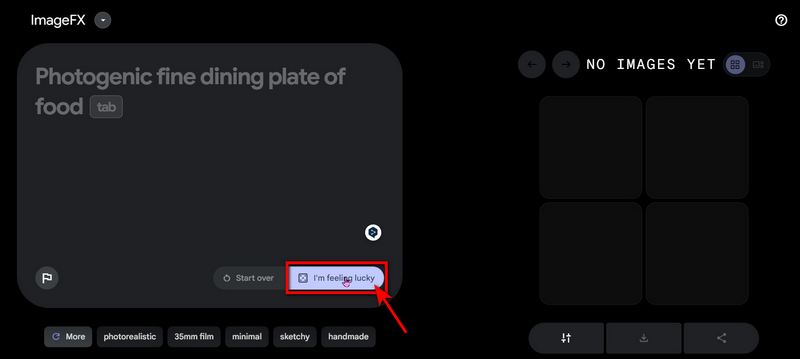
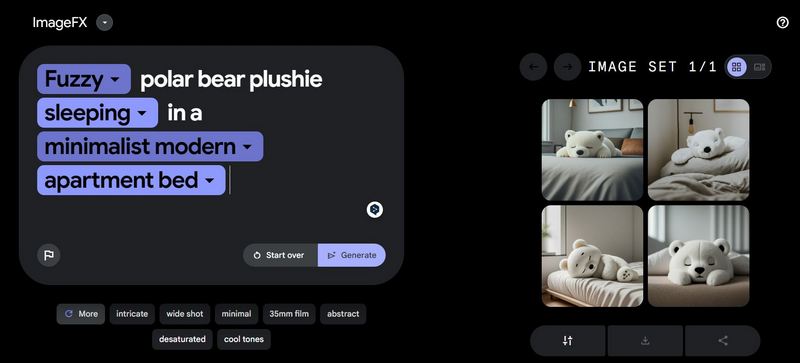
If you’re too lazy to come up with keywords today, or if you think the suggested keywords below don’t combine well together, you can click “I’m feeling lucky” (random) to let ImageFX help you brainstorm prompts. For example, here’s an image generated by ImageFX using the prompt “Fuzzy polar bear plushie sleeping in a minimalist modern apartment bed.”
Actually, Google Bard has also newly opened access to Image 2’s AI image generation feature, and we wrote a report introducing it. The editor used the same prompt on ImageFX that was used to generate images in Bard, to see which one produces better results. Using the prompt “Pikachu in the worst selfie ever taken, face shot from way too low angle and below chin. in front of Tokyo tower. Pikachu looks down, angle makes looks like doublechin.” to generate an image on ImageFX, the image quality is actually on par with Image 2.
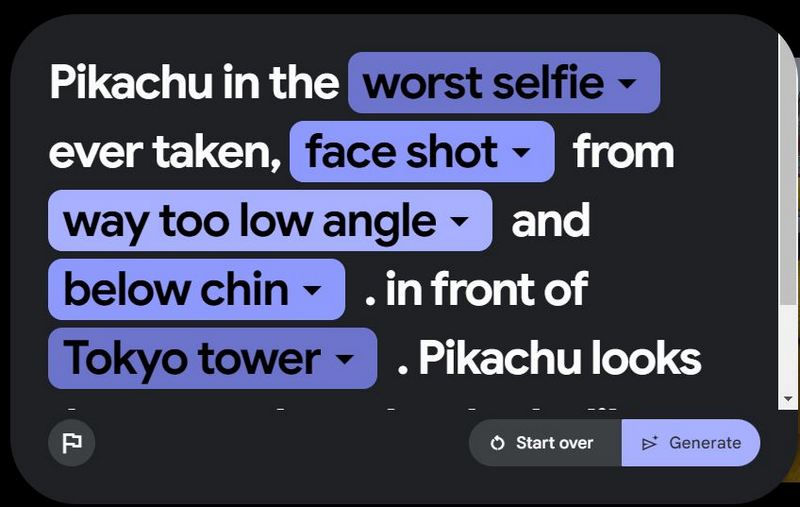
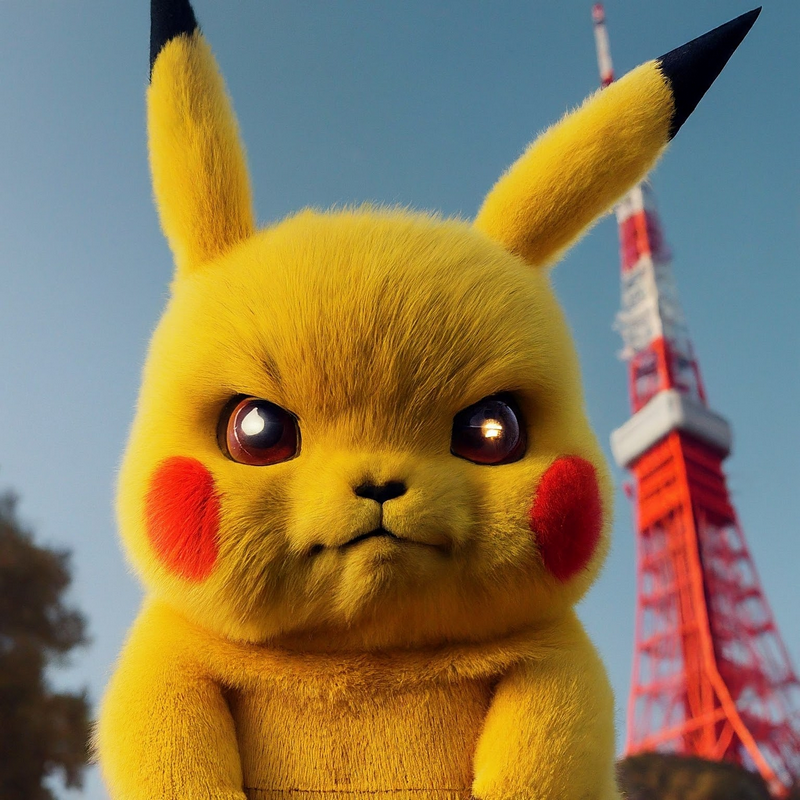
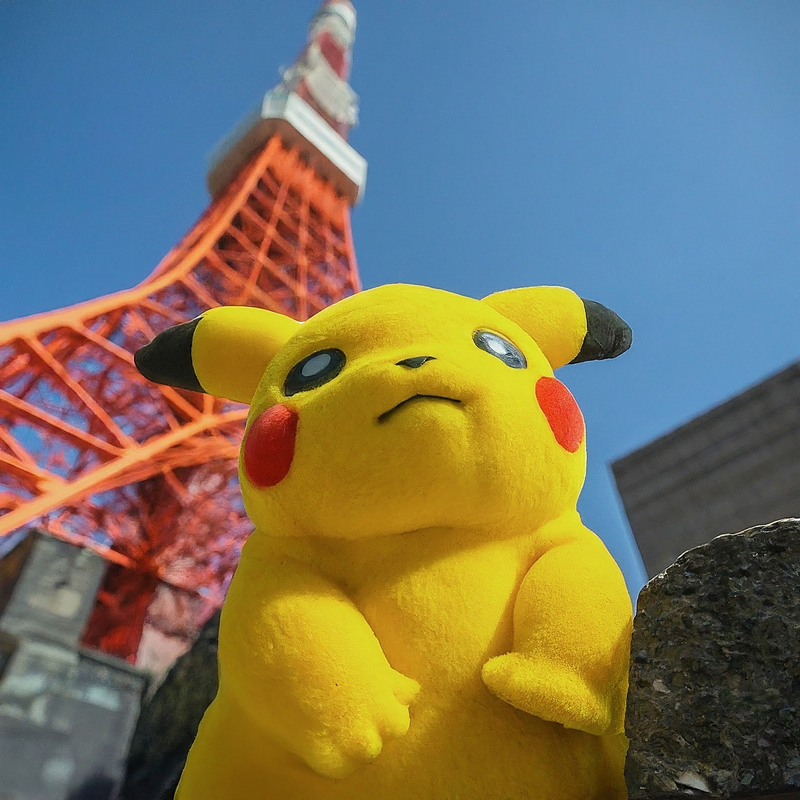
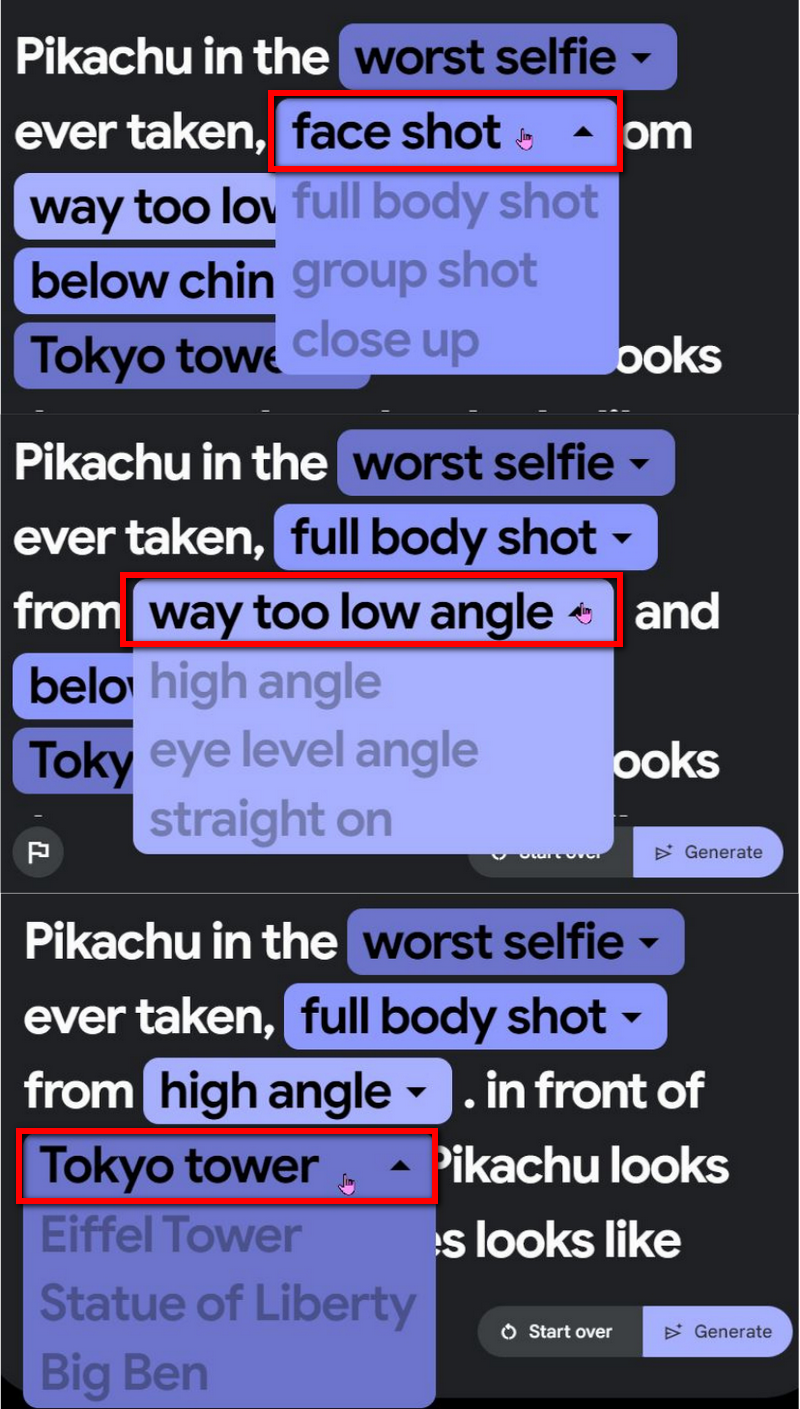
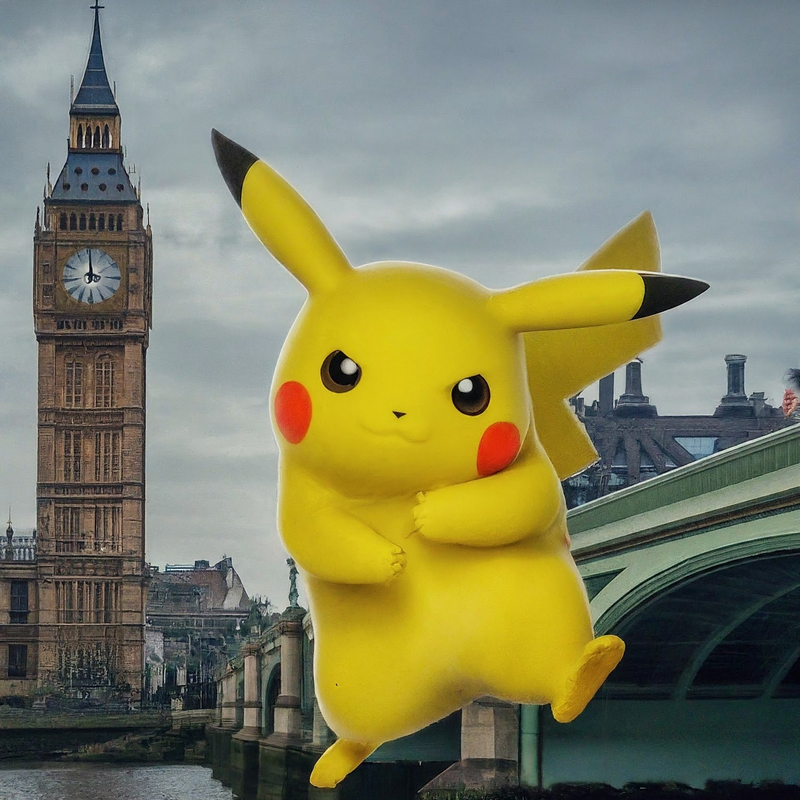
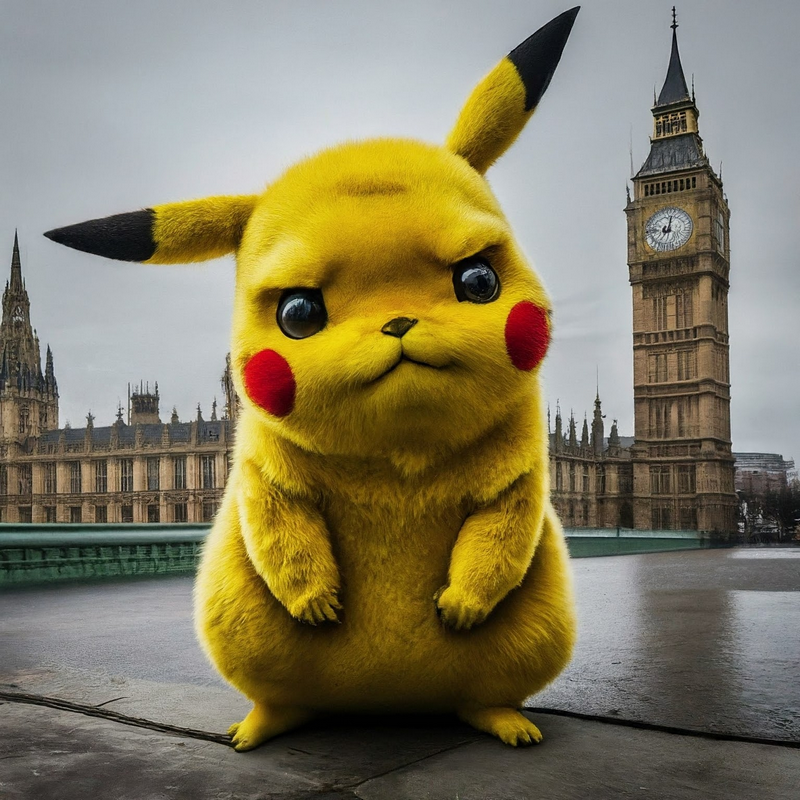
However, ImageFX’s advantage is that it can provide you with more replacement words based on the prompts you give. For example, “face shot” can be changed to full body, group photo, close-up; “way too low angle” can be changed to high angle, eye-level view, straight on; “Tokyo Tower” can be changed to Eiffel Tower, Statue of Liberty, Big Ben. Using ImageFX to generate images can give you more ideas.
Images created using words provided by ImageFX:
The new ImageFX experience from Google AI Test Kitchen is pretty solid, but like the free AI music generator MusicFX, it’s only available in a limited number of regions—the US, Kenya, New Zealand, and Australia. If you’re interested in ImageFX, feel free to check out our previous coverage.articleCome experience ImageFX, the free AI image generator.
Click here to try ImageFX
Source: KOCPC Chinese