


Overclocking can achieve higher performance. I believe many players have thought about giving it a try. However, many people think that the operation should be difficult and troublesome. In fact, with the continuous improvement of software, overclocking has actually become very easy, and it can even be achieved with a set of software. Recently, the YouTube channel Super Kr shared a super simple teaching video on graphics card overclocking. It is divided into three levels: novice, advanced and ultimate to satisfy players of all levels. Basically, after watching this video, graphics card overclocking will no longer be difficult for you. Here is a rough summary of the key content for you.

One video to fully understand how to overclock a graphics card
The most basic novice stage, of course, is to use the official software of the graphics card manufacturer or the built-in automatic overclocking function of third-party software that supports most graphics cards.
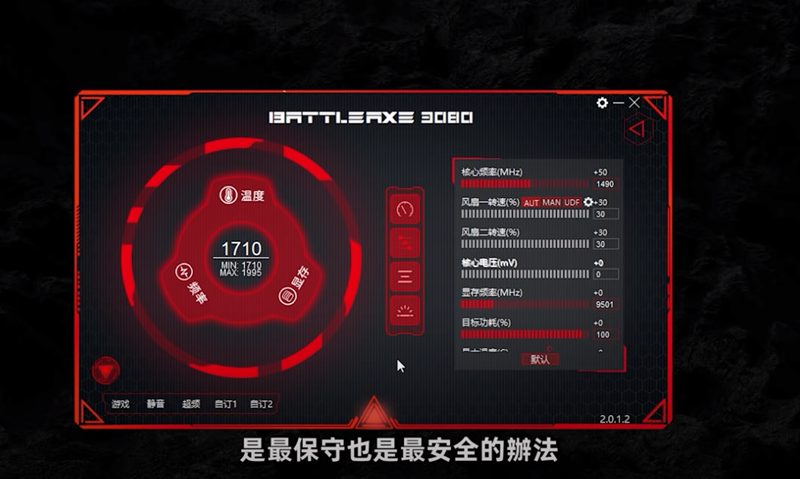
In order to satisfy beginner players who also want to experience the fun of overclocking, many graphics card manufacturers now test the most conservative and safe overclocking values for each card and build them directly into the software, allowing players to overclock with one click. Of course, this kind of overclocking amplitude will not be very large, and the core clock will be increased by about 50MHz at most:
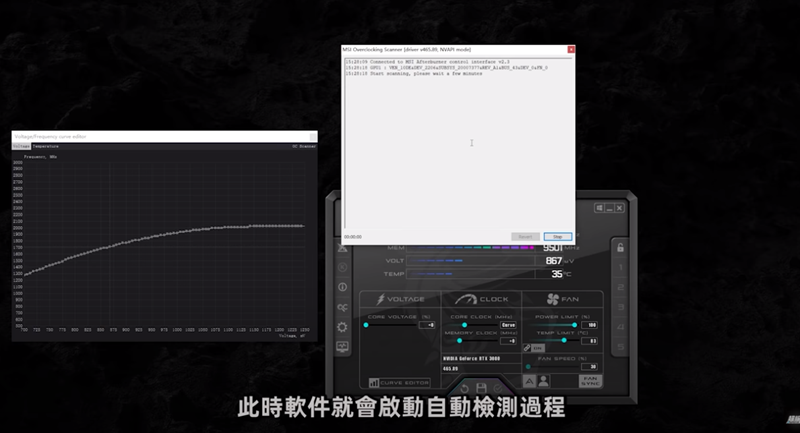
If the graphics card you buy does not provide official software, you can also use MSI’s Afterburner overclocking software, which supports all brands of graphics cards. After opening the software, enter the Curve Editor option. You can see the OC Scanner in the upper right corner of the window. Then press Scan to scan. It will automatically detect the safe overclocking range of your graphics card. After completion, press Apply and the overclocking will be successful:
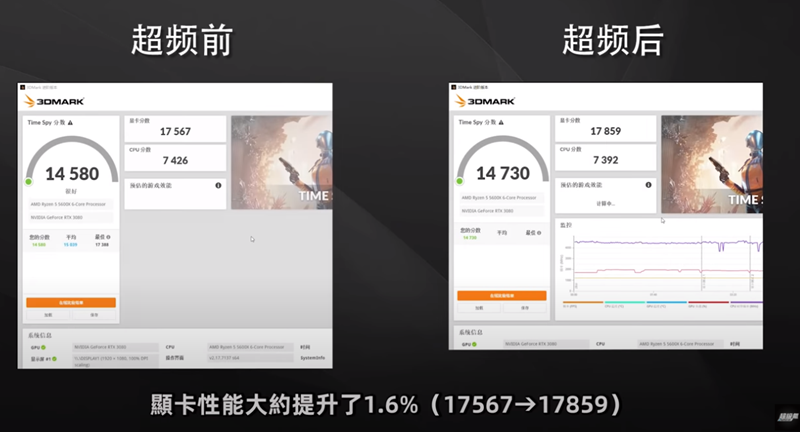
However, as mentioned before, this method cannot overclock too much, and the performance can only be improved by 1%~2% at most, so you may not feel the difference at all:
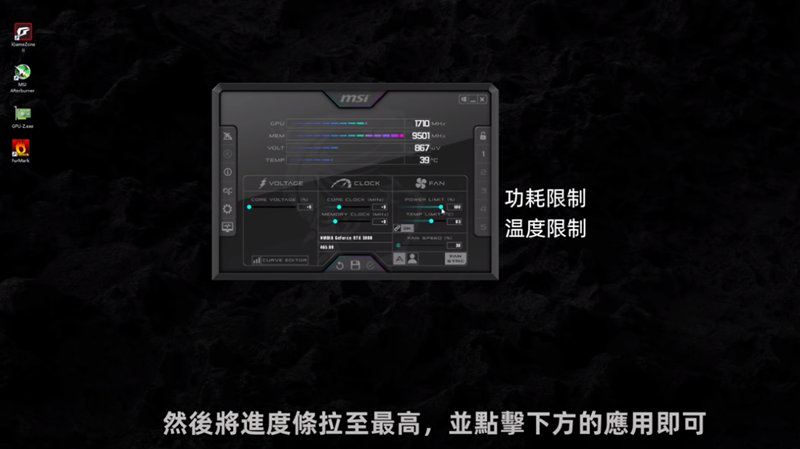
In the advanced chapter, you need to adjust a lot of values. The first is to cancel the power consumption and temperature limits, so as to release more performance and adjustable space:
Before adjusting, he taught a little trick: first use the GPU-Z software to check the maximum clock speed of the graphics card, so that when you start overclocking, you will know not to exceed this value:
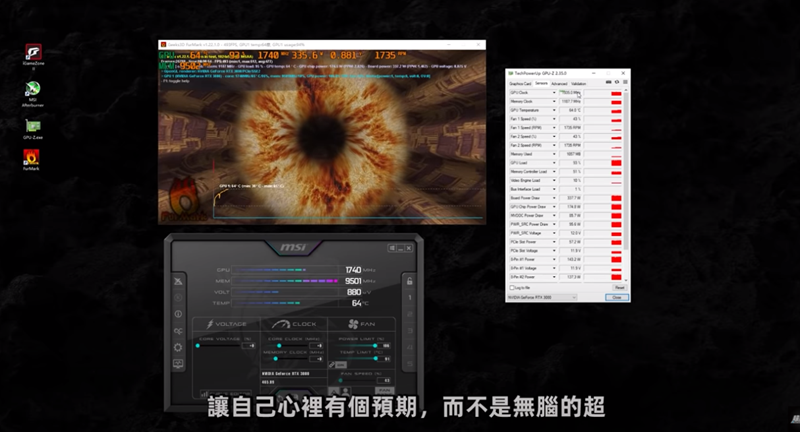
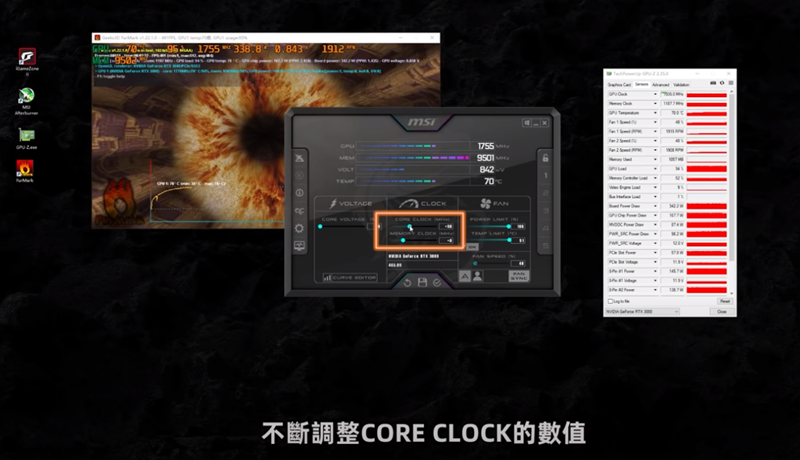
After knowing the highest clock speed, slowly adjust the core clock value. Be careful not to adjust too much at one time. It is also recommended to use 3DMark to test the stability after each adjustment:
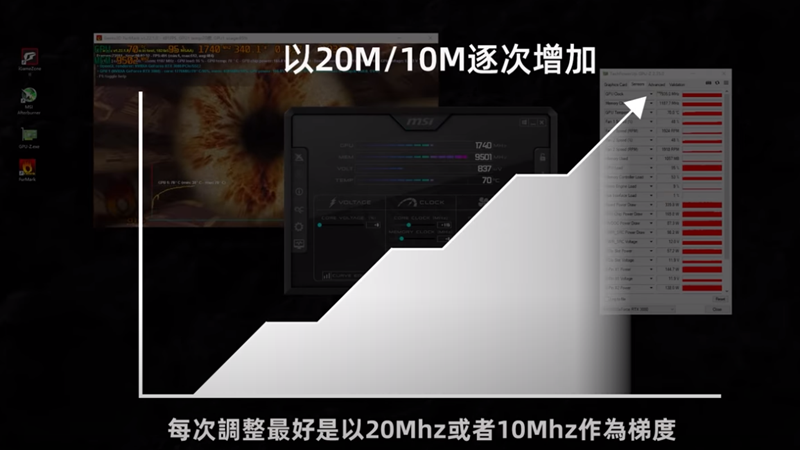
He recommends increasing the clock frequency by 20M / 10M each time:
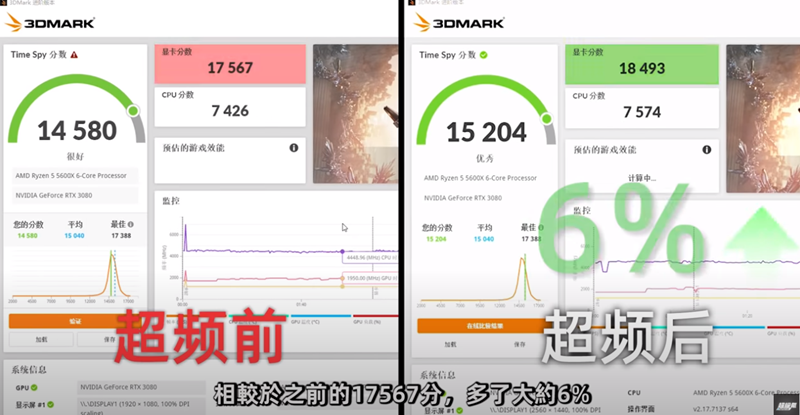
Compared with the novice chapter, the overclocking in the advanced chapter is more impressive, and the performance is increased by 6%:
As for the final chapter, he does not recommend that ordinary players try it, because it will affect the core voltage, which may not only cause hardware damage, but also sometimes require a BIOS crack. The representative said that the warranty will also be lost:
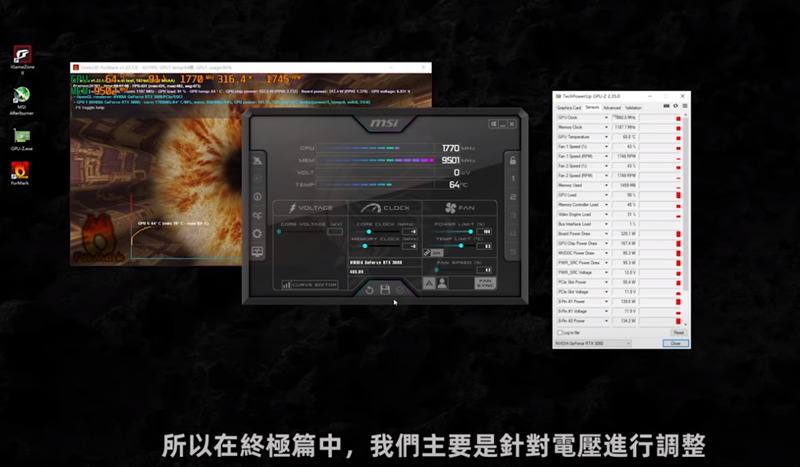
Although overclocking sounds fierce, in terms of graphics cards, even the 6% performance increase in the advanced version can only increase game FPS by 4~6 FPS at most. The difference is basically invisible to the human eye, so it is of little significance.
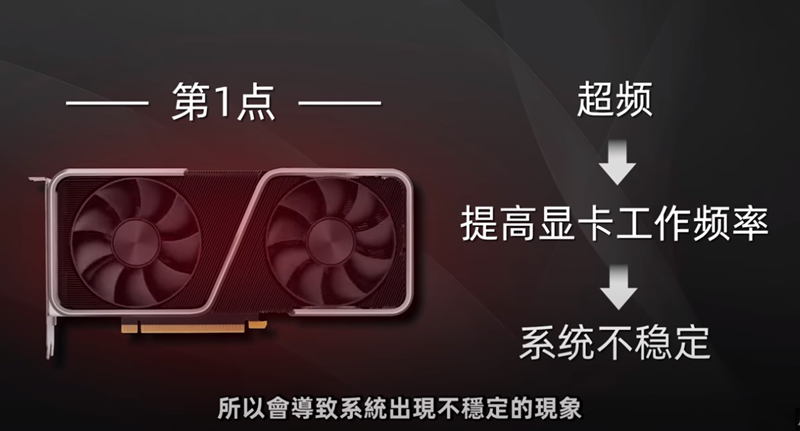
In addition, overclocking will also bring some risks, such as: system instability, warranty impact, shortened graphics card service life, etc., so those who want to give it a try should think clearly:
Full video:
Source: KOCPC Chinese