


Previous online streaming music platform Spotify officially launches dynamic lyrics service in late July, allowing users to finally practice singing along with dynamic lyrics. However, the lyrics function was previously only supported on mobile devices such as smartphones, but recently it has been quietly launched in the Spotify desktop app and web version! If you Spotify users also want to learn how to enable the dynamic lyrics function, hurry up and follow this tutorial to enable it!
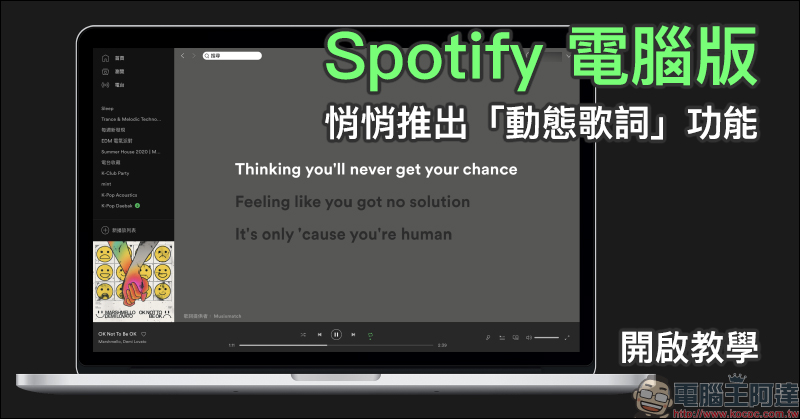
Spotify PC version quietly launches “dynamic lyrics” function (Tutorial enabled)
Regarding the dynamic lyrics function, it is already common for users like KKBOX, but on the other hand, Spotify, the online streaming music platform with the largest number of users, did not officially launch the dynamic lyrics function until three months ago. At that time, the function was only available in the Spotify mobile app in the early days of its launch (Click here to go), for more Spotify users who are used to listening to music while working on the computer, it was still a bit inconvenient that the lyrics function could not be used on the computer version at that time.
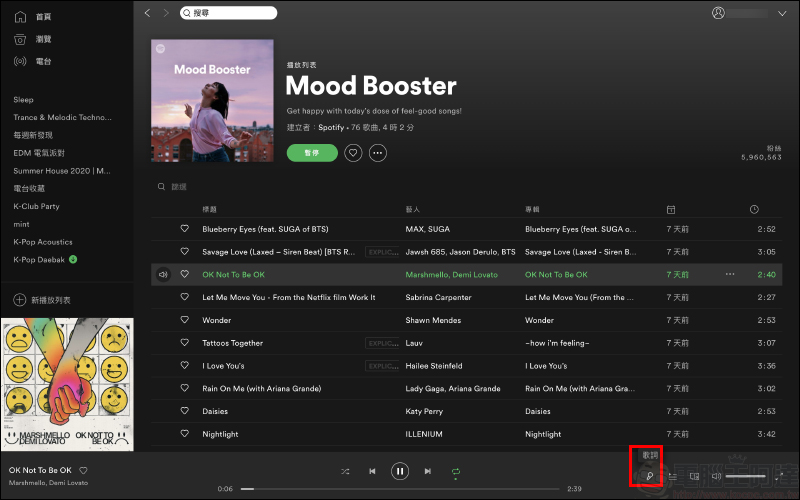
However, recently, the dynamic lyrics function has been quietly launched in the Spotify computer app and web version! First play the song. As long as the song supports lyrics function, you will see an additional “Lyrics” button in the lower right corner of the music player:
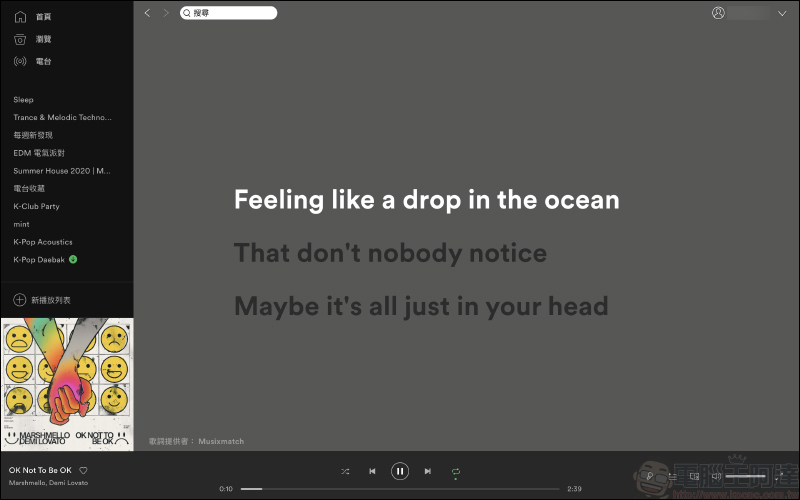
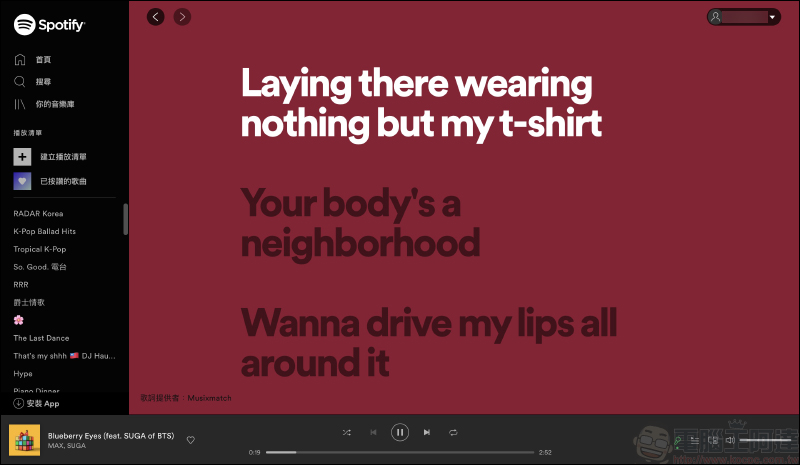
When the user clicks the lyrics button, they will jump to the dynamic lyrics screen, and the lyrics will also dynamically display the currently playing paragraph synchronously with the music playing:
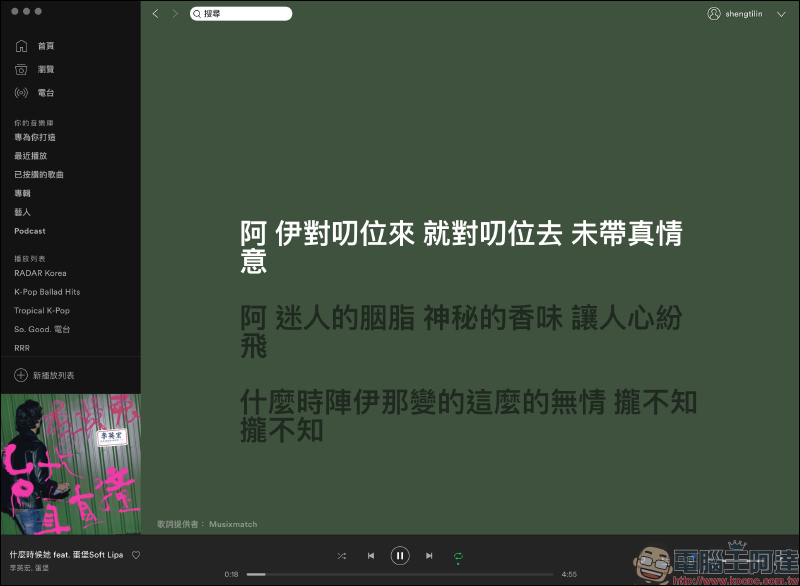
In addition to English and Korean, there are currently many Chinese and Taiwanese songs that also support lyrics:
In addition, some people may use company or public computers, so most of them will go directly to the Spotify web version without installing the application. The lyrics function launched this time is also supported by Spotify! The method of activating lyrics is roughly the same as the application version process:
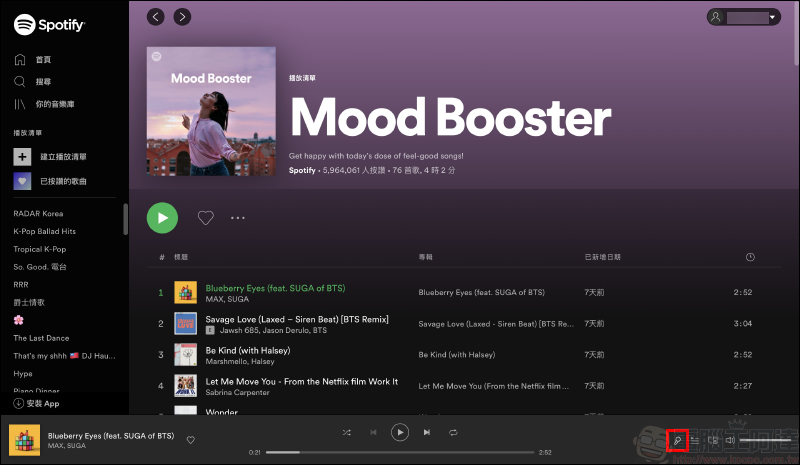
Currently, these lyrics on Spotify are still authorized and provided by Musicmatch:
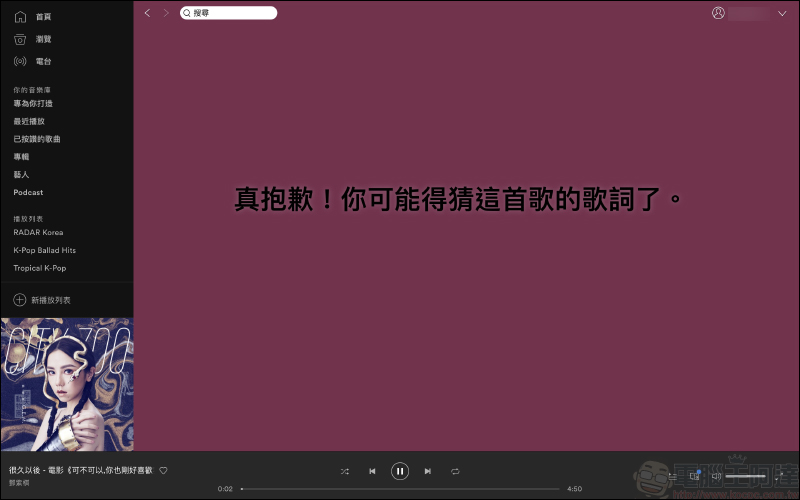
However, some songs currently do not support the lyrics service. If a Spotify user plays a song through an existing music playlist and opens the lyrics function and encounters a song in the list that does not support lyrics, various messages indicating that the song supports the lyrics function will randomly appear.
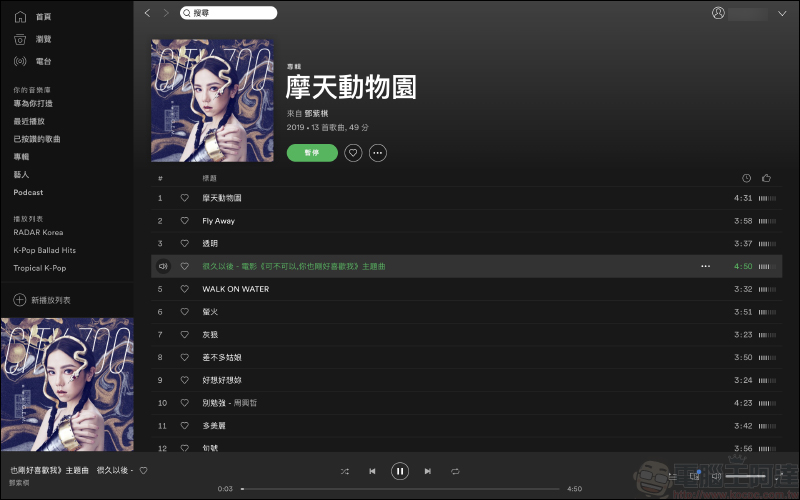
However, when the user directly clicks on the track list of the album to play the song, then if the song does not support the lyrics function, the player in the lower right corner will not display the lyrics button:
Spotify App Download:
Android version (click me to download)| iOS version (click me to download)
Web version (click here to go)|Computer version (click here to download)
Further reading:
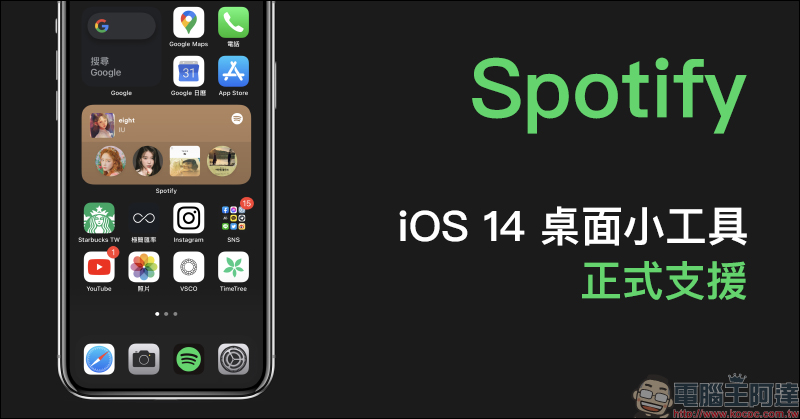
Spotify officially supports iOS 14 desktop gadgets (settings tutorial)
Source: KOCPC Chinese