


In order to ensure that the WiFi wireless network at home or in the store will not be easily stolen, many people may set difficult passwords, or do not want others to know your WiFi password, even friends or guests, and there are already some wireless network QRCode creation tools on the Internet, such as what we introduced before pure JS WiFi QR Code Generator, but if you want to use a mobile app, this “WiFiLink: Sharing WiFi without Password” is good. It will automatically detect the WIFI you are currently connected to. After entering the password, you can easily create it. QRCode and link are both acceptable. It also supports creating mobile hotspots.
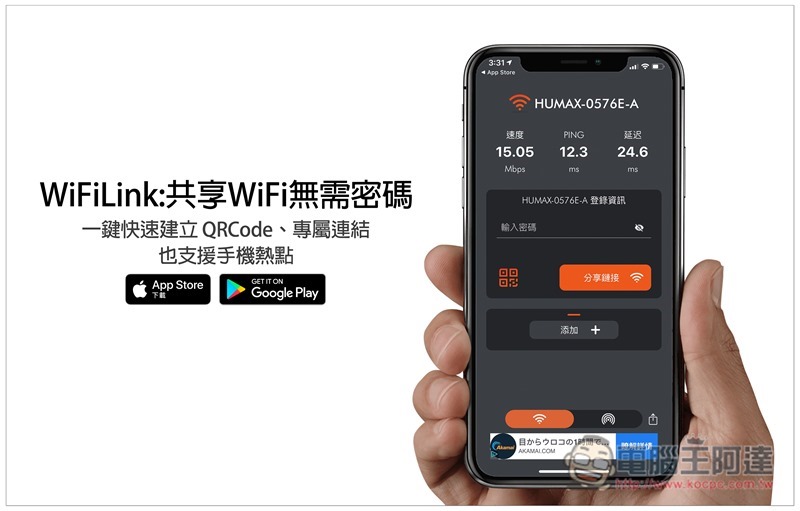
WiFiLink: Sharing WiFi without password App introduction
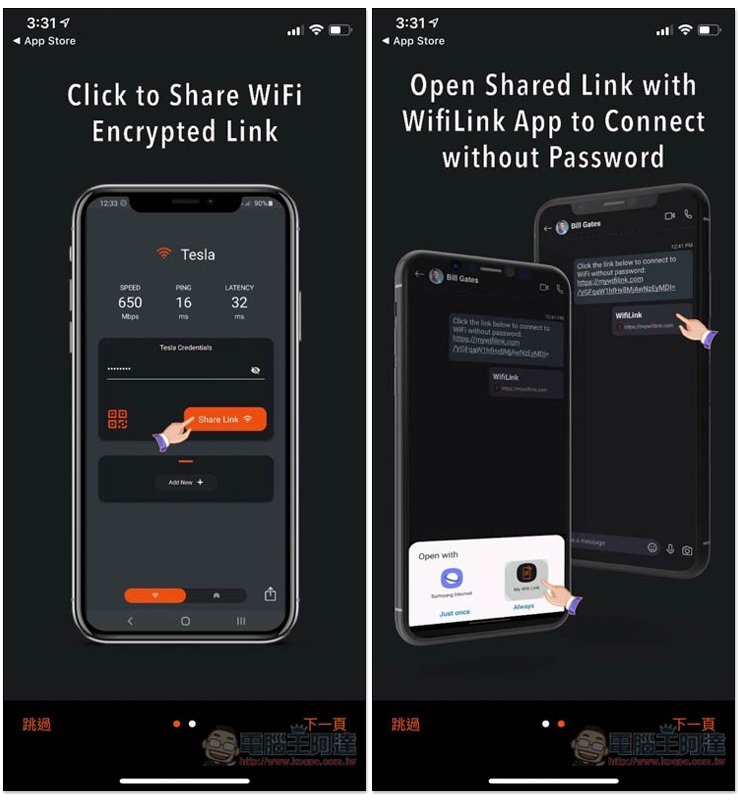
This set is available in iOS and Android versions and is completely free. There will be a simple introduction when you first open it. This set supports Traditional Chinese (only the introduction is currently only in English), so you don’t have to worry about not understanding it:
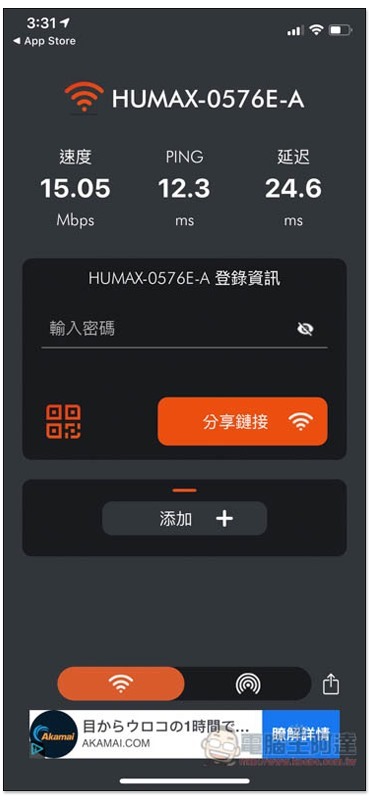
Then it will automatically detect the WiFi wireless network you are currently connected to, and there will also be a speed test report, which is pretty good. Fill in the WiFi password in the password field below, then click the QRcode or share link in the lower left corner to create:
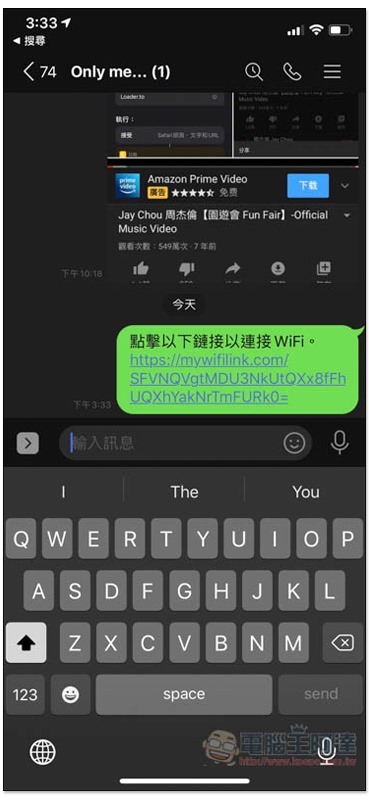
Sharing a link will generate a unique URL link. Give this URL to friends and guests, and they can complete the WiFI connection with just one click, without having to enter or select anything:
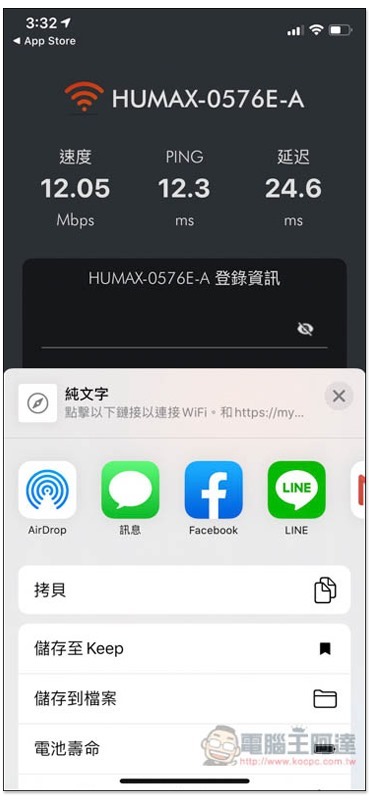
As shown below, a string of text will be automatically entered. It’s a pity that this product does not provide text modification function, so you can’t change it to what you want:
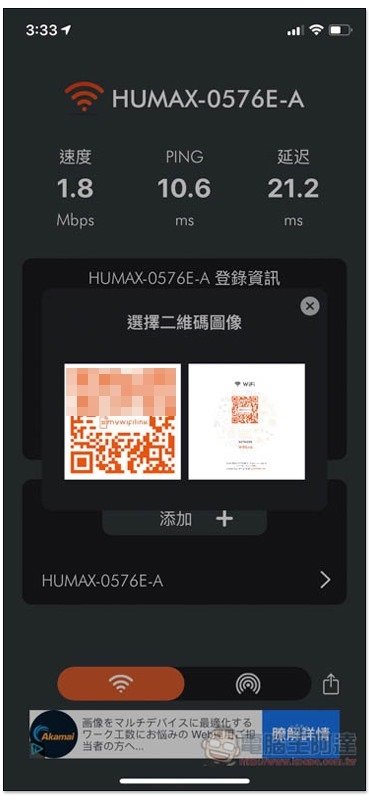
QRCode will have two formats, the first is the full version, and the second will have some wireless network instructions, whichever one you want to use:
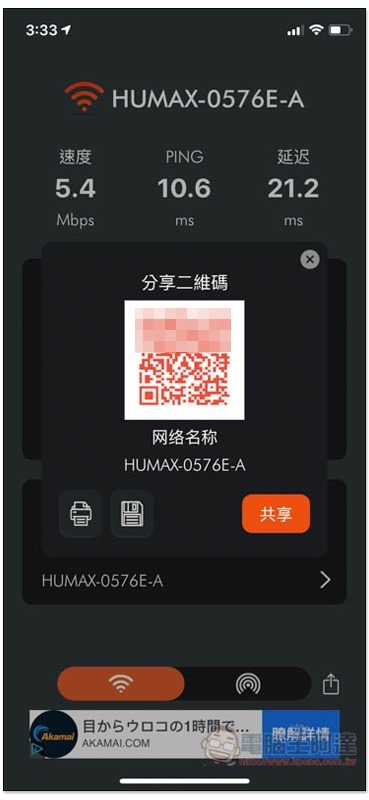
Click to print, save to your phone, or share with others:
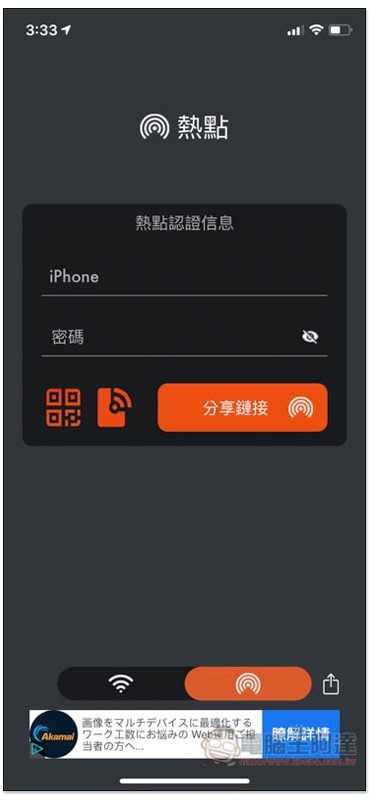
In addition to wireless networks, this device also supports creating mobile hotspots:
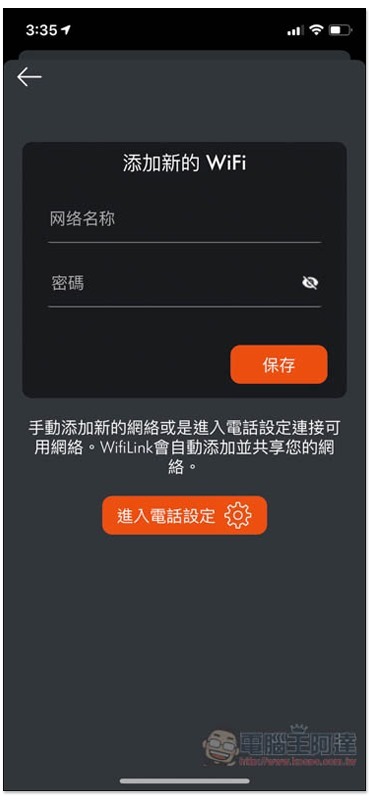
There are multiple WiFi wireless networks, and you can also manually add other WiFi to facilitate sharing with others quickly in the future:
Supplementary information
- App Name: WiFiLink: Sharing WiFi without password
- Nature: Free
- Supported operating systems: iOS, Android
- Download page:App Store、Google Play
Source: KOCPC Chinese